


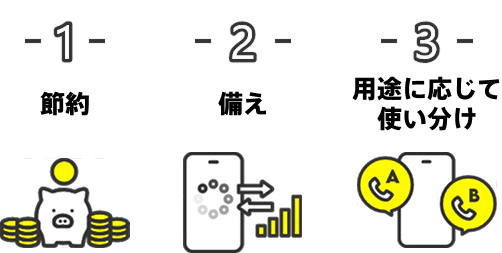
By simply installing the "povo2.0" app and using the "povo2.0" online-only smartphone plan using the au network as secondary-line, you can achieve three great things.
*Online-only fees plan*
*All procedures and support are handled online. Please contact us via the povo2.0 app or official website.
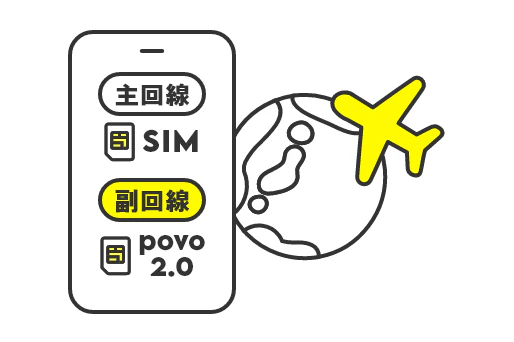
While continuing to use your current carrier (main line), you can activate a new SIM card from another carrier, allowing you to use two lines on one smartphone.
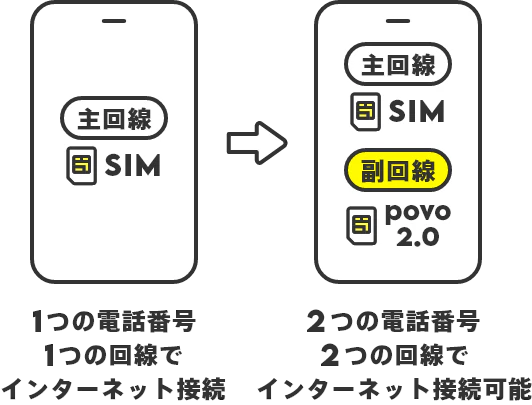
Switch to secondary-line when the speed limit on the primary line is reached
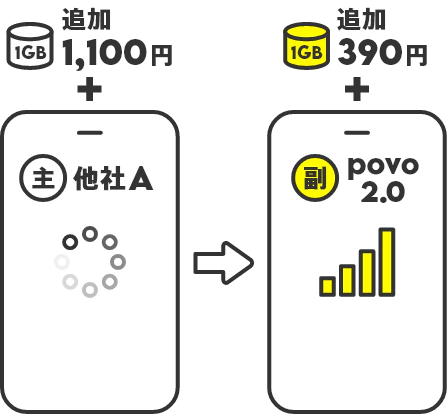
In some cases, it may be more cost-effective to purchase data on secondary-line rather than charging data on the main line. With povo2.0, you can get an Data Top-up (for 7 days) for 390 yen per use (tax included).
Switch to secondary-line at the end of the month when the communication costs of the main line are likely to increase
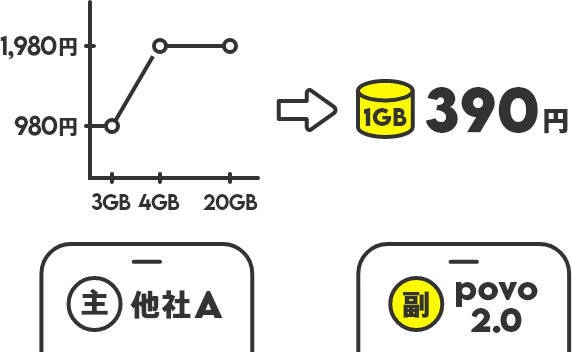
If you want to use just 1GB more on your main line, you can charge data at a discount on secondary-line.
Switch to secondary-line when you want the flexibility of using a plan different from your primary line


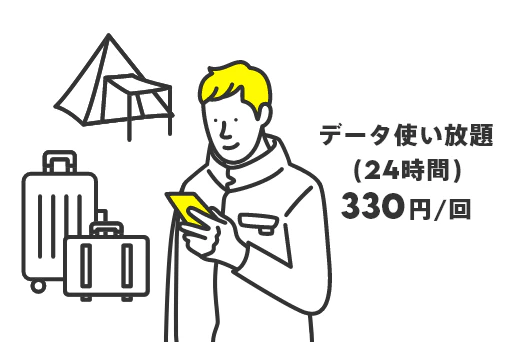

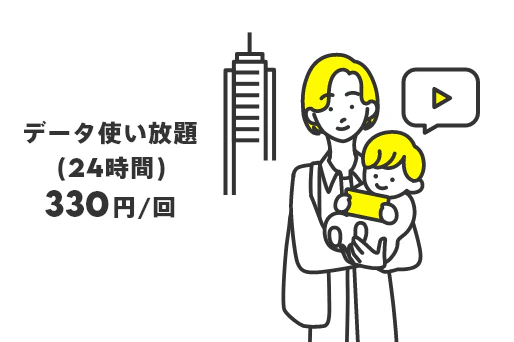
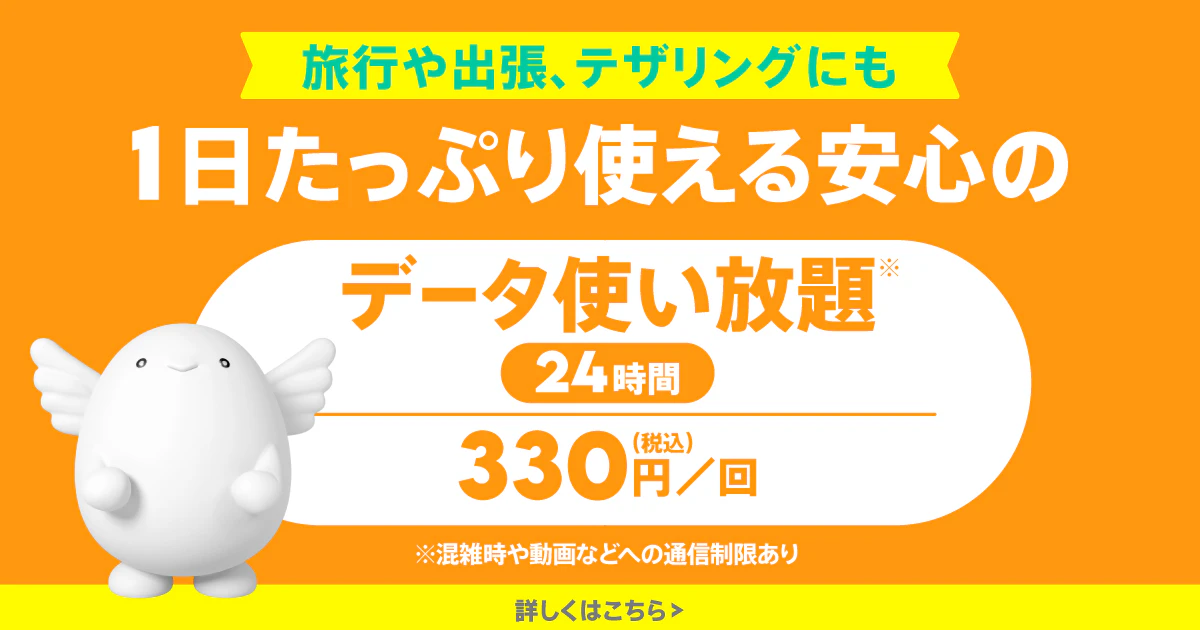
ピンポイントでデータ使い放題*を使いたいときに、副回線に切り替えて、おトクに使える。
*Communication speeds may be limited during network congestion or when using videos or cloud games.
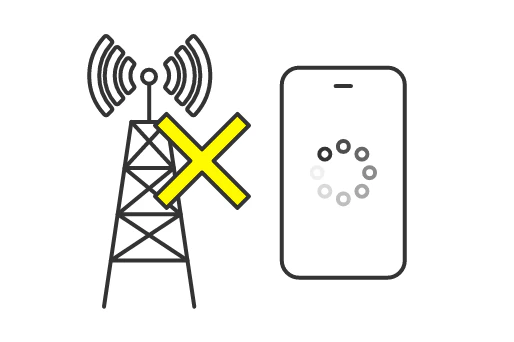
Even if your smartphone's main line suddenly stops working, if you have secondary-line, you can easily switch to it and avoid the stress of not being able to connect.
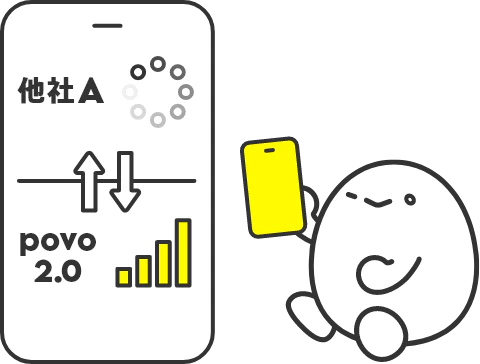


*Not applicable Data Only plans
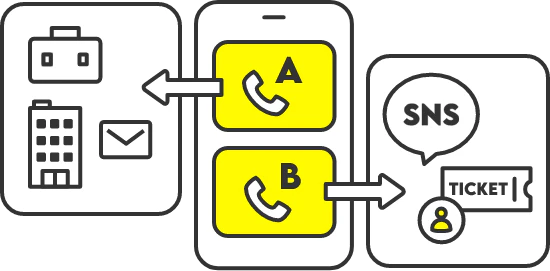
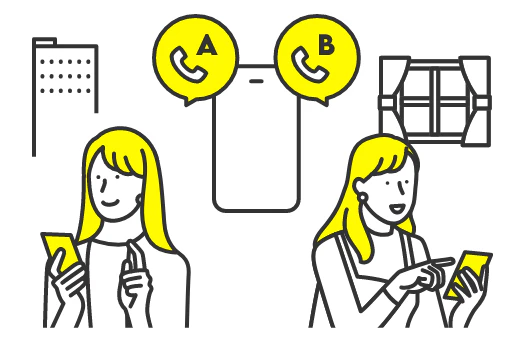
If you have secondary-line, you can have two phone numbers and use them depending on your needs.
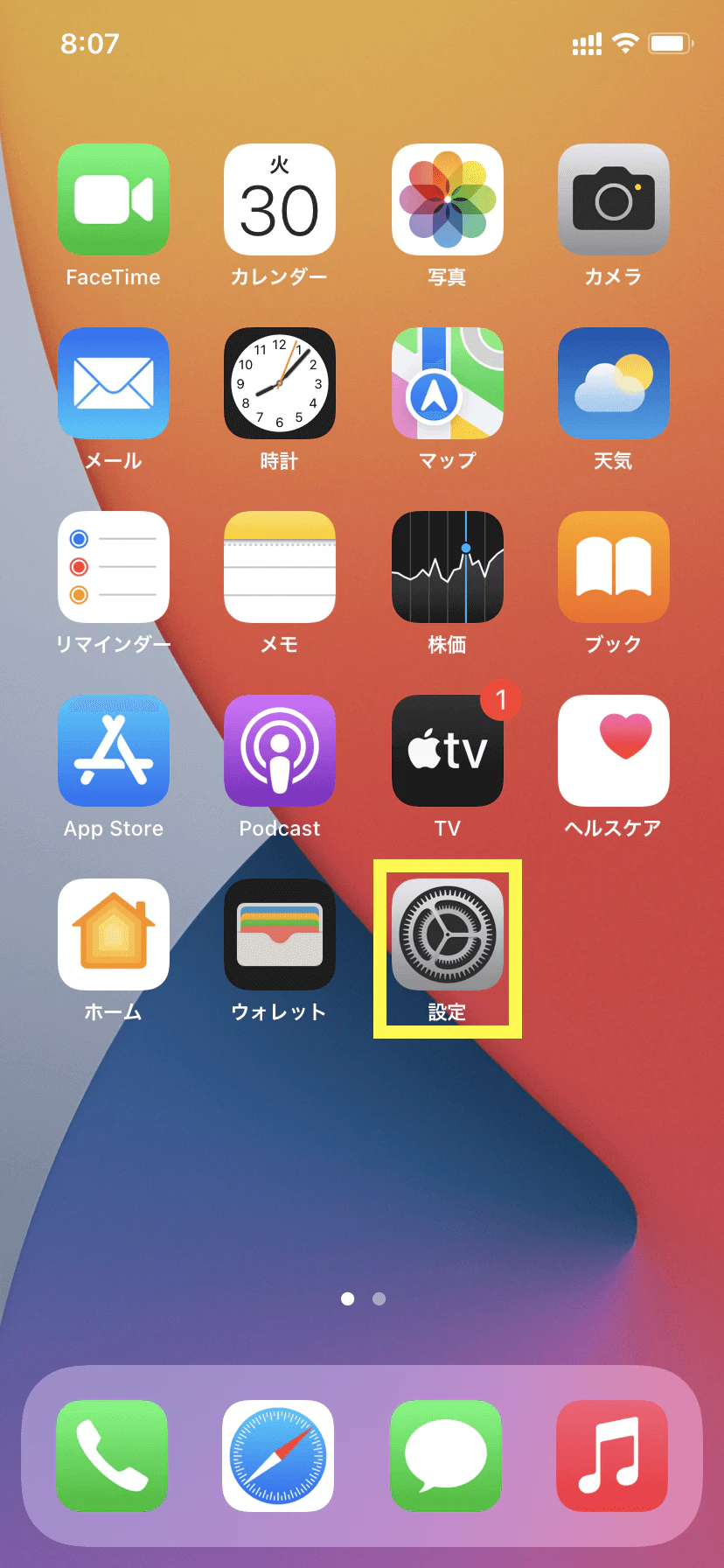
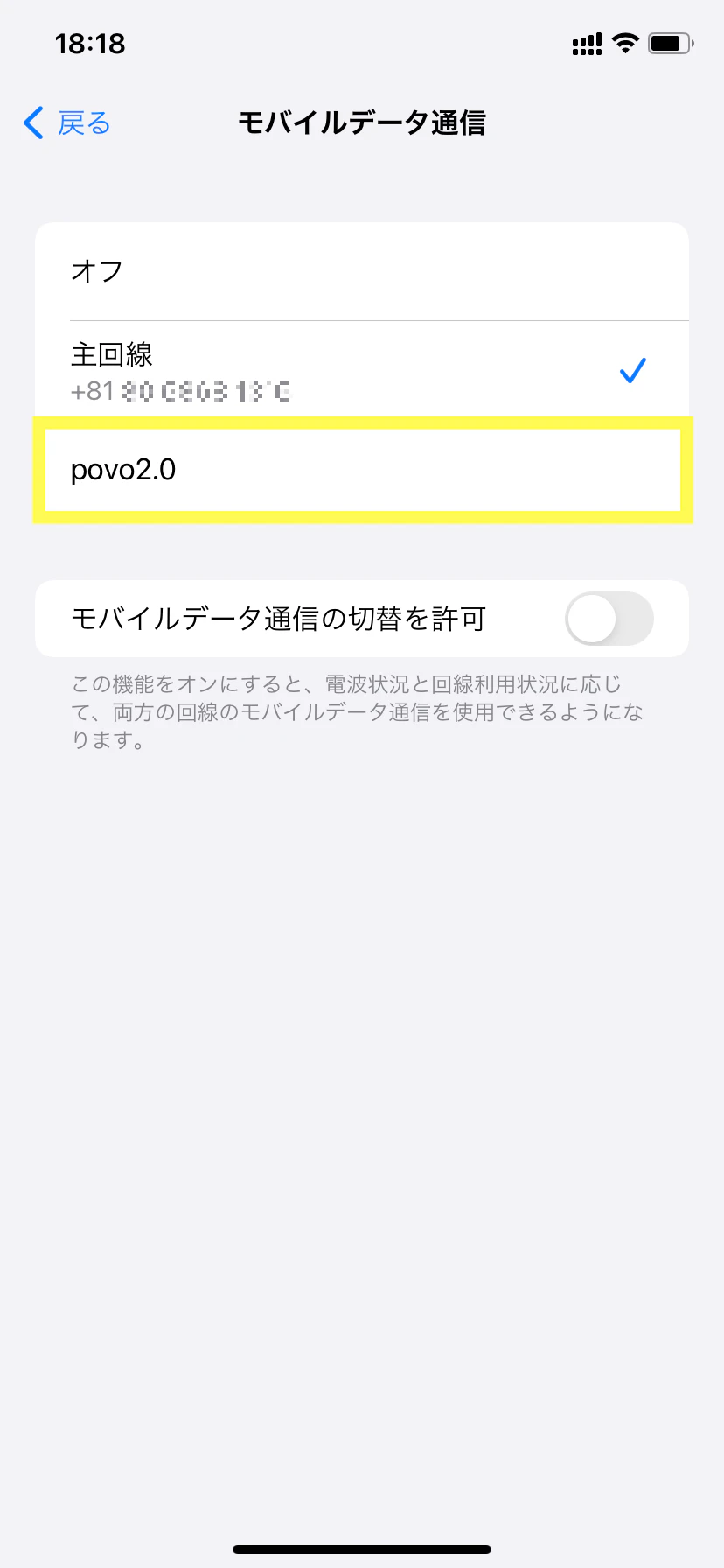
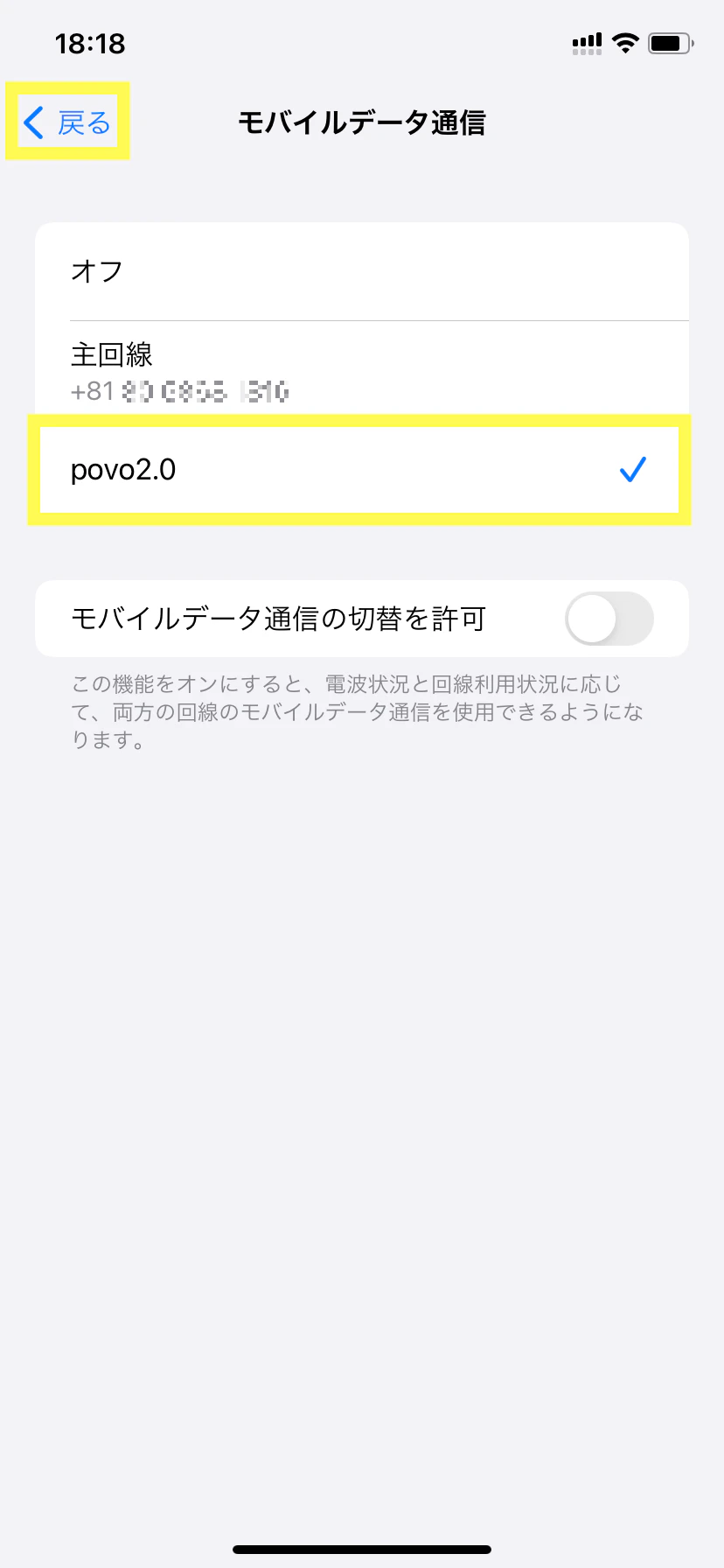
You can easily switch between secondary-line and primary lines from the Settings app.
Tap the Settings app
Tap "Mobile Data"
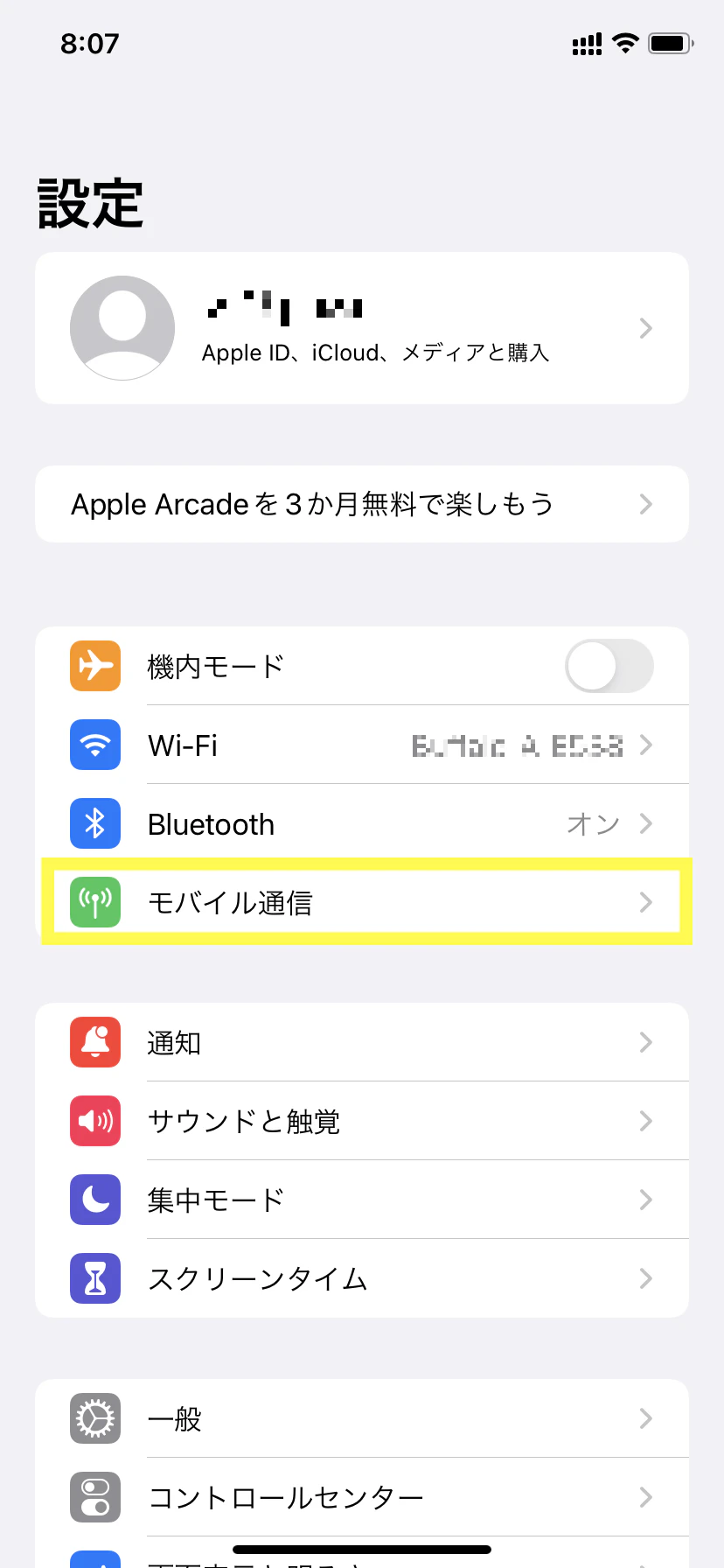
Tap "Mobile Data"
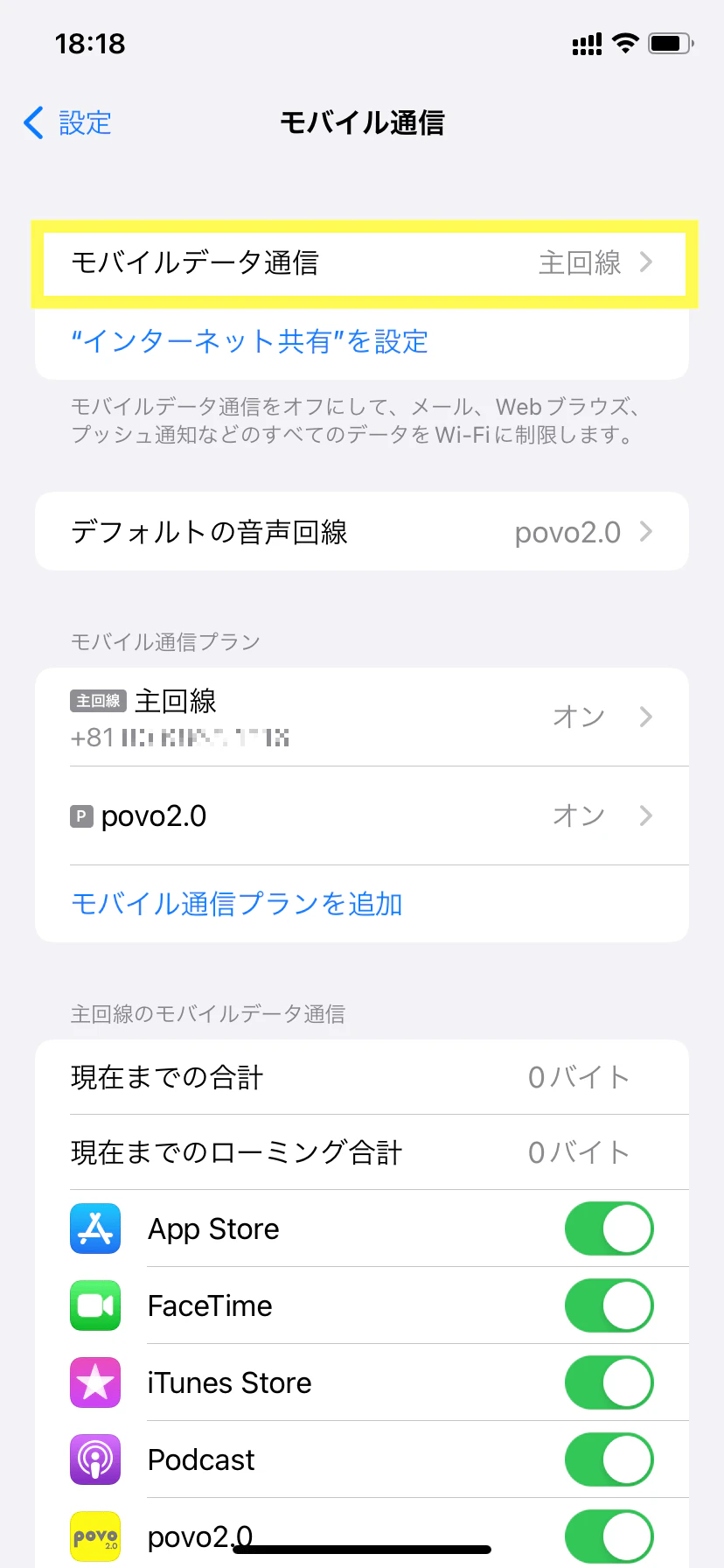
Tap "povo2.0"
Make sure "povo2.0" is checked and go back
Why it's perfect
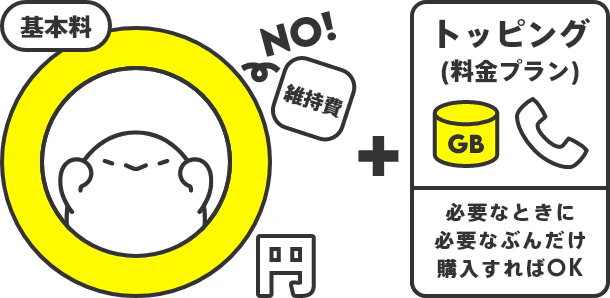
povo is not a fixed-rate (monthly) plan, so you can choose the amount of data (gigabytes) you need from the app and Topping when you need it.
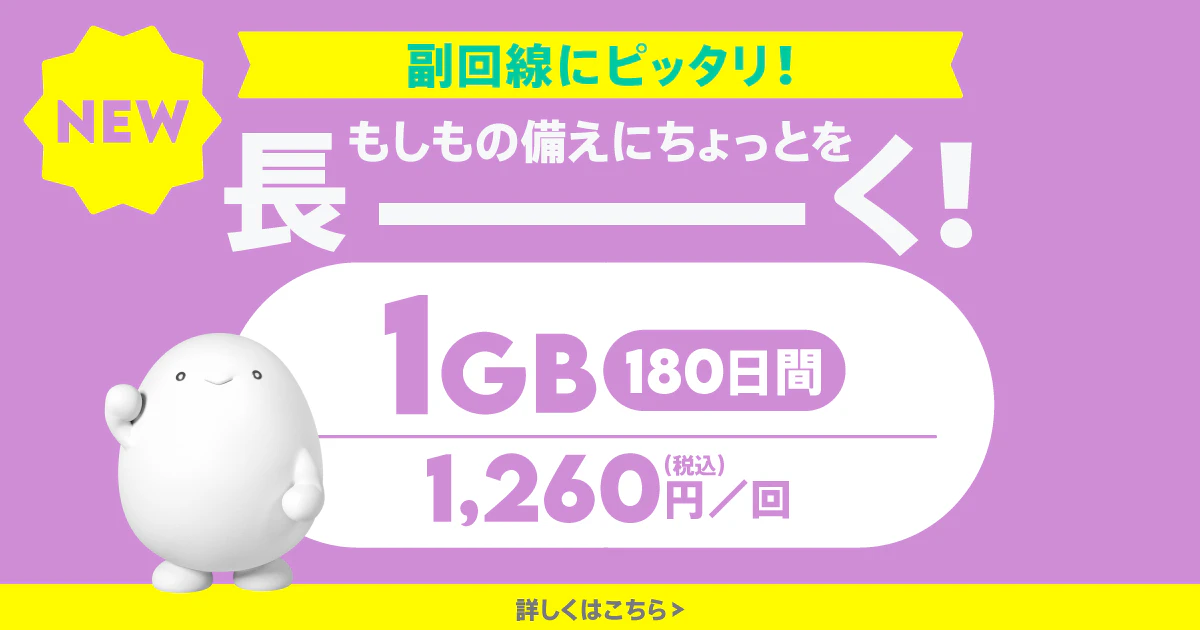
※180日超の継続利用に一定の条件有。0円0GB時128kbps。データ専用の場合、契約時初回トッピング購入要。通話+データの場合、通話料等別途要。
Choose from
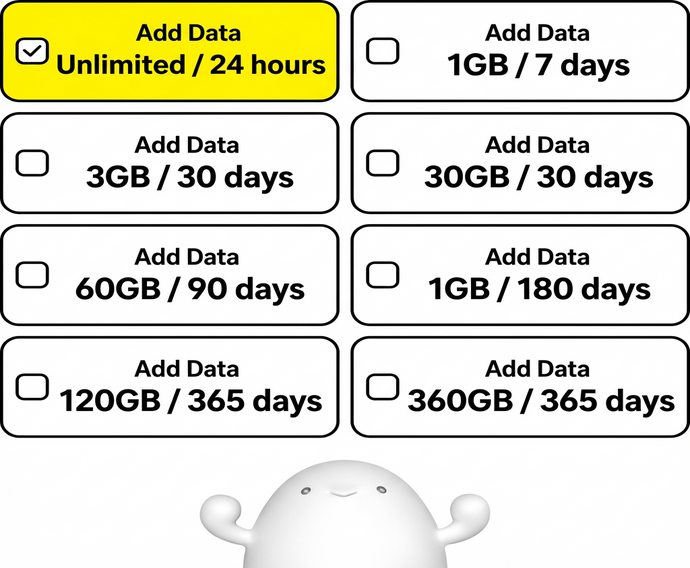
At povo, you can choose from a variety of fees plans (Topping), including "24 hours", "7 days", "30 days", "90 days", "180 days", and "365 days".
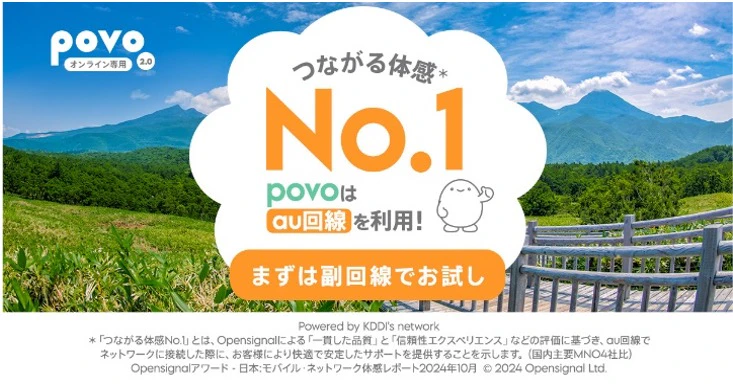
povo uses the au network, so it's easy to get a signal.
Good things happen
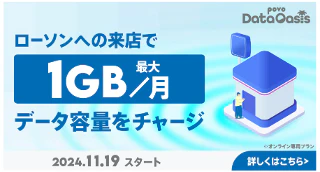
You can charge data that can be used with povo2.0 for free at LAWSON nationwide.
Let's start secondary-line

Register with povo2.0
Verify your email address

Identity verification and customer information entry

SIM activation procedure
*Call charges and SMS sending charges will be charged separately.
No identification documents required
Join in as little as 3 minutes

Topping selection
Entering user information
Setting up eSIM

What is eSIM?
An eSIM is an embedded SIM that uses downloaded data called a profile. Activation procedures can be completed online, so you can start using it immediately after signing the contract.
*If you have Data Only plan, you cannot make phone calls.
*Calls and sending/receiving SMS are not available.
*MNP (mobile number portability) is not available for transfers from other carriers.
*Available only within Japan.
*Only eSIM is available.
*A separate line capable of making voice calls and receiving SMS is required.
*You must purchase the first Topping when signing up. After purchasing any Topping, you can also purchase additional regular domestic data Topping.
★For more information on eligible Topping, click here



Access