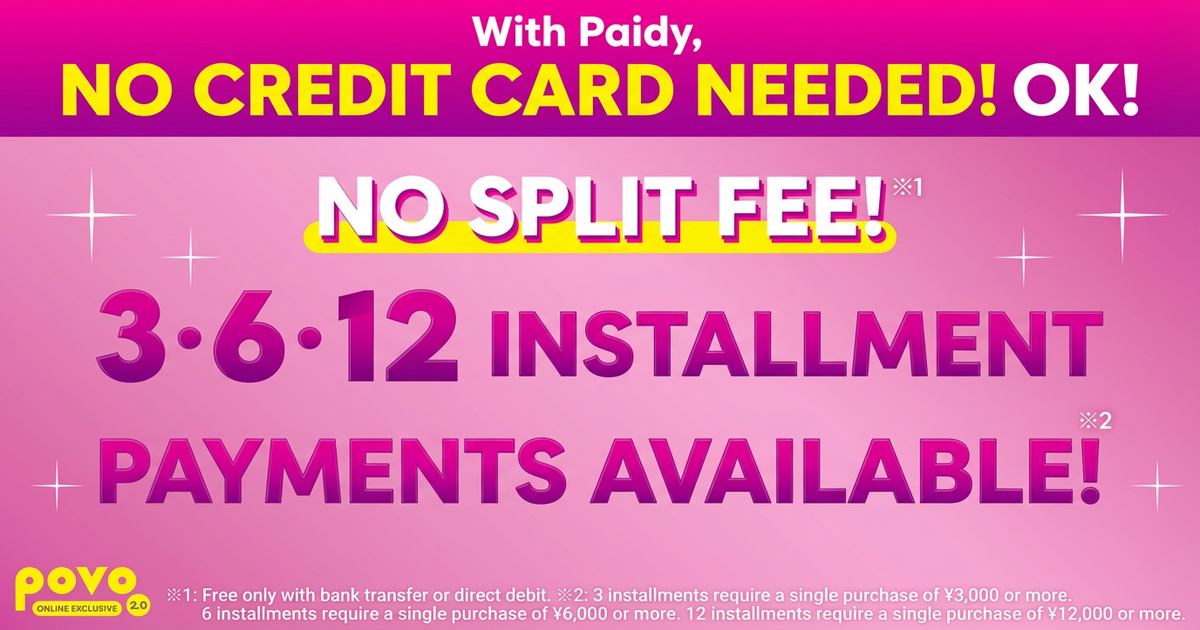
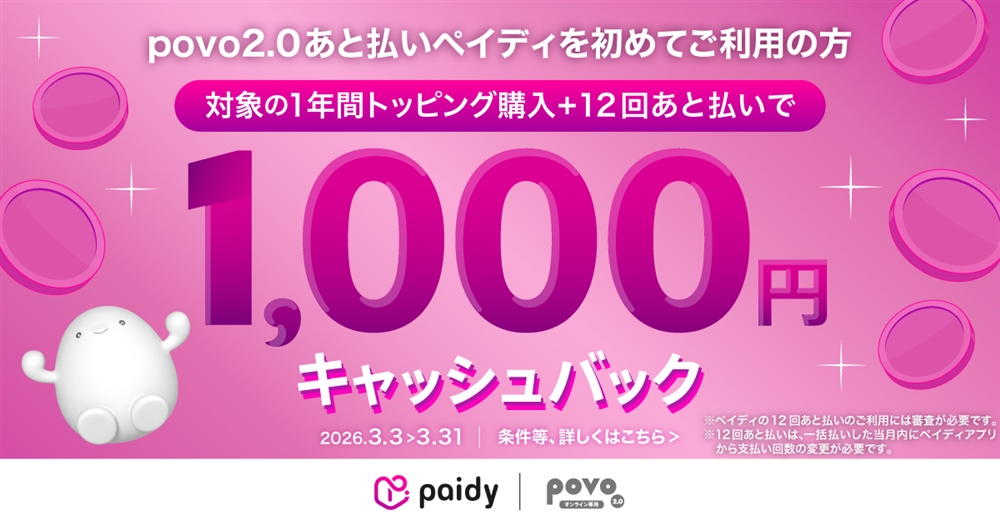
You can choose to pay your paidy fees by direct debit, bank transfer, or convenience store payment! *1
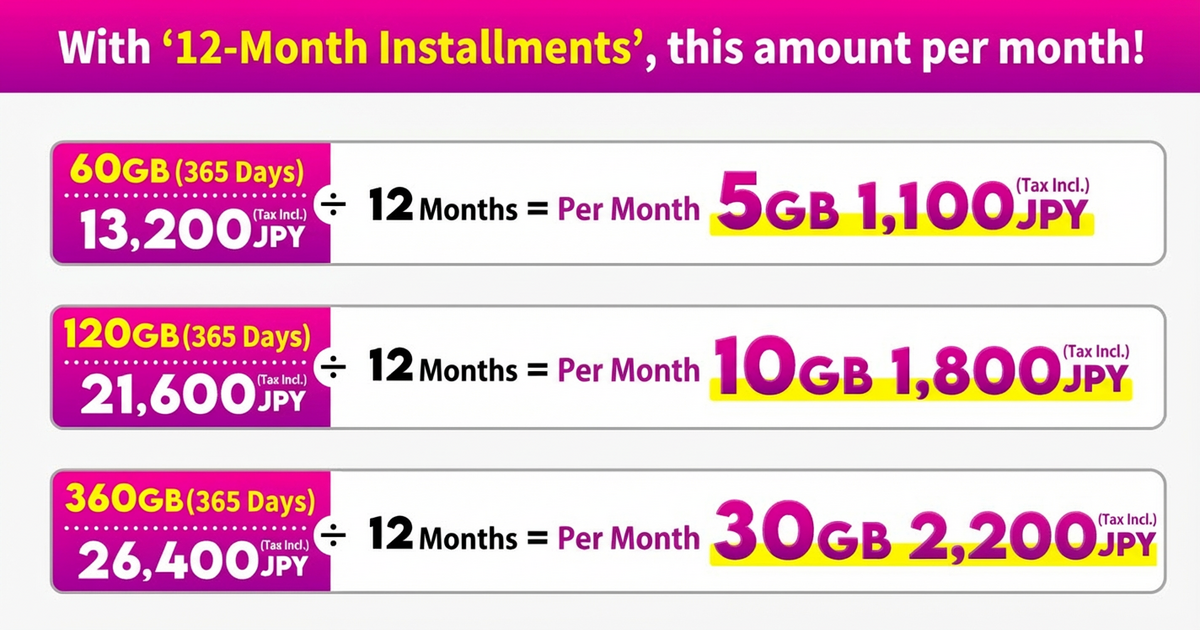
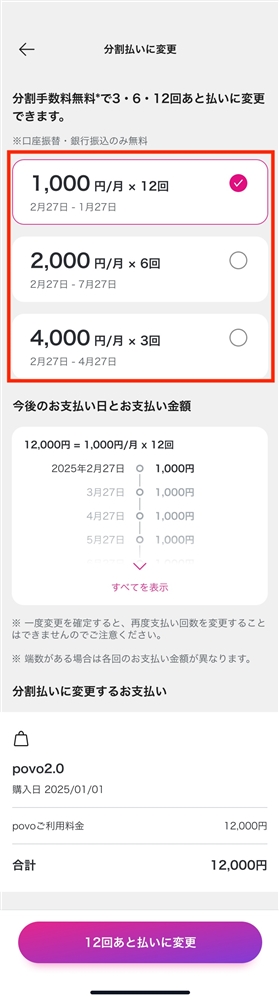
You can use the "3, 6, or 12-month deferred payment" plan with no installment fees *2, so even the large-volume Topping you get at a great price will reduce your monthly burden! *3
Even if you don't have a paidy account, you can easily register with just your email address and mobile phone number! *4
*1: The maximum handling fee for convenience store payments is 390 yen. For bank transfers, this varies depending on the financial institution. There is no handling fee for direct debit. *2: Only direct debit and bank transfers are free. *3: To use 3, 6, or 12 installments of deferred payment, you must verify your identity through paidy. 3 installments of deferred payment are available for purchases of 3,000 yen or more per transaction. 6 installments of deferred payment are available for purchases of 6,000 yen or more per transaction. 12 installments of deferred payment are available for purchases of 12,000 yen or more per transaction. *4: A mobile phone number capable of receiving SMS is required.
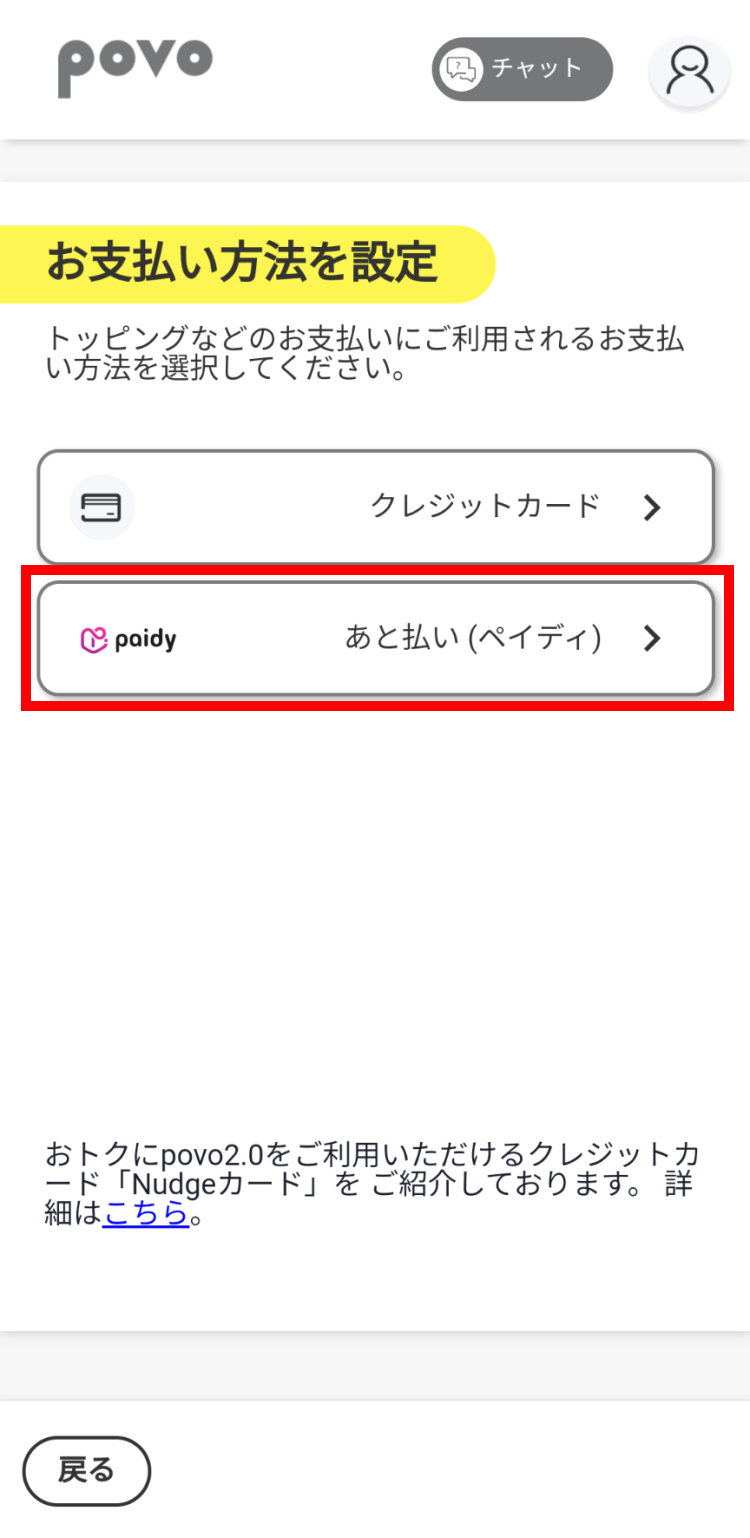
You can create paidy account using povo2.0 app with just your email address and mobile number!
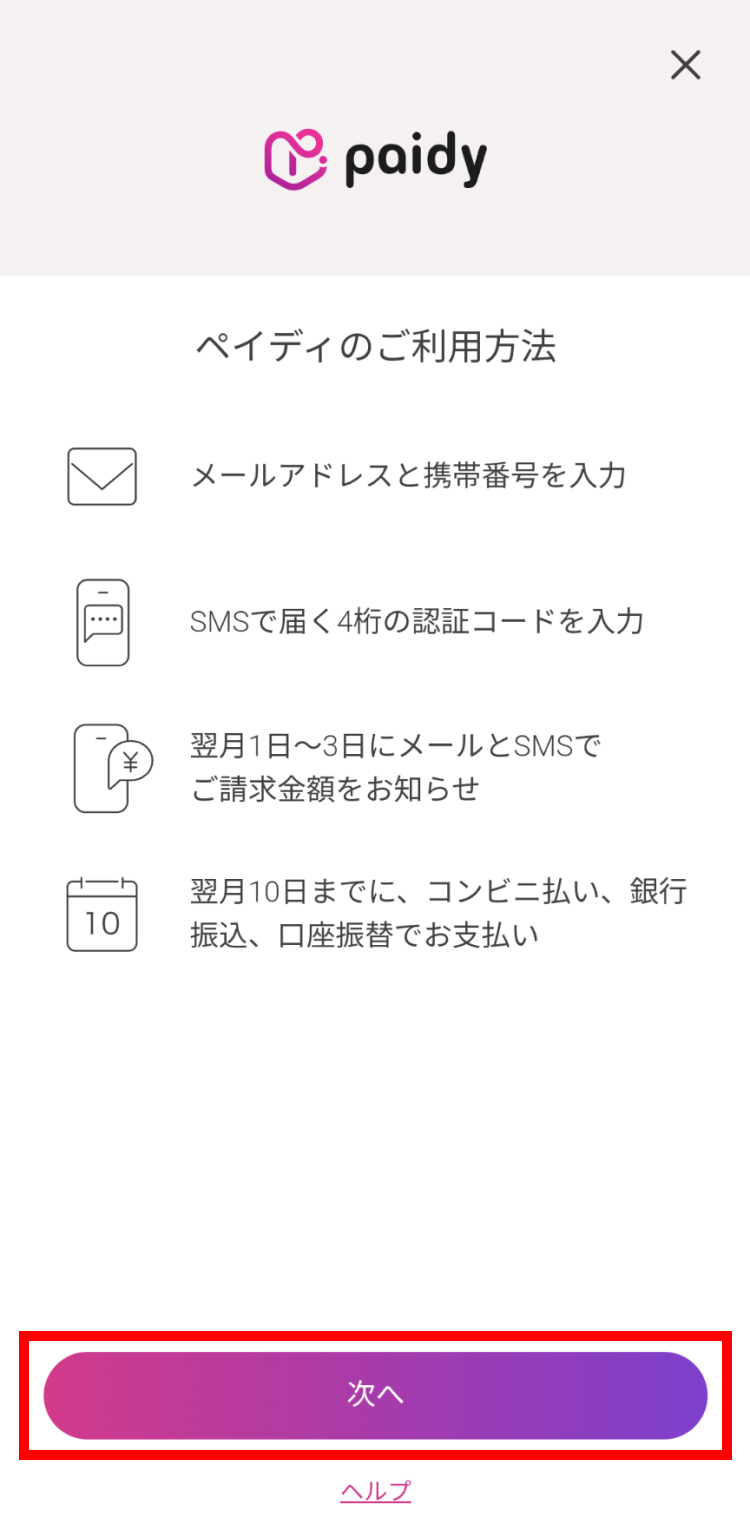
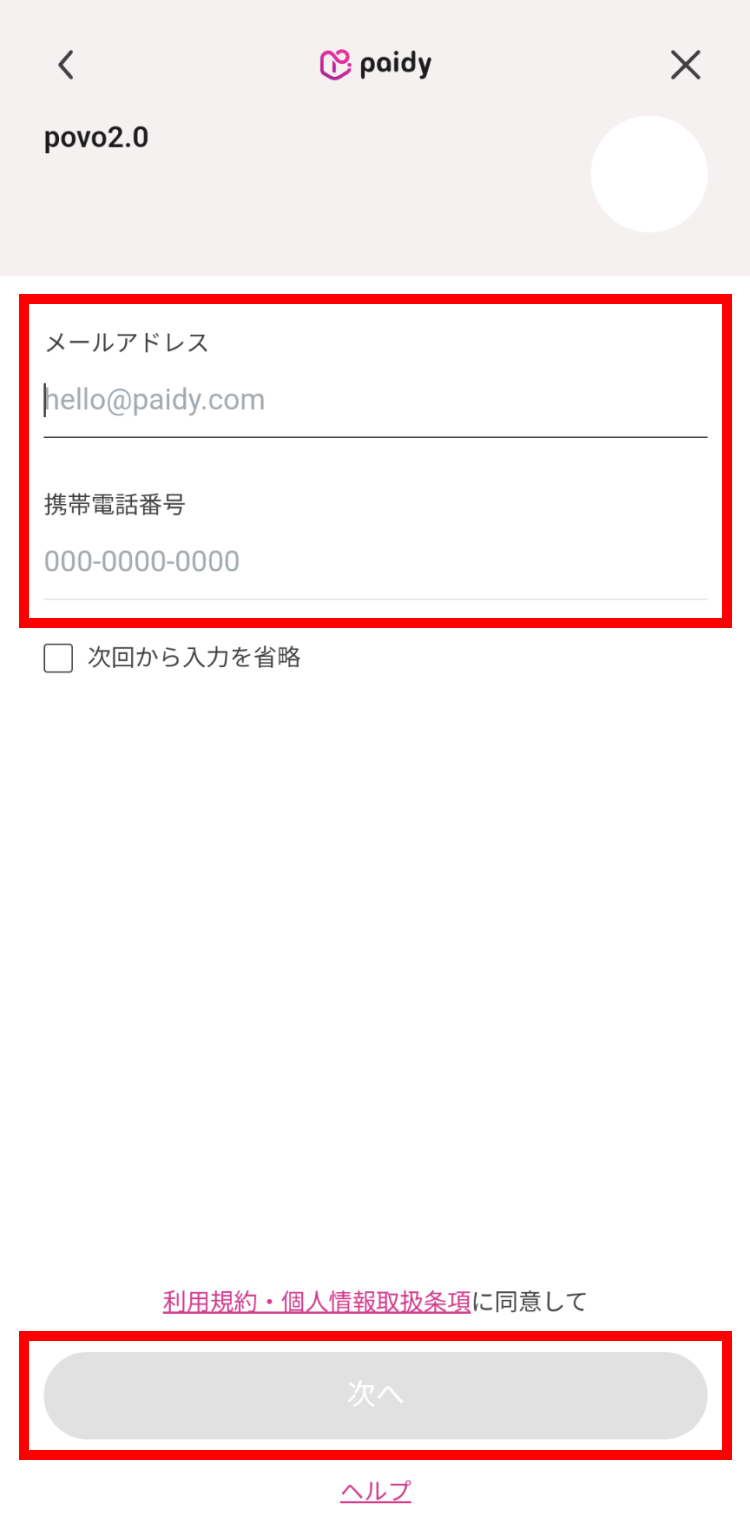
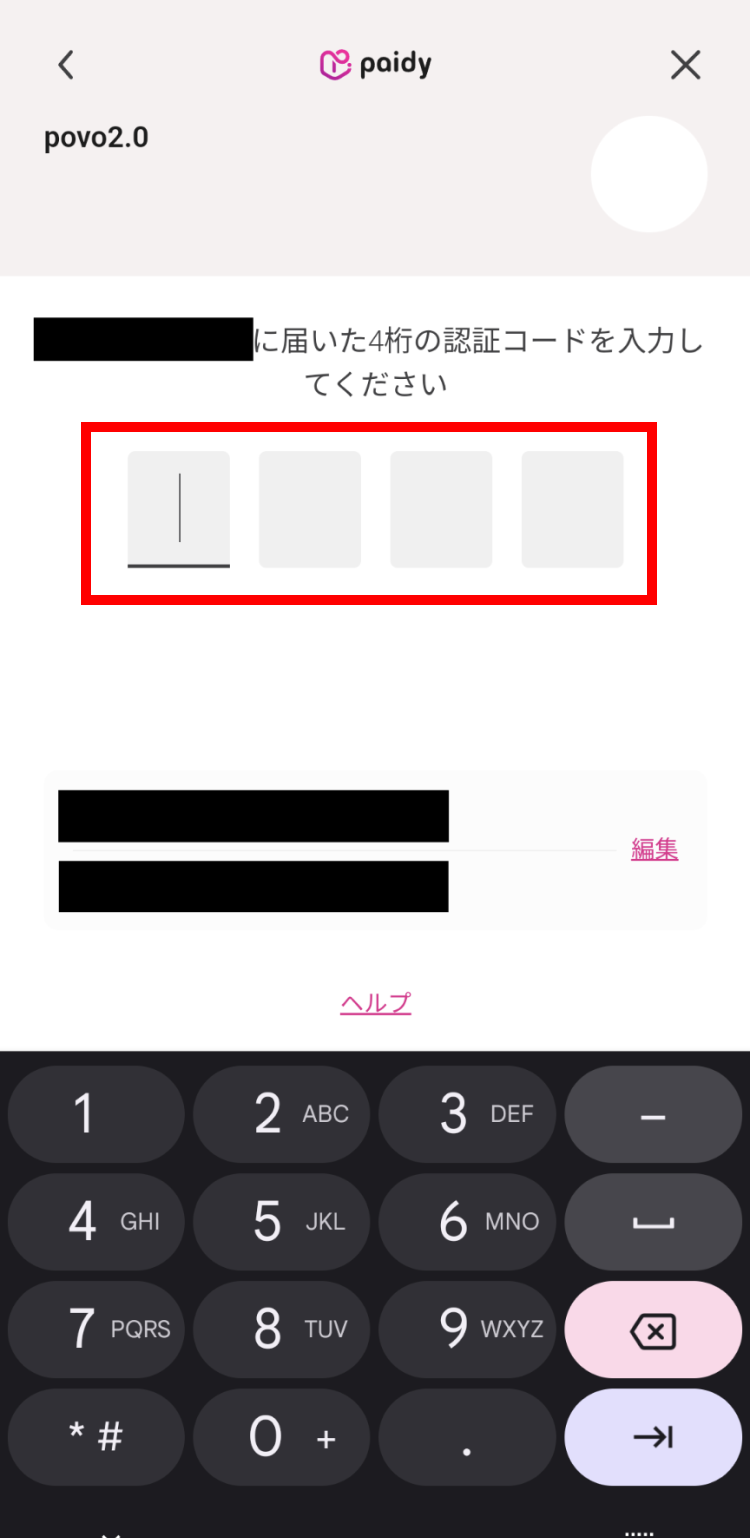
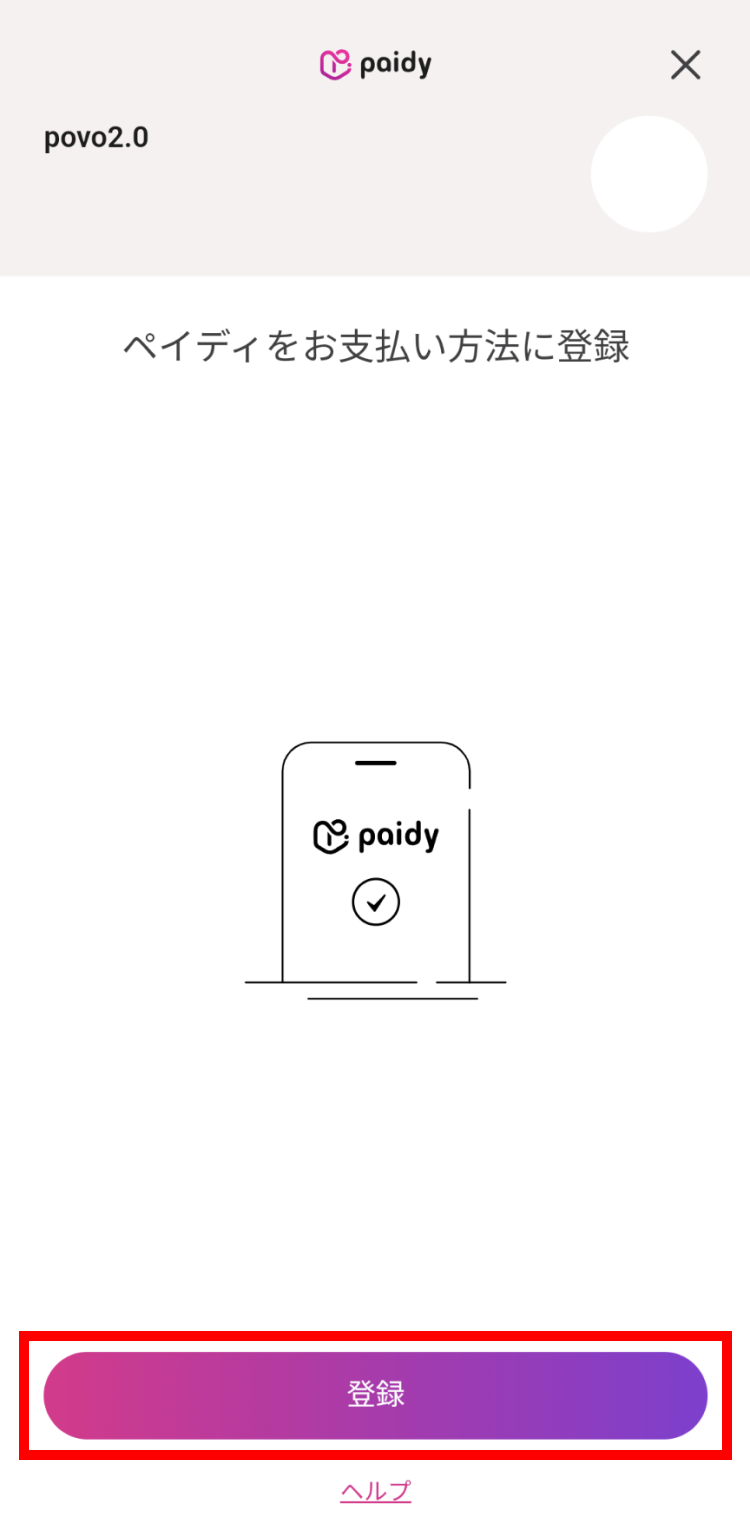

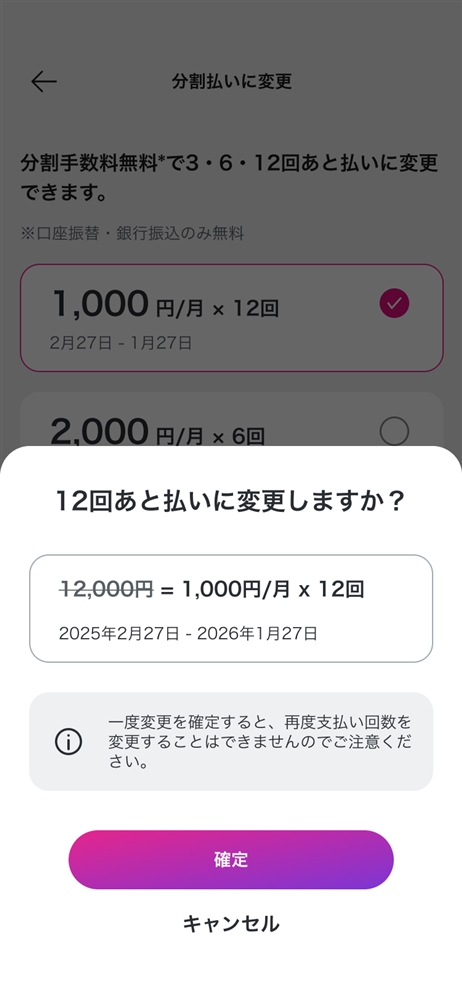
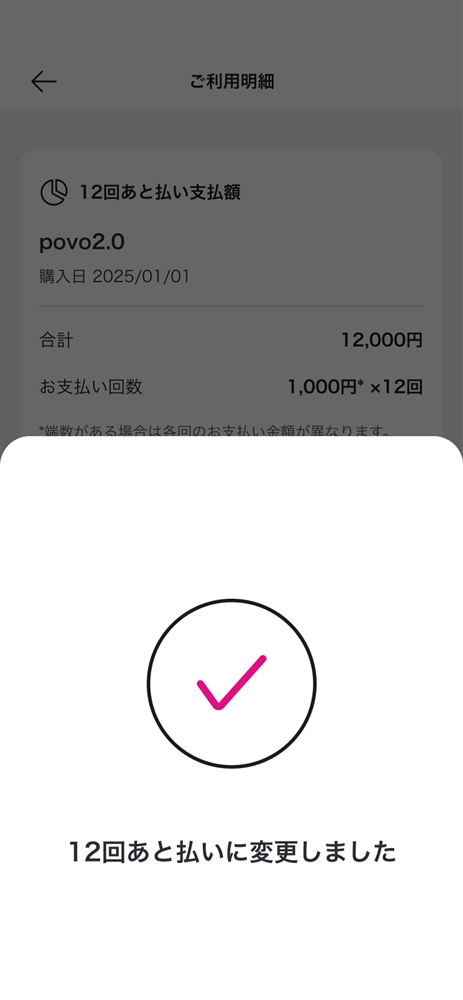
You can split your payments into 3, 6, or 12 installments with no installment fees.* You can adjust your monthly payments without changing the total amount, so you can enjoy smarter, more planned shopping.
3-month deferred payment is available for purchases of 3,000 yen or more per transaction. 6-month deferred payment is available for purchases of 6,000 yen or more per transaction. 12-month deferred payment is available for purchases of 12,000 yen or more per transaction.
*Only direct debit and bank transfers are free of charge
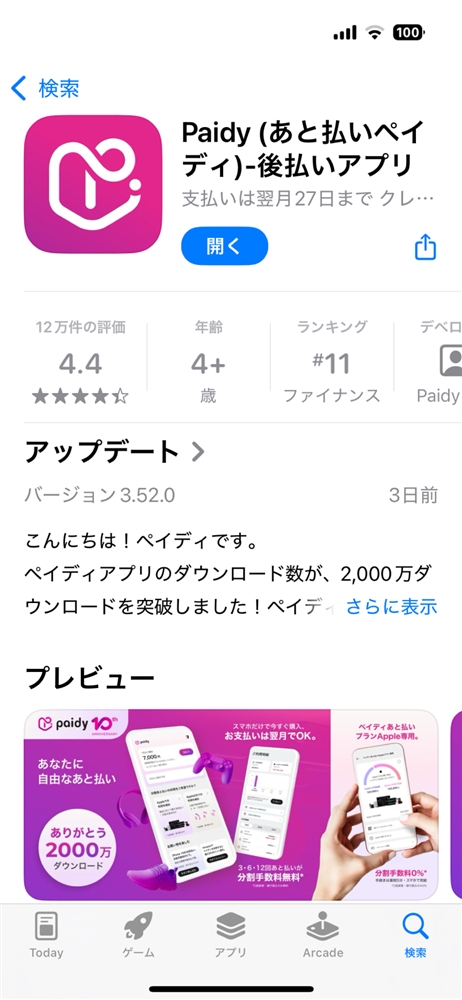
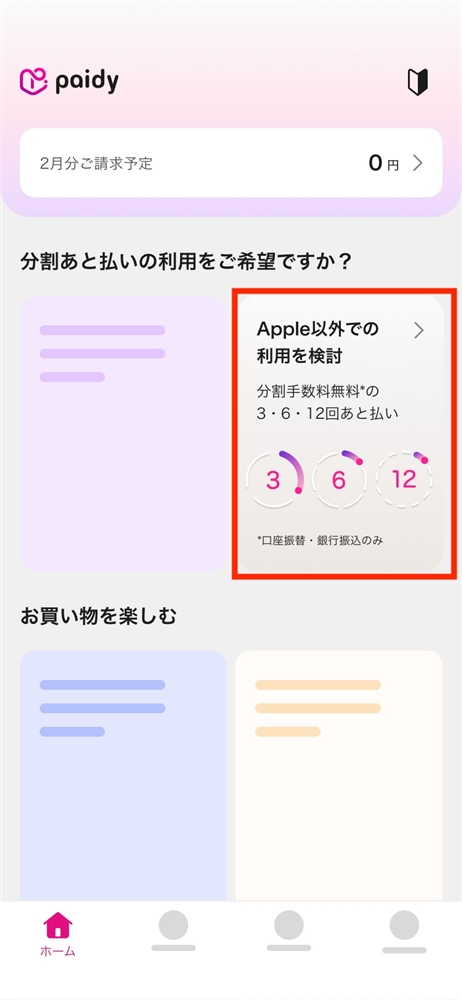

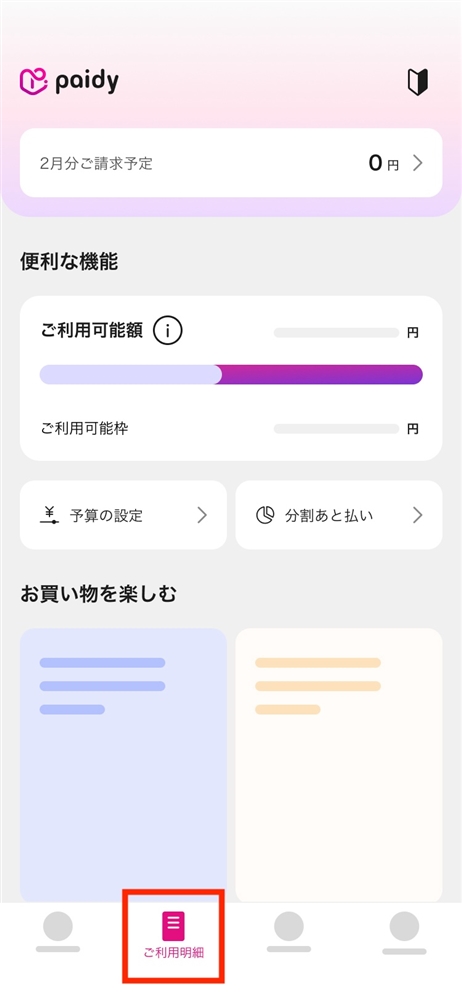
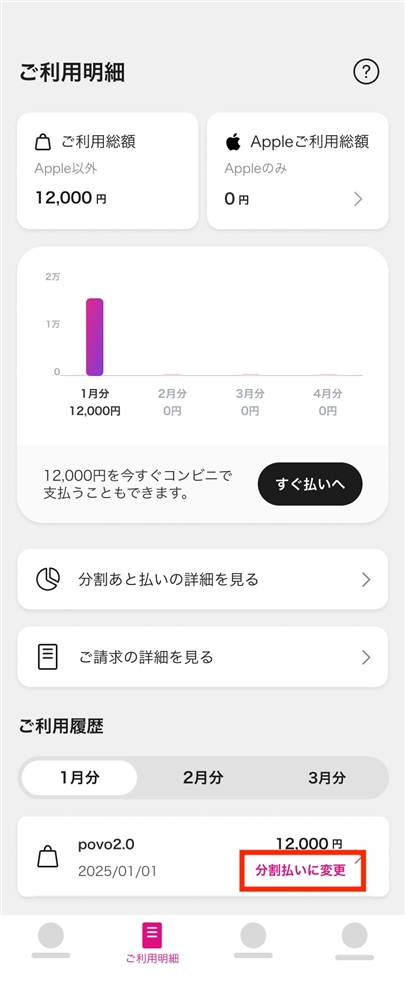
With "Postpay(Paidy)," your monthly usage fees will be determined on the 1st of the following month, and you will be notified by Paidy LLC via email, SMS, etc. by the 5th of the following month.
The payment deadline for convenience store payments and bank transfers is the 27th of the following month. For direct debit payments, the payment will be deducted on the 27th of the following month.
For more information about the Postpay(Paidy)service, please click here (external site).
When you register for Postpay(Paidy)a 200 yen charge may be shown on your paidy as a "validation check" to confirm the validity of your account. However, this charge will be canceled within a few days and you will not actually be charged.
If Postpay(Paidy)payment fails due to exceeding your available credit limit, you may be able to have your payment approved by verifying your identity through the Postpay(Paidy)paidy. Alternatively, you can register your credit card through the povo2.0 app and make the payment.



