*Available with version 1.5.7 or later of the povo2.0 app.
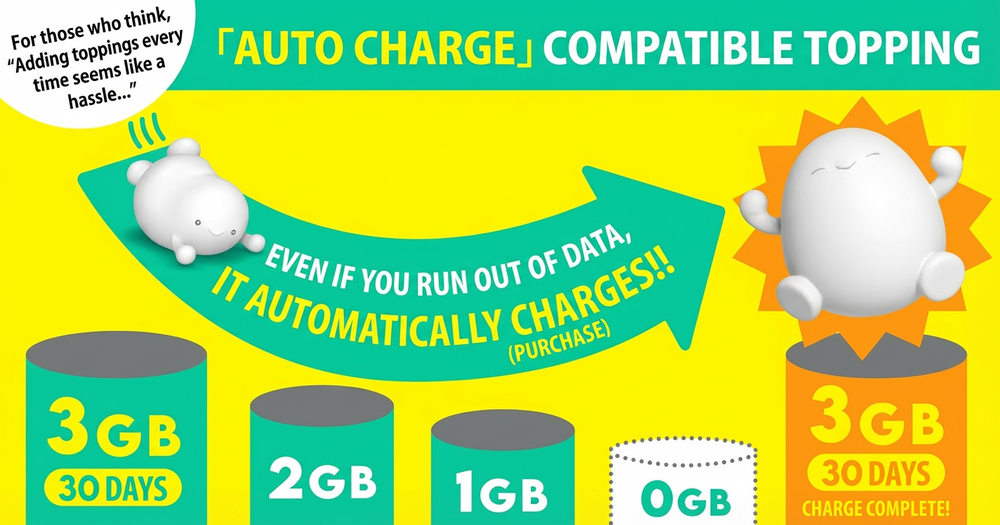
Simply turn it on to automatically purchase data! Say goodbye to forgetting to buy Topping or running out of data!
*Only data Topping that supports Auto-charge
Auto-charge will not be applied until you purchase a data Topping that supports Auto-charge. Please check here for Auto-charge application status.
| Topping name (validity) | Auto-charge charge capacity | Fee |
|---|---|---|
| データ追加3GB(30日間) | 3GB(30日間) | 990円 |
Terms of use here
* If you purchase Topping outside of povo2.0 app, you will not be able to use Auto-charge function. If you would like to use Auto-charge function, please make your purchase through the povo2.0 app.
This function automatically purchases (charges) the same Topping when validity of Topping has expired or when the remaining data amount reaches 0.* You can turn Auto-charge on or off after purchase.

*Includes data capacity obtained by purchasing other data Topping or applying promo codes.
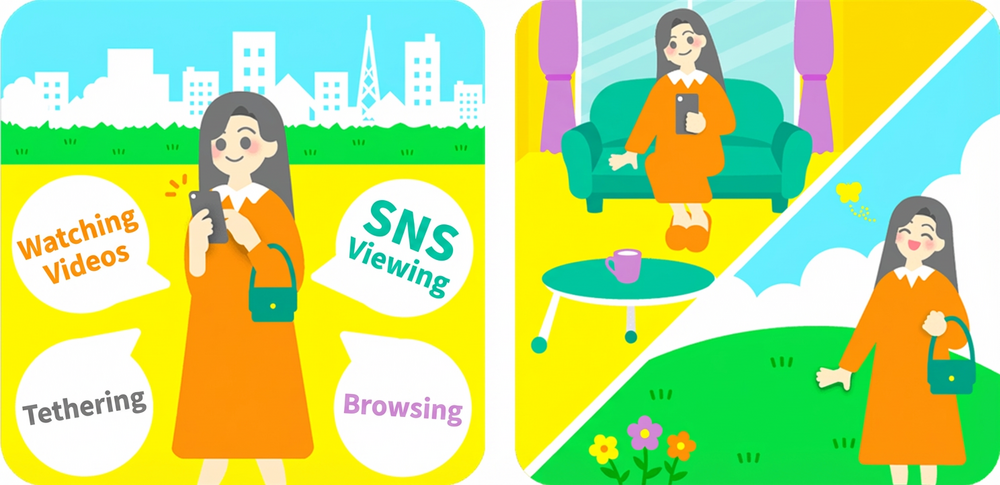
I'm usually in a Wi-Fi environment, but I go out regularly for work or shopping. I want to keep my data charges to a minimum.
Data Top-up 3GB (30 days)
is recommended!
By turning on Auto-charge, you can avoid the hassle of purchasing a new card every month!
Learn more
Please apply using povo2.0 app.
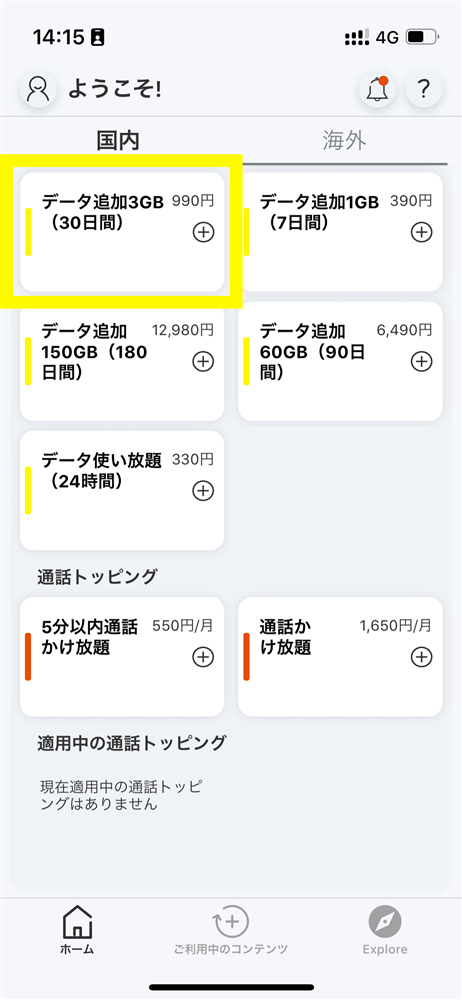
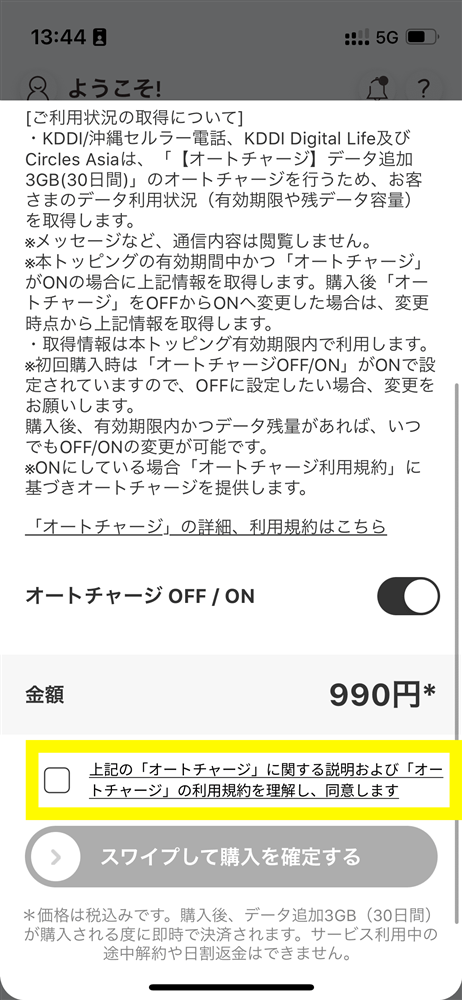
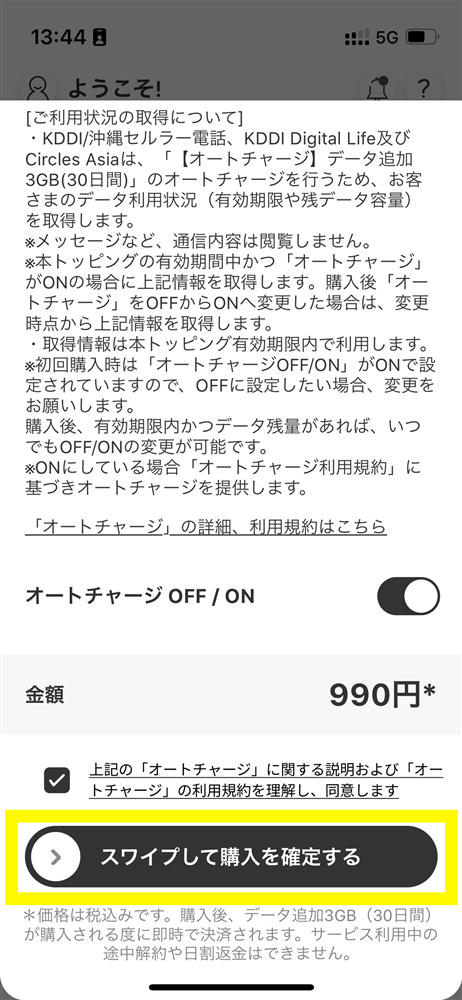
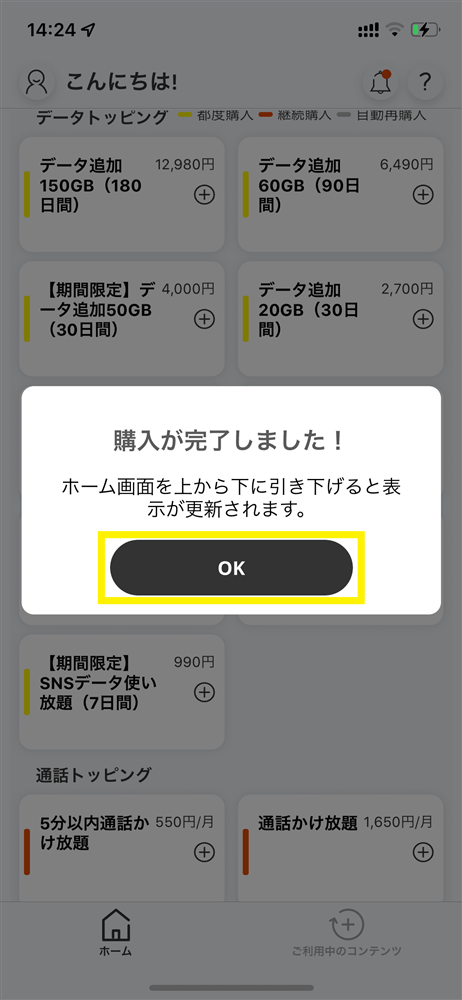
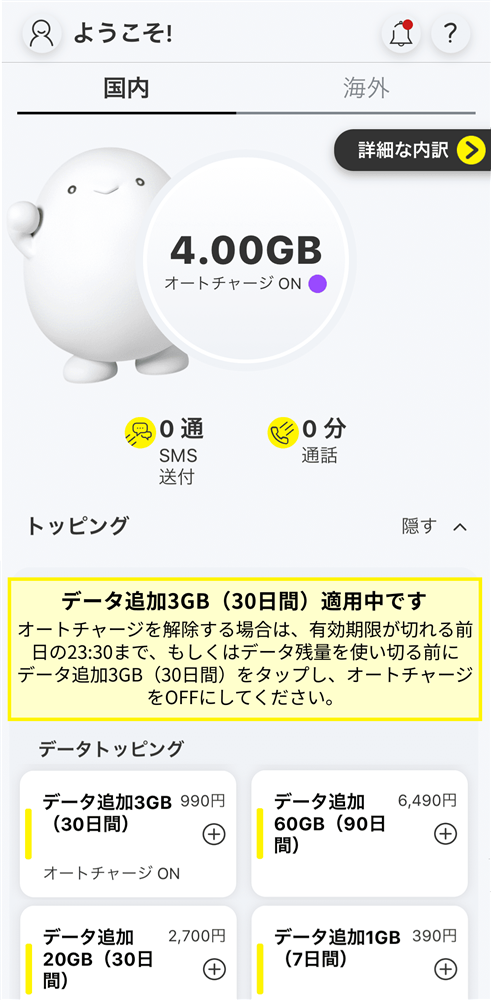
* Auto-charge Topping cannot be purchased if Auto-charge Topping is within validity and there is remaining data.
*When you purchase Auto-charge compatible Topping for the first time, even if you have remaining data capacity from other data Topping or data bonuses, the initial amount of "3GB Data Top-up (30 days)" will be added.
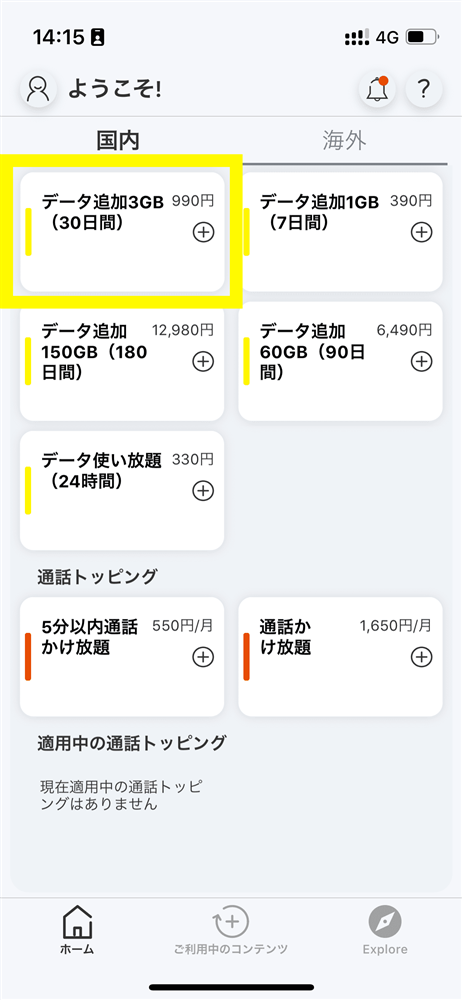
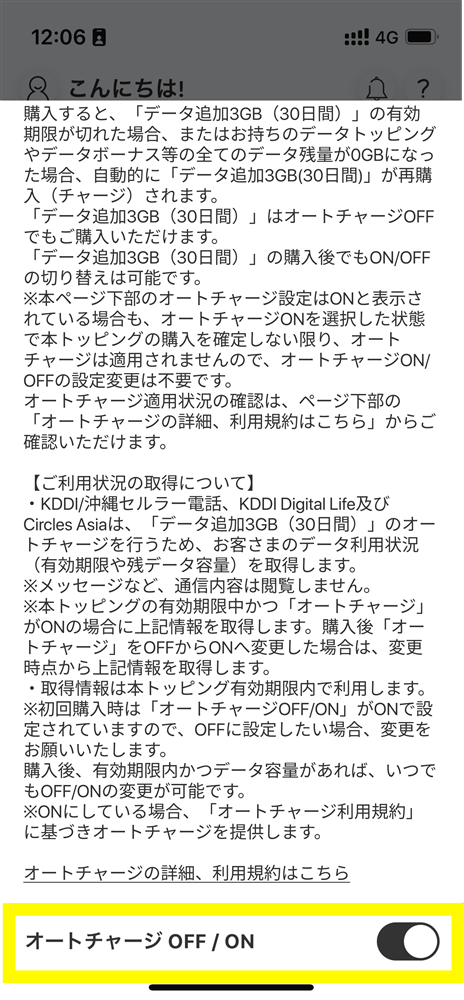
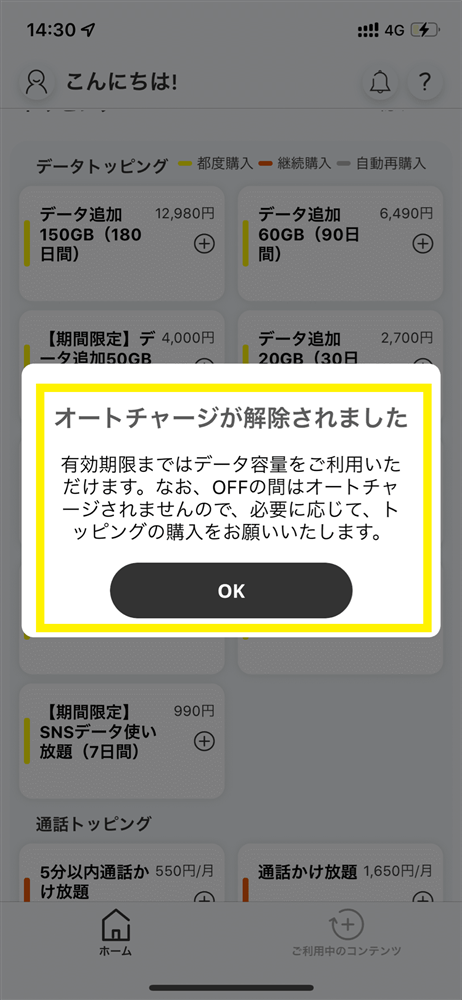
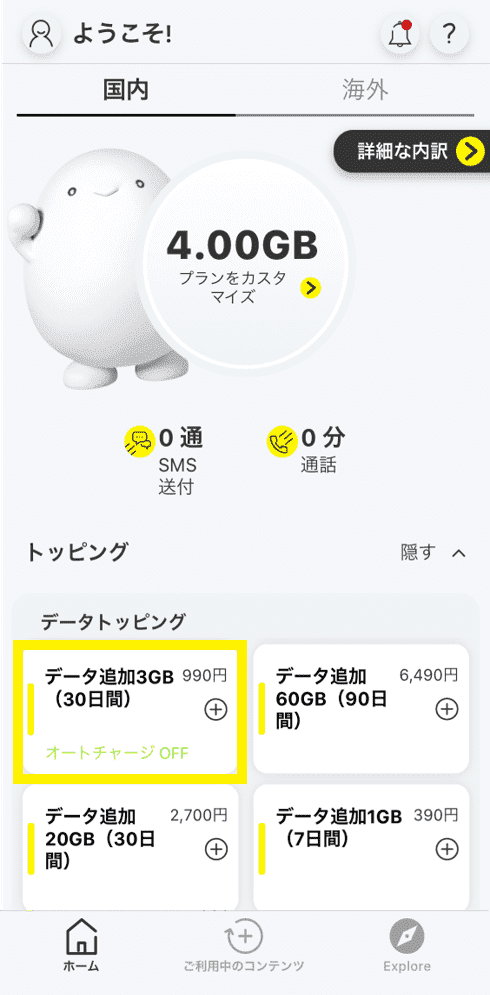
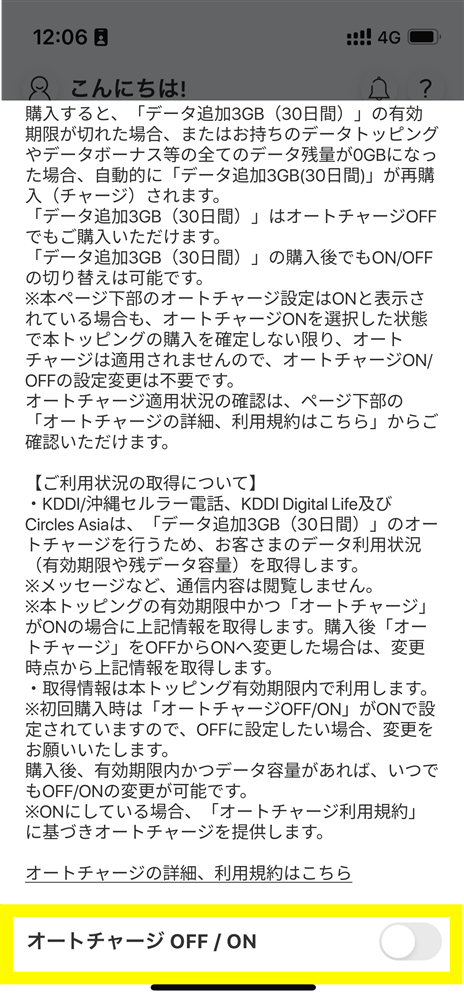
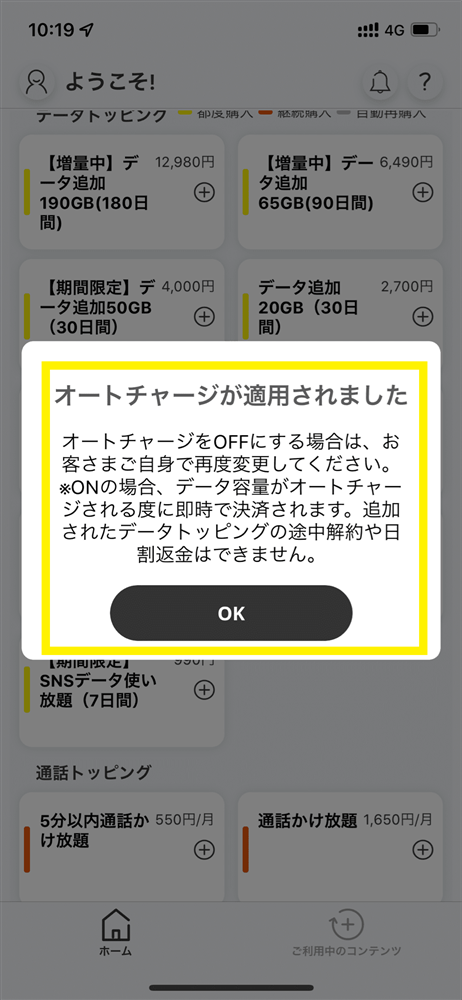
* Auto-charge can be turned off/on only if Auto-charge compatible Topping is within validity and there is remaining data.
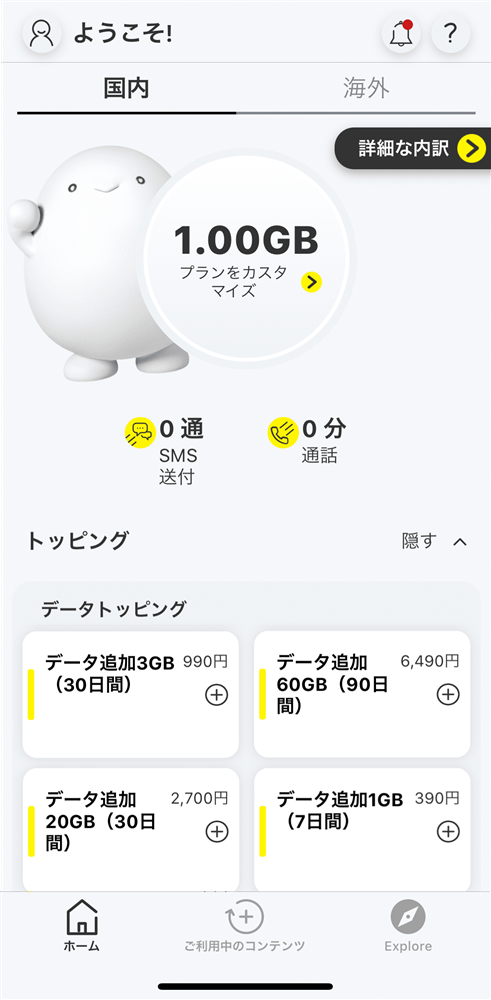
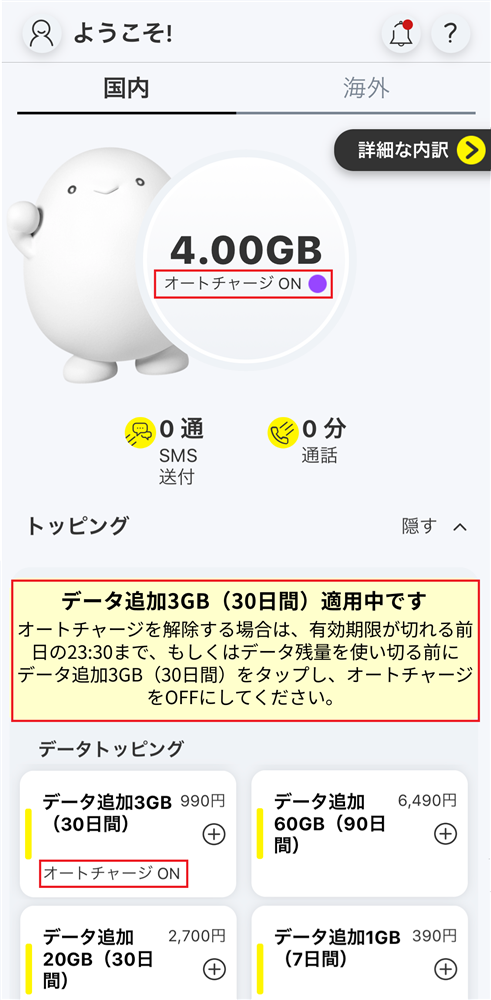
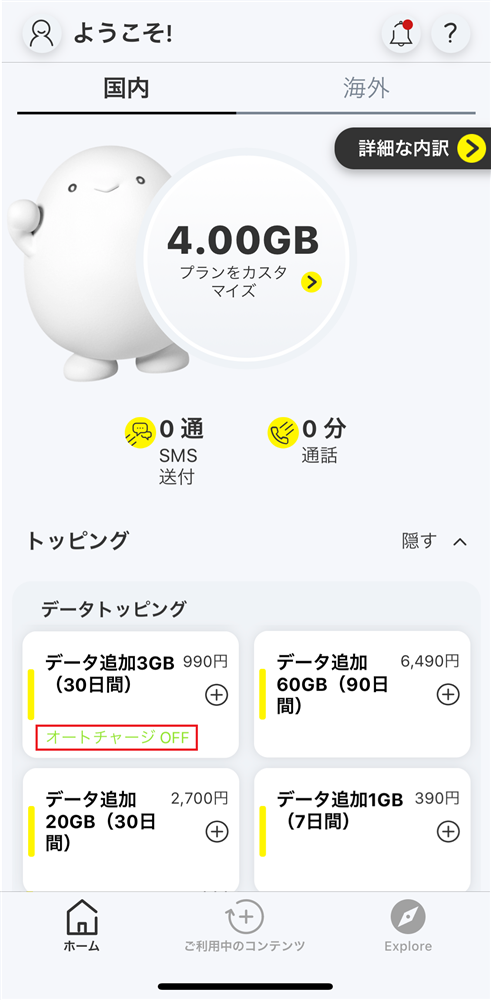
●As a general rule, only one Auto-charge compatible Topping (hereinafter referred to as this Topping) can be established per povo2.0 contract. However, there may be exceptional cases where multiple contracts for the purchase of this Topping are established per one povo2.0 contract. In such cases, validity of the last established contract for the purchase of this Topping will be applied as validity of this Topping.
●If "Auto-charge" is ON, there is no limit to the number of times you can Auto-charge, so please be careful if you plan to use data continuously for long periods of time.
If you are using this Topping with "Auto-charge ON" and validity of this Topping expires, this Topping will be Auto-charge. (It will be charged even if you have other Topping that validity and have remaining data.)
● Auto-charge Topping are not eligible for 8-day cancellation (early contract cancellation system).
●If you have your spam filter or the "povo Notifications" setting in the povo2.0 app set to not receive emails or app push notifications, you may not receive important notifications regarding Auto-charge.
● validity will be managed for each purchased data Topping (including Auto-charge Topping). Even if you purchase a new data Topping before validity of a purchased data Topping expires, validity of the data Topping that was applied before the purchase will not be extended, and validity of the data Topping that were applied at the same time will expire.
●The order in which data is consumed is as follows:
If you have data Topping (including Auto-charge data Topping) or data bonuses, they will be consumed from your data bonuses.
If you have multiple data Topping, the one with the earliest expiration date will be used first.
●If you use a large amount of data within a certain validity, your data speed will be limited during peak hours.
● After purchase (including Auto-charge), payment will be made immediately. Cancellation or pro rata refunds are not possible.
●The maximum communication speed is provided by the best-effort method. Actual communication speeds vary depending on location, communication environment, network congestion and compatible products.
● If you cancel povo2.0, you will no longer be able to use the service even if you have remaining data capacity or validity.
●The Company, etc. may change or terminate all or part of the Topping or Auto-charge without notice. Furthermore, the Company, etc. shall not be liable for any change or termination of Topping or Auto-charge unless the Company, etc. is at fault.
*The information posted is current as of August 24, 2023.
There is no limit to the number of times.
When you use up all your data or when the data added via Auto-charge validity it will be Auto-charge and you will be charged each time.
Auto-charge function is recommended for those who forget to buy data or who find it troublesome to purchase Topping every time. However, if you consume a large amount of data for watching videos, etc., we recommend that you turn off Auto-charge and use "Unlimited data * (24 hours)" or "Data Top-up (30 days)".
*Communication speeds may be limited during network congestion or when using videos or cloud games.
Click here to find out how to turn off Auto-charge.
To ensure you can use Auto-charge with peace of mind, we will notify you by email and app notifications at the following times.
・The day before validity
・When the remaining data amount reaches 1GB or 500MB
・When Auto-charge is performed
・If Auto-charge is performed three or more times within 30 days*
*After the third Auto-charge, you will receive a notification the next day or later.
Please see below for the order of data consumption.
Please note that "Unlimited data" takes priority over all data, regardless of data Topping or data bonus. While Unlimited data your data volume will not be consumed, but validity will not be extended.
<Data consumption ranking> 1. Unlimited data (data Topping /data bonus)
2. Data bonuses applied using campaign codes, entry codes, promo codes, or trade codes will be consumed in order of the shortest validity.
3. Data Topping purchased through the "povo2.0 app" will be consumed starting with the one with the shortest validity.
* This includes data Topping added via Auto-charge in 3.
<Important Notice>
・If you have a data Topping with a longer validity than the data Topping added via Auto-charge (150GB Data Top-up (180 days) or 60GB Data Top-up (90 days)), we recommend that you turn off Auto-charge once, as the data Topping added via Auto-charge will be consumed first.
・If a data bonus is in effect, the data bonus will be consumed first, so we recommend turning on Auto-charge after the data bonus has finished being applied.
You can purchase it.
However, you cannot purchase additional data Topping that support Auto-charge in the following cases:
・If there is remaining data remaining on the data Topping added via Auto-charge
・If the data Topping added via Auto-charge is within validity
Yes, that's right.
Auto-charge will occur when you have used up all of the data remaining from Data Topping added via Auto-charge, as well as the total data capacity of your Data Topping and Data Bonuses.
If validity of the data Topping added by Auto-charge has passed, it will be Auto-charge even if you have other data capacity.
From August 24, 2023, the name of Topping on the povo2.0 app, contract documents, and invoices will change from "Auto-charge: Data Top-up (30 Days)" to "Data Top-up (30 Days)."
Please note that the Auto-charge settings for "Auto-charge: Data Top-up (30 Days)" purchased before August 23rd will be carried over.



