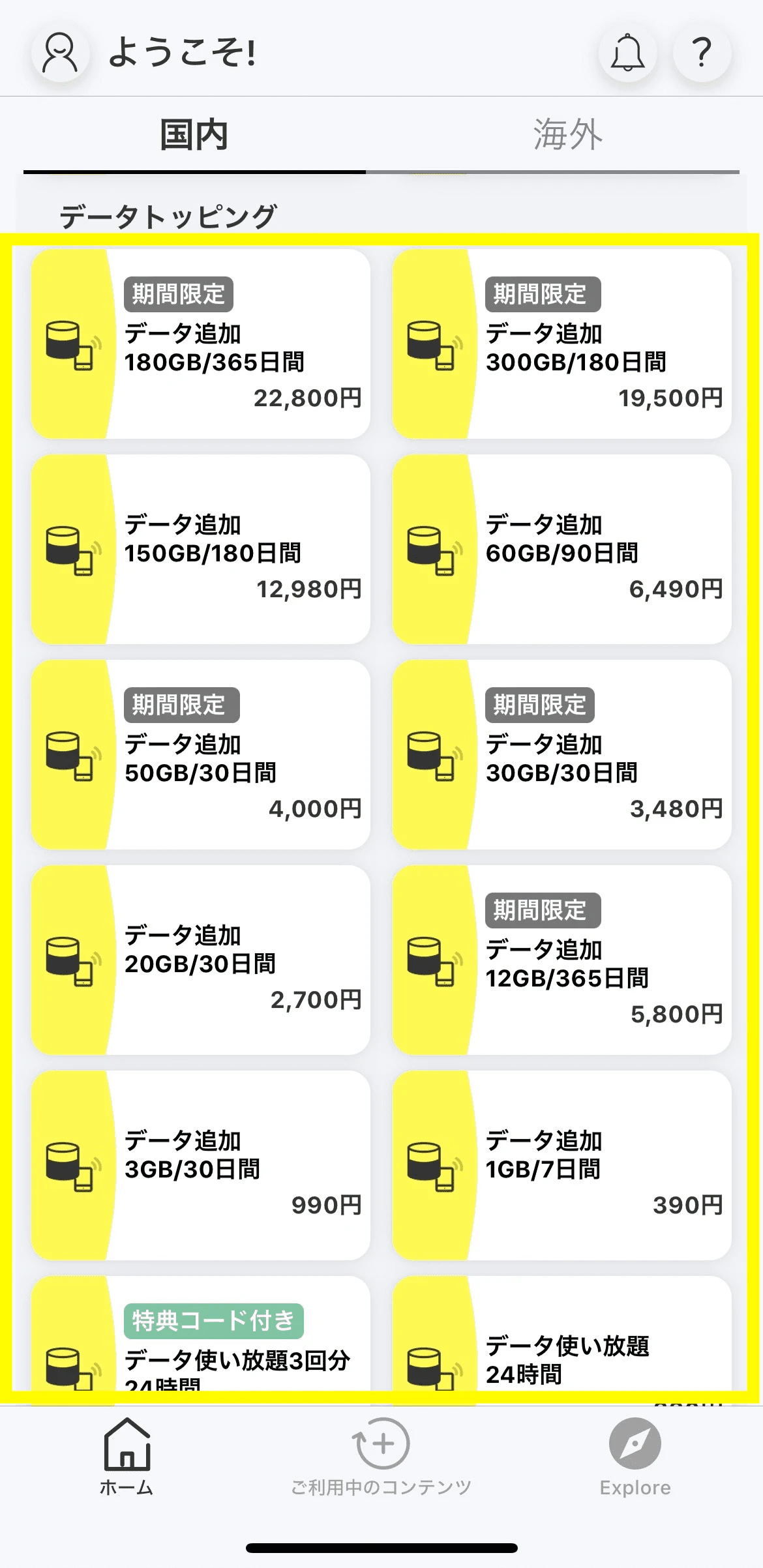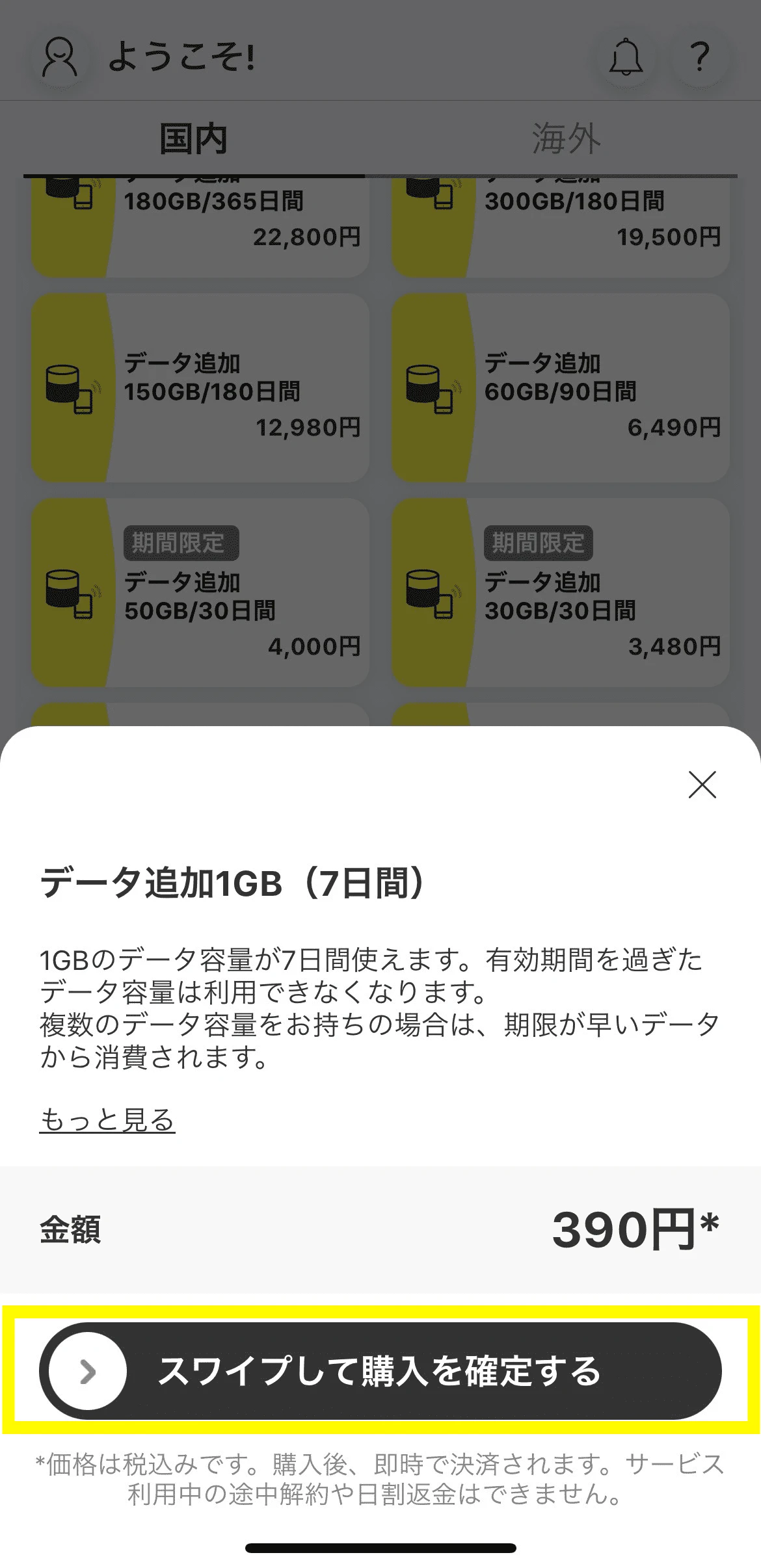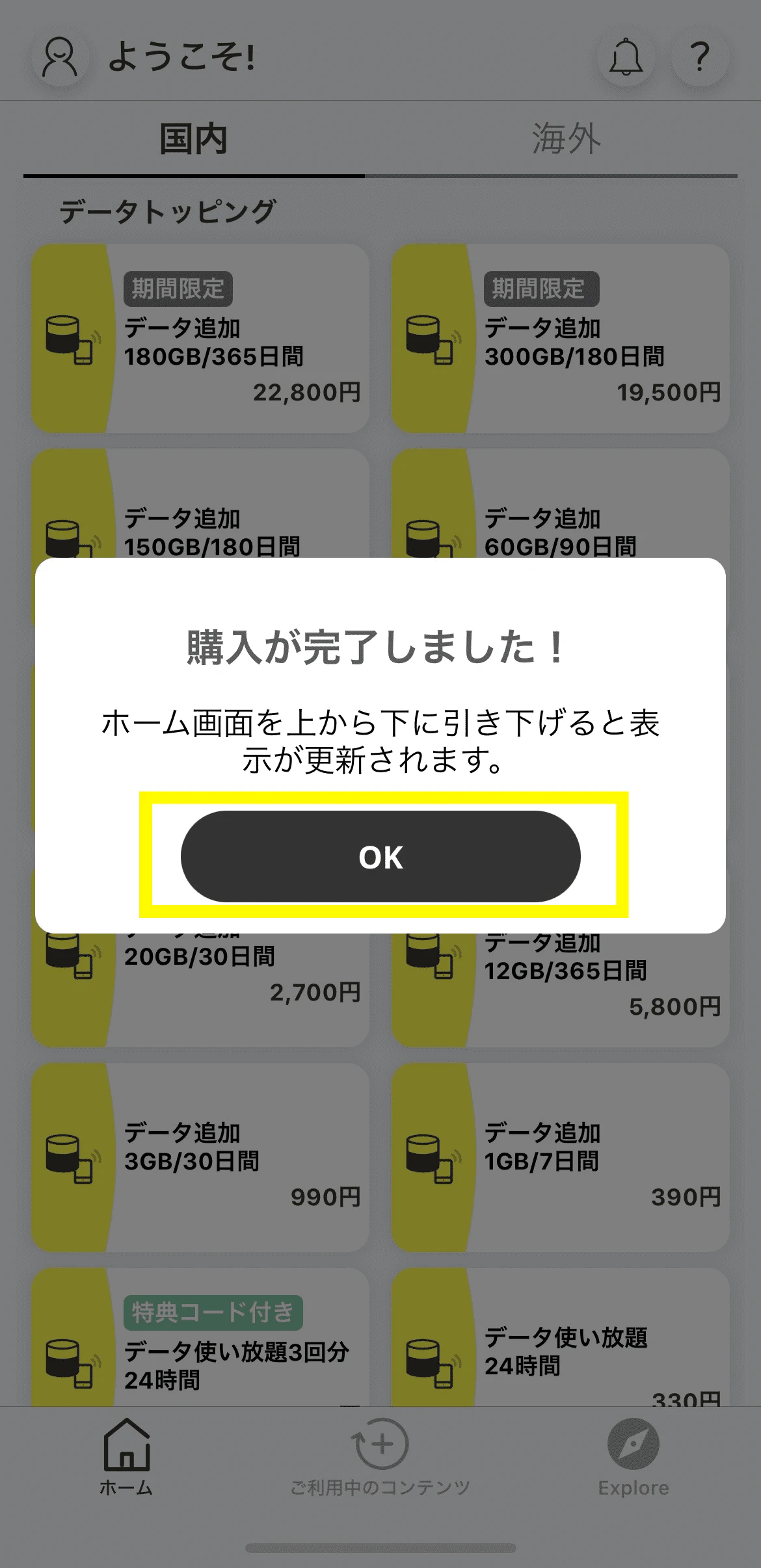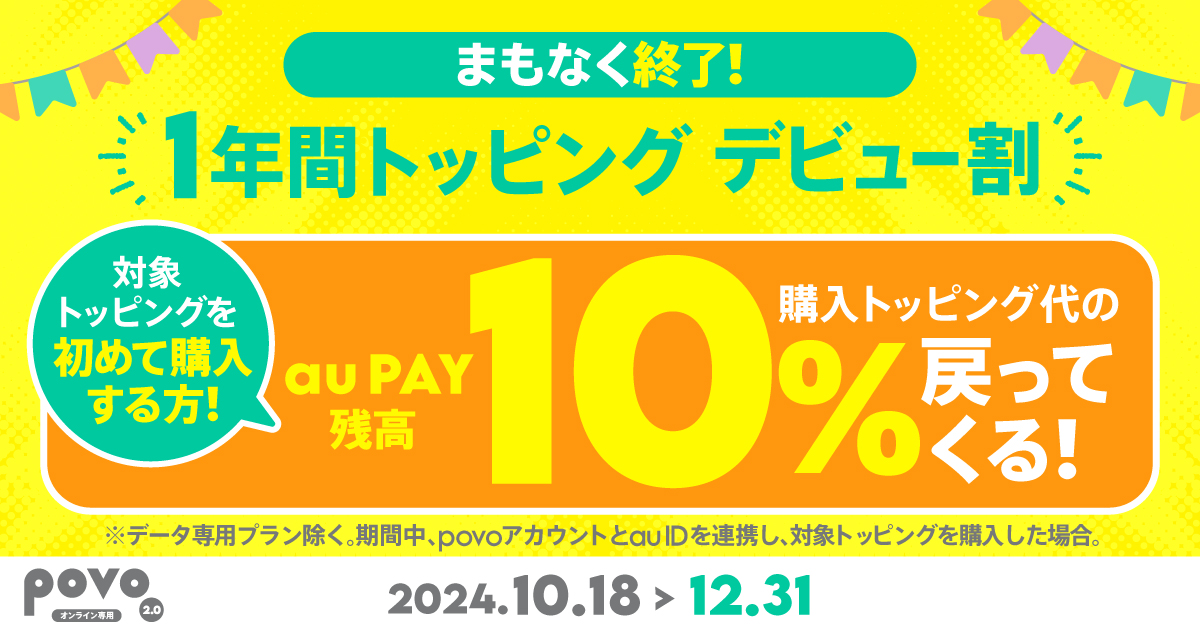
If you purchase eligible Topping on a line with a data capacity of 48GB or more and validity of Topping days, you will receive a refund of 10% of the purchase amount (tax-exempt) to your au PAY balance.
Take this opportunity to try out our one-year Topping, which allows you to use your data capacity efficiently and at a great value every month!
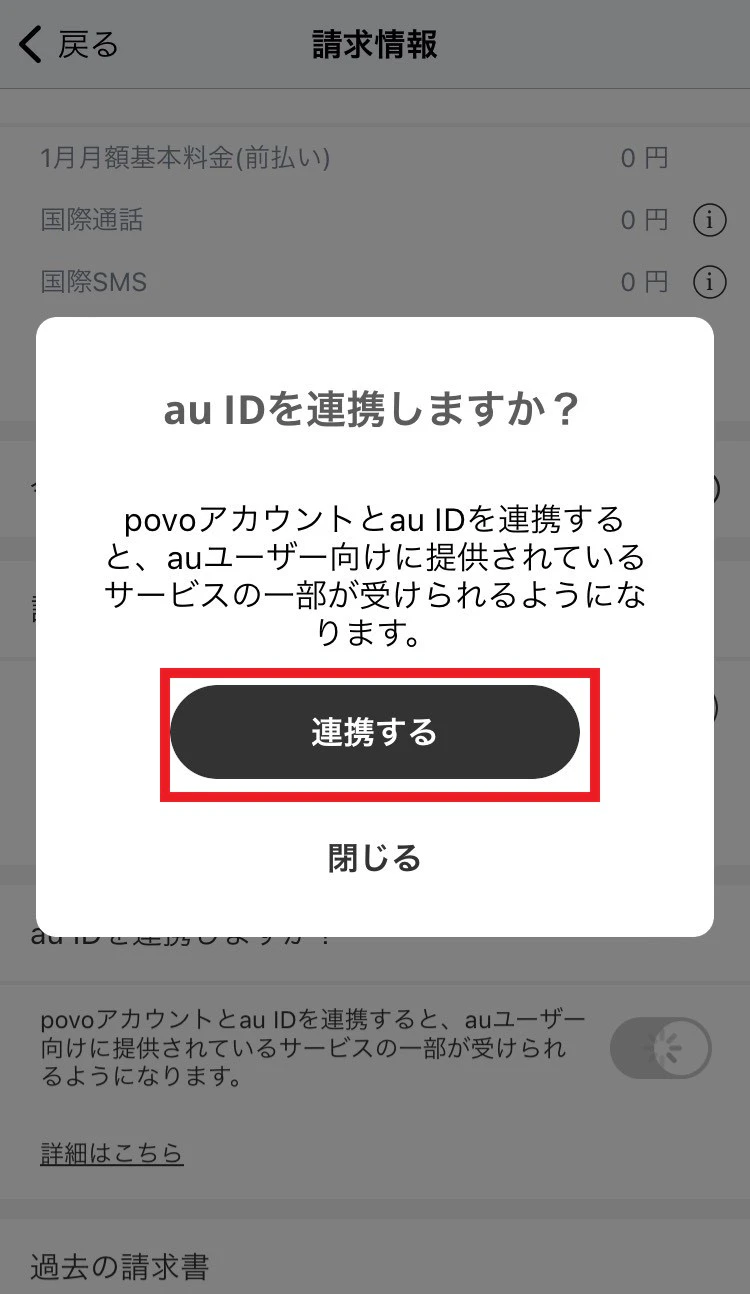
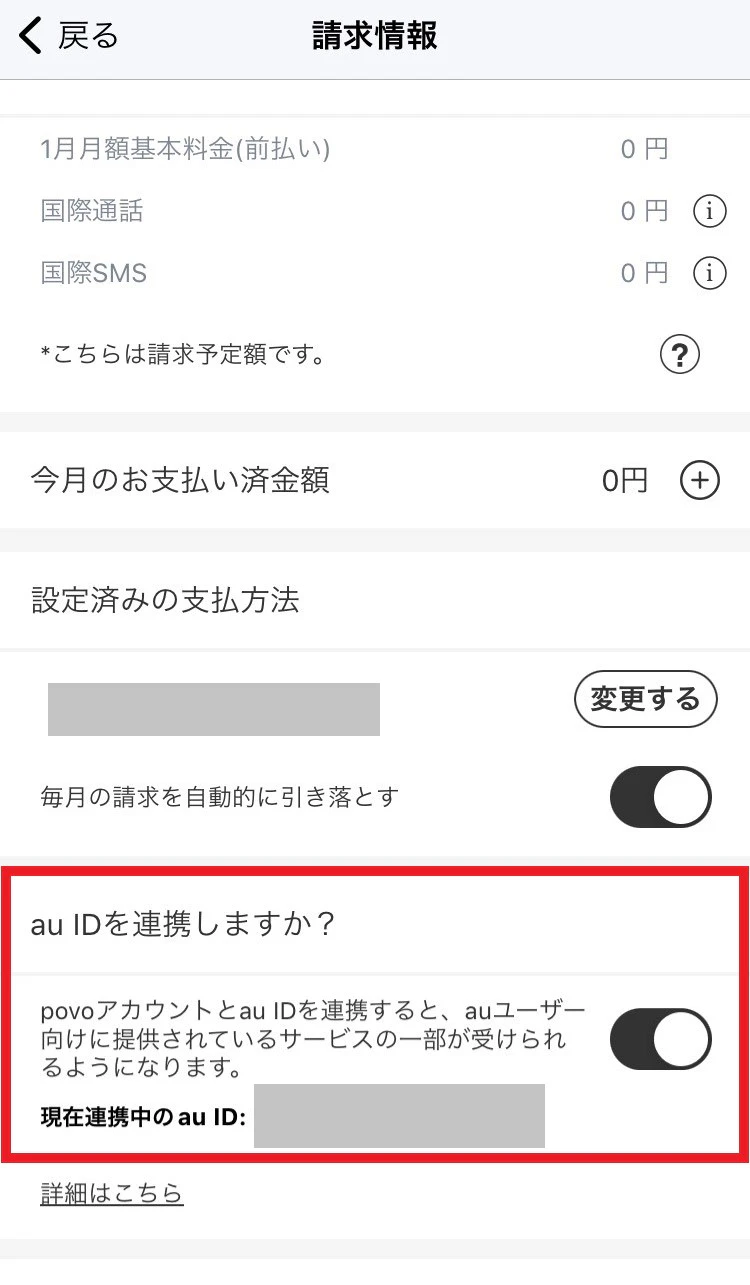
*At the time of purchasing the applicable Topping, your povo account and au ID must be linked.
*This benefit is only applicable once per line.
(If you purchase the same Topping multiple times during the promotion validity, the offer will only apply to the first Topping purchased.)
* "Data Only" plans are not eligible.
| Applicable Topping *1 *2 | Sales price | Amount returned to au PAY balance *3 (tax exempt) |
実質価格※4 | Data volume per month/effective monthly fee *5 |
|---|---|---|---|---|
| 【期間限定】データ追加48GB(365日間) | 11,880円 | 1,188円(相当) | 10,692円 | 891円/4GB |
| データ追加120GB(365日間) | 21,600円 | 2,160円(相当) | 19,440円 | 1,620円/10GB |
| 【期間限定】データ追加180GB(365日間) | 22,800円 | 2,280円(相当) | 20,520円 | 1,710円/15GB |
| データ追加300GB(365日間) | 24,800円 | 2,480円(相当) | 22,320円 | 1,860円/25GB |
| データ追加360GB(365日間) | 26,400円 | 2,640円(相当) | 23,760円 | 1,980円/30GB |
| [Limited offer] Data Top-up 1.2TB (365 Days) | 38,640円 | 3,864円(相当) | 34,776円 | 2,898 yen/approx. 100GB |
*1: Eligible Topping may be added or changed in the future. *2: This benefit also applies if the data capacity of the eligible Topping is increased as part of a data increase campaign. *3: The refund will be made to au ID linked at the time of purchase by the end of the month following the month in which Topping Topping purchased. Topping 4: The actual price is calculated by subtracting the "sales price" of the eligible topping from the "amount refunded to au PAY balance (tax-exempt)." *5: The actual monthly fee is calculated by dividing the "actual price" of the eligible Topping by 12 (months).
The line used to purchase Topping must meet all of the following conditions:
1) The line must be a "Calls+Data" plan (lines with a "Data Only" plan are not eligible).
② You have not purchased Topping with validity of "365 days" before purchasing the target Topping.
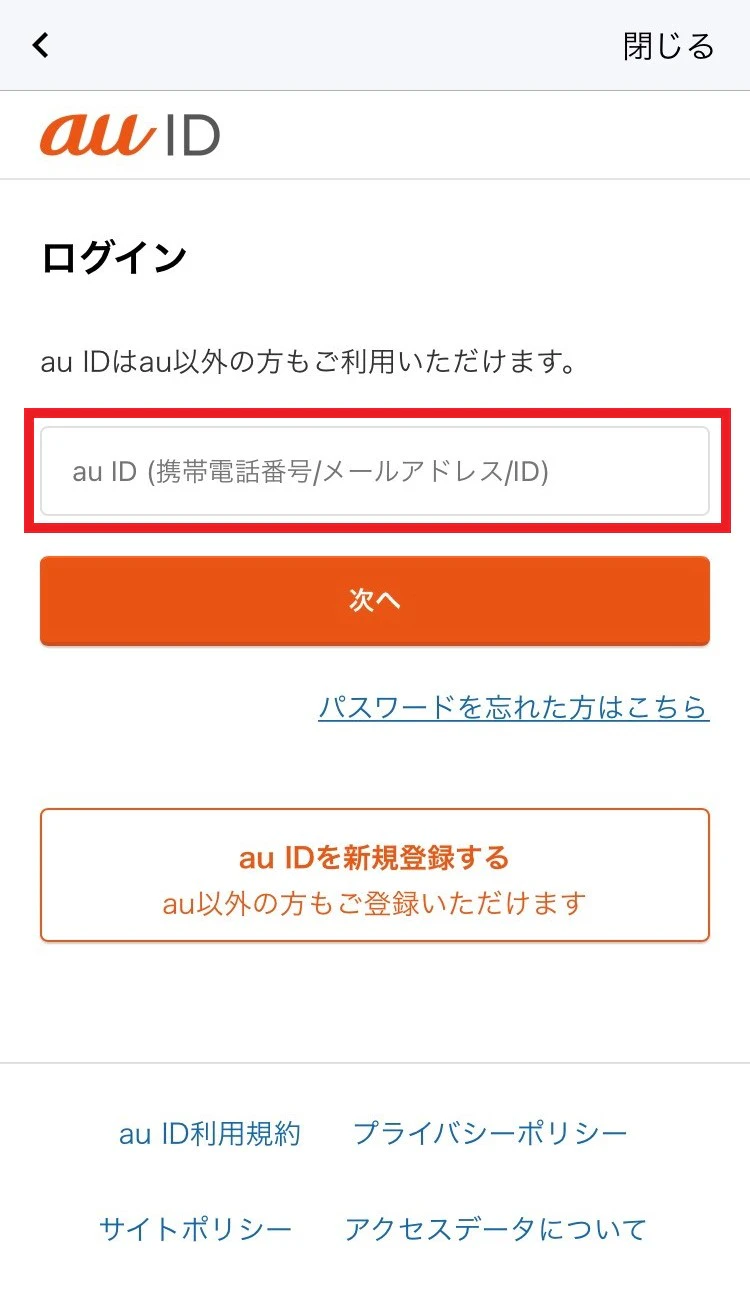
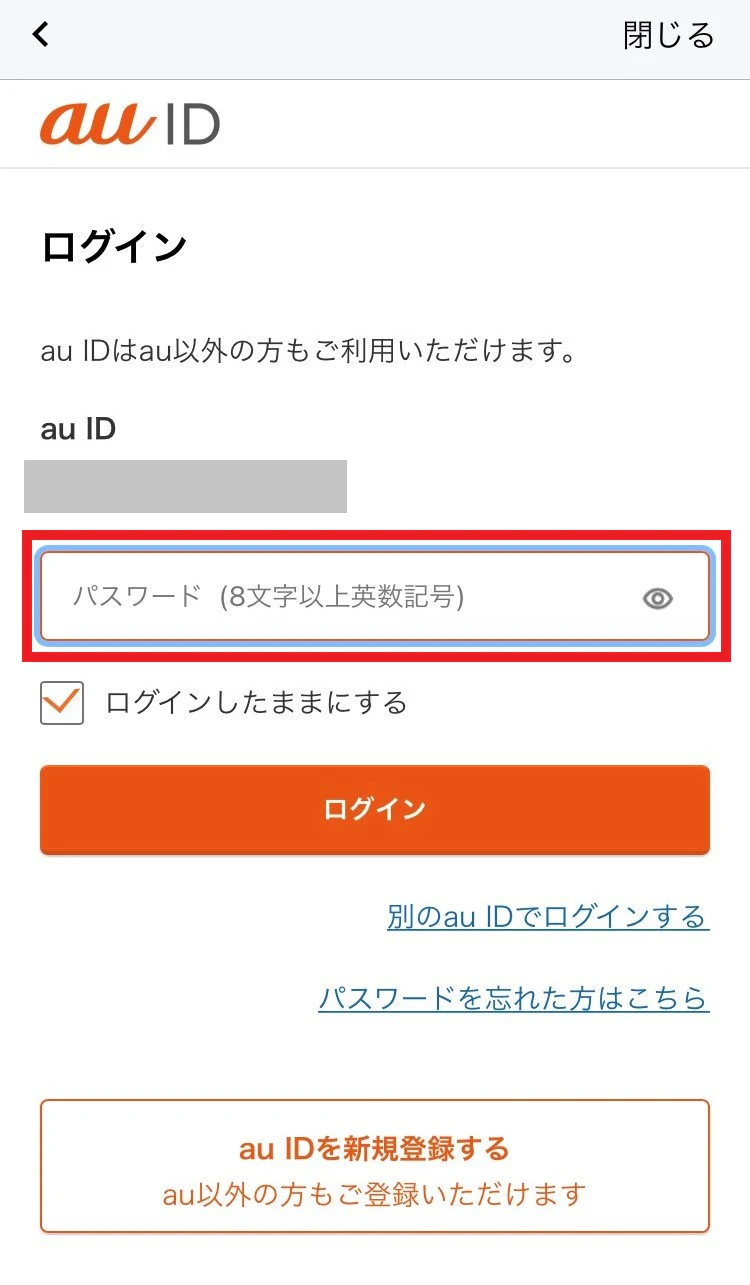
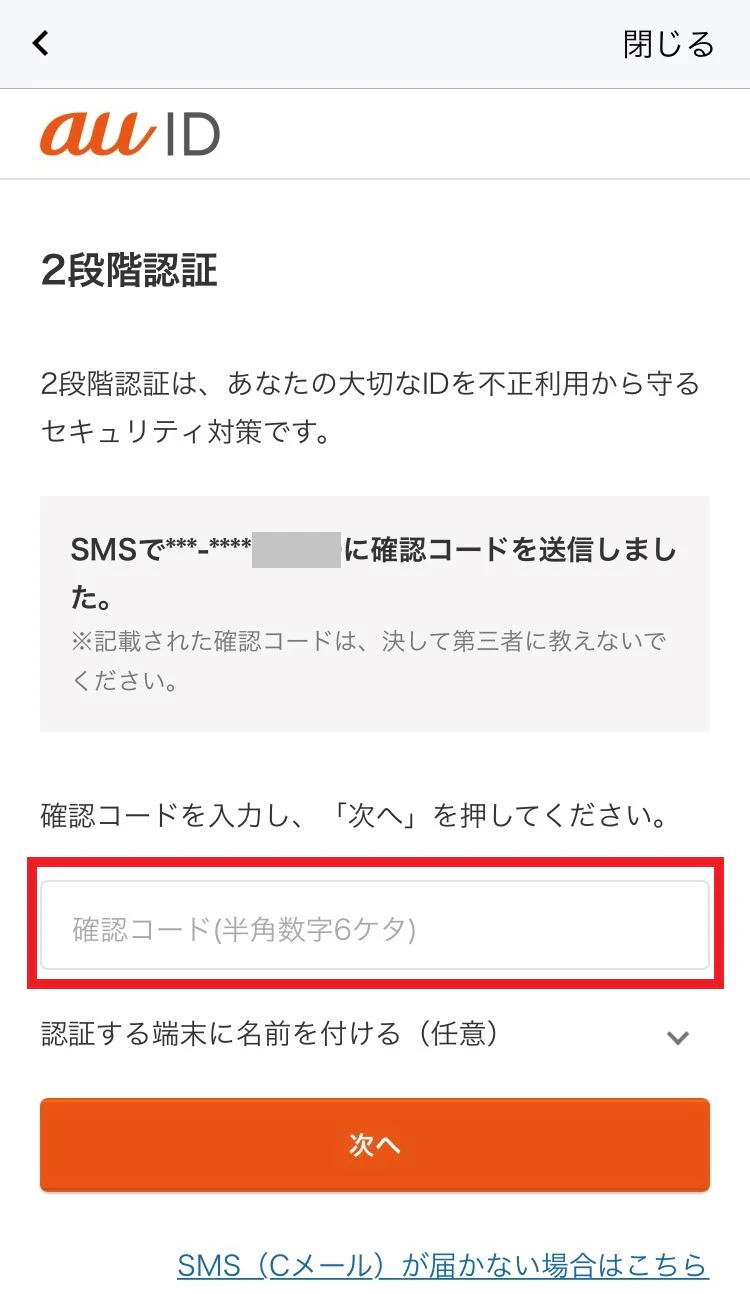
③ Before purchasing the target Topping, the linking of the povo account and au ID must be completed (detailed procedure Here)
④You must purchase the applicable Topping during the campaign validity.
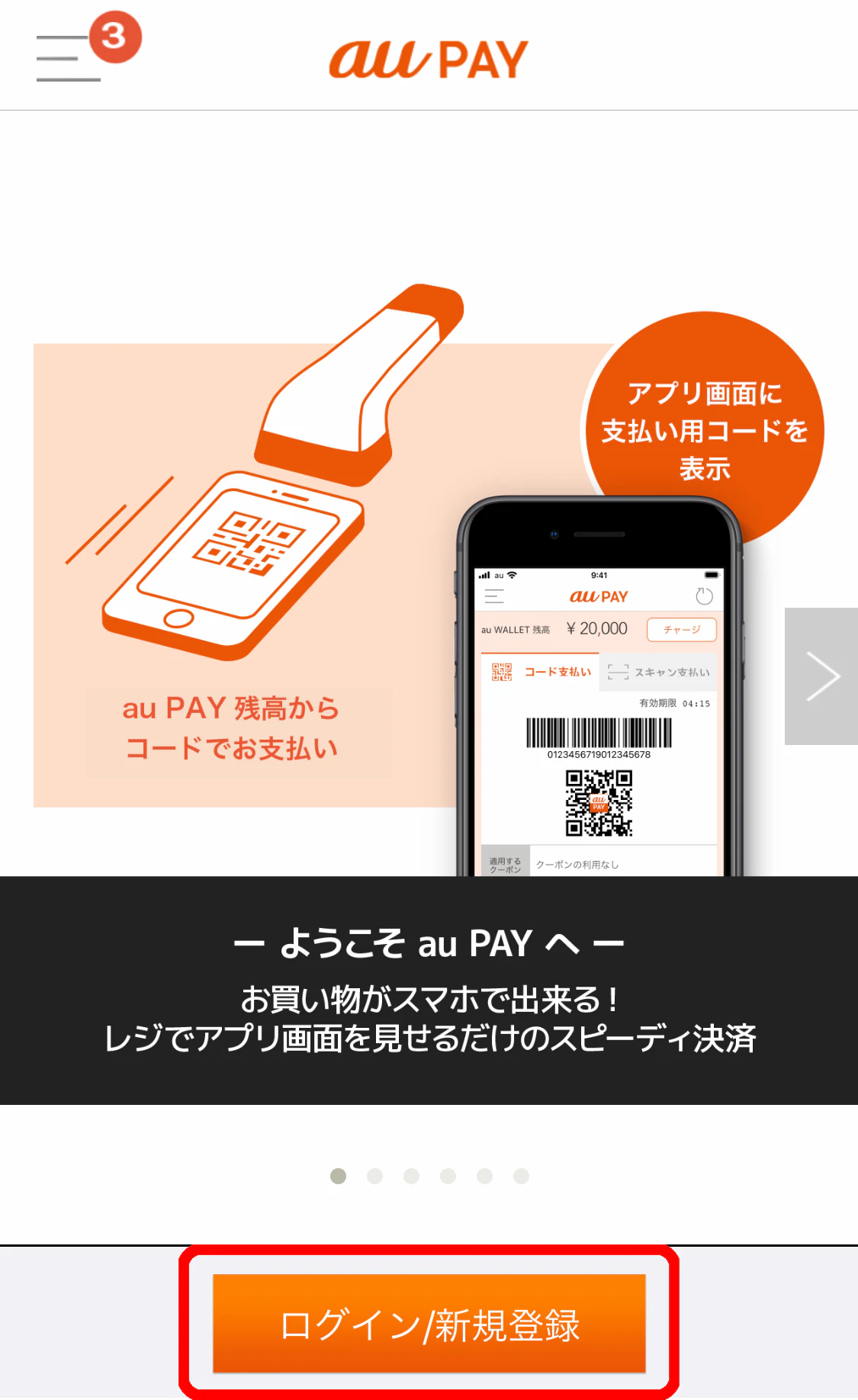
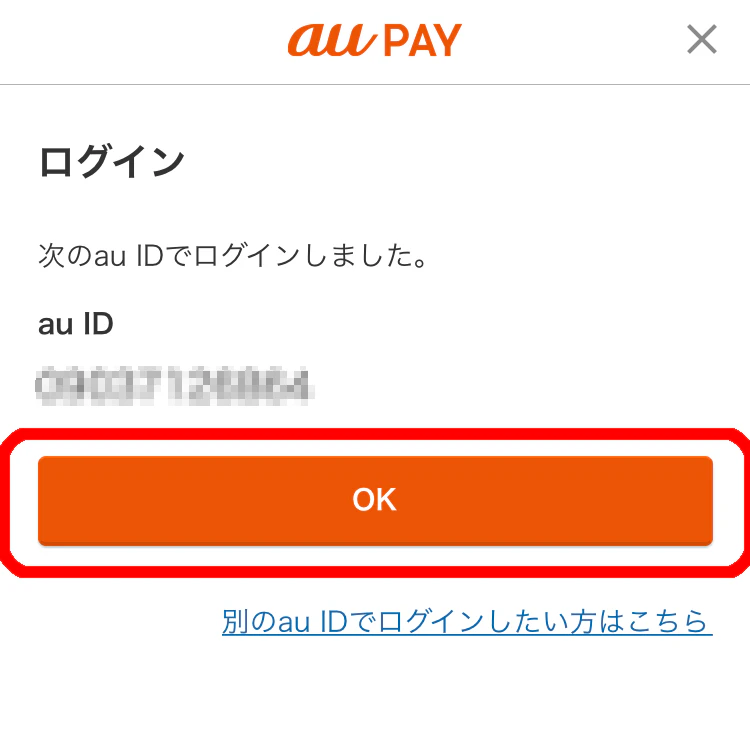
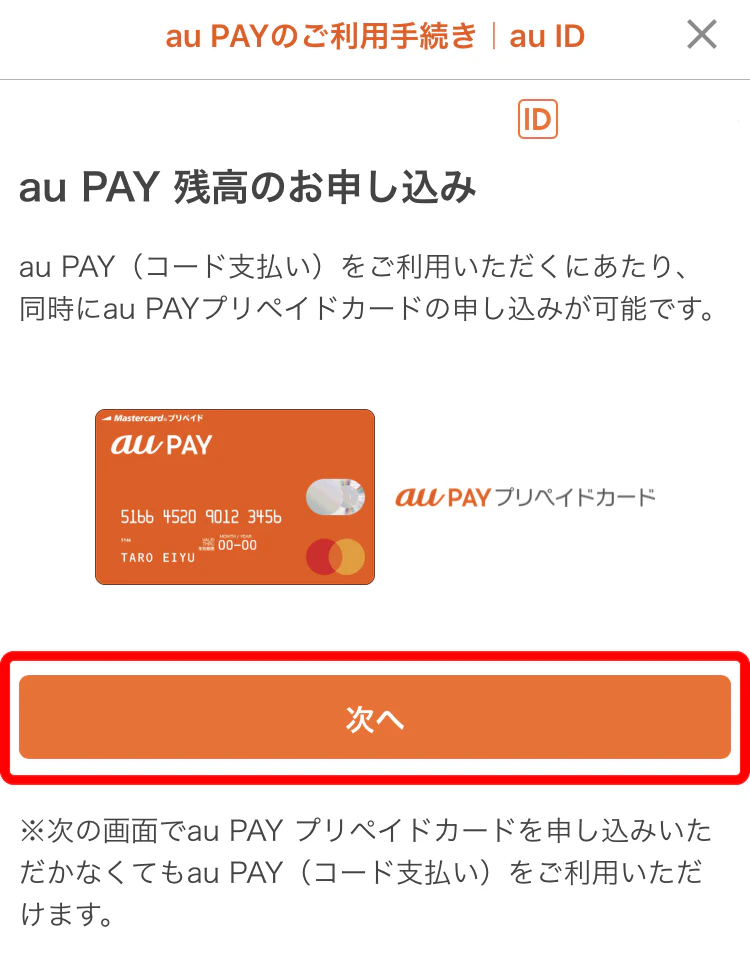
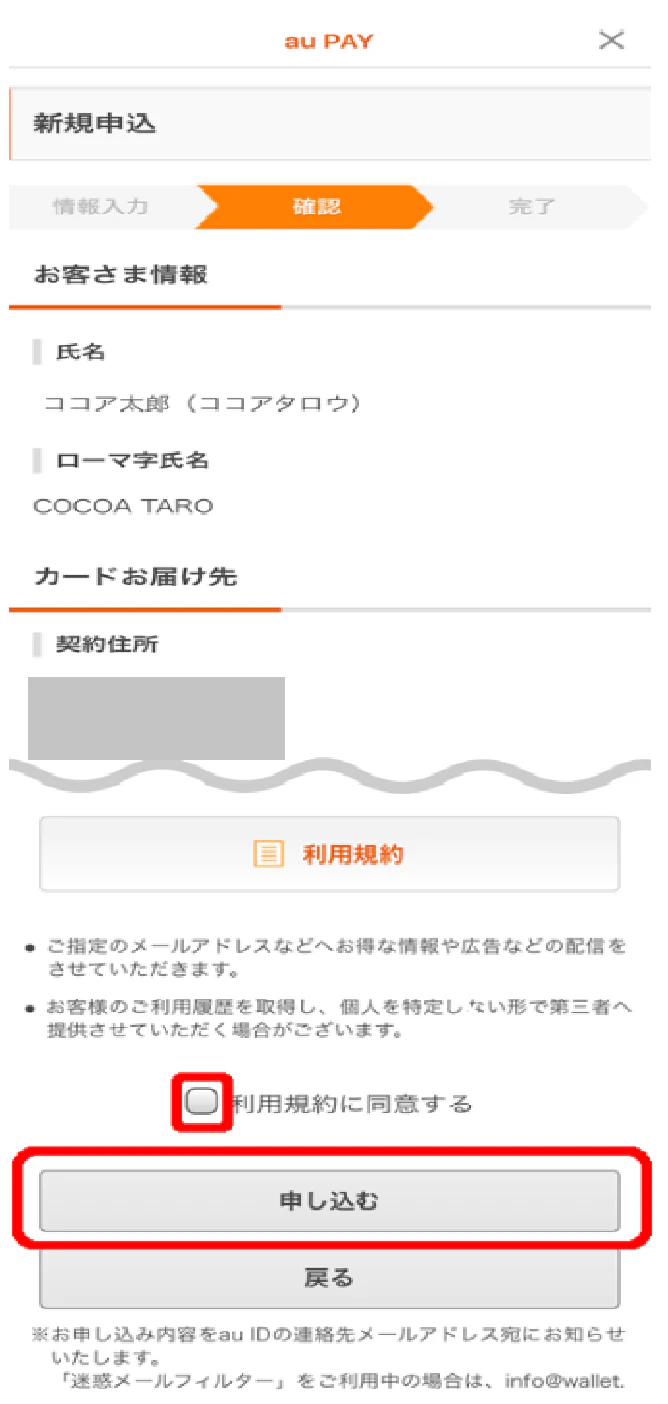
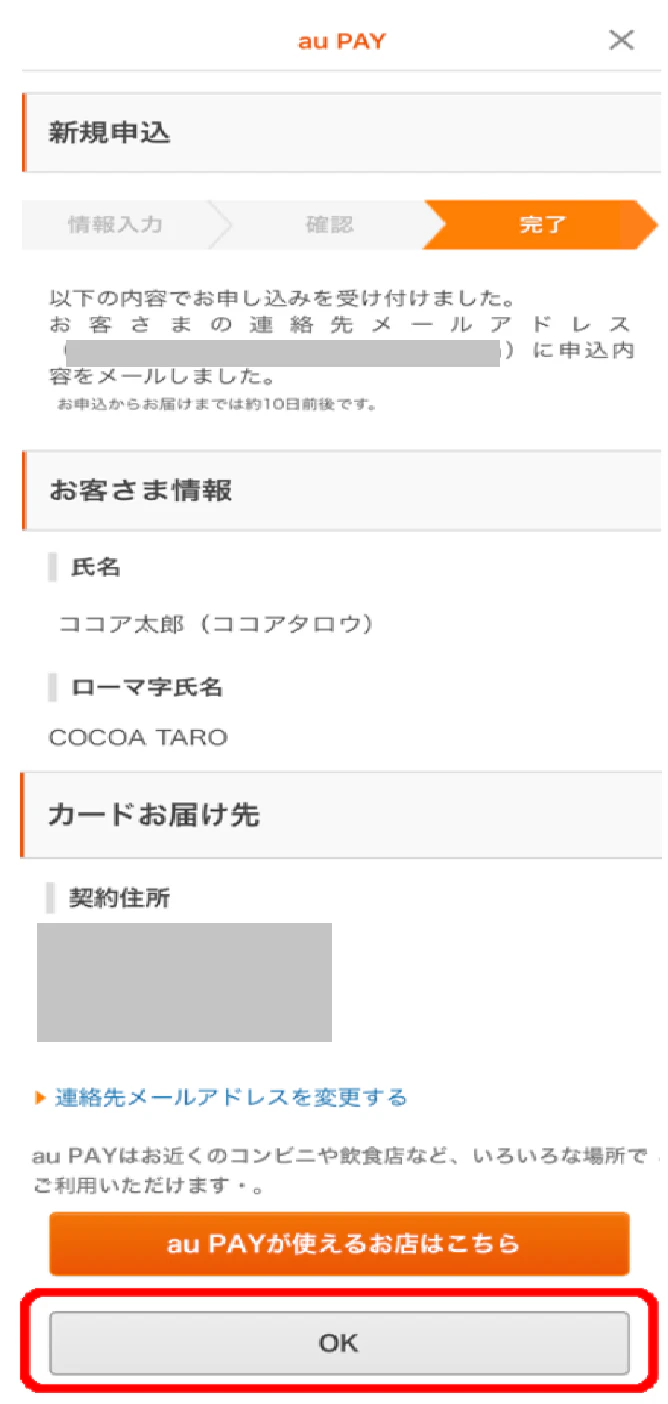
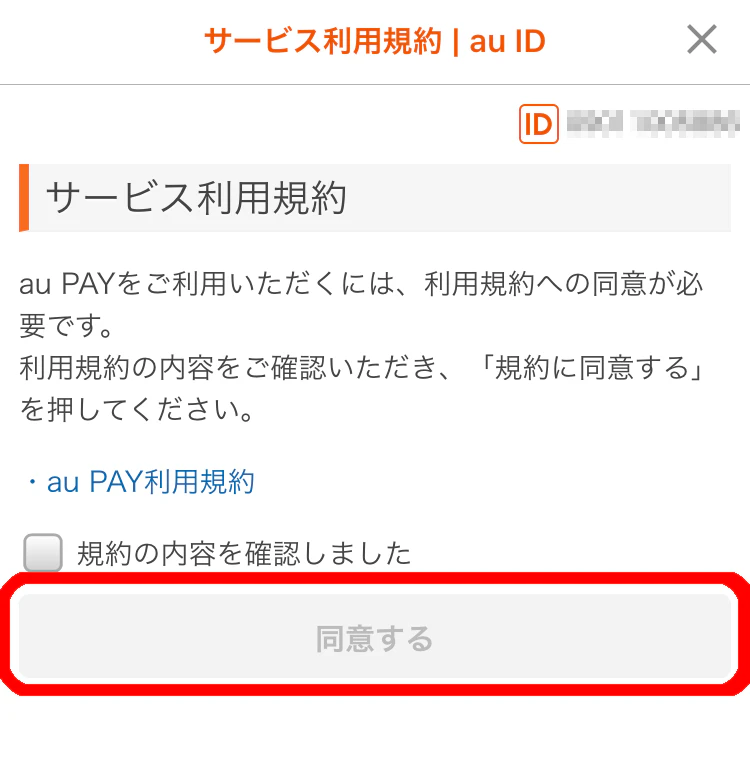
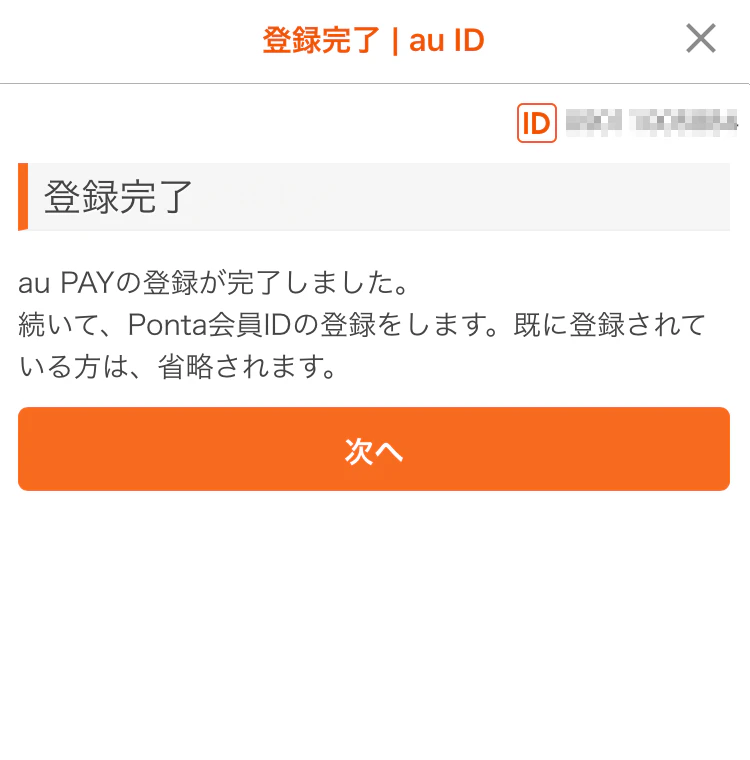
⑤ Before au PAY balance is refunded, you must have started using "au PAY" with au ID in ③ (for detailed procedures, Here)
*This benefit is only applicable once per line. (If you purchase the applicable Topping multiple times during validity, it will only apply to the first Topping purchased.)
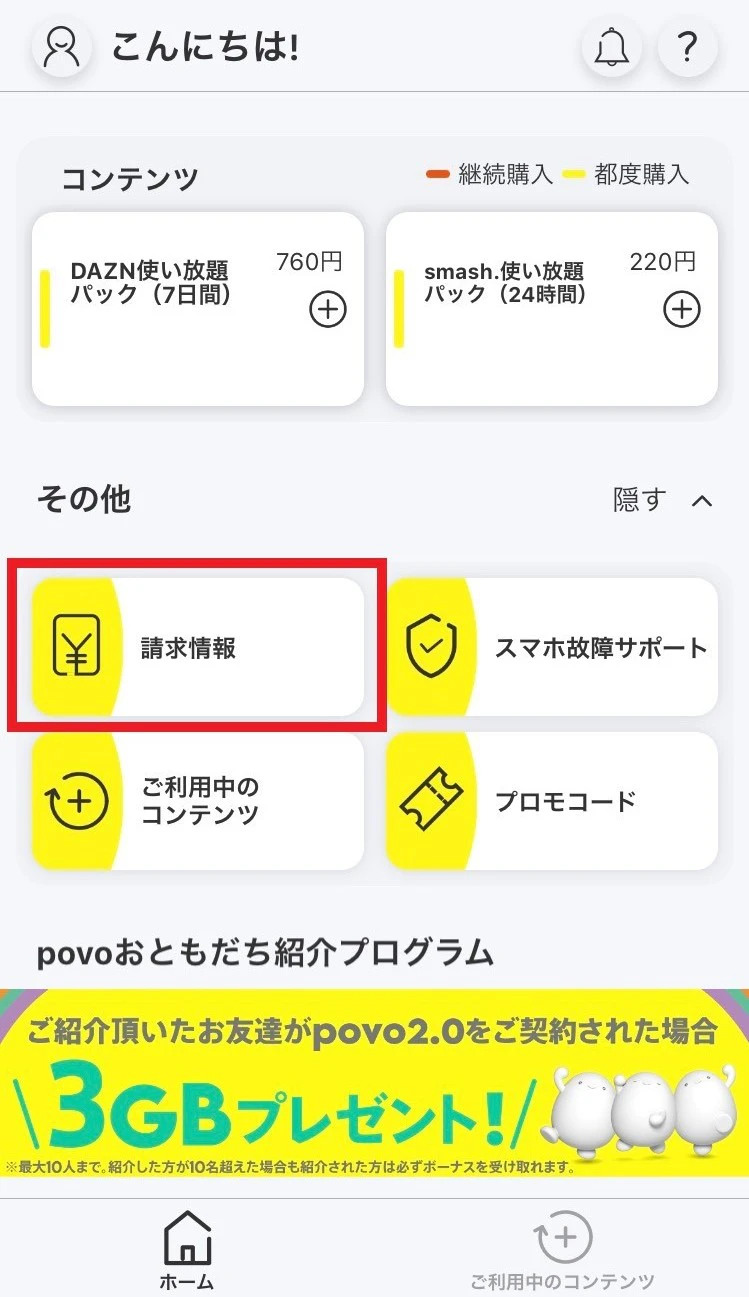
・If you purchase the applicable Topping on a "Data Only" plan line . ・If your au ID is not linked to your povo account at the time of purchasing the applicable Topping. ・If you have not started using au PAY with the au ID linked to povo account by the time of the balance refund . ・If you have received a refund for Topping fees after purchasing the applicable Topping, including an 8-day cancellation (initial contract cancellation system). ・ Topping you purchase the applicable topping again after receiving a refund for Topping fees. ・If you link your povo account and au ID, and then change or integrate the linked au ID with another au ID after purchasing Topping, or if you cancel or suspend the linked au ID.
October 18, 2024 (Fri) 0:00 to December 31, 2024 (Tue) 23:59 ★
★The campaign end date has been changed from "undecided" to December 31, 2024. *The same or similar campaigns may be held in the future.
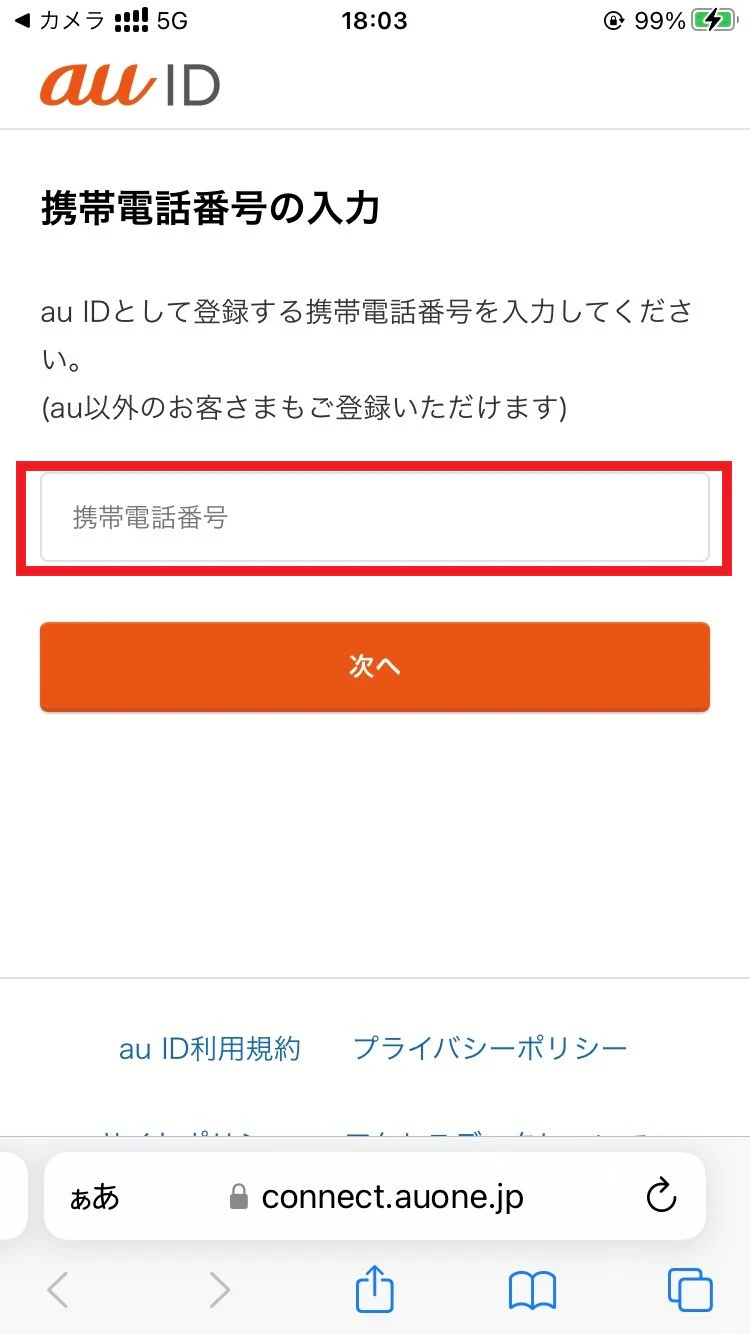
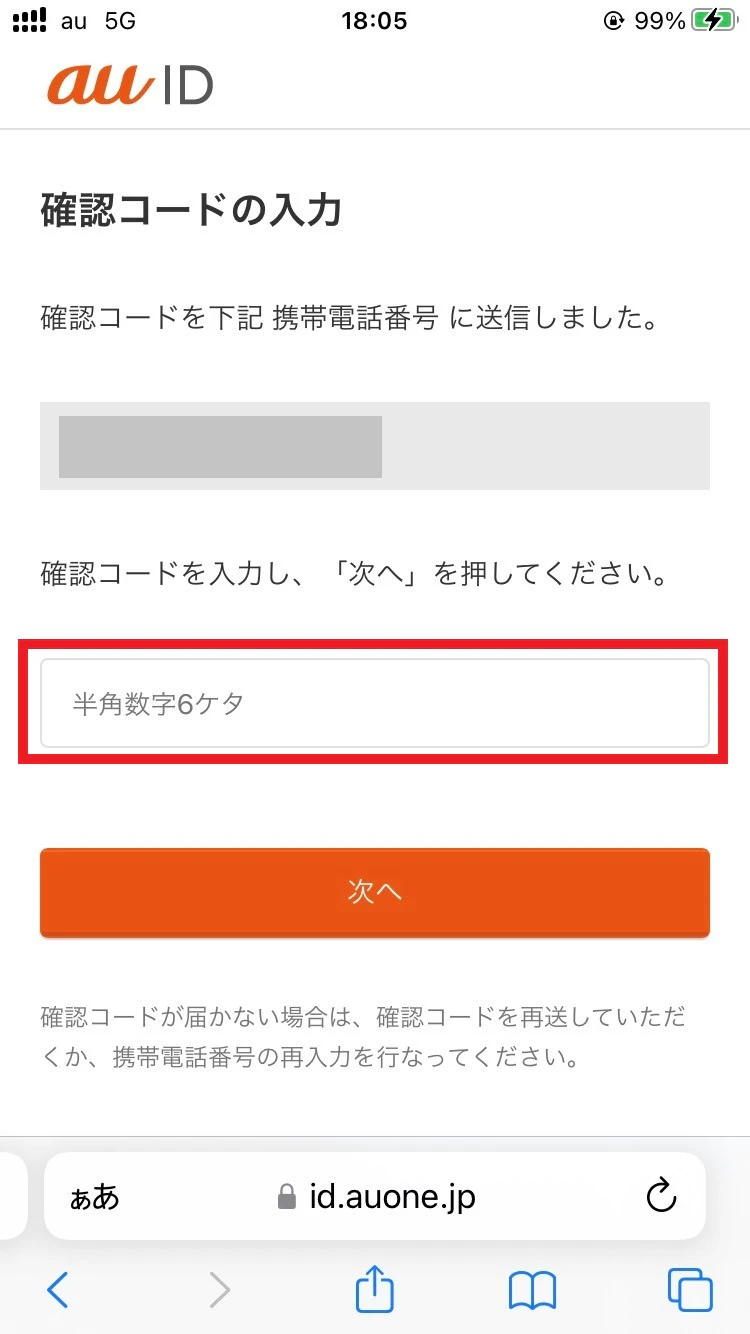
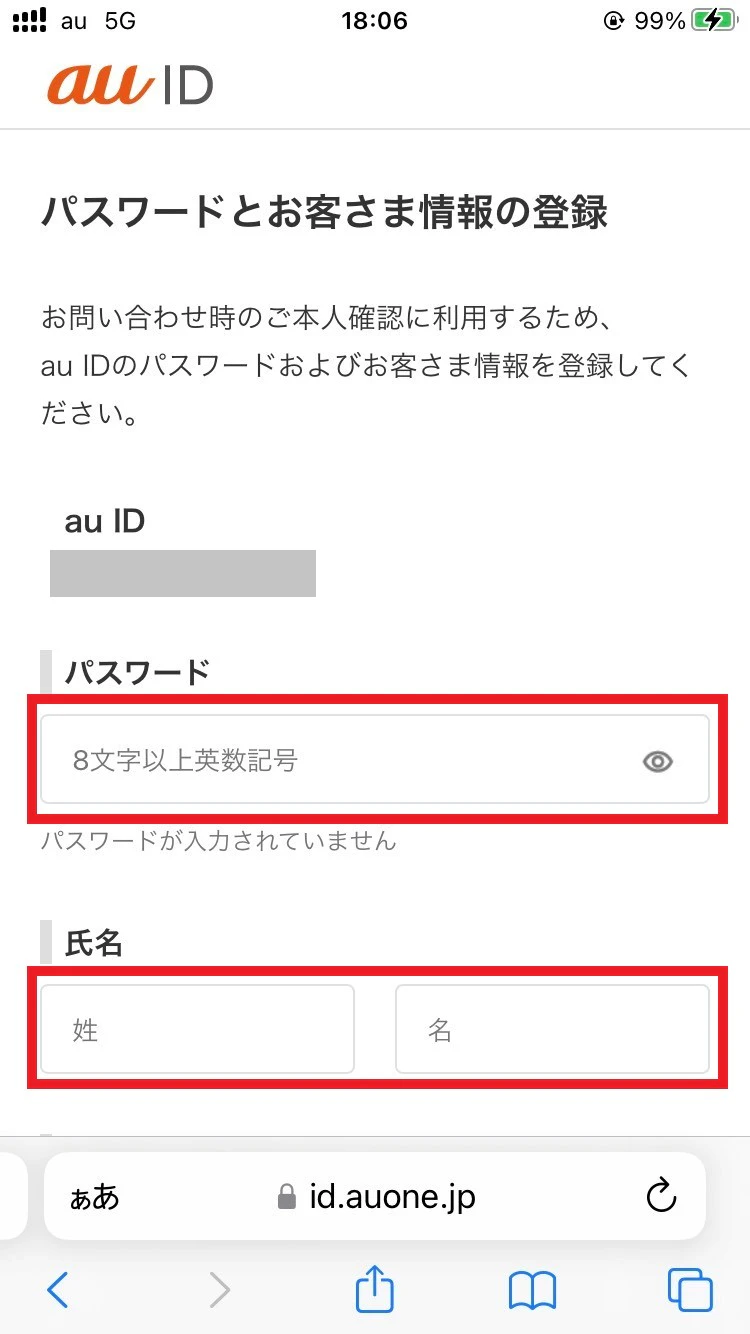
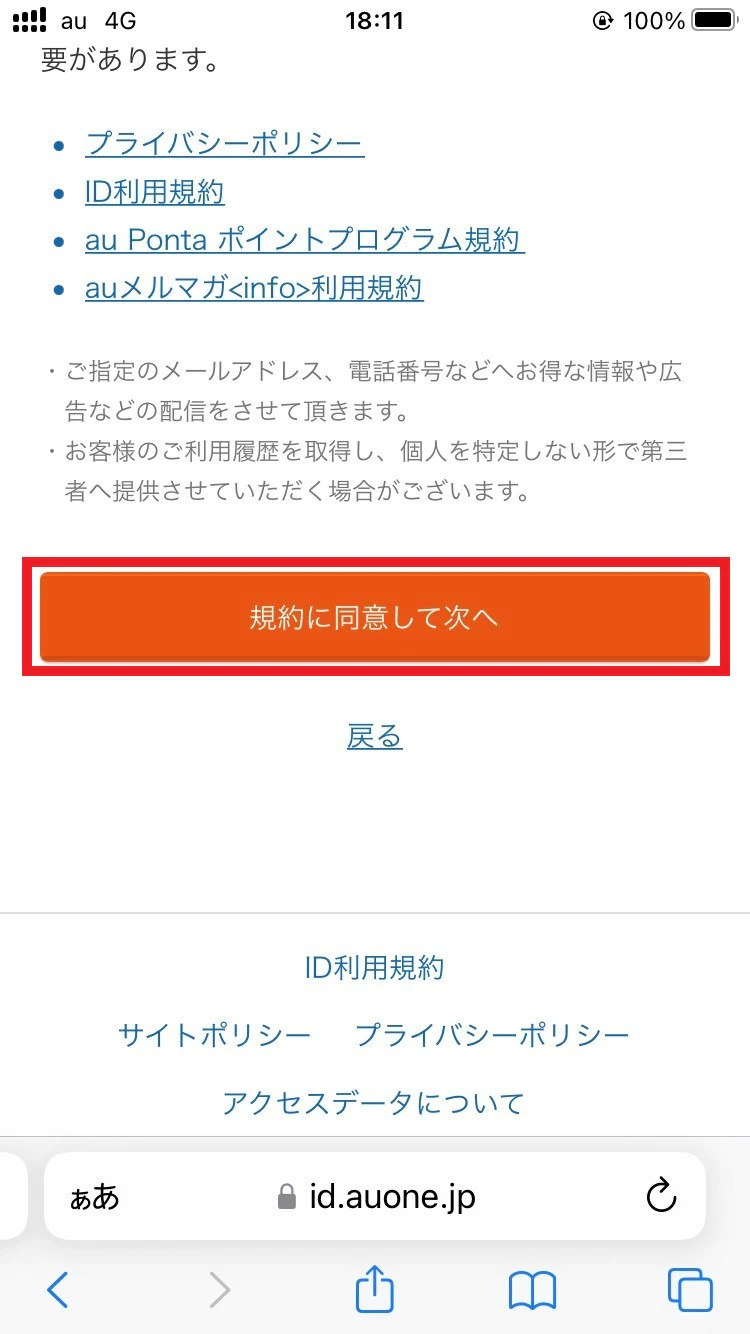
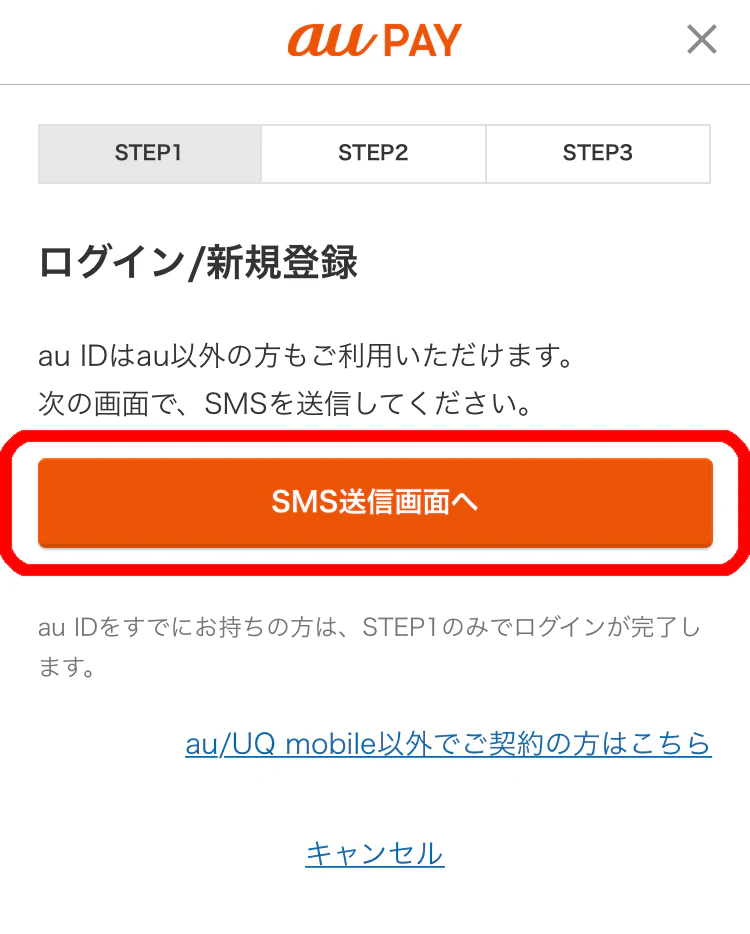
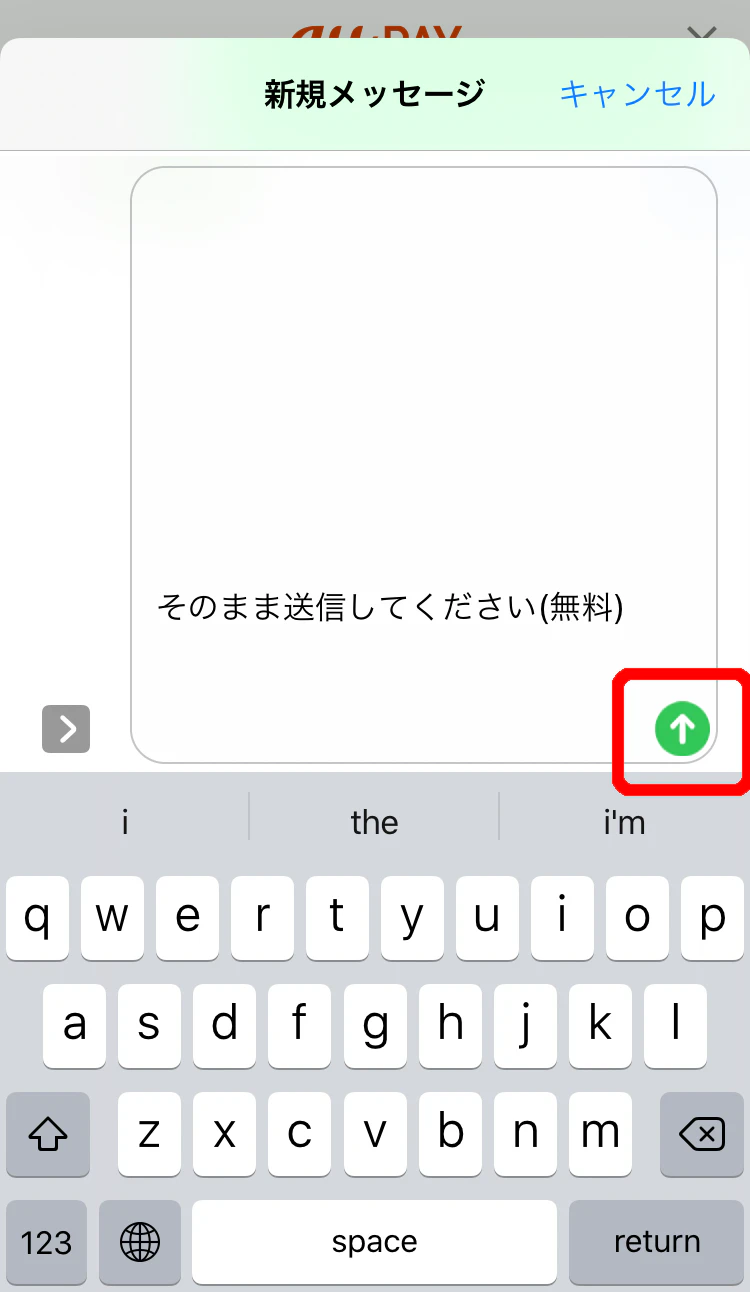
Register for a new au ID here by following the steps below.
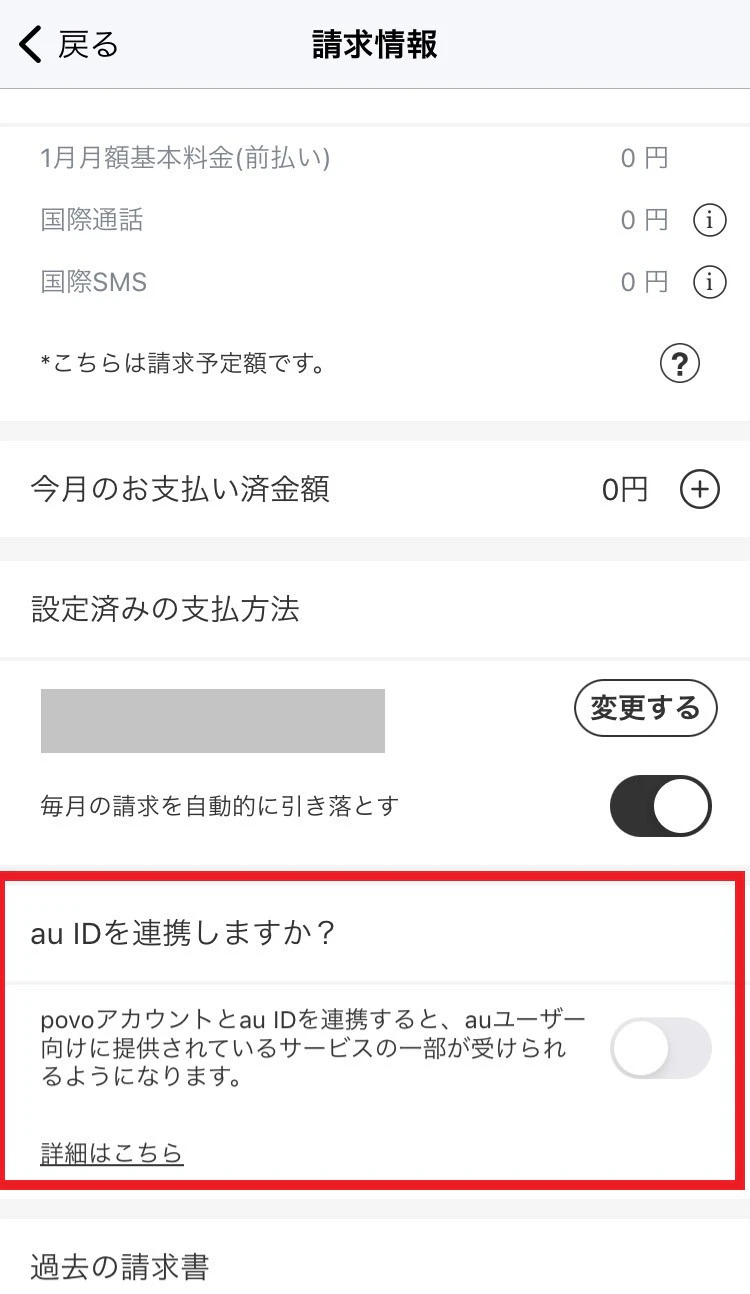
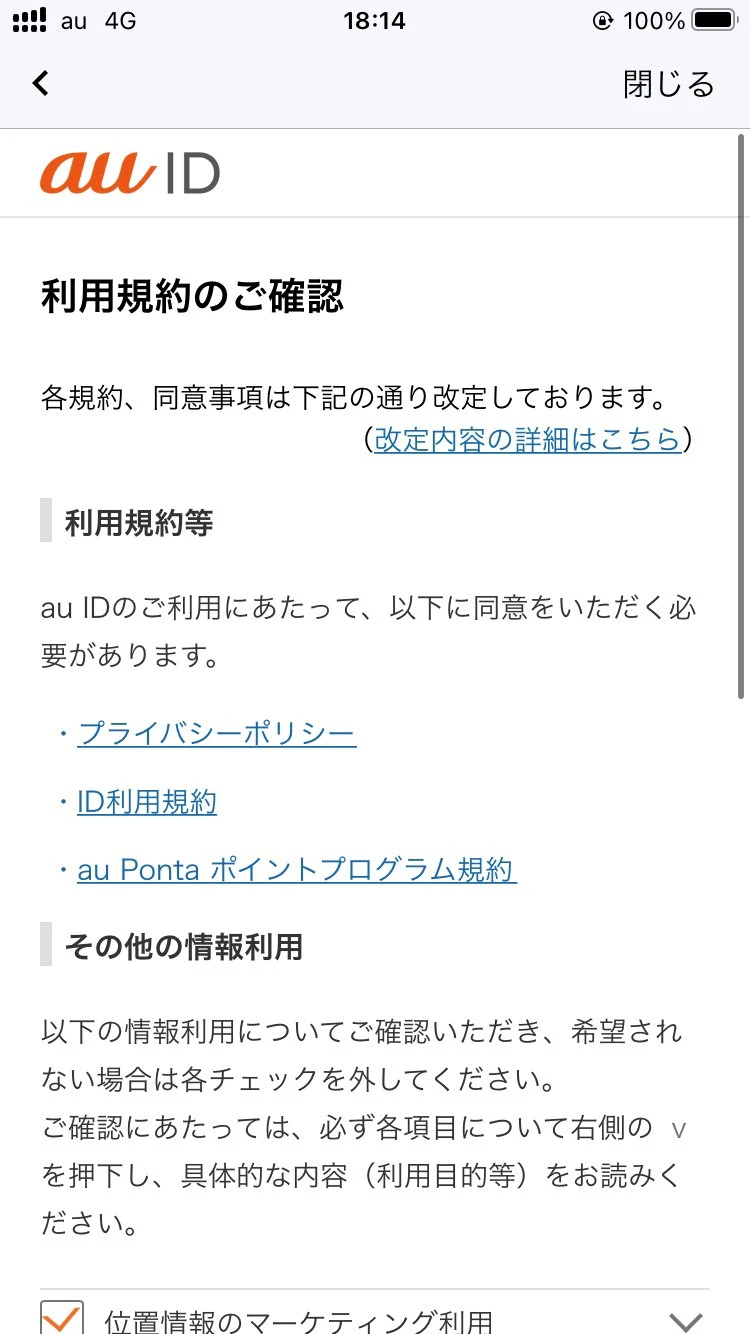
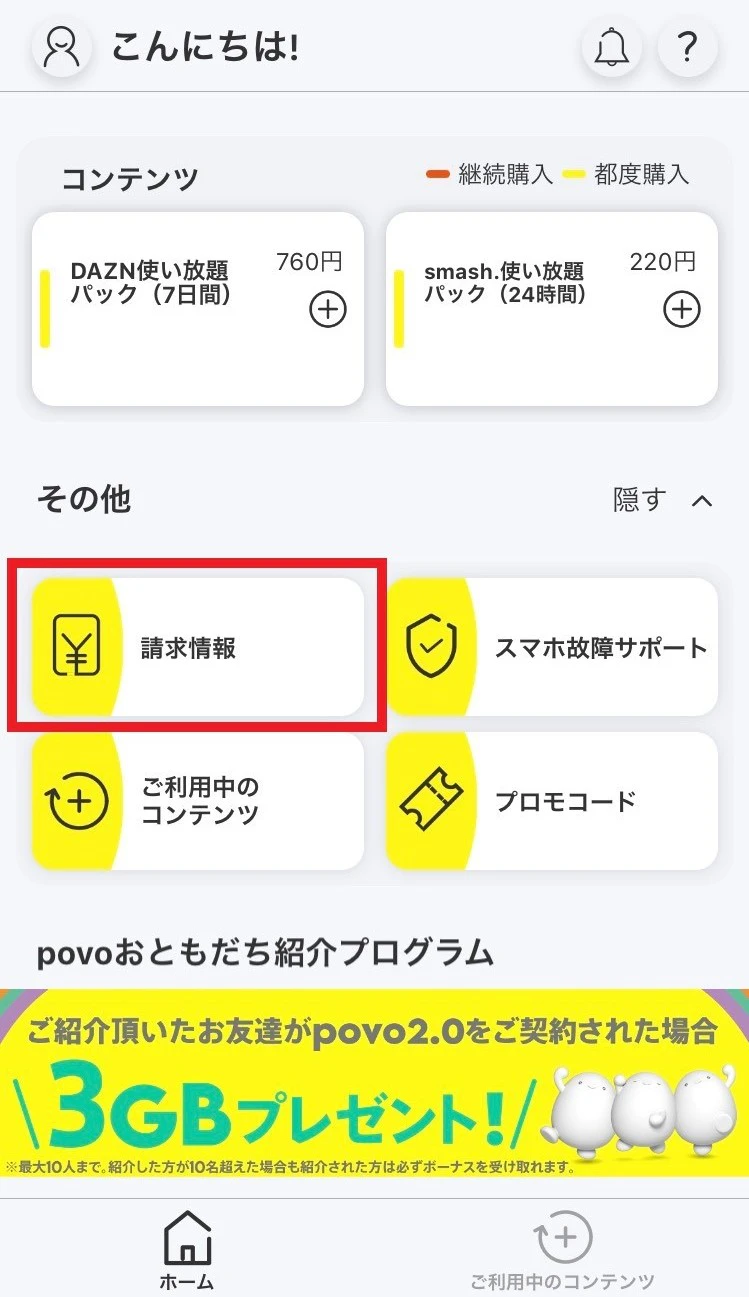
You will need to link your povo account with au ID before purchasing Topping eligible for this benefit.
Click here to link your povo account with au ID.
When the benefit is applied, your au PAY balance will be refunded as a [1-year Topping debut discount benefit].
Once your au PAY balance has been charged, you will receive an email with the subject "[au PAY] Charge (deposit) completed."
You can also check your transaction history in the au PAY app.
<How to check from the "au PAY app">
1. Open the "au PAY app"
2. Tap "Transaction History" displayed below the barcode to check
Customers who meet all the conditions for this benefit will receive a refund of their au PAY balance by the end of the month following the month in which they purchased the applicable Topping.
Please see here for the linking procedure.
Yes, you can check. Please check here.
*The information listed is current as of October 17, 2024.
*For information on the handling of personal information in each country, please click here.
*The information listed is current as of October 17, 2024.