povo2.0 provides various codes to receive data and call benefits when you sign up or after signing up.
| Code Type | Code Overview |
|---|---|
| Campaign Code | Codes sent as part of campaigns, etc. |
| Referral code | A code that can be received from a "friend" who uses povo2.0 through the povo friend referral program |
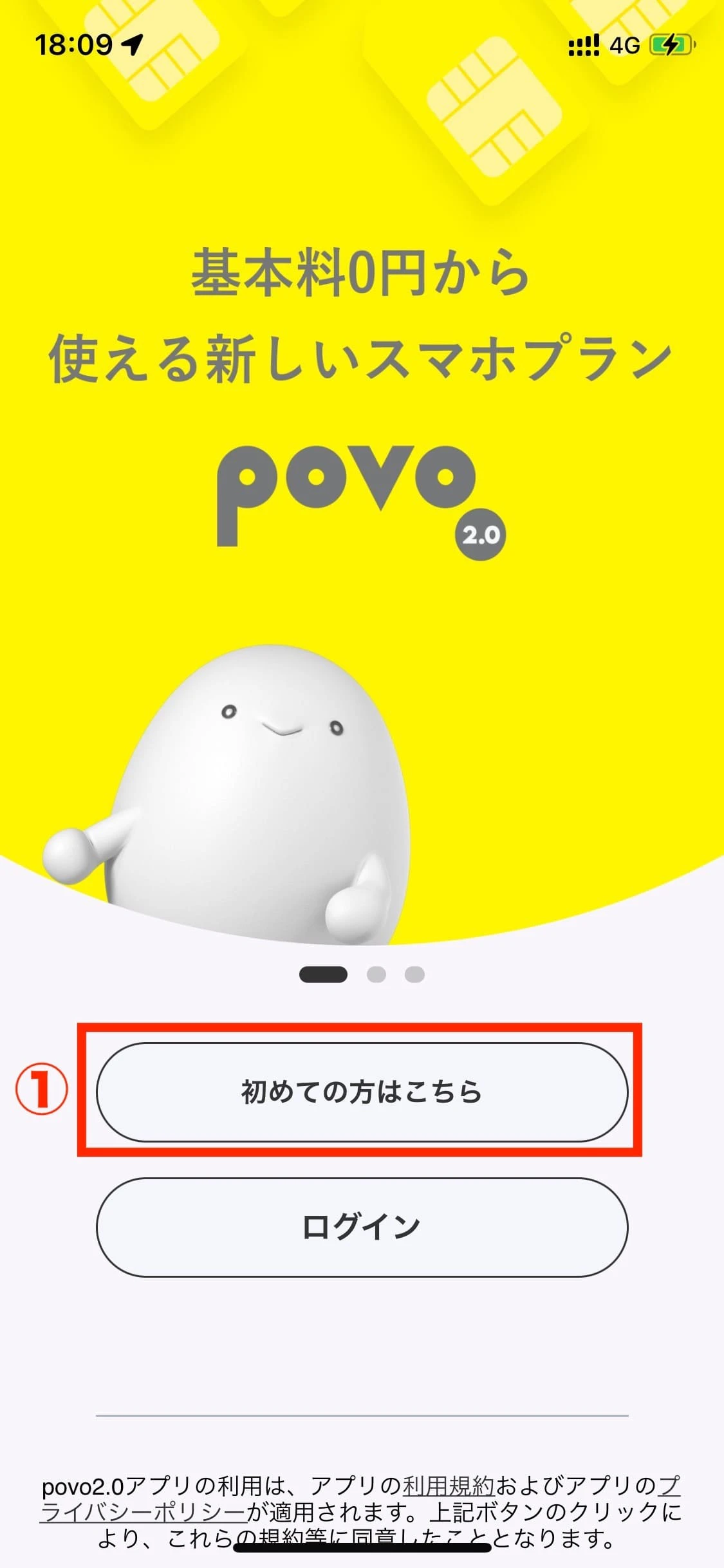
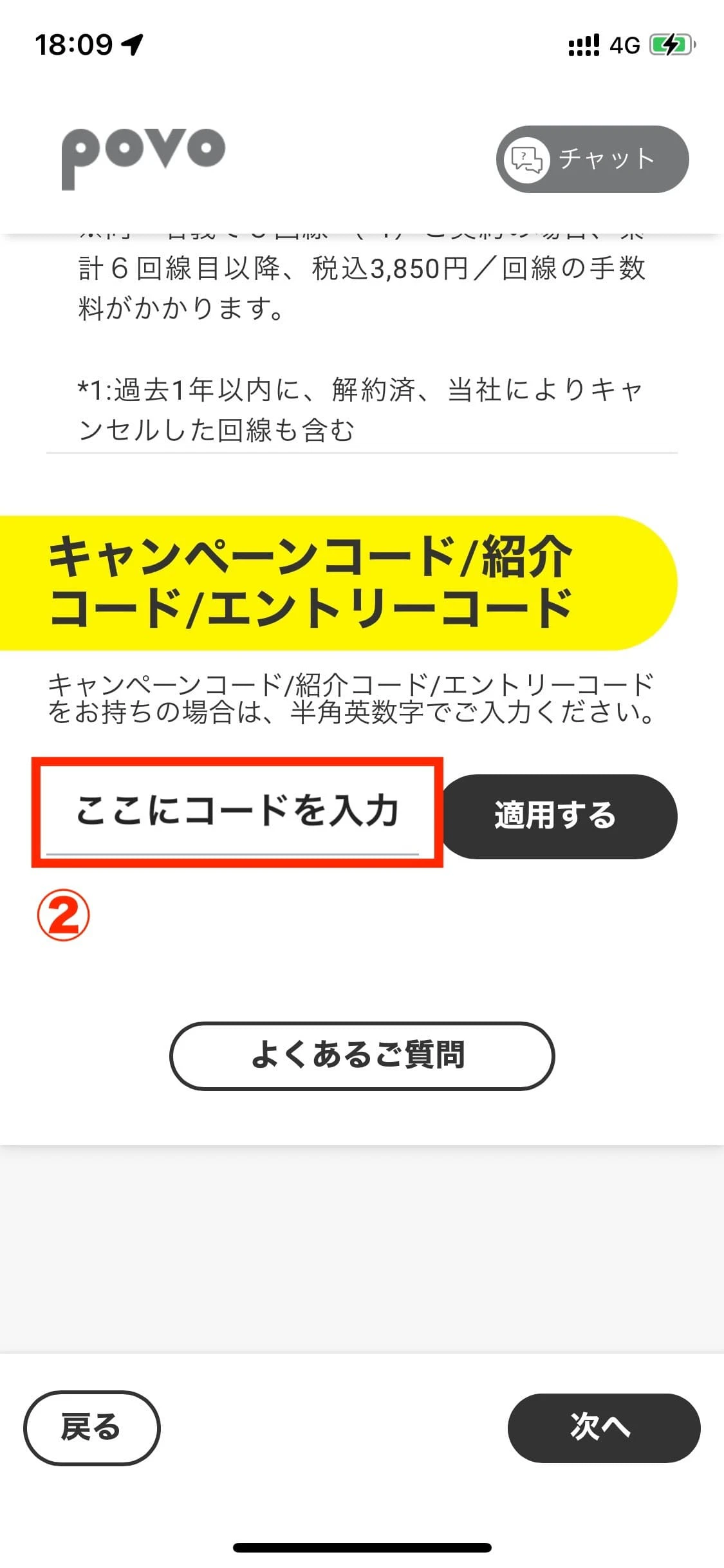
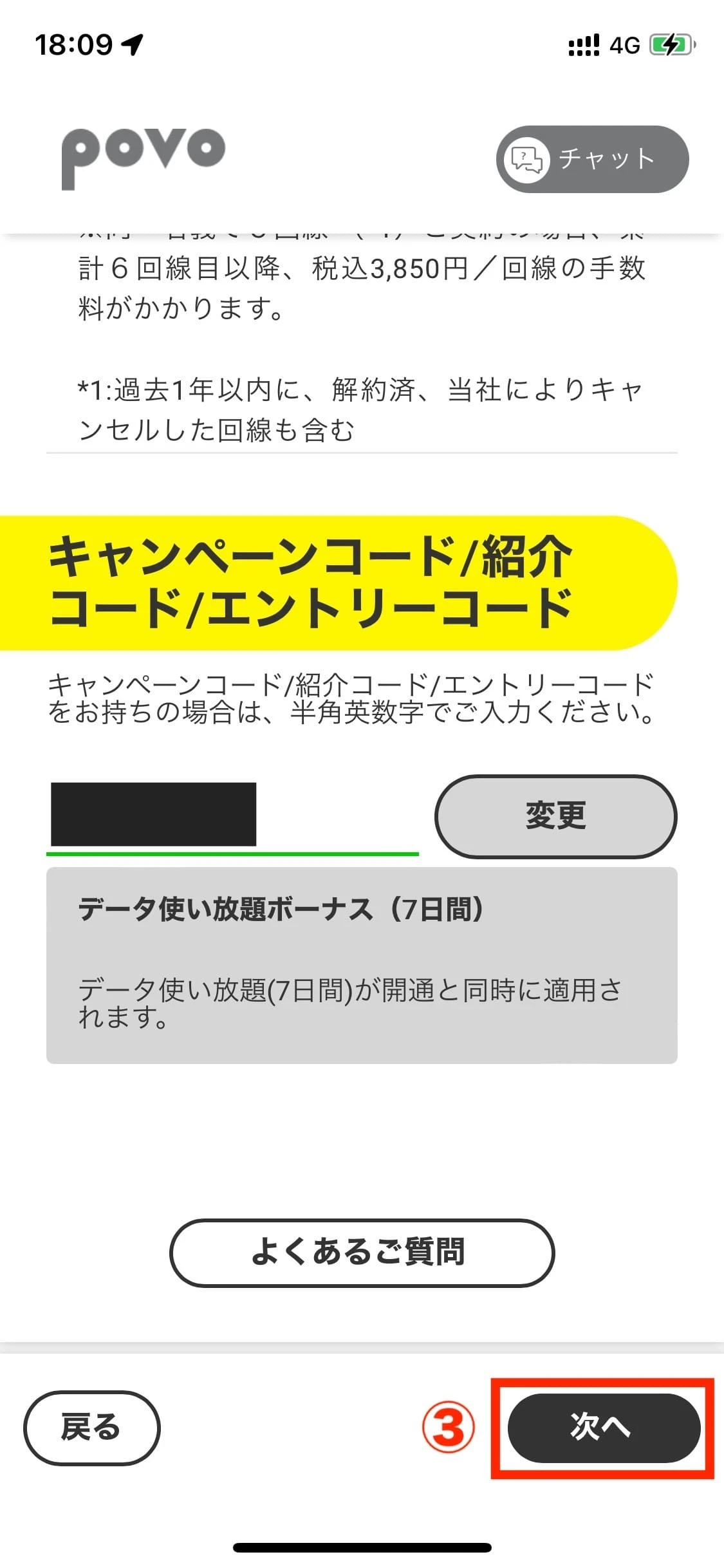
*If the input field for "campaign code/referral code/entry code" does not appear on the povo2.0 application start screen, please proceed with the procedure as is and enter your code in the input field displayed under "Confirm application details."

You can scroll to the right
| Code Type | Code Overview | Data consumption order *4 | Subject to "suspension of service if no purchase is made for validity (180 days)" *2 | assignment | resale |
|---|---|---|---|---|---|
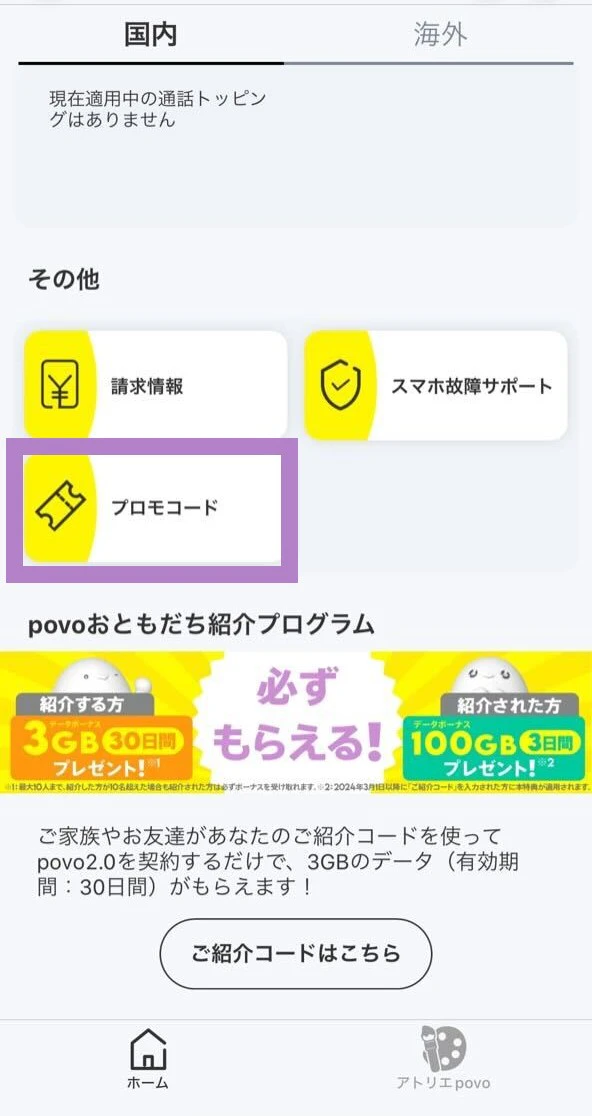
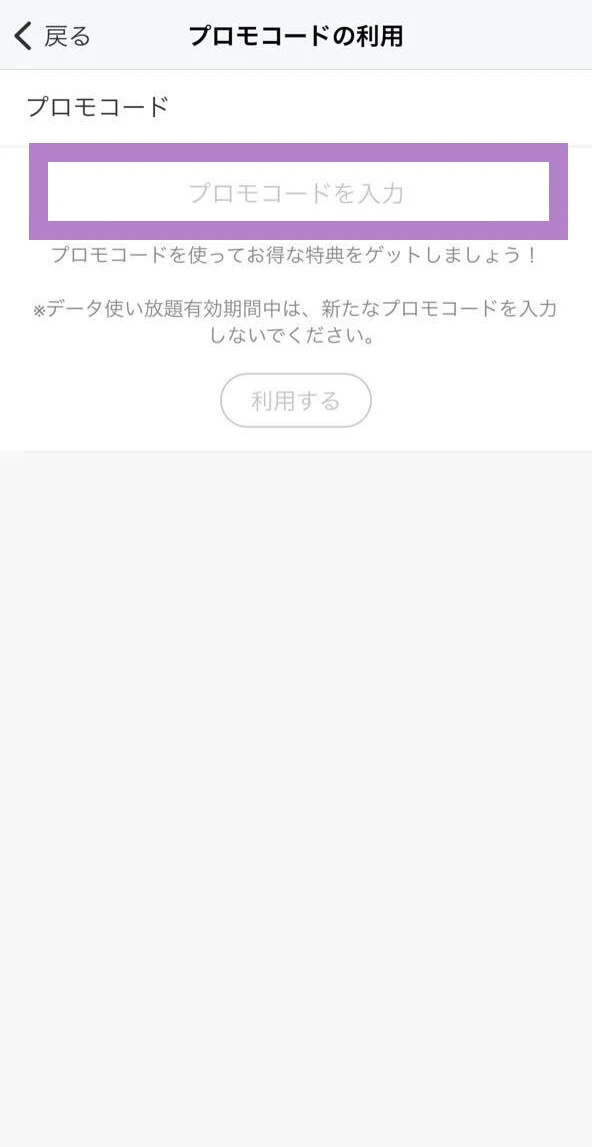
| Promo Code (Data Bonus) | Codes sent as a bonus for campaigns, etc. Example: Codes distributed on various SNS official povo accounts, etc. |
"Data Bonus" will be consumed first | The code will also be suspended when used. | Not possible | Not possible |
| Prepaid Code | Codes sent when you purchase data Topping with prepaid codes or as part of certain campaigns Example: Code sent when purchasing "Unlimited data (7 days) 12 times" |
Treat it the same as "data Topping" | When using a code, it will not be suspended.*3 | Possible | Not possible |
| Trade Code | Code given by Smartphone Gigatrade | Treat it the same as "data Topping" | When using a code, it will not be suspended.*3 | Possible | Not possible |
You can scroll to the right
| Code Type | Code Overview | Subject to "suspension of service if no purchase is made for validity (180 days)" *2 | assignment | resale |
|---|---|---|---|---|
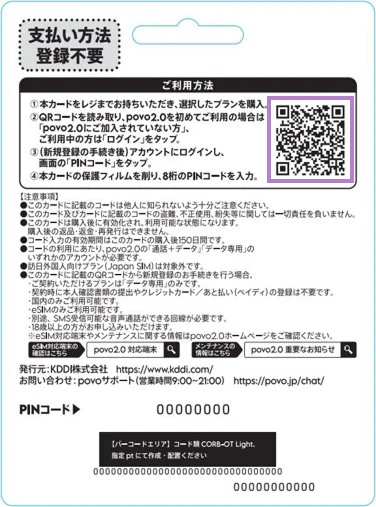
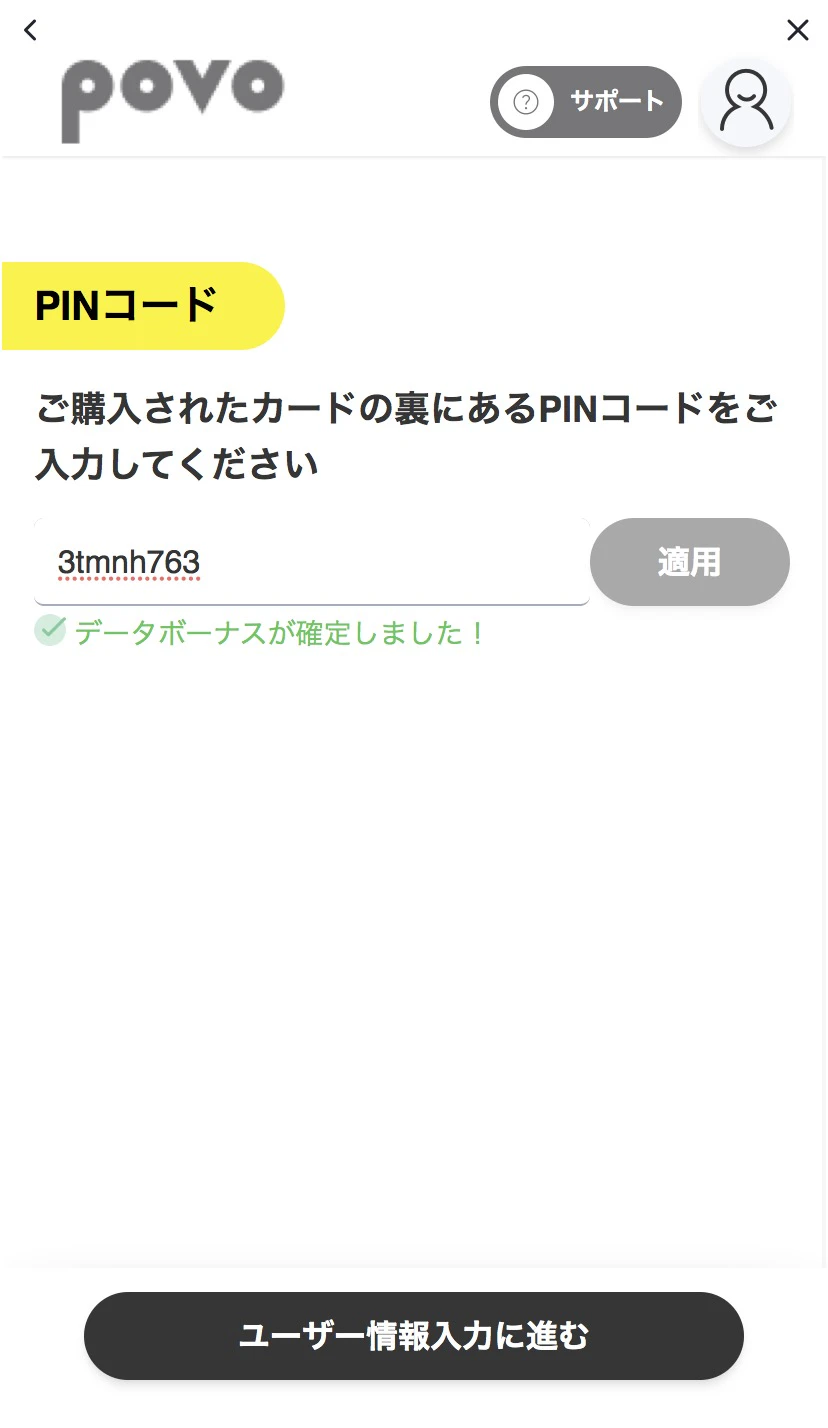
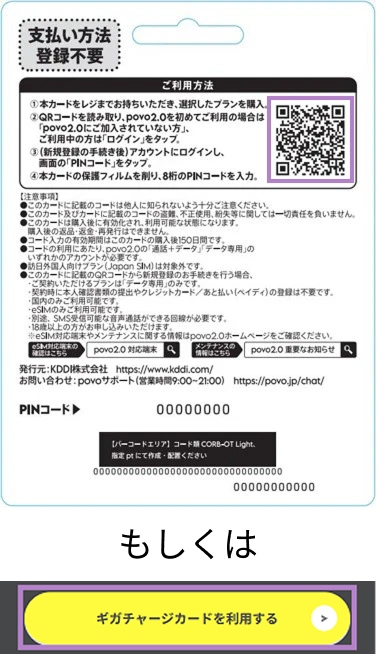
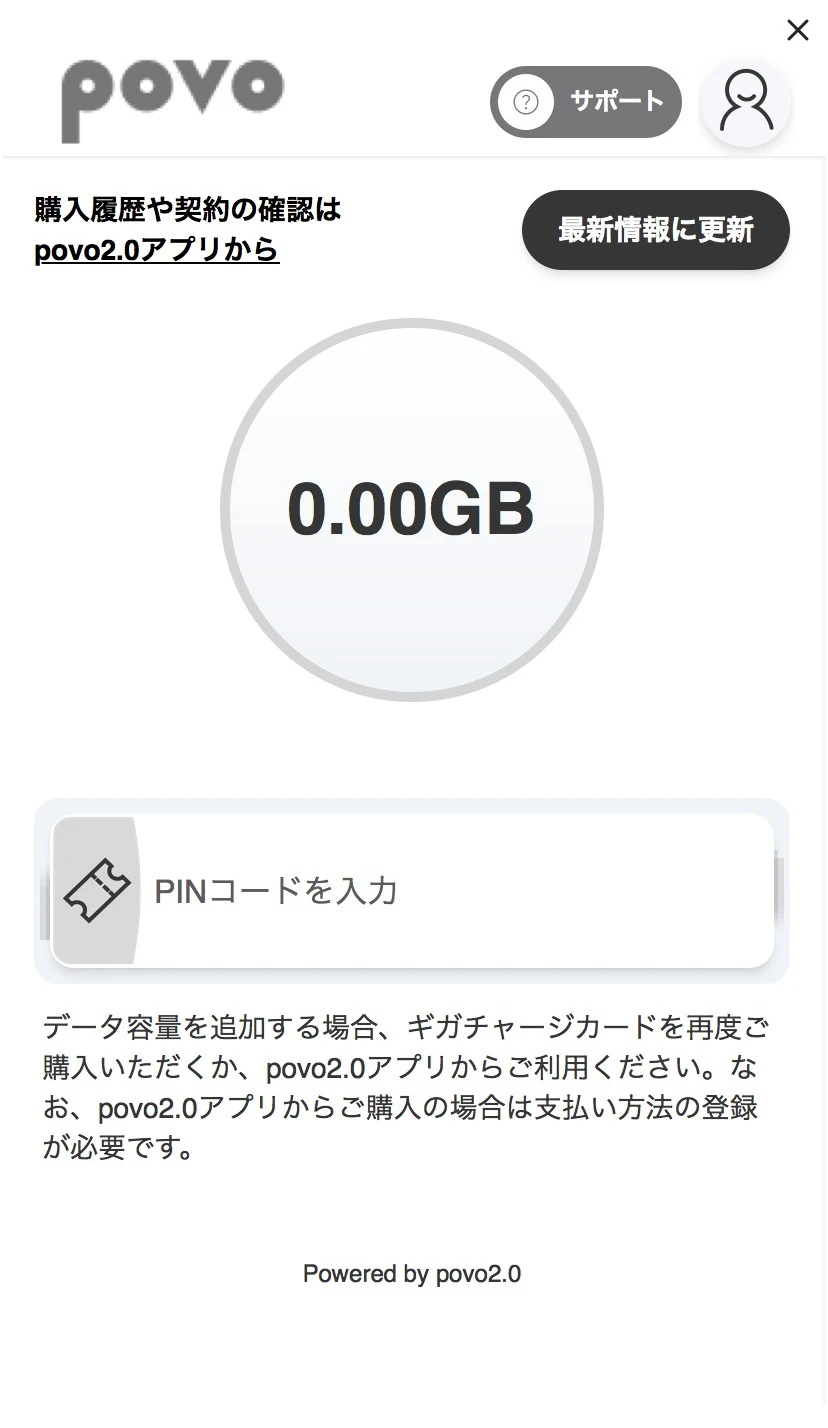
| PIN code | The code printed on the gift card purchased at LAWSON store, etc. Example: The PIN code printed on a Giga Charge card sold |
When using a code, it will not be suspended.*3 | Possible | Not possible |
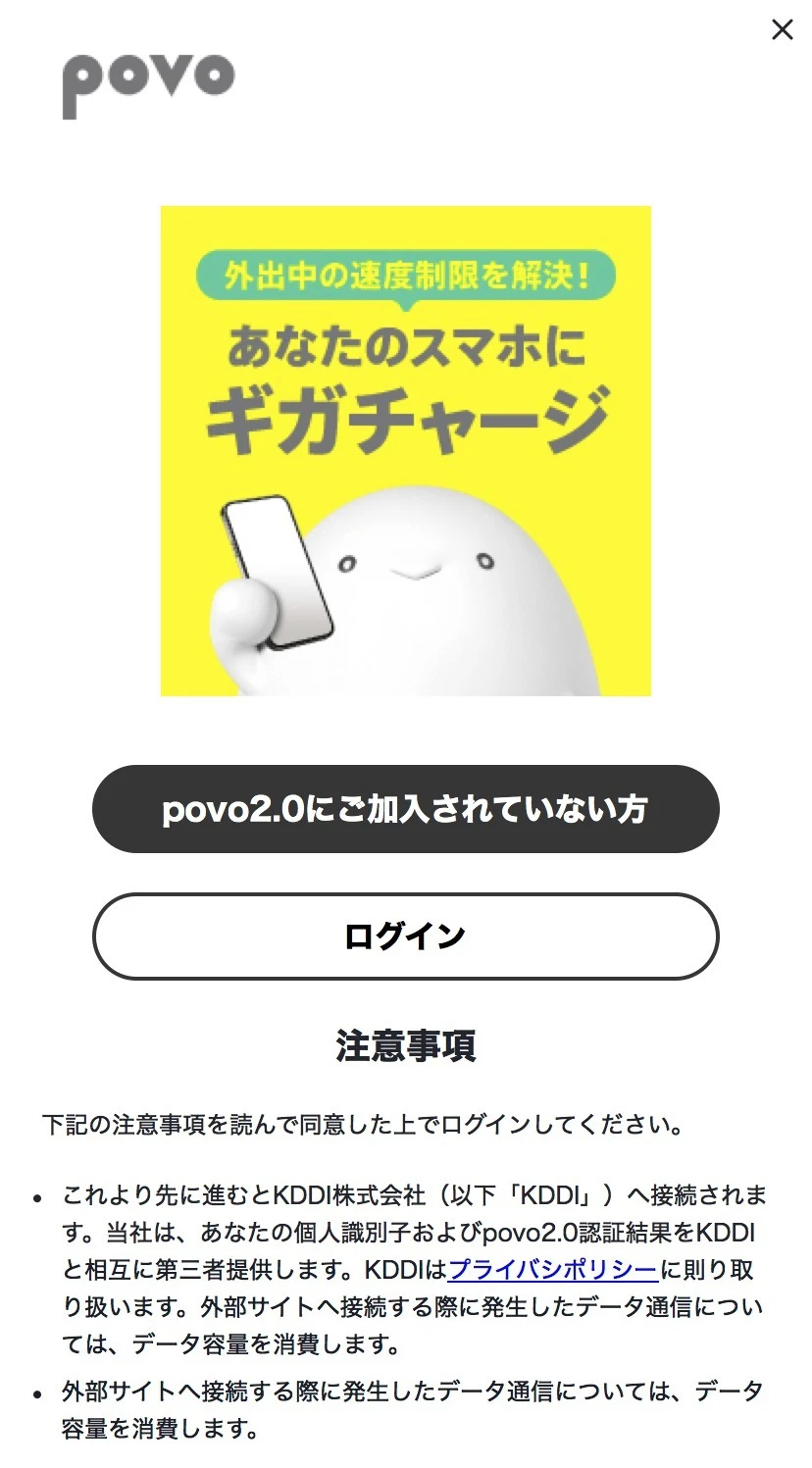
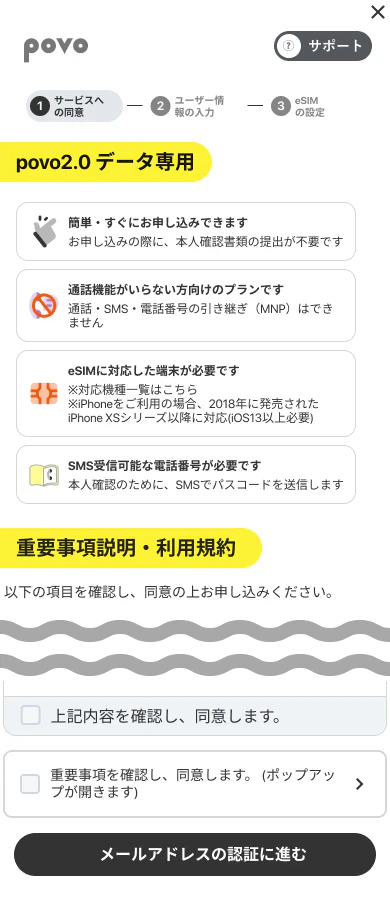
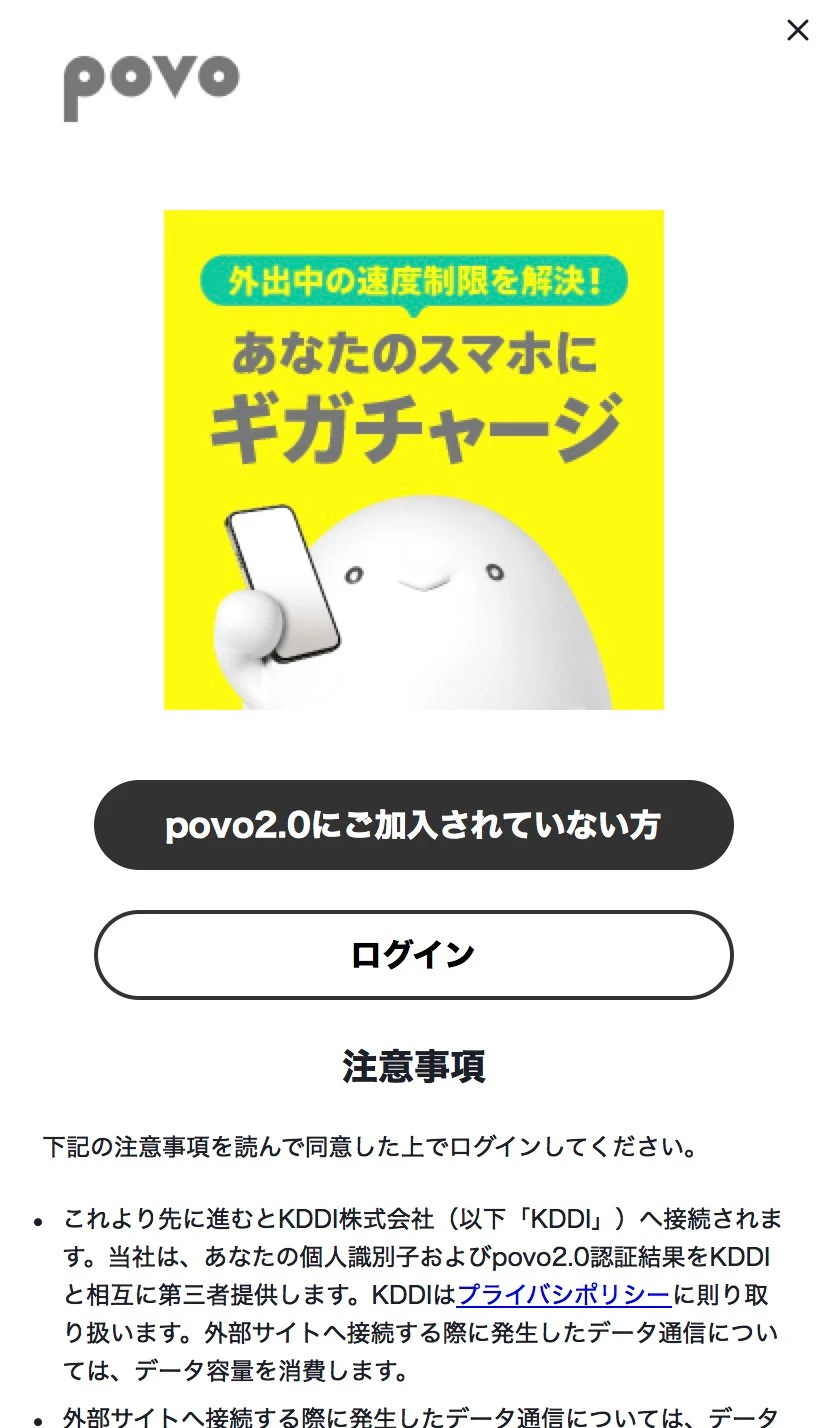
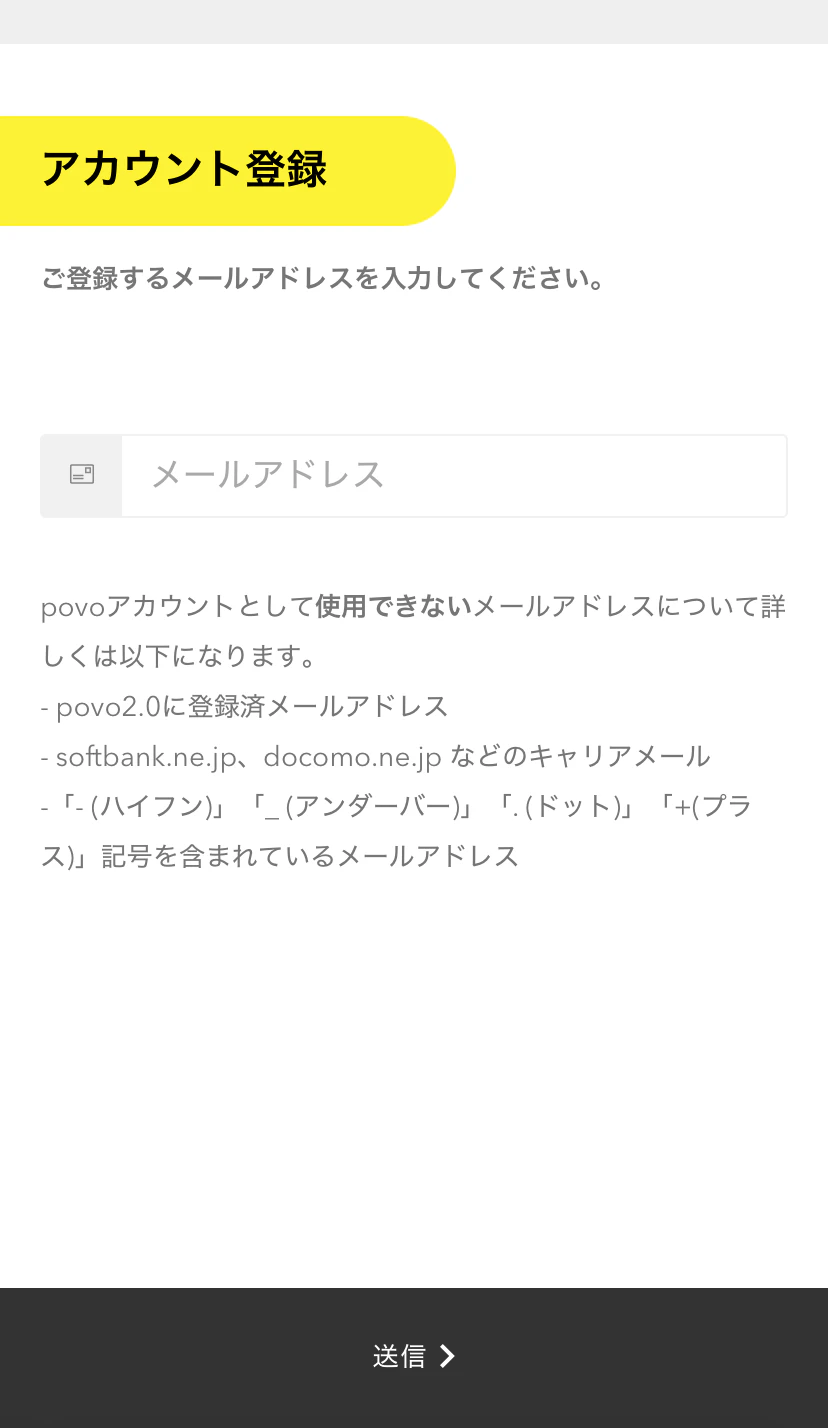
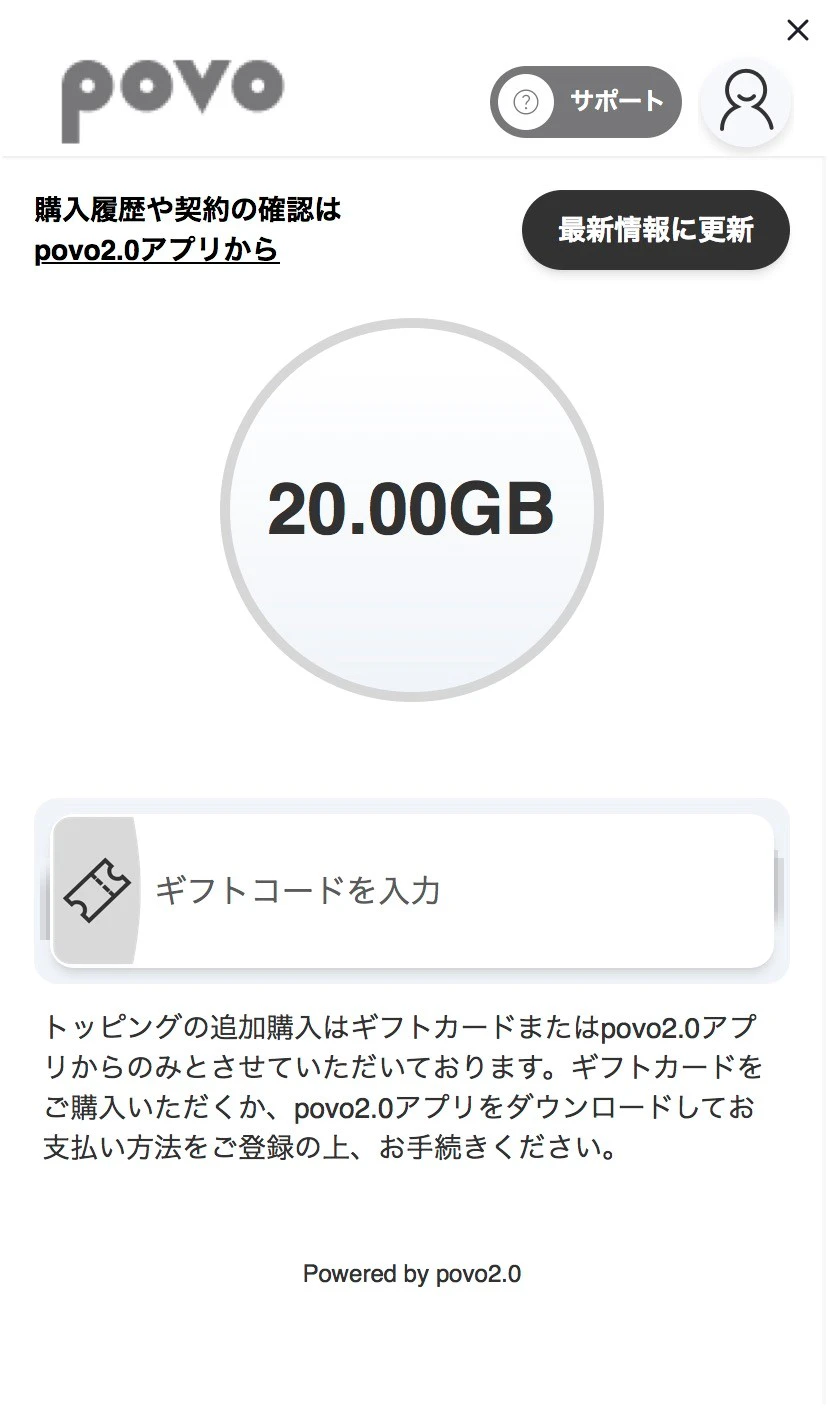
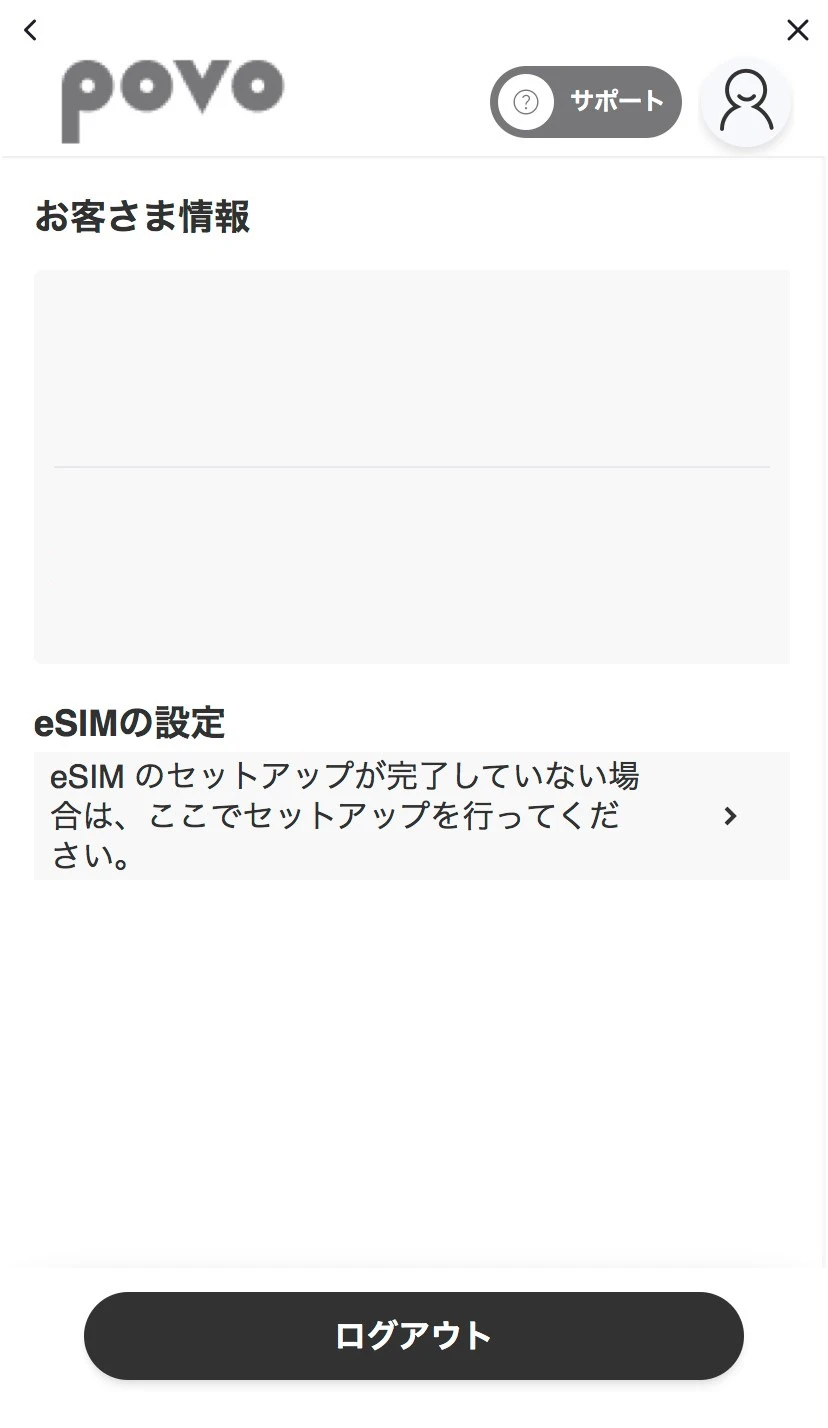
*1 For details on the code, please check the relevant campaign website.
validity *2 If no paid Topping purchases are made during the 180-day period preceding each day following the date on which the SIM at povo2.0 was activated (provided, however, that this applies only if 180 days have elapsed from the date the SIM at povo2.0 was activated), service will be suspended sequentially. For details, here
Topping *3 Even if you are using a code, if you do not purchase a paid within 180 days starting from the day after the code’s validity, your service will be suspended sequentially.
*4 When multiple Topping codes are applied, the priority order for data consumption is here



