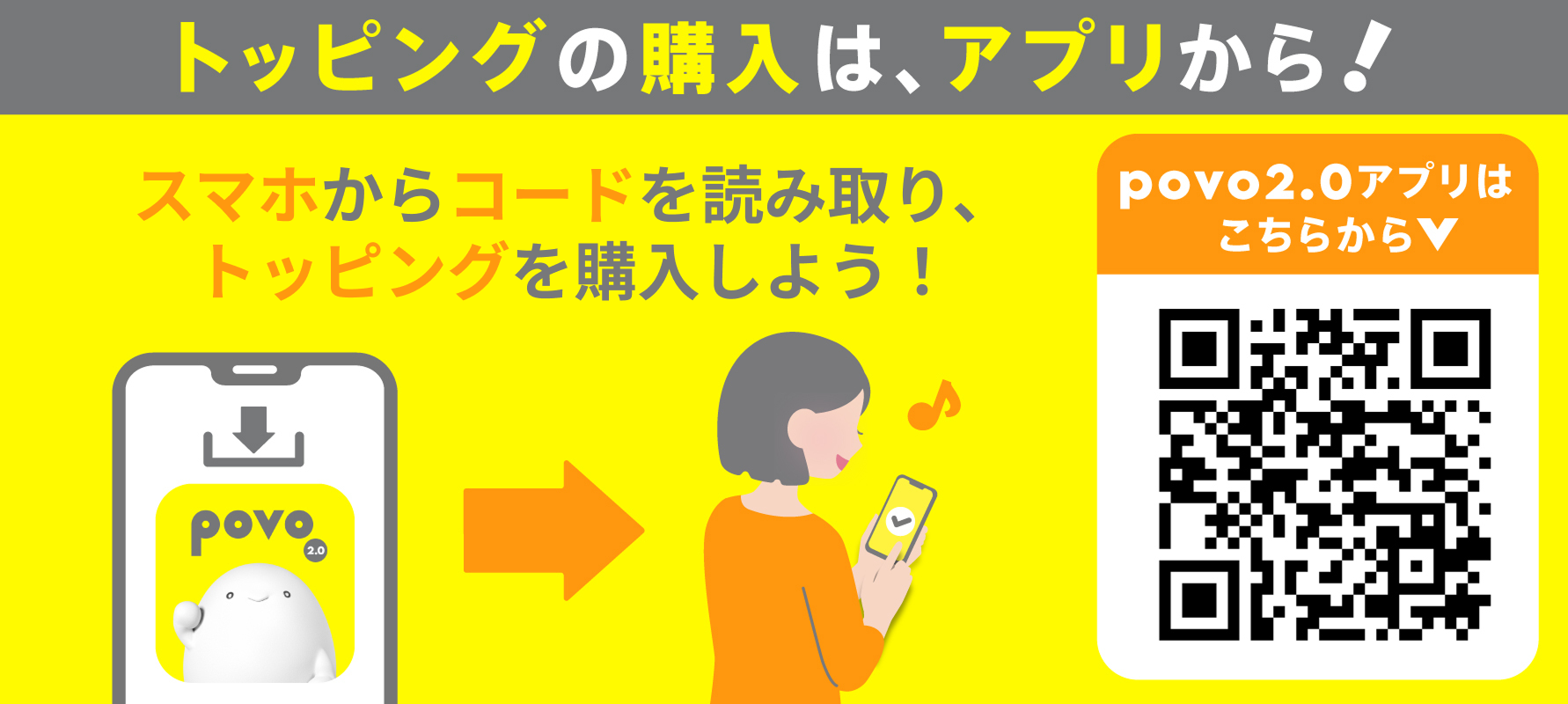
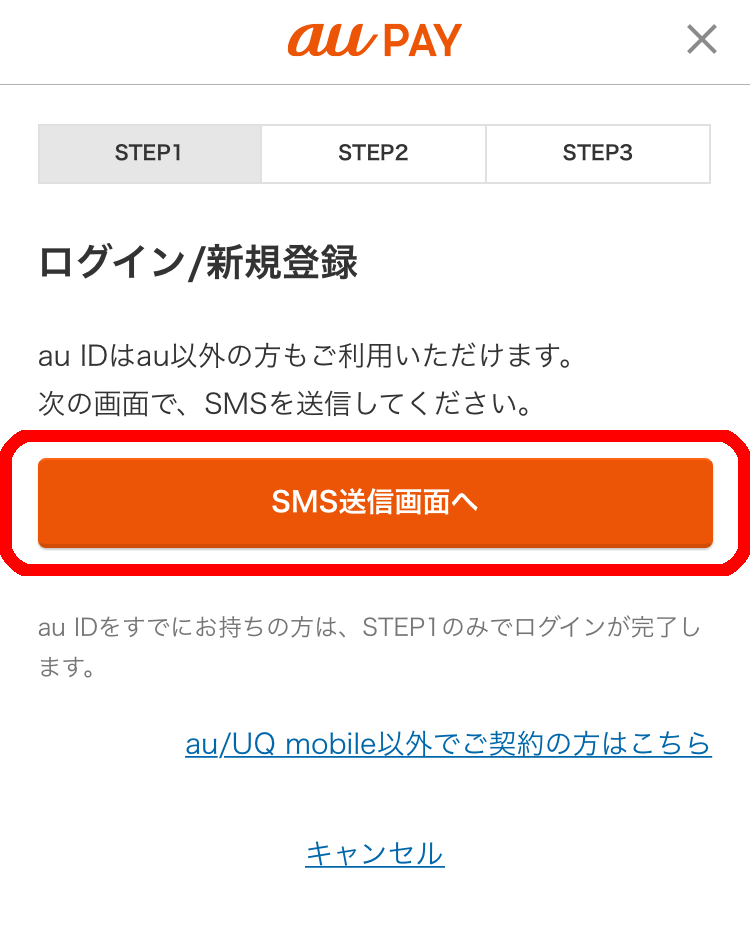
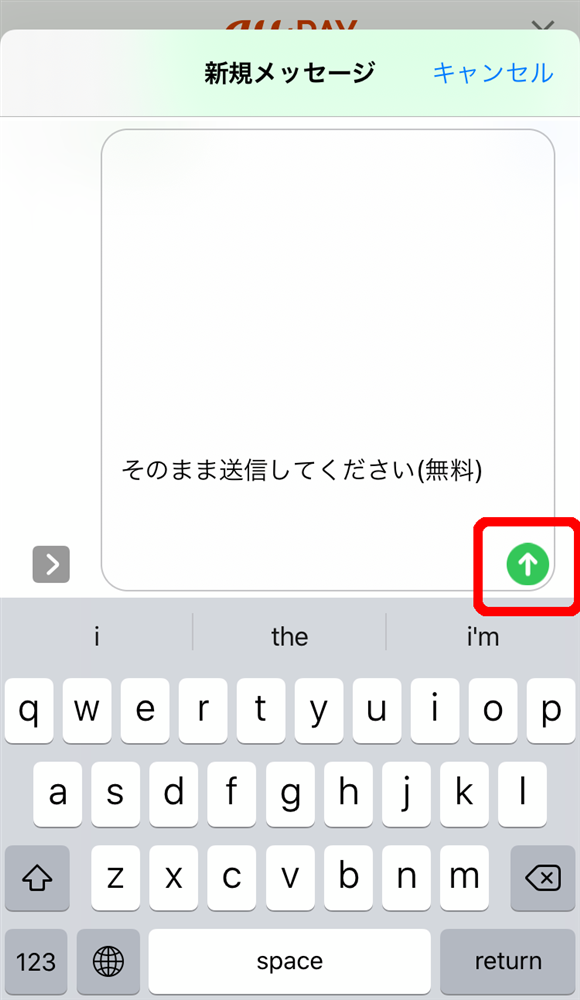
Please see below for details on the procedures for "linking your au ID" and "starting to use the au PAY app."
*Please check the terms and details of each campaign on the individual campaign page.
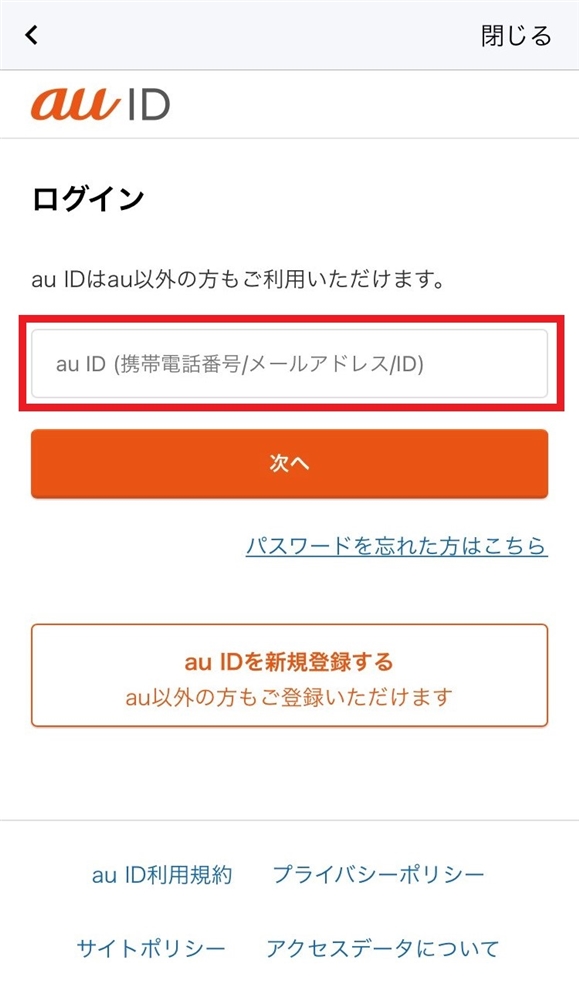
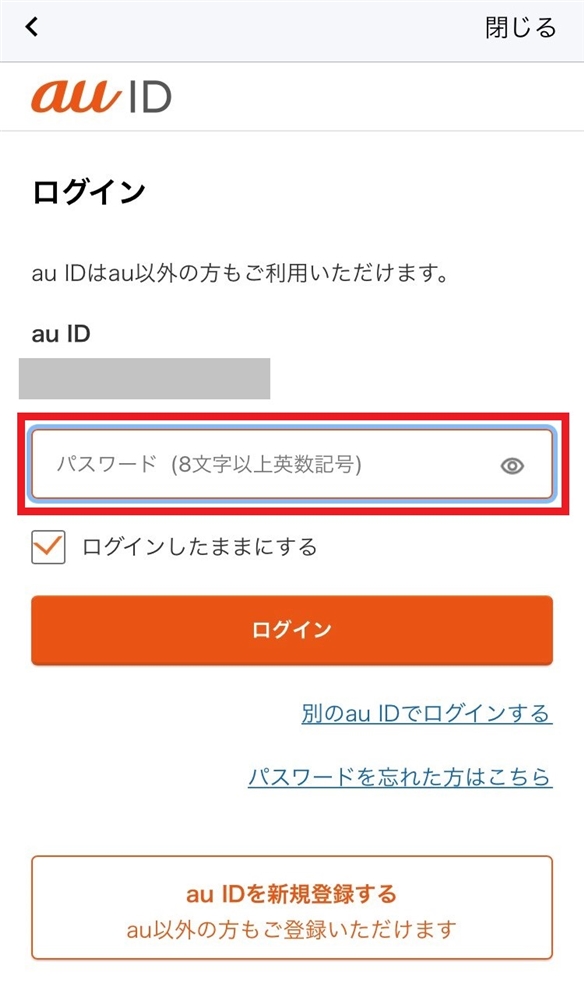
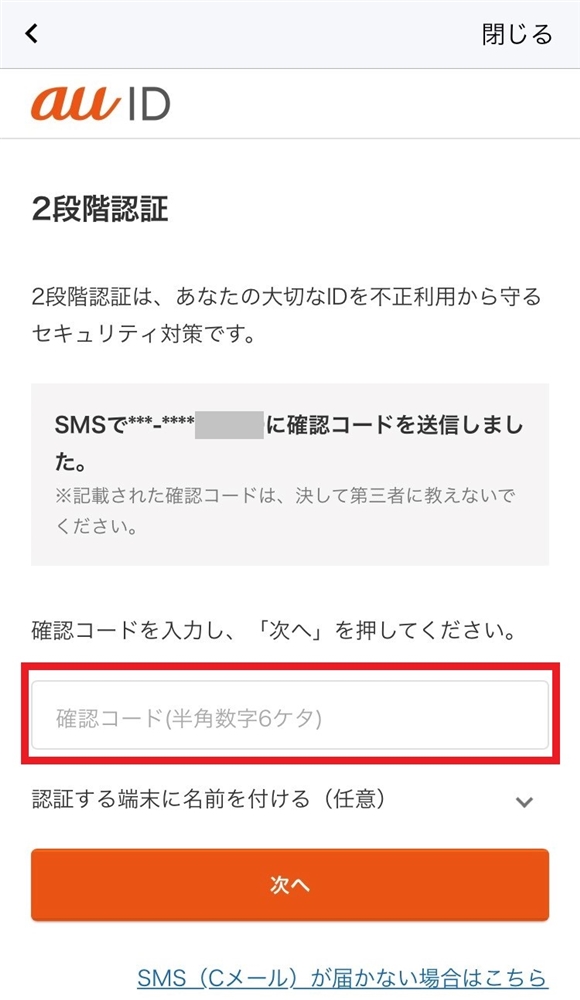
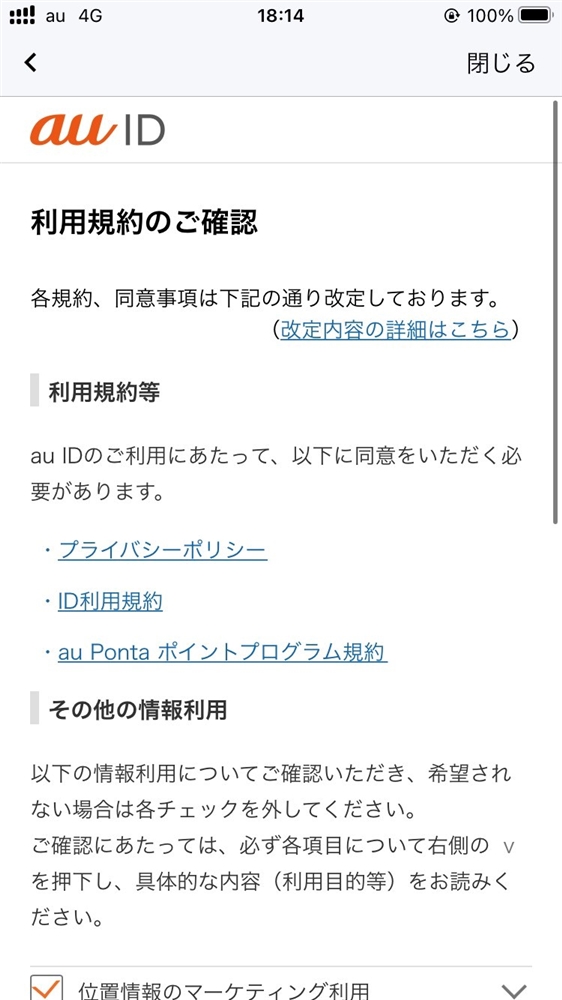
Register for a new au ID here by following the steps below.
Register for a new au ID here by following the steps below.
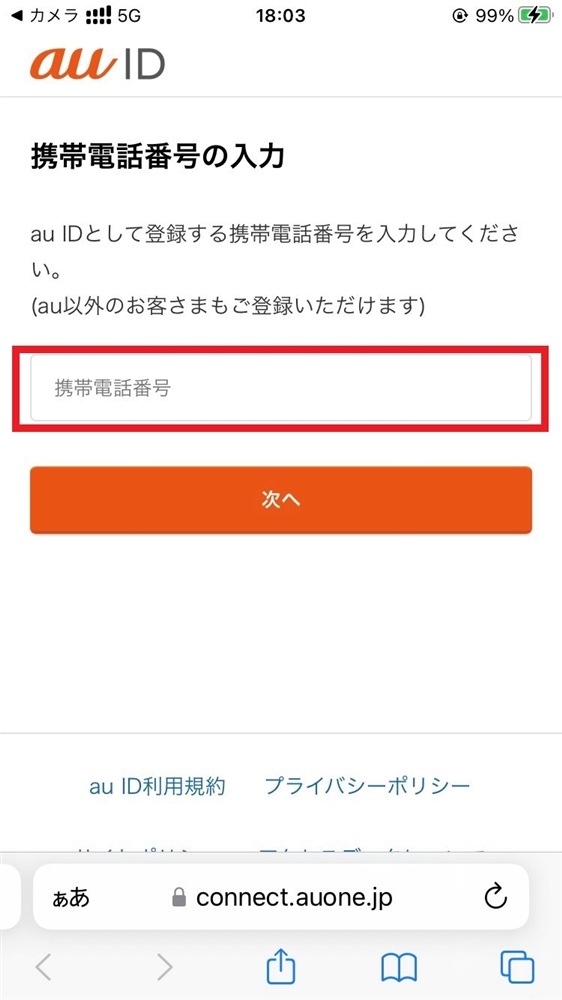
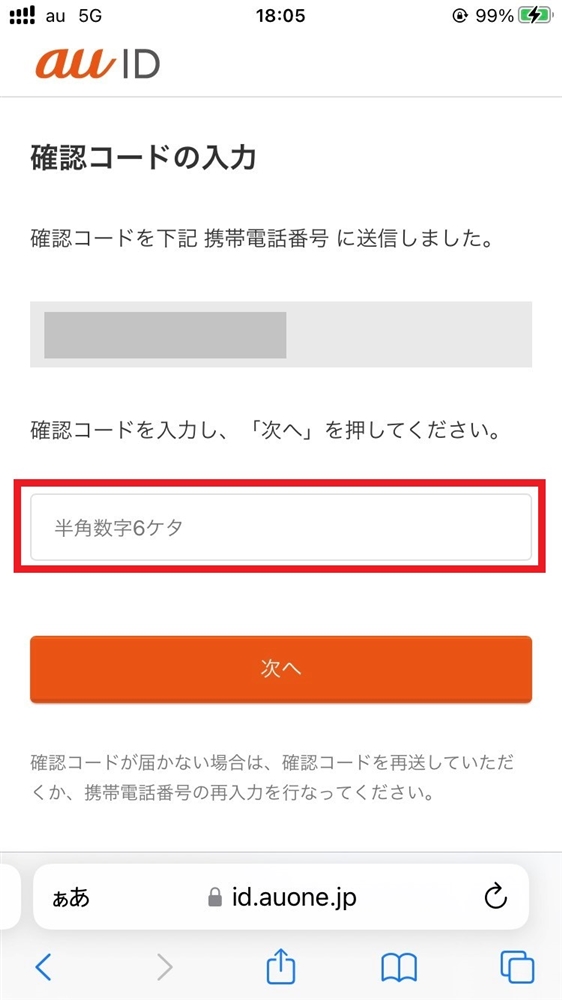
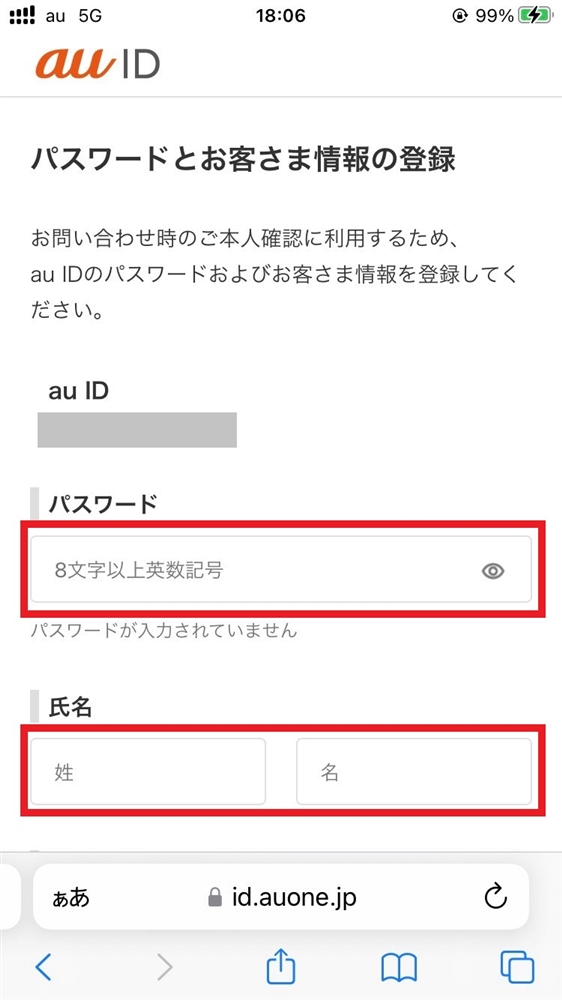
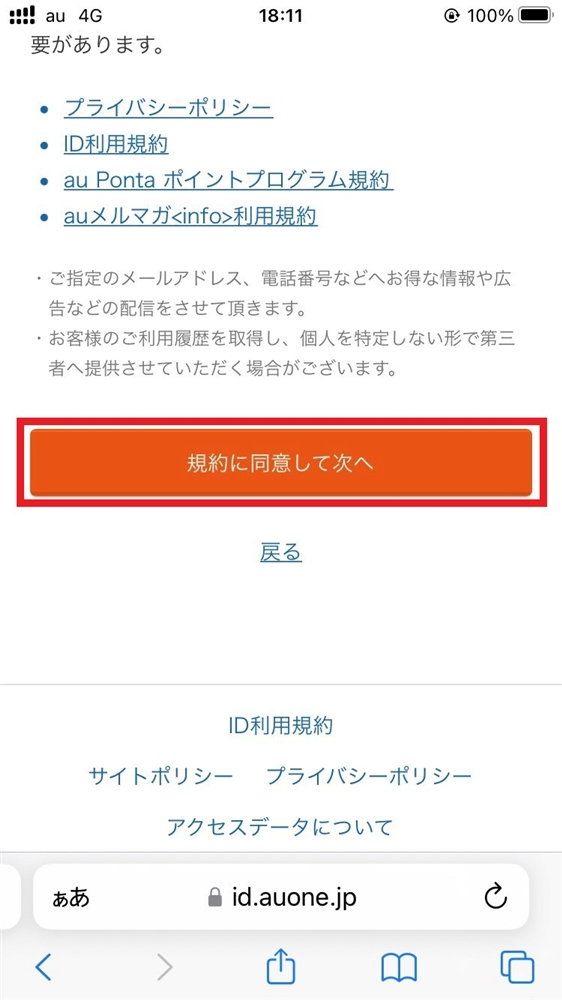
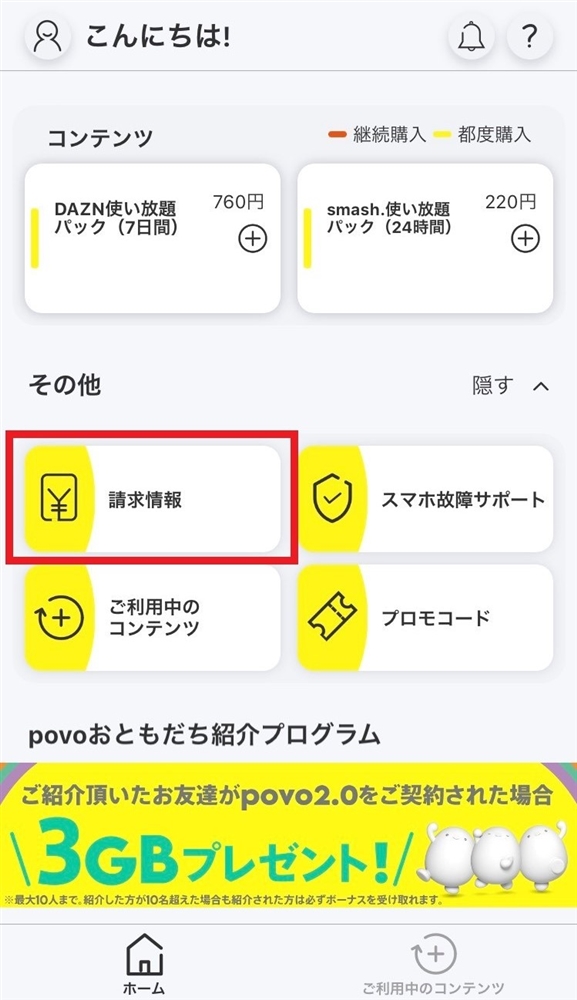
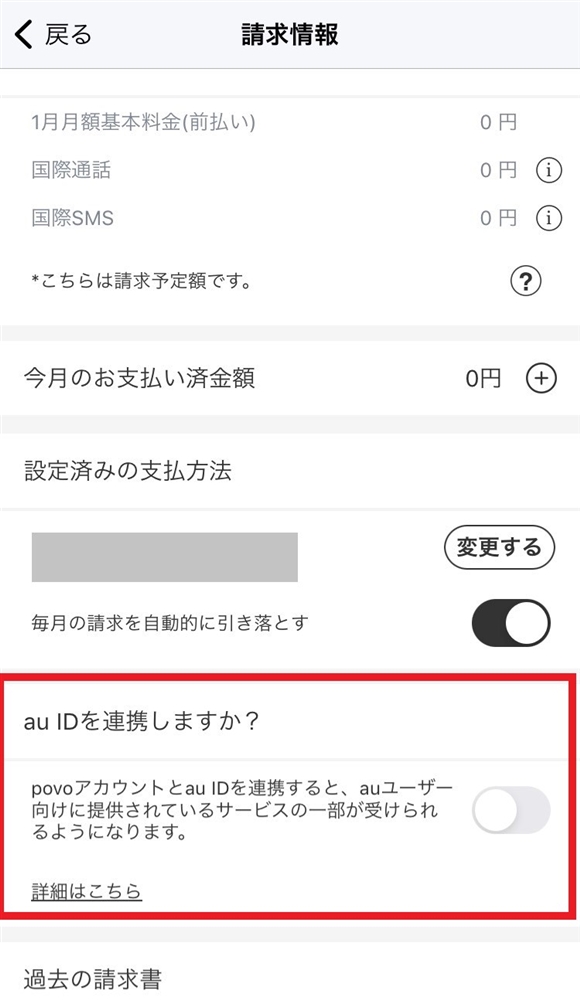
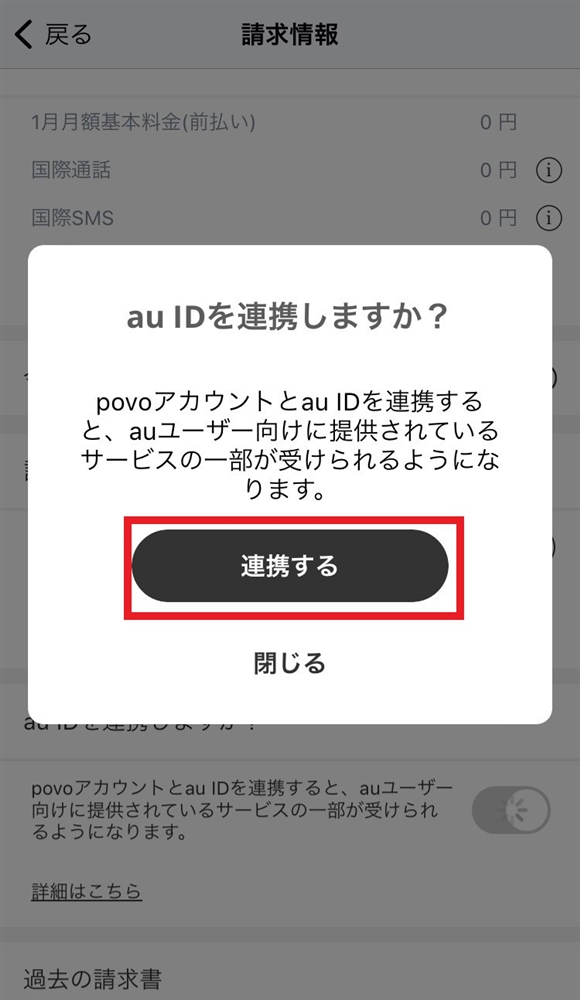
*Please check the terms and details of each campaign on the individual campaign page.


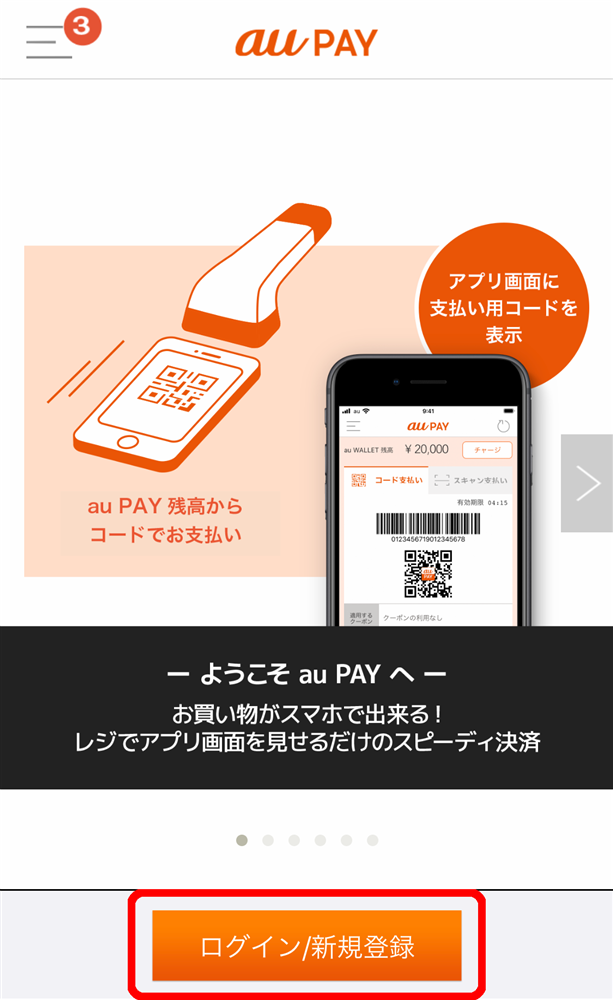
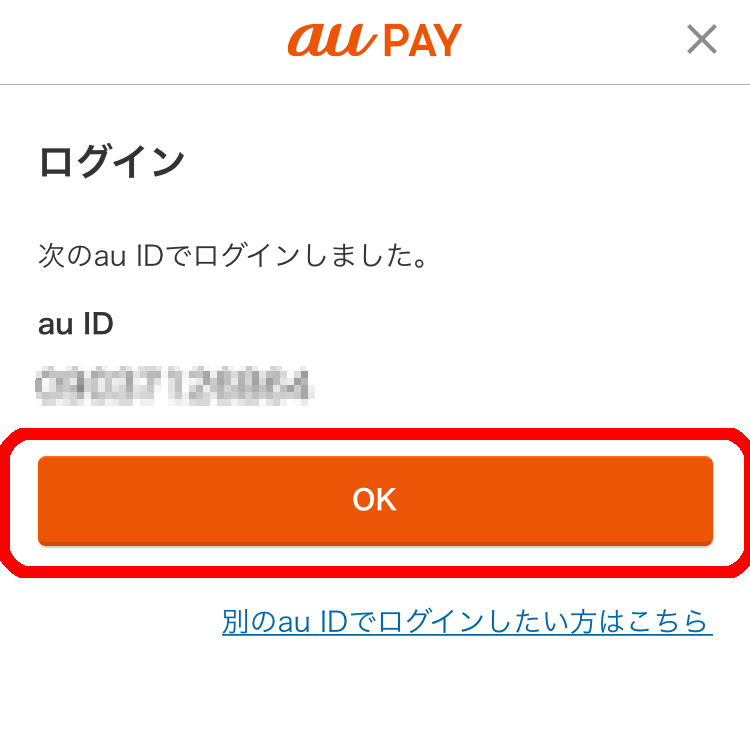
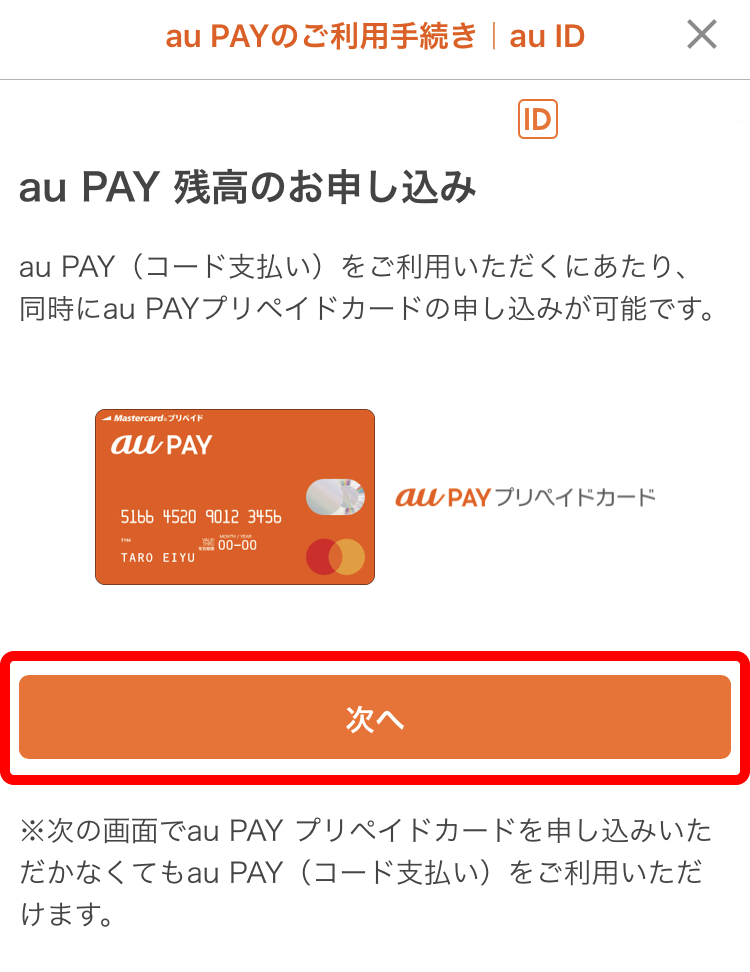
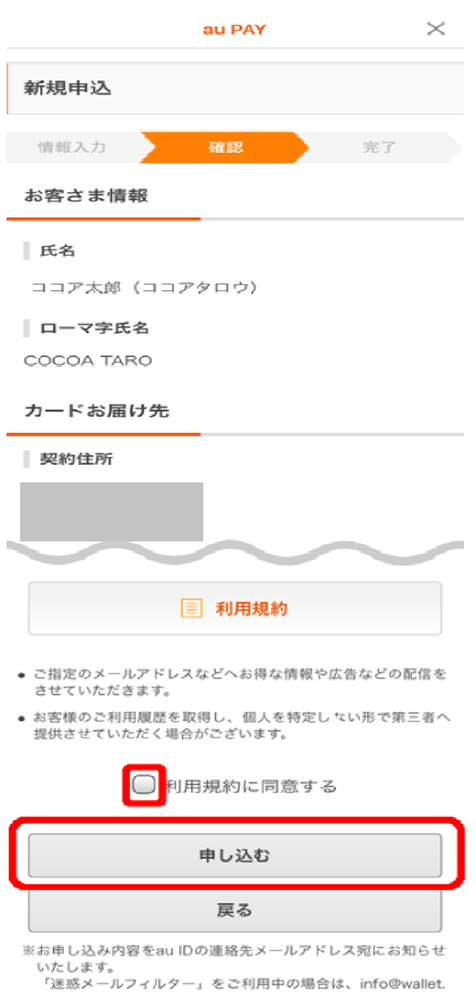
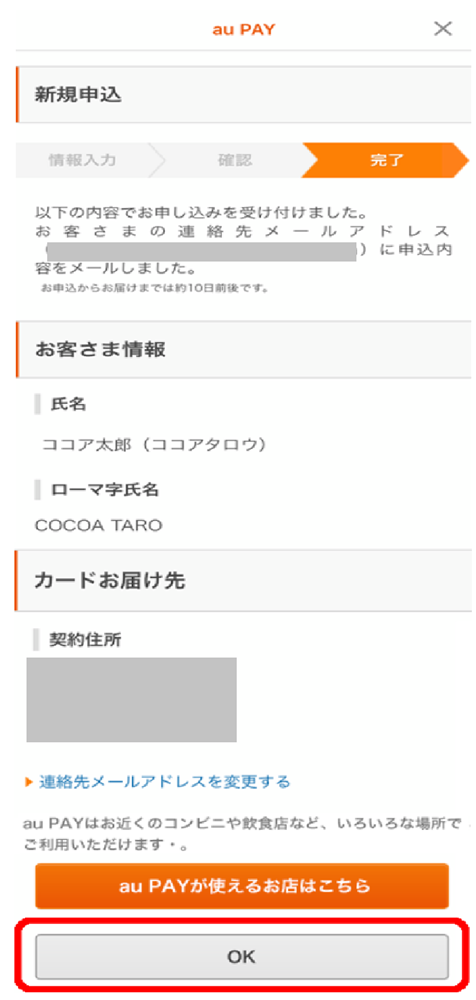
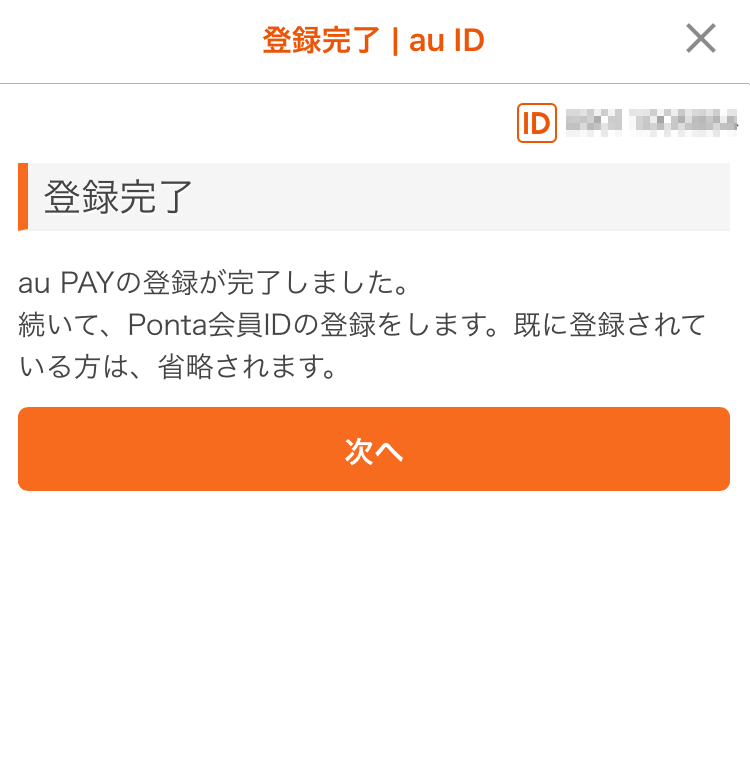
This service allows you to make simple, convenient, and cost-effective payments using a variety of payment methods. It is also available to customers who are not au subscribers.
Learn more
You can also check your transaction history in the au PAY app.
<How to check from the "au PAY app">
1. Open the "au PAY app"
2. Tap "Transaction History" displayed below the barcode to check
This varies depending on the campaign, so please check the campaign page for details.
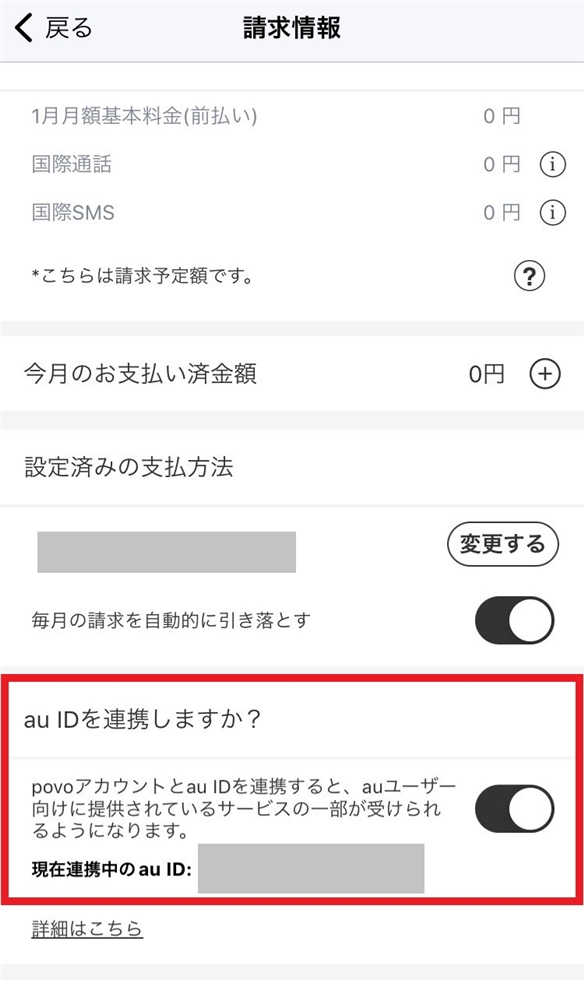
Please see here for the linking procedure.
Yes, you can check. Please check here.
● Please check the following terms of use for au PAY.
- You will need to obtain an au ID and use au PAY app.
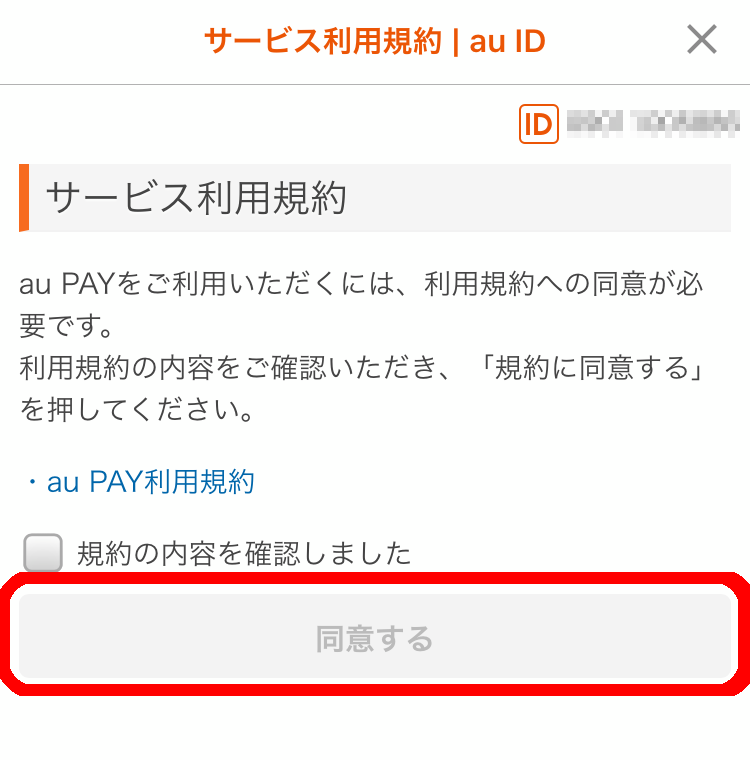
- You must agree to the au PAY service terms of use.
<Compatible models> Smartphones and tablets with iOS 12.0 or later / Android™ 6.0 or later, Apple Watch with watchOS 6.0 or later
Please click here for more details.
This page contains detailed procedures for "au ID linking" and "starting use of the au PAY app." Please check the terms and details of each campaign on the individual campaign page.
●We cannot be held responsible if you are unable to purchase Topping eligible for the bonus due to network congestion or malfunctions, such as when the deadline for applications is drawing near, or due to system maintenance, etc.
●The costs incurred in the campaign (internet communication fees, etc.) will be borne by the customer.
*Prices listed include tax included unless otherwise specified.