KDDI Corporation
Okinawa Cellular Telephone Company
From August 1 to October 31, 2025, KDDI and Okinawa Cellular will add "6-month deferred payment" and "12-month deferred payment" to the deferred payment service "paidy" provided by Paidy Inc. as payment methods for povo2.0.
Both 6 and 12 deferred installment plans are available with no installment fees. Note 1 By paying in 12 installments for the one-year Topping, you can reduce your monthly payment burden.
In addition, we will be running a campaign where you can receive a cash back of up to 3,000 yen if you purchase Topping worth 19,800 yen or more during validity.
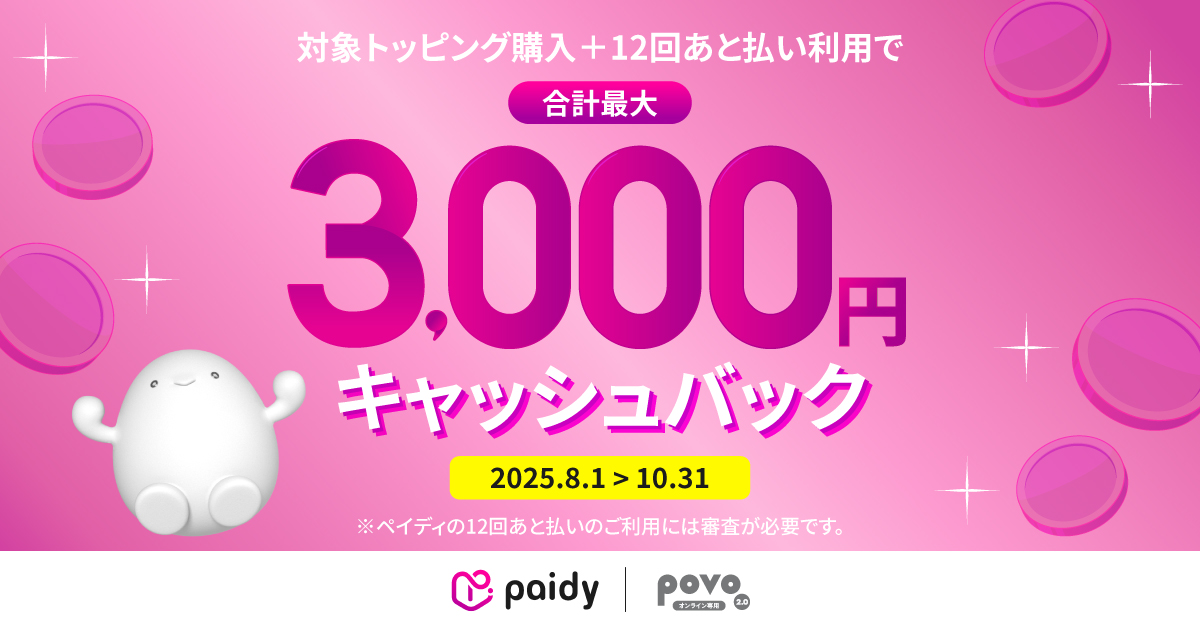
<Usage example>
| Topping Name | Fee | Payment image (In the case of 12 installments of deferred payment) |
installment fee |
|---|---|---|---|
| 120GB for 365 days | 21,600円 | 1,800円 × 12回 | Free (Note 1) |
| 300GB for 365 days | 24,800円 | Approximately 2,067 yen x 12 times (Note 2) | |
| 360GB for 365 days | 26,400円 | 2,200円 × 12回 | |
| 1.2TB for 365 days (Note 3) | 38,640円 | 3,220円 × 12回 |
(Note 1) Only direct debit and bank transfers are free of charge.
(Note 2) Payments from the first to eighth installments are 2,067 yen, and from the ninth to twelfth installments are 2,066 yen.
(Note 3) Limited offer Topping will be available from June 1, 2025 to August 31, 2025.
(reference)
■ Payment method setup process
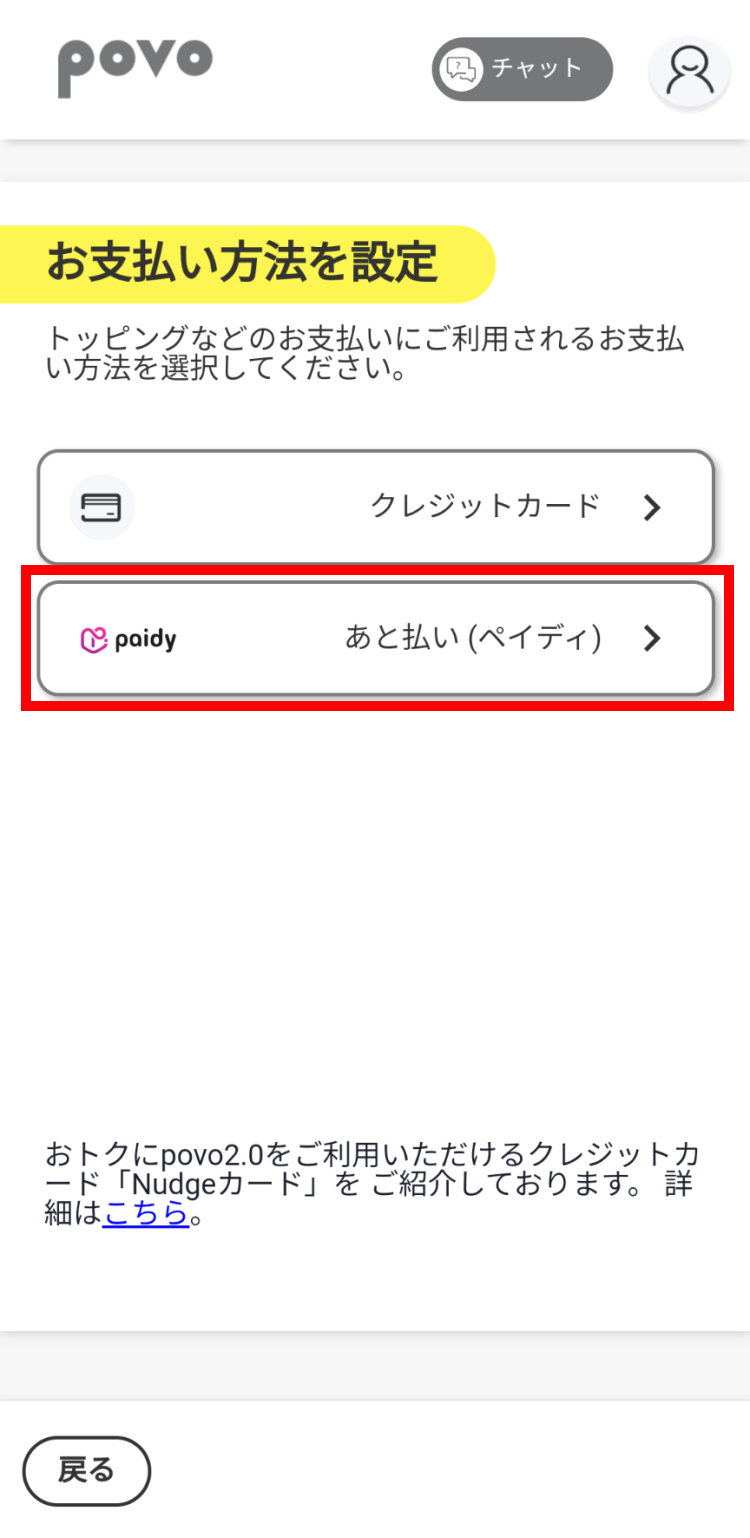
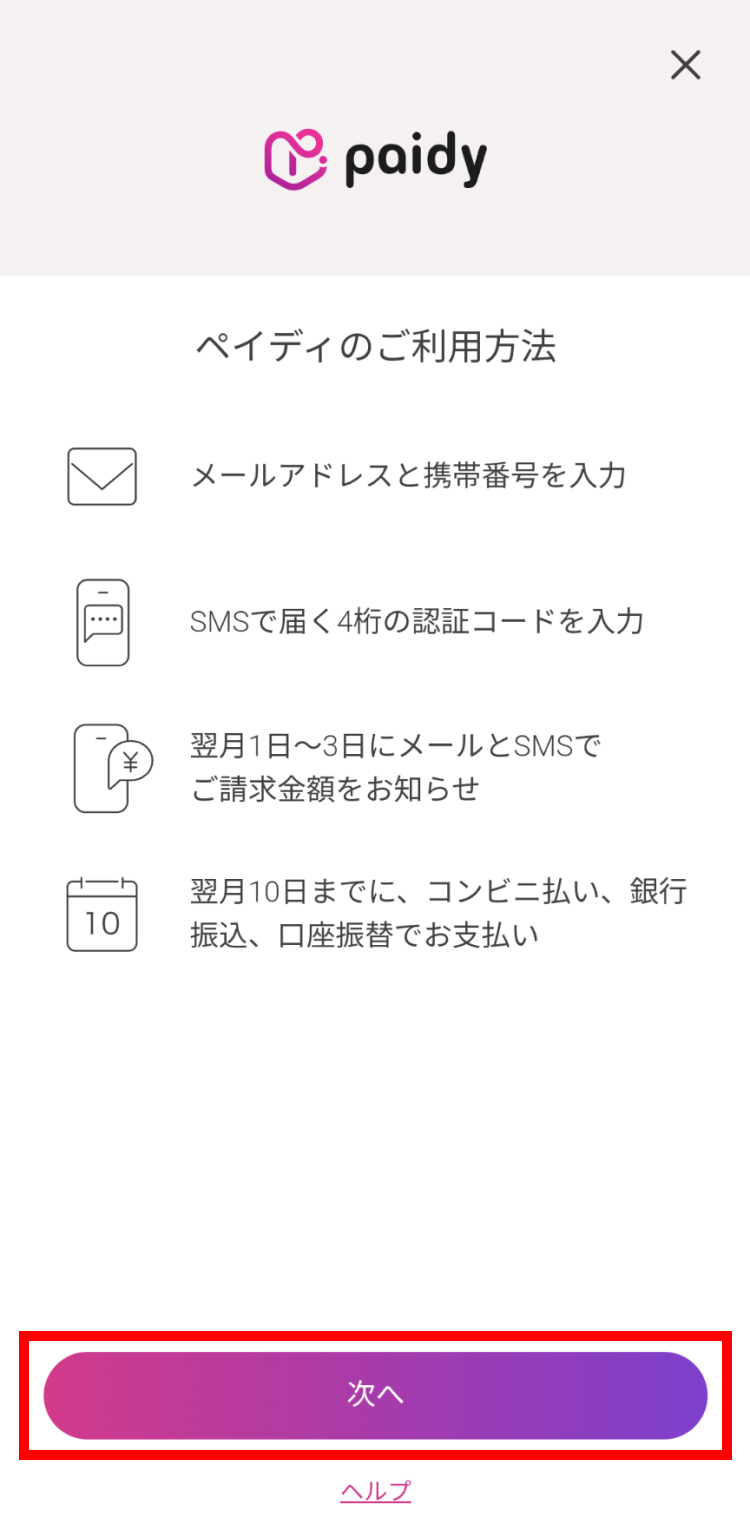
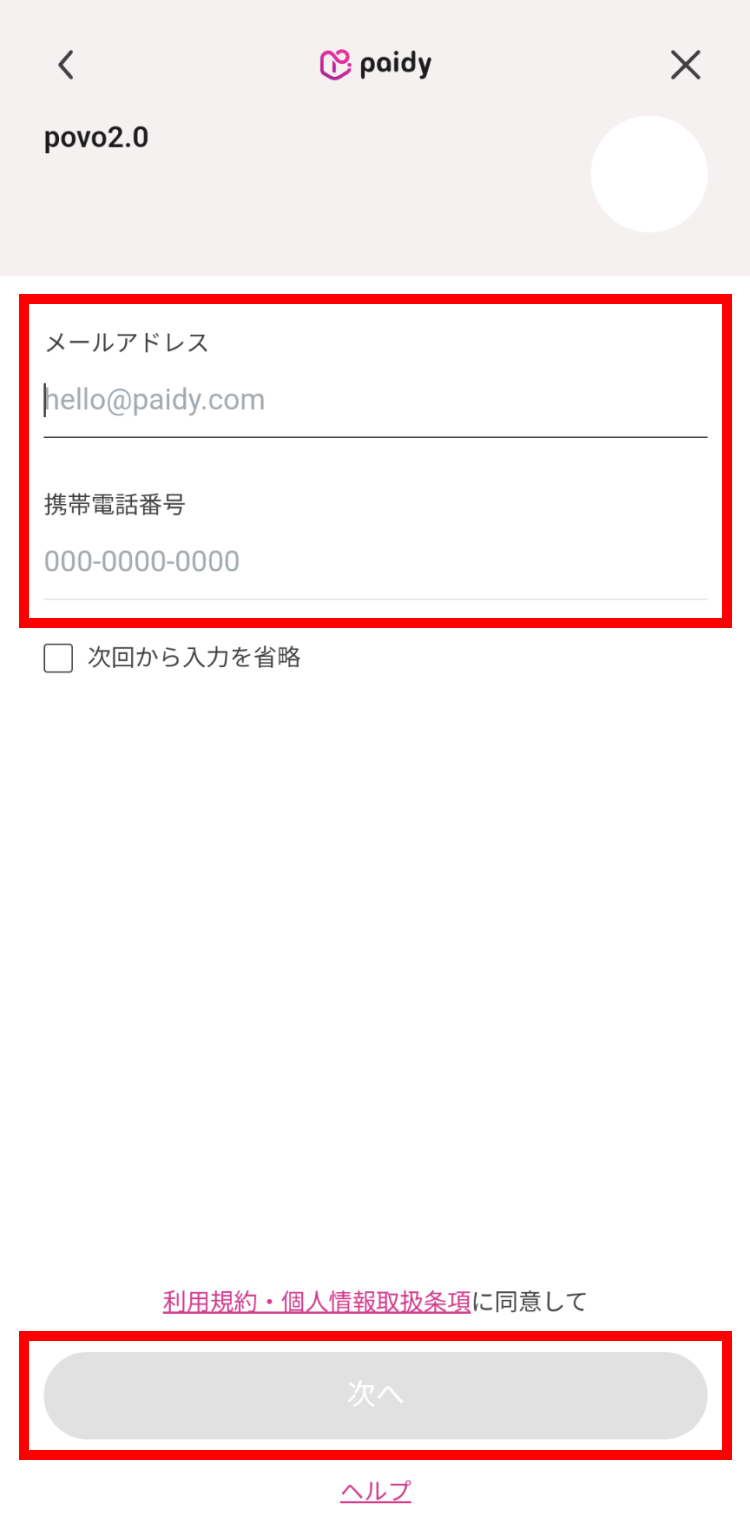
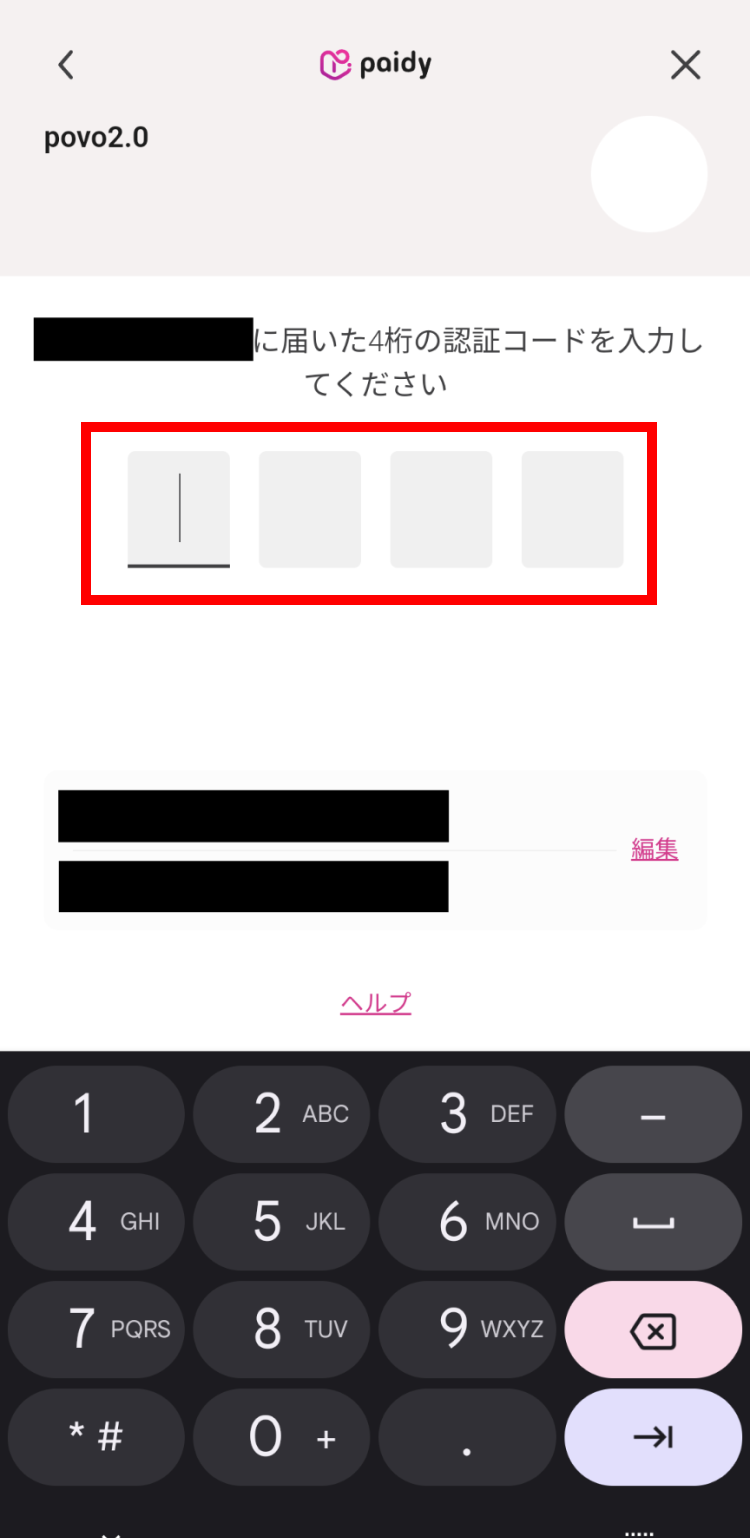
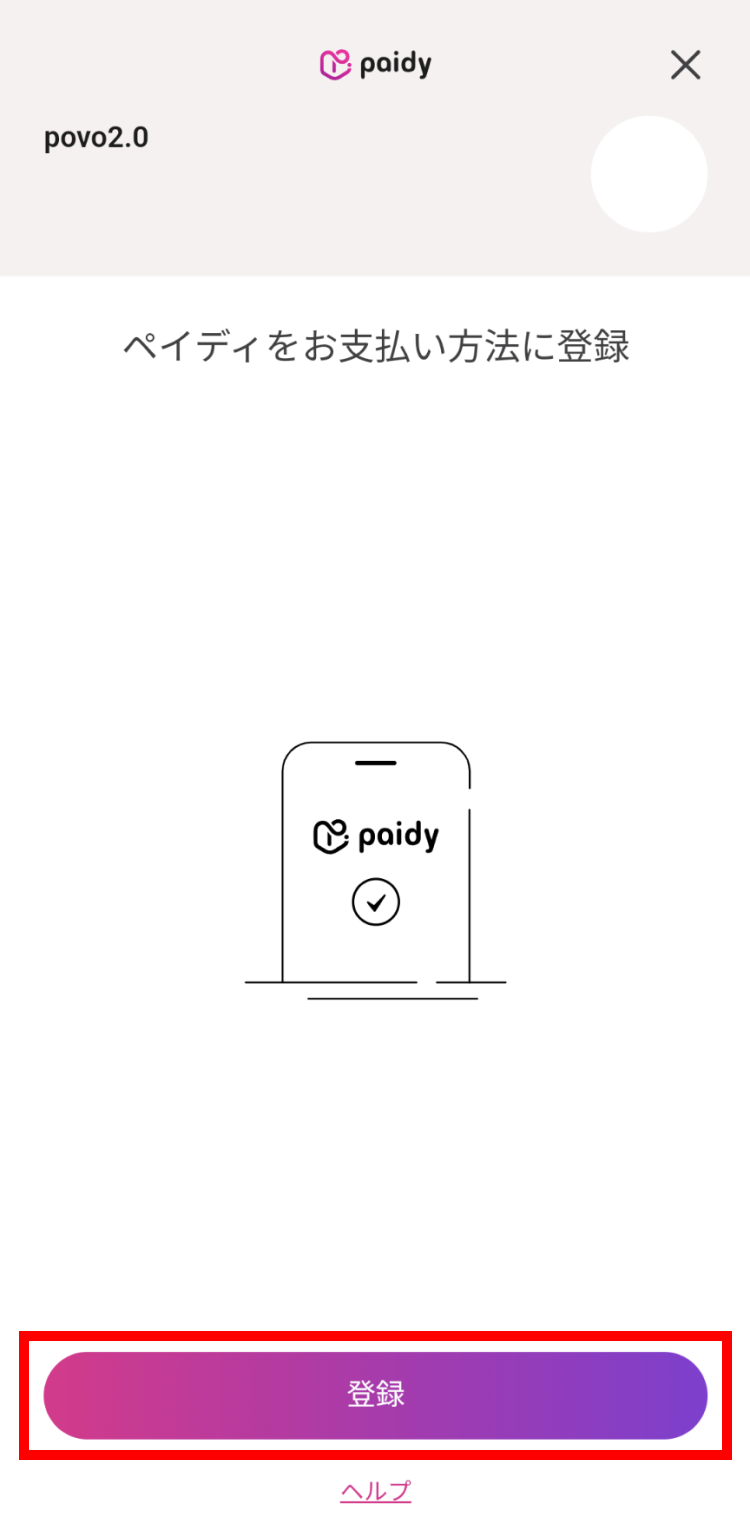
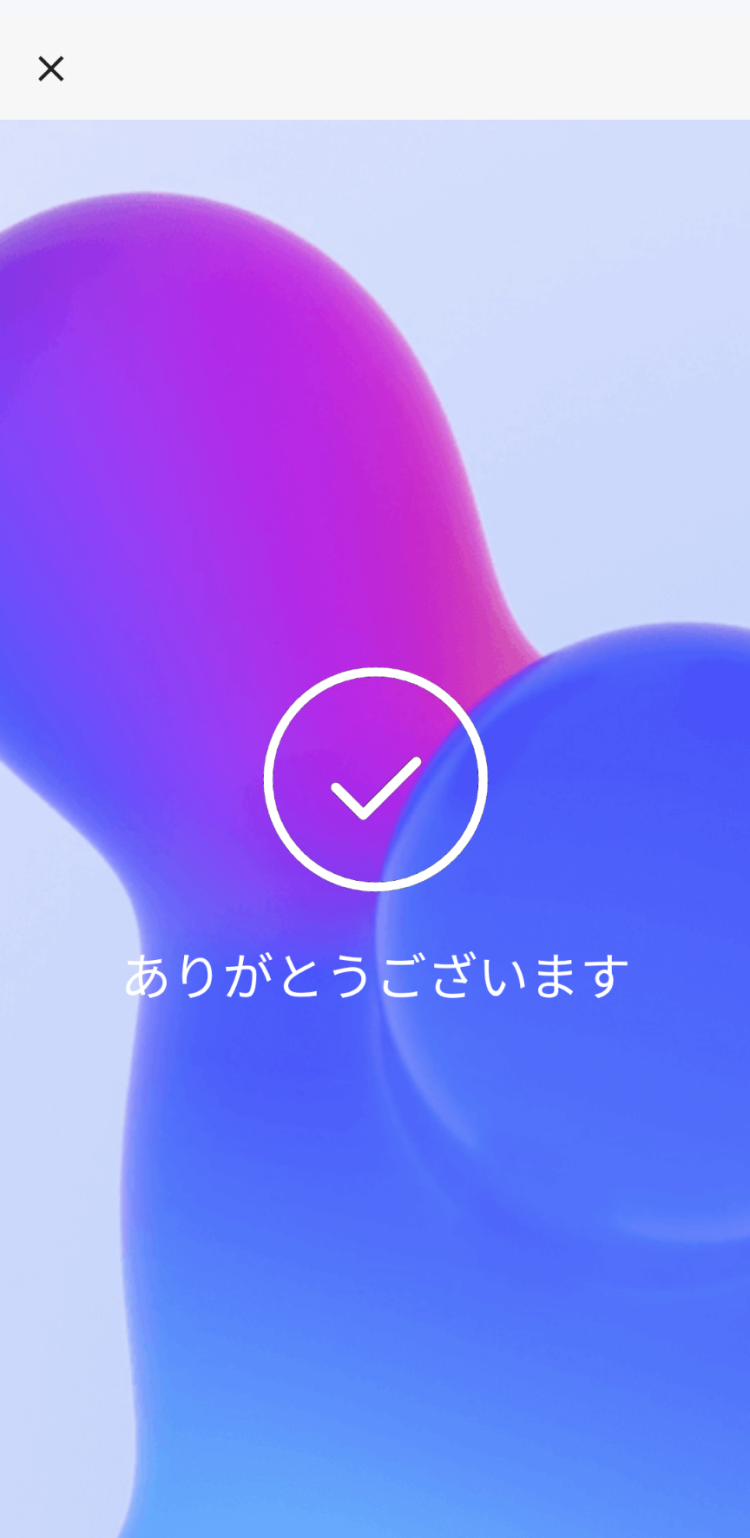
■12-month deferred payment setup procedure
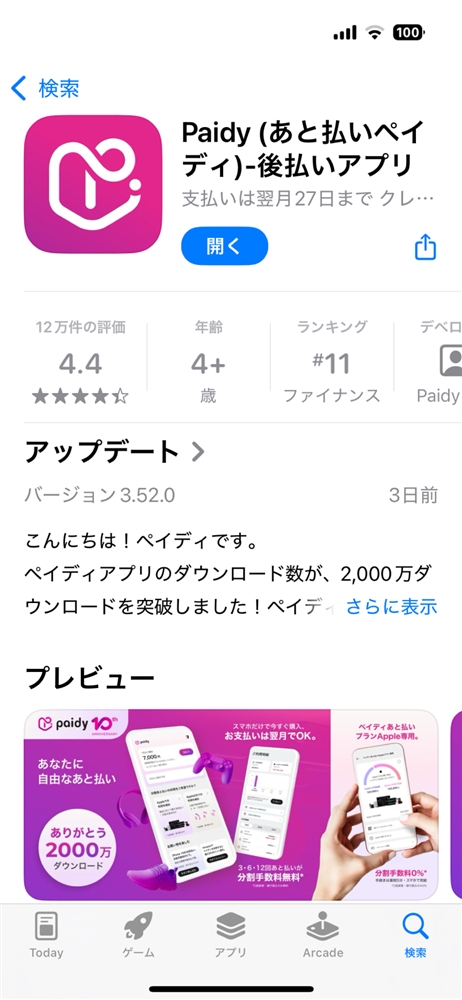
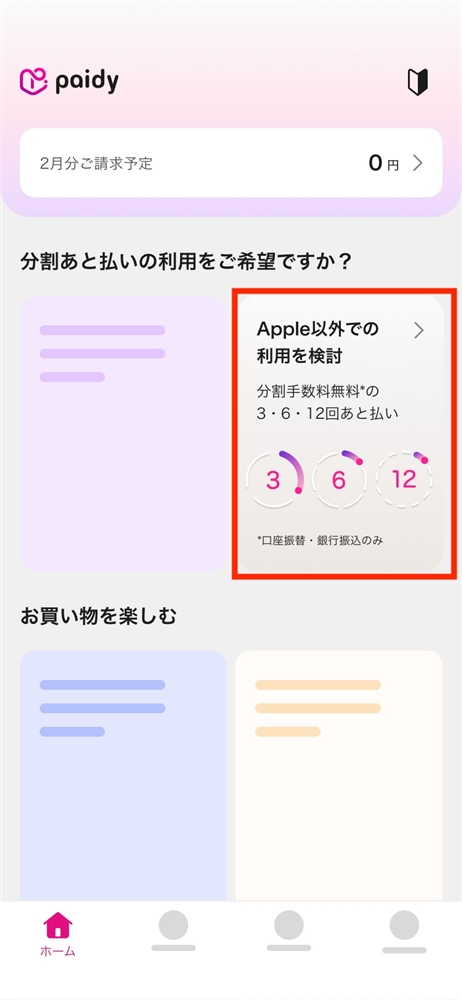
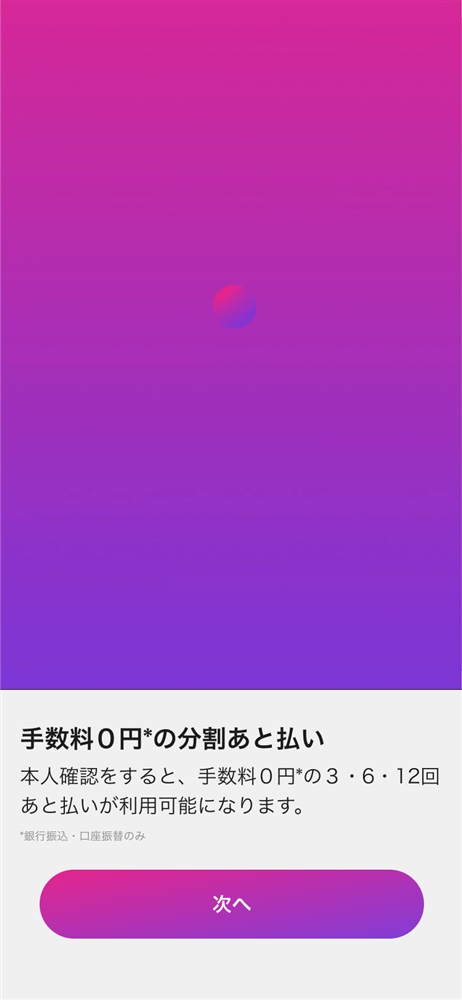
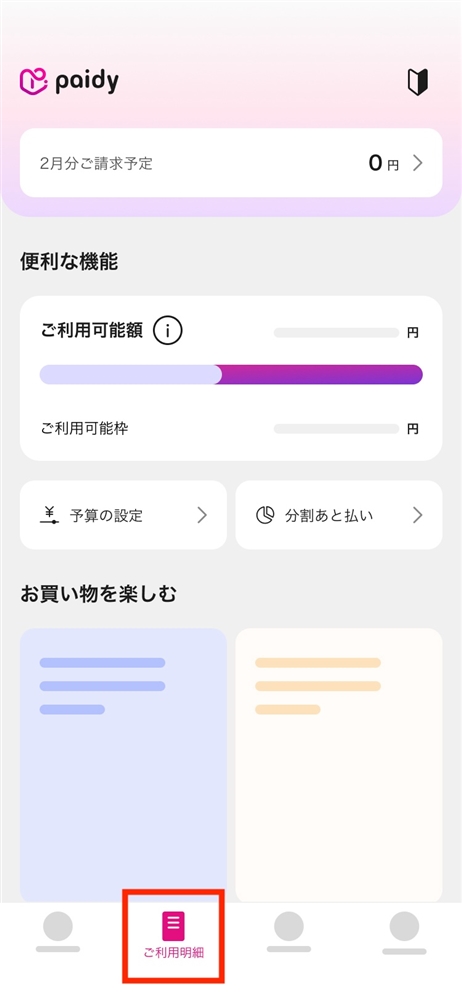
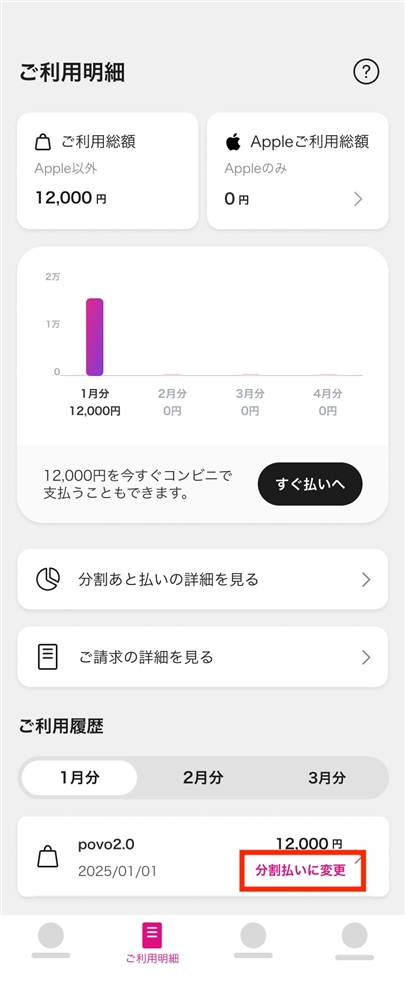
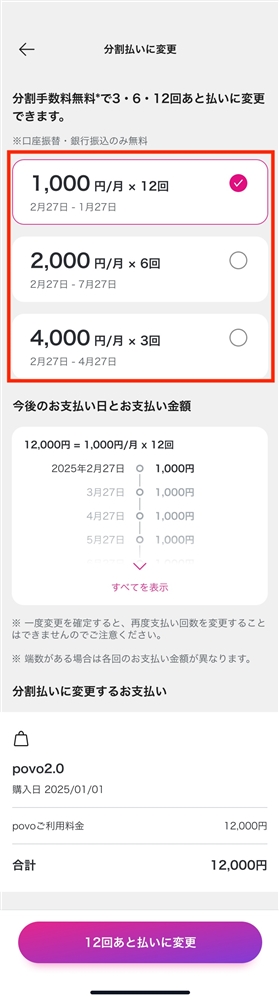
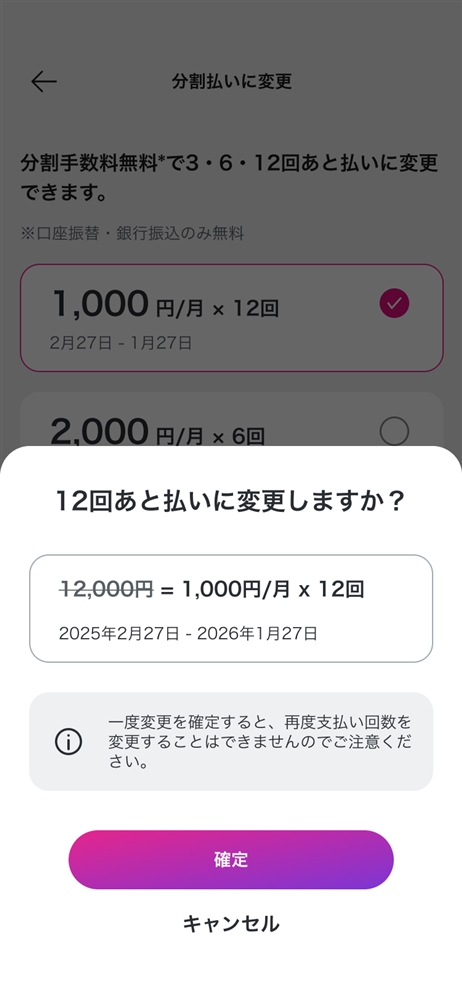
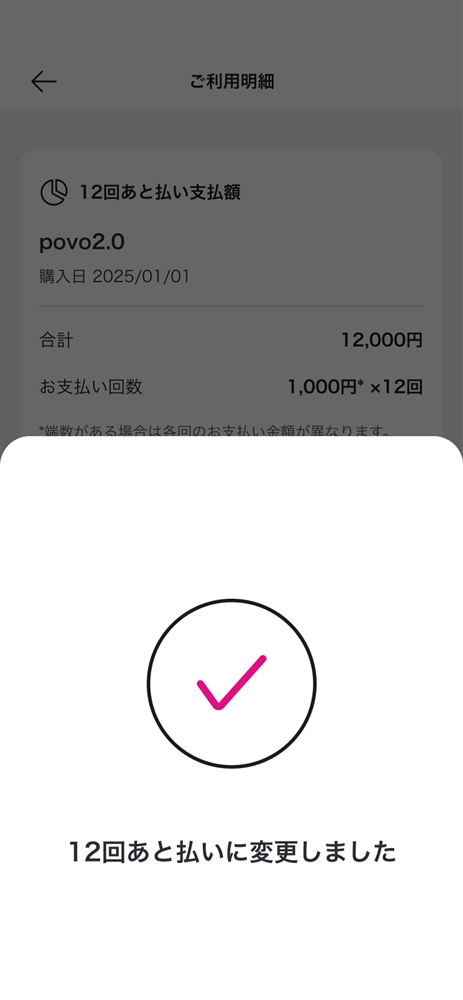
Please click here for details on how to use the 6-month and 12-month deferred payment plans, as well as details on the campaign that offers up to 3,000 yen cash back.
*All prices listed include tax included unless otherwise specified.
*The information listed in the topics is current as of the date of announcement.
*Company names and product names are generally trademarks or registered trademarks of each company.



