KDDI Corporation
Okinawa Cellular Telephone Company
Starting December 16, 2025, KDDI and Okinawa Cellular will begin offering subscription Topping of 5GB for 1,380 yen/month and 30GB for 2,780 yen/month as "regular Topping" on povo2.0.
Our current plans, "5GB (30 days) 1,380 yen" and "30GB (30 days) 2,780 yen," have been well received, and as many customers continue to purchase them monthly, we have decided to start offering "subscription Topping." Because it is a monthly plan, you can comfortably use povo2.0 data communication without having to purchase additional Topping each time. If you wish to cancel your subscription, you can do so at any time within the povo2.0 app.
In addition, to commemorate the launch of "Subscription Topping," we will be running a "Subscription Debut Campaign" in which all purchasers will receive a promo code for "Unlimited data (24 Hours)" [Note 1] [Note 2].
| Topping Name | Data validity | Fee |
|---|---|---|
| [Subscription] Data Top-up | One month from the date of purchase | 1,380円/月 |
| [Subscription] Data Top-up 30GB | 2,780円/月 |
When you purchase "Subscription Topping," Topping will be automatically purchased and data will be charged on the same day every month from the following month onwards (Note 3). Notifications will be sent to the email address registered with povo2.0 the day before and after the automatic purchase. The data capacity validity one month from the date of purchase.
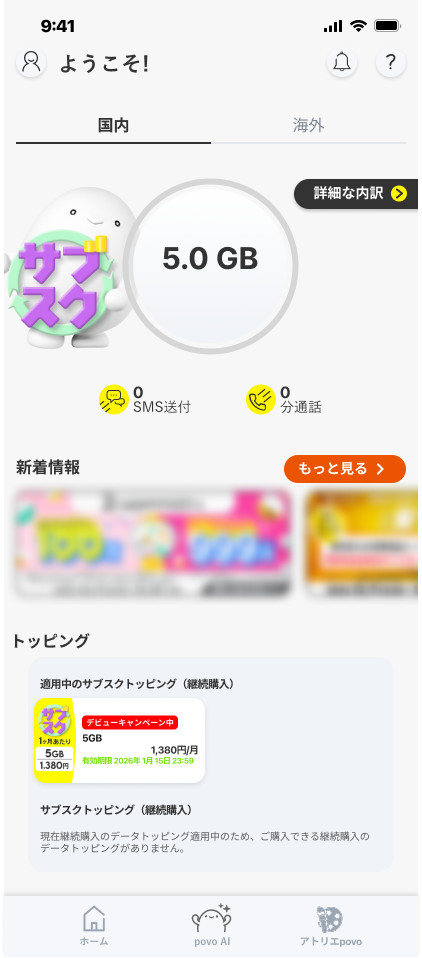
(1) On the home screen of the povo2.0 app, select any Topping from the "Subscription Topping (Continuous Purchase)"
(2) Check the terms of use, check "I agree to the above," and then swipe from left to right on the "Swipe to confirm purchase" button.
(3) Confirm that the Topping you purchased is displayed in the "Current Topping (Continuous Purchase)" column.
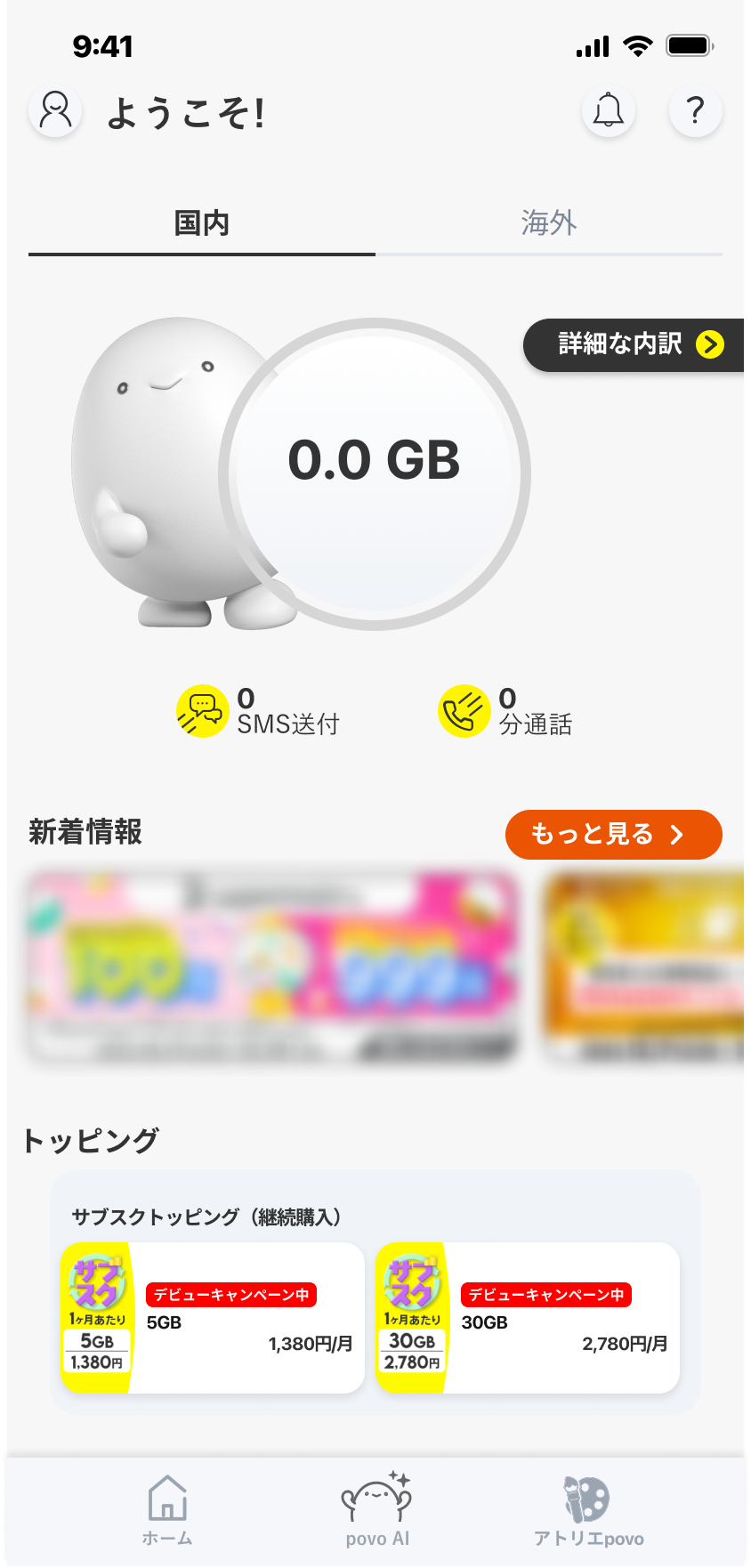
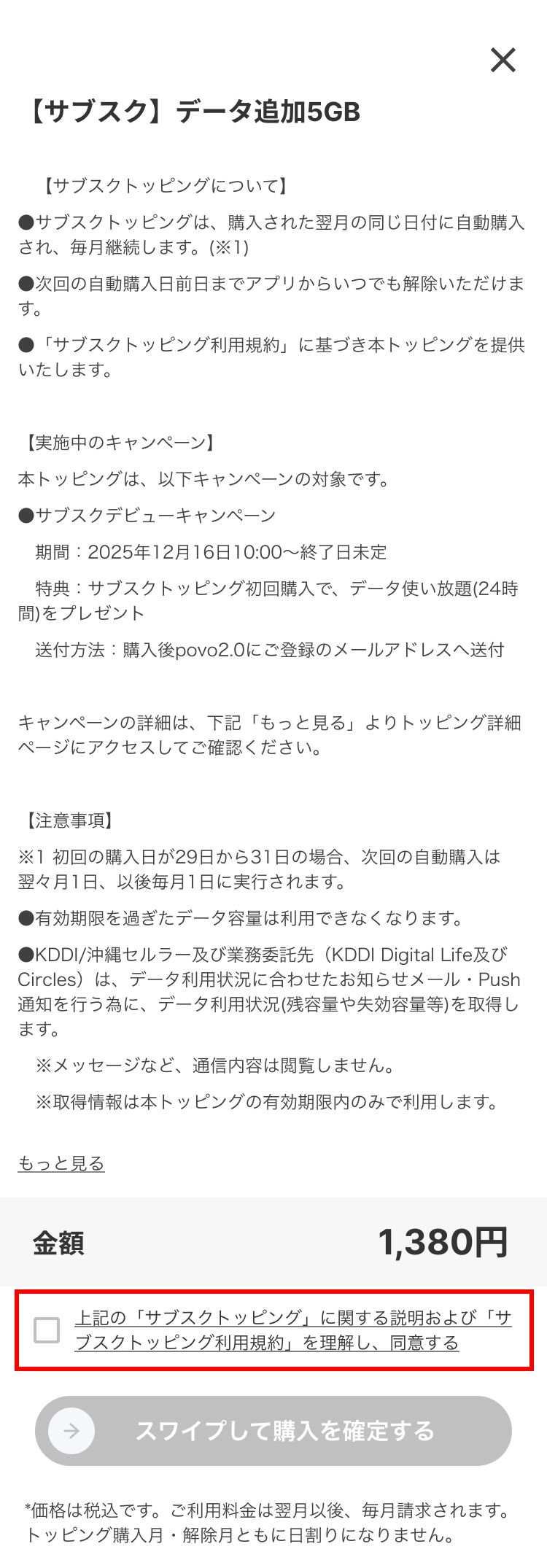
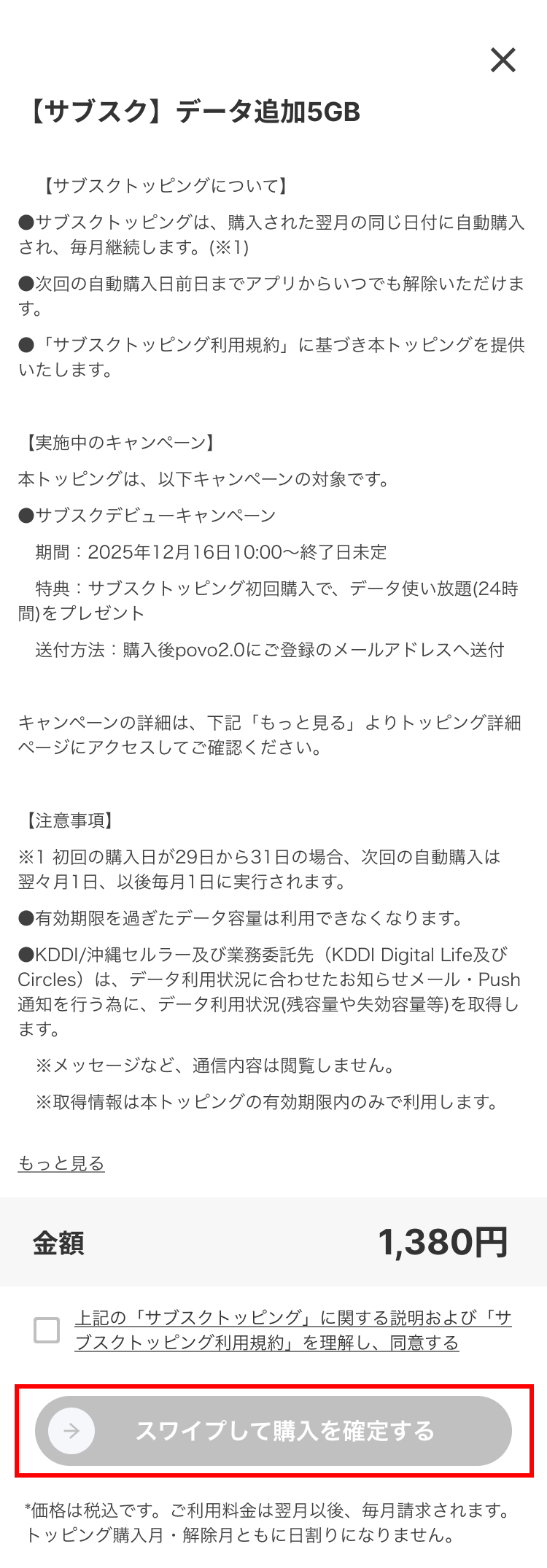
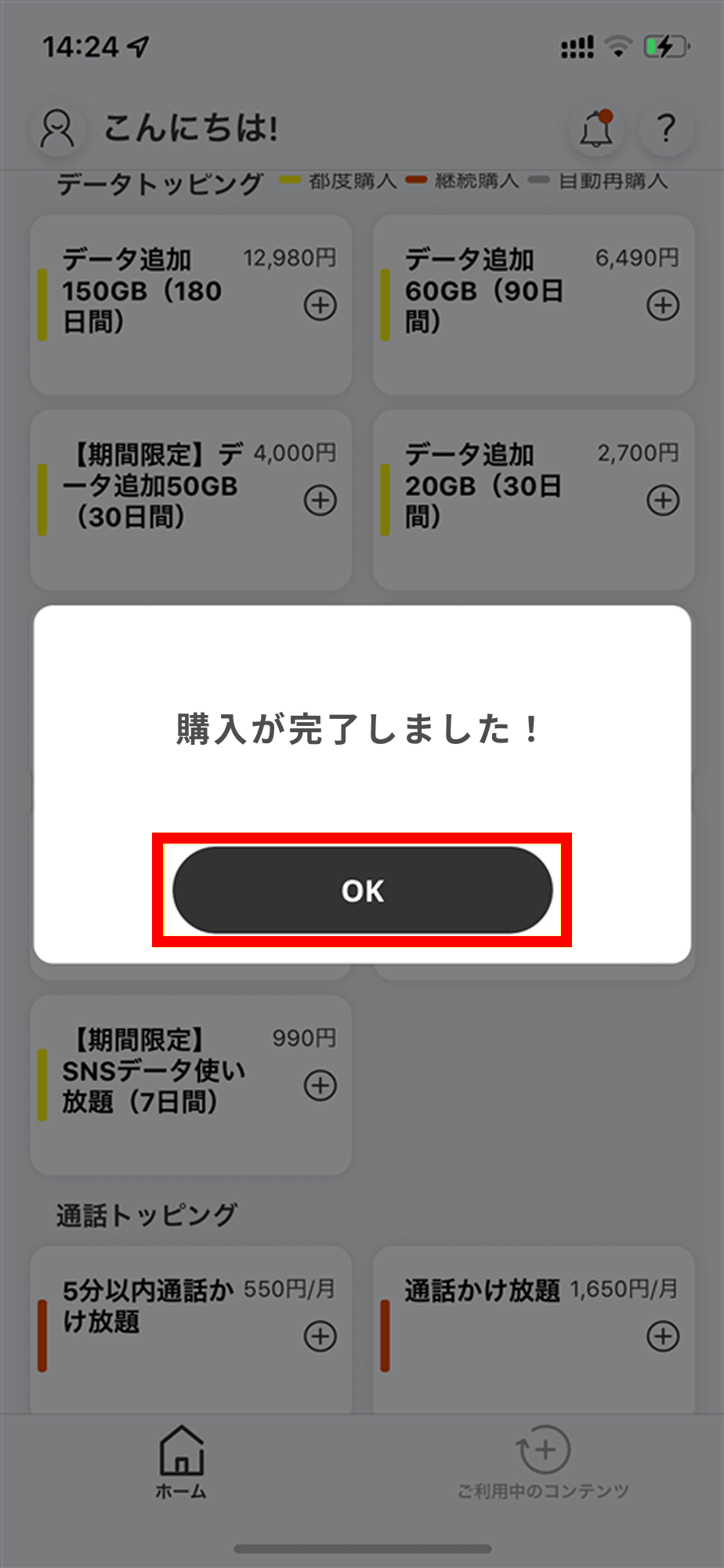
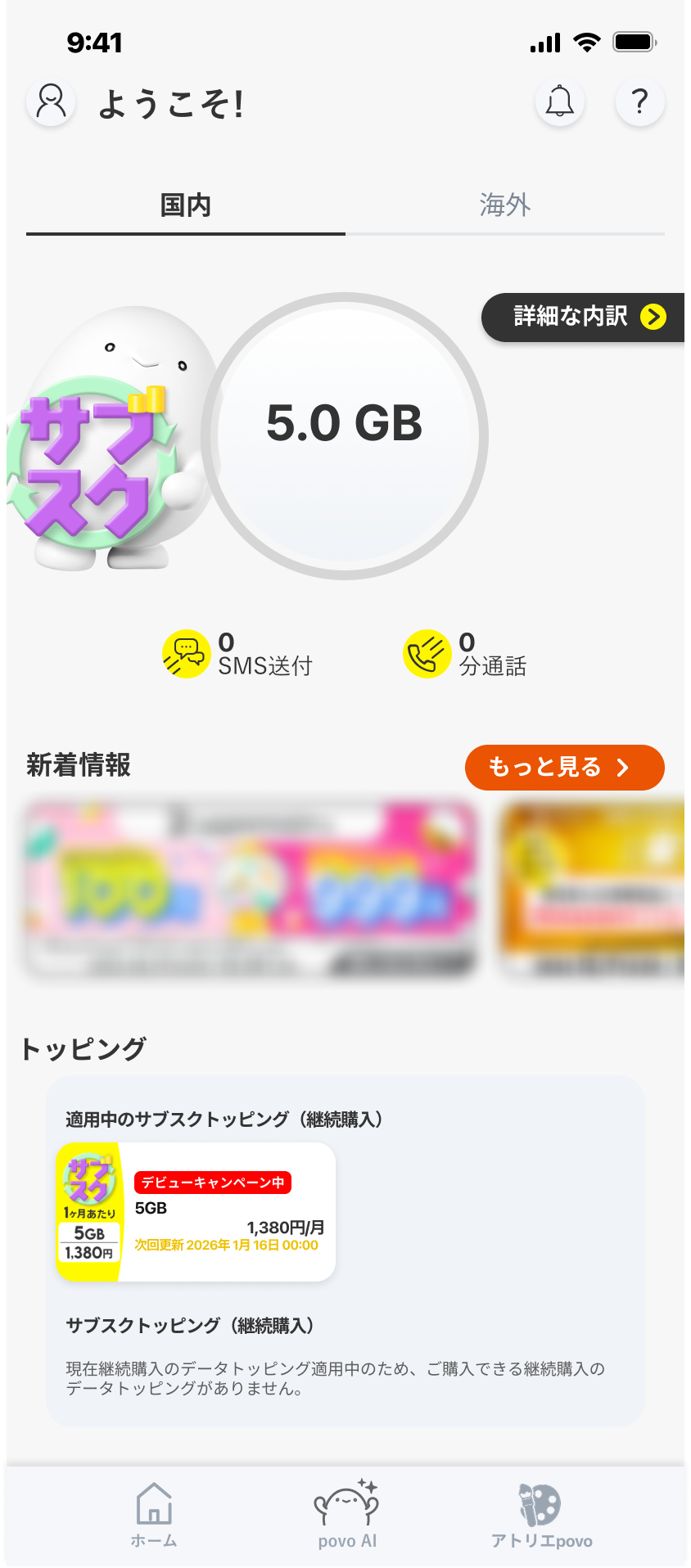
* Topping cannot be purchased if the Topping is still within validity and there is remaining data.
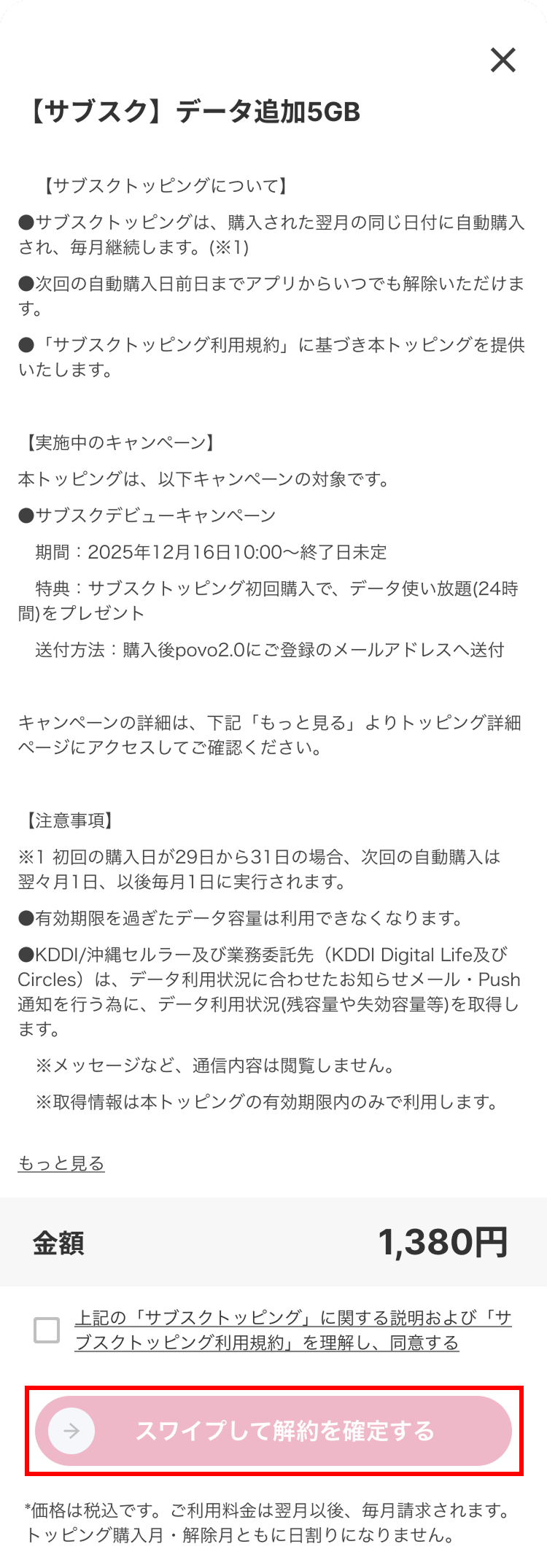
(1) Select the Topping you are currently using from the "Current Topping (Continuous Purchase)" column.
(2) Check the terms of use, check "I agree to the above," and then swipe from left to right on the "Swipe to confirm cancellation" button.
(3) After canceling, confirm that validity is displayed in Topping tile.
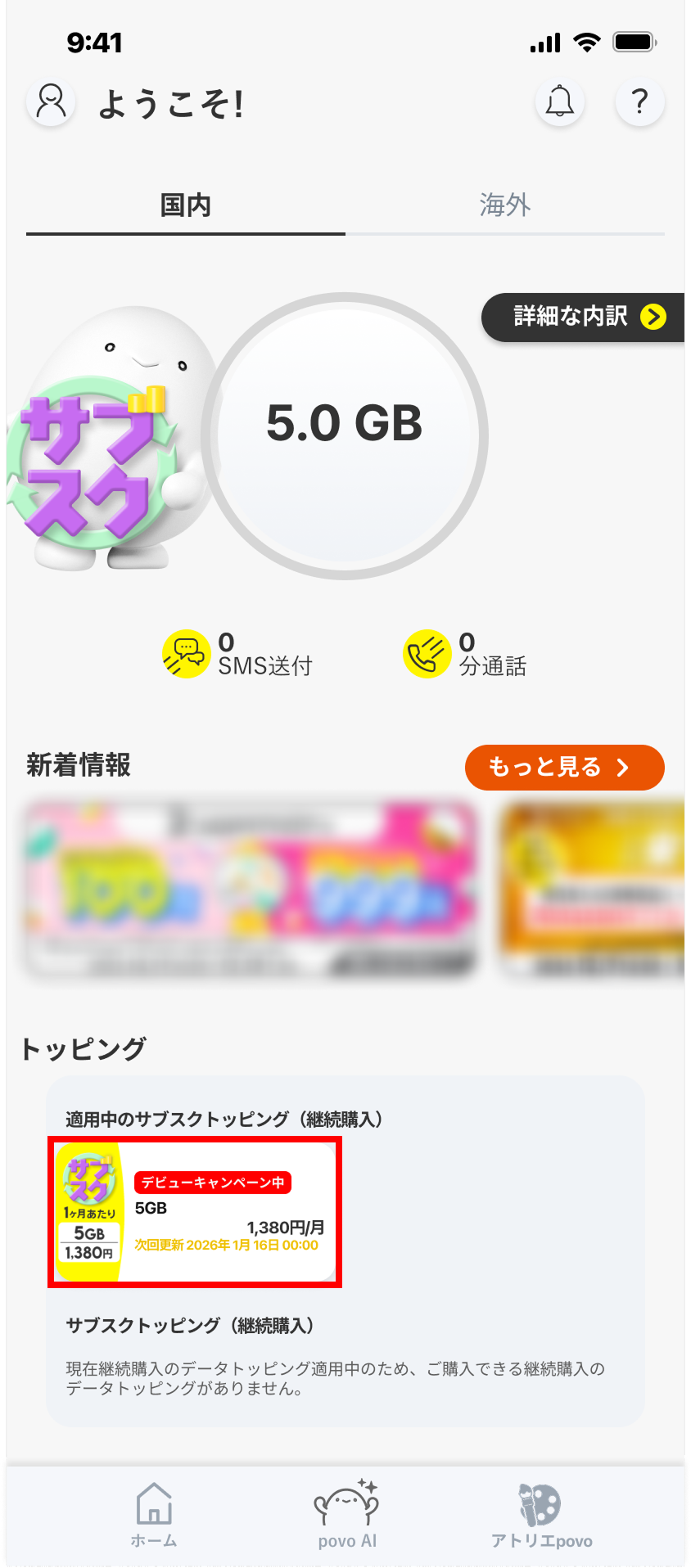
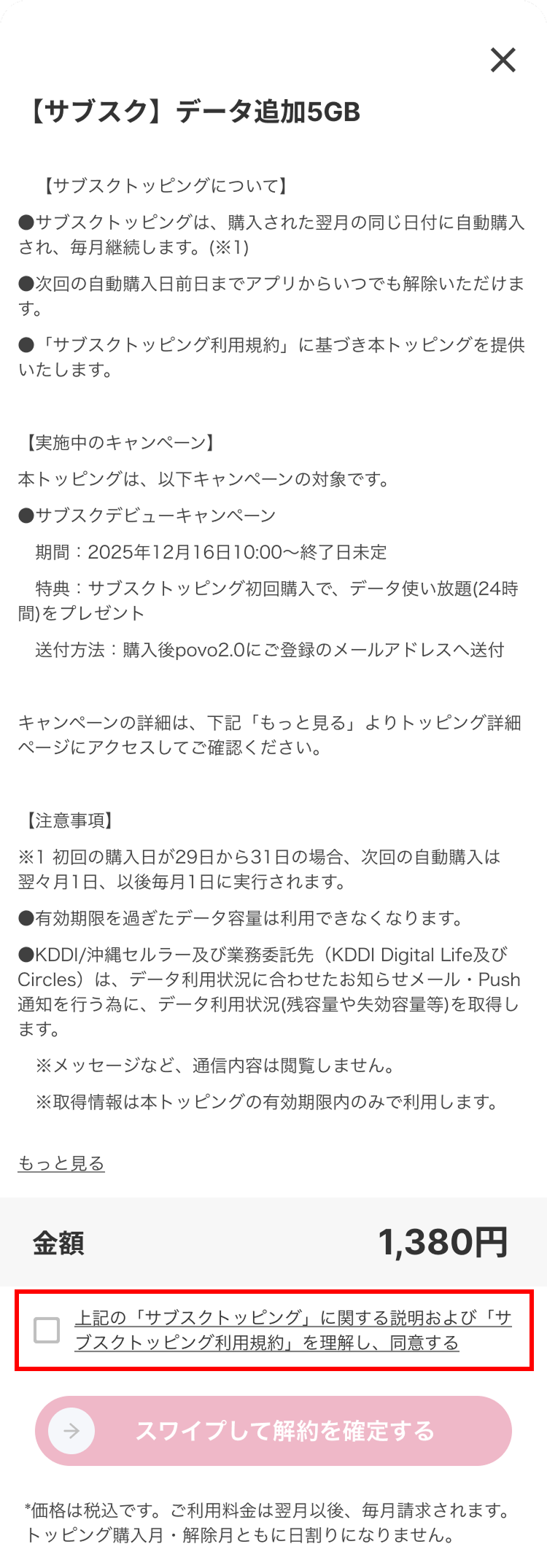
All customers who purchase "Subscription Topping" for the first time will receive a promo code for "Unlimited Unlimited data (24 Hours)" (Note 1) (Note 2).
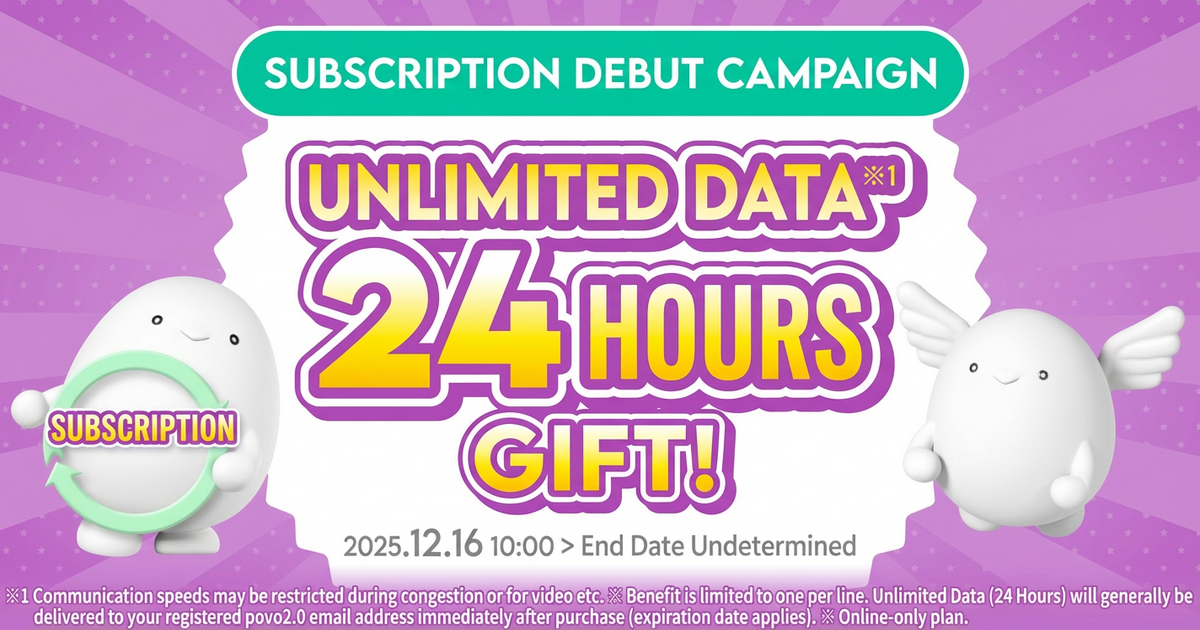
| Benefits | Unlimited data (24 hours) (Note 1) (Note 2) Promo code |
|---|---|
| Applicable conditions | Customers who purchased a Topping for the first time |
| Entry validity | 30 days or more after purchasing the applicable Topping (Note 4) |
| Sale's Period | December 16, 2025 - End date TBD |
*The promo code will be sent to the email address registered with povo2.0 after you purchase the "Subscription Topping." *The end date will be announced separately on the website.
Learn more
For a list of other Topping available, click here
(Note 1) Communication speeds may be limited during network congestion or when using videos, cloud games, etc. (Note 2) Data will be consumed in the following order:
If you have multiple data Topping, the one with the earliest expiration date will be used first. If you have both data Topping and data bonuses, the data bonus will be used first. (Prepaid codes and trade codes are treated the same as "data Toppings".) (Note 3) If the initial purchase date is between the 29th and 31st, the next automatic purchase will be made on the 1st of the month after the following month, and on the 1st of every month thereafter. (Note 4) For detailed input deadlines, please check the email you receive after purchase.
*Company names and product names are generally trademarks or registered trademarks of the respective companies. *All prices listed include tax included unless otherwise specified. *The information listed in the topics is current as of the date of announcement.



