You will be asked to enter a one-time password via email address.
You will be required to complete one-time password authentication via SMS using a Japanese phone number.
You can make payments for povo2.0 by credit card.
Even if you don't have a credit card, you can use Postpay(Paidy)*.
To use this service, you will need a SIM-free or SIM-unlocked povo2.0 compatible device.
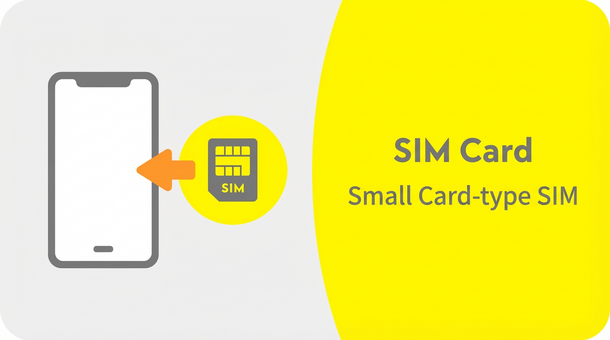
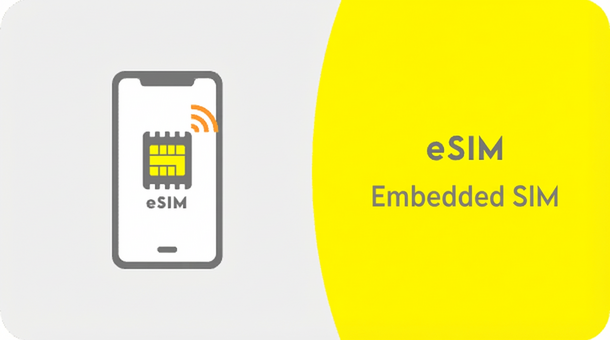
Only eSIM cards are supported Data Only only. SIM cards cannot be used.
Before proceeding, please check whether your smartphone or other device supports eSIM. If you select eSIM on an incompatible device, you will not be able to communicate.
*A Wi-Fi environment is required for setup. *If you are using an iPhone or iPad with an iOS version earlier than 15, we recommend updating to the latest version in advance.
Follow the instructions on the screen and enter the required information.
Follow the instructions on the screen and enter the required information.
*You will need to be able to receive emails to complete this procedure. Please set the domain [@ povo.jp] so that you can receive emails. *The selected Topping will be charged once your credit card information is entered. After payment, you will be able to set up the eSIM.
*Please make sure that the SIM lock is unlocked beforehand.
*1: Depending on the device, APN settings and OS updates may be required (automatic settings are required for some models).
* A Wi-Fi environment is required for the settings.
* A device other than a smartphone (PC or tablet is also OK) is required to use povo.
* Please activate the SIM between 12:05am and 11:50pm.
If you activate your SIM between 11:50 PM and 12:05 AM the next day, it will be completed sequentially from 12:05 AM the next day.
*Only eSIMs are supported Data Only use. SIM cards cannot be used.
*Calls and sending/receiving SMS are not available.
*MNP (mobile number portability) is not available for transfers from other carriers.
*Available only within Japan.
*Only eSIM is available.
*A separate line capable of making voice calls and receiving SMS is required.
*You must purchase the first Topping when signing up. After purchasing any Topping, you can also purchase additional regular domestic data Topping.
★For more information on eligible Topping, click here
au and povo1.0 customers cannot apply from here.
Please apply by clicking "Change from au" or "Change from povo1.0".
Apply for a "Data Only" plan below