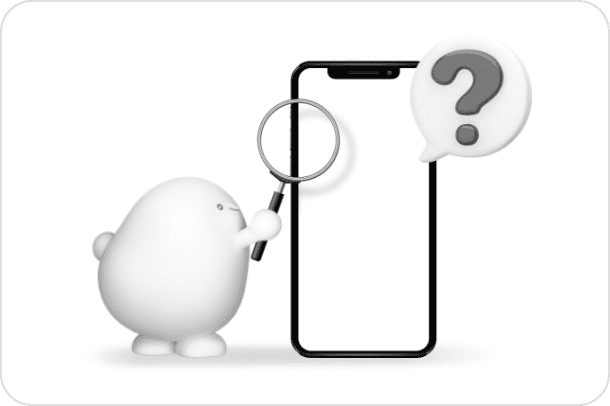
Even if it's your first time, you can rest assured that with eSIM you can start using it as soon as the same day.

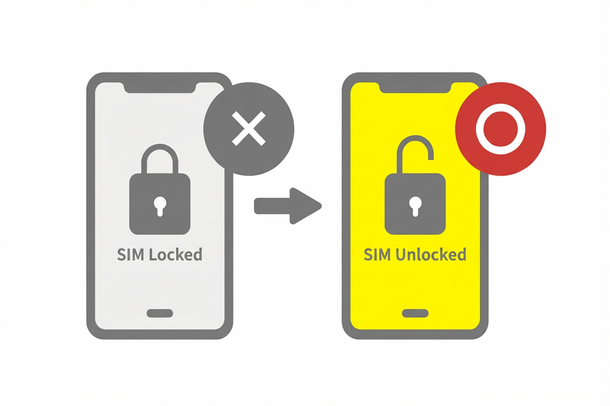
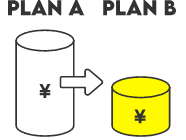
I want to switch carriers to get a cheaper rate plan.
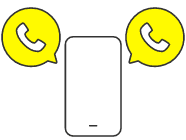
One smartphone, two
phone number

Even abroad,
I want to use a smartphone
Learn more about the differences between Base Plan
*Call charges and SMS sending charges will be charged separately.
I want to use it right away
(No identification documents required)

App Calls
Function is enough

I want to use it for tablet.
Learn more about the differences between Base Plan
*Calls and sending/receiving SMS are not available.
*MNP (mobile number portability) is not available for transfers from other carriers.
*Available only within Japan.
*Only eSIM is available.
*A separate line capable of making voice calls and receiving SMS is required.
*You must purchase the first Topping when signing up. After purchasing any Topping, you can also purchase additional regular domestic data Topping.
Data Only plans, only eSIM is available.
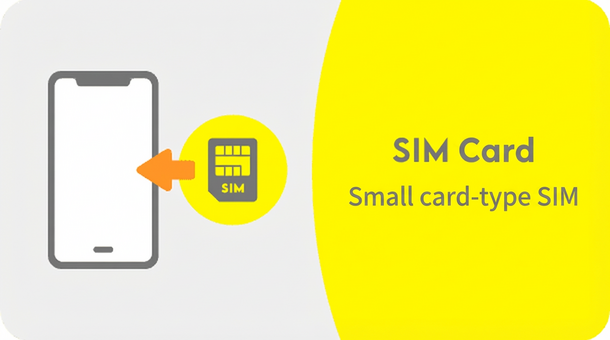
It is inserted into the device and used. When you are ready to use it, it will be delivered to your home by mail.
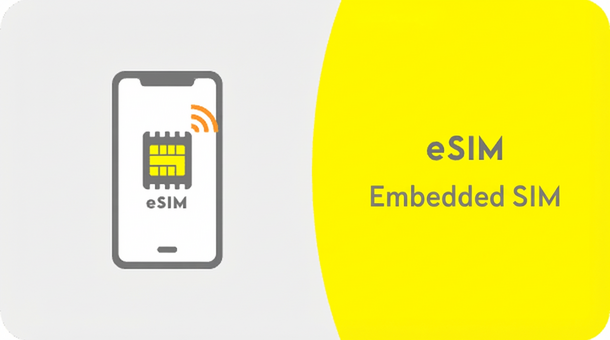
You download data called a profile and use it. The activation procedure can be completed online, so you can start using it as soon as the same day.
*If you are using a device that does not support eSIM and you apply for an eSIM, you will not be able to proceed with the application.
Before proceeding, please be sure to check whether your smartphone supports eSIM.
Open the app
Download the app here


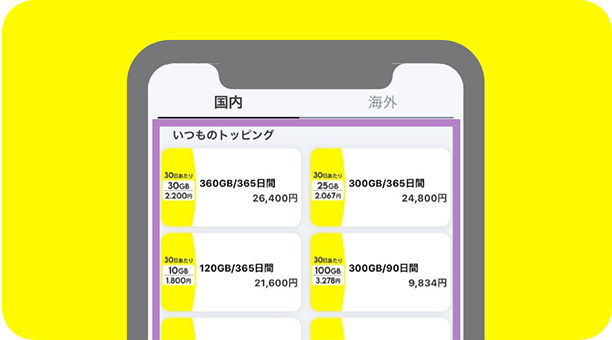
Select the appropriate Topping
Purchase and complete
Both voice and data can be used
*Call charges and SMS sending charges will be charged separately. *Customers considering a new sub-line or second SIM should apply for a new contract. *Procedures vary depending on the contract type. Please be aware that we have received inquiries due to incorrect selection.
Activation without identification documents
* Data Only plans are only accepted for new contracts (new contracts without carrying over phone numbers). *Calls and sending/receiving SMS are not available. *Switching from another carrier (MNP) is not possible. *Can only be used domestically. *Only eSIMs can be used. *A separate line that can make voice calls and receive SMS is required. *An initial Topping purchase is required when signing up. After purchasing one of the Topping, you can also purchase regular domestic data Topping. ★For more information on eligible Topping, click here
All procedures and support are handled online. Please contact us via the povo2.0 app or official website. *Carrier email addresses cannot be used.