Credit card #Giga-Katsu powered by Nudge

*The Nudge card "povo club" is scheduled to be discontinued on May 31, 2026.
alt_txt

Service Introduction

alt_txt

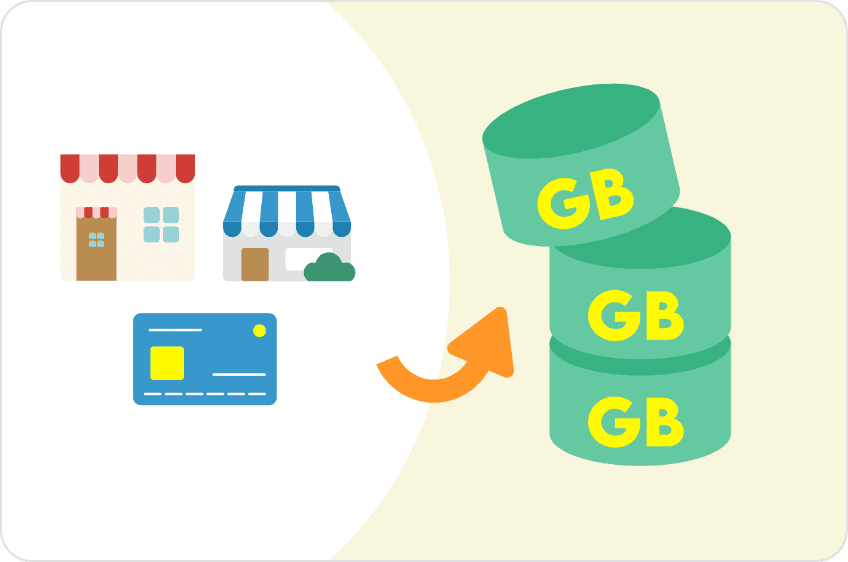
A new method has been introduced to the gigacharge activity "#Gigakatsu," where you can earn gigabytes by using various stores and services. When you use a credit card provided by Nudge that can be used at Visa member stores, you will receive gigabytes according to the amount of your payment!
How to participate

  • STEP 1Nudge app
    download

    alt_txt

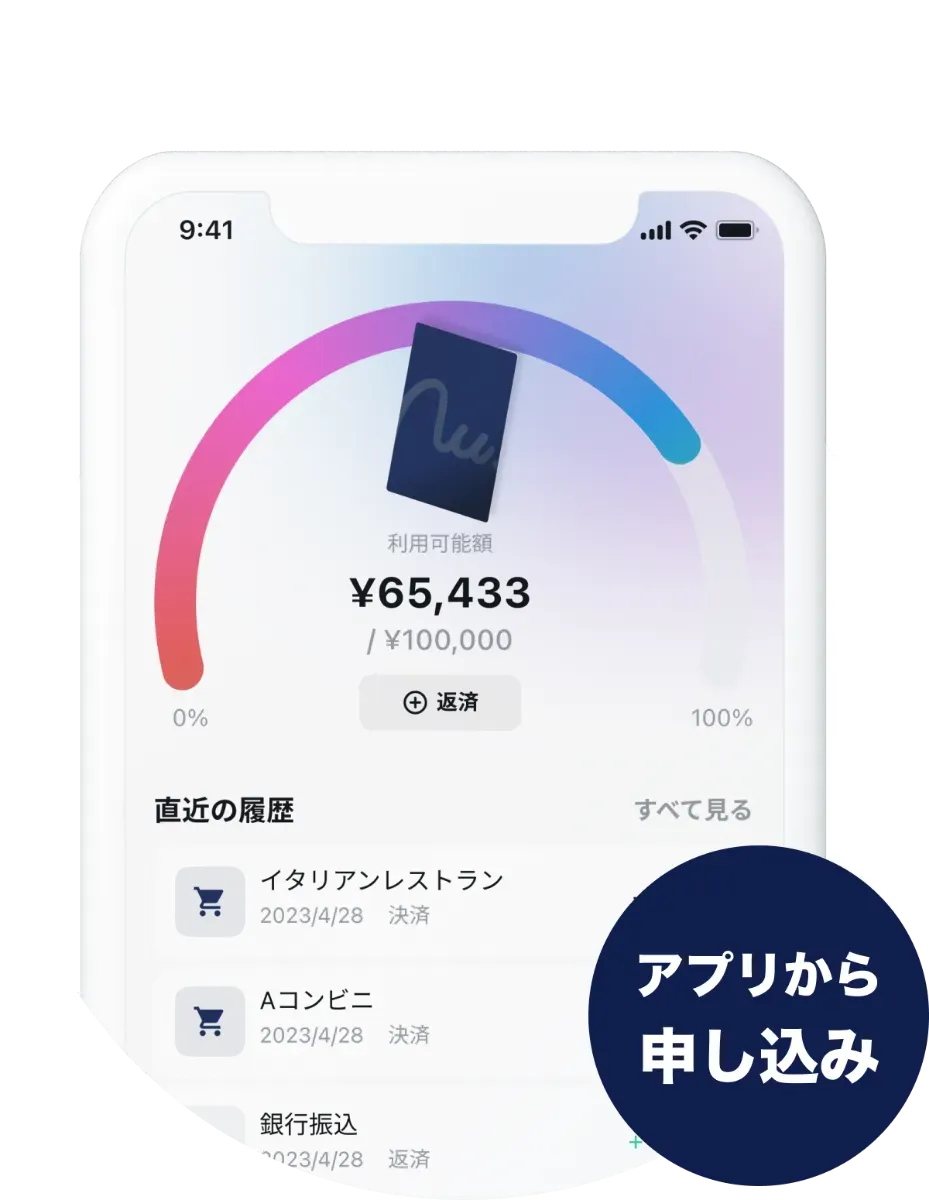
    Download the Nudge app and register for an account. All applications can be completed within the app.

    *The Nudge app and Nudge card are payment services provided by Nudge Inc.

    For more information about the Nudge app and Nudge card, click here (※1)

    (※1):
    You will be redirected to an external site.
    Download from App Store
    Also Available on Google Play
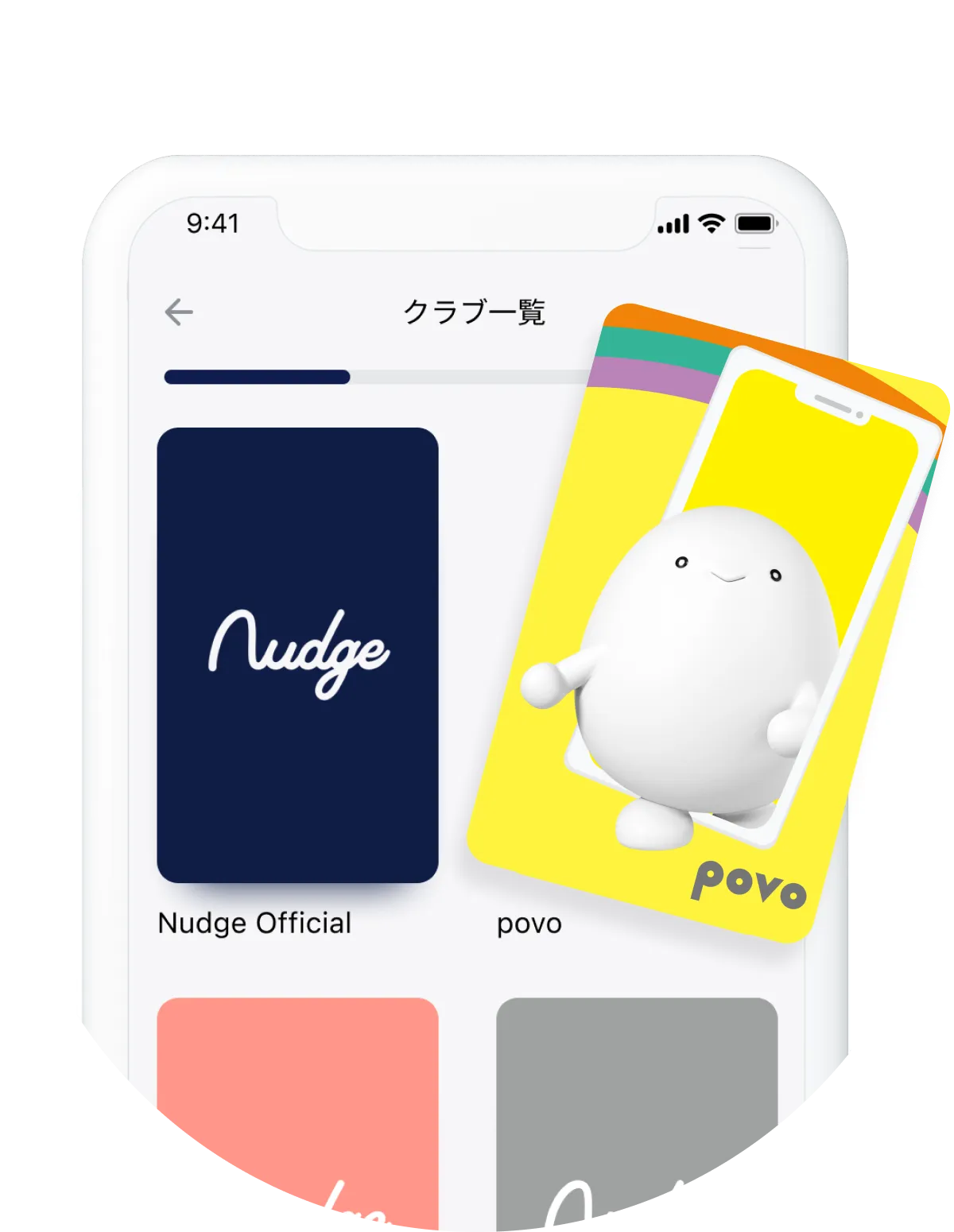
  • STEP 2Select the "povo" club

    alt_txt

    From the multiple clubs available, select the "povo" club.

  • STEP 3Enterthe required information

    alt_txt

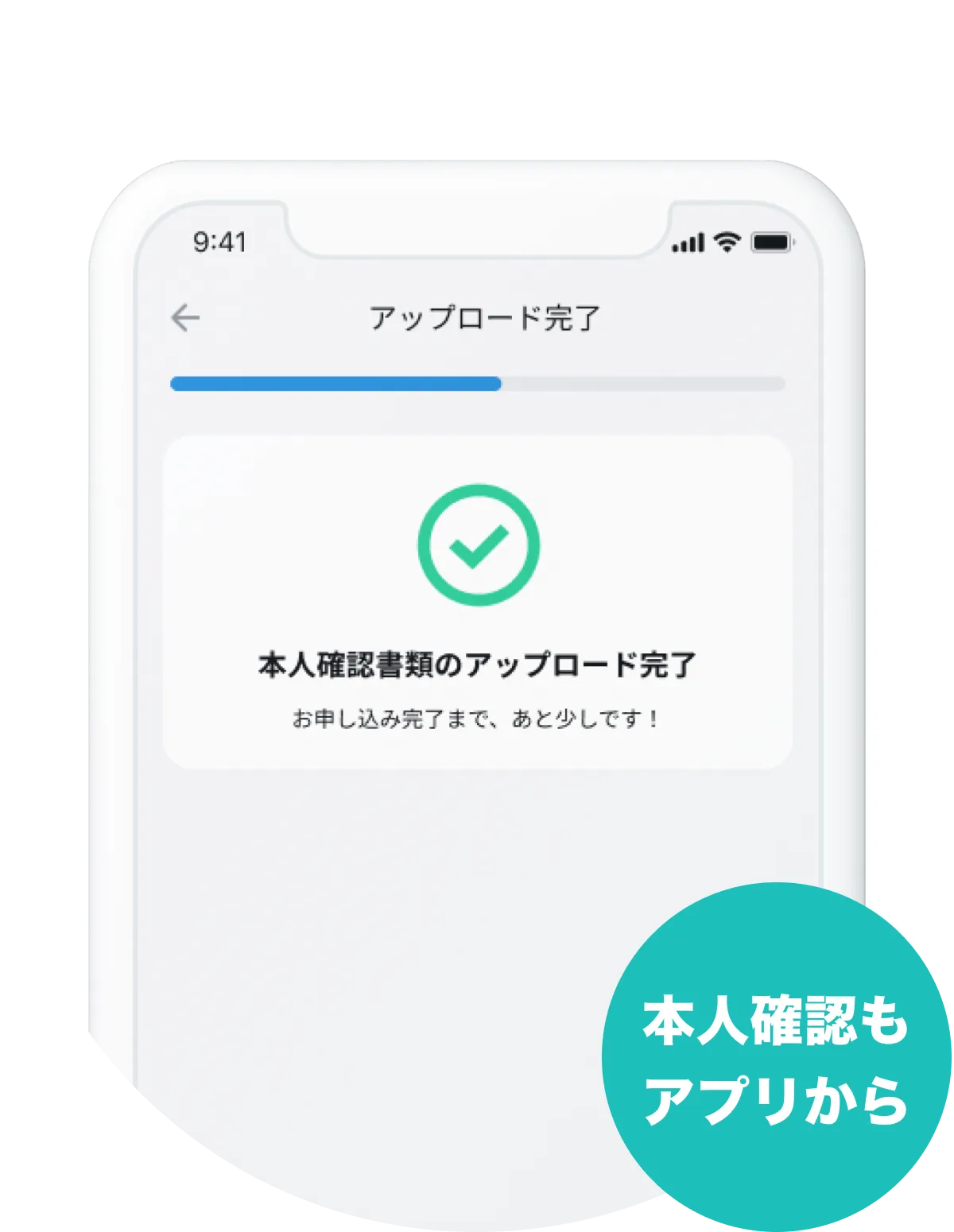
    Upload one identity verification document* and enter the five required fields. Workplace information and bank account information are not required.

    *My Number Card, driver's license, and passport (issued in Japan) can be used.

    Once your application is approved, you will receive an activation code within the Nudge app. Enter the code in the app and your credit card information will be displayed immediately, allowing you to make online payments even before your card arrives. Your card will arrive in your mailbox within about a week.

  • STEP 4Using Nudge Cards
    Shopping

    Approximately one week after the eligible payment is confirmed*, you will receive a promo code for gigabytes via "Notifications" within the Nudge app.

    *You can check the payment amount in the "Usage History" section of the Nudge app.

Benefits

Depending on the payment amount,
You can get up to 10GB per month.
Payment amount
(Mon)
10,000円 20,000円 30,000円 40,000円 50,000円 60,000円 70,000円 80,000円 80,000円 100,000円
Promo Code Data bonus 1GB (24 hours)
1 sheet 2 sheets 3 sheets 4 sheets 5 sheets 6 sheets 7 sheets 8 sheets 9 sheets 10 sheets
Payment amount
(Mon)
Promo Code
10,000円 Data Bonus
1GB
(24 hours)
1 sheet
20,000円 2 sheets
30,000円 3 sheets
40,000円 4 sheets
50,000円 5 sheets
60,000円 6 sheets
70,000円 7 sheets
80,000円 8 sheets
80,000円 9 sheets
100,000円 10 sheets

The contents of the benefits may be subject to change in the future.

  • *Monthly usage amounts are reset on the 1st of each month, and benefits are provided based on the payment amount for that month.
  • *As of April 1, 2024, the cumulative usage method for povo club will be discontinued. (After April 1, it will no longer be possible to achieve the cumulative benefits of this club.)
  • *Data consumption will be in the following order: Data Bonus → Data Topping. Please note that even if you add a Data Bonus, the data consumption period for Data Topping will not be added together.
  • *The reward will be sent via "Notifications" within the Nudge app. If you are unable to receive the promo code due to personal reasons, you will not be eligible for the reward.
  • * validity of the promo code varies depending on the benefit (please check the instructions sent at the time of delivery for details).
  • * Benefits may not be offered in the following cases.

    - If you are unable to receive the promo code- If it is discovered that you have engaged in fraudulent or offensive conduct in receiving the promo code
  • *Even if you are unable to receive the bonus due to your own circumstances, the bonus will not be provided again.

How to use the promo code

STEP 1Select a promo code

alt_txt

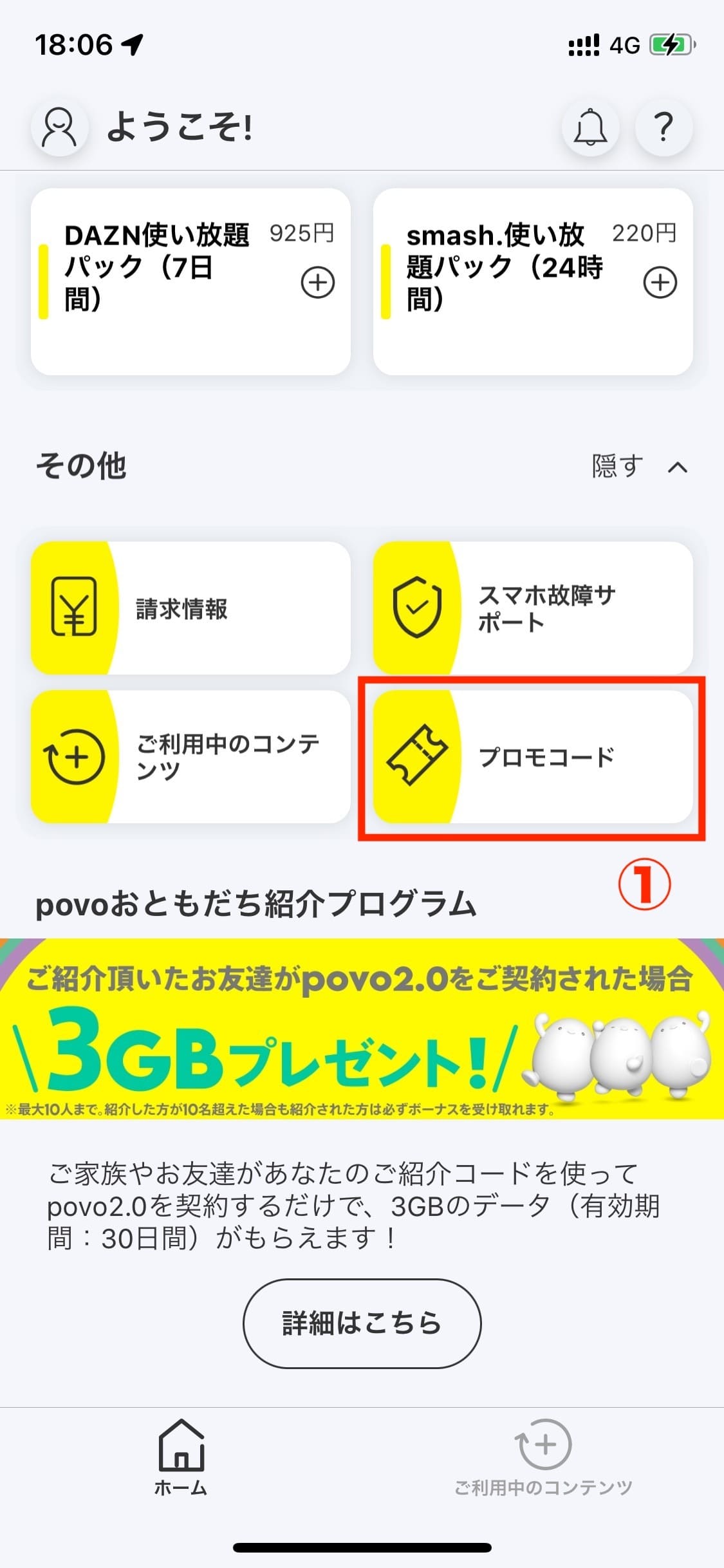
Open the povo2.0 app, scroll to the bottom of the "Home" tab, and select "Promo Code."

STEP 2Enter your promo code

alt_txt

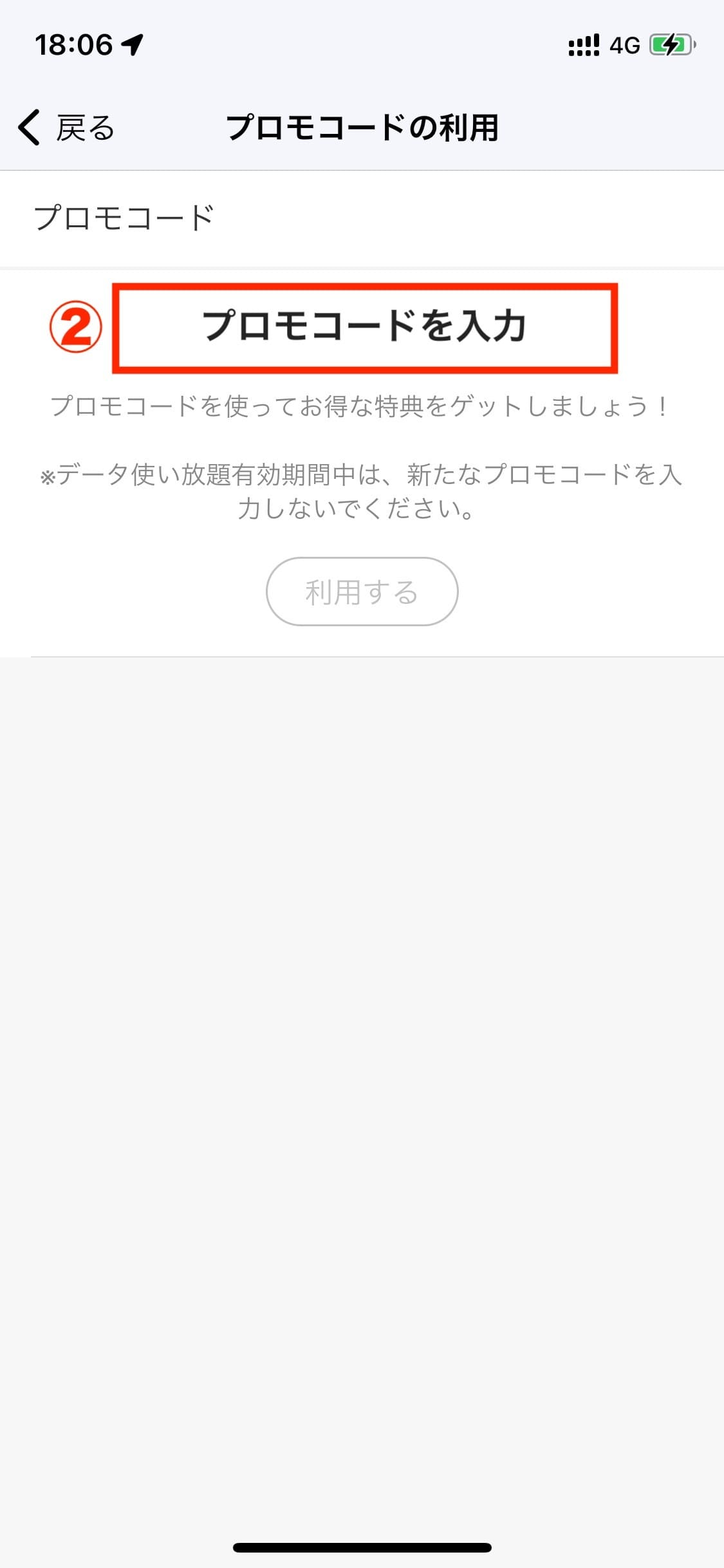
Enter the promo code in the "Enter promo code" field and press "Use" to apply the promo code.

Important Notice

  • Nudge and Nudge Card are payment services provided by Nudge Inc.
  • Issuance of a Nudge card requires identity verification and screening based on Nudge Inc.'s standards. Screening is generally completed within 1 to 3 business days after the application date. Once the screening is complete, a check mark will appear in "STEP 1 Application" → "STEP 2 Screening." Please note that the screening process may take some time depending on the application status, etc.
  • To use Nudge and the Nudge Card, you must agree to the Terms of Service set forth by Nudge, Inc.
    Terms of service are here (※1)
  • This campaign may be changed without notice, and we will notify you in advance if the campaign is terminated.
  • For questions about the Nudge Card, please visit the Nudge Inc. website.
    For more details, click here (※1)
(※1):
You will be redirected to an external site.

*The information listed is current as of November 7, 2023.