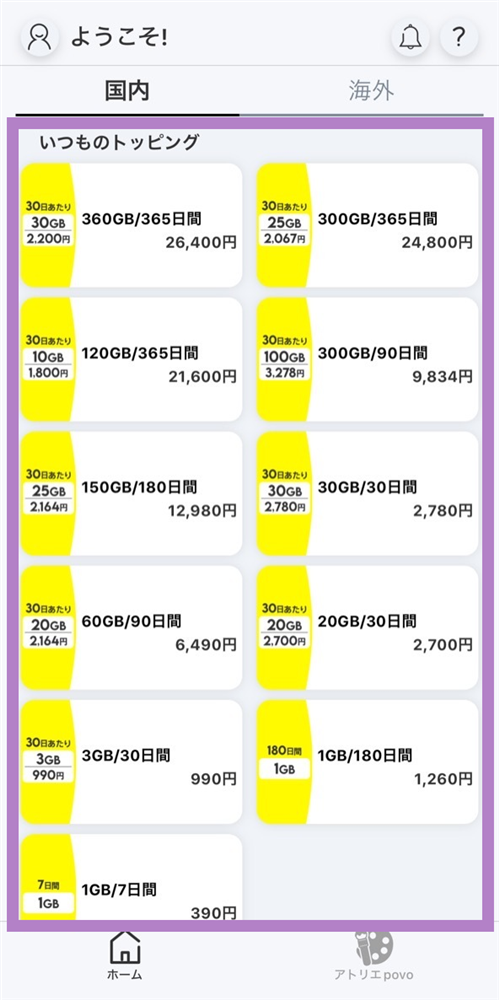
You can scroll to the right
| Data Capacity | validity *2 | Fee | per month Data capacity/ fees |
Sales period |
|---|---|---|---|---|
| 1TB *1 | 365日間 | 38,160円 (税込) |
Approximately 85GB 3,180 yen |
March 1, 2026 0:00~ May 31, 2026 23:59 |
*1 TB = terabyte (1TB = 1,024GB)
*2 validity of Topping will be counted as one day for every 24 hours that passes from the time of purchase.
For the time being, the service will be available until 23:59:59 on validity expiration date.
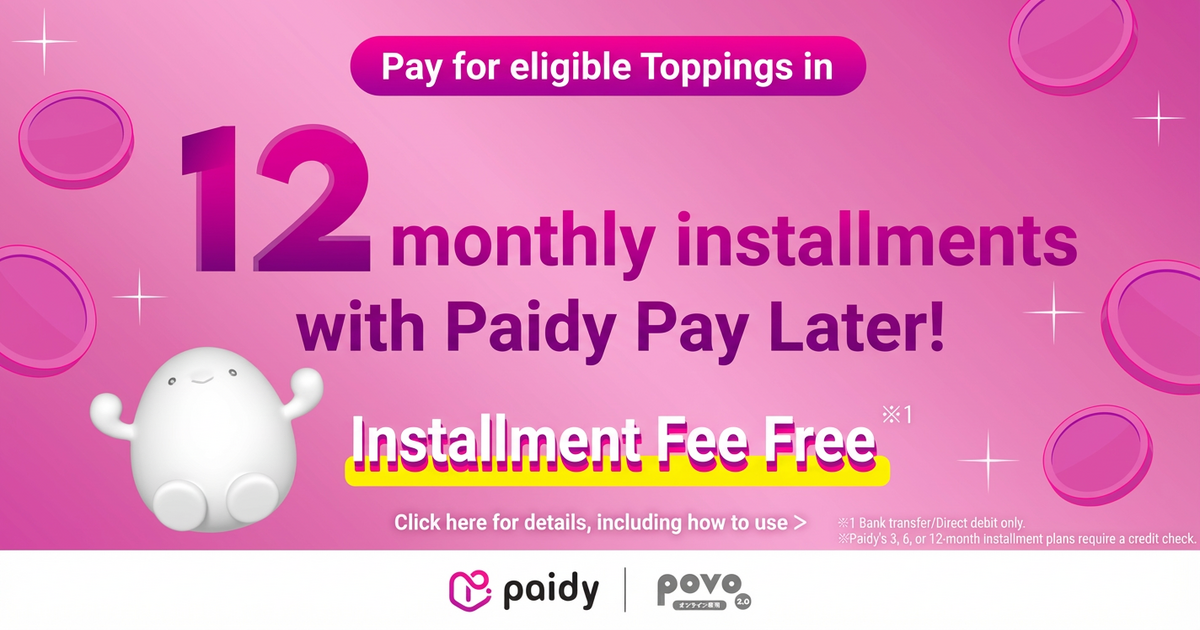
This Topping can be paid for in 12 installments (paidy) with no additional fees. Click here for details
*Please check the campaign page for details and conditions of each campaign.
● Real-discount (Details here)
Switch to povo2.0 from another carrier (excluding au / UQ mobile / povo1.0) via MNP and purchase eligible Topping to receive a 40% rebate on data usage fees in your au PAY balance!
validity: May 1, 2025 - End date TBD
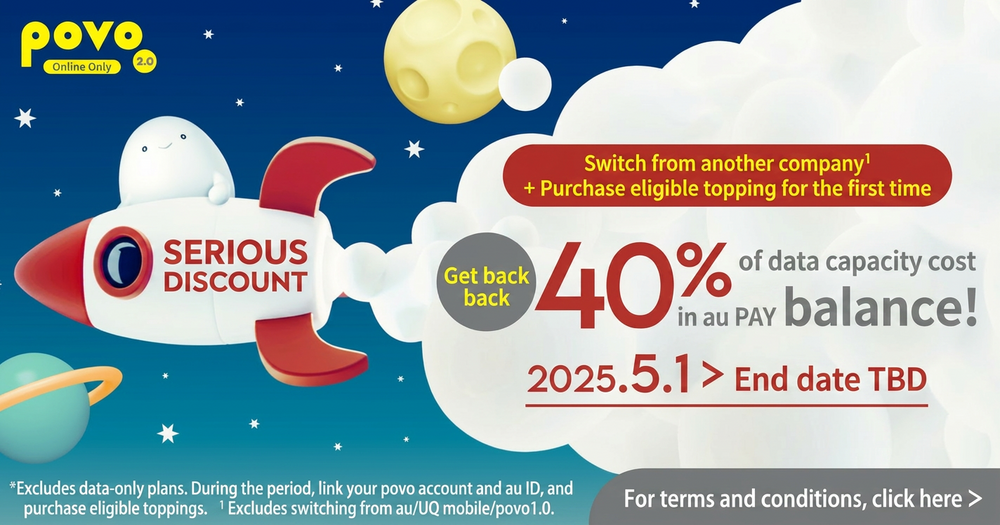
*The "povo2.0 Data Only" plan is not eligible for this campaign.
●#A whole year of great deals (Click here for details)
validity: End date undecided

●In the future, we may extend Sales period or sell the same or similar Topping in the near future.
●Payment will be processed immediately after purchase, and the item will be available for use right away.
● Cancellation of Topping mid-term or pro-rata refunds are not possible.
● Topping have validity. Please use them within validity.
● validity is managed for each Topping purchased. Even if you purchase a new Topping before validity of the previously purchased Topping expires, validity of Topping that was applied before the purchase will not be extended, and validity of any data Topping that were applied at the same time will expire.
●The order in which data is consumed is as follows:
If you have multiple data Topping, use the one with the earliest expiration date first.
If you have both data Topping and data bonuses, the bonus will be used first.
(Prepaid codes and trade codes will be treated the same as "data Topping.")
●This service is not available overseas.
● validity for Topping is counted as one day for every 24 hours elapsed from the time of purchase completion.
For the time being, the service will be available until 11:59:59 PM on the expiration validity. We will notify you in advance if there are any changes.
●There is no limit to the number of Topping you can purchase at the same time.
However, while you are using Unlimited data Topping or Unlimited data, you cannot purchase any Unlimited data Unlimited data Topping
● If you cancel povo2.0 subscription, you will no longer be able to use it, even if you have remaining data capacity or validity.
●When the data capacity reaches 0GB, the communication speed will be limited to a maximum of 128kbps for both sending and receiving.
●The maximum communication speed is provided by the best-effort method. Actual communication speeds vary depending on location, communication environment, network congestion and compatible products.
●If you use a large amount of data within a certain validity, your communication speed will be restricted during peak hours.
● You will be notified via email, SMS, etc., when your remaining data capacity falls below a certain level and before validity.
- When the total remaining capacity of purchased data and granted data is 1GB, 500MB, or 0MB.
- Around 12:00 PM the day before validity
*All prices shown are inclusive tax included unless otherwise specified.
*The information presented is current as of May 12, 2026.
Please apply using povo2.0 app.
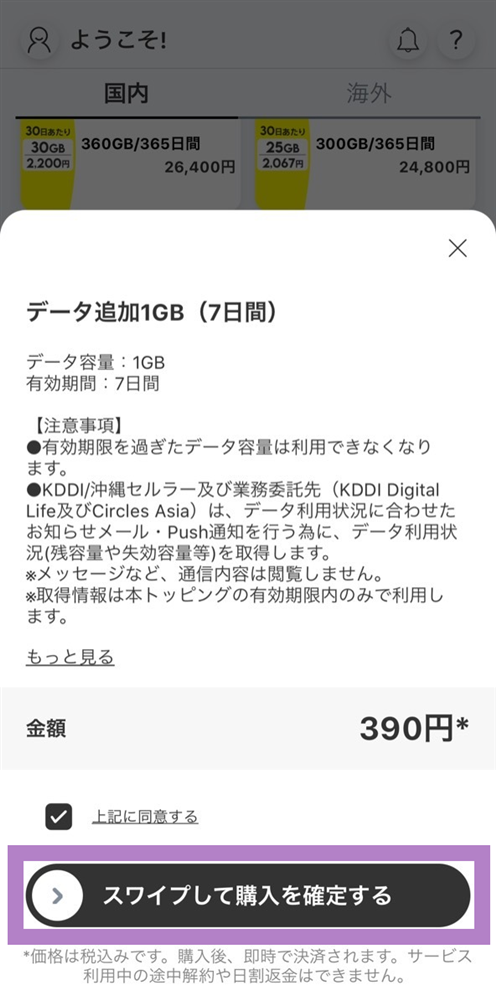
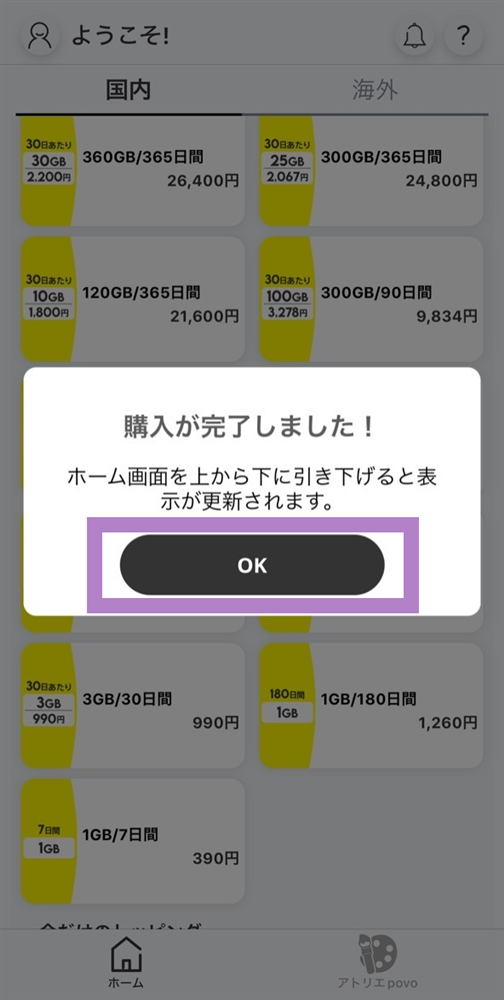
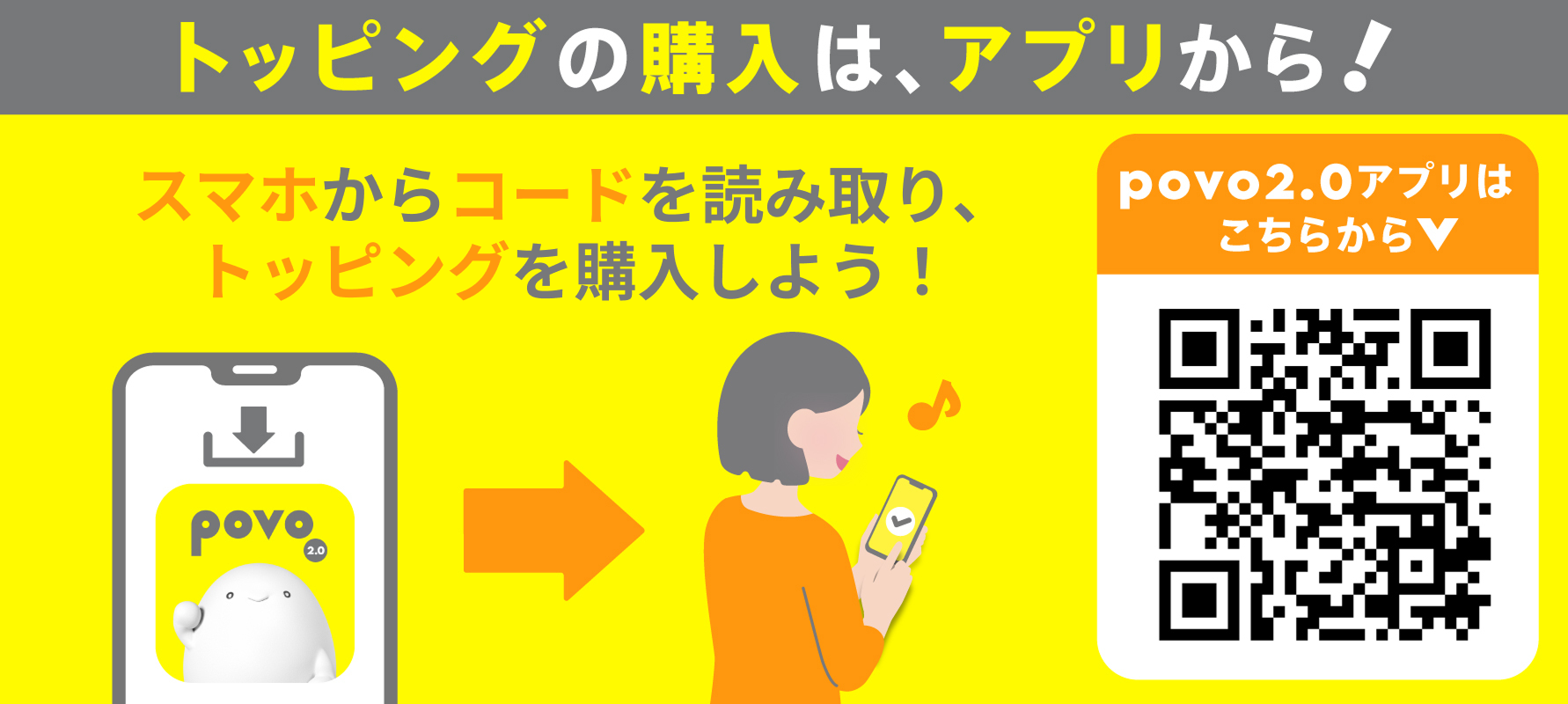
You will need to download the app to apply (new, switching from another company/ UQ mobile), purchase Topping, and make various confirmations.
Search for "povo2.0" on App Store or Google Play, or download it from the link below.