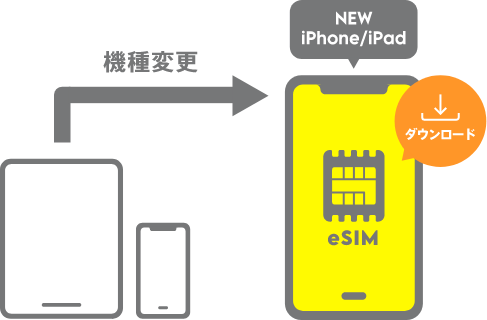
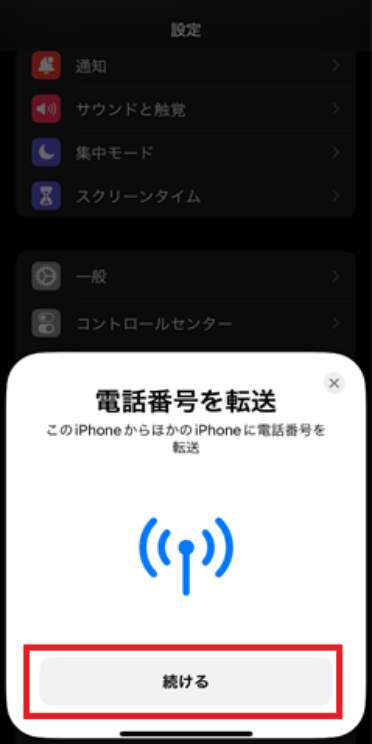
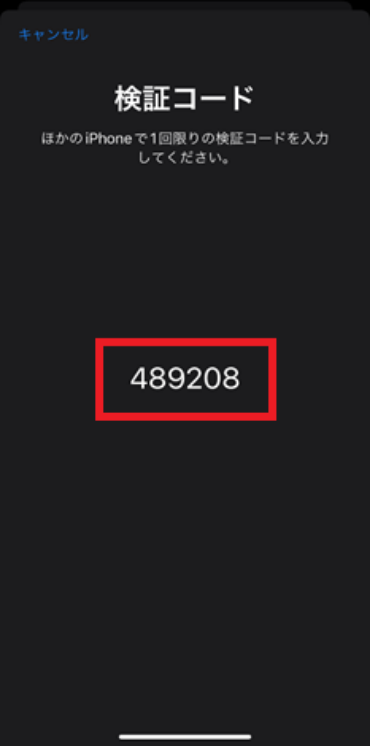
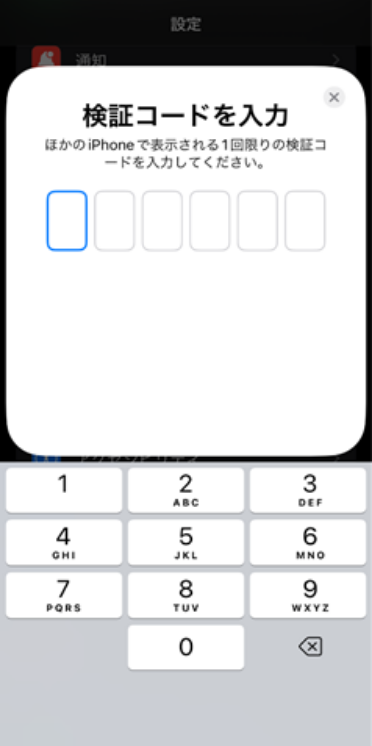
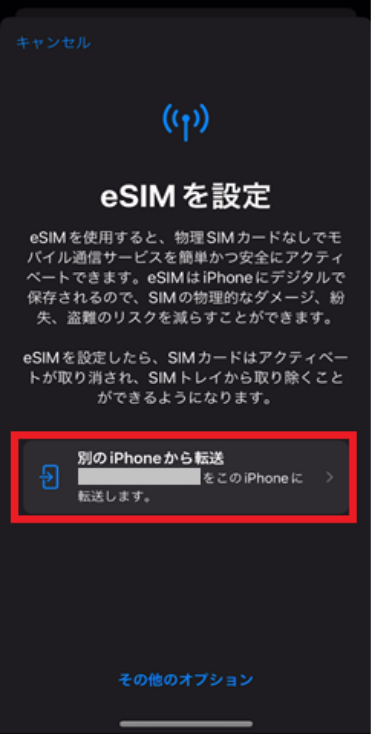
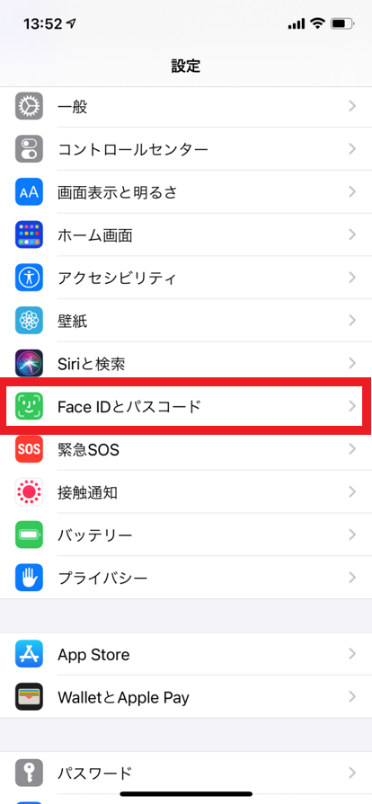
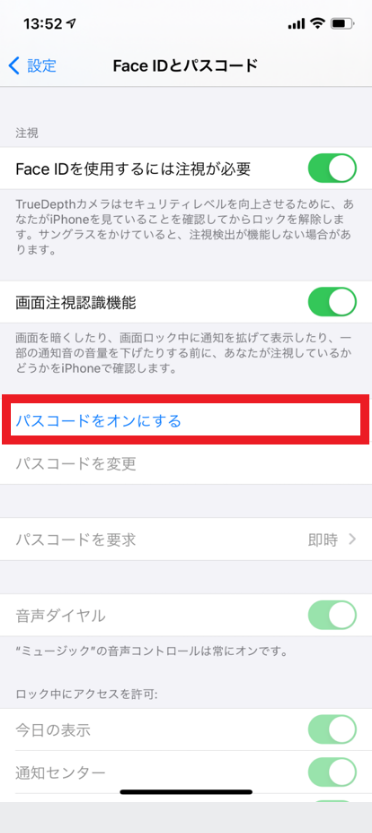
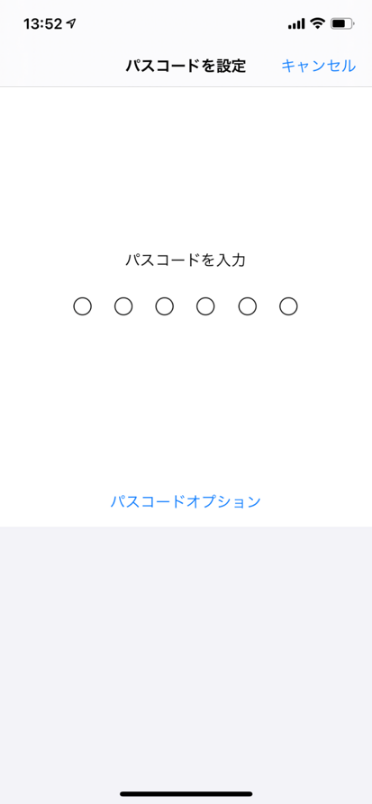
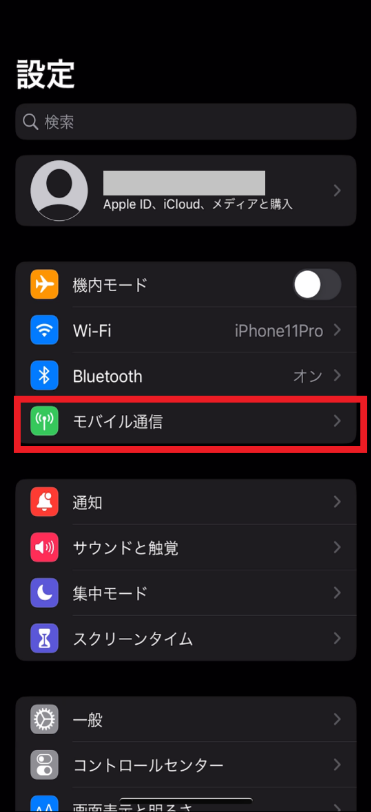
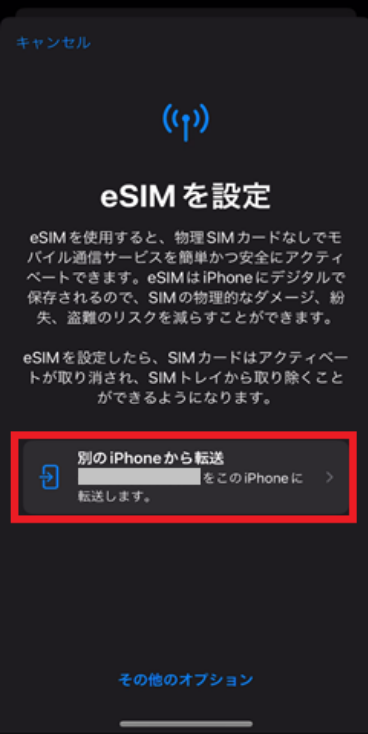
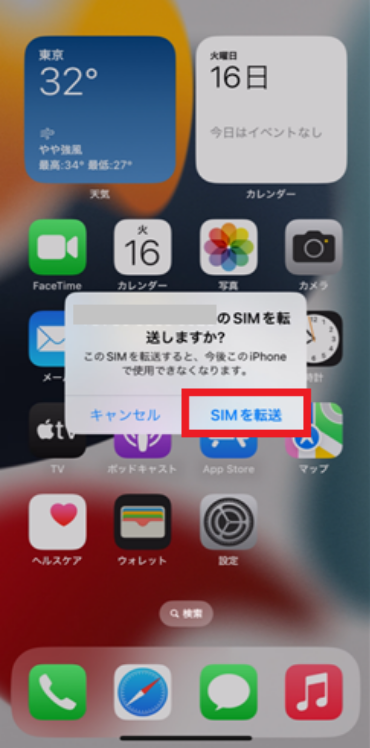
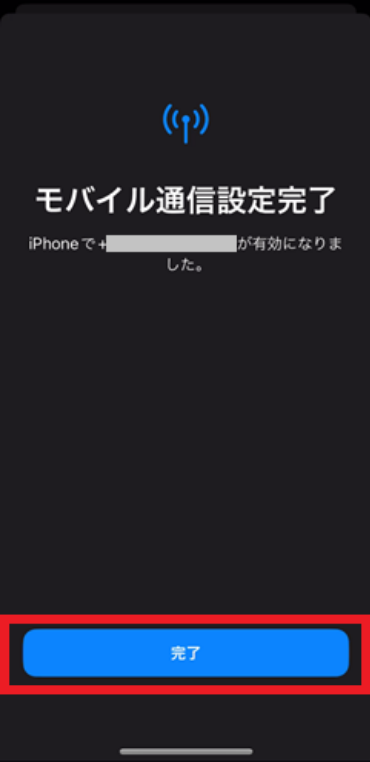
If you are using an iPhone/iPad that supports eSIM quick transfer, you can request an eSIM reissue through the device's settings menu.
Since eKYC (electronic Know Your Customer) verification is not required and the eSIM can be downloaded automatically without using QR codes or other methods, changing your device becomes even easier.
*eSIM quick transfer is not available with the povo2.0 Data Only plan.
<If you are currently using a SIM card>
eSIM Quick Transfer allows you to transfer your current physical SIM card as an eSIM to a new iPhone.
This procedure is compatible with iOS 16/iPadOS 17.4 or later. If your new iPhone/iPad and your previous iPhone/iPad are not running iOS 16/iPadOS 17.4 or later, please be sure to update your iOS/iPadOS before proceeding.
*Please note that you may not be able to use this service if your device does not support eSIM quick transfer. In this case, please apply for a SIM reissue using the povo2.0 app.
Reception hours: 7:00-23:50, 1:00-2:50
*The device screen shown is for an iPhone. iPad users can follow the same procedure.
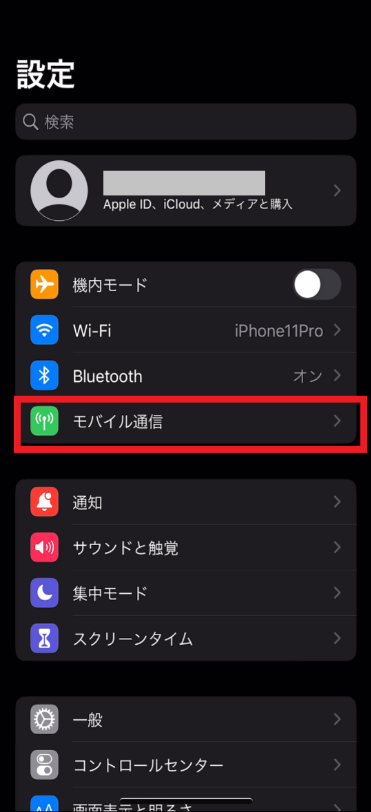

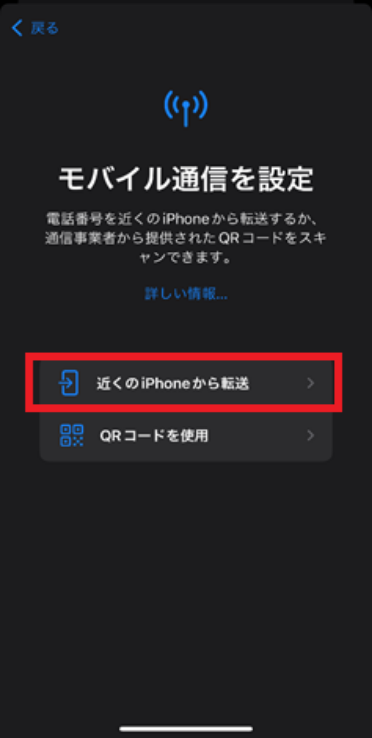
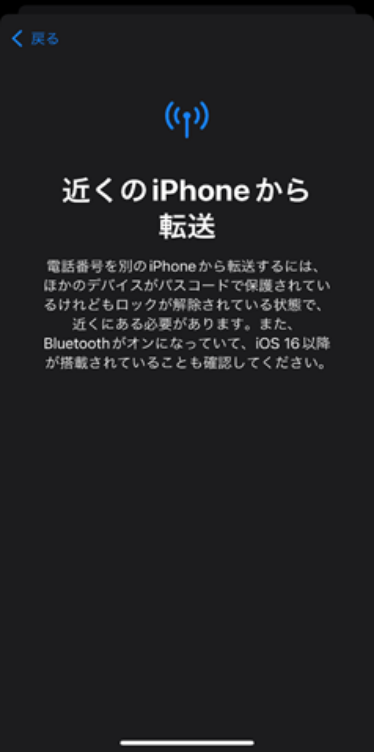
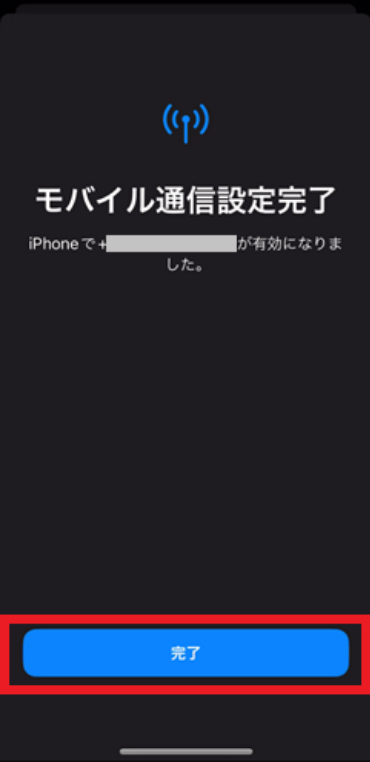
Please call the test number (111/toll-free), listen to the guidance to the end, and then hang up.
With Wi-Fi turned off, launch your browser and check whether you can access the website (povo) using mobile data.
*Before purchasing data Topping, it may take some time for the screen to display, but as long as the screen can be displayed, there is no problem.
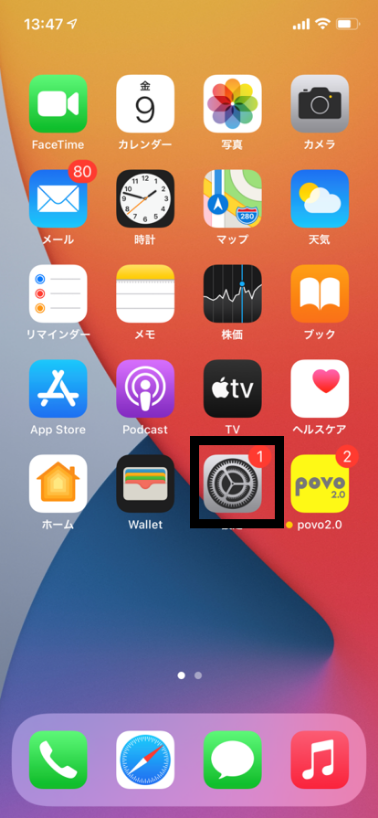
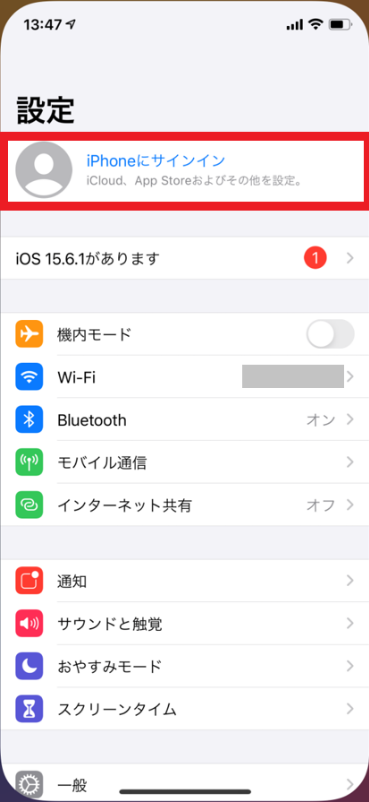
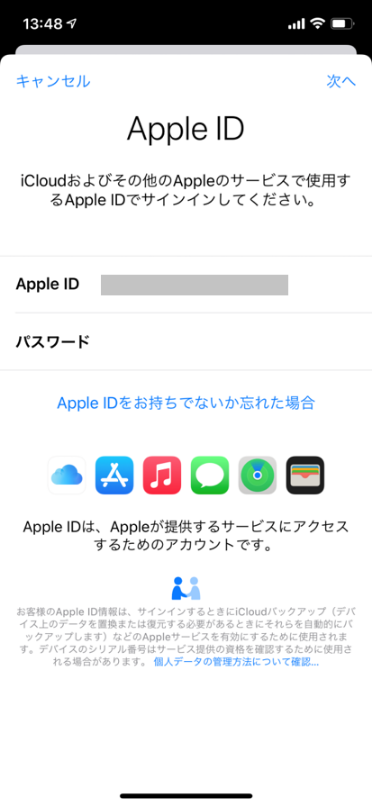
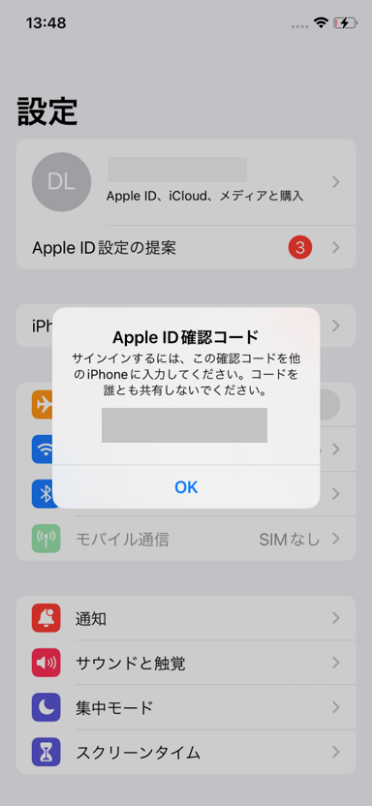
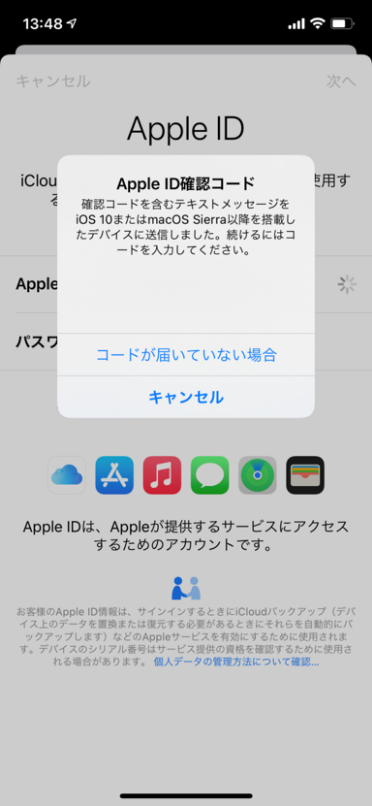
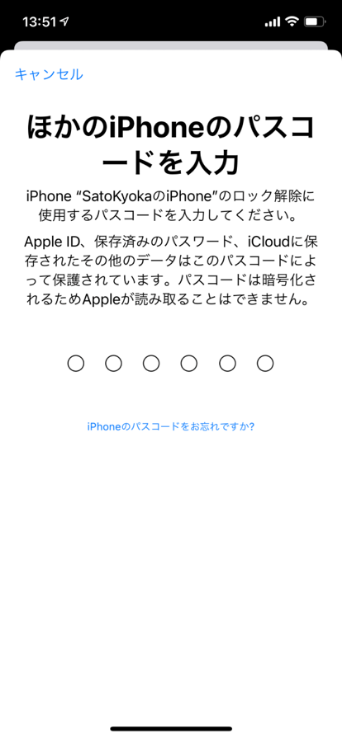
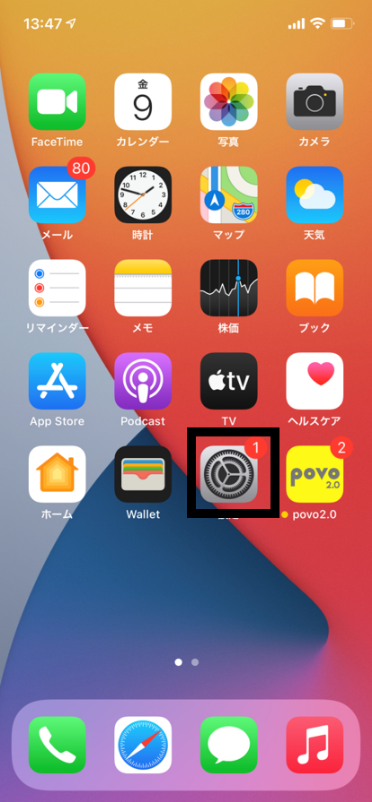

Please call the test number (111/toll-free), listen to the guidance to the end, and then hang up.
With Wi-Fi turned off, launch your browser and check whether you can access the website (povo) using mobile data.
*Before purchasing data Topping, it may take some time for the screen to display, but as long as the screen can be displayed, there is no problem.



