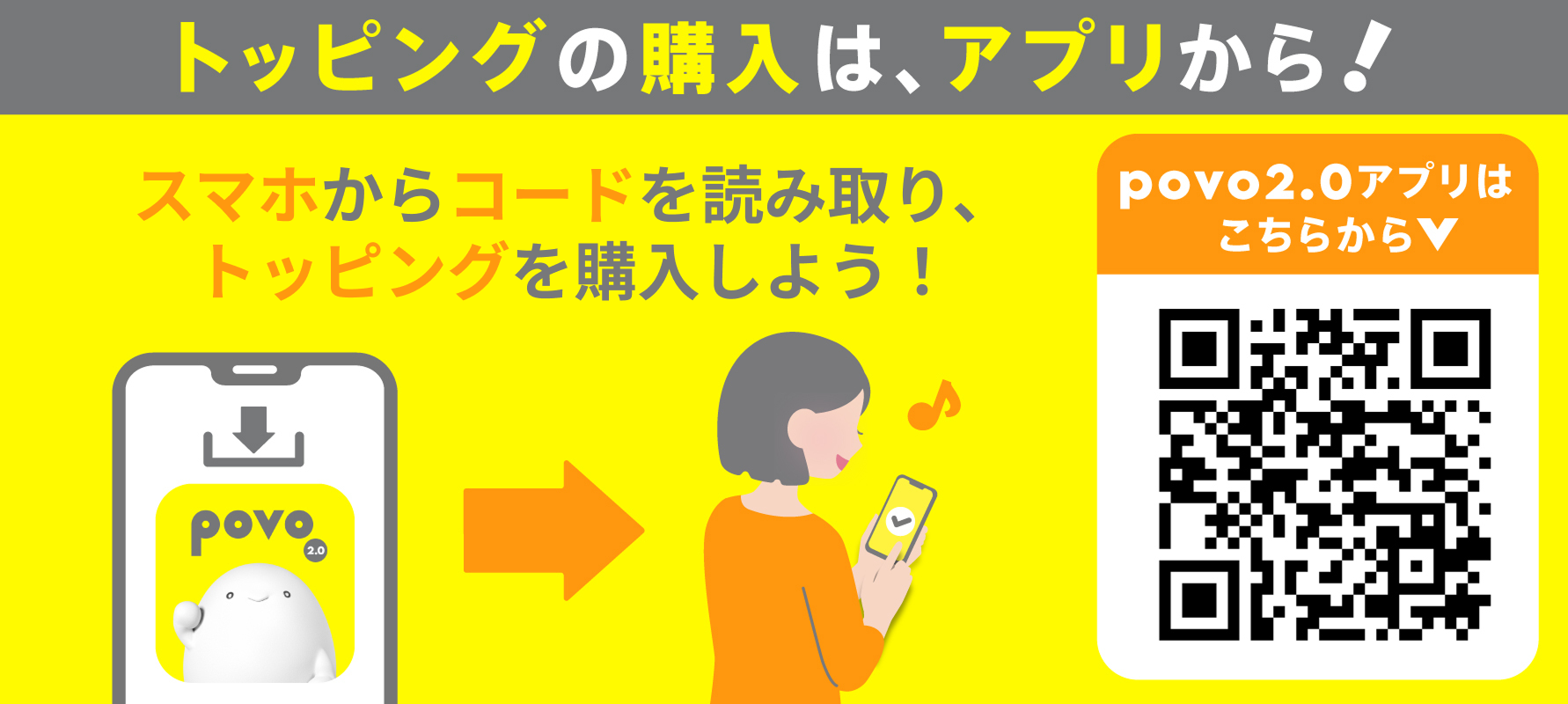
★1 In the future, we may extend Sales period or sell the same or similar Topping in the near future.
| Data volume | Validity | Fee | per month Data volume/ fees |
Sales period |
|---|---|---|---|---|
| 120GB | 365日間 | 19,800円 (税込) |
10GB 1,650円 |
June 26th, 2025 20:30~ June 30th 23:59 *1 |
| Data volume | 120GB |
|---|---|
| Validity | 365日間 |
| Fee | 19,800円(税込) |
| per month Data volume/ fees |
10GB 1,650円 |
| Sales period | June 26th, 2025 20:30~ June 30th 23:59 *1 |
* validity of this Topping will be counted as one day for every 24 hours that passes from the time of purchase.
For the time being, the service will be available until 23:59:59 on validity date.
*After Topping stated Sales period ends, Topping names that can be viewed in the "Detailed Breakdown" and "Purchase History" in the povo2.0 app and in the contract document may be changed as follows:
After the change: [Super Sale] Data Top-up 120GB (365 days) On sale from June 26th to June 30th, 2025
*1 In the future, Sales period may be extended or the same or similar Topping may be sold in the near future.
*Please check the campaign page for details and conditions of each campaign.
● Real-discount (Click here for details)
Switch (MNP) from another company (excluding au / UQ mobile / povo1.0) to povo2.0 and purchase eligible Topping to receive a half-price rebate on your au PAY balance!
validity: May 1, 2025 - End date to be determined

*The "povo2.0 Data Only" plan is not eligible for this campaign.
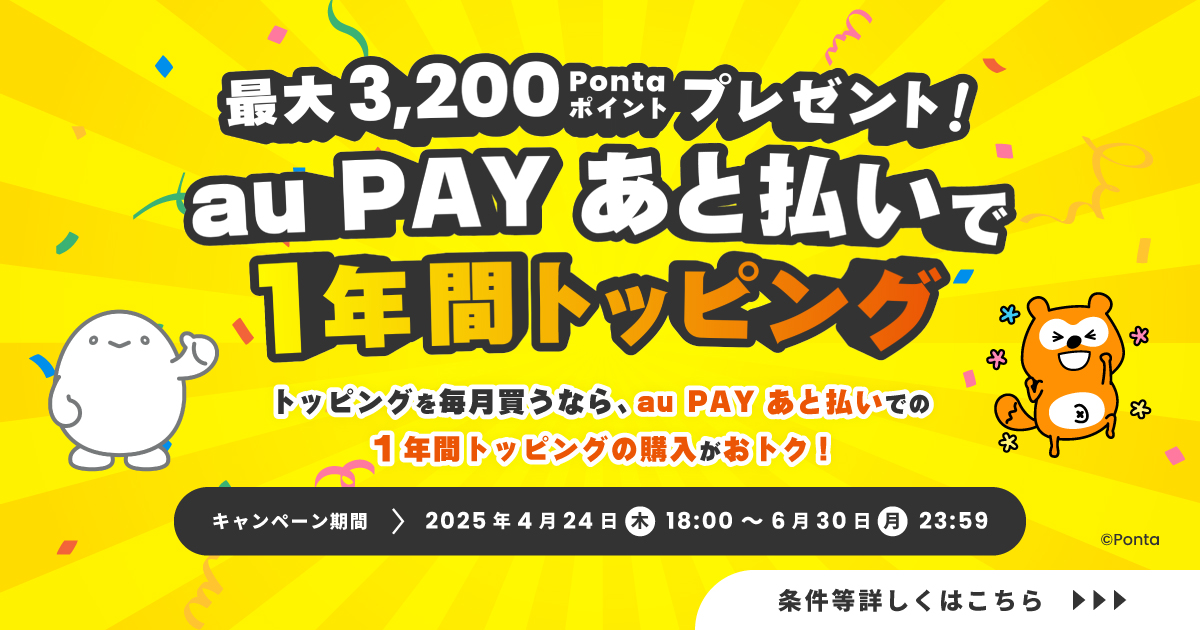
● au PAY deferred payment membership × povo Topping purchase campaign! (Click here for details)
Earn up to 3,200 Ponta points when you sign up for au PAY deferred payment and purchase povo2.0 Topping
validity: April 24, 2025, 18:00 - June 30, 2025, 23:59
●#A whole year of great deals (Click here for details)
validity: End date undecided

●Payment will be made immediately after purchase. Cancellation of this Topping or pro rata refunds are not possible.
● Topping can be used immediately after purchase.
●Each Topping has validity. Please use it within validity.
●If the data capacity reaches 0GB, the communication speed will be a maximum of 128kbps for sending and receiving.
*Communication speeds may be limited during network congestion or when using videos or cloud games.
● validity is managed for each data Topping purchased. Even if you purchase a new data Topping before validity of a purchased data Topping expires, validity of the data Topping that was applied before the purchase will not be extended, and validity of the data Topping that were applied at the same time will expire.
●The order in which data is consumed is as follows:
If you have data Topping or data bonus*, it will be consumed from your data bonus.
If you have multiple data Topping, the one with the earliest expiration date will be used first.
*Includes prepaid codes, campaign codes, trade codes, referral codes, and promo codes.
●You will be notified by email, SMS, etc. when the remaining data capacity falls below a certain level or before validity.
When the total remaining data capacity of the purchased data capacity and the granted data capacity is 1GB, 500MB, or 0MB
Around 12 noon one day before validity
●The maximum communication speed is provided by the best-effort method. Actual communication speeds vary depending on location, communication environment, network congestion and compatible products.
●If you use a large amount of data within a certain validity, your data speed will be limited during peak hours.
●Cannot be used overseas.
●There is no limit to the number of data Topping that can be purchased at the same time.
However, while you are in the "Unlimited data" state due to using Unlimited data Topping or Unlimited data bonuses, you will not be able to purchase any Unlimited data Topping.
● If you cancel povo2.0, you will no longer be able to use the service even if you have remaining data capacity or validity.
Please apply using povo2.0 app.
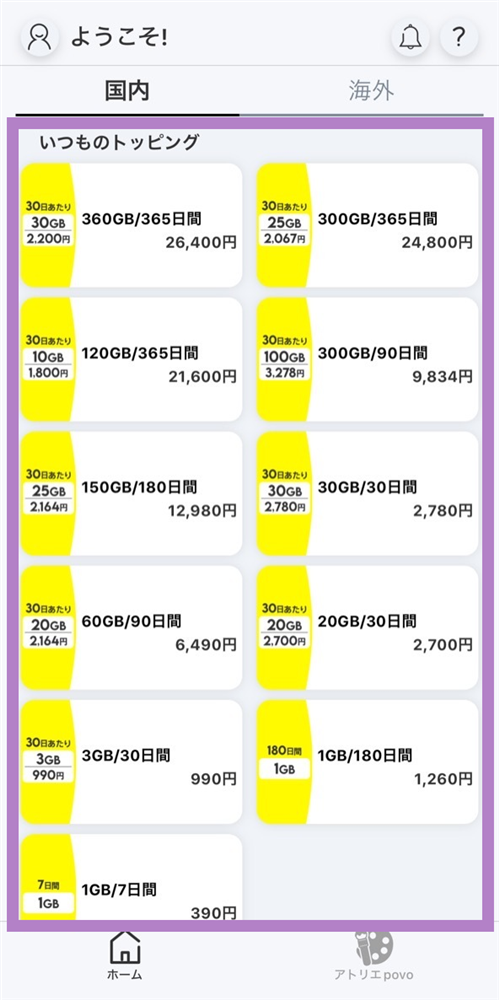
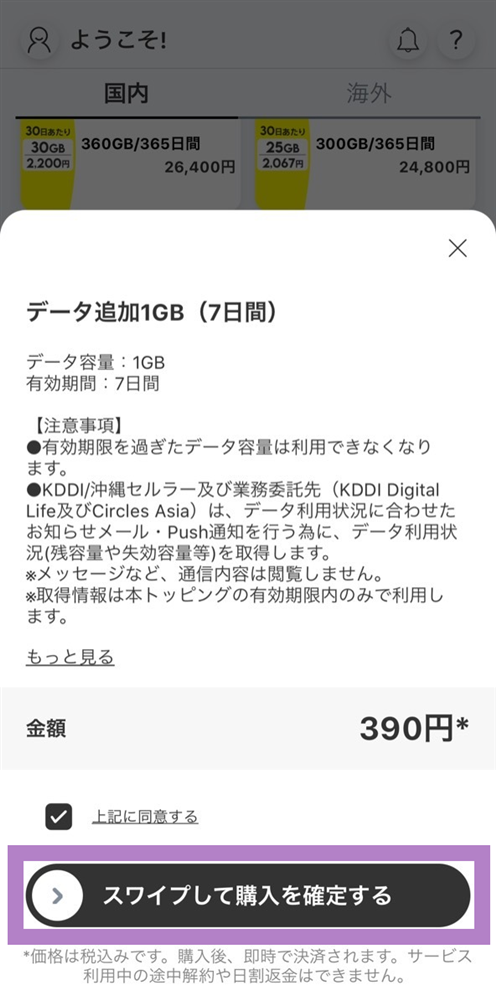
You will need to download the app to apply (new, switching from another company/ UQ mobile), purchase Topping, and make various confirmations.
Search for "povo2.0" on App Store or Google Play, or download it from the link below.