★1 In the future, we may extend Sales period or sell the same or similar Topping in the near future.
For Limited offer only, purchase one topping and receive 3 months of Amazon Prime from povo2.0!
★1 In the future, we may extend Sales period or sell the same or similar Topping in the near future.
| Topping name (validity) | Amount / per | Sales period |
|---|---|---|
| データ追加5GB(30日間) | 1,500円 | March 2, 2023 11:00~ March 31, 11:59 PM |
| Amazon Prime gift code (3 months) |
| Topping Name (validity) |
データ追加5GB(30日間) | Amazon Prime gift code (3 months) |
|---|---|---|
| Fee | 1,500円 | |
| Sales period | March 2, 2023 11:00~ March 31, 11:59 PM |
|
After purchasing this Topping from the povo2.0 app, an Data Top-up (for 30 days) will be automatically applied.
Amazon Prime gift code (for 3 months) will be sent to the email address registered with povo2.0 within one week of purchase.
*This Topping can only be purchased once per contract.
* Amazon Prime gift code will be sent from "povo". If you are unable to receive the Amazon Prime gift code due to your circumstances (including, but not limited to, if your email address is invalid or if our email was blocked by a spam filter), you will not be eligible for the benefit. Please check your email reception settings in advance.
*You may not be eligible to receive an Amazon Prime gift code in the following cases:
- If you were unable to receive Amazon Prime gift code
- If it is discovered that fraudulent activity or conduct contrary to public order and morals has occurred when receiving Amazon Prime gift code.
*All prices listed include tax included unless otherwise specified.
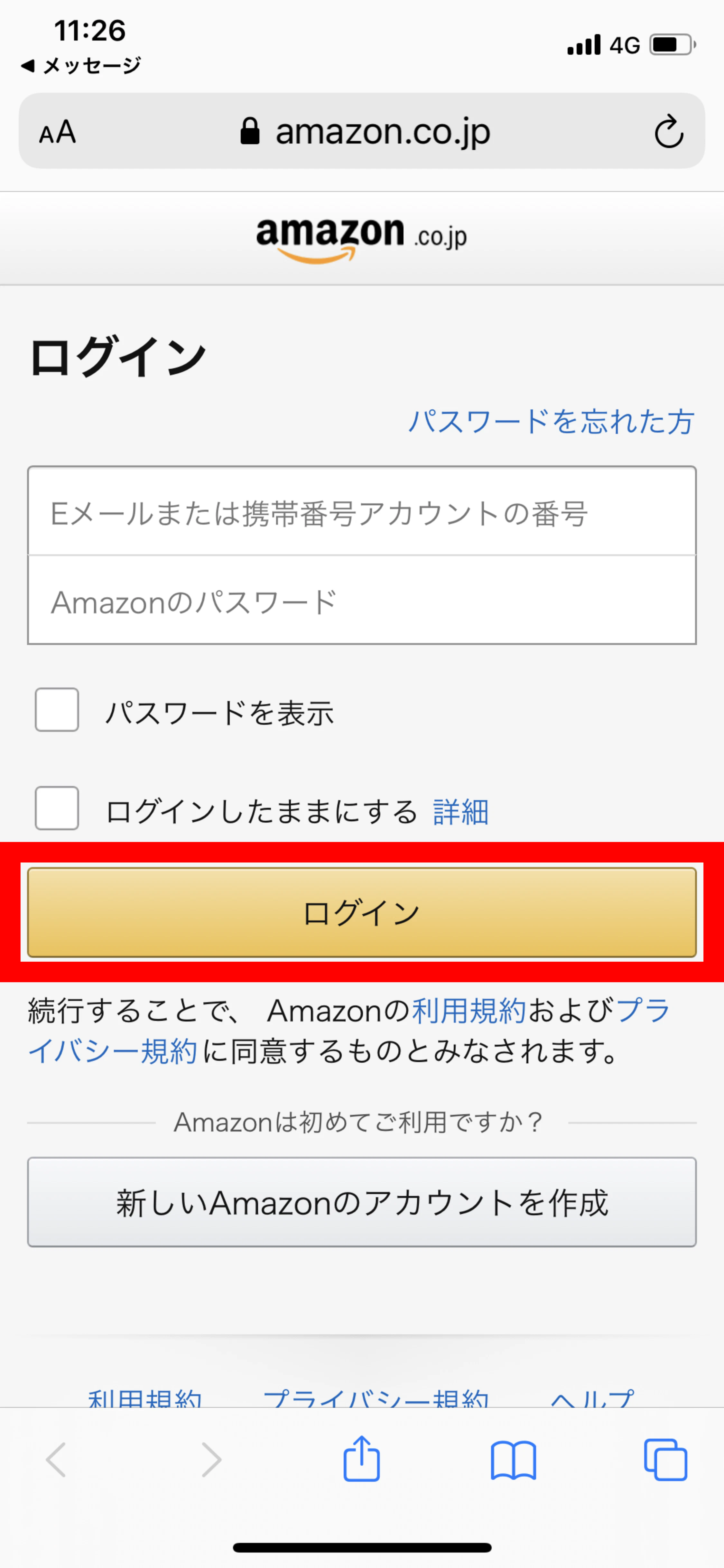
To use Amazon Prime, please read and agree to the Amazon Prime Terms and Conditions before starting to use the service.
See Amazon Prime terms and conditions here.
Amazon Prime gift code (for 3 months) will be sent to the email address registered with povo2.0 within one week of purchase.
*After the benefit application validity ends, your membership will be automatically renewed and you will be billed directly by Amazon. If you do not wish to have your membership automatically renewed, please complete the necessary procedures yourself on Amazon's website, "Amazon.co.jp."
*Please use your Amazon Prime gift code by April 30, 2023.
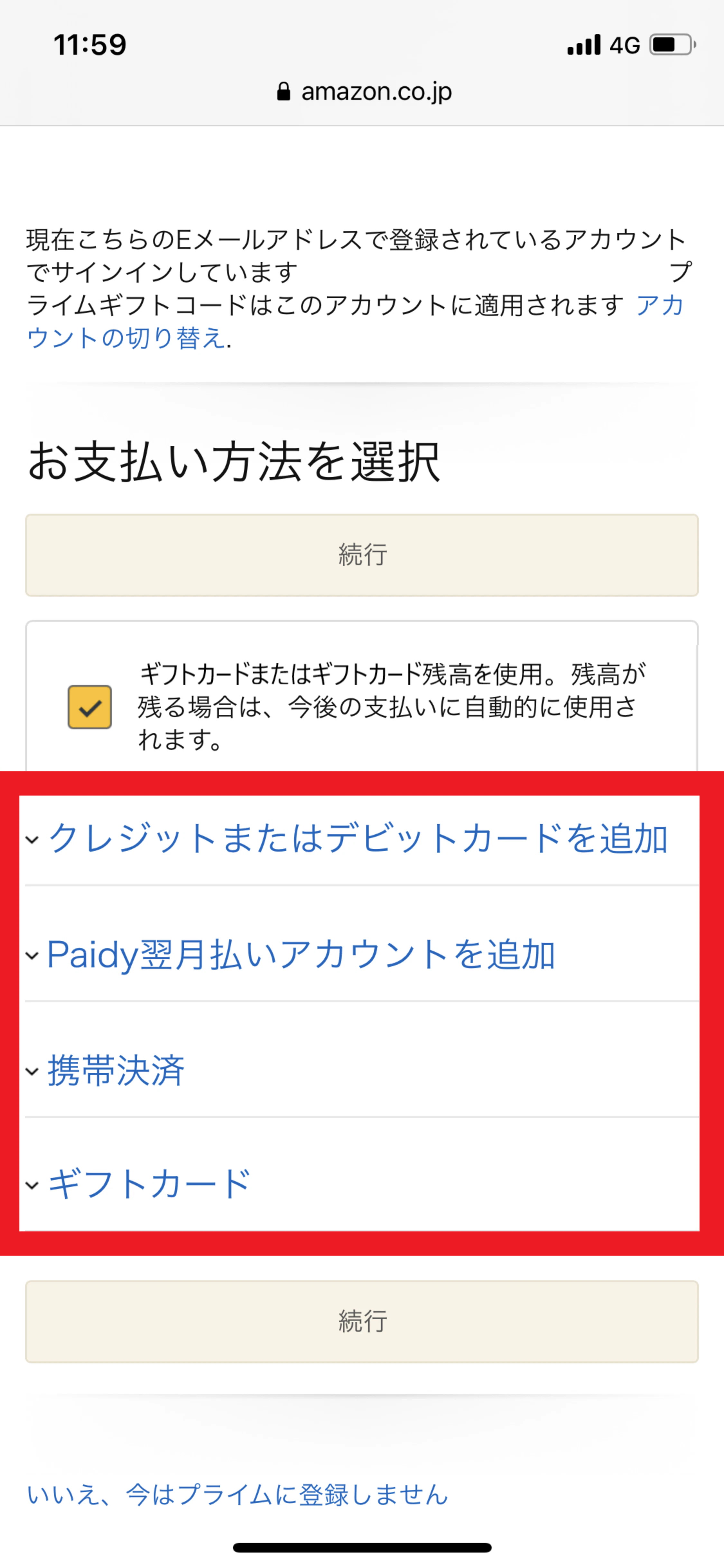
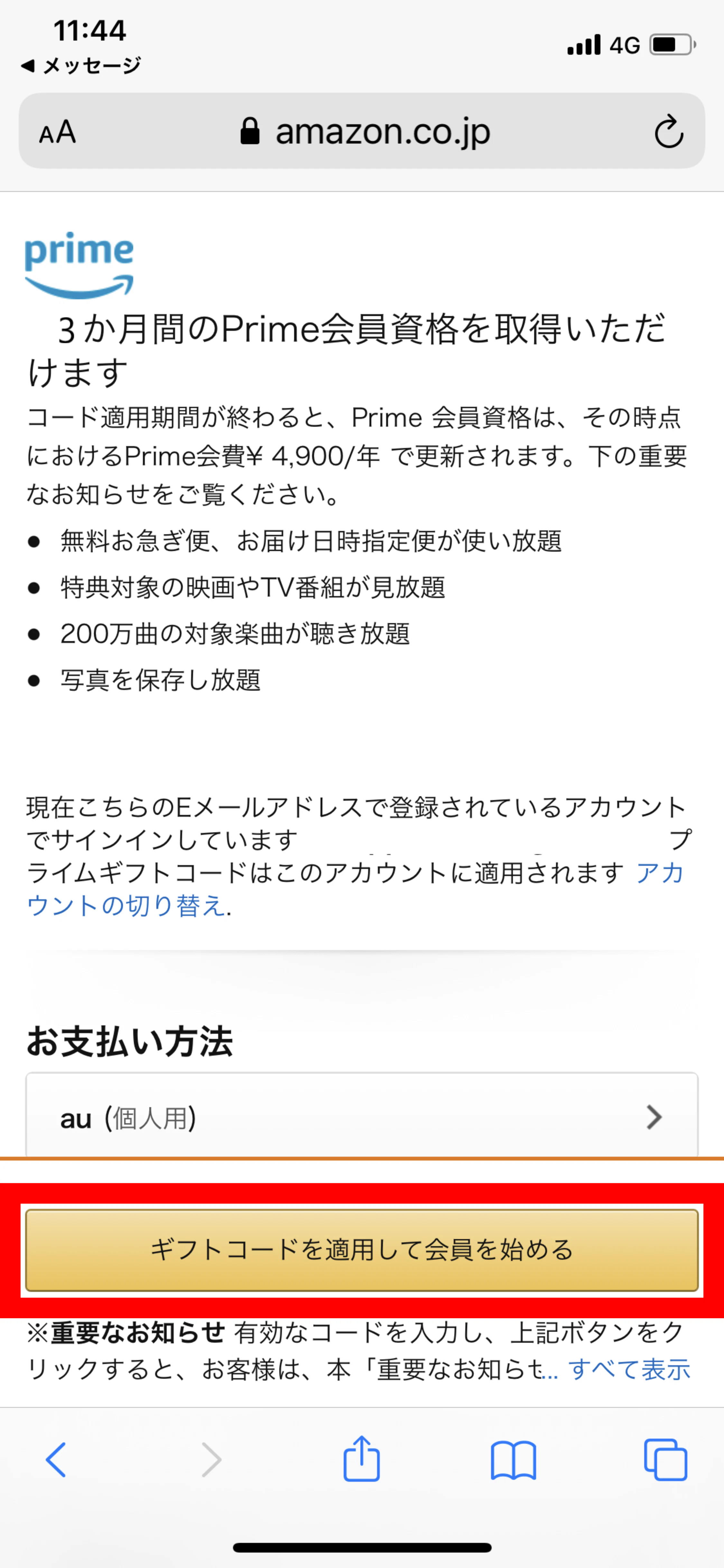
To proceed with your registration to start using the benefits, you will need to select a payment method. This payment method will allow you to begin receiving direct billing from Amazon after the benefit validity ends. Please rest assured that even if you set up a payment method, you will not be charged Amazon Prime membership fees during the benefit validity.
Whether or not you check "Use a gift card or gift card balance" will not affect the application of your Amazon Prime gift code, so don't worry if you forget to check it.
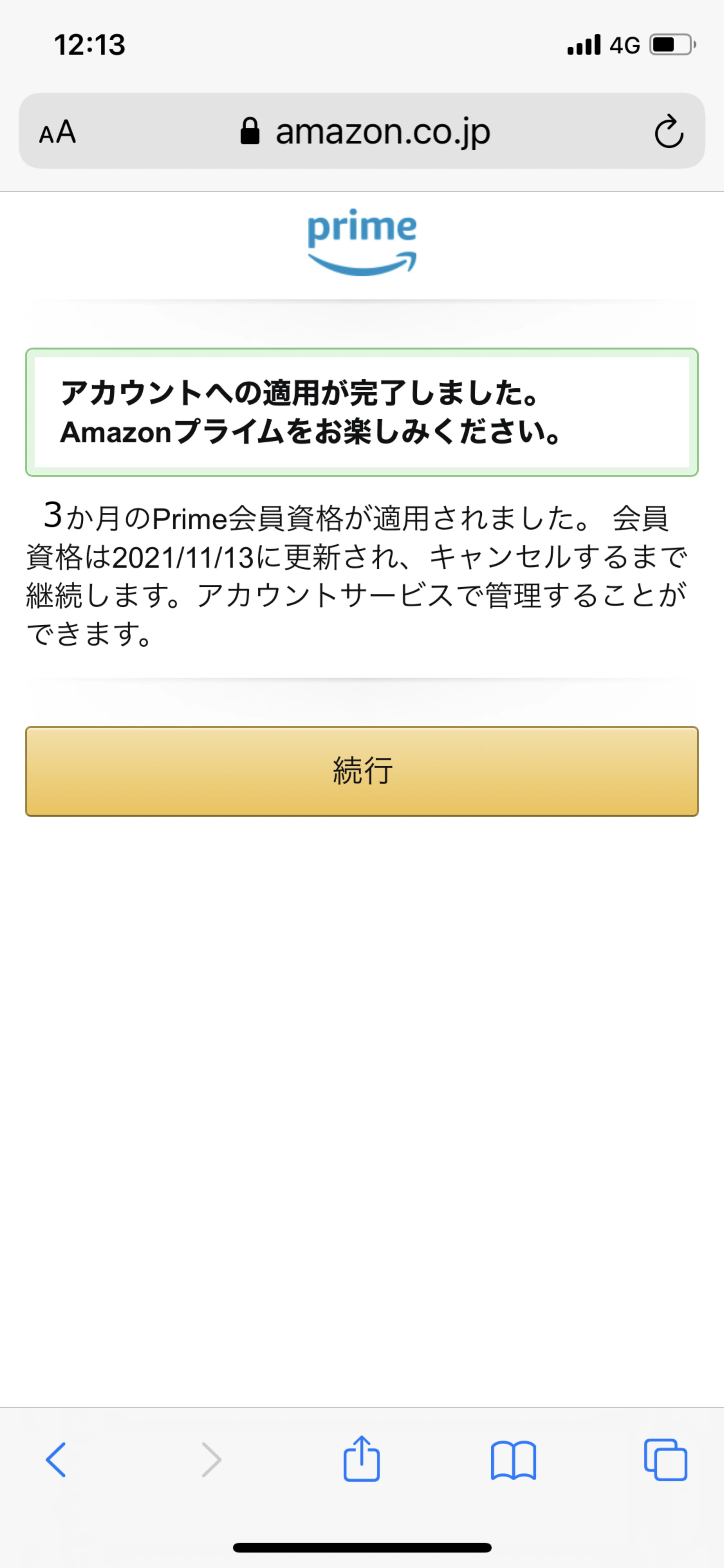
After logging in to Amazon, you can check your application history from your order history.
You can check your next membership renewal date on your Amazon membership information page. Please note that it may take some time for the renewal date to be updated after applying the KDDI benefits.
Yes, if you wish to continue using the service, there is no need to renew.
After the benefit validity ends, your Amazon Prime membership will be automatically renewed, and you will be able to continue using the service by paying the membership fee (you will be billed directly by Amazon). If you do not wish to have your membership automatically renewed, please cancel it yourself on Amazon's website, Amazon.co.jp.
You have already registered to start using the service, so there is no need to register again.
There are various benefits, such as Prime Video, which allows you to watch eligible movies and TV shows as much as you want for an additional fees, Amazon Music Prime, which allows you to listen to eligible songs without ads, and unlimited use of delivery options such as expedited shipping. Please check the website for details of all benefits.
Customers who are currently using an Amazon Prime gift code obtained through a campaign from another company may not be able to use a povo2.0 gift code. Please reapply after your current membership renewal date. You can check your renewal date on your Amazon membership information page.
Yes, you can.
If you are already an Amazon Prime member when you register to use an Amazon Prime Gift Code, the end date of your validity will be extended by three months.
*Please check the campaign page for details and conditions of each campaign.
●#1-year Topping debut discount (Click here for details)
Earn au PAY balance back when you purchase Topping for the first year!
validity: March 3, 2025 to March 31, 2025
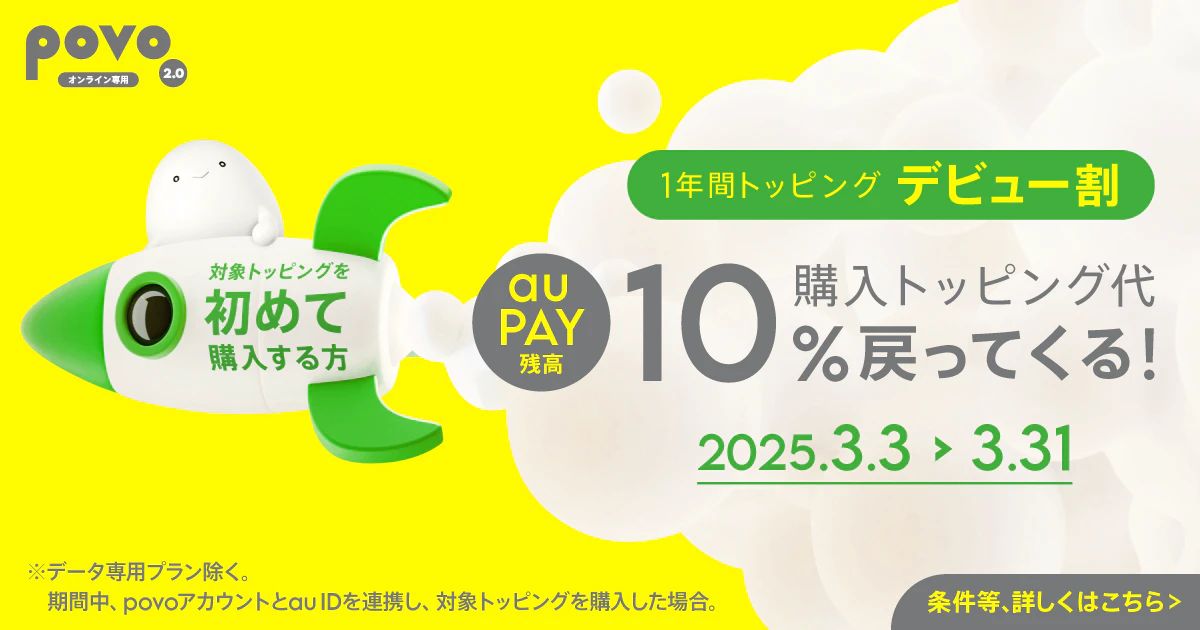
*The "povo2.0 Data Only" plan is not eligible for this campaign.
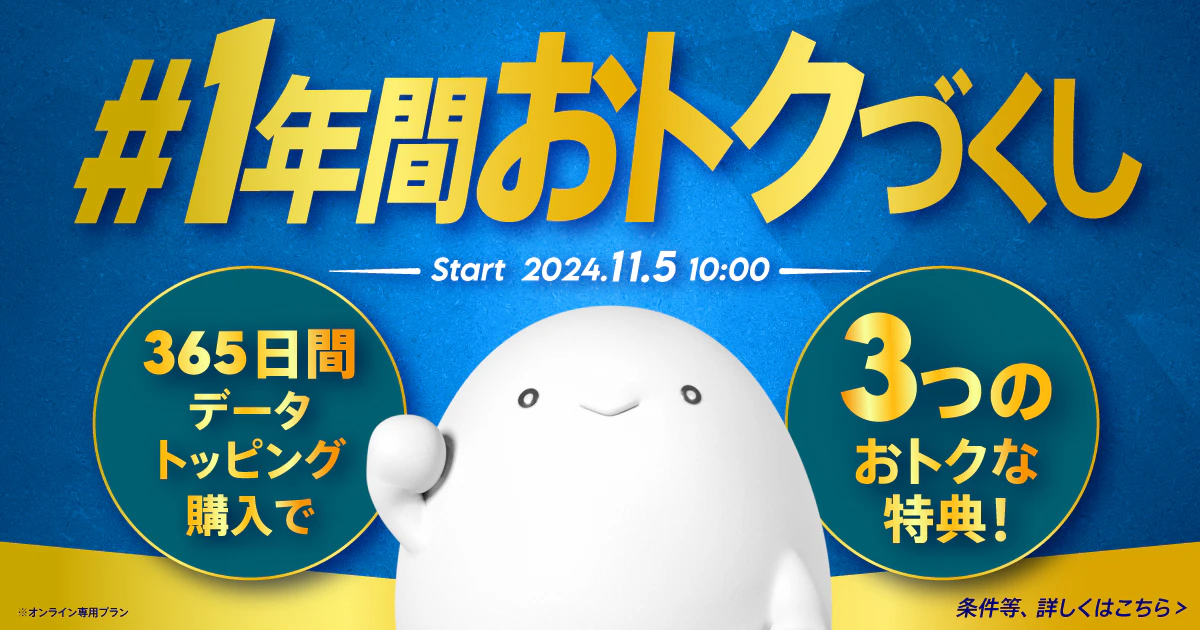
●#A whole year of great deals (Click here for details)
validity: November 5, 2024 - End date to be determined
■ Notes on using povo2.0
●In the future, we may extend Sales period or sell the same or similar topping in the near future.
●This topping can only be purchased once per contract.
●The data consumption order is as follows:
・If you have data topping or data bonus, it will be consumed from the data bonus.
・Data topping data that begins to be applied by registering an entry code will be consumed as a data bonus.
・Data topping and data bonuses will be consumed in order of their earliest validity.
●If you use a large amount of data within a certain validity, your data speed will be limited during peak hours.
●Payment will be made immediately after purchase. Cancellation of this topping or pro rata refunds are not possible.
●The maximum communication speed is provided by the best-effort method. Actual communication speeds vary depending on location, communication environment, network congestion and compatible products.
● If you cancel povo2.0, you will no longer be able to use the service even if you have remaining data capacity or validity.
■ Notes regarding Amazon Prime
●Corporate contracts are not eligible.
●Customers who have signed up for a Prime Student or Business account cannot register with the same account. Also, customers using au 's "Amazon Prime Included" fees plan may not be able to register with the same account.
● After purchasing this Topping through the povo2.0 app, please agree to the "Amazon Prime" membership terms and conditions on the Amazon website designated by our company and register for use. This benefit will be applied for three months from the date of completion of registration.
●If you are already an Amazon Prime member when you register to use an Amazon Prime Gift Code, the end date of your validity will be extended by 3 months.
● KDDI covers the three-month membership fee for Amazon Prime (Amazon Prime: Monthly fee: 500 yen [as of March 2023]).
●If you already have an Amazon account when registering to use an Amazon Prime Gift Code, please specify the account you are using.
●For more information about Amazon Prime Gift Codes, please be sure to check the Amazon Prime Terms and Conditions.
● The details of Amazon Prime may change without notice.
●Conditions may change or be terminated without notice depending on the time of application.
This may not be possible in conjunction with other measures implemented by our company.
●Amazon.co.jp is not a sponsor.
●Various information, including customer contract information and personal information, obtained by our company in connection with the provision of this benefit will be used only to the extent necessary to provide this benefit.
● Amazon Prime is provided in accordance with Amazon Prime Membership Terms and Conditions set forth by Amazon, and we assume no responsibility for their content. In addition, all information, including personal information, that you register when using Amazon Prime is managed and operated in accordance with the privacy policy set forth by Amazon.
●Amazon and all related trademarks are trademarks of Amazon.com, Inc. or its affiliates.
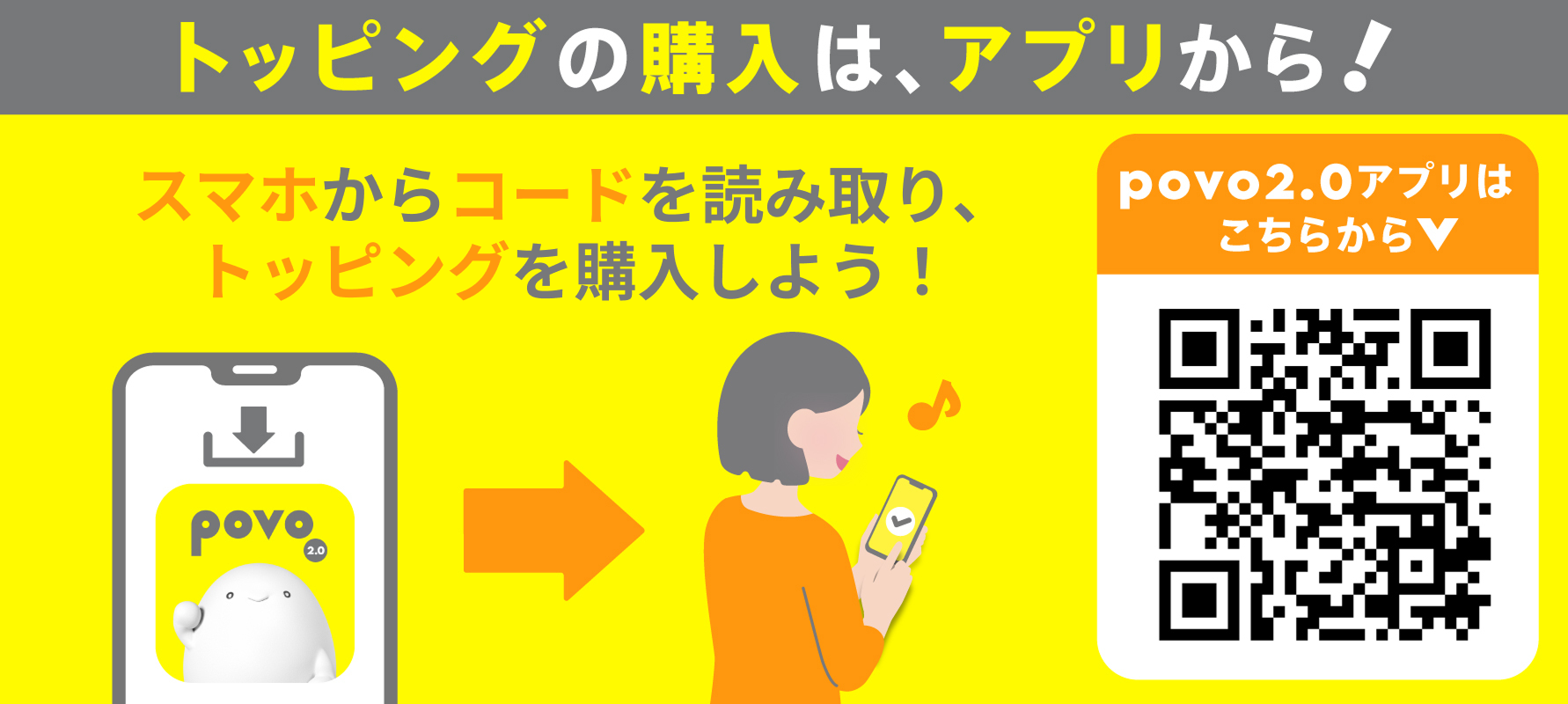
Please apply using povo2.0 app.
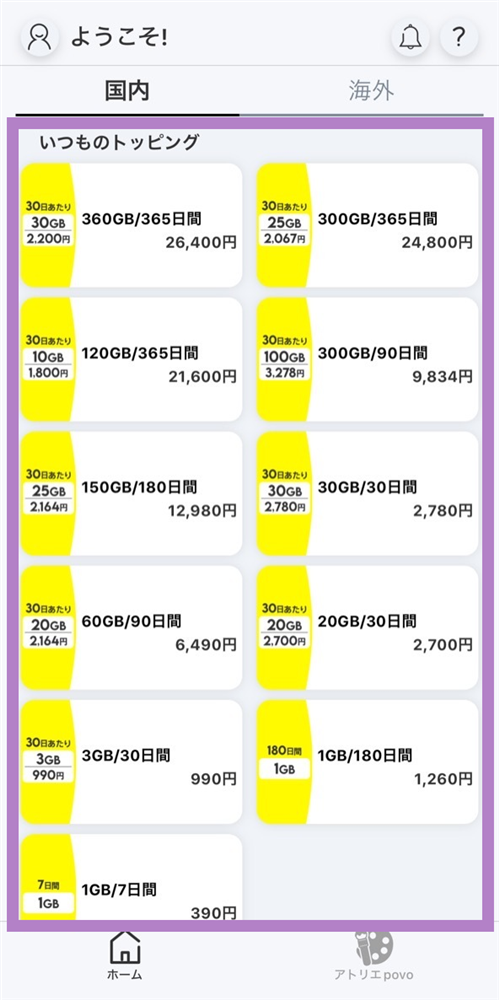
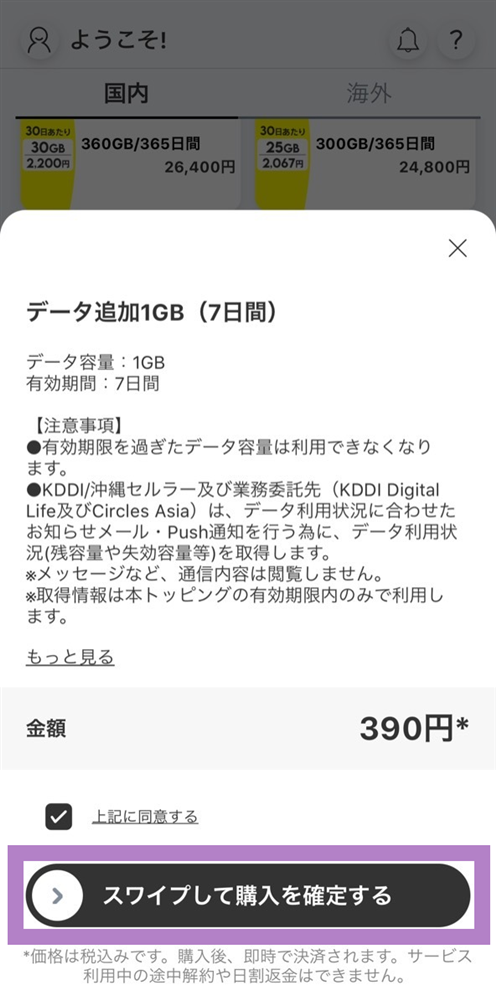
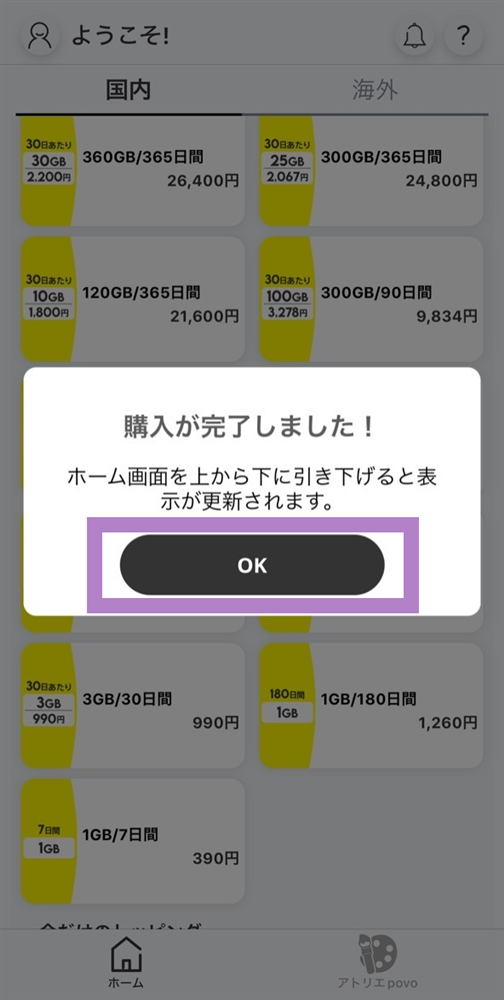
You will need to download the app to apply (new, switching from another company/ UQ mobile), purchase Topping, and make various confirmations.
Search for "povo2.0" on App Store or Google Play, or download it from the link below.