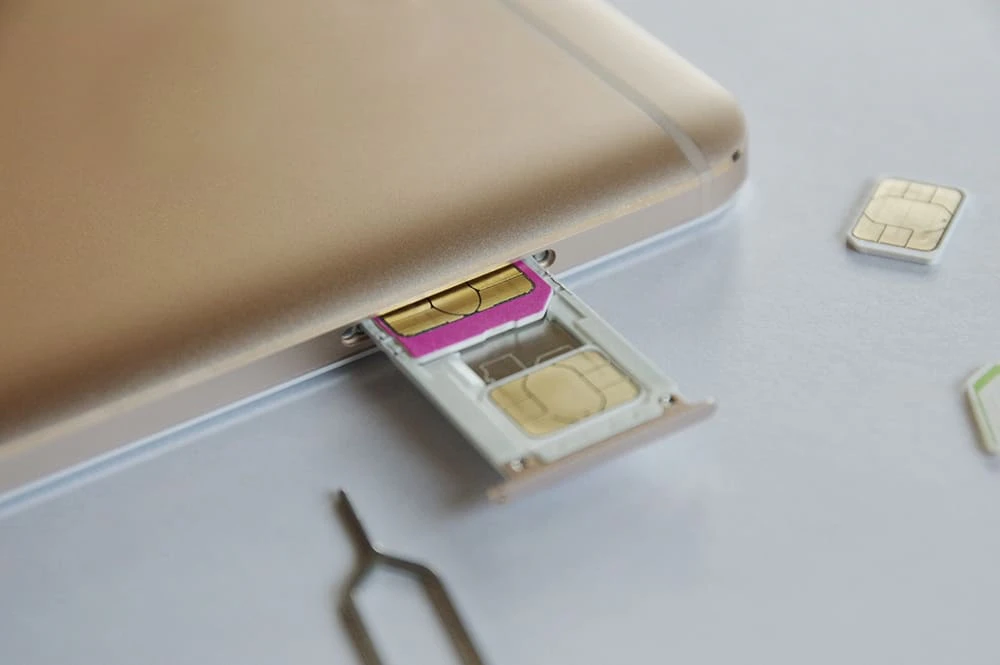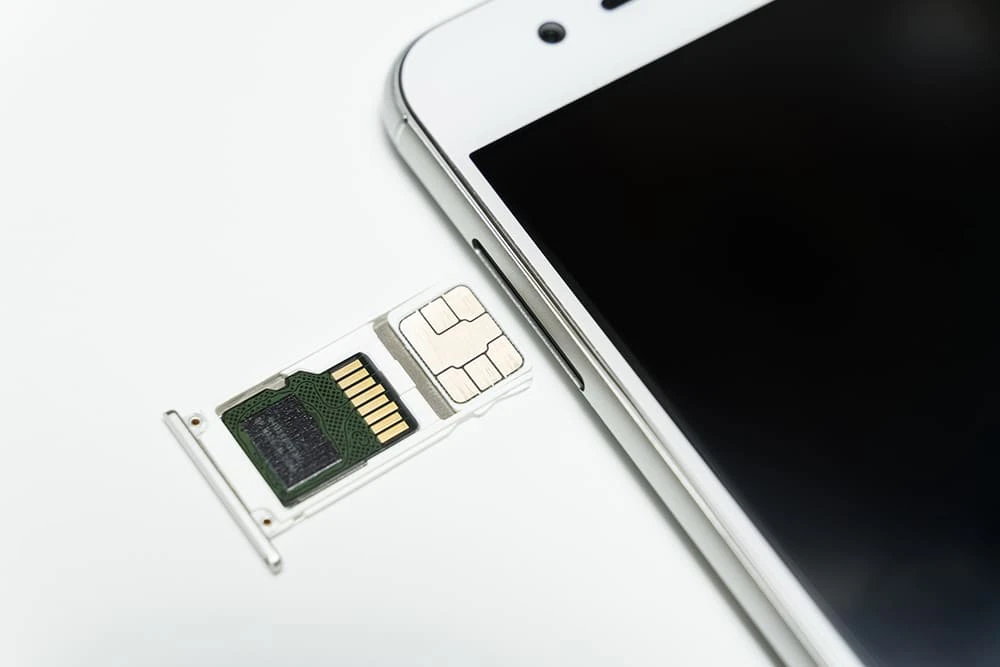
The use of a "SIM card" not only enables smartphone communication, but also makes it easy to switch carriers and change models. In particular, if you use a SIM card known as a "low-cost SIM," you may be able to reduce your monthly usage fees. We will introduce what a SIM card is and what role it plays.
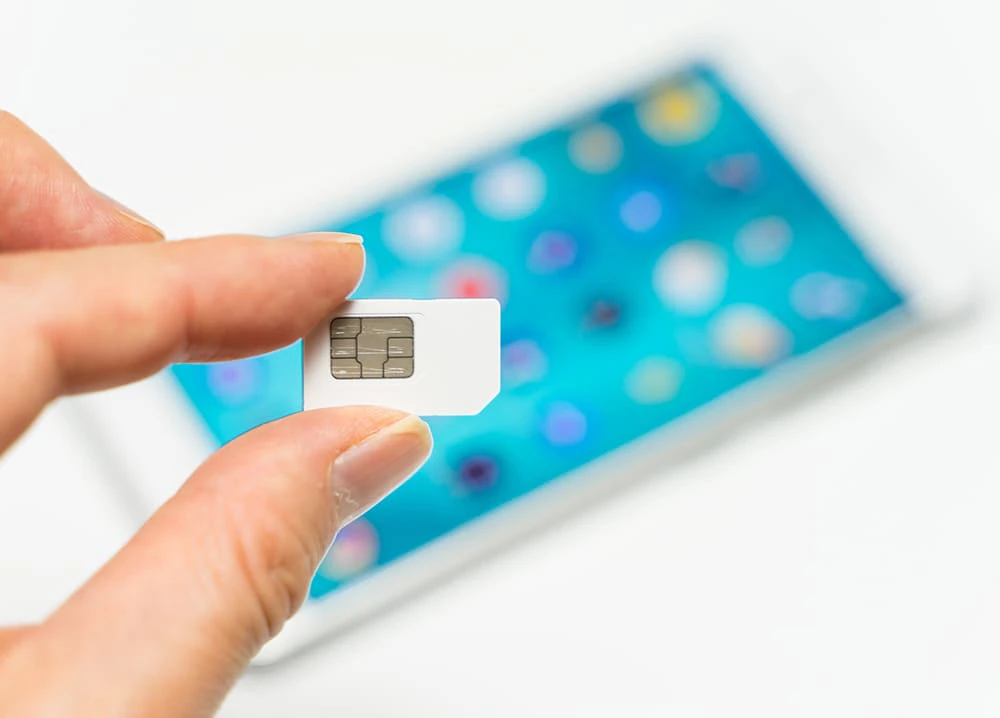
A SIM card (*1) is a small IC card that stores information about a smartphone user. The name "SIM" stands for "Subscriber Identity Module," and stores subscriber information (identification number, phone number, and email address).
*1: Reference: "What is a SIM card?" (UQ mobile)
While prepaid SIM cards have long been sold separately overseas, in Japan they were typically sold as a set with a mobile phone or smartphone model. Even now, telecommunications companies still sell them as a set with a device. However, as the style of changing models or switching carriers by simply inserting a SIM card has become more common in Japan, the sale of SIM cards alone has also become common.
Many people are probably considering using a "low-cost SIM" (*2), which is more economical than using a mobile carrier, or a "low-cost smartphone" (*2), which is a set that includes a low-cost SIM and a device.
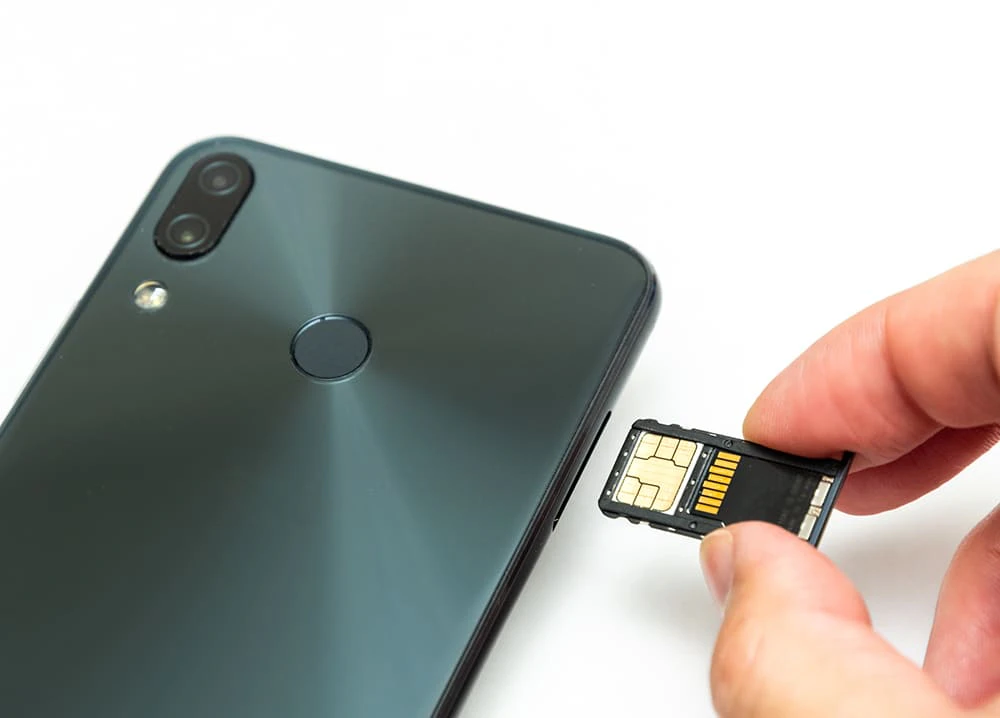
The role of a SIM card is to identify the owner of a smartphone. When you insert a SIM card into a smartphone, you can make calls and use the internet using your phone number. As long as there are no issues with the combination of the model and the carrier, you can change models simply by inserting the SIM card into another device.
Furthermore, if you want to change your carrier, you can simply sign up for a new SIM card and switch without changing your phone model. In particular, by using "MNP" (*3) (Mobile Number Portability), you can now switch to another carrier while keeping your phone number.
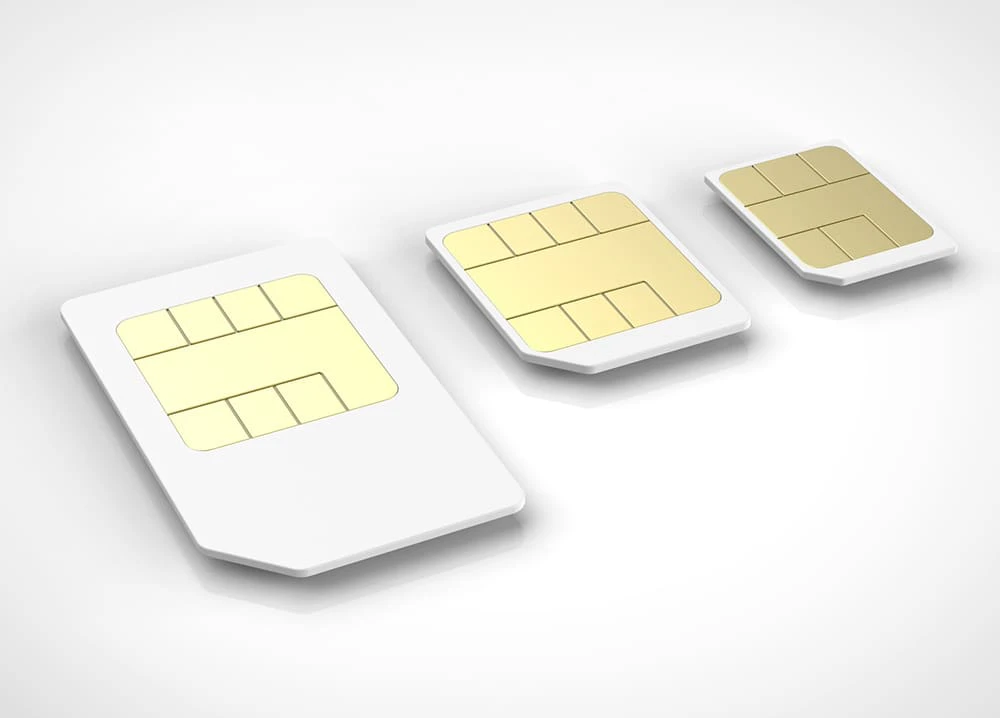
SIM cards are divided into various types based on size, functionality, etc. Let's take a look at the different types available.
SIM cards come in three sizes(*1). In descending order of size, they are standard SIM (25 x 15 mm), micro SIM (15 x 12 mm), and nano SIM (12.3 x 8.8 mm). If you are not changing your phone model and are only signing up for a SIM card with a low-cost SIM, be sure to check the size of SIM card that can be used with your smartphone.
*1: Reference: "What is a SIM card?" (UQ mobile)
SIM cards are also divided into three types based on their functions: voice calls, data communications, and data communications + SMS.
If you want to use all the features of your smartphone, we recommend a "voice call" SIM card. If you have two phones and only need to use the internet, a "data communication" SIM card may be fine.
Another type of SIM card worth checking out is "eSIM," which uses a chip integrated into the smartphone (*4). Because the chip is integrated into the smartphone, it has the advantages of not requiring SIM card swapping, not being lost, and being easy to use overseas. However, there are also some disadvantages, such as the limited number of compatible carriers and models, and the time-consuming process of changing models, so it is recommended to check the important points on each carrier's website before using it.
*4: Reference: "What is the 'eSIM' promoted by the government?" (UQ mobile)

You can also order a SIM card online and have it shipped to you. Here are some common steps to set it up properly after you receive it.
First, remove the SIM card you are currently using from your smartphone. The location of the SIM card varies depending on the smartphone. Try looking on the top, bottom, or side of the smartphone. You may also want to check your smartphone's instruction manual or the manufacturer's website.
You may need a tool to eject the SIM card tray. This usually comes in the box with your phone, but if you don't have one, you can use a paper clip or safety pin.
Now, install the new SIM card by reversing the steps you took to remove it. When installing, be careful not to touch the metal part of the SIM card, as it is the part that comes into contact with the smartphone and is vulnerable to dirt.
If the SIM card is not read, try restarting your smartphone, checking the front and back of the SIM card, checking for dirt on the contacts, etc. If it still does not recognize the card, we recommend contacting your carrier.
Once you've inserted the SIM card, the last thing you need to do is set up your smartphone. This involves switching your phone line, connecting to the internet, and setting up your smartphone account. The setup method varies depending on the model and carrier. For details, check the website of your carrier or manufacturer.

Many people are probably thinking about switching out their SIM card and using a low-cost SIM. As the name suggests, low-cost SIMs are a general term for SIM cards that are cheaper than those offered by mobile carriers. There are advantages and disadvantages, so be sure to check before signing a contract.
The main benefit of low-cost SIM cards is their low usage fees. According to the Ministry of Internal Affairs and Communications, in many cases, a set of 6GB of data and voice calls per month is offered in a fees for around 2,000 yen (*5).
Another benefit of low-cost SIMs is their simple fees structure. There are several plans available based on the amount of data you can use per month, allowing you to choose the one that best suits your usage. It is common to increase the data capacity as needed or add options to tailor the contract to suit you. By limiting your contract to the bare minimum, you can keep fees down while improving your experience.
Next, let's look at the disadvantages. Services provided exclusively by telecommunications carriers, such as carrier email and carrier billing, may become unavailable if you switch to a low-cost SIM. While carriers such as au (*6) have launched a service that allows you to carry your carrier email for a fee, you must apply for it. Additionally, points awarded for using a telecommunications carrier may also expire. It's recommended to check the carrier's website before switching.
Because they rent lines from mobile carriers, budget SIM cards have been criticized for their unstable communications. povo, a mobile carrier's online-only brand, provides stable, high-quality communications via au 4G LTE network, but it's a good idea to keep this in mind as a drawback when using a budget SIM. If you want a stable connection for things like watching videos, an online-only brand like povo or a mobile carrier might be a better choice.

When choosing a SIM card, you need to not only check that it is compatible with your smartphone, but also make sure to adjust your smartphone's settings. We have also summarized some points to keep in mind, so please use this as a reference when choosing a SIM card.
As mentioned above, there are three types of SIM cards, categorized by size. Before signing up for a new SIM card, be sure to check the size of SIM card that can be used with your device. Alternatively, you may want to consider using an eSIM, which is not limited by SIM card size and eliminates the hassle of swapping SIM cards.
In addition to size, SIM cards are also available in three types based on functionality: voice calls, data communication, and data communication + SMS. Choose a SIM card that suits your needs, whether you want both calls and internet access or just internet access.
If the SIM is locked, you may not be able to use the SIM card even if you change it. SIM lock (*7) is a function that restricts your smartphone so that you cannot make calls or use the internet even if you insert a SIM card from a company other than the specified one. You may be charged a fee, but you can remove the SIM lock by consulting the telecommunications company with which you are currently under contract and purchased the device. First, check the website of the telecommunications company with which you are currently under contract.

This article has summarized information about SIM cards and low-cost SIMs, but we also recommend online-only brands. Online-only brands reduce costs by limiting procedures and support to online, achieving prices that are comparable to low-cost SIMs. We particularly recommend povo, which allows you to create the optimal smartphone plan for you.
The online-only brand "povo2.0" is a system (*10) that allows you to add paid Topping that suit you, with a basic fees of 0 yen (*8) (*9). Add Topping based on your data usage and call time. povo uses au 4G LTE network, which has achieved a population coverage rate of 99.9% (*11), so you can rest assured about the area and quality. You can also use au 's 5G (*12) network. What's more, 5G (*12) usage fees are included in Topping so there is no additional fees. If you are thinking of changing your telecommunications carrier, we highly recommend considering povo.