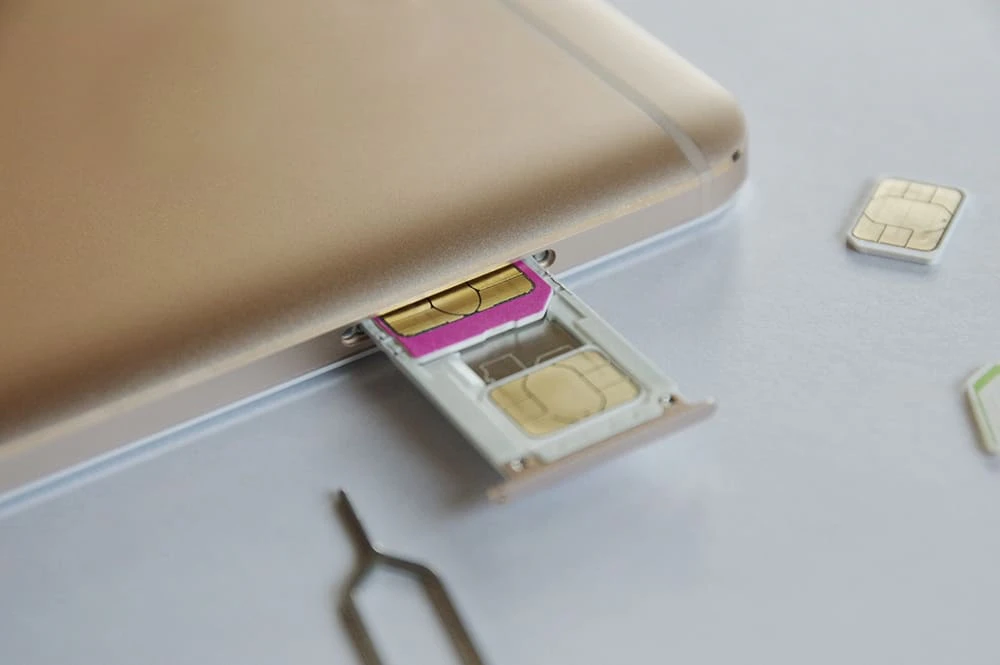
Many people probably want to take good care of their devices while they can still use them. Some may even be thinking about switching to an online-only brand or a low-cost SIM card while keeping the device they purchased from their carrier.
However, simply changing the SIM card may result in a "SIM lock" that prevents communication. We will explain the methods for using a SIM-locked device, as well as the advantages and disadvantages.
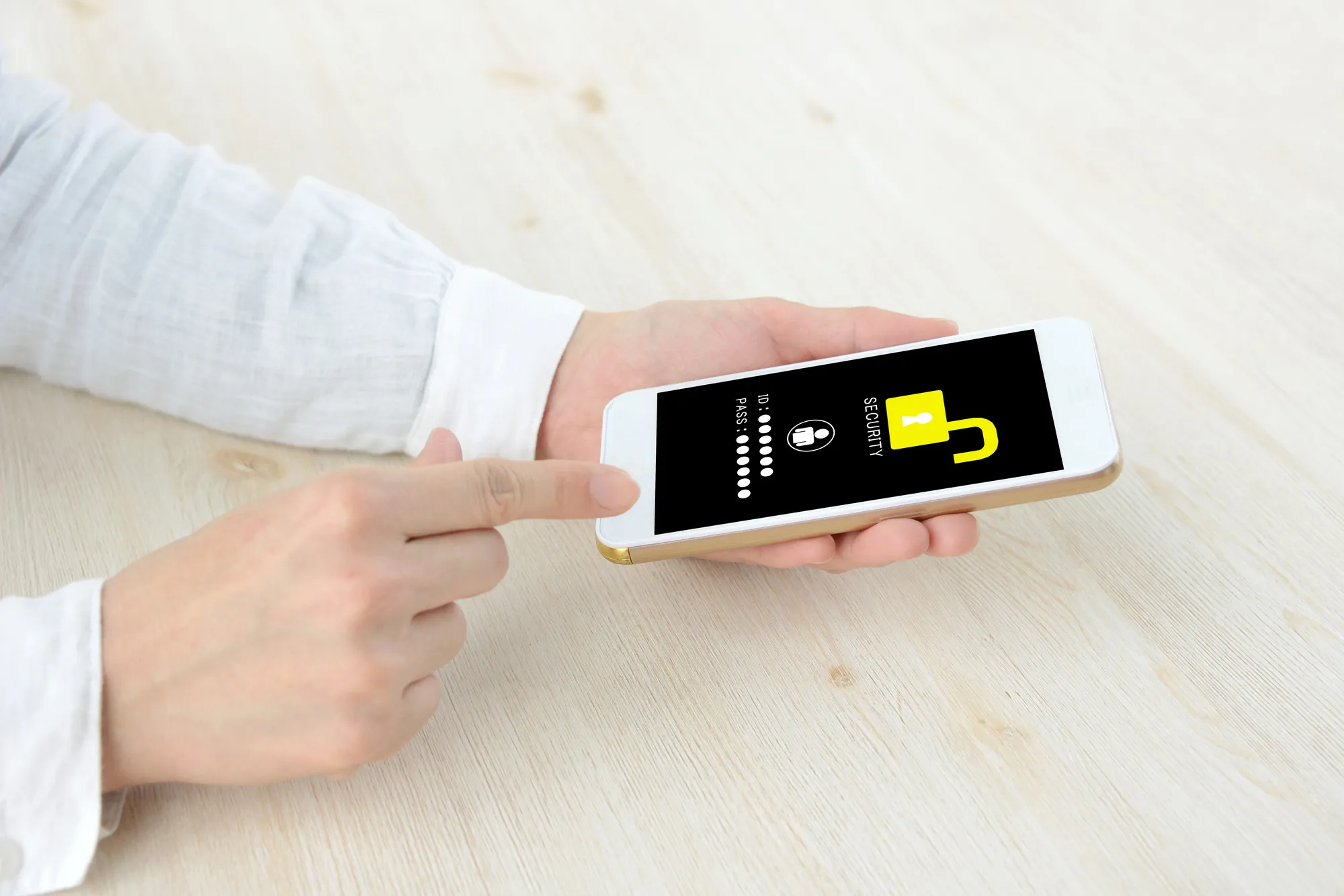
If you purchase a smartphone from a telecommunications carrier, you will not be able to use the phone even if you insert a SIM card from a carrier other than the one you signed up with. The mechanism that restricts a smartphone device so that only a specific SIM card can be used is called "SIM lock." "SIM unlocking" removes the communication restrictions imposed by the SIM lock, allowing you to use SIM cards from other telecommunications carriers.
According to the "Guidelines for Ensuring the Smooth Distribution and Use of Mobile Terminal Equipment," which were revised in August 2021, models released after October 1, 2021 are, in principle, sold without SIM locks.
In other words, models released after October 1, 2021 will be "SIM-free," meaning that any compatible SIM from any carrier can be used without unlocking. With various fees plans being introduced by various carriers, some people may be considering switching carriers. The revised guidelines will lower the barrier to switching carriers, and many people will likely benefit.
However, if there is a valid reason, such as "there is a possibility that the installment payment for the device may not be paid," the Ministry of Internal Affairs and Communications will be contacted and the phone may be sold with the SIM locked.Even if the SIM lock is applied, it can be unlocked for free by paying in full or switching to an automatic payment method such as credit card, so it is recommended to act as soon as possible.
For models purchased before September 30, 2021, if the full price has been paid, the SIM lock can be unlocked online free of charge (*1). If you have paid in installments, the SIM lock can be unlocked immediately if more than 101 days have passed since purchase, and if it is within 100 days, the SIM lock can be unlocked if you pay two months' worth in advance or pay by credit card and your credit information can be verified (*1).
*1: If you apply for SIM unlocking at a store other than at the time of purchase, a fee may be charged.
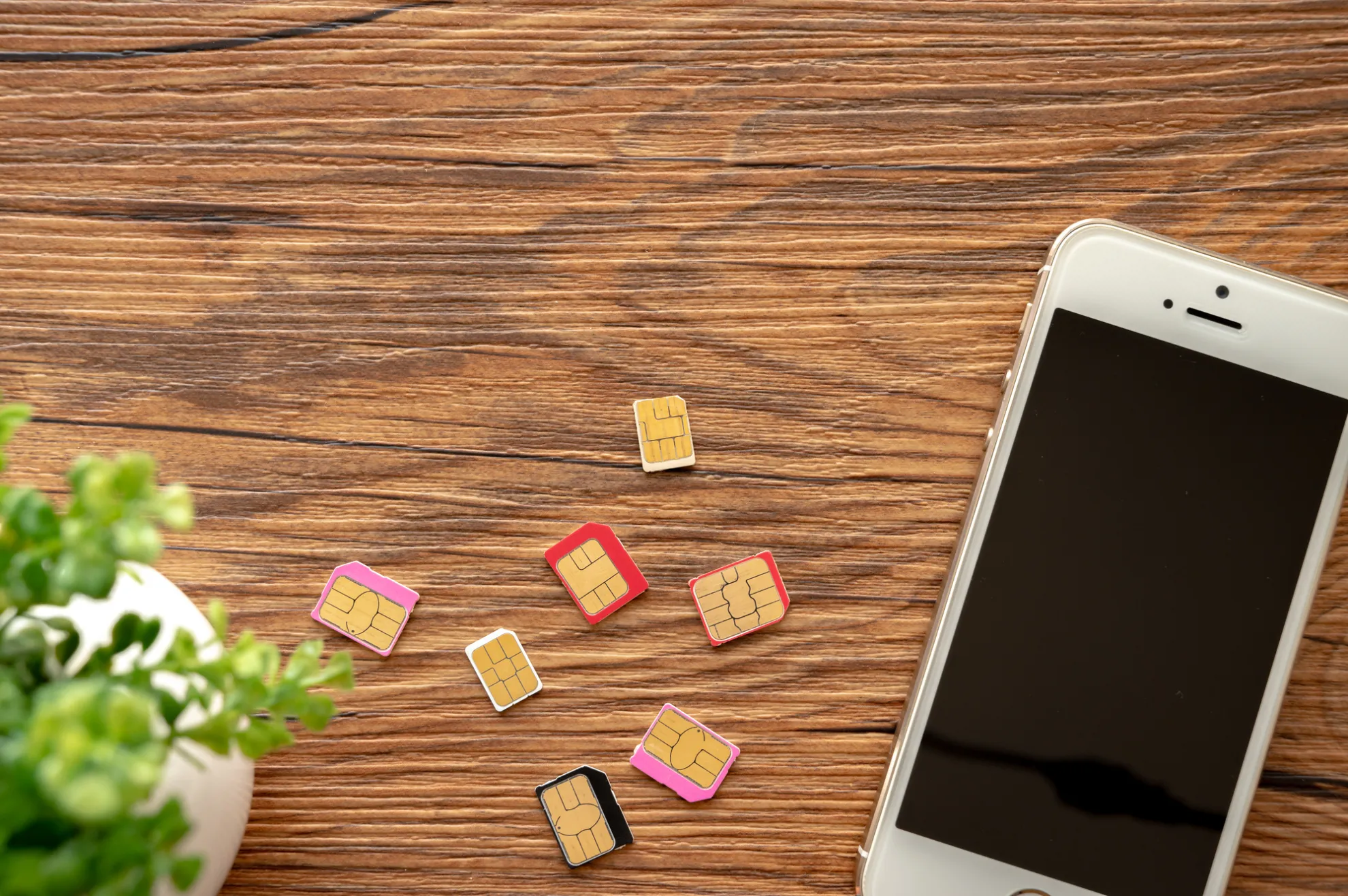
There are two main benefits to unlocking your SIM card:
By unlocking the SIM lock, you will be able to communicate with any carrier's network. If the SIM lock is on, you can basically only use the SIM card of the carrier from which you purchased the device.
However, if you unlock the SIM, you can freely switch to another carrier's line without having to buy a new device. If you want to review your monthly fees and plans, unlocking the SIM will greatly increase your options. However, the devices that can be used vary depending on the carrier, so be sure to check with each carrier in advance.
One of the benefits is that you can use an overseas SIM card. When you travel abroad, you can communicate simply by inserting a SIM card that is compatible with your destination into your smartphone. There's no need to go to the trouble of buying a new device or renting Wi-Fi when you get there.
There are also prepaid SIM cards that can be used overseas, which have a set data capacity that can be used up. Prepaid SIM cards can be purchased at local mobile phone shops, airports, supermarkets, and even online in advance. If you are planning to travel abroad, it is recommended that you unlock your SIM card beforehand.
Alternatively, you can use the international roaming services offered by each carrier without using an overseas SIM card.
For information about povo2.0 international roaming, please see below.
(Reference) "Overseas roaming" (povo)

There are no major disadvantages to unlocking the SIM lock. However, there are some points to keep in mind:
If you unlock the SIM lock on a smartphone purchased from a telecommunications carrier and use it with a SIM card from another carrier, please be aware that there is no guarantee that it will work. If you use a model that is not guaranteed to work, you may find that some of the services, functions, and apps you have been using are limited in their functionality.
Some models may not be compatible with certain SIM cards. Make sure to check in advance whether your model is compatible with the SIM card of the carrier you want to switch to. For details, check the website of each carrier.
Until September 2023, if you unlock your SIM card in-store, you may be charged a handling fee of 3,300 yen (tax included). However, keep in mind that in some cases you can do it free of charge if you do it online.
Furthermore, due to revisions to the Ministry of Internal Affairs and Communications guidelines, all SIM unlocking will be required free of charge from October 1, 2023 onwards. Therefore, this will no longer be a disadvantage after October 1, 2023.

Here is an example of how to check if your smartphone is SIM locked. Follow the steps below to check.
Here's how to check on an iPhone with iOS 14 or later. If you're using an iPhone with iOS 13 or earlier, please check with your carrier.
1. Open the "Settings" app on the home screen
2. Select the "General" item on the settings screen
3. Select "Information" on the General screen
4. Check the "SIM lock" item. If it says "No SIM lock," the SIM is unlocked.
For some Android models, you can check the SIM lock status by following the steps below. If you are unable to check the status even after following the steps, please contact your current carrier.
1. Open the "Settings" app on the home screen
2. Select "Device Information" on the settings screen
3. Select "SIM card status" from the device information
4. Check "Status" and if it says "Allowed", the SIM lock is unlocked.
*2: The notation for Android may differ depending on the model.

There are two common ways to unlock the SIM lock: either online or in a store. This article will explain each method. We will also introduce the specific methods for each carrier, so please use this as a reference when proceeding with the procedure.
You can unlock the SIM lock by taking your smartphone to the store of your contracted telecommunications carrier. To apply for unlocking at the store, you will need identification such as a driver's license or My Number card. The identification documents that can be used vary depending on the telecommunications carrier, so be sure to check in advance and have them ready.
Please note that until September 2023, in-store cancellation procedures may cost 3,300 yen (tax included) per device, but from October 1, 2023, the fee will be waived.
If you want to unlock your SIM via a website, you can do so through the member support page of your carrier. There is generally no fee for online procedures. Also, as mentioned above, there will be no fee for SIM unlocking from October 2023 onwards.
The procedure for unlocking the SIM lock is posted on each carrier's website, so follow the instructions to proceed.
To unlock the SIM card from your smartphone or computer, follow the steps below.
1. Log in to your au My Page
2. Select the phone number you want to unlock the SIM lock on. Enter the 4-digit PIN you chose when signing the contract. The PIN entry screen may not appear, but if that happens, you can proceed to the next step without worrying.
3. Proceed to the SIM unlock procedure screen and select "Device purchased from au / UQ mobile" or "Other device"
4. Once you have confirmed that the SIM lock can be unlocked, select the reason for unlocking and your contact information.
5. Select "Apply with this information" to complete provisional registration
6. A confirmation email will be sent to the specified contact email address, and by selecting the URL sent within the specified validity, your registration will be complete.
If you do not receive the email, it may have been filtered out as spam. Please change your settings so that you can receive the confirmation email and try registering again.
To unlock the SIM, you must meet certain conditions, such as "the model must be compatible with the SIM unlock function and was released after April 23, 2015," "it must be more than 101 days since purchase," and "there must not be any network restrictions" (*3). For more details, please check the au website.
*3: Reference: "SIM unlock procedure" (au)
First of all, if you want to unlock the SIM lock with docomo, you will need the IMEI (serial number). If you dial "*#06#" in the phone app, the 15-digit IMEI (serial number) will be displayed, so make a note of it. (※4)
To unlock the SIM from your smartphone or computer, follow the steps below.
1. Log in to My docomo
2. Select "Unlock SIM" from "Procedures." If you are accessing from a docomo line, you will need the "Network PIN" you set when signing up. If you are accessing from a non-docomo line such as Wi-Fi, you will need a "d Account."
3. Once you have logged in, read the notes and proceed to step-by-step verification.
4. Enter the security code sent to you via SMS
5. Enter the required information and select "Next." At this time, enter the IMEI (serial number) you found in advance.
6. Check the details of the procedure and if there are no problems, select "Complete the procedure."
7. Once you receive an email confirming your application, the process is complete.
To unlock the SIM, you need to meet several conditions, such as "there are no network usage restrictions or locks such as Omakase Lock," "more than 100 days have passed since the purchase of the model you plan to unlock," and "the device payment has been settled." (*5) For more details, please check the docomo website.
*4: There are some models where the IMEI number will not be displayed even if you enter "*#06#".
*5: Reference: "SIM Unlock" (docomo)
To unlock a SoftBank SIM card using a smartphone or computer, you will need the IMEI (serial number), just like with docomo. You can find the IMEI (serial number) by entering "*#06#" on the phone app screen of your smartphone (※6).
To unlock the SIM, follow the steps below.
1. Log in to My SoftBank
2. Select the menu on the top right and select "Contract/Option Management"
3. Select "SIM Unlock Procedure" from the "Options" menu
4. Enter the IMEI (serial number) you prepared in advance.
5. Check the details and if there are no problems, select "Cancel" to complete the process
If you are using an Android device, make sure to make a note of the "SIM unlock code" as you will need to enter it into the device later.
Like other telecommunications carriers, SoftBank also has several conditions for unlocking the SIM lock. These conditions include "Secure Remote Locking must be removed" and "There must be no network usage restrictions." Also, if the device you plan to unlock is broken or has water damage, the procedure cannot be completed until repairs are completed. (*7) Please check the SoftBank website for more details.
*6: There are some models where the IMEI number will not be displayed even if you enter "*#06#".
*7: Refer to "Using SoftBank mobile phones with other companies/SIM unlocking" (SoftBank)

There are some things to keep in mind when unlocking your SIM. We've put together a list of the most common things to keep in mind, so be sure to check them out beforehand.
Some models do not support SIM unlocking. The Ministry of Internal Affairs and Communications has issued guidelines stating that all models released after May 2015 will, in principle, be required to support SIM unlocking. This means that models released before April 2015 were not required to support SIM unlocking, so there is a chance that the SIM lock may not be unlocked in the first place. You can check whether a model supports SIM unlocking on the website of each telecommunications carrier.
Generally, there is no need to initialize your phone when unlocking the SIM lock. However, there are cases where initialization is necessary for some reason. Initializing your phone may erase photos and phone numbers stored on your smartphone. Therefore, it is a good idea to back up your data to an SD card or computer before unlocking the SIM lock, just to be safe.
Also, if the model in question is an iPhone and you plan to continue using the current SIM card after unlocking, you will need to initialize your iPhone. Therefore, if this applies to you, be sure to back up your data beforehand. In addition, if you are switching to a SIM card from a different carrier, you generally do not need to initialize your iPhone, even if it is an iPhone.
Even if the SIM lock is unlocked, the model will not be usable unless it is compatible with the SIM card you are switching to. In particular, if you use a smartphone or tablet purchased from one carrier with a SIM card from another carrier, there is a possibility that the functionality will be limited. Different carriers allocate different frequency bands, and there are models that cannot communicate using the frequency bands used by some carriers.
Each company's website will have a list of models that show which frequency bands are compatible, so be sure to check it in advance.

This time, we've summarized how to unlock your SIM card, as well as the advantages and disadvantages. Once you've unlocked your SIM and are free to choose your carrier, why not try using povo2.0?
The online-only brand "povo2.0 (*8)" has a basic fees of 0 yen (*9) (*10) (*11). You can choose the paid Topping you need to use it at a cost-effective fees. For example, you can add data capacity starting from 1GB (7 days) for 390 yen per use (tax included), 3GB (30 days) for 990 yen per use (tax included), 20GB (30 days) for 2,700 yen per use (tax included), and up to a maximum of 150GB (180 days) for 12,980 yen per use (tax included). There are various other paid Topping available, so please customize them to your liking. If your monthly data usage fluctuates or you have some left over, optimize your usage fees with povo2.0.
povo2.0 uses au 4G LTE network, which has achieved a population coverage rate of 99.9% (*12) over a wide area, so you can be assured of both coverage and quality. povo2.0 also allows you to use au 's 5G (*13) network. If you're unsure which carrier to choose, why not give povo2.0 a try?
*8: All procedures and support will be handled online. Please contact us via the povo2.0 app or official website.
9: If you subscribe to 5 lines* under the same name, a contract administration fee of tax included 3,850 yen/line will be charged for the 6th line and thereafter. validity for more than 180 days, or if you have never purchased Topping for a fee, your subscription may be suspended or terminated.
*Includes lines that have been cancelled or canceled by our company within the past year.
*10:Domestic calls are charged separately at tax included 22 yen/30 seconds, and SMS sending is charged separately at tax included 3.3 yen/text (up to 70 characters). Depending on the model, up to 670 two-byte characters can be sent; up to 134 characters are counted as two SMS messages, and thereafter one SMS message is charged for every 67 characters. Call charges may differ for some calls, such as calls to satellite phones. Reference:" povo2.0 Plan Details" (povo)
*11: If you do not purchase a data Topping, the maximum sending and receiving speed will be 128kbps.
*12: "Population coverage rate" is calculated based on areas where communication is possible in 50% or more of the approximately 500m blocks used in the census. Information is current as of the end of December 2020. Content is subject to change. Compatible devices are 4G LTE (800MHz) compatible.
*13: 5G is available in some areas. For more information, please check the website below. Reference: "Supported areas" (povo)
In this article, we've explained the advantages and disadvantages of SIM unlocking, as well as how to unlock it. We recommend SIM unlocking if you want to regularly review your plans and fees to choose the carrier that's right for you, or if you plan to use your smartphone overseas.
Until September 2023, there may have been a fee for requesting SIM unlocking in-store, but this will be free from October 2023. Once it becomes free, it will be easier than ever to unlock your SIM.
There are several conditions and precautions to take when unlocking the SIM, so it's a good idea to back up your data just in case.
In recent years, there has been an increase in the number of telecommunications carriers to choose from, so why not use SIM unlocking as an opportunity to find a plan that suits you?
*The names of products and services mentioned in this article are trademarks or registered trademarks of their respective companies.
・iPhone is a trademark of Apple Inc., registered in the United States and other countries. The iPhone trademark is used under license from iPhone Corporation.
TM and (C) 2023 Apple Inc. All rights reserved.
Android and Google are trademarks of Google LLC.
・" au" is a registered trademark of KDDI Corporation.
・The names SoftBank and SoftBank are registered trademarks or trademarks of SoftBank Corporation in Japan and other countries.
・NTT docomo is a registered trademark of Nippon Telegraph and Telephone Corporation.
・The iOS trademark is used under license from Cisco in the United States.
・"Wi-Fi" is a registered trademark of Wi-Fi Alliance.