New customers who sign up after October 3rd can use the service overseas by completing the application procedures specified by our company. After signing up, please contact povo support (chat window).

You can add data topping only when you really need it, such as when your main line is running low on data at the end of the month, or when you need to use a lot of data while traveling. There is no basic charge*, so there is no waste even if you don't use it.
*If you do not purchase Topping for more than 180 days, your usage may be suspended or your contract may be terminated. 0 yen 0 GB, the maximum sending/receiving speed will be 128 kbps. Data Only In the case of 0GB, initial Topping purchase is required at the time of contract. Calls+Data In the case of tax included, domestic calls: 22 yen/30 seconds Some calling rates, such as calls to satellite phones, may differ. For more details. In addition, designated call charges apply to calls to phone numbers set up fees by other companies. Sending domestic SMS: tax included 3.3 yen/text (up to 70 characters) Receiving: Free Up to 670 full-width characters can be sent depending on the model. However, up to 134 characters will be charged for two SMS, and after that, one SMS will be charged for every 67 characters.

Situations where a large amount of data is required, such as travel or outdoor events
"Unlimited data usage (24 hours)" 330 yen
With only a few days left until the end of the month, communication restrictions were imposed on the main line.
"Additional 1GB of data (7 days)" 390 yen
etc.
*Communication speeds may be limited during network congestion or when using videos or cloud games.

Monthly data usage varies from person to person, ranging from a few gigabytes to dozens of gigabytes or more. povo offers data toppings with various gigabyte amounts and usage periods to meet the needs of many people. For example, if you usually stay in a home WiFi environment and only need the bare minimum when you're out and about, we recommend the "Additional 3GB of Data (30 Days)" plan for 990 yen.

For those who use up to 3GB per month
"Additional 3GB of data (30 days)" 990 yen
Those who use 20-30GB per month
"Data Top-up (90 days)" 6,490 yen = 2,164 yen/20GB per 30 days
"Additional 360GB of data (365 days)" 26,400 yen = 2,200 yen/30GB per month
Those who need a large capacity of 100GB per month
"Additional 300GB of data (90 days)" 9,834 yen = approx. 3,278 yen/100GB per month

Since smartphones are an essential tool in modern society, it's important to be prepared for any unexpected problems. By having two smartphones from different carriers, if one line experiences communication problems, the other can cover the problem. This is an effective way to prepare for important calls and communications, especially in business situations.

"Additional 1GB of data (180 days)" 1,260 yen
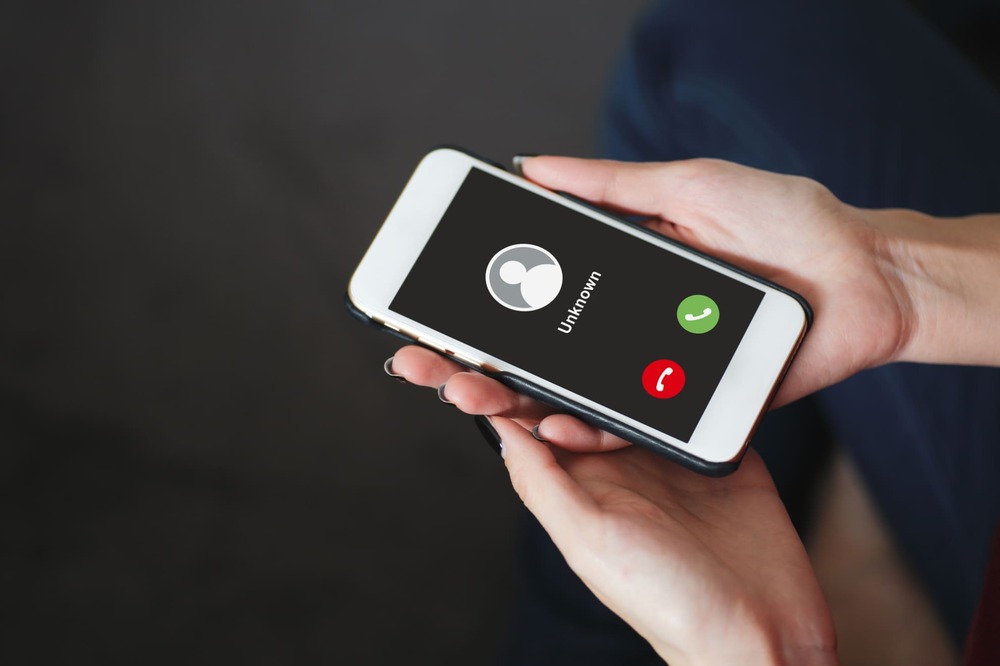
If you don't want to give out your main phone number when job hunting or looking for a partner, you can give out your second phone number and the account for the communication app that's linked to it. Also, if you have lines from two mobile carriers, you can use the phone without any problems when you're in a place where it's difficult to connect with your carrier.
*If there is no paid Topping purchase, etc. for more than 180 days, the usage may be suspended or the contract terminated. *When 0 GB for 0 yen, the maximum sending/receiving speed is 128 kbps. In case of Data Only, initial purchase of Topping is required at the time of contract. For Calls+Data, domestic calls: tax included 22 yen/30 seconds Some calling rates may differ, such as calls to satellite phones. See here for details. In addition, designated call charges apply to calls to phone numbers set up by other companies at fees. Sending domestic SMS: tax included 3.3 yen/text (up to 70 characters) Receiving: Free Up to 670 full-width characters can be sent depending on the model. However, up to 134 characters will be charged for two SMS, and after that, one SMS will be charged for every 67 characters.
 Identity verification documents
Please prepare one of the following.
 Credit card
You can make payments for povo2.0 by credit card.
Even if you don't have a credit card, you can use Postpay(Paidy)*.
 Compatible Devices
To use this service, you will need a SIM-free or SIM-unlocked povo2.0 compatible device.
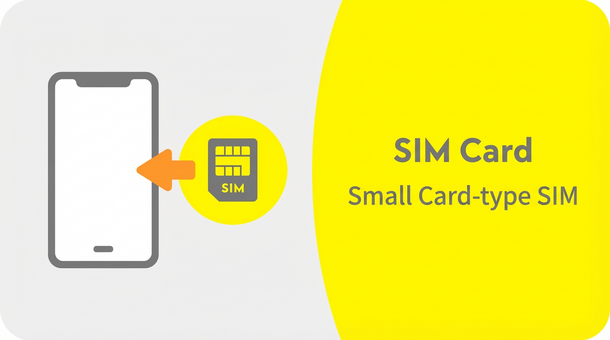
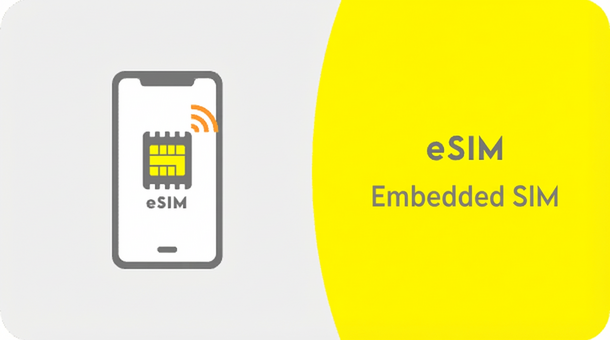
In addition, if you wish to use eSIM, please make sure that your smartphone or other device is compatible with eSIM before proceeding. If you select eSIM on an incompatible device, you will not be able to communicate.
This information is required for registration and other procedures when you use povo2.0. Please register a valid email address.
*You cannot register carrier email addresses with povo2.0. Please prepare an email address other than a carrier email address. Also, when registering an email address, you can only use three symbols: "- (hyphen)", "_ (underscore)", and "." (dot). *For more information about other email addresses that cannot be registered with povo2.0, please click here.
(*Select SIM/contract type, confirm important information, enter credit card information)
(If you are processing online, you will need to download the app before completing eKYC.)
*Please make sure that the SIM lock is unlocked beforehand.
*Please activate your SIM between 12:05am and 11:50pm.
If you activate your SIM between 11:50 PM and 12:05 AM the following day, it will be completed sequentially from 12:05 AM the following day. Please check here for details.
*You can use it once the installation is complete. However, you may need to set up the APN.
*A Wi-Fi environment is required for the setup.
*A device other than a smartphone (PC or tablet is also OK) is required to use povo.
*Please activate the SIM between 12:05am and 11:50pm.
If you activate your SIM between 11:50 PM and 12:05 AM the following day, it will be completed sequentially from 12:05 AM the following day. Please check here for details.
*Call charges and SMS sending charges will be charged separately.