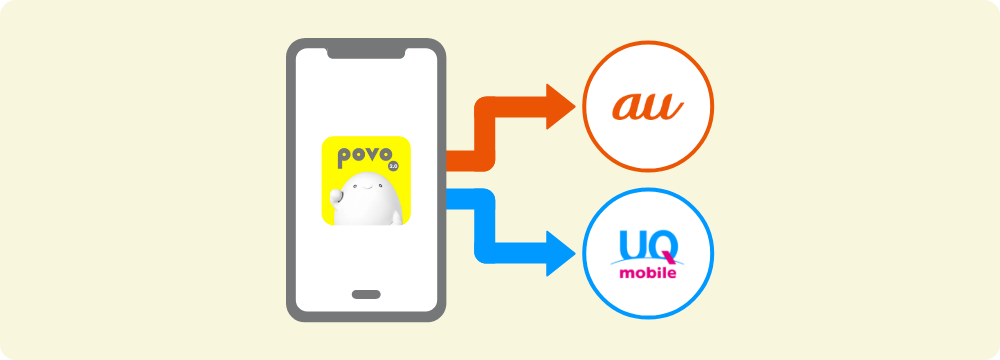
If you are a customer using povo2.0 and would like to switch to au / UQ mobile, you do not need an MNP reservation number if you complete the procedure at au / UQ mobile store.
*If you are signing a contract at another store, the items you need to bring are the same. If you would like to make an appointment, please contact the store.
If you wish to change to au / UQ mobile and complete the procedure at the online shop, you will need to issue an MNP reservation number by clicking "Proceed to issue MNP reservation number" below, and then complete the procedure separately at au online shop or UQ mobile online shop.
* If you are completing the procedure at au / UQ mobile store, you do not need an MNP reservation number.