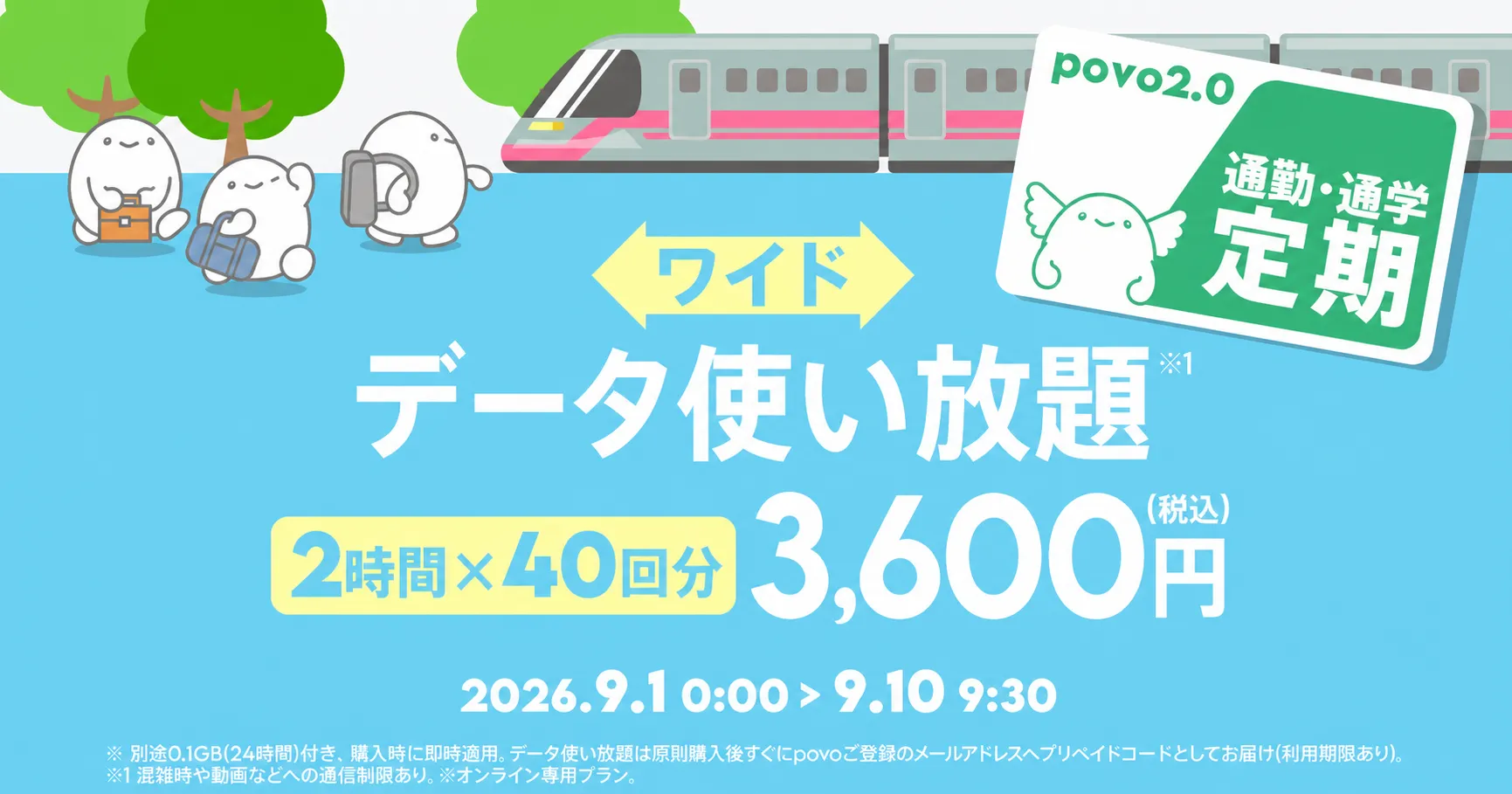
This is a great value Topping allows you to use 40 "Unlimited data (2 hours)" (equivalent to 7,200 yen) *1 for half price at 3,600 yen.
You can enjoy watching videos and using social media during your daily commute to work or school without worrying about data usage.

You can scroll to the right
| Topping Breakdown | Timing of grant | Input deadline | Fee | Sales period |
|---|---|---|---|---|
| 「プリペイドコードデータ使い放題※2(2時間)」40回分 | In principle, it will be sent by email immediately after purchase *3 | October 5, 2026 23:59 | 3,600円 (税込) |
September 1, 2026 0:00~ September 10, 2026 9:30 *4 |
| データ追加0.1GB(24時間) | Immediately applied after purchase | - |
●After purchasing this Topping, an Data Top-up (24 hours) will be applied immediately.
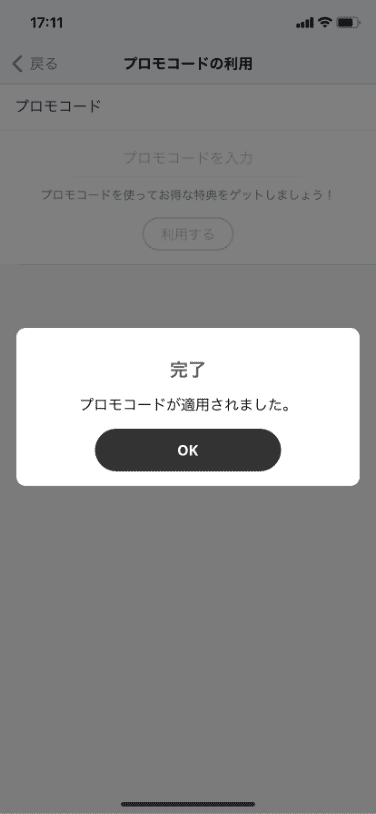
● Unlimited data *2 (2 hours) 40 times will be sent as a prepaid code to the email address registered with povo2.0 immediately after purchase. *3
●You will receive one prepaid code that can be used for Unlimited data (2 hours) 40 times.
●We cannot check the number of times a prepaid code has been used. Please manage the number of times you use it yourself.
*1 This is equivalent to 40 uses of the "Unlimited data (2 hours) for 180 yen" fees that was available Limited offer from May 1, 2026 to July 31, 2026.
*2 Communication speed may be restricted during periods of network congestion or when using services such as video streaming or cloud gaming.
*3 In the event of significant delays or other issues, we will notify you separately via email.
*4 The next planned sales validity is from October 1st to October 8th, 2026. Subsequent Sales period will be updated as needed.
*The planned sales validity and Topping contents may change without prior notice.
*Emails will be sent from "info@povo.jp". If you are unable to receive the email due to any reason (including, but not limited to, an invalid email address or emails from us being blocked by a spam filter), you will not be eligible to receive the prepaid code. Please check your email receiving settings in advance.
*If it is discovered that you have engaged in fraudulent activity or acted contrary to public order and morals in order to receive a prepaid code, you may be disqualified from receiving the prepaid code.
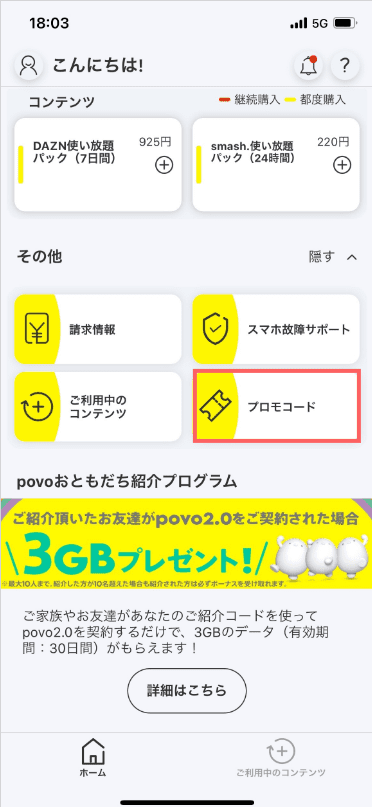
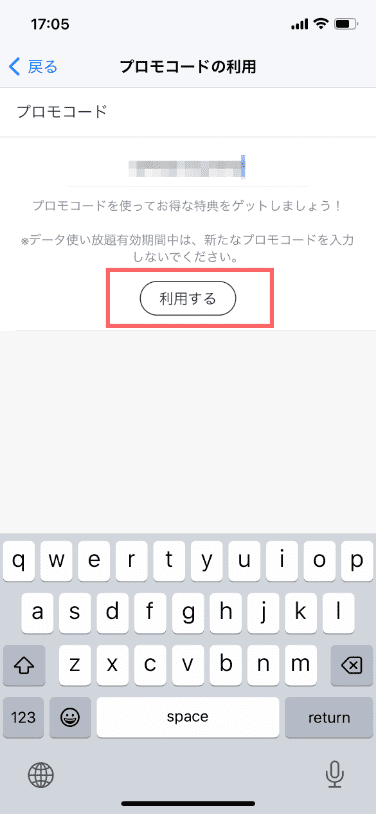
●We may extend Sales period or sell the same or similar Topping again in the near future.
●Payment will be processed immediately after purchase, and the item will be available for use right away.
● Cancellation of Topping mid-term or pro-rata refunds are not possible.
●After purchasing this Topping, an Data Top-up (for 24 hours) will be applied immediately.
40 sessions of Unlimited data (2 hours each) will be sent as a prepaid code to the email address registered with povo2.0 immediately after purchase.
● After applying the prepaid code, you can use data communication without consuming your data allowance and without the speed restriction of 128kbps of Base Plan until validity (2 hours) has elapsed.
●The maximum communication speed is provided by the best-effort method. Actual communication speeds vary depending on location, communication environment, network congestion and compatible products.
●If you use a large amount of data within a certain validity, your communication speed will be restricted during peak hours.
●The prepaid code must be used by October 5, 2026.
●Resale of prepaid codes to third parties is prohibited. For details on prepaid codes, please click here.
●If you are unable to receive your prepaid code due to your own circumstances, we will not reissue it for any reason.
● validity is managed for each Topping purchased. Even if you purchase a new Topping before validity of Topping you purchased expires, validity of Topping that was applied before the purchase will not be extended, and validity of any data Topping that were applied at the same time will expire.
●The order in which data is consumed is as follows:
If you have multiple data Topping, use the one with the earliest expiration date first.
- If you have both data Topping and data bonuses, the data bonus will be used first.
(Prepaid codes and trade codes will be treated the same as "data Topping.")
●This service is not available overseas.
●There is no limit to the number of Topping you can purchase at the same time.
However, while you are using Unlimited data Topping or Unlimited data, you cannot purchase any Unlimited data Unlimited data Topping
● If you cancel povo2.0 subscription, you will no longer be able to use it, even if you have remaining data capacity or validity.
*All prices listed include tax included unless otherwise specified.
*The information presented is current as of September 1, 2026.
Please apply using povo2.0 app.
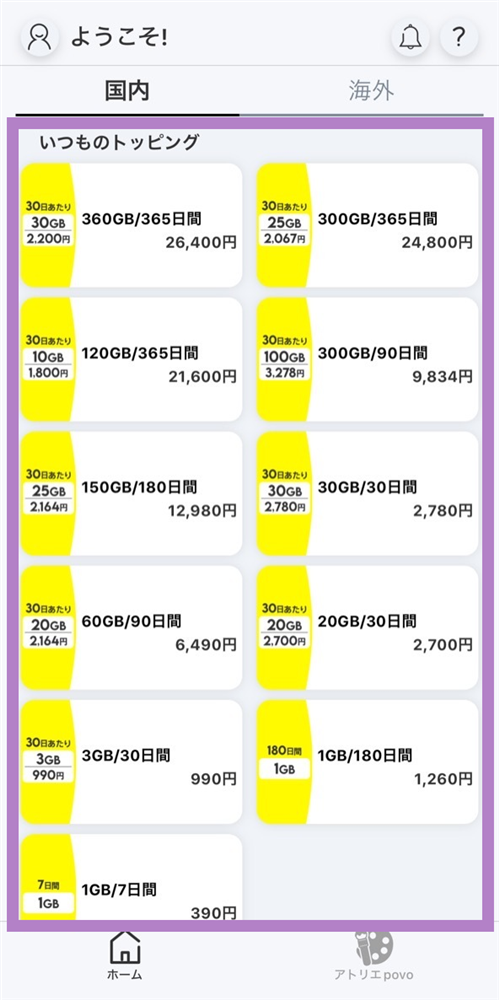
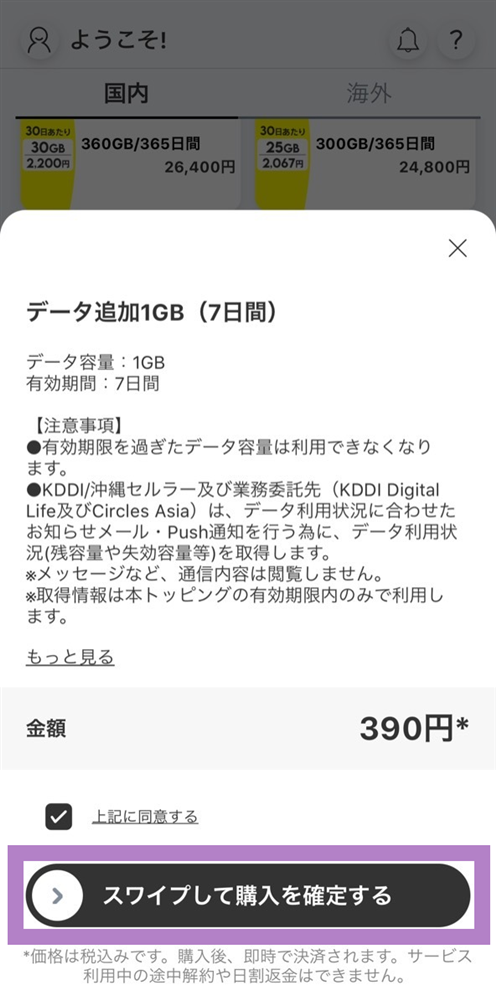
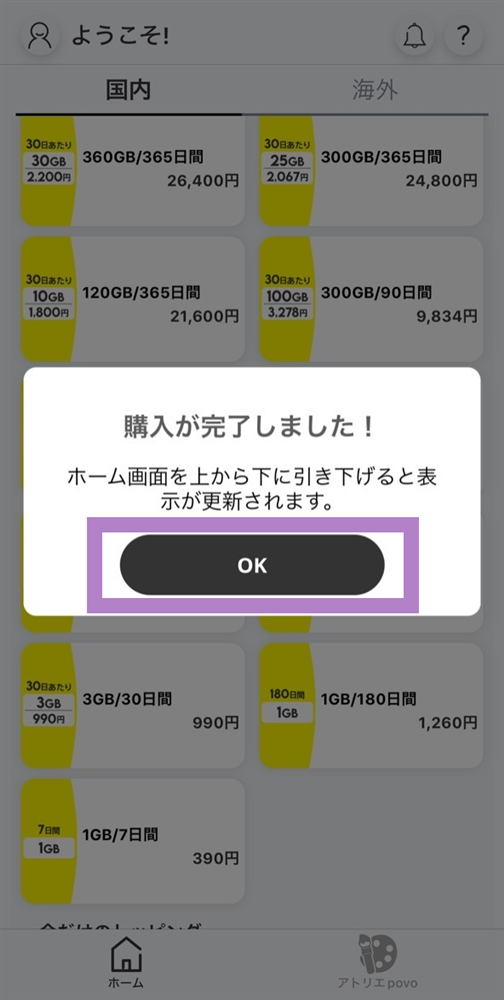
You will need to download the app to apply (new, switching from another company/ UQ mobile), purchase Topping, and make various confirmations.
Search for "povo2.0" on App Store or Google Play, or download it from the link below.