
You can scroll to the right
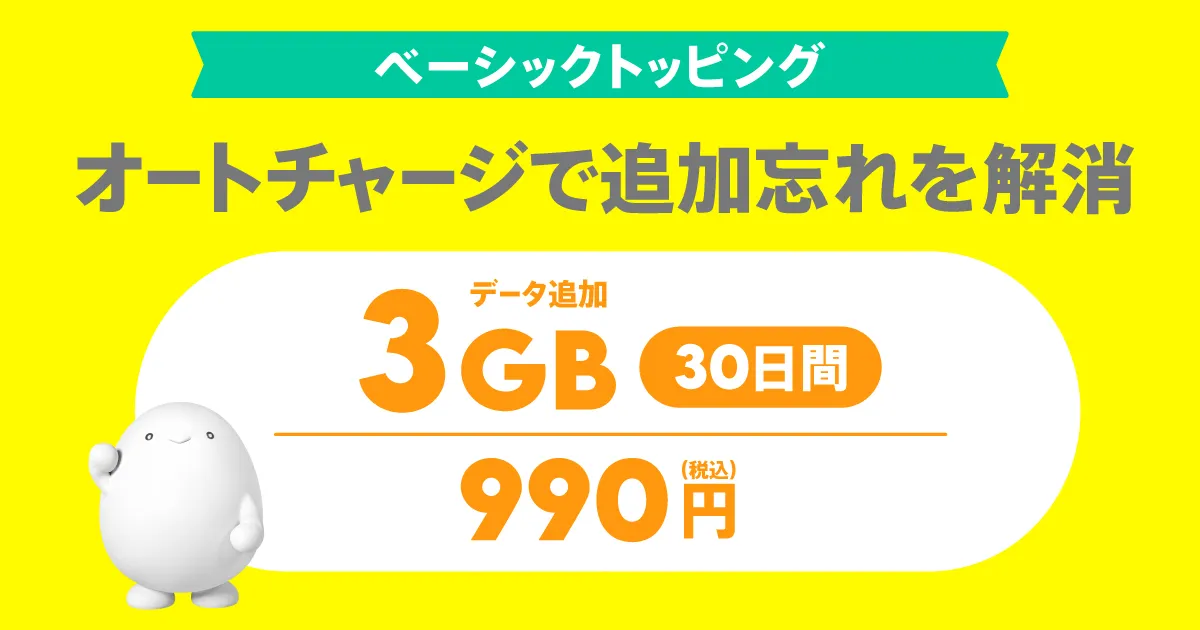
| Data Capacity | Validity | Fee |
|---|---|---|
| 3GB | 30日間 | 990円 (税込) |
* validity of this Topping will be counted as one day for every 24 hours that passes from the time of purchase.
For the time being, the service will be available until 11:59:59 PM on validity expiration date. We will notify you in advance if there are any changes.
This Topping is compatible with Auto-charge.
If you purchase with Auto-charge turned on, when validity of this Topping expires or when your total remaining data reaches 0GB, you will automatically be repurchased (charged) with "Data Top-up (30 days)."
*You can purchase even with Auto-charge turned off.
*You can switch ON/OFF even after purchase. If you want to change from ON to OFF, please do so by 11:30 PM on the day before validity, or before your total data capacity reaches 0 GB.
* If you purchase Topping outside of the povo2.0 app, you cannot use Auto-charge function. If you would like to use Auto-charge function, please purchase through the povo2.0 app.
●After purchase, payment will be made immediately and the item will be available for use immediately.
● Topping cannot be cancelled midway or refunded on a pro rata basis.
● Topping have validity. Please use them within validity.
● validity is managed for each purchased Topping. Even if you purchase a new Topping before validity of a purchased Topping expires, validity of Topping that was applied before the purchase will not be extended, and validity of any data Topping that are applied at the same time will expire.
●The order in which data is consumed is as follows:
・If you have multiple data Topping, the one with the earliest expiration date will be consumed first.
・If you have both a data Topping and a data bonus, the data bonus will be consumed.
(Prepaid codes and trade codes are treated the same as "data Topping.")
●Cannot be used overseas.
●There is no limit to the number of Topping that can be purchased at the same time.
However, while you are in the "unlimited Unlimited data" state due to using Unlimited data Topping or Unlimited data bonuses, you will not be able to purchase any Unlimited data Topping.
● If you cancel povo2.0, you will no longer be able to use the service even if you have remaining data capacity or validity.
●If the data capacity reaches 0GB, the communication speed will be a maximum of 128kbps for sending and receiving.
●The maximum communication speed is provided by the best-effort method. Actual communication speeds vary depending on location, communication environment, network congestion and compatible products.
●If you use a large amount of data within a certain validity, your data speed will be limited during peak hours.
●You will be notified by email, SMS, etc. when the remaining data capacity falls below a certain level or before validity.
・When the total remaining data capacity of the purchased data capacity and the granted data capacity is 1GB, 500MB, or 0MB
・Around 12 noon one day before validity
<Notes regarding Auto-charge >
●Regarding Auto-charge compatible Topping (hereinafter referred to as "the Topping"), in principle, only one contract can be established per povo2.0 contract. However, exceptionally, multiple contracts related to the purchase of these Topping may be established for a single povo2.0 contract. In that case, validity of the last contract established for the purchase of these Topping will be applied as validity of the Topping.
●When "Auto-charge" is ON, Auto-charge will occur without limit, so please be careful when using data continuously for long periods of time.
●If this Topping Topping while you are using it with "Auto-charge ON," Topping will be Auto-charge. (This will also happen if you have other Topping that are still validity validity have remaining data.)
● Topping that have been Auto-charge are not eligible for 8-day cancellation (initial contract termination system).
●If you have set up a spam filter or disabled push notifications for emails and apps in the "Notifications from povo" section of the povo2.0 app, you may not receive important notifications regarding Auto-charge.
●We may change or discontinue all or part of this Topping or Auto-charge without prior notice. Furthermore, we shall not be liable for any changes or discontinuation of this Topping or Auto-charge, except in cases where we are at fault.
*All prices listed include tax included unless otherwise specified.
*The information presented is current as of September 8, 2026.
Please apply using povo2.0 app.
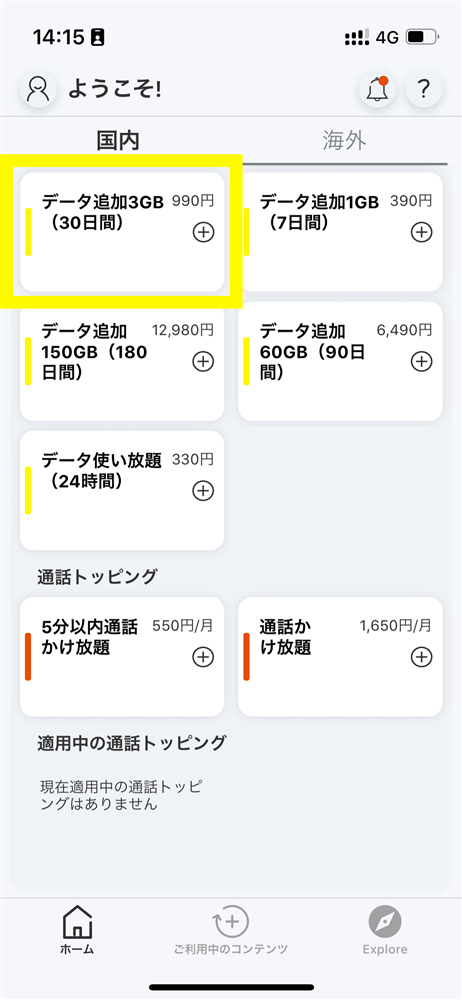
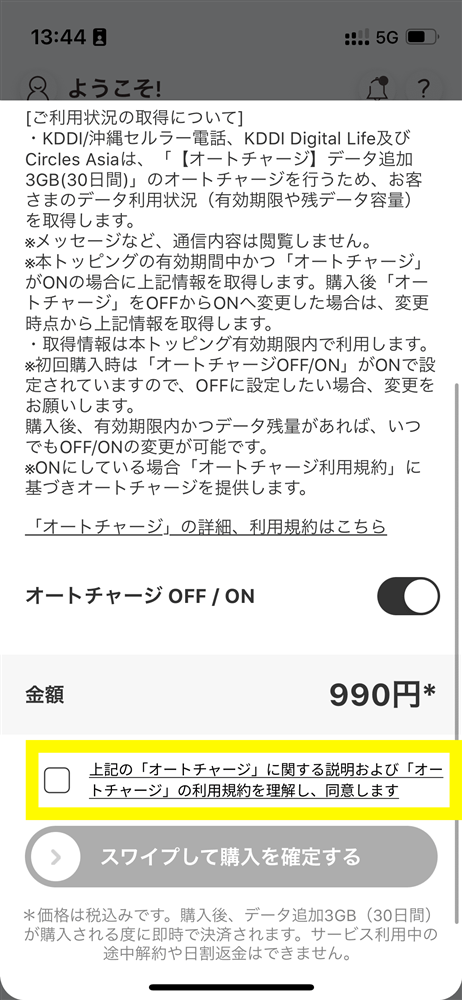
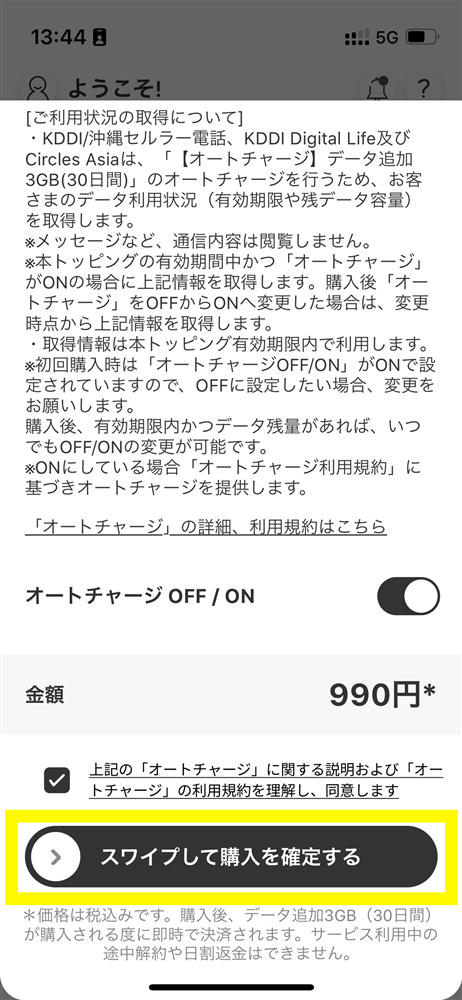
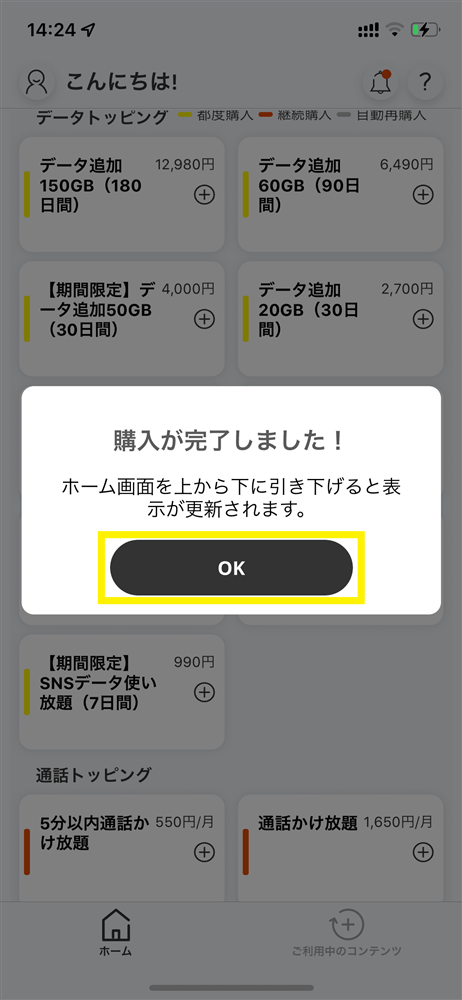
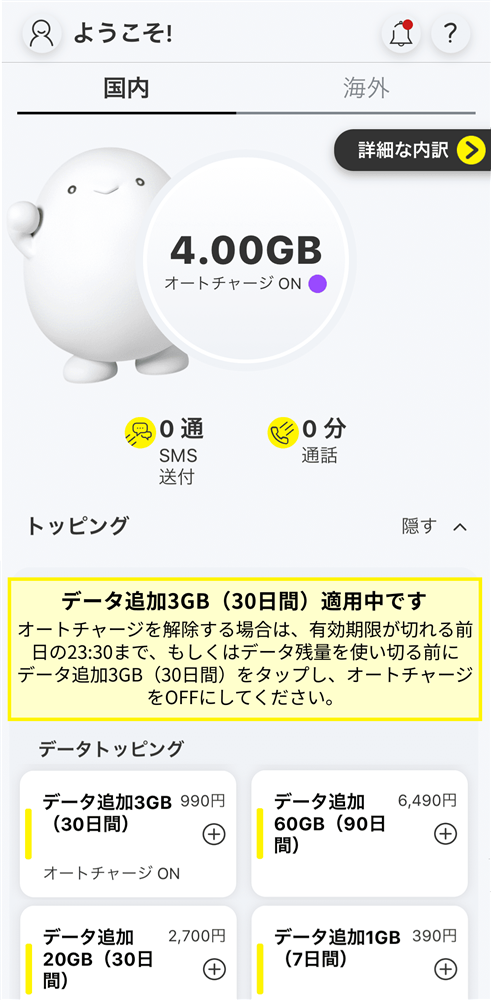
* Auto-charge Topping cannot be purchased if Auto-charge Topping is within validity and there is remaining data.
*When you purchase Auto-charge compatible Topping for the first time, even if you have remaining data capacity from other data Topping or data bonuses, the initial amount of "3GB Data Top-up (30 days)" will be added.
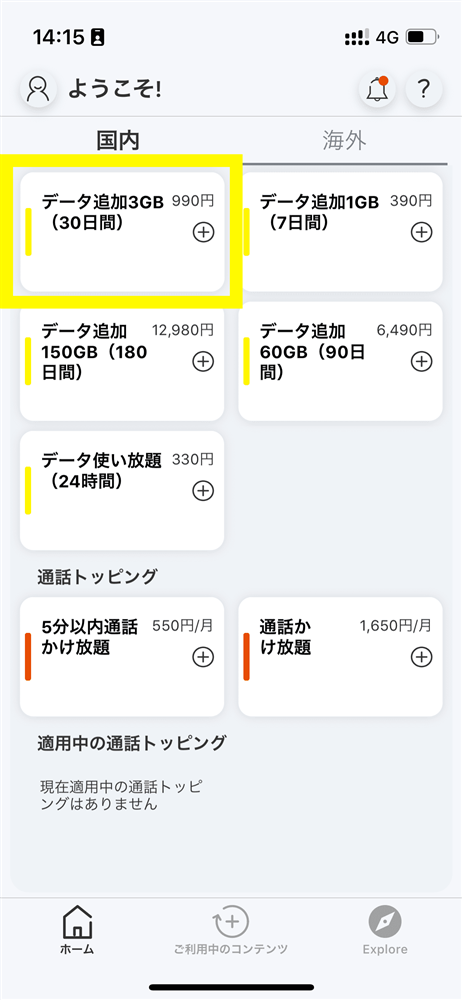
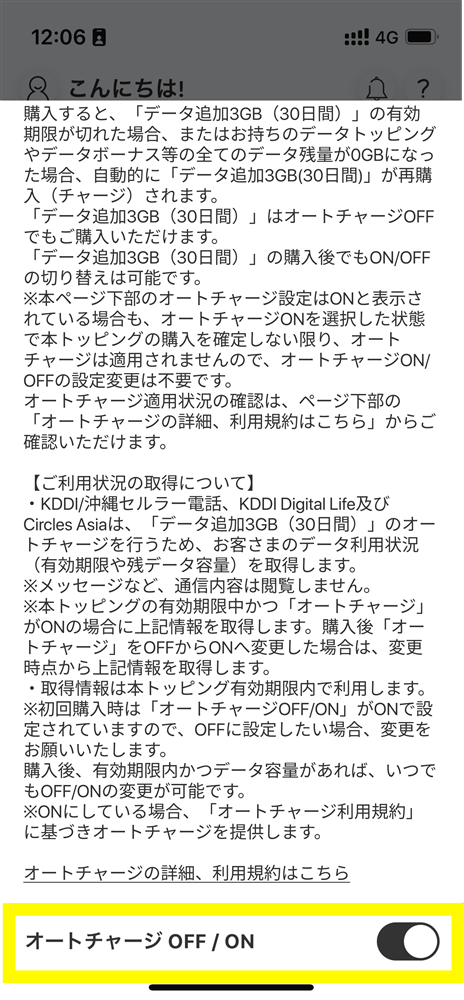
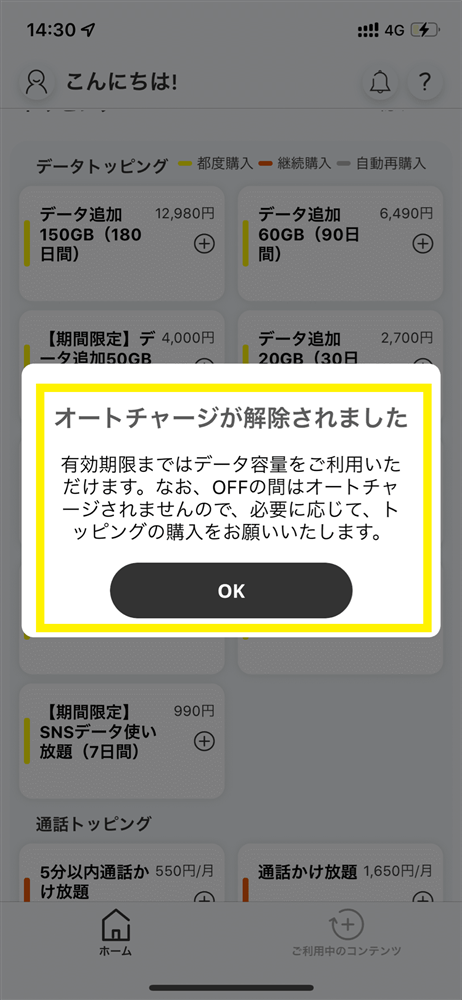
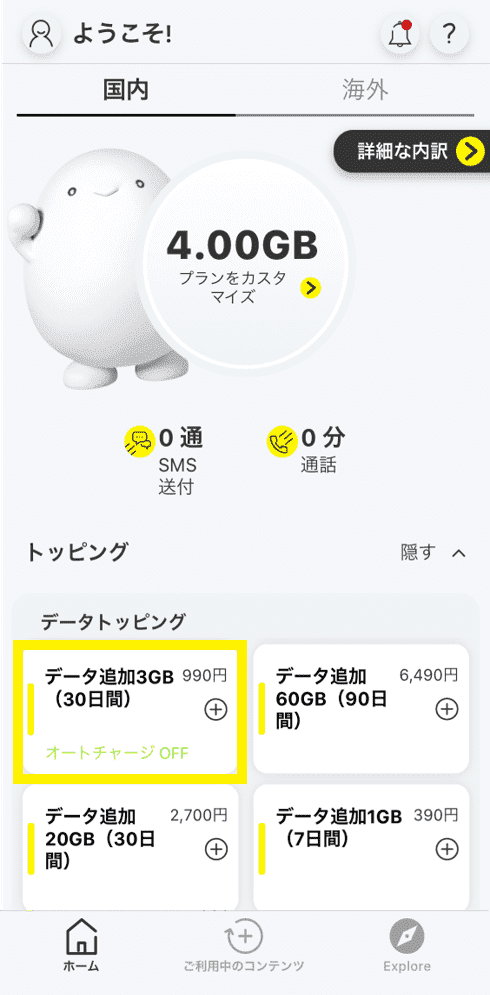
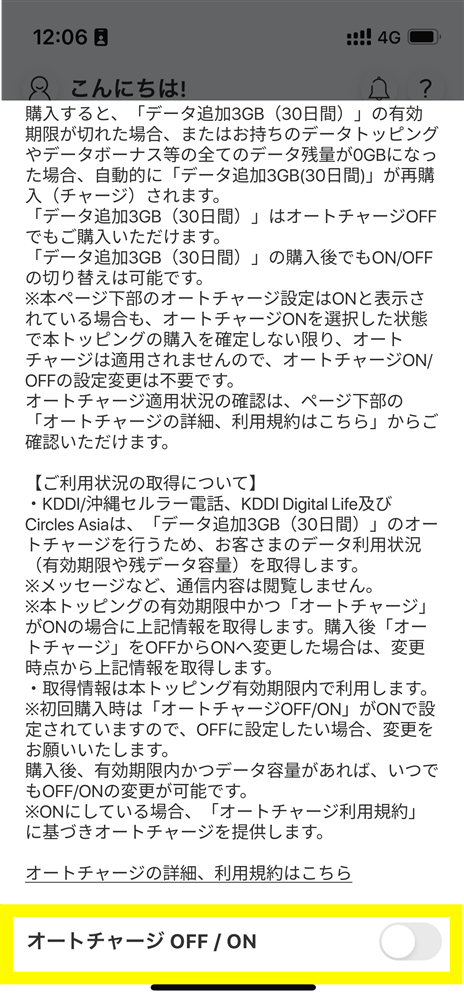
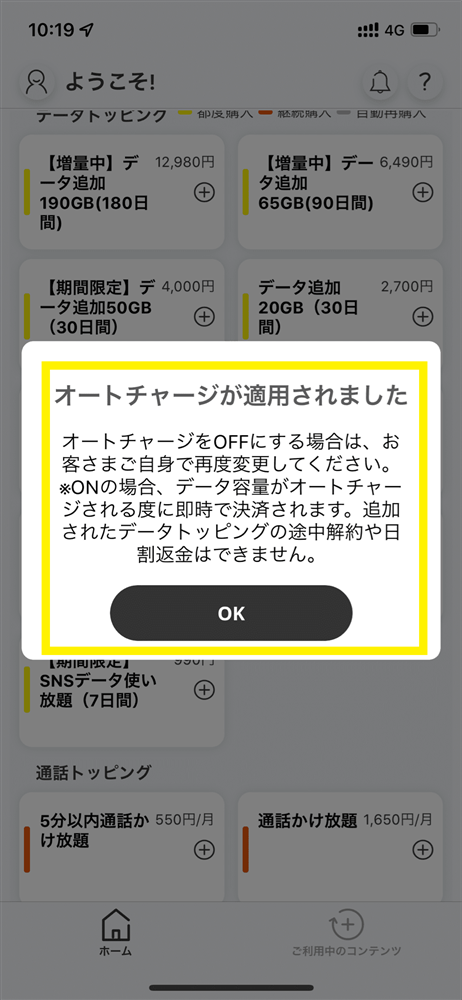
* Auto-charge can be turned off/on only if Auto-charge compatible Topping is within validity and there is remaining data.
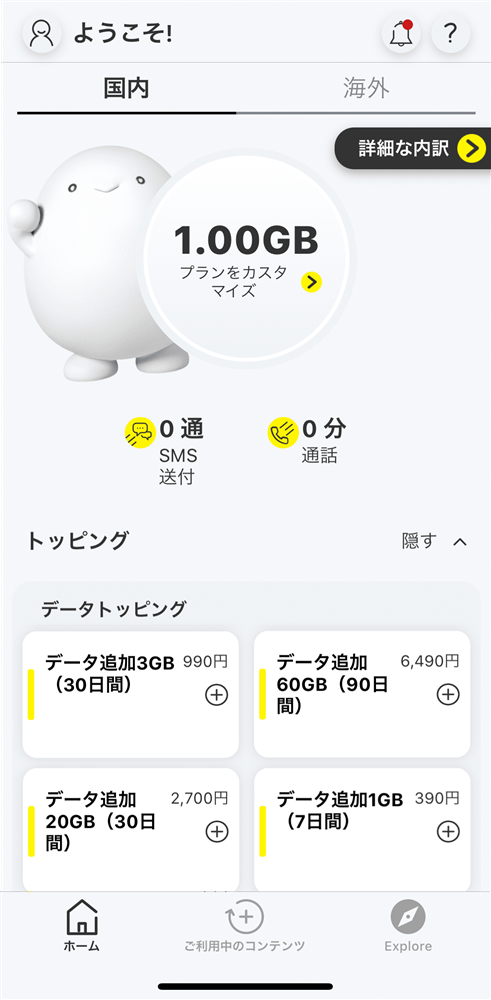
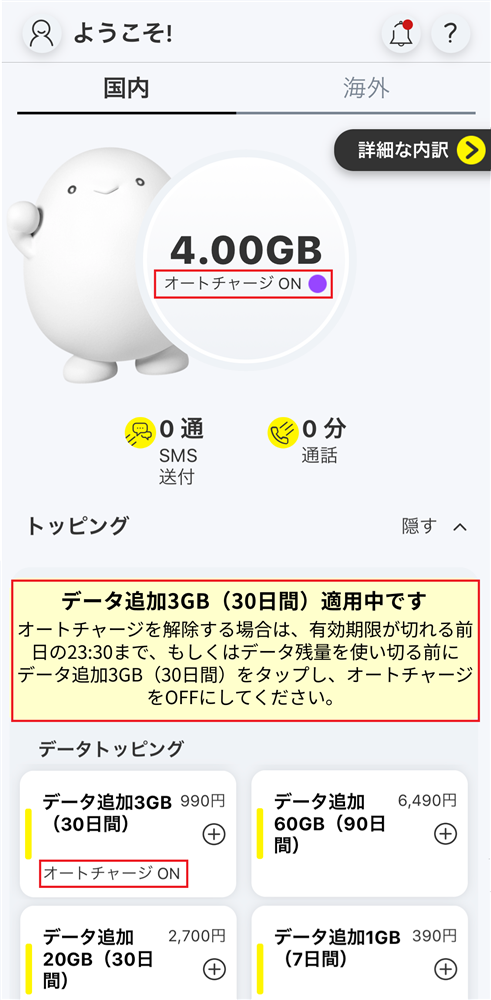
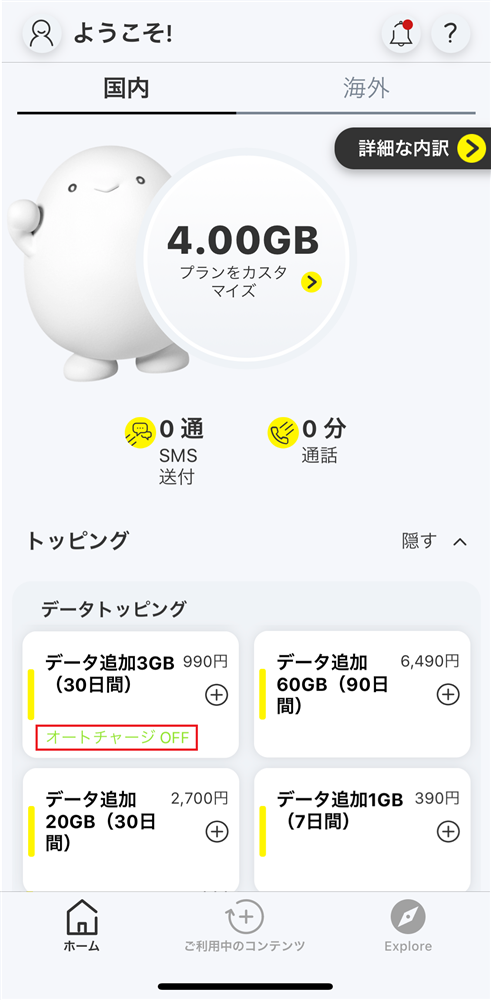
You will need to download the app to apply (new, switching from another company/ UQ mobile), purchase Topping, and make various confirmations.
Search for "povo2.0" on App Store or Google Play, or download it from the link below.