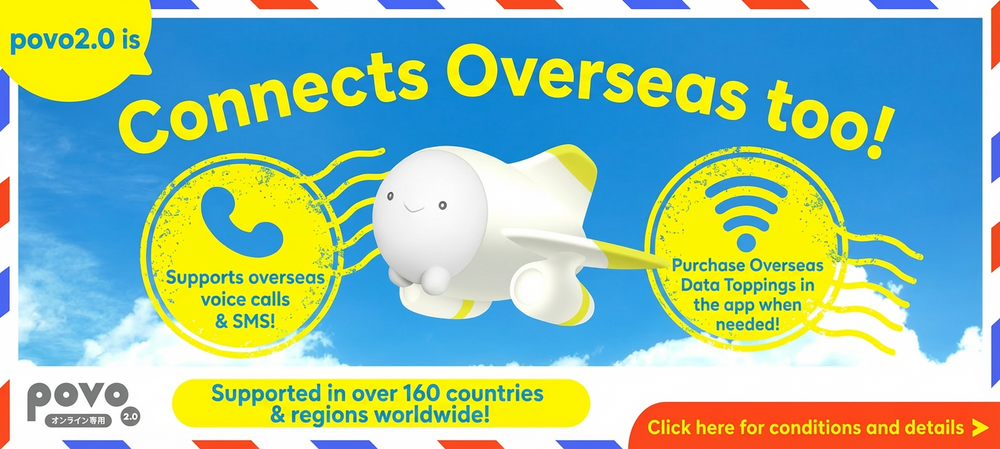
\Campaign now underway!/

| Topping name (validity *1) | Fee | Supported countries and regions |
|---|---|---|
| [China, Hong Kong, Macau] Overseas data 1GB (3 days) | 680円 | China, Hong Kong, and Macau |
| [China, Hong Kong, Macau] Overseas data 3GB (7 days) | 1,980円 |
*1 Every 24 hours that passes from the start of use will be counted as one day.
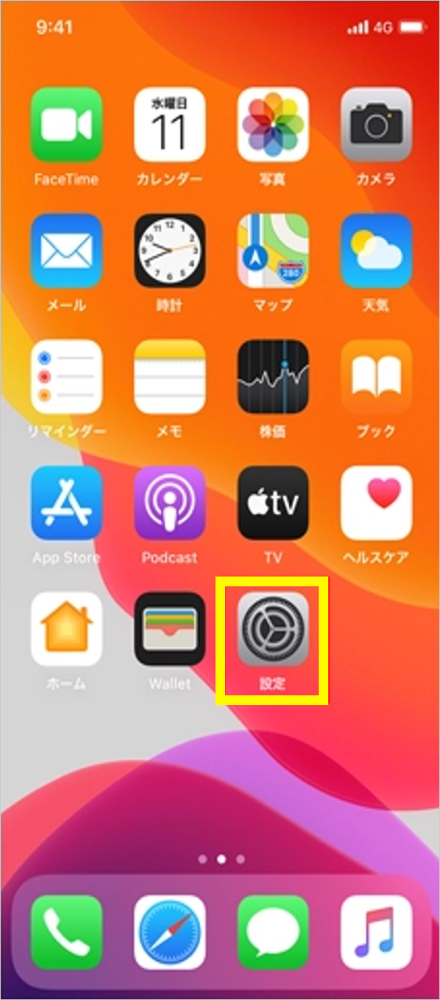
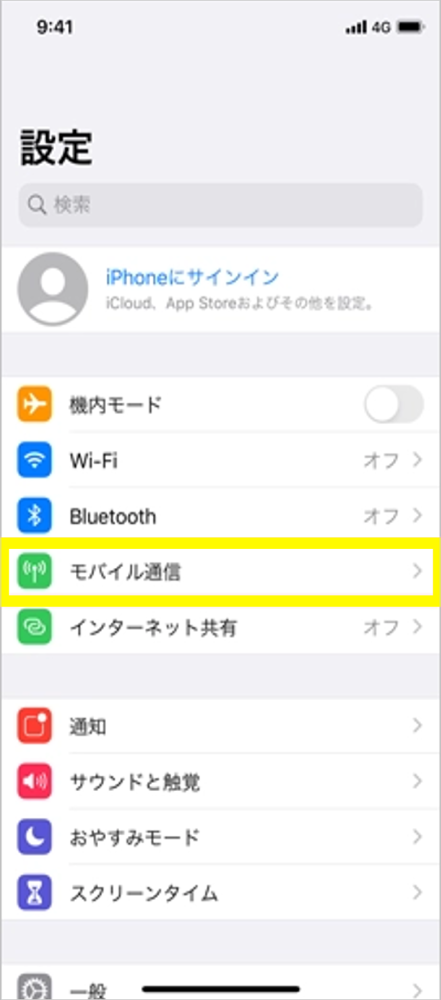
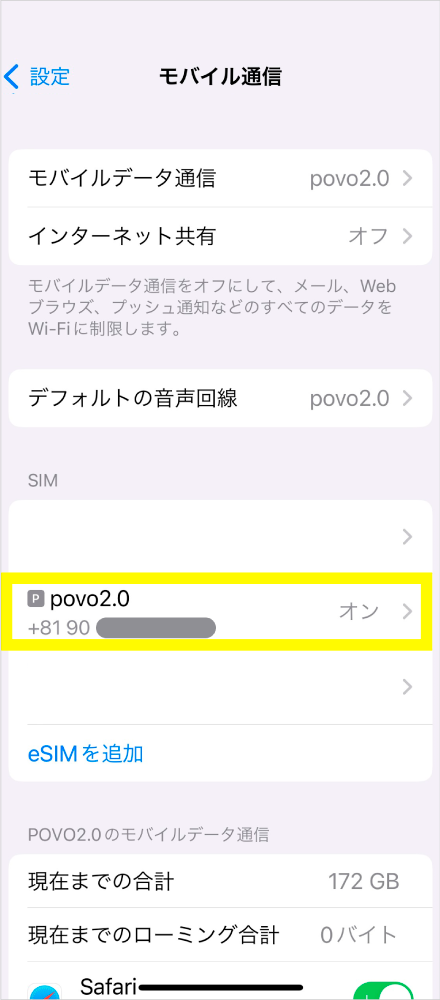
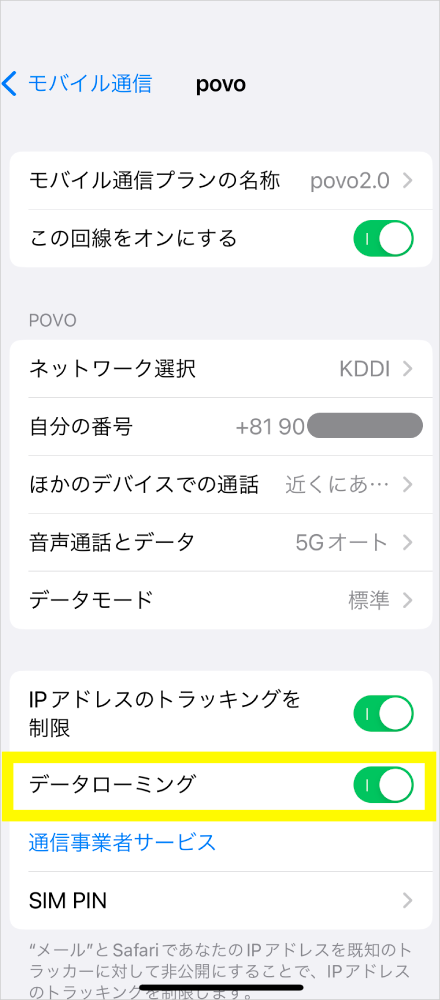
How to check the international roaming settings of the povo2.0 app

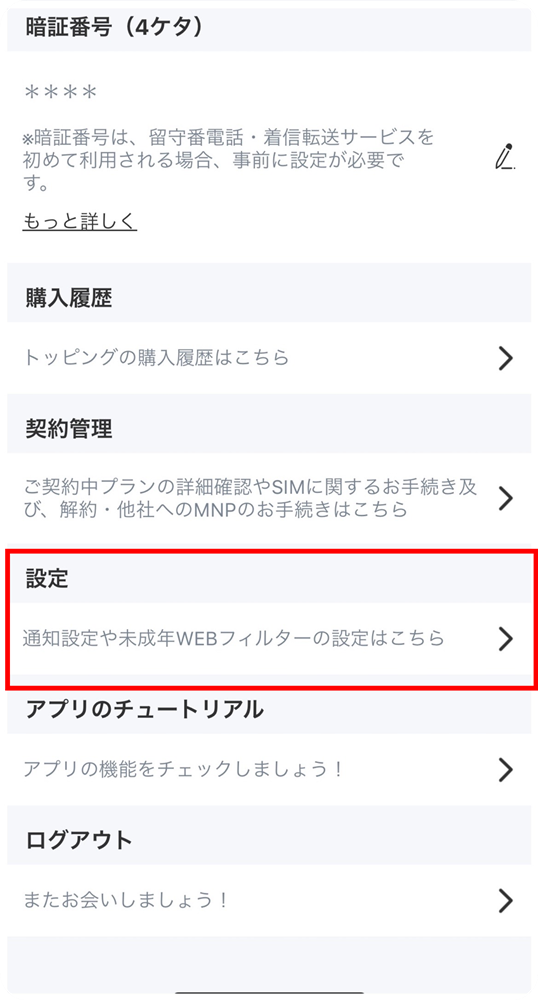
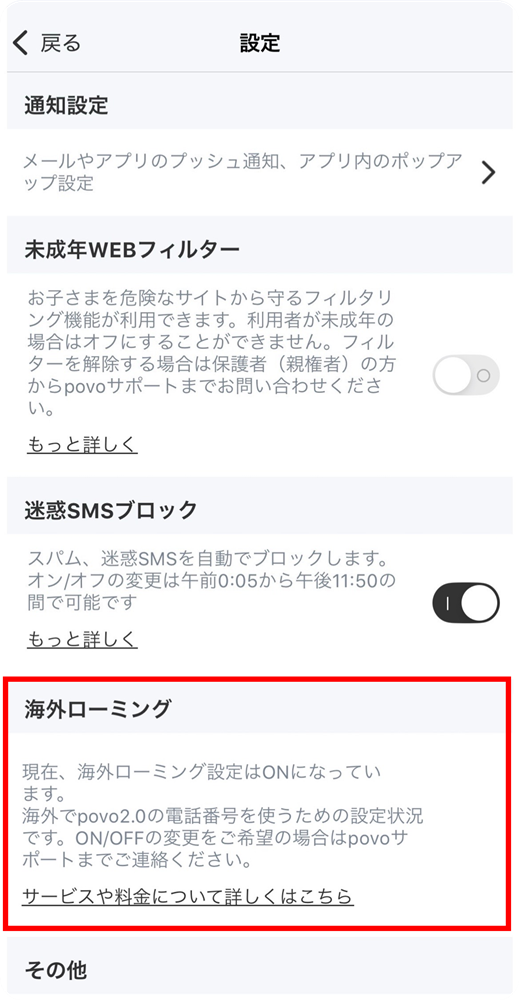
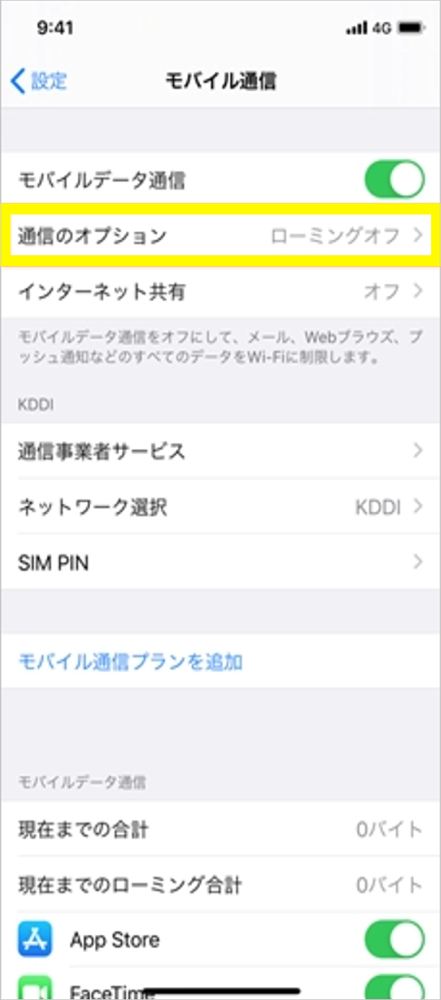
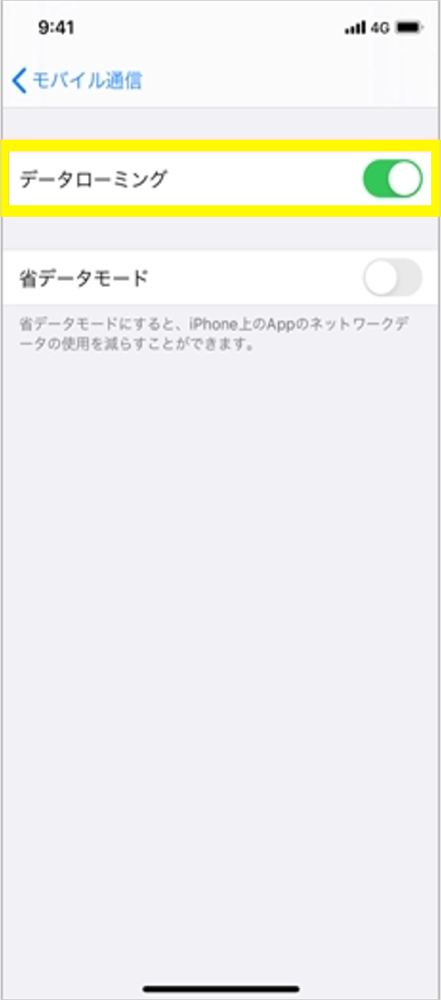
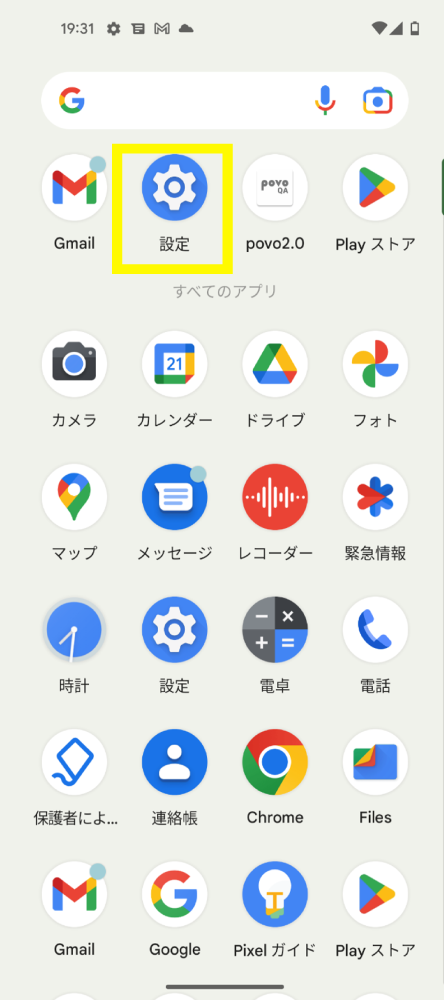
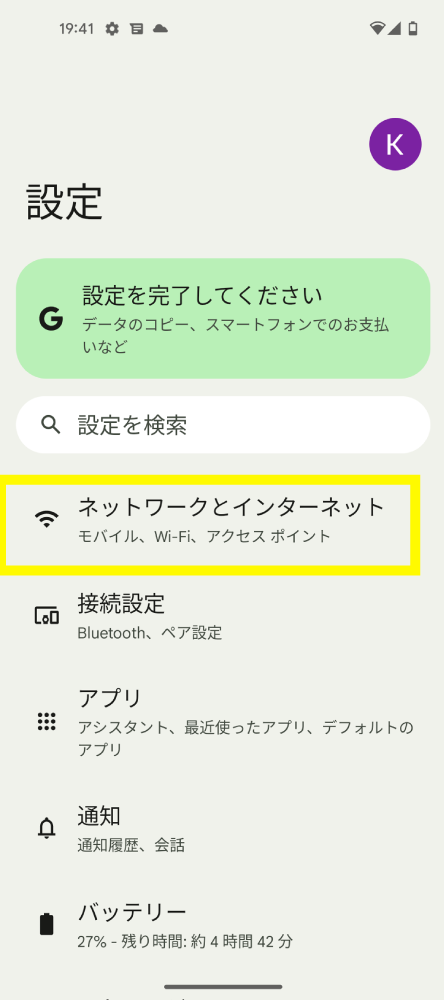
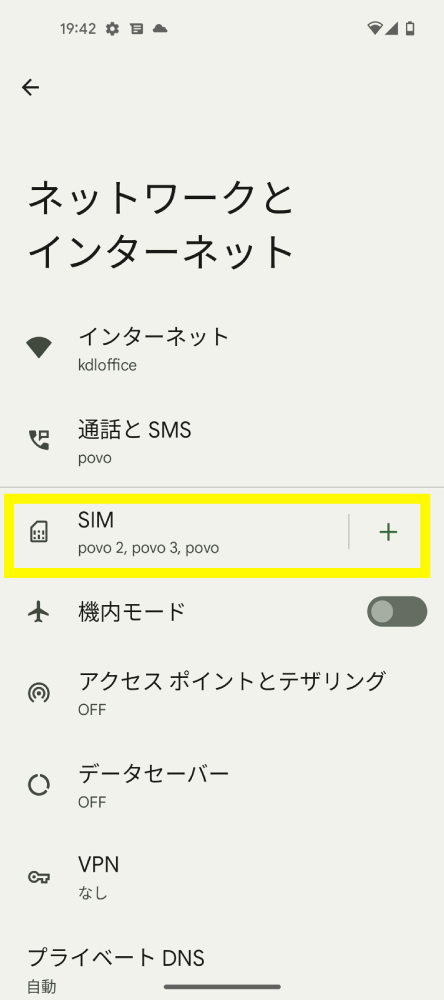
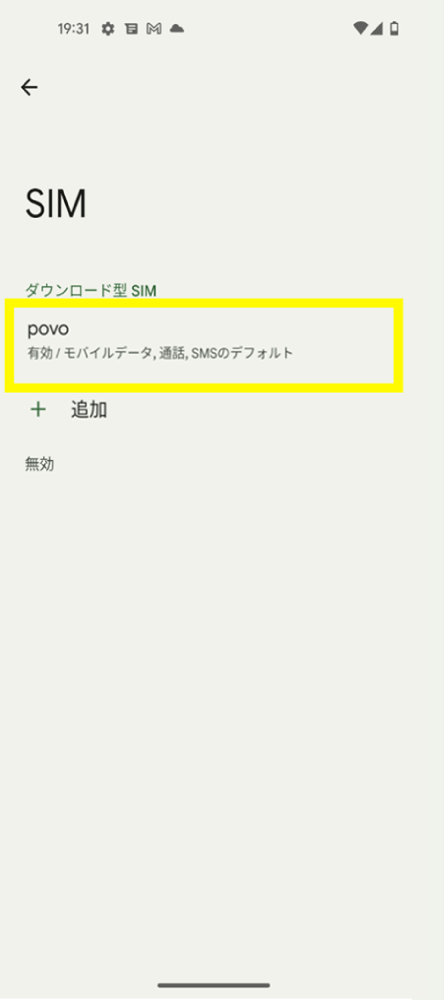
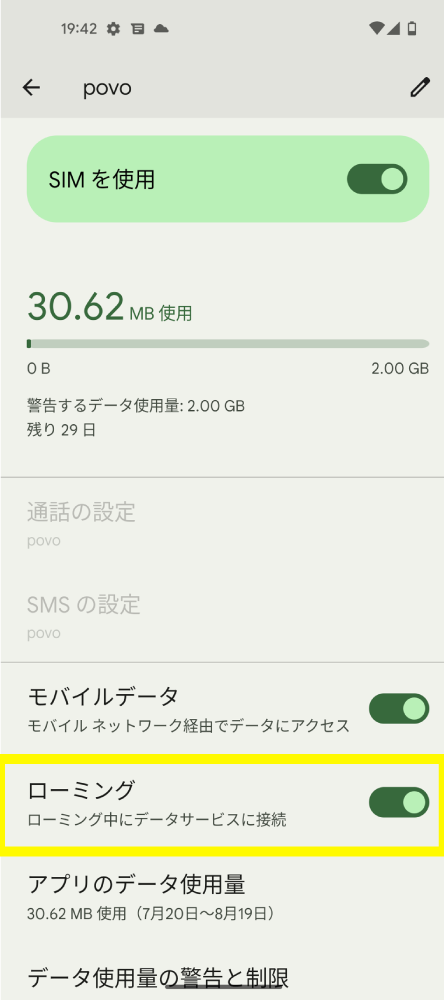
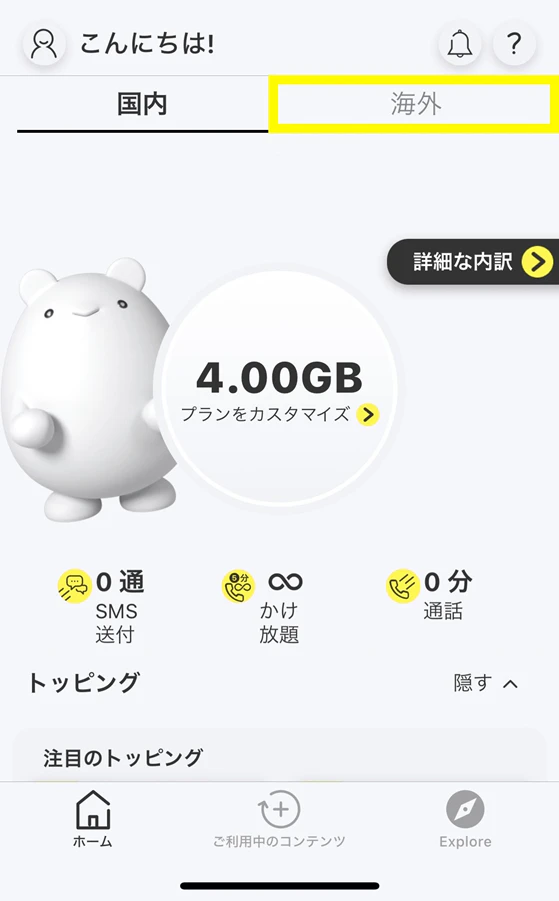
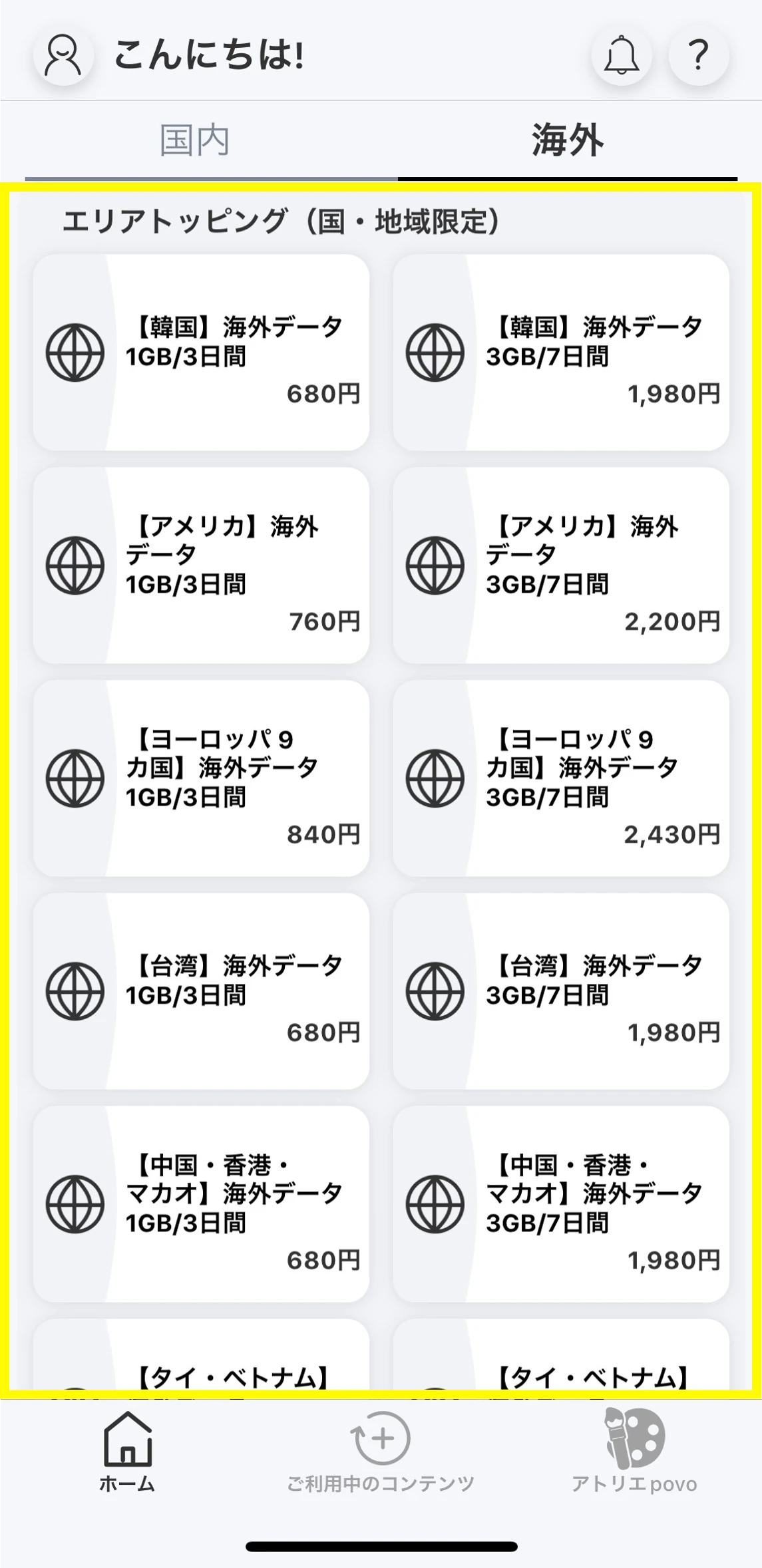
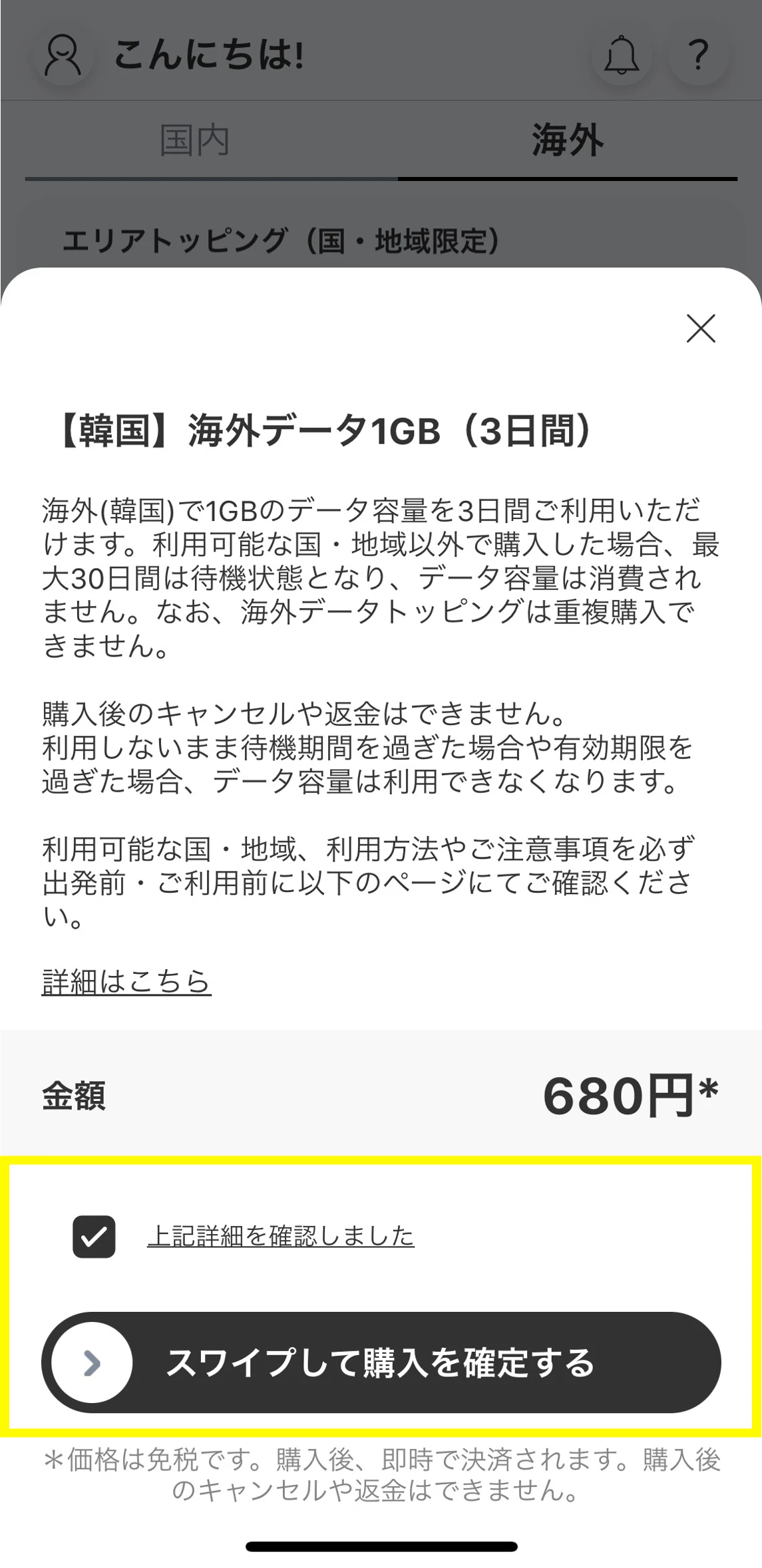
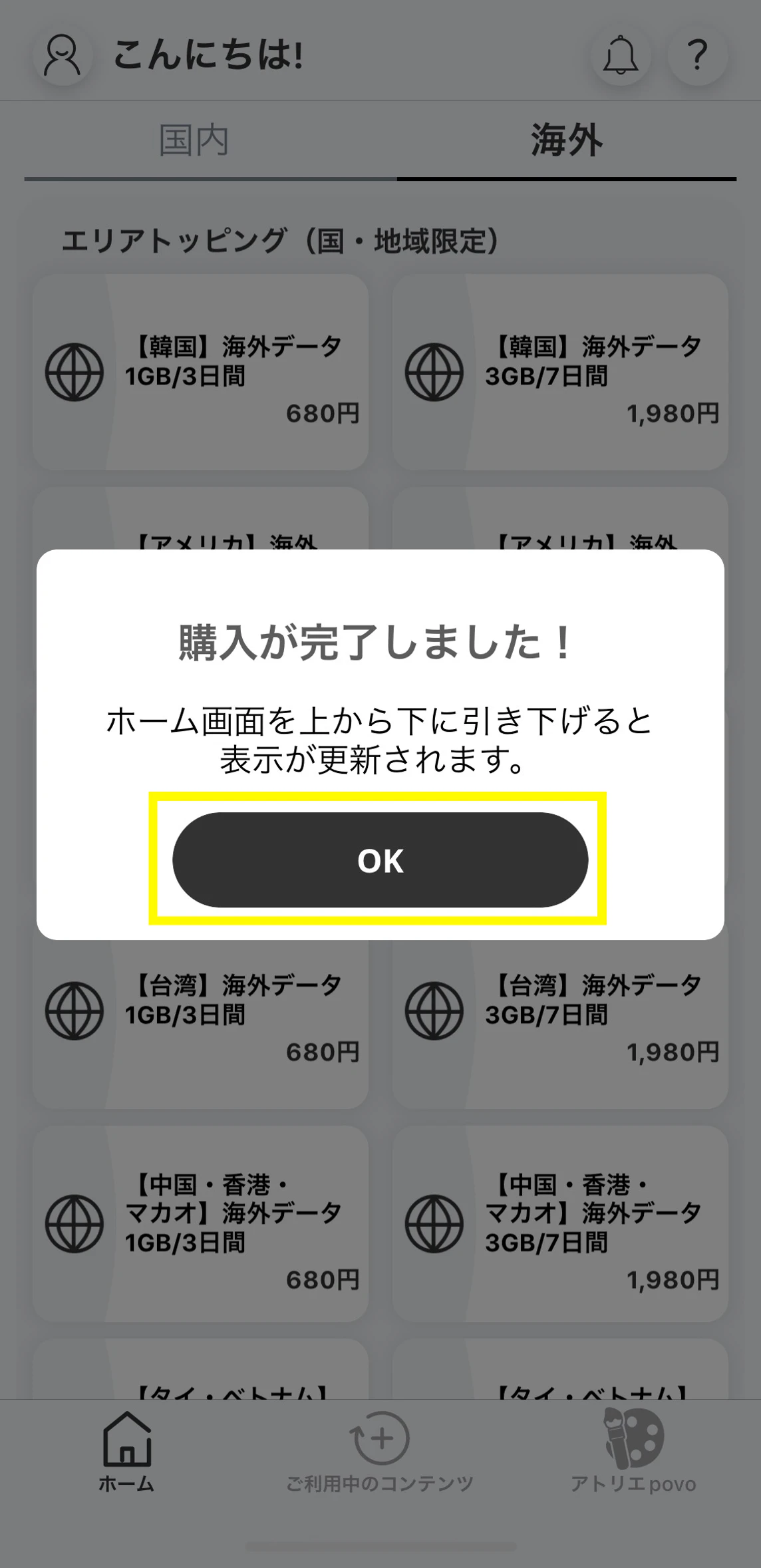
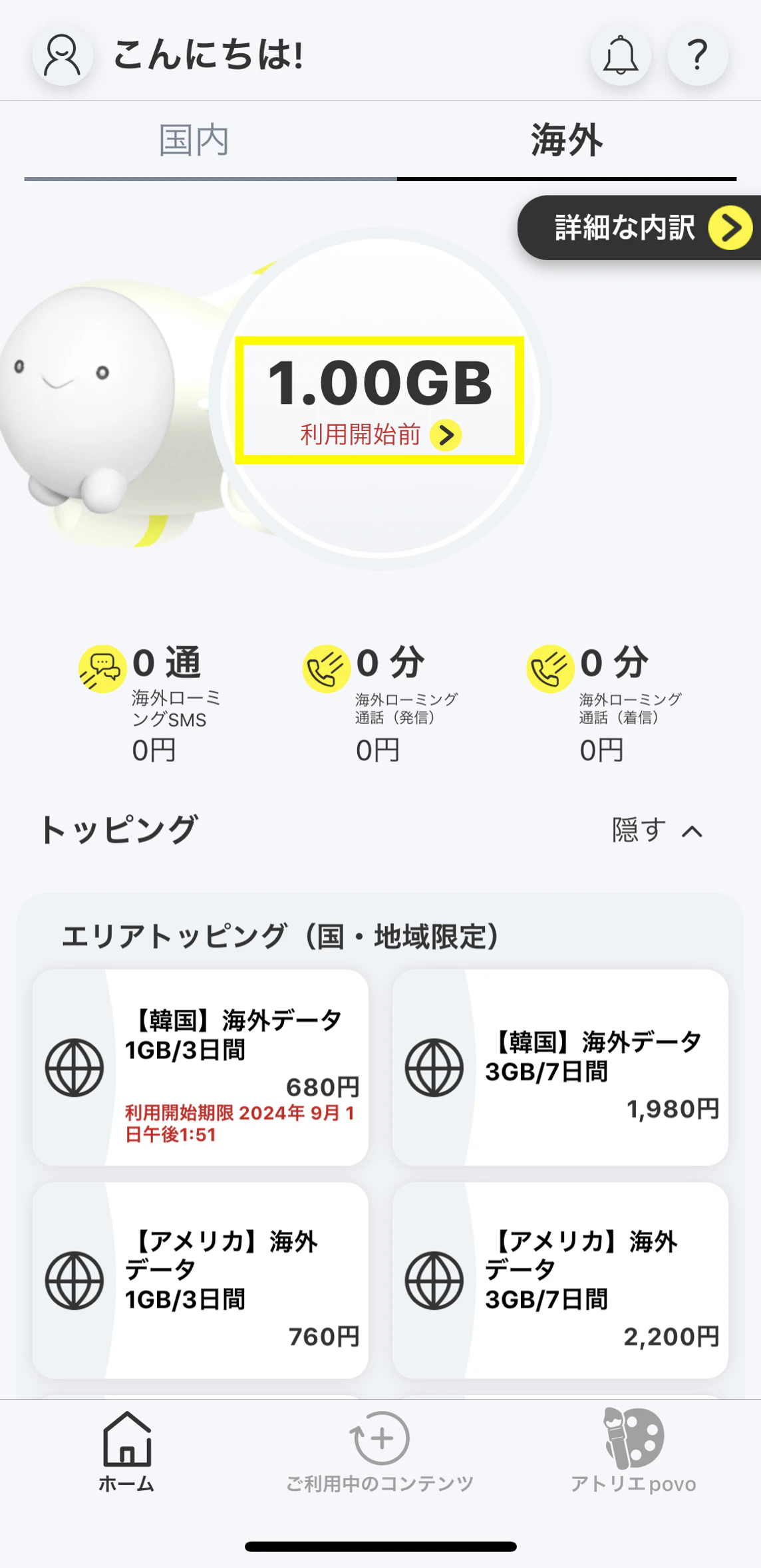
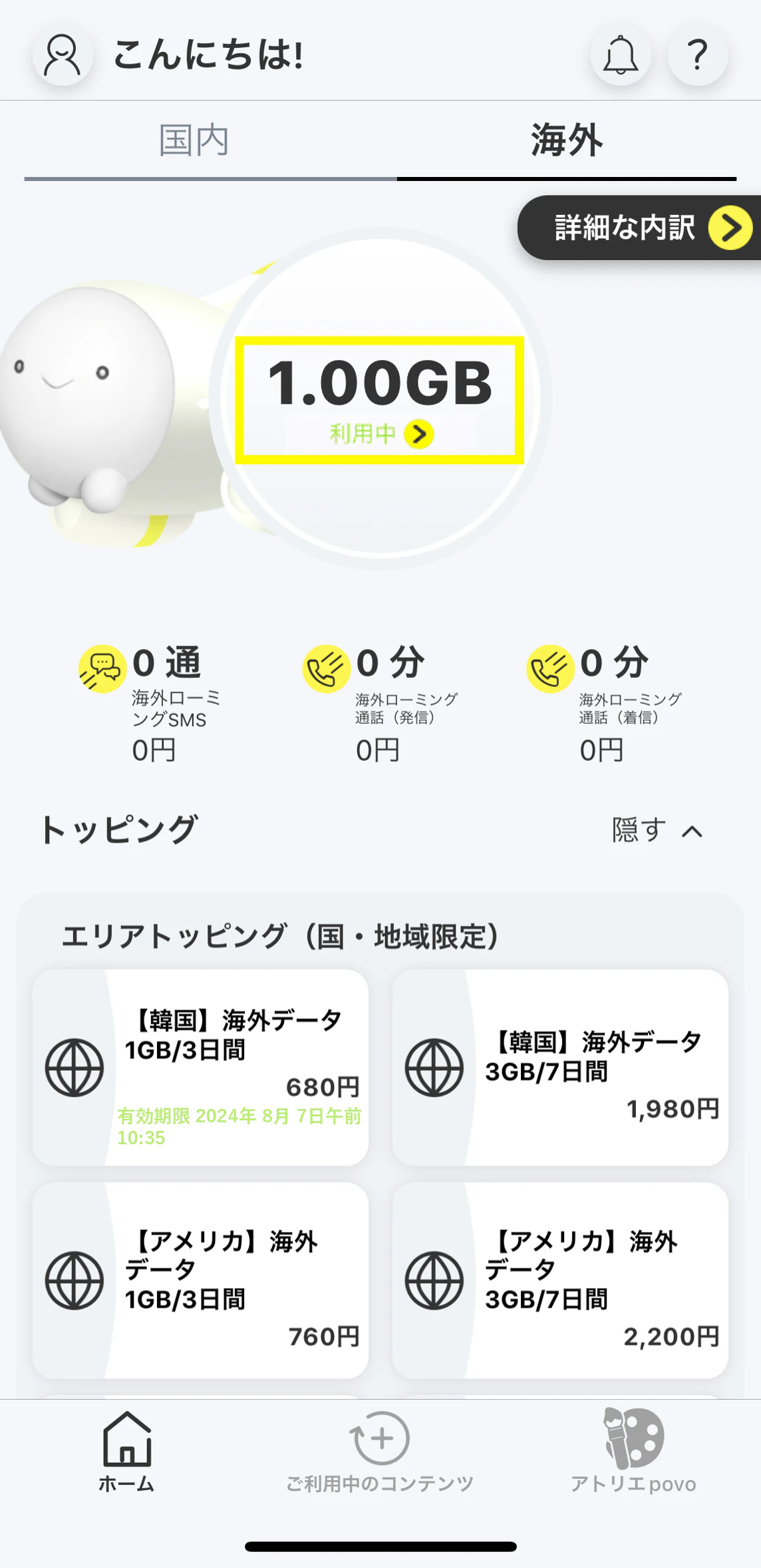
●To use overseas, povo2.0 app version 1.7.0 or later is required.
●We recommend purchasing Overseas data Topping before traveling.
After purchasing the Overseas data Topping, you will be in a standby state for 30 days until you can connect to data communication in an available area.
●We recommend that you log in to the app before traveling.
Even if you have not purchased Topping, if you are already logged in to the povo2.0 app, you can purchase an Overseas data Topping even if you do not have an external internet connection such as Wi-Fi. Please note that if you are not logged in to the app, you will need a separate internet connection to log in.
●To use data communications overseas, you will need to purchase an overseas data Toppings.
●Overseas data Toppings cannot be purchased with "povo2.0 Data Only".
●Every 24 hours that passes from the start of use will be counted as one day.
●Overseas Data Toppings will be in a standby state after purchase, with a 30-day limit for data connection in available areas.
validity Toppings is calculated from the time of use. (For example, if you purchase an overseas data Toppings that can be used 24 hours a day on July 15th and start using it at your destination at 15:00 on August 1st, the usage period will end at 14:59 on August 2nd.)
●While an overseas data Toppings or a data bonus that can be used overseas is being applied, you will not be able to purchase a new overseas data Toppings or apply a data bonus that can be used overseas.
● Overseas data Toppings and overseas data bonuses are only available in eligible countries and regions. They cannot be used domestically.
(Click here for supported countries and regions)
●The data capacity of the overseas data Toppings can also be used with tethering. Please note that availability may vary depending on the model you are using and your destination.
●You can check your remaining data volume overseas on the "Overseas" home screen in the povo2.0 app. Notifications for each remaining data volume will not be sent, so please check the volume in the app.
Overseas data Topping types and supported regions
The areas where Overseas data Topping is available vary depending on the type of Topping. Please check here for availability by destination.
● Countries and regions that support "Area Topping "
This service is available in Korea, the United States *1, nine European countries (UK, Italy, Austria, the Netherlands, Switzerland, Spain, Germany, France, Belgium) *2, Taiwan, China, Hong Kong, Macau, Thailand, Vietnam, and Singapore, Malaysia, by purchasing the corresponding Topping.
*1 This service is also available in Hawaii, Alaska, Puerto Rico, and the U.S. Virgin Islands. Please note that it is not available in Guam or Saipan.
*2 Also available in Liechtenstein, San Marino, Vatican City, Canary Islands, Spanish North Africa, Guernsey, Isle of Man, and Jersey. Please note that this service is not available in French Guiana and the British Virgin Islands.
●Payment will be made immediately after purchase. Cancellation of this Topping or pro rata refunds are not possible.
*Maximum communication speeds are based on the service provided by the overseas carrier in your area. Actual communication speeds may vary depending on location, communication environment, network congestion, and compatible products.
●If fees for voice calls/SMS overseas become too high, we may temporarily suspend your line.
●Depending on the communication conditions at your destination, partner providers and service areas may change or the service may not be available.
●Even within cities and areas where the service is available, it may not be available due to topographical or location conditions.
● Depending on the model you are using, you may not be able to use your phone overseas. Also, the countries, regions and communication services that can be used vary depending on the model.
* For devices purchased from au or UQ, you can check here whether data communication, voice, and SMS are available. If you are using a device other than these, please check whether it is available (whether the communication method and frequency provided by the carrier in your destination country are compatible with your device, etc.).
● Overseas data Topping cannot be used within Japan.
● If you cancel povo2.0, you will no longer be able to use the service even if you have remaining data capacity or validity.
* Consumption tax will not be added to the international roaming service fees.
You will need to download the app to apply (new, switching from another company/ UQ mobile), purchase Topping, and make various confirmations.
Search for "povo2.0" on App Store or Google Play, or download it from the link below.