| Topping name (validity *1) | Fee | Supported countries and regions |
|---|---|---|
| [Regular] Overseas data 0.5GB (24 hours) | 640円 | Over 90 countries and regions |
| [Regular] Overseas data 1GB (3 days) | 1,480円 | |
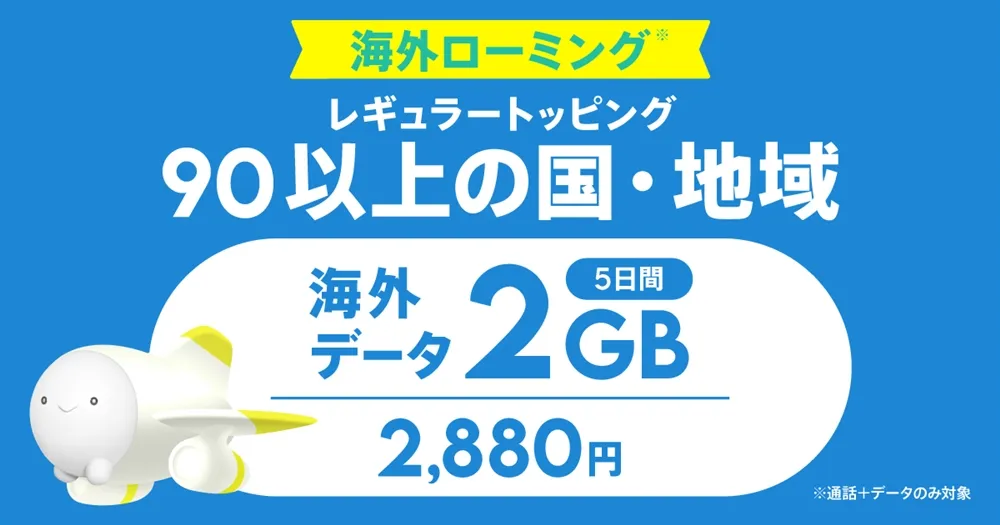
| [Regular] Overseas data 2GB (5 days) | 2,880円 | |
| [Regular] Overseas data 3GB (7 days) | 4,280円 | |
| [Regular] Overseas data 5GB (14 days) | 7,080円 | |
| [Regular] Overseas data 10GB (30 days) | 9,800円 |
*1 Every 24 hours that passes from the start of use will be counted as one day.
How to check the international roaming settings of the povo2.0 app

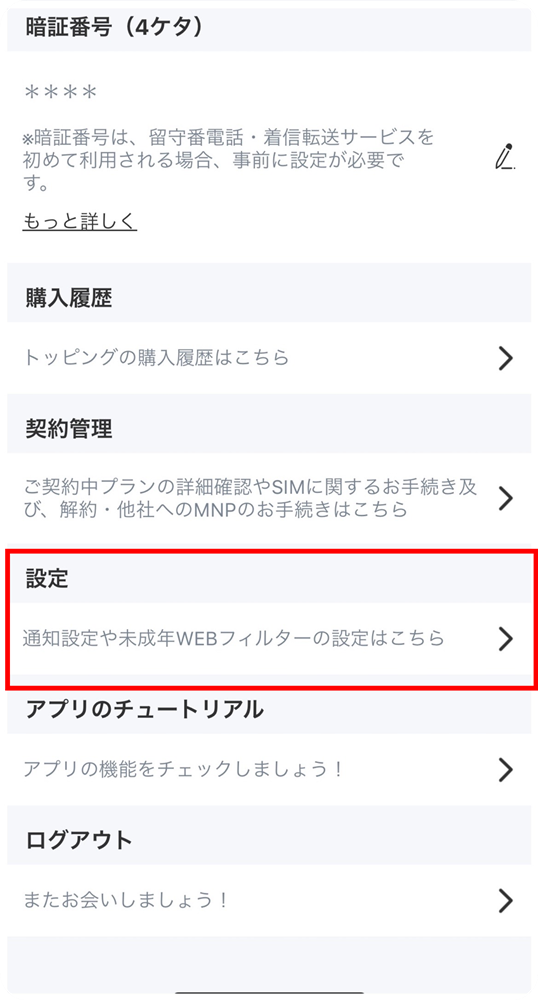
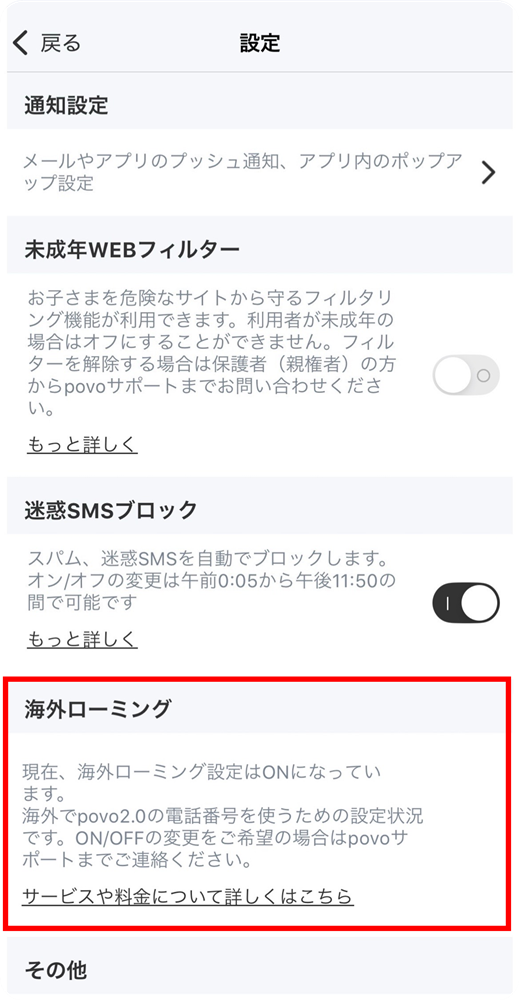
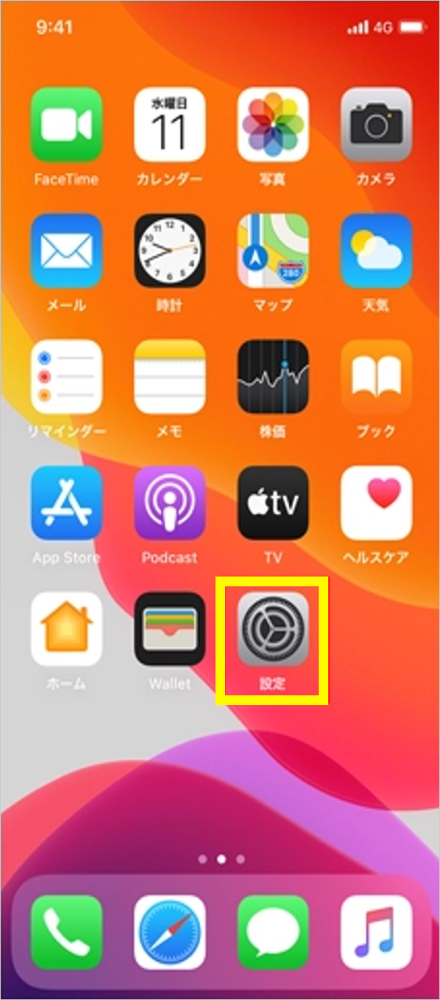
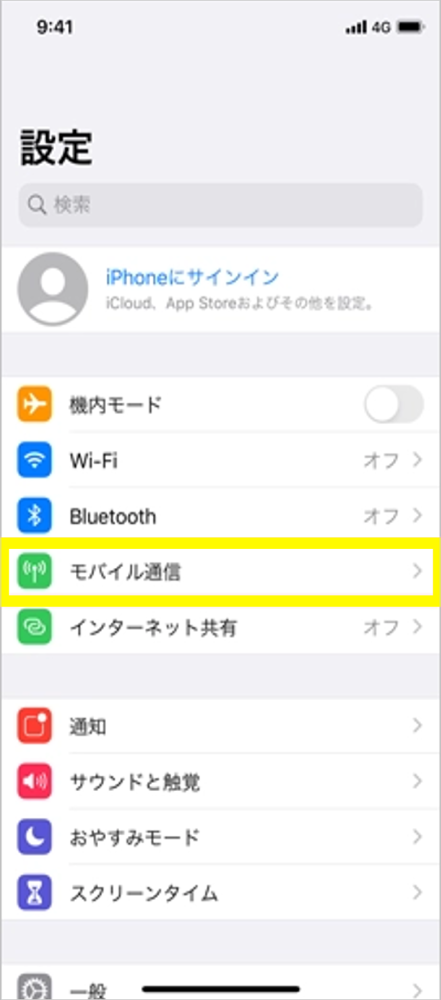
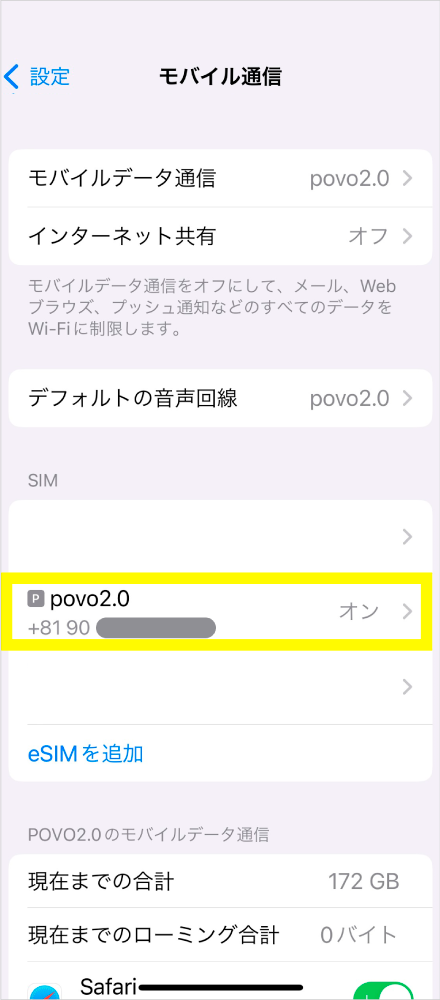
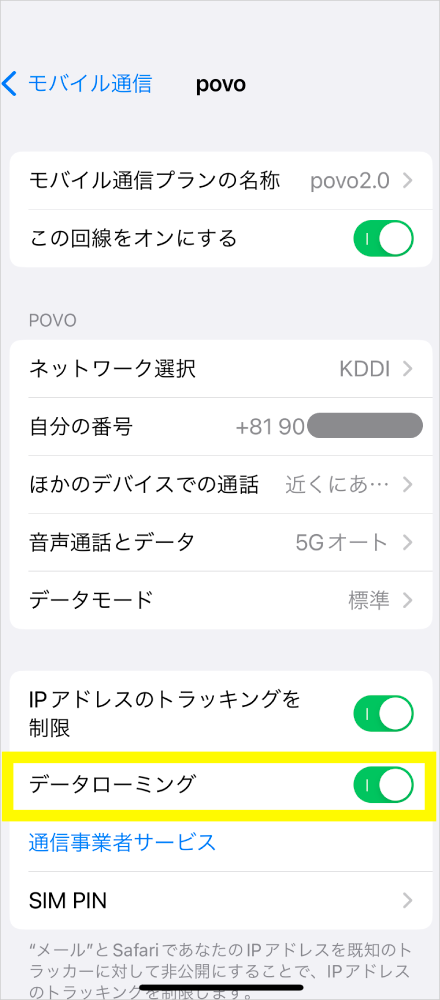
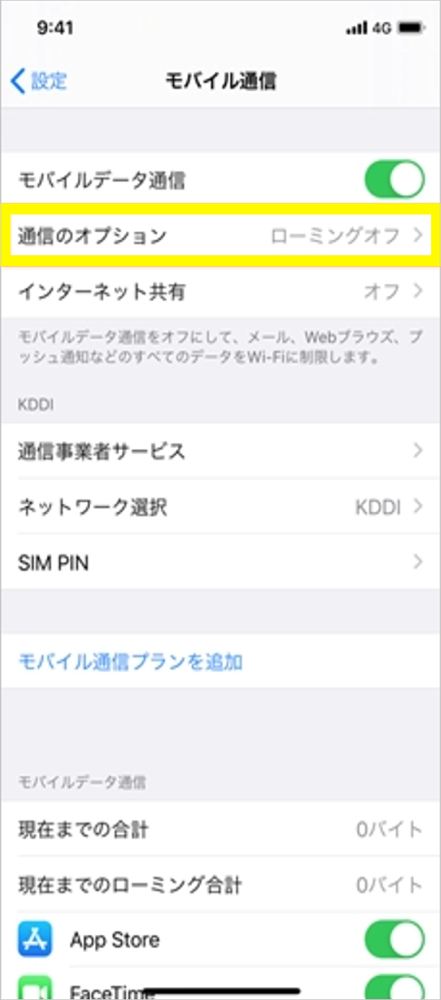
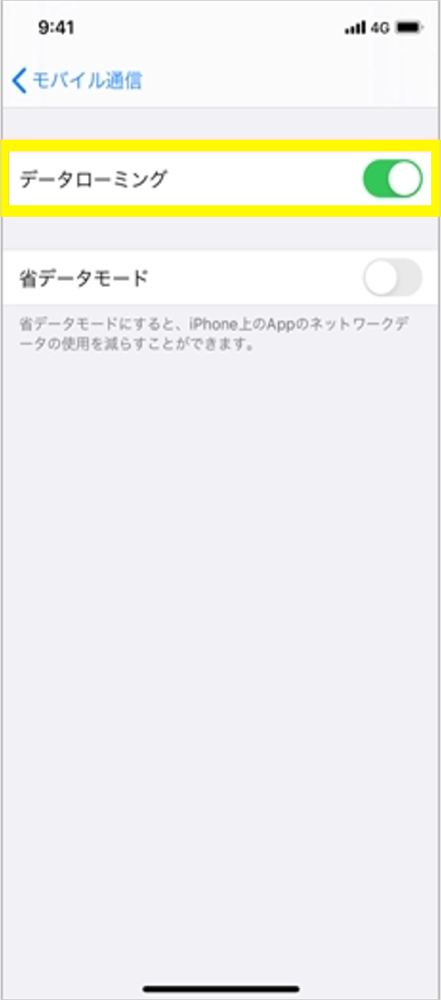
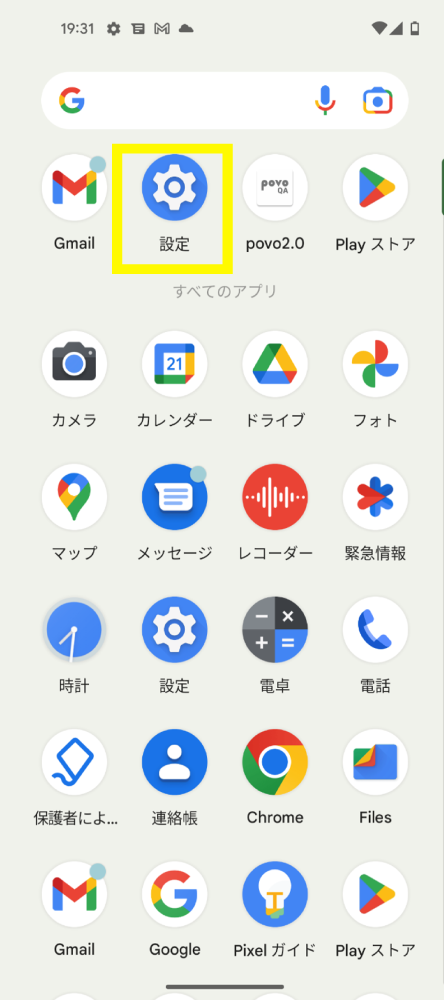
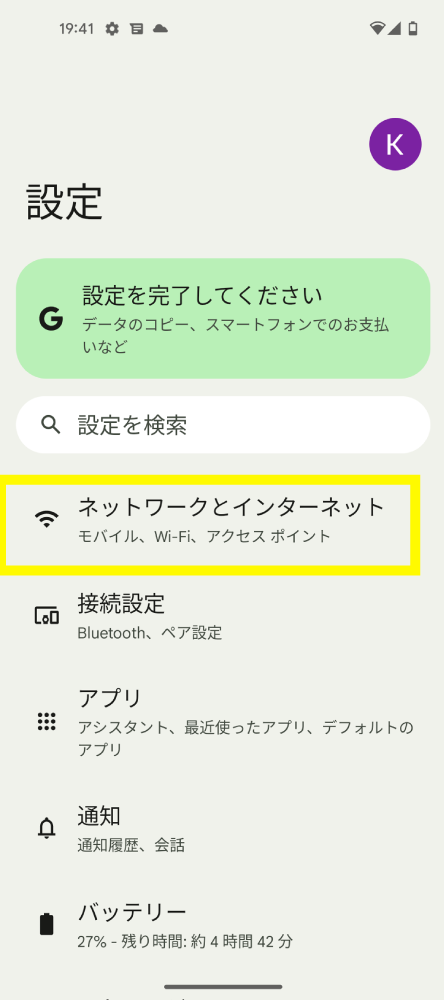
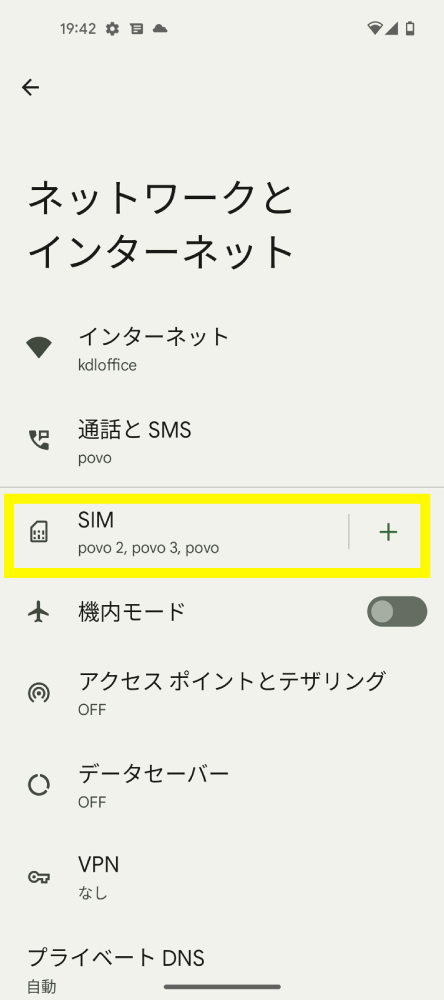
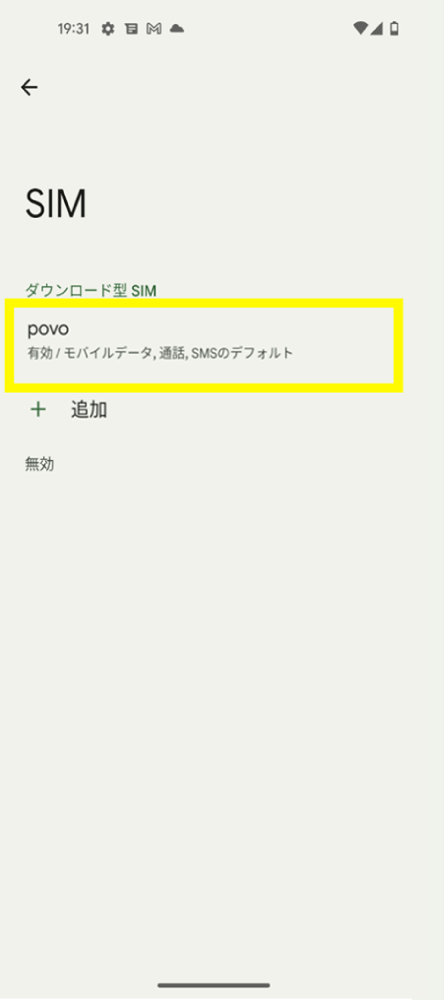
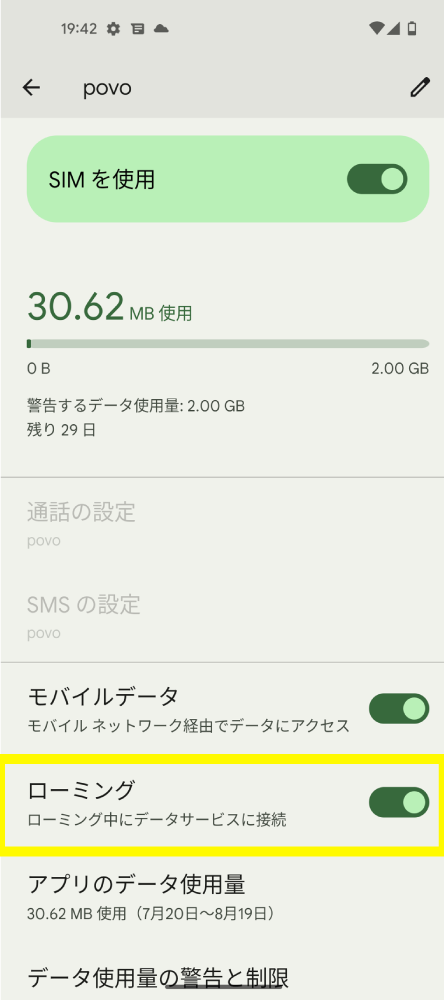
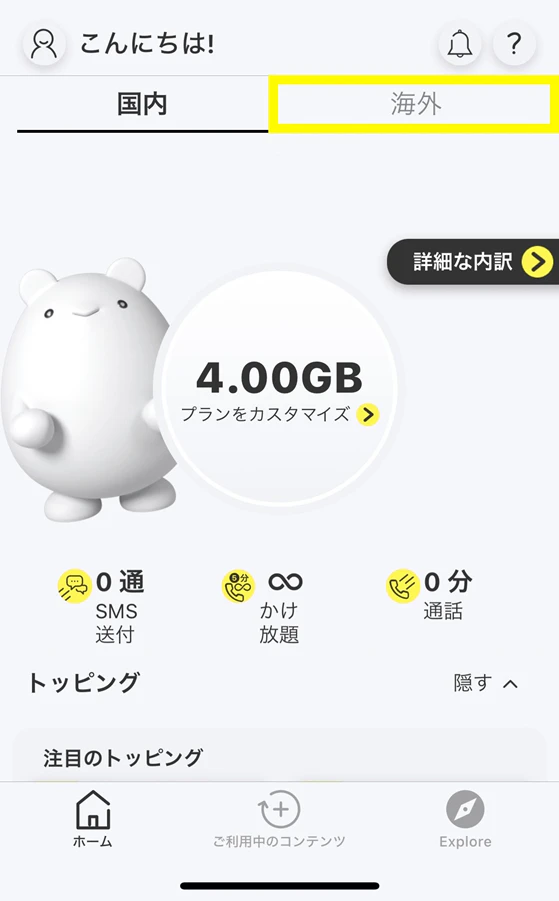
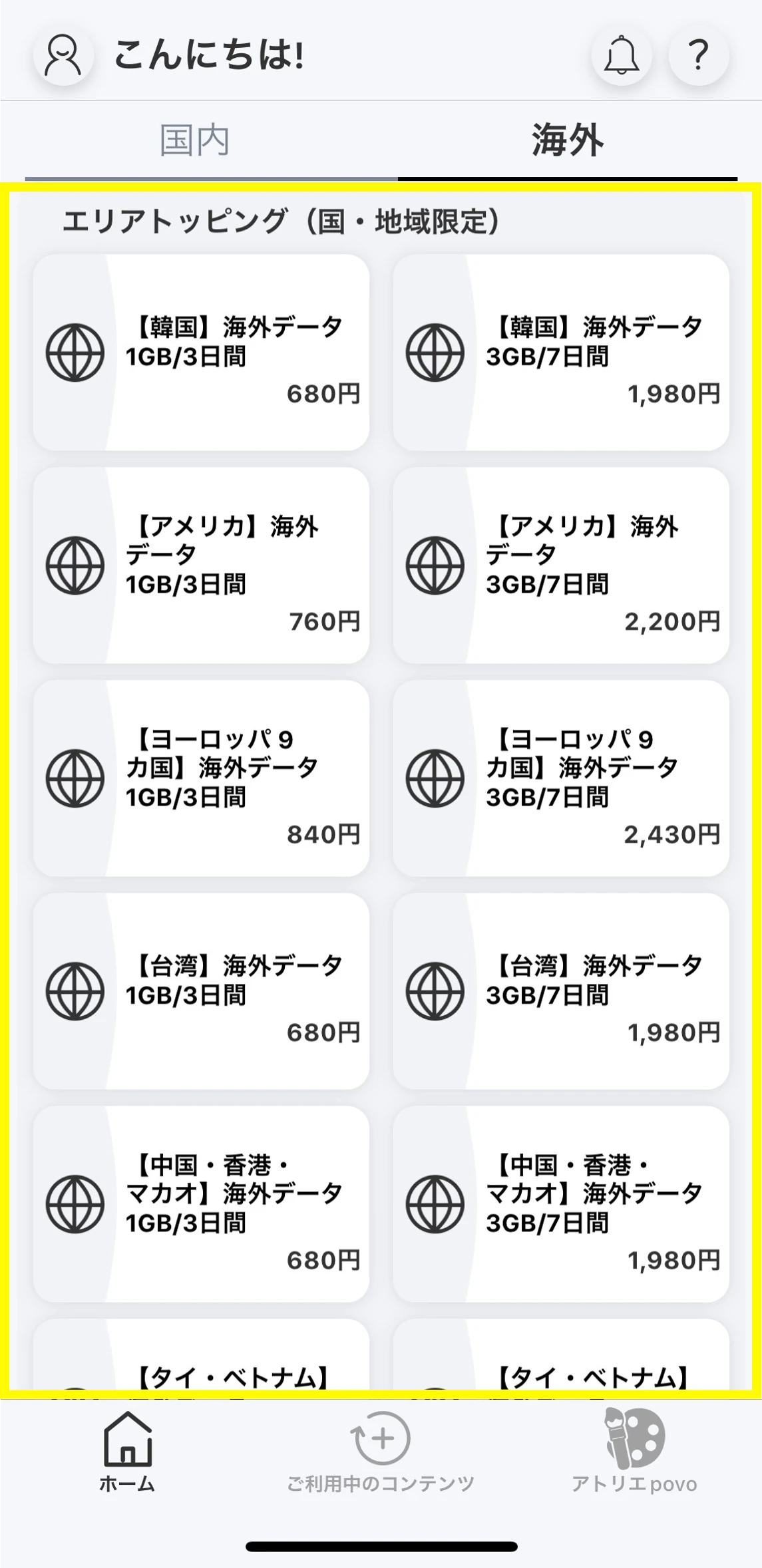
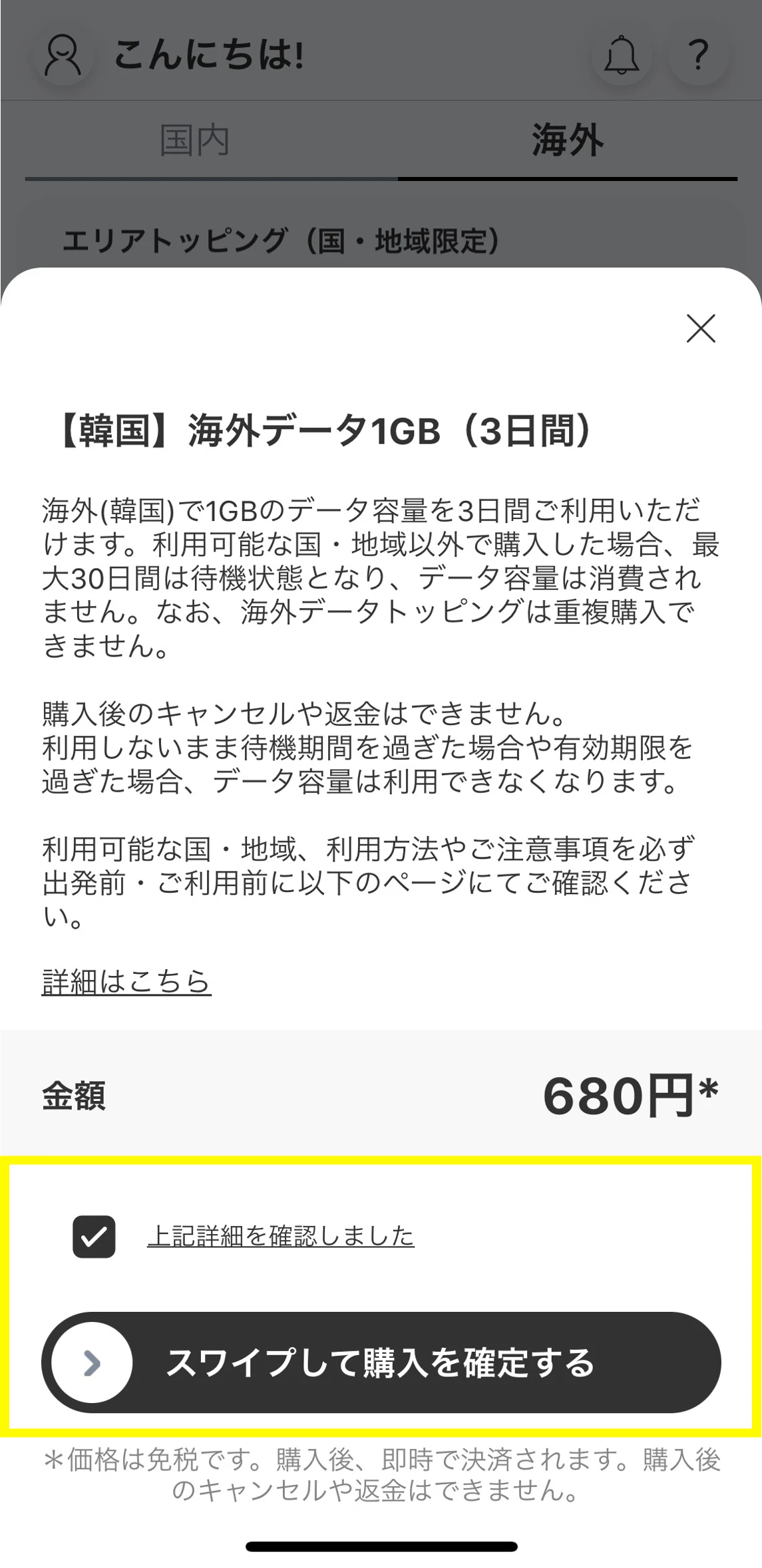
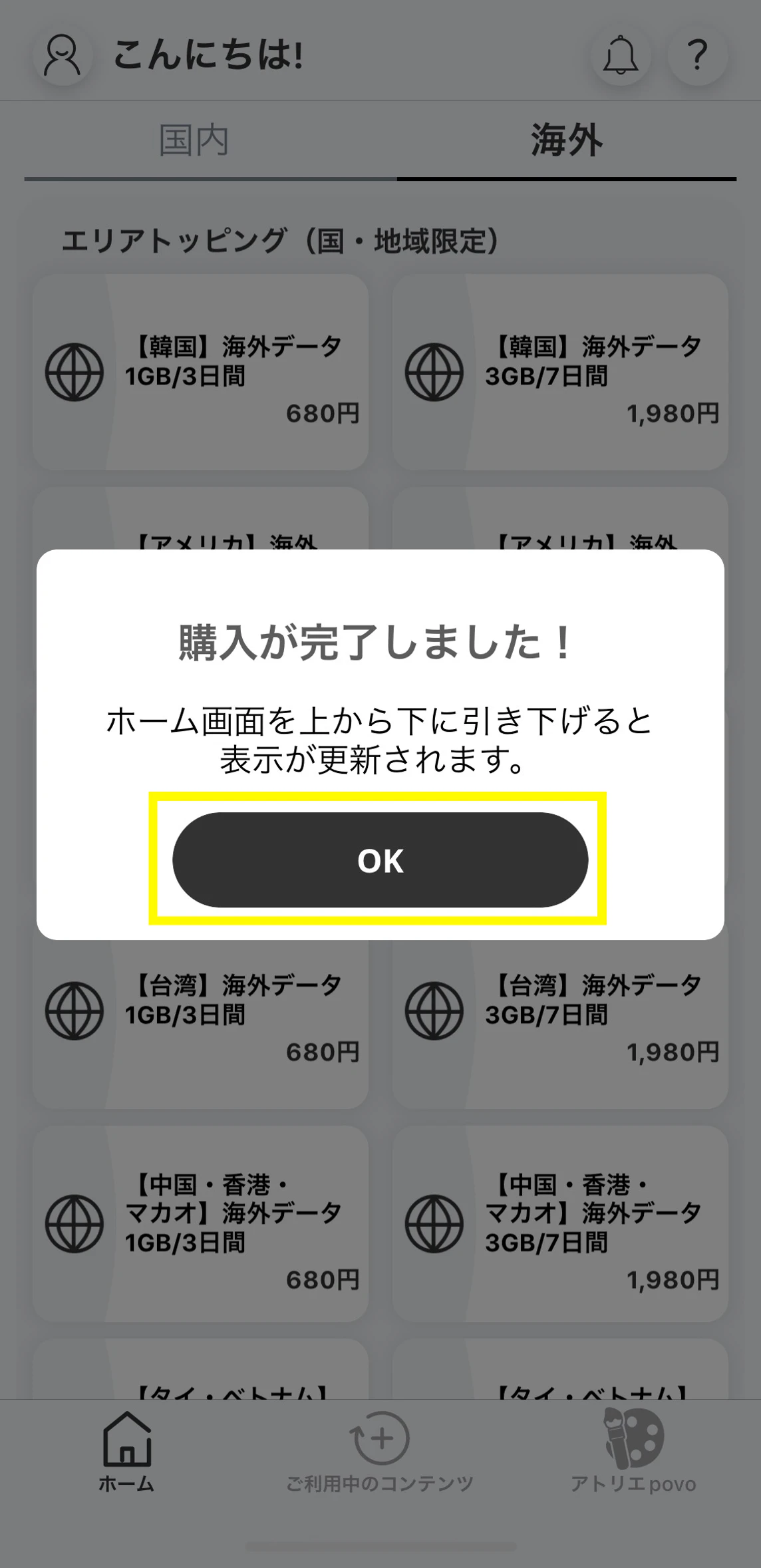
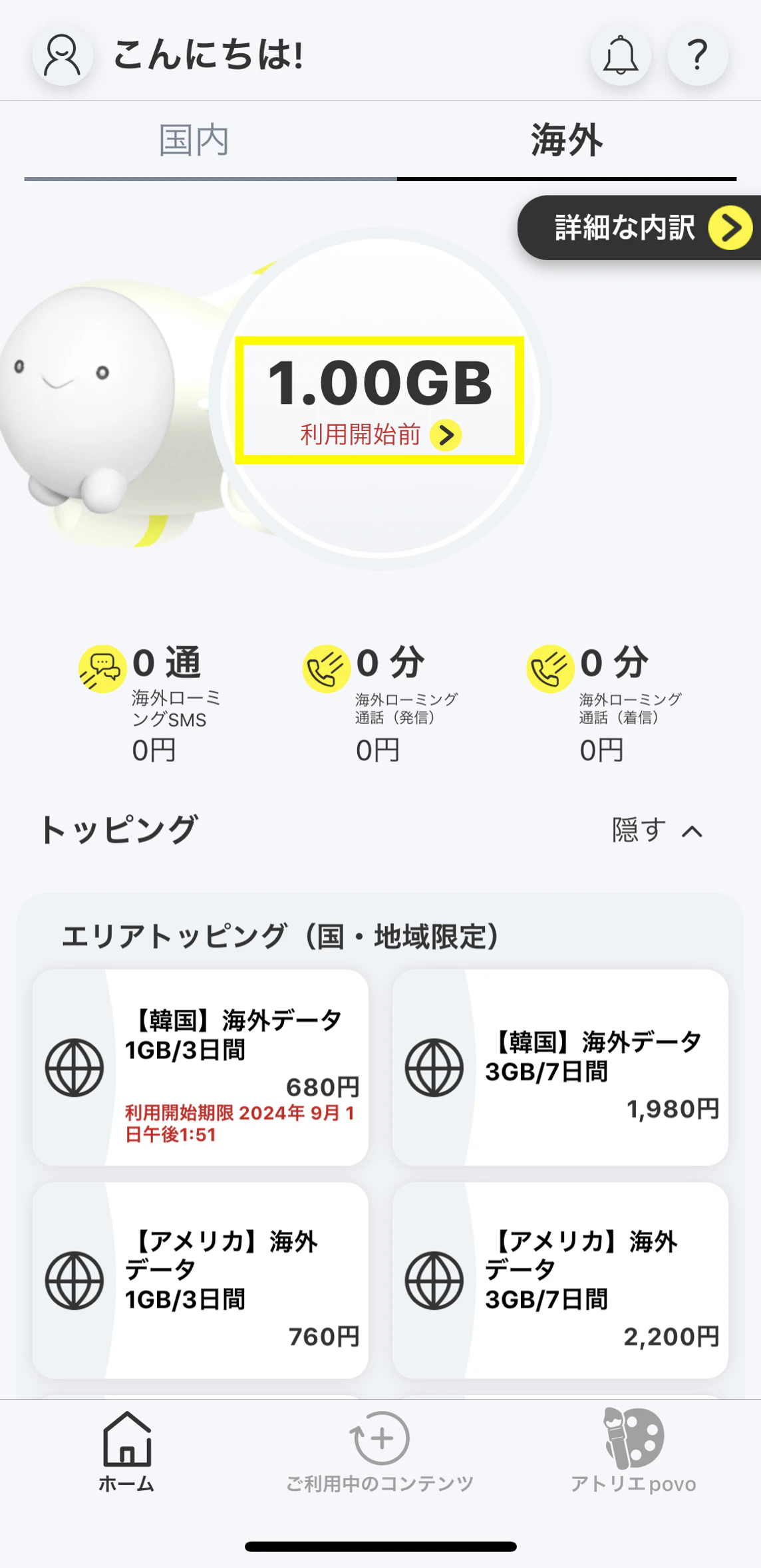
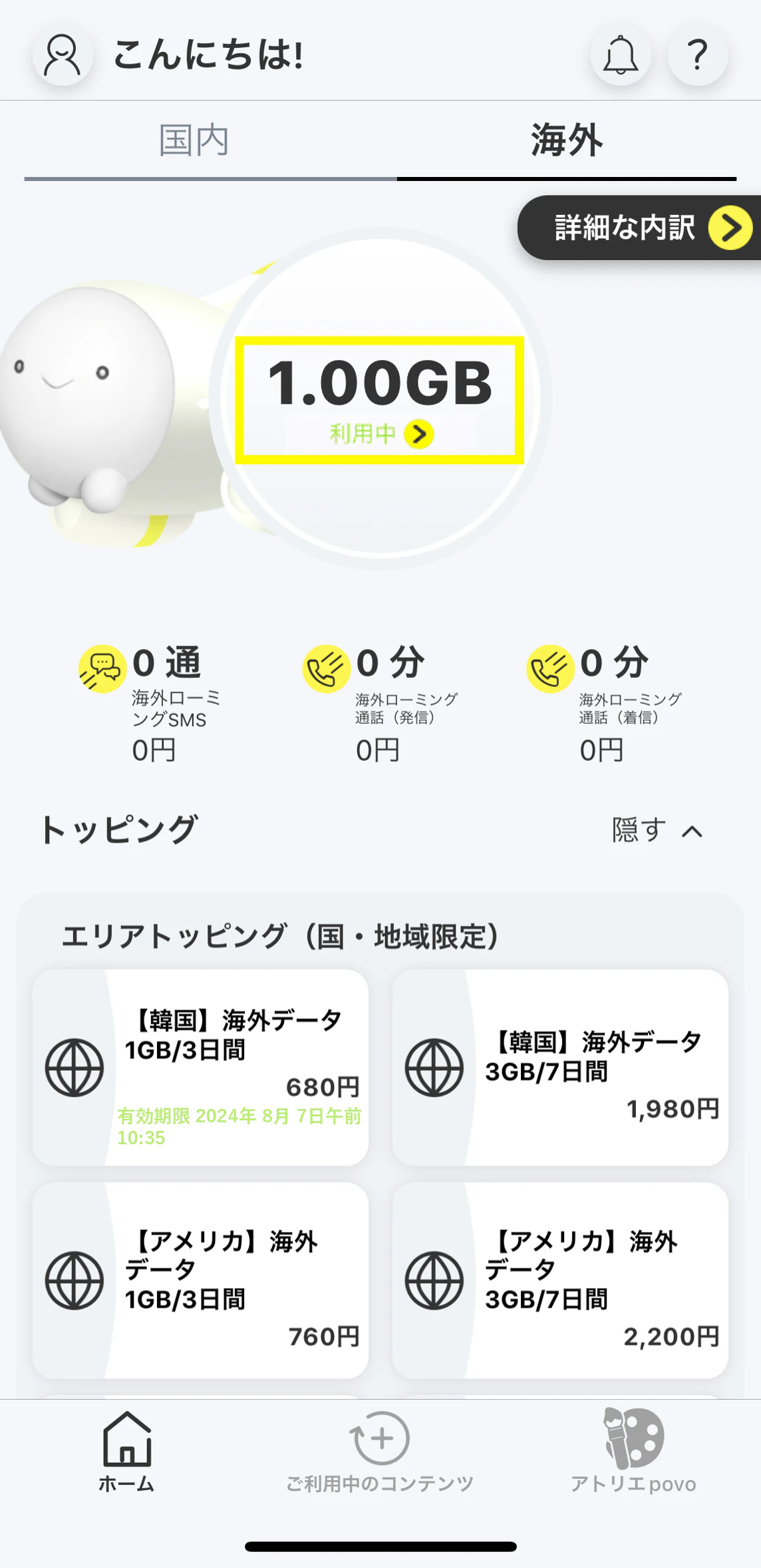
●To use overseas, povo2.0 app version 1.7.0 or later is required.
●We recommend purchasing Overseas data Topping before traveling.
After purchasing the Overseas data Topping, you will be in a standby state for 30 days until you can connect to data communication in an available area.
●We recommend that you log in to the app before traveling.
Even if you have not purchased Topping, if you are already logged in to the povo2.0 app, you can purchase an Overseas data Topping even if you do not have an external internet connection such as Wi-Fi. Please note that if you are not logged in to the app, you will need a separate internet connection to log in.
●To use data communications overseas, you will need to purchase an overseas data Toppings.
●Overseas data Toppings cannot be purchased with "povo2.0 Data Only".
●Every 24 hours that passes from the start of use will be counted as one day.
●Overseas Data Toppings will be in a standby state after purchase, with a 30-day limit for data connection in available areas.
validity Toppings is calculated from the time of use. (For example, if you purchase an overseas data Toppings that can be used 24 hours a day on July 15th and start using it at your destination at 15:00 on August 1st, the usage period will end at 14:59 on August 2nd.)
●While an overseas data Toppings or a data bonus that can be used overseas is being applied, you will not be able to purchase a new overseas data Toppings or apply a data bonus that can be used overseas.
● Overseas data Toppings and overseas data bonuses are only available in eligible countries and regions. They cannot be used domestically.
(Click here for supported countries and regions)
●The data capacity of the overseas data Toppings can also be used with tethering. Please note that availability may vary depending on the model you are using and your destination.
●You can check your remaining data volume overseas on the "Overseas" home screen in the povo2.0 app. Notifications for each remaining data volume will not be sent, so please check the volume in the app.
Overseas data Topping types and supported regions
The areas where Overseas data Topping is available vary depending on the type of Topping. Please check
here for availability by destination
.
● Countries and regions that support "regular Topping "
Iceland, Ireland, Azores, USA (Alaska), USA (Mainland), Aruba, United Kingdom, Israel, Italy, India, Indonesia, Uzbekistan, Ecuador, Estonia, Australia, Austria, Oman, Netherlands, Kazakhstan, Canada, Canary Islands, Cambodia, Cyprus, Curacao (Netherlands Antilles), Greece, Kyrgyzstan, Guadeloupe, Guam, Croatia, Saipan, Saudi Arabia, Saba, etc. and Sint Eustatius (Netherlands Antilles), Samoa, San Marino, Singapore, Sint Maarten (Netherlands Antilles), Switzerland, Sweden, Spain, Spanish North Africa, Slovakia, Seychelles, Serbia, Thailand, Czech Republic, Denmark, Germany, Dominican Republic, Turkey, Nauru, New Zealand, Norway, Pakistan, Vatican, Hawaii, Hungary, Bangladesh, Fiji, Philippines, Finland, Puerto Rico, Brazil, France, French Guiana, Bulgaria, Vietnam, Belarus, Peru, Belgium, Poland, Bonaire (Netherlands Antilles), Portugal, Macau, Macedonia, Madeira, Martinique, Malaysia, Myanmar*³, Mexico, Mongolia, Montenegro, Laos, Latvia, Lithuania, Liechtenstein, Romania, Luxembourg, Russian Federation, South Korea, Hong Kong, Taiwan, China, US Virgin Islands
*3 Currently, there is an issue with data communications provided by telecommunications carriers in Myanmar. Please note that data communications may not be available locally. We apologize for any inconvenience this may cause.
●Payment will be processed immediately after purchase. Cancellation of this Topping subscription or pro-rata refunds are not possible.
●Maximum communication speed will be determined according to the service provider's method in your region. Actual communication speed will vary depending on location, communication environment, network congestion, and compatible products.
●If your overseas voice call/SMS fees become excessively high, we may temporarily suspend your service.
●Depending on the communication conditions at your destination, partner carriers and service areas may change, or the service may be unavailable.
●Even within the cities and areas where the service is available, it may not be available depending on the terrain and location.
● Depending on your device model, it may not be usable overseas. Also, the countries, regions, and communication services that can be used vary depending on the model.
* For devices purchased from au or UQ, you can check the availability of data communication, voice calls, and SMS here. For other devices, please check the availability yourself (e.g., whether the communication methods and frequencies provided by the carrier in your destination country are compatible with your device).
● Overseas data Topping are not available in Japan.
● If you cancel povo2.0 subscription, you will no longer be able to use it, even if you have remaining data capacity or validity.
*Consumption tax is not added to fees for using the overseas roaming service.
*The information presented is current as of October 16, 2026.
You will need to download the app to apply (new, switching from another company/ UQ mobile), purchase Topping, and make various confirmations.
Search for "povo2.0" on App Store or Google Play, or download it from the link below.