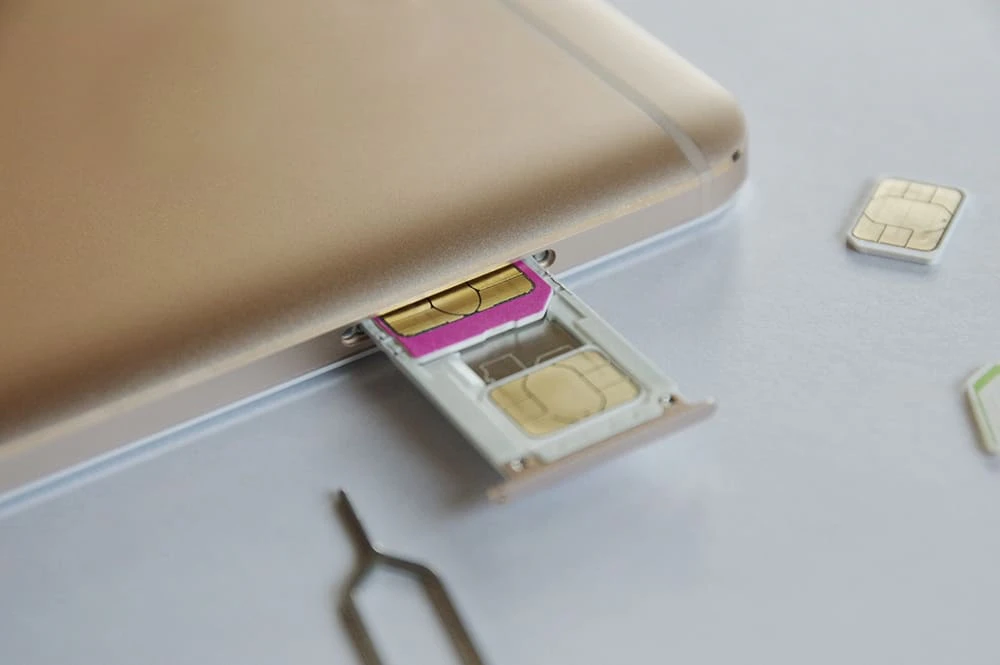
New carriers are emerging one after another, offering affordable plans and unique options. When you find an attractive carrier, some people may want to unlock their iPhone so they can switch quickly. Others may be thinking that a SIM-free version is best when buying a new iPhone. In this article, we'll introduce how to unlock an iPhone and how to purchase a SIM-free version. Why not take this opportunity to get a SIM-free iPhone?
All iPhones that can be purchased at Apple Store locations or on the official website are SIM-free (*1). While it is assumed that the phone is compatible with the carrier's service, SIM-free smartphones can generally be used with any carrier's SIM. SIM-free phones are also recommended for those who are unsure which carrier to use.
Another attractive feature is that if you purchase your iPhone from the official Apple Store, you can receive a free "Online Personal Session" (*2), where you can have a one-on-one consultation with an Apple specialist. In addition to transferring data such as contacts, apps, and photos, you can also consult about setting up security and privacy features such as Face ID and Touch ID. You can also ask questions about advanced settings and customizations, so even if you're an experienced iPhone user, why not take advantage of the "Online Personal Session"?
Additionally, as of March 1, 2023, Apple Stores are selling the latest iPhone 14 Pro, iPhone 14 Pro Max, iPhone 14, and iPhone 14 Plus models, as well as the iPhone SE (3rd generation), iPhone 13 Pro, iPhone 13 Pro Max, iPhone 13, and iPhone 13 mini (*3). If you're still using an iPhone, you can trade in your old device at an Apple Store when purchasing a new one and receive a discount of up to 86,000 yen (*3), depending on the condition of the device (for the iPhone 13 Pro Max, as of March 1, 2023). For more details, please check the dedicated page (*3).

Mobile carriers are increasingly offering devices that can be purchased without signing a contract. The latest iPhone 14 series, which will be released on March 1, 2023, and the affordable, high-performance iPhone SE (3rd generation) can be purchased from au without signing a contract (*4). Other SIM-free iPhones can also be purchased from mobile carriers, so be sure to check the websites of each carrier.
The Ministry of Internal Affairs and Communications revised the "Guidelines for Ensuring the Smooth Distribution and Use of Mobile Terminal Equipment" in August 2021, changing the rules regarding SIM unlocking. As a general rule, new devices released after October 1, 2021, must be sold without a SIM lock (*5). Therefore, new devices released after October 1, 2021 will generally be SIM-free. With no restrictions on telecommunications carriers imposed by SIM locks, we can expect to see increased activity in switching telecommunications carriers.
However, if there is a legitimate reason, such as the possibility of non-payment of the device installment payments, and there are no other valid alternatives, the SIM may be locked as an exception with the approval of the Ministry of Internal Affairs and Communications. (*6) Even if the SIM lock is set, it can be unlocked by paying the remaining device price in one lump sum or by switching to an automatic payment method such as credit card or direct debit (a fee for unlocking the SIM may be charged).

If you want to buy a SIM-free iPhone as cheaply as possible, buying a used one is an option. A used iPhone will be cheaper than buying a new one, even if it's the same model. Also, if it's an older model that isn't the latest version, the price will likely drop even if it's a high-performance model. You may even be able to find a used model that's no longer sold at the Apple Store or by a carrier. If you're thinking, "I want to use the same model I have, but it's not currently sold at any retailer," looking for a used one is a good option.
However, you should be careful when buying a used smartphone. The general lifespan of a smartphone is said to be 4 to 5 years (*7), and no matter how carefully you use it, it is a consumable item and will inevitably deteriorate. Used smartphone stores may offer advance operation checks and compensation systems for initial defects, but you should still be aware that there is a higher risk of failure compared to buying a new smartphone.
You may also be able to buy it even cheaper than at a second-hand store by using auction sites or flea market apps. However, it is said that there is a higher risk of problems when buying and selling between individuals, such as through auction sites or flea market apps, compared to buying from a used smartphone store. For example, the iPhone you receive may be defective and not work, or you may receive a model that has been put up for sale by a seller without making payment and is therefore in a "red ROM" state (*8), meaning it has usage restrictions. Since there is generally no compensation system in private sales, there is a chance that you may not be able to return the product even if it is sent to you. While auction sites and flea market apps are attractive because of their low prices, keep in mind that there are also risks involved.
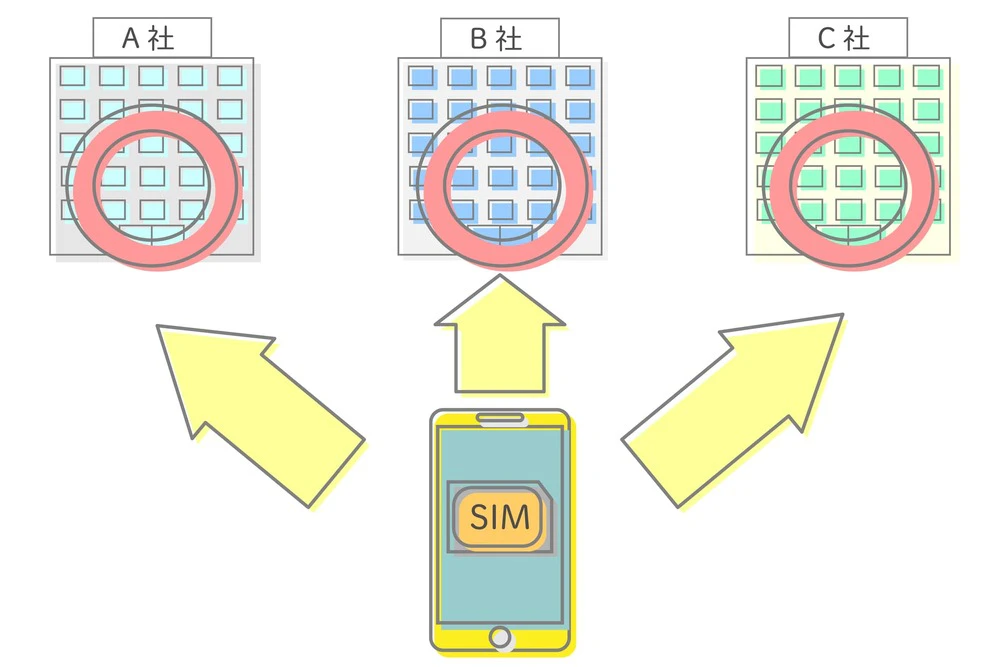
Next, let's check how to unlock the SIM and make your iPhone SIM-free. There are two common ways to unlock the SIM. One is to complete the procedure online from your smartphone or computer, and the other is to go to a store and have a staff member unlock it for you.
To unlock your SIM online using your smartphone or computer, first access your carrier's website or member support app. Log in with your account and select settings or contract changes. The SIM unlock procedure screen will then appear. Simply read the instructions carefully and follow the instructions to unlock your iPhone. The specific online unlocking method will vary depending on your carrier. When completing the procedure, be sure to also refer to your carrier's website. Another benefit of completing the SIM unlock procedure online is that there are no fees (*5).
If you go to a store, the staff will handle the procedure for you, so you don't have to do it yourself. This is a recommended method for those who find the contract change procedure troublesome or who are not confident in using a smartphone.
While the details vary depending on the carrier, it is common for identification documents to be required when unlocking a SIM card at a store. Be sure to bring them with you. Acceptable identification documents include a driver's license or My Number card. Detailed information on acceptable identification documents is listed on each carrier's website, so be sure to check and prepare in advance. You may also need to make an appointment the day before to visit the store, so we recommend checking this before you go.
The disadvantage of converting an iPhone to SIM-free at a store is that tax included 3,300 yen/unit may be charged as a fee (*5).

Once you have your SIM-free iPhone, the next step is to choose a carrier to sign up with. If you've looked into various carriers and are having trouble finding a fees that suits you, why not try povo2.0?
povo2.0 If you want to use fees, you can freely choose the basic for 0 yen (*9) (*10) (*11) and pay Topping for the amount you want to use when you need it. For data Topping, 1GB (expires in 7 days) can be purchased at tax included for 390 yen/time, and the maximum capacity of 150GB (expires in 180 days) can be purchased at tax included for 12,980 yen/time. The abundance of Topping is another attraction of povo2.0. tax included 330 yen/time for unlimited data use for 24 hours (*12) and tax included 550 yen/month for unlimited calls within 5 minutes (*13) (*14) are also available. You can freely customize Topping to suit your situation, so you can create a plan that is perfect for you.
*9: If you sign up for five lines * under the same name, a contract administration fee of 3,850 yen (tax included included) per line will be charged for the sixth line and beyond.
*This includes lines that have been cancelled or canceled by our company within the past year. Please note that if you have not purchased any paid Topping for 180 days or more, your service may be suspended or your contract may be terminated.
Reference: "povo2.0 Plan Details" (povo)
*10: Domestic calls to tax included cost 22 yen/30 seconds, and domestic SMS sending costs tax included 3.3 yen/text (up to 70 characters). Depending on the model, up to 670 two-byte characters can be sent. However, up to 134 characters can be sent as two SMS messages, and after that, one SMS message will be sent for every 67 characters. Calling charges may differ for some calls, such as calls to satellite phones. Click here for details.
Reference: "povo2.0 Plan Details" (povo)
*11:オンライン専用のプランなので、お手続き・サポートはすべてオンラインとなります。povo2.0アプリや公式サイトからお問い合わせください。
*12:ネットワークの混雑時や動画・クラウドゲームなどの利用時に通信速度を制限する場合があります。
*13: Calls to special numbers such as 0570 (Navi Dial) are not included.
*14: If a call exceeds 5 minutes, an additional call charge of 22 yen/30 seconds will be charged for each additional 5 minutes.
povo2.0 is communicating via the au line. au If you use povo2.0, you can also use the 5G network of , which is included in Topping with no additional fees. If you are having trouble choosing a carrier, try povo2.0 for high quality lines and the freedom to customize your data volume.
*The names of products and services mentioned in this article are trademarks or registered trademarks of the respective companies.
・Apple, iPhone, and Touch ID are trademarks of Apple Inc., registered in the U.S. and other countries. The iPhone trademark is used under license from Aiphone Co., Ltd. TM and (C) 2022 Apple Inc. All rights reserved.
・" au" is a registered trademark of KDDI Corporation.
・"Galaxy" is a trademark or registered trademark of Samsung Electronics Co., Ltd.