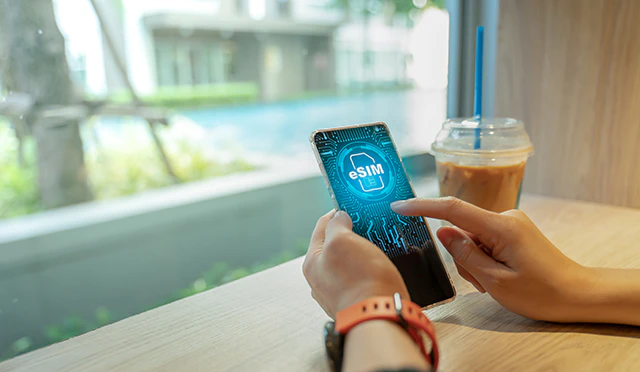
Many people are concerned about smartphone usage fees and are considering switching to a carrier that offers low-cost SIM cards. We have compiled the steps and points to note when switching to a carrier that offers low-cost SIM cards. Use this as a reference when making the switch.
This time, we will introduce the procedure for povo2.0 as an example, but the procedure will vary depending on the carrier. If you are considering switching to another carrier, please check their website before switching.
To switch to povo2.0, you will need the following:
You will need a driver's license, My Number card (individual number card), or residence card to switch to povo2.0. Please check the dedicated page (*2) for the conditions under which they can be used as identification documents and precautions for photographing identification documents.
povo2.0 only accepts credit card payments. Please bring one of the following credit cards: VISA, MasterCard, JCB, American Express, or Diners Club.
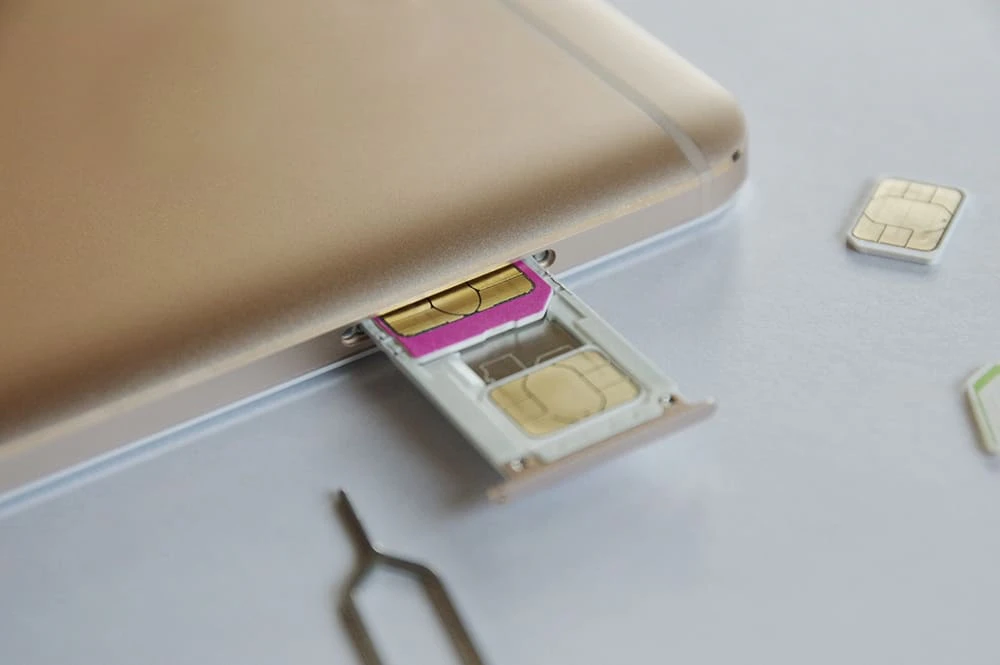
Please prepare a model that is compatible with povo2.0 SIMs. There are three sizes of SIM cards (*3) (four types in total, including the "eSIM" (*4) which uses an integrated chip embedded in the device), but povo2.0 SIM cards are "multi-cut SIMs" that can accommodate any size, so there is no need to check the size before switching (when inserting the SIM card, check the size of the SIM tray and cut it before use).
You can easily check compatible models by using the dedicated page (*5). Also, make sure you have a SIM-free device, or if your device is SIM-locked, make sure you have unlocked it (*6).
"MNP" (Mobile Number Portability) is a service that allows you to transfer the phone number you used before switching to a new carrier. When using MNP, you will need to have your previous carrier issue you with a transfer code, the "MNP reservation number" (*7), in advance. If you want to use MNP, be sure to have this ready.
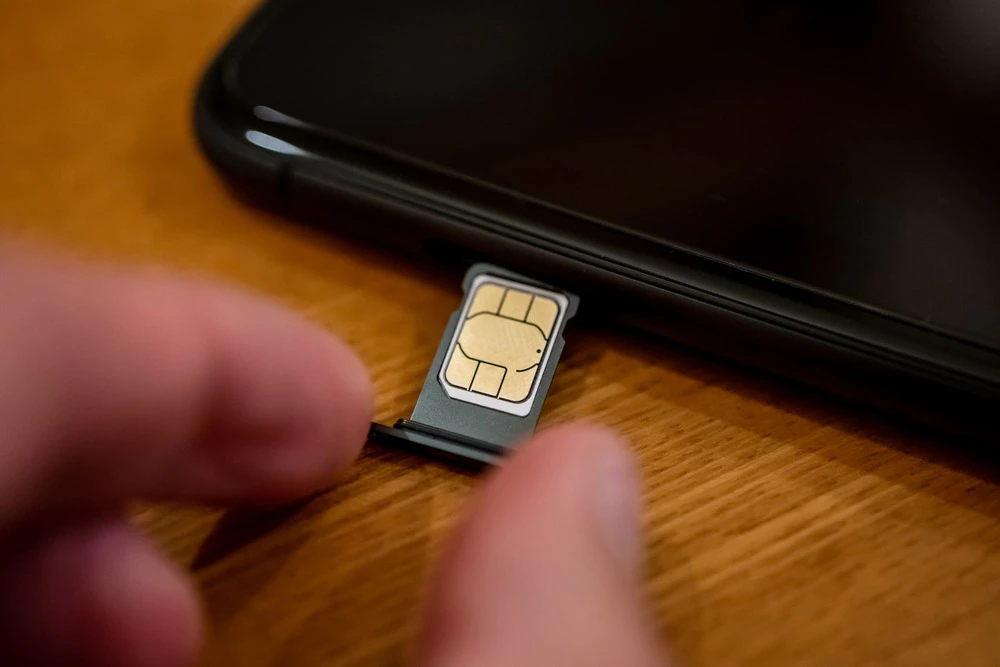
If you are switching to povo2.0 and want to use a SIM card, after applying online you will need to insert the SIM card you receive into your smartphone yourself. The SIM card is placed on the SIM tray and inserted into the device. A "SIM pin" is the tool used to remove this SIM tray from the device. Use the SIM pin that was included with your device when you purchased it, or the SIM pin that was included with the povo2.0 SIM card. If you are using an eSIM (*4), there is no need to remove or insert the SIM tray or use a SIM pin.
When switching to povo2.0 with an eSIM, you will need to connect via Wi-Fi. If you don't have a Wi-Fi environment at home, find a place where you can use it. Also, if the smartphone you are switching to is an Android or an iPhone with iOS 15 or earlier, you will need an APN (Access Point Name).
Once you're ready, apply to the carrier you're switching to. Each carrier has a different application window, and povo2.0 requires online applications. Depending on the carrier, you may be able to apply in-store. After applying, if you're using a SIM card, you'll have to wait for it to be mailed to you. With eSIM, you can complete the application process and have it activated on the same day.
The method for setting up the SIM in povo2.0 differs depending on whether you use a SIM card or an eSIM. We have summarized an overview of each. For detailed instructions, please see the dedicated pages for (*8) SIM cards and (*9) eSIMs.

There are some points to keep in mind when switching to a low-cost SIM carrier. We have organized these points, including those introduced along with the switching procedure. Please refer to these points before considering switching to a low-cost SIM.
If your phone model is not compatible with your carrier's SIM (service itself), you will not be able to communicate after switching carriers. With povo2.0 (*4), you can easily check compatible models on a dedicated page. If you use another carrier, try looking for a similar page.
*4: Reference: "Compatible models and devices" (povo)
Preparation is necessary when using MNP. Not only is the MNP reservation number issued in advance, but it also has a limited validity. With povo2.0, you cannot apply if validity is less than 13 days (*10). It is best to apply well in advance.
*10: Reference: "Usage Procedure" (povo)
If you plan to continue using your current smartphone after switching carriers, make sure to check whether the SIM is locked (*11). If it is, you can continue to use the device after switching carriers by contacting the carrier from which you purchased the device and having it unlocked. However, there may be a fee for unlocking the SIM. Also, the model you are using may not support SIM unlocking. We recommend checking the website of the carrier from which you purchased the device.
Some people may be using an email address issued under the domain of their telecommunications carrier (known as carrier email). Carrier email services (*12) are offered by carriers such as au, docomo, and SoftBank, which allow you to continue using the same email address even after switching to another carrier. However, to use this service, you must apply to your original carrier and pay the monthly fees. There are conditions, such as you must apply within 31 days of canceling your contract with your original carrier, so be sure to check the carrier's website for details.
*12: Reference: "Portable au Mail" (au)
Some people may be thinking of purchasing a device together with a low-cost SIM card. However, some low-cost SIM carriers do not carry the latest models, and you may not be able to use the latest models unless you purchase them separately at a manufacturer's direct store or electronics retailer.
By the way, you can also purchase povo2.0 from au online shop (*13). We have a wide selection of the latest models, so please feel free to use our service.
*13: Reference: "au Online Shop Device Purchase Guide" (povo)
Many people probably use the free calling app LINE. However, it's important to note that some low-cost SIM cards don't support all of LINE's features. One particular concern is that you can't use the ID search feature to add friends. However, you can still exchange contact information using QR codes®, so there's no need to worry too much.

There are some things to be aware of when using low-cost SIM cards, but there are also some benefits. We have listed some typical examples of the benefits you can get by switching to a low-cost SIM.
As the word "cheap" suggests, the appeal of low-cost SIMs is their low usage fees. In some cases, they can lead to significant savings on usage fees. If your model is compatible, you won't need to change your phone model after switching. Also, by using carrier email portability services or MNP (mobile number portability), you can reduce your usage fees without changing the user experience.
Some low-cost SIM cards are operated by renting out communication equipment (infrastructure) rather than installing and maintaining it themselves, and many are offered by non-telecommunications companies. Each company has different fees plans, so one of the benefits of low-cost SIM cards is that you can now choose a SIM that suits your usage.

Among low-cost SIMs, povo2.0 is a brand that offers greater flexibility in usage. While many telecommunications carriers offer plans that determine usage fees according to data volume and are packaged together, povo2.0 has a basic fees 0 yen (*14) (*15) (*16) and allows you to add as many Topping (paid) as you like.
In terms of data communication, "Data Top-up (180 days)" within the period (*17) (12,980 yen/time including tax included), or when you want to use the internet intensively, Unlimited data (*18) (24 hours) (*19) With povo2.0, you can purchase a ticket for 330 yen per transaction (tax included included).
Furthermore, povo2.0 not only allows you to use au 4G LTE line, which boasts a population coverage rate of 99.9% (*20), but also au 's 5G (*21) line within the data Topping fees. If you are considering switching to a low-cost SIM, we recommend that you use povo2.0.