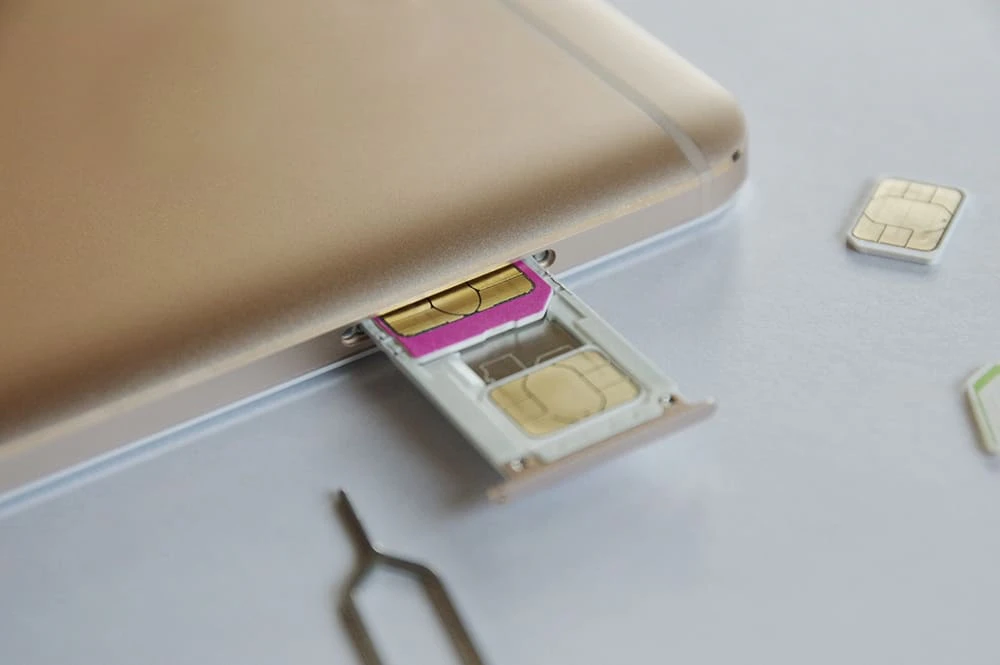
For those who want to change carriers but don't want to change their phone number, we recommend a system called MNP (Mobile Number Portability). By using MNP, you can use the same phone number even after changing carriers. In order to use MNP, you will need to obtain an "MNP reservation number." *1
*1: From May 24, 2023, MNP One-Stop will be available for online procedures, and it will no longer be necessary to obtain an MNP reservation number in advance.
However, when using MNP for the first time, many people may not know the need for an MNP reservation number or how to obtain one.
Therefore, in this article, we will explain to those who are considering MNP how MNP reservation numbers work, when they are required, how to go about the procedure, and points to note. If you have any concerns about MNP, please refer to this article.
MNP is a system that allows you to continue using the same phone number even if you change carriers, and there are two types of procedures: the one-stop method (new method) and the two-stop method (traditional method).
The one-stop method allows you to obtain an MNP reservation number when applying at the new carrier. In this case, you do not need to obtain an MNP reservation number at the carrier you are transferring from. Please note that there are some carriers that do not support the one-stop method, and only online procedures are available, so you should check in advance.
The two-stop method involves obtaining an MNP reservation number in advance from the carrier you are switching from. In this case, you cannot use MNP without the MNP reservation number. You also need to keep it until the procedure at the new carrier is complete.
If you use MNP, your phone number will remain the same, so you don't need to inform your friends and acquaintances of your new number. It is also convenient because it means you don't have to update the phone numbers you have registered with your workplace, bank, and other places.

An MNP reservation number is a 10-digit number used in the MNP (Mobile Number Portability) process, a system that allows you to continue using the same phone number even after switching carriers. By obtaining an MNP reservation number, you can change carriers without changing your phone number, have a wider range of carrier options to switch to, and make the switching process easier.
You need an MNP reservation number if you want to switch from your current carrier to another carrier without changing your phone number. On the other hand, you don't need an MNP reservation number if you want a new phone number or sign up for a new smartphone contract.
If you are using a carrier within the same corporate group, you may be able to keep your phone number without an MNP reservation number. For example, when switching from au to au 's online-only brand povo2.0, you do not need to issue an MNP reservation number, making the switch even easier.

There are two ways to obtain an MNP reservation number:
Online procedures are available 24 hours a day and can be completed by yourself via each carrier's official website or dedicated app *2.
When issuing an MNP reservation number online, the carrier you are switching from generally does not charge any fees.
*2: Although the procedure can be completed 24 hours a day, there may be limited times when an MNP reservation number can be issued.
| Carrier Name | How to obtain an MNP reservation number |
|---|---|
| au | Official website → "My au TOP" → "Smartphones and mobile phones" at the top of the screen → Contract details/procedures → Inquiries/procedures → MNP reservation |
| docomo | Official website → "docomo Online Procedure" |
| SoftBank | Official website → My SoftBank |
| Rakuten Mobile | Official website → "my Rakuten Mobile" |
If you are unsure about applying online, you can feel more comfortable by calling or visiting a store. However, applying in-store or over the phone can cost up to 1,100 yen (tax included), but it is free for major carriers.
Contact details for obtaining an MNP reservation number by phone
| Carrier Name | contact address | Response time |
|---|---|---|
| au | 0077-75470 | 9:00~20:00 |
| docomo | Mobile phone hotline 151 General telephone 0120-800-000 |
9:00~20:00 |
| SoftBank | Mobile phone hotline *5533 General telephone 0800-100-5533 |
9:00~20:00 |
| Rakuten Mobile | 0800-805-0090 | 9:00~17:00 |
There are a few things to keep in mind when obtaining an MNP reservation number. By understanding these points, you can avoid any problems related to MNP. Below, we will explain the points to keep in mind when obtaining an MNP reservation number.
Obtaining an MNP reservation number does not mean that your contract with your current carrier is cancelled. Your contract with your current carrier will only be cancelled once you sign a contract with your new carrier. If you mistakenly think that obtaining an MNP reservation number means cancelling your contract, you run the risk of encountering unexpected problems. For this reason, it is important to check the contract information of both your current and new carriers.
The MNP reservation number is valid for 15 days from the date of issue (this may vary depending on the carrier). Once it validity, the MNP reservation number will no longer be usable and you will need to obtain a new MNP reservation number.
Therefore, once you have obtained your MNP reservation number, be sure to proceed with the transfer procedure as soon as possible. Also, since rules such as application methods vary depending on the carrier, it is important to check the official information in advance.
When using MNP, the rule is that the transfer must be under the same name, so you need to be careful if you are thinking of transferring your phone number to another person. However, if it is between family members, the number can be transferred even if the name is different.
In this case, the process for obtaining an MNP reservation number remains the same, but the procedure for signing a new contract will be different. To ensure the procedure goes smoothly, both the old and new contract holders may need to visit the store at the same time, or a letter of attorney from the previous contract holder may be required. It is important to prepare the necessary information and documents before starting the procedure. *3
*3: Whether or not you can transfer your number varies depending on the company, so please check with the company you are considering switching to for details.
In principle, there is no MNP transfer fee, but there may be cases where a contract cancellation fee is required. To reduce the contract cancellation fee, it is a good idea to check the renewal date of your current contract in advance and switch at that time.
Additionally, you may be required to pay a new contract fee when signing a contract with a new carrier, so it's important to thoroughly research the payment terms and costs involved.

There are several ways to obtain an MNP reservation number, including online, telephone, and in-store procedures. However, some people may feel uneasy about the MNP procedure. For those new to MNP, we recommend au 's online-only brand "povo2.0" *4, which allows for easy procedures.
povo2.0 supports the one-stop method, which means you don't need to obtain an MNP reservation number in advance, and you can easily perform MNP through a dedicated app. Below, we will explain the MNP procedure using the "MNP one-stop method" on povo2.0. (Those switching from au or povo1.0 can complete the procedure on povo2.0 website.)
Usage procedure (Customers switching from povo1.0)
Usage procedures (Customers switching from au)
*4: As this is an online-only plan, all procedures and support will be handled online. Please contact us via the povo2.0 app or official website.
From here, we will introduce how to complete the MNP procedure using povo 2.0 app. The procedure is easy, so please try it out with us.
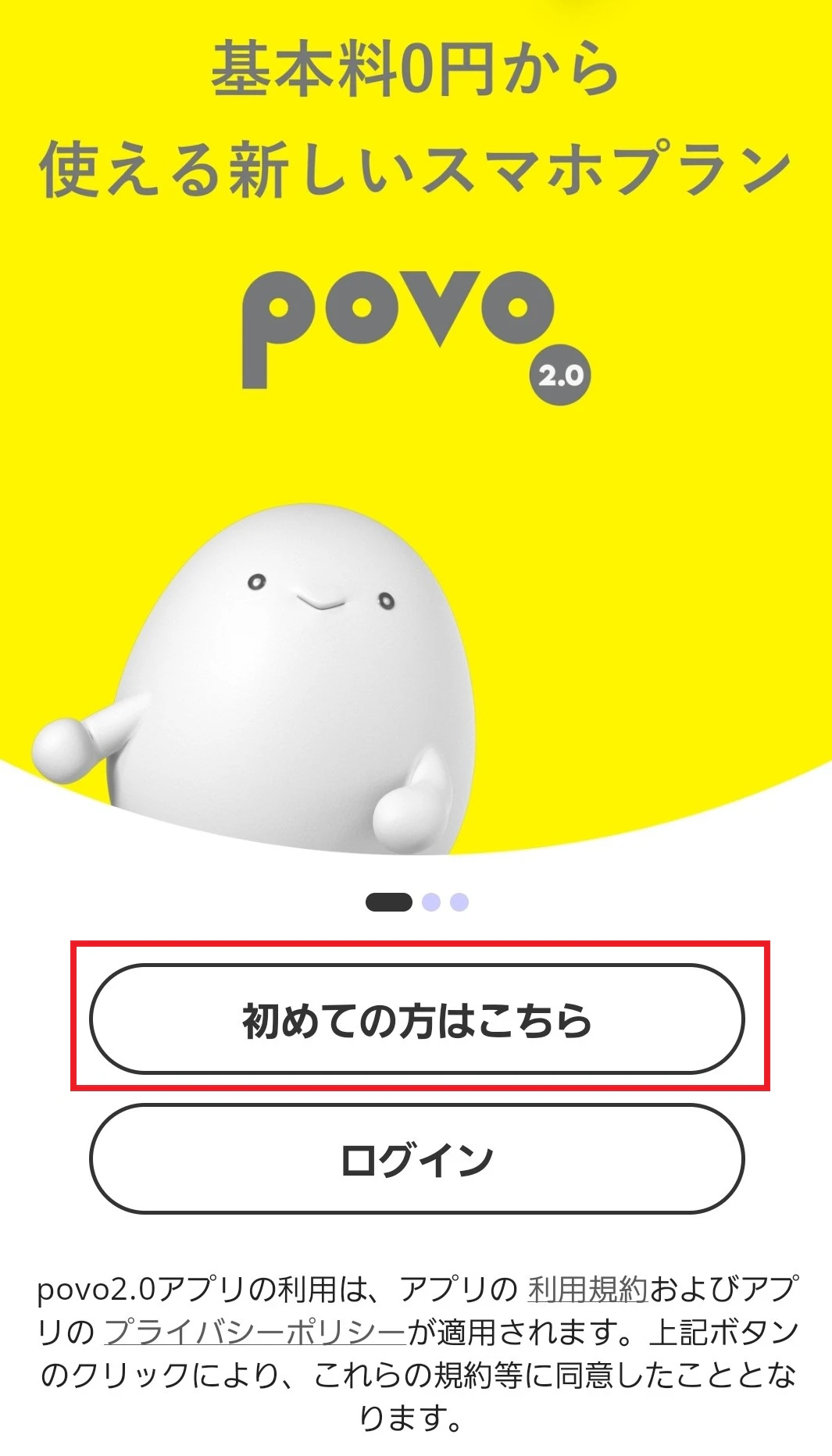
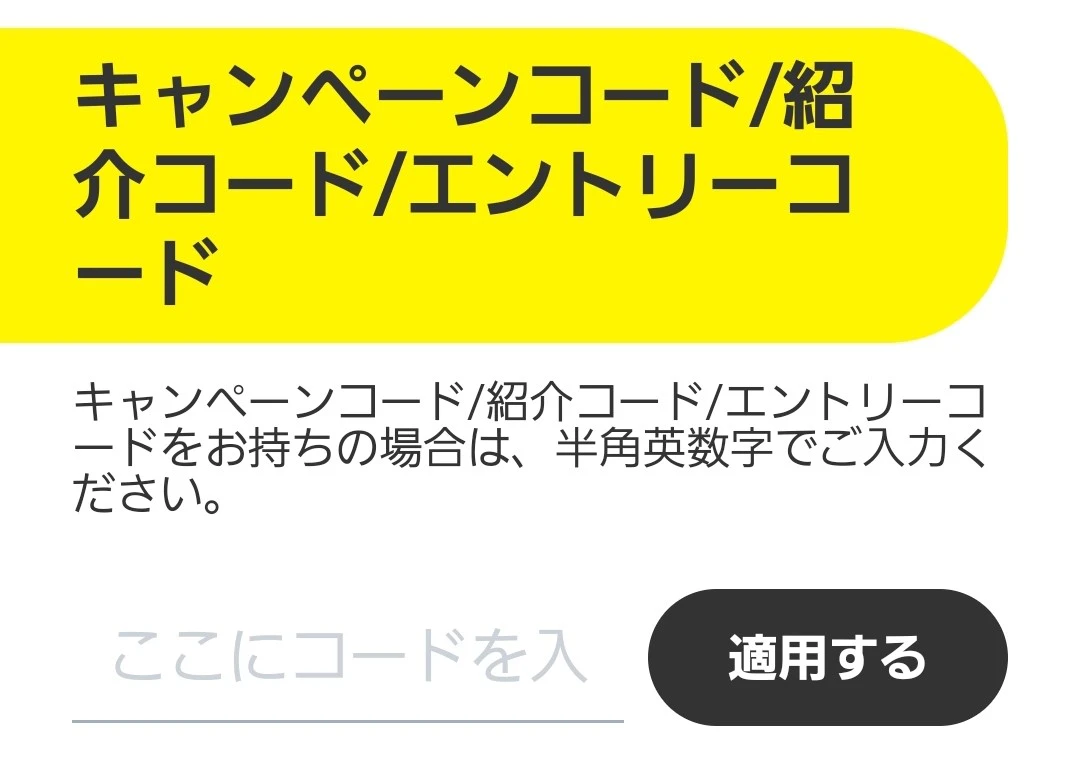
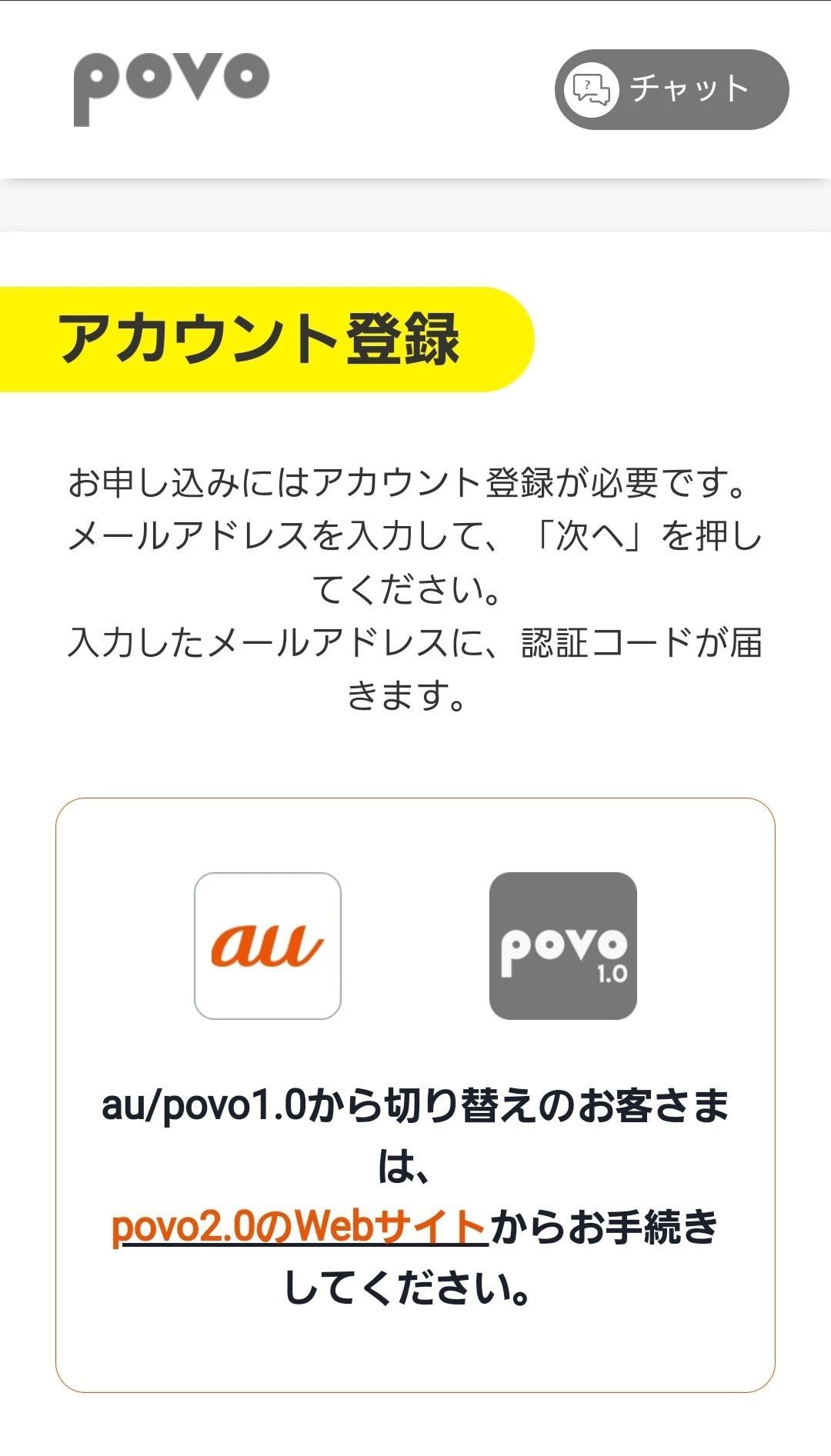
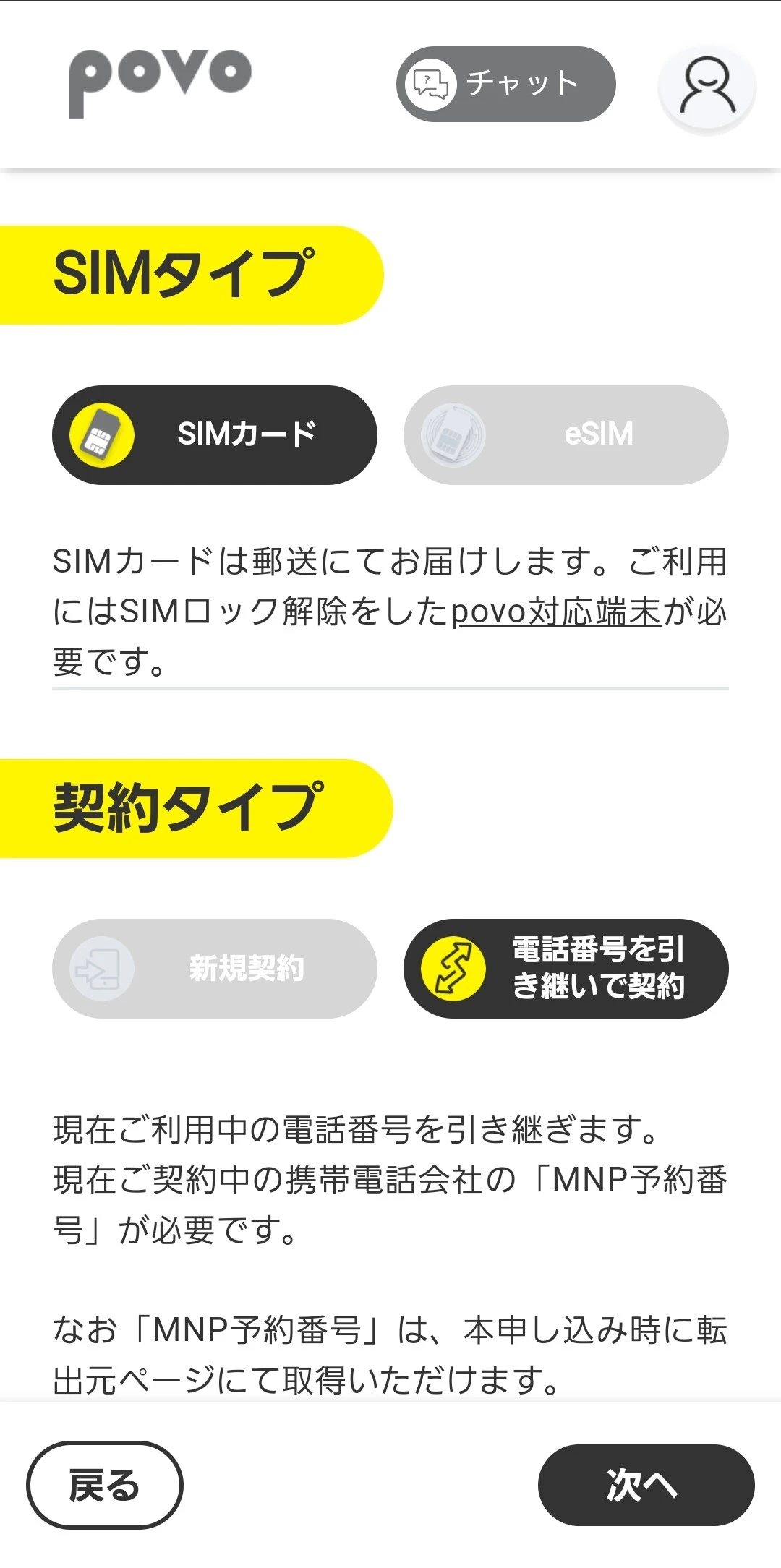
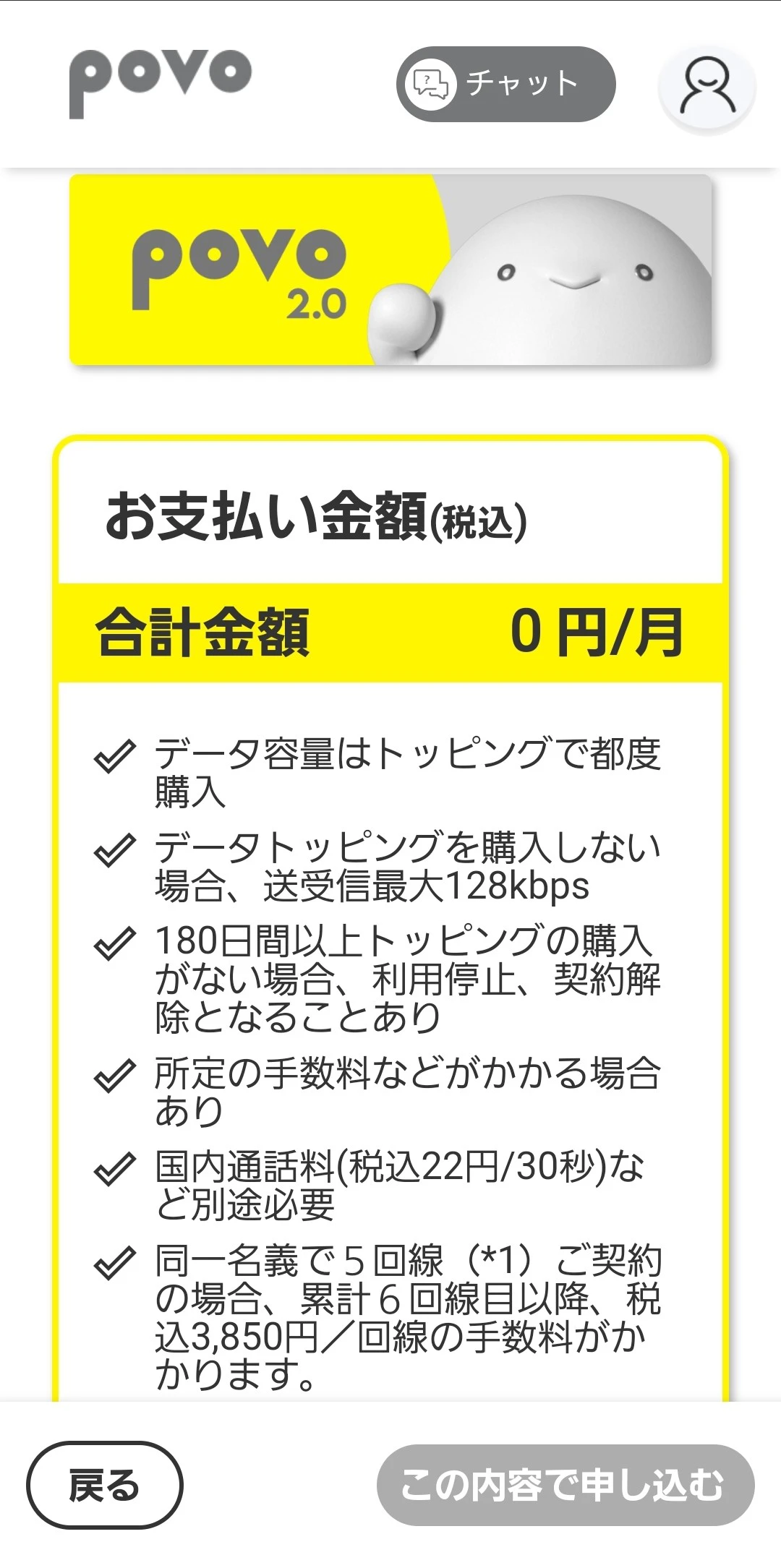
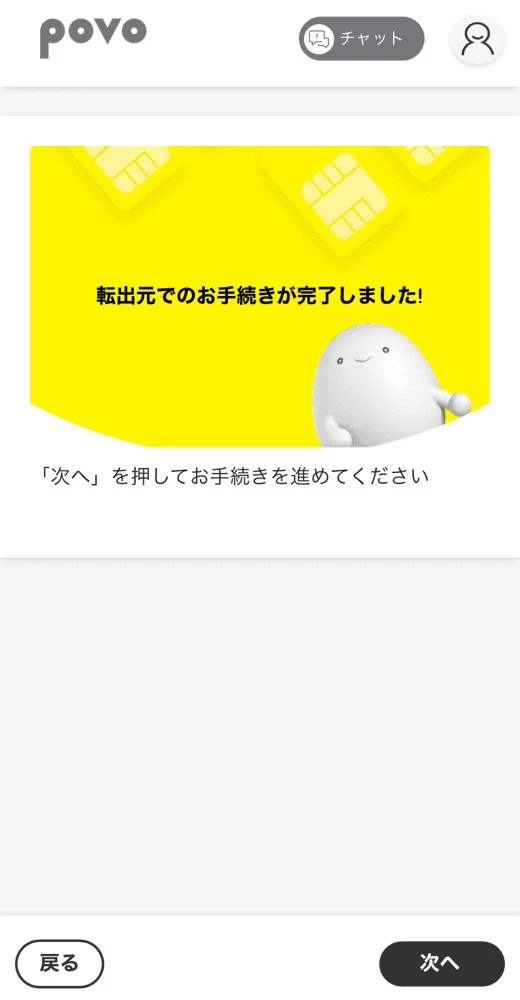
As you can see, with povo2.0, anyone can easily complete the MNP procedure. Furthermore, we are currently running a campaign for customers who have switched from other carriers to povo2.0 *5. If you link au ID to your povo account and purchase eligible Topping within seven days of activating the SIM, you can receive a rebate of up to 10,000 yen (tax-free) to your au PAY balance.
For more information about the campaign, click here
*5: Excluding those switching from au / UQ mobile / povo1.0

In this article, we have explained the meaning of the MNP reservation number, when it is required, how to obtain it, and points to note when obtaining it. The MNP reservation number is a 10-digit number required for the MNP procedure, a system that allows you to continue using your phone number even if you change carriers.
validity for 15 days from the date of issue and can be obtained online, by phone, or in-store. When performing MNP, the procedure must be carried out under the same name, but if it is between family members, a name change is possible. If you are unsure about the MNP procedure, we recommend switching to "povo2.0" as introduced here.
The monthly basic fees for povo2.0 is 0 yen *6 *7 *8, and you can purchase as much data capacity as you need as Topping.
Furthermore, other companies *9 A campaign in which customers who switch (MNP) from to povo2.0, link their au ID to their povo account, activate the SIM, and purchase eligible Topping within seven days will receive a refund of up to 10,000 yen (tax-exempt) to their au PAY balance. * We are also offering this service! Why not take this opportunity to consider switching to povo2.0?
*This campaign will end at 23:59 on April 30, 2025.
*6:
[Calls+Data]
・Call charges and SMS sending charges will be charged separately.
Call charges and SMS sending charges apply separately.
Domestic SMS sending: 3.3 yen/message (up to 70 characters) (tax included included) Receiving: Free
Depending on the model, you can send up to 670 double-byte characters. Up to 134 characters will incur the fee of two messages, and for every 67 characters thereafter, you will be charged the fee of one message.
[Data Only]
・You will need to purchase the first Topping when signing the contract.
*7: If you sign up for 5 lines* under the same name, a contract administration fee of 3,850 yen (tax included included) per line will be charged for the 6th line and beyond.
*This includes lines that have been terminated or cancelled by our company within the past year.
If you do not purchase any paid Topping for 180 days or more, your service may be suspended or your contract may be terminated.
In addition, certain fees and other charges may be incurred separately.
*8: When using 0 GB for 0 yen, the maximum sending and receiving speed is 128 kbps.
*9: If you change from au / UQ mobile / povo1.0 to povo2.0, you will not be eligible for this campaign.