Generally, the setting is "to notify the caller ID," but if you set the caller ID to "non-notification" when making a call, the other party will not know your phone number. In this article, we will introduce how to set the caller ID to "non-notification" if you do not want to let the other party know your phone number.
However, when you make a call with the anonymous caller ID setting, your caller ID will not be displayed, which can be used by malicious people to obtain personal information. If you receive an unexpected anonymous call, please refer to the recommended countermeasures and take firm action.
"Anonymous setting" is a setting that allows you to make calls without notifying the other party of your phone number.
You can set it up for free from your smartphone or landline, but the initial setting is often set to "Notify caller ID."
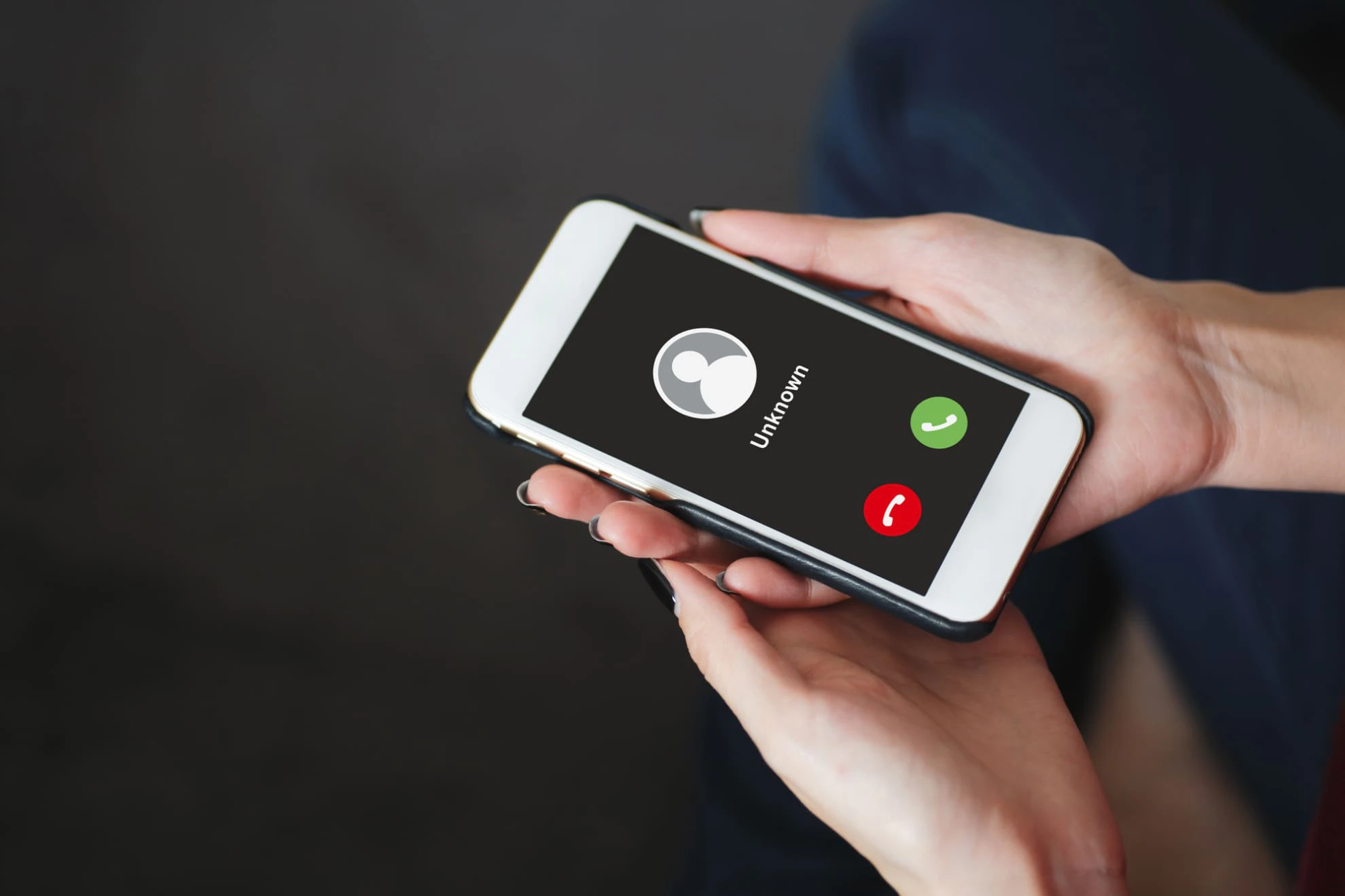
Also, if you make a call with your phone number set to anonymous, your phone number will not be displayed on the other person's smartphone or landline, but will be displayed as "Anonymous." On the other hand, if you receive a call with anonymous call settings, you may feel anxious and wonder, "Who is calling?"
First, let's look at the key points for those making calls with anonymous caller ID. The biggest benefit is that your phone number will not be notified to the other party.
Since it is not common to make calls with your phone number set to anonymous, there is a chance that the caller will not answer because they think it is an unknown call. Therefore, it is best to refrain from making anonymous calls to family, friends, colleagues, etc.
When you receive a call with your phone number blocked, some people may think, "I'm scared, so I won't answer the call with blocked numbers." Blocking your phone number is useful if you don't want to give out your phone number, but when you actually receive a call with blocked numbers, it can be difficult to know what to do.
Sometimes the other party may not answer calls with blocked numbers due to their smartphone settings or for security reasons, or you may use a service that allows you to block calls with blocked numbers to protect yourself. Don't forget the anxiety the recipient may feel when making a call with blocked numbers, so be considerate of the other party when making a call with blocked numbers.
To get an idea of what concerns the other party may have about receiving anonymous calls, let's first look at the patterns in which anonymous calls are used.
There are several reasons for making anonymous calls, such as making calls with anonymous call settings, making sales calls, pranks and harassment, and conducting preliminary research for fraud and burglary. Let's take a look at the advantages and disadvantages of each.
You can make a call with your phone number hidden if you simply don't want the other person to know your phone number. Examples of actual use cases include making a call to an inquiry number you only plan to call once, or when you don't want the other person to know your phone number due to privacy concerns.
Some people make sales calls and solicitations by calling with their numbers set to anonymous. If the caller's number is recorded in the call history, it will be visible to the person who made the sales call, making it easier for them to take measures such as "blocking the call" or "playing dumb." In order to avoid such measures, calls may be made with their numbers set to anonymous.
Anonymous calls can be used maliciously, such as prank calls that leave multiple missed calls, or for harassment or stalking. If the call is blocked, you won't know who is calling, which could lead to trouble, and this is one of the reasons why people worry about whether to answer a blocked call that they don't recognize.
The most important thing to be careful of when it comes to calls from anonymous numbers is that they may be used for "I'm your son" scams or "burglars checking to see if you're at home." Anonymous calls can be misused to find out information such as your "attributes (gender and generation)" or "times you're at home."

There are two ways to set your phone to caller ID withheld on your smartphone or landline. The first is to set it every time you make a call, and the second is to set it to always be caller ID withheld. We recommend setting it every time you make a call, as this basically means you will be notified of your caller ID.
If you add "184" before the phone number when making a call, it will be treated as a "call with blocked caller ID" only at that time. This works regardless of the carrier or model (smartphone, landline, etc.), and there is no charge for "184 (spot use with blocked caller ID)."
This setting is suitable for those who normally notify the other party of their phone number, as calls made with "184" will be made with the anonymous setting. However, please keep in mind that if you make an emergency call (110, 118, 119) with "184", your location information (GPS) will not be automatically provided.
You can also change the "Caller ID Notification" setting on the phone itself to "Never Notify." The default setting is often "Notify Caller ID," so first check the settings of the device (smartphone or landline) you want to set to "Hide Caller ID."
On a smartphone, you can generally check this from the "Settings" or "Phone" icon, and for landlines, please refer to the instruction manual. Depending on the other party's communication line and device settings, "blocked call" calls may not be able to connect in the first place.
In that case, it is a good idea to add "186" before the phone number. Even if you always have your phone number set to "Anonymous," your phone number will only be notified to the other party when you add "186" to the call.

Understanding the disadvantages of making calls with your phone number set to anonymous will help you avoid problems with emergency calls and anonymous calls. Here we will introduce some points to keep in mind when making calls with your phone number set to anonymous, so please refer to them.
If you make an emergency call (110, 118, 119) while your phone is set to anonymous, your location information may not be automatically transmitted to the emergency number, which may delay the initial response of the police or fire department.
If you make an emergency call with your phone number set to "Anonymous," please provide the surrounding addresses and landmarks. It is often difficult to remain calm and respond in an emergency, so it is best to avoid making emergency calls with your phone number set to anonymous as much as possible.
Emergency call location notification | Disaster and emergency response | au
If you make a call with the caller ID set to anonymous, the call history may not be saved depending on the other party's settings or the service they use. First, if the other party has their smartphone settings set to reject anonymous calls, they will not receive a call notification, but the call history will remain on their smartphone screen.
On the other hand, if you use a service such as the "Number Notification Request Service" (※), the caller will not have a record of calls from anonymous numbers. This is a free service provided by au that does not leave a call notification or call history for the other party, and is useful for those who do not need a record of calls from anonymous numbers.
As such, depending on the other party's usage, there may be cases where a record of anonymous calls is not kept, so if you would like a call back, it is best not to call with anonymous settings.
Number Notification Request Service | Services & Features | au
So far we have looked at the overview of anonymous call settings, their usage patterns, and how to set them up. Next, we will explain what to do if you receive an anonymous call from someone you don't know.
If you answer a blocked call, it is important not to give out personal information yourself. If you do not know who is calling, do not give out your name, address, date of birth, etc.
In order to avoid giving out personal information to malicious parties, it is important to protect yourself by not disclosing personal information when receiving a blocked call. If you receive a blocked call and suspect a crime, do not keep your anxiety to yourself and contact the police.
If you don't want to answer calls with blocked callers, there is a way to block all blocked calls. You can block all blocked calls by using your smartphone settings or your carrier's services. If you want to check how to set it up or what services are available, please check the website of your carrier or the manufacturer of your device.
Since "povo2.0 (※1)" is an online-only brand of KDDI, you can use the "Number Notification Request Service" provided by au, which is a service that does not notify the other party of incoming calls or leave a call history.
To prevent unexpected trouble caused by anonymous calls, we recommend using the "service to reject anonymous calls" provided by your telecommunications carrier.
You can set the caller ID to "Hidden" by permanently setting it from your device (smartphone or landline), or by dialing "184" at the beginning of the call. Since calls from "Hidden" may be from malicious parties, it is important to remember not to give out personal information yourself.
The key points to remember when setting up non-notification are as follows:
・You don't need to tell the other person your phone number
・There are cases where the other party does not appear
・Prepare for malicious calls, sales calls, and solicitation calls
- To avoid problems with anonymous calls, the setting to reject anonymous calls is enabled.
"povo2.0 (*1)" is KDDI's online-only brand, and offers free use of au 's "Number Notification Request Service," which blocks calls with anonymous call settings and does not leave a call history. Furthermore, you can freely choose Topping you want to use, allowing you to combine plans to suit your needs.
povo2.0 regularly holds campaigns for new applicants and existing customers. Why not try povo2.0, which offers free call blocking and allows you to choose Topping you want to use at a great price?
For more information about povo2.0 Topping click here
*1: All procedures and support are handled online only. There is no support in store or over the phone.