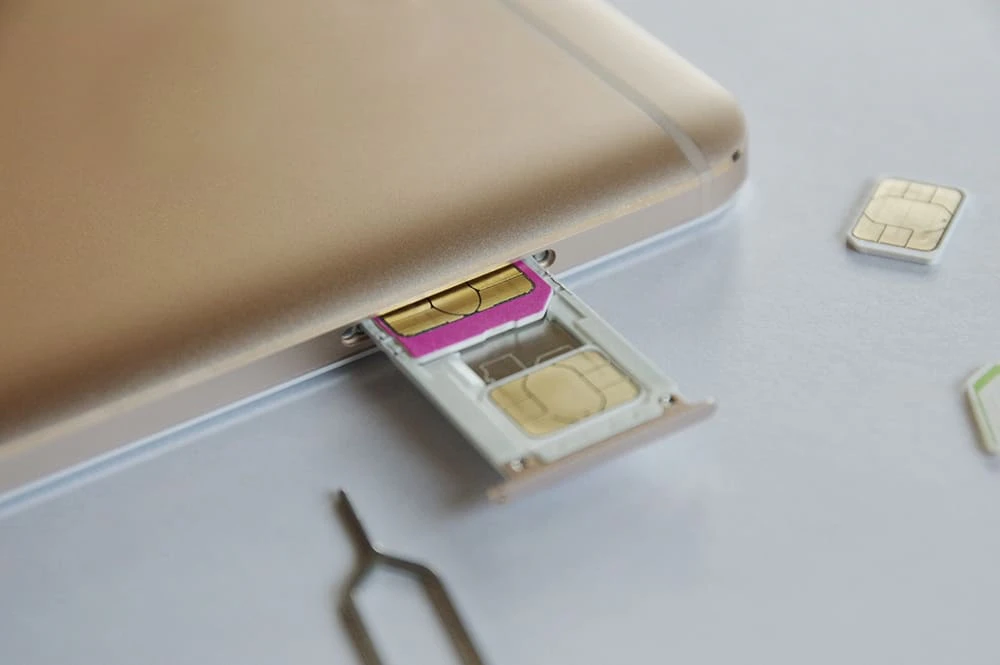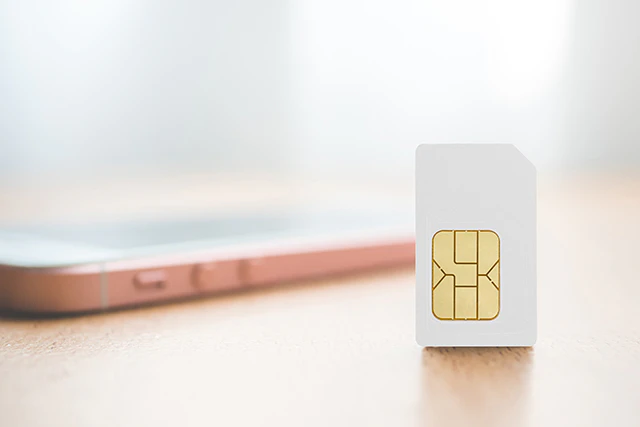
Smartphone users have probably heard the term "SIM card," but many people don't understand the specific meaning or role of "SIM."
In this article, we will explain in detail the role and types of SIM cards, how to choose one, how to replace it, and more, for those who want to know the basics of SIMs.
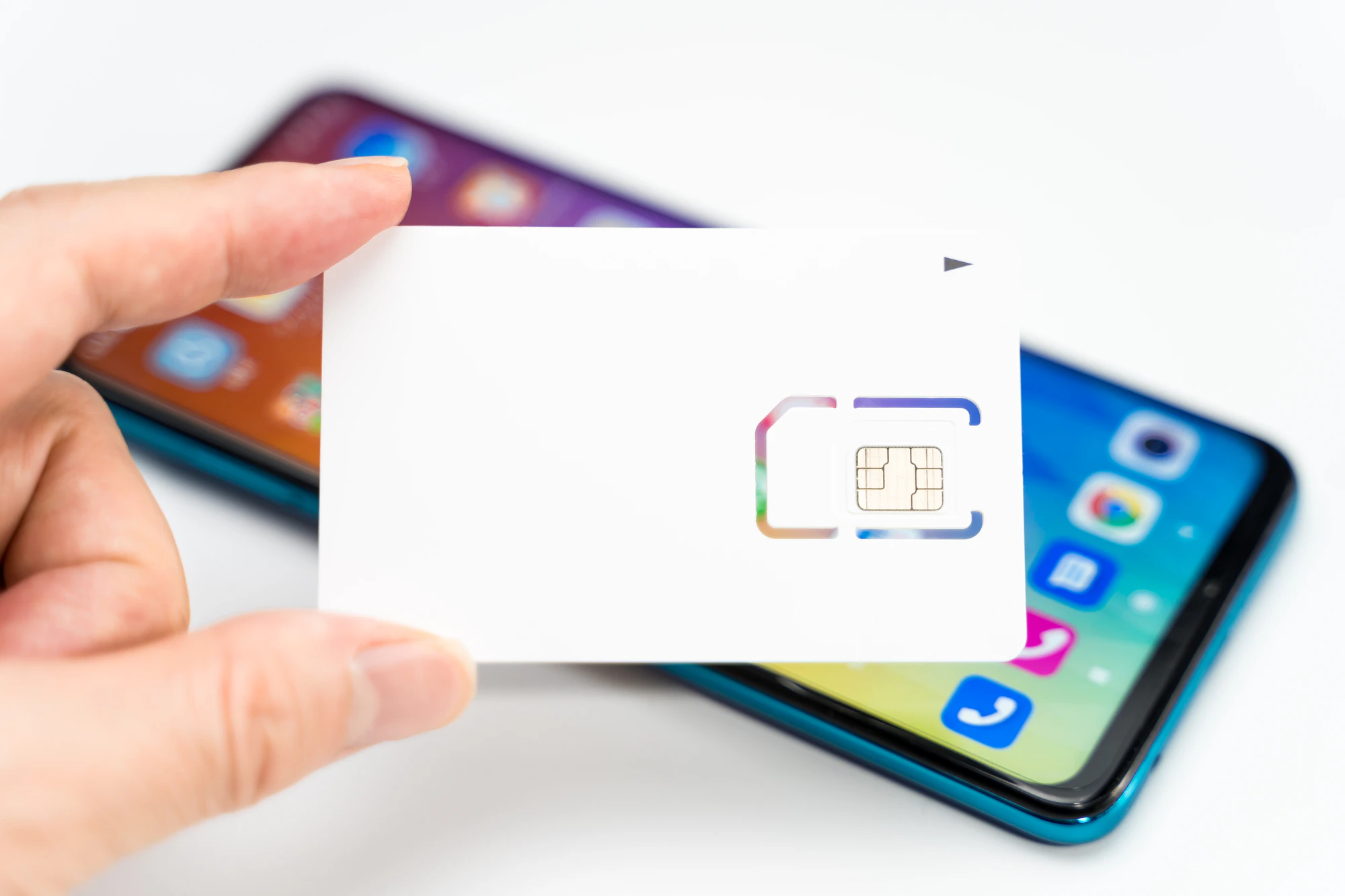
A SIM card is a small IC card that stores subscriber information. It is inserted into devices such as smartphones and tablets. The "SIM" in SIM card stands for Subscriber Identity Module, and refers to the part that identifies the subscriber.
In recent years, the practice of changing models or carriers by replacing SIM cards has become commonplace in Japan. As a result, the sale of SIM cards alone has become common. In particular, with the emergence of low-cost SIMs, many people are considering keeping their device and replacing only the SIM card to reduce their monthly fees.
The role of a SIM card is to record information such as the smartphone subscriber's identification number, phone number, and email address. By linking the information recorded on the SIM card with the phone number, you can make calls and use data communications. You can also change your phone model by simply inserting the SIM card into another device.
If you want to change carriers, you can simply sign up for a new SIM card and switch without changing your device. Furthermore, by using MNP (Mobile Number Portability), it is now possible to switch to another carrier without changing your phone number.
Reference: "What is MNP? Detailed explanation of the transfer procedure and points to note" (povo)
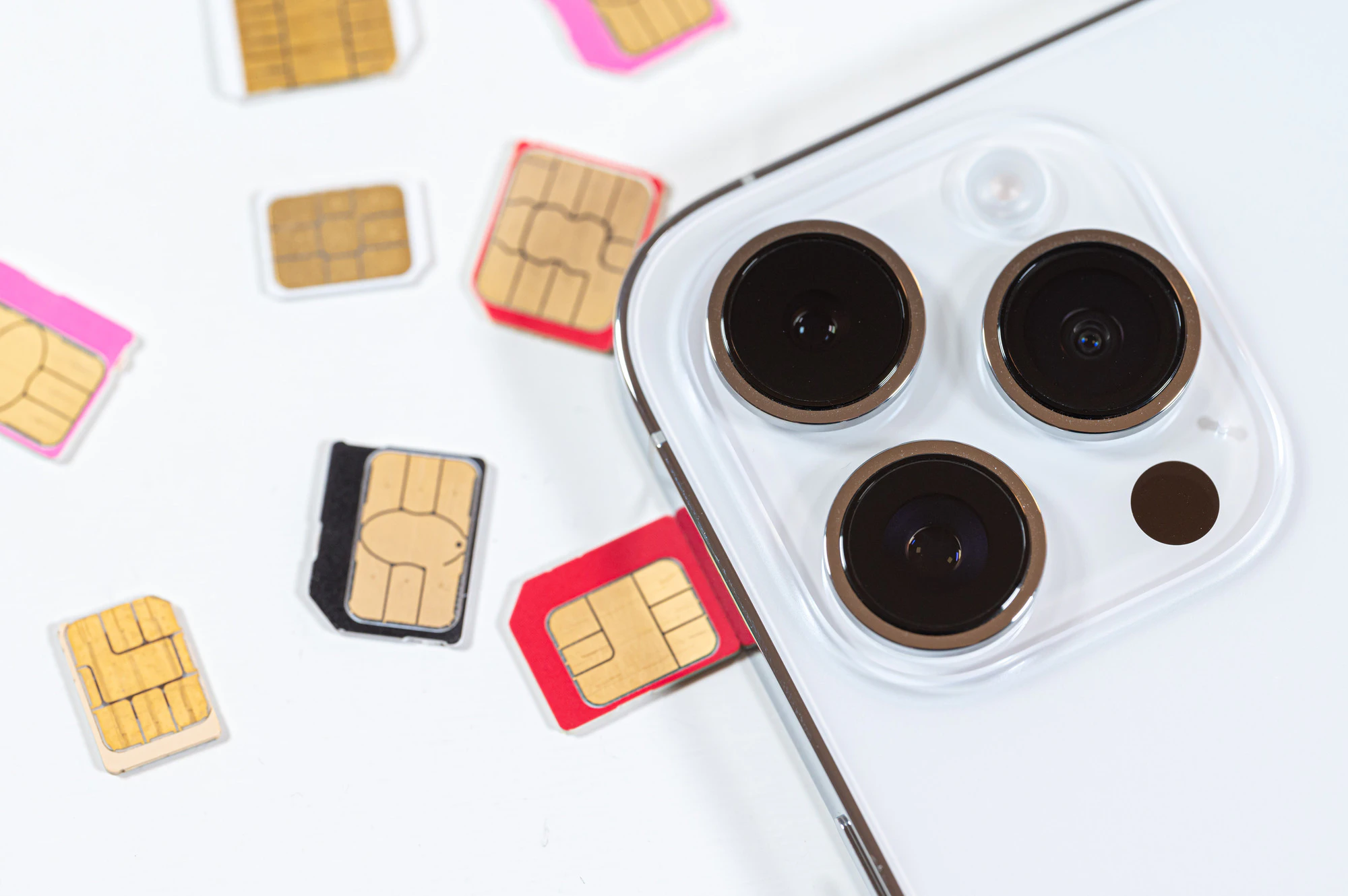
There are many different types of SIM cards, each with different sizes and functions. Understanding the different types of SIM cards beforehand will be helpful when changing your phone model or carrier. Below we will explain the different types of SIM cards.
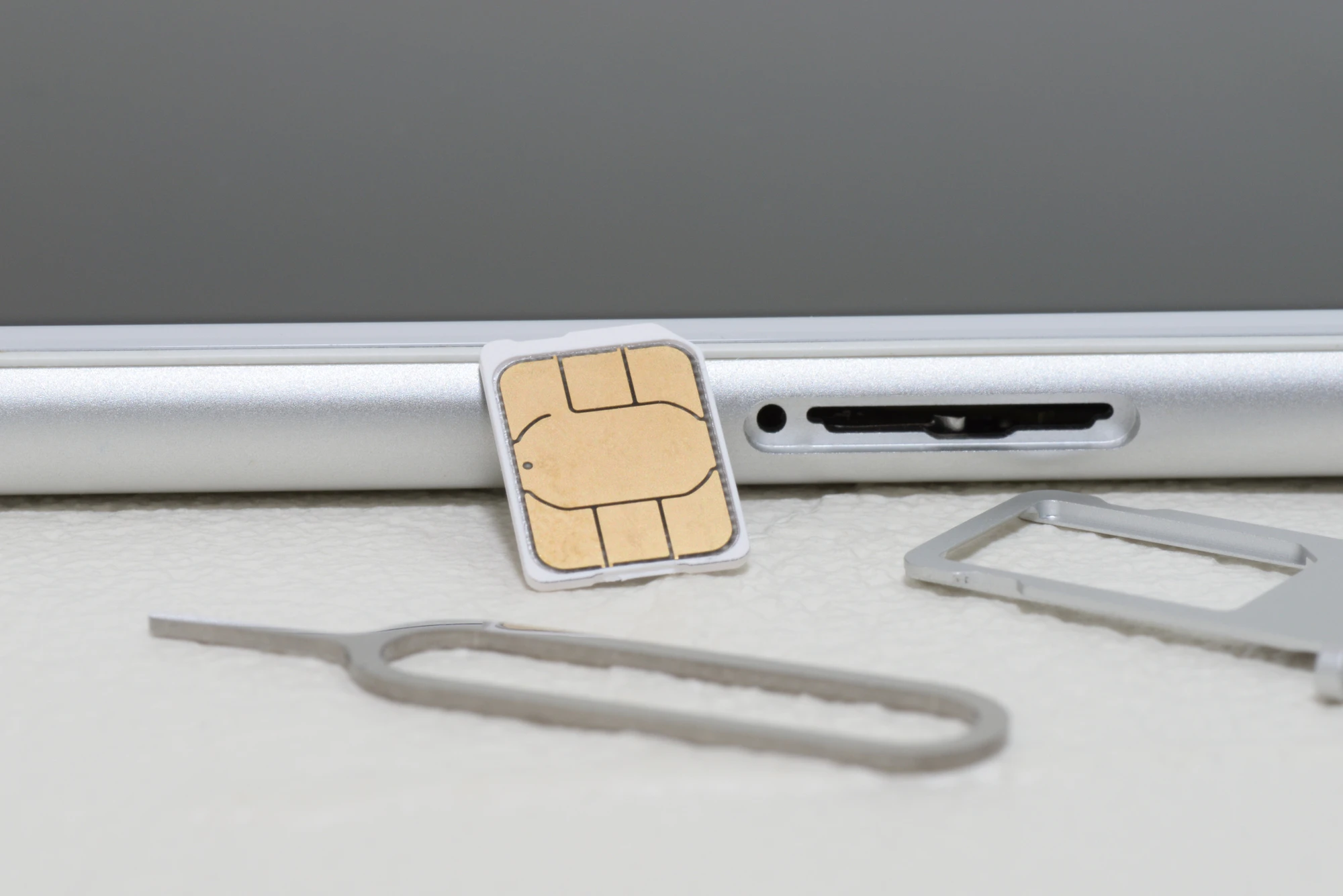
There are three different sizes of SIM cards: standard SIM, microSIM, and nanoSIM. Therefore, when changing your phone model or carrier, it is important to check the size of the SIM card you will be using in advance. Below is a summary of each SIM card.
| name | size | Features |
|---|---|---|
| Standard SIM | 25mm long, 15mm wide | The largest SIM card Mainstream in 3G generation smartphones |
| microSIM | 15mm long, 12mm wide | A SIM card created as the next generation standard for standard SIMs Widely adopted in smartphones sold since 2010 |
| nanoSIM | 12.3mm long, 8.8mm wide | The smallest SIM card Currently used in many smartphones |
In terms of functionality, SIM cards are classified into three types: voice calls, data communication, and data communication + SMS.
If you want to use all of your smartphone's functions, we recommend a SIM card that supports voice calls. On the other hand, if you have two phones and only need to use the internet, a SIM card that is only for data communication will suffice.
An increasing number of devices are now compatible with eSIM, which is a chip embedded in the device that replaces a SIM card. Because eSIM is a chip integrated into the smartphone, it has the following advantages:
However, it is important to note that there are devices and carriers that do not support eSIM. Therefore, be sure to check the important points on each carrier's website before using it.

When choosing a SIM card, it's important to consider compatibility with your smartphone and your intended use. Choosing the wrong SIM card can cause problems when switching carriers or smartphones. Below, we'll explain in detail how to choose a SIM card.
There are three different sizes of SIM cards, so be sure to choose the right size for your smartphone before signing up. If you choose a SIM card that doesn't fit, you won't be able to insert it into your smartphone, and you'll waste the time you spent on signing up and arranging for a new SIM card.
To check the size of your SIM card, it's a good idea to check your smartphone's product information and the size of the SIM card slot.
In addition to size, it is also important to choose a SIM card that suits the purpose of using your smartphone. Some people use different carriers and fees plans and different SIM cards depending on their purpose.
If you want to use both phone calls and the internet, choose a "voice call" SIM that allows you to use a phone line. If you only need internet access, we recommend a "data communication" SIM. If you want to add SMS functionality to your data communication, a "data communication + SMS" SIM is a good choice.
Monthly fees vary depending on the SIM card's features. It's important to choose the best SIM card for your lifestyle and budget.
SIM lock is a feature that restricts communication using SIM cards other than those of a specific carrier. SIM lock has been abolished in principle for smartphones released after October 1, 2021, under the revised Telecommunications Business Act.
However, smartphones released before that date may need to be SIM unlocked. To find out how to unlock the SIM, check with your current carrier's store or website (there may be a separate SIM unlocking fee).
You can replace your SIM card yourself. However, you should be careful as improper handling may damage the card or your device. Below we will explain how to replace your SIM card.
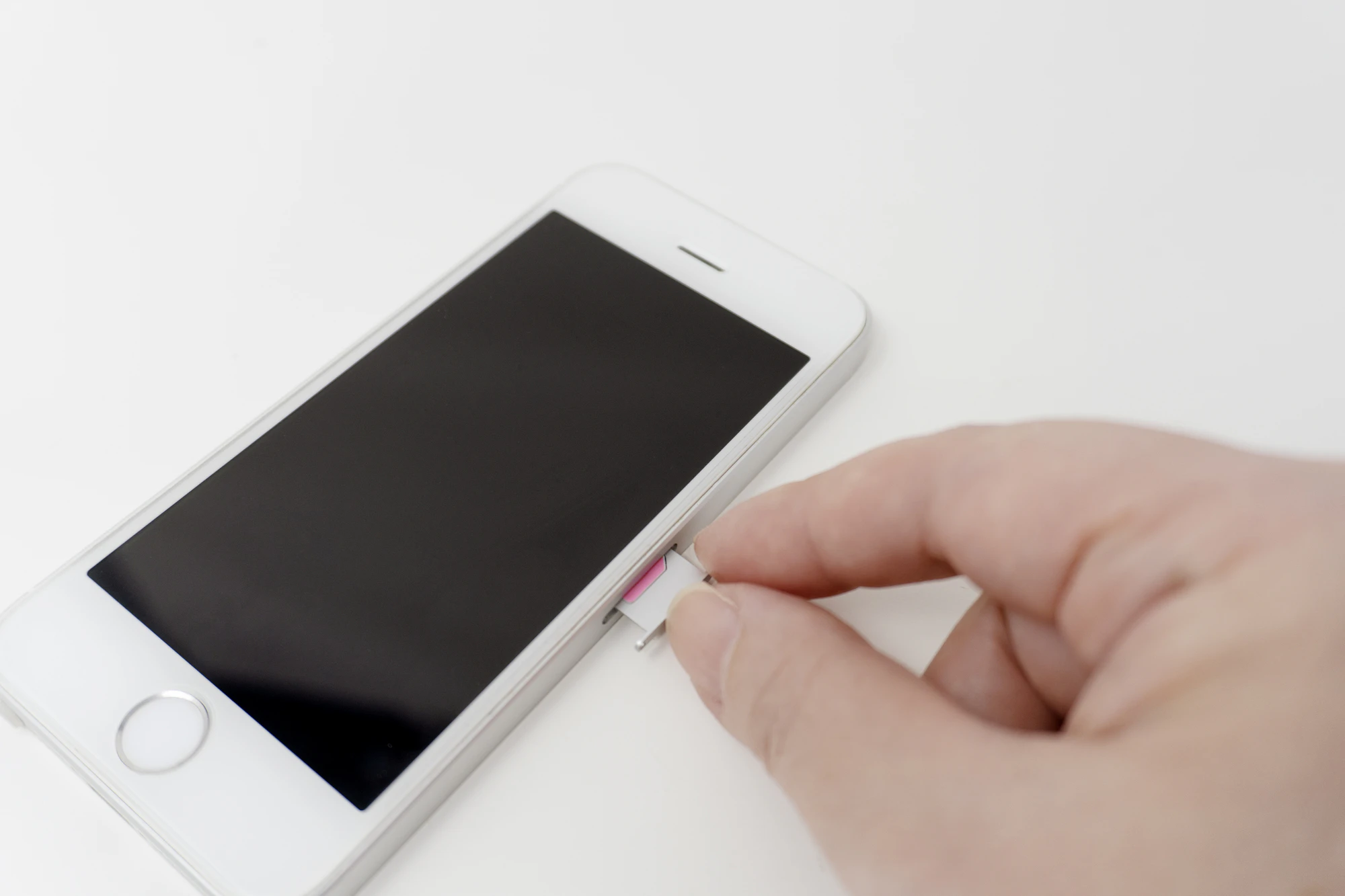
First, remove the SIM card from your current smartphone. If you don't know where the SIM card is, check your smartphone's instruction manual or the manufacturer's website.
You may also need a special tool (a SIM pin) to pull out the SIM card tray. A SIM pin is usually included in the box when you purchase your smartphone. If you don't have a tool, you can use a paper clip or safety pin instead.
After removing the old SIM card, install the new one in the reverse order. When replacing the SIM card, make sure your smartphone is turned off. Replacing the SIM card while it is powered on may cause a read error.
Also, be careful not to touch the metal part of the SIM card, as it comes into contact with your smartphone. If the SIM card is not recognized, try restarting your smartphone, checking the front and back of the SIM card, and checking for dirt on the contact points.
Once you have inserted the new SIM card, you will need to set up your smartphone. This includes switching your phone line, connecting to the Internet, and setting up your smartphone account.
These procedures vary depending on the smartphone model and carrier, so please check the smartphone manufacturer or carrier's website for details.
We have compiled a list of frequently asked questions about SIM cards in a Q&A format. By checking the frequently asked questions and answers in advance, you can make the process of replacing or swapping your SIM card go more smoothly. Please refer to this to prevent problems and improve work efficiency.
If your family's smartphones are from the same carrier or are SIM-unlocked, and the SIM card size is compatible, you can use them. However, please note that transferring SIM cards does not transfer data on the device.
If you want to transfer data to another smartphone, use backups or cloud services.
SIM cards are the property of your carrier, but disposal procedures vary by carrier - some require you to return them, while others allow you to destroy them yourself.
If you need to return the SIM card, please do so using the specified method. If you are allowed to discard it, we recommend that you shred the SIM card to protect your personal information.
It is possible to switch to a different carrier, such as a low-cost SIM, without changing your phone number. Switching carriers without changing your phone number is called "MNP (Mobile Number Portability)."
When switching carriers, you will need to obtain a reservation number from your current carrier and then complete the procedure at your new carrier. Please note that reservation numbers have validity.
Dual SIM is a feature that allows you to use two SIM cards on one smartphone. Dual SIM can be categorized into the following three patterns.
Some smartphones share a tray for the SD card and SIM card, meaning that if two SIM cards are inserted, the SD card may not work. This can sometimes be resolved by using an eSIM in conjunction with the SD card, so consider using dual SIM depending on your model and intended use.
Reference: "What is Dual SIM (Second SIM)? Explanation of Types, Advantages, and Disadvantages" (povo)
5G-compatible SIM cards are available from various carriers. Since each carrier has different fees plans and coverage areas, we recommend checking their websites in advance and comparing the services they offer.
A SIM-free smartphone is a smartphone that does not have a SIM lock. SIM-free smartphones include not only devices that do not have a SIM lock from the start, but also devices that have been unlocked.
You need to be careful about the combination of carrier and SIM card, but basically you can use it with any line just by inserting the SIM card.
"povo Certified Used Smartphones" offers SIM-free devices compatible with povo2.0 for purchase.

Some people researching SIM cards may be concerned about not being able to find a plan that suits them, or that their monthly data usage varies greatly. au 's online-only brand "povo2.0"*1 has a fees fee of 0 yen*2 and no contract validity, so you can get started easily.
With povo2.0, you can purchase additional data and calls (Topping) when you need them, and there are a variety of data options to choose from. For example, we offer 1GB (7 days) which is recommended for when you run out of data at the end of the month, unlimited Unlimited data (24 hours) for those who want to use it to the fullest in one day, and 360GB (365 days) which can be used at a discount when purchased in bulk.
For more information on Topping currently on sale, please click here.
In addition, "povo2.0" is currently running a campaign in which if you switch from another company to povo2.0 (MNP), link au ID to your povo account, and purchase eligible Topping within seven days of SIM activation, 50% of the data capacity fee will be refunded to au PAY balance (tax-exempt).
*If you change from au / UQ mobile / povo1.0 to povo2.0, you will not be eligible for this campaign.
If you are considering a low-cost SIM, why not take this opportunity to switch to povo2.0?