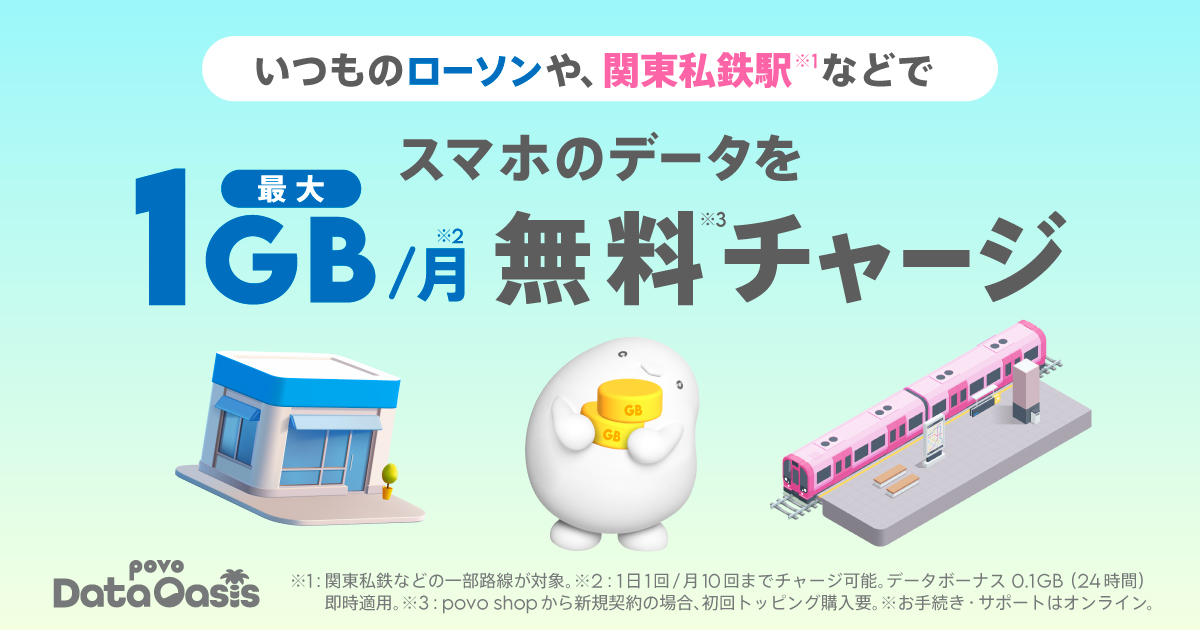
*1: Charging will be possible from 10:00 AM on April 14, 2026.
* If you activate your SIM after 8 PM, the activation time will vary depending on your application details.
(Click here for details)
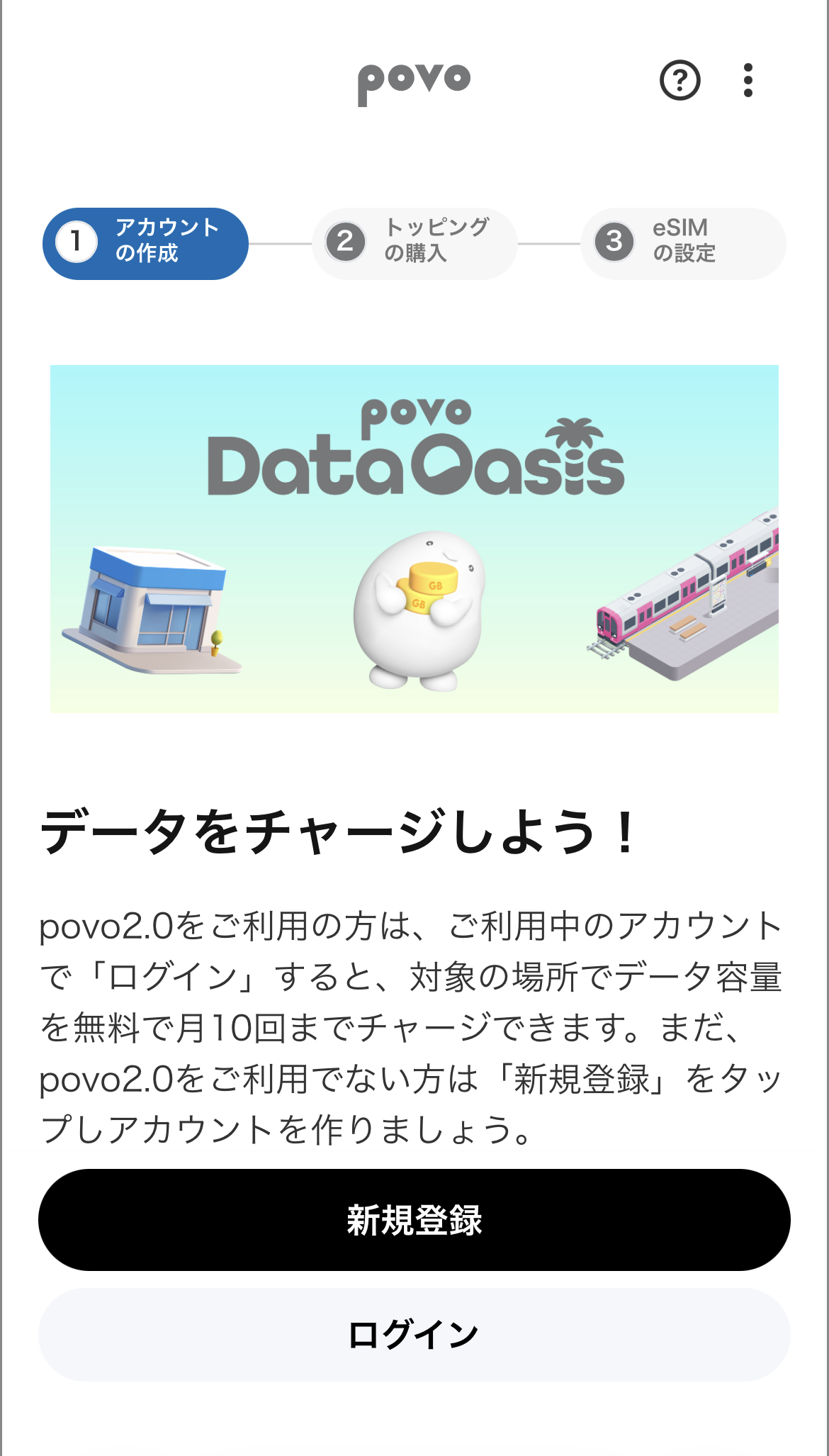
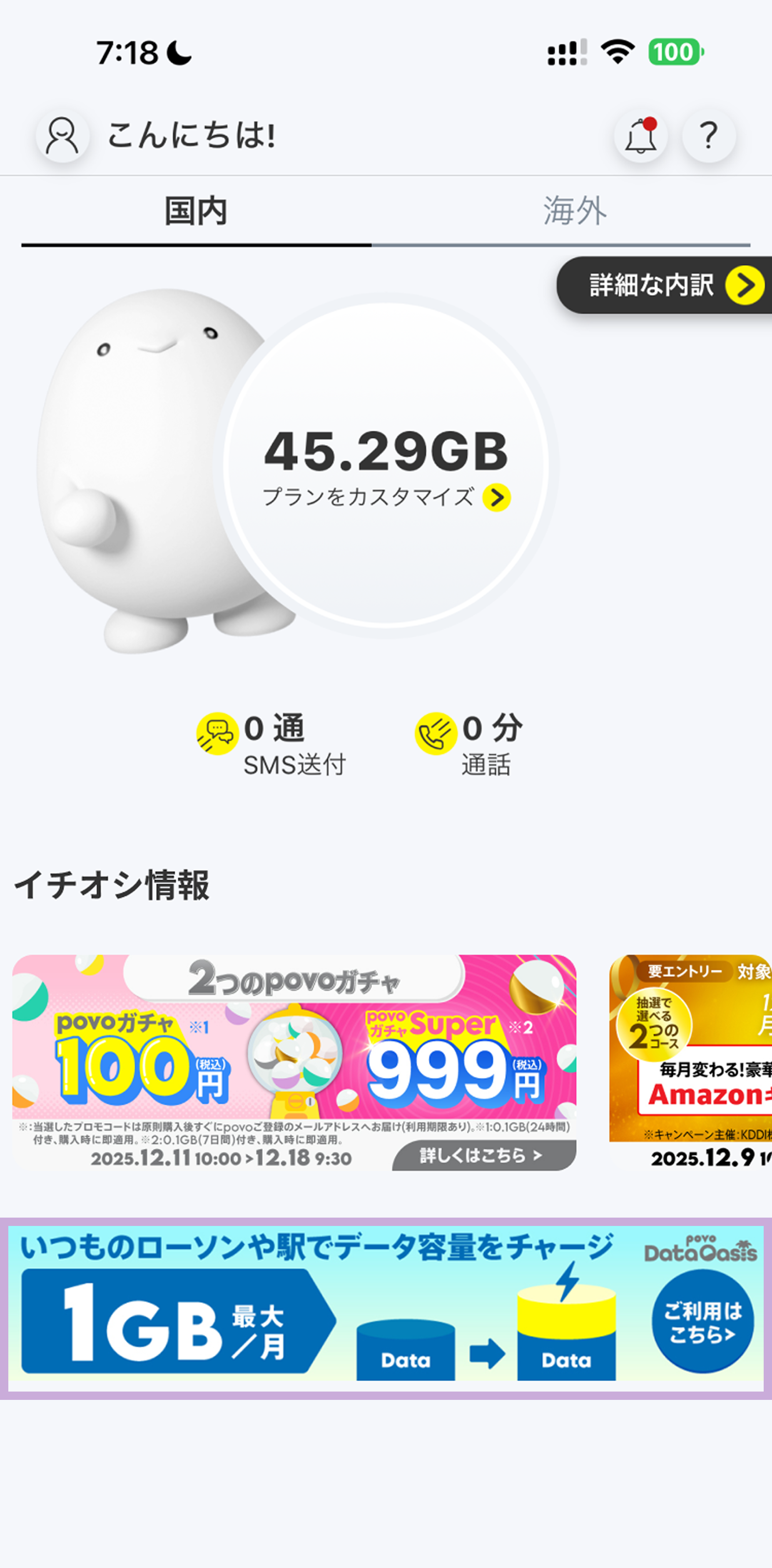
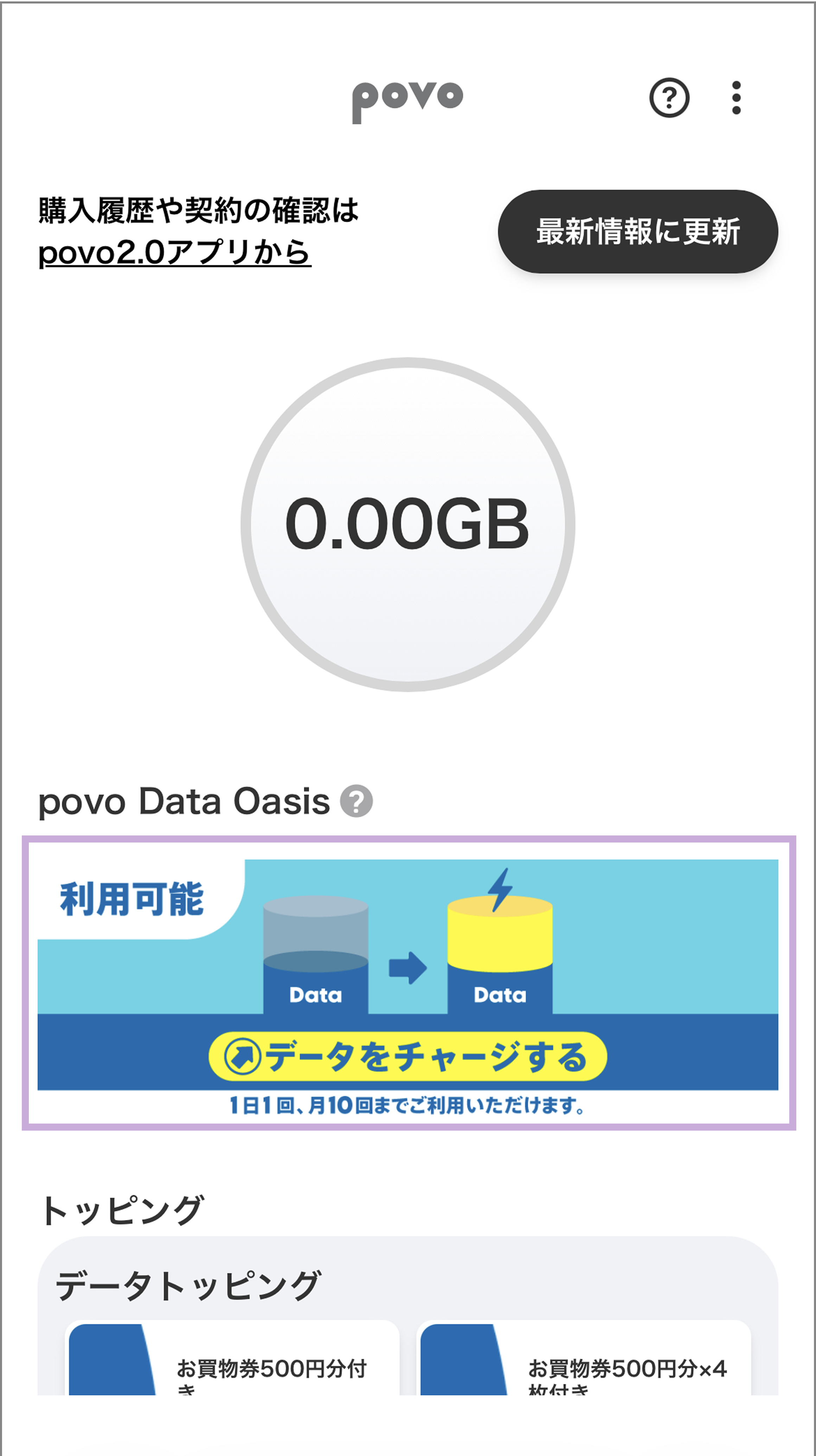
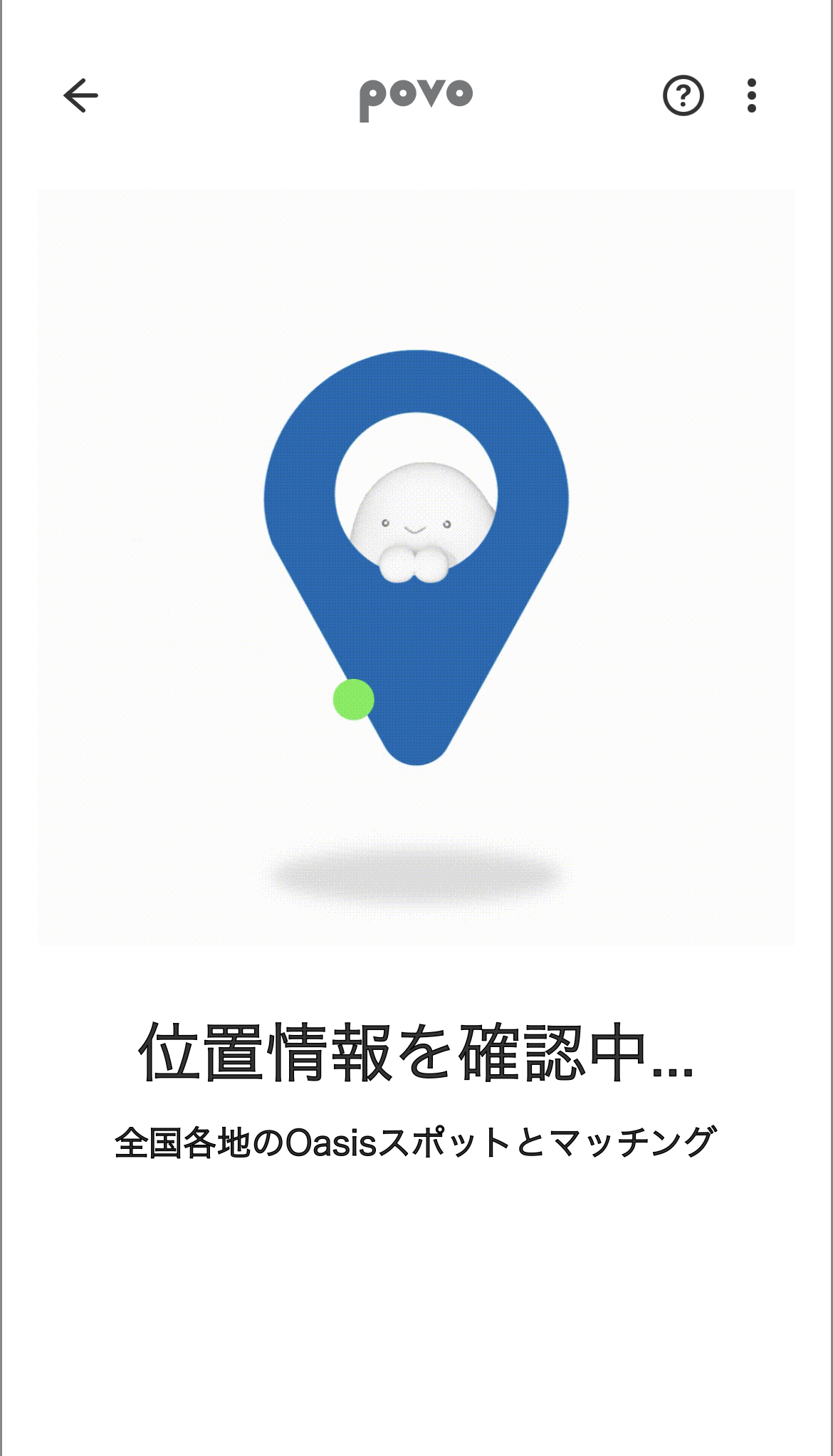
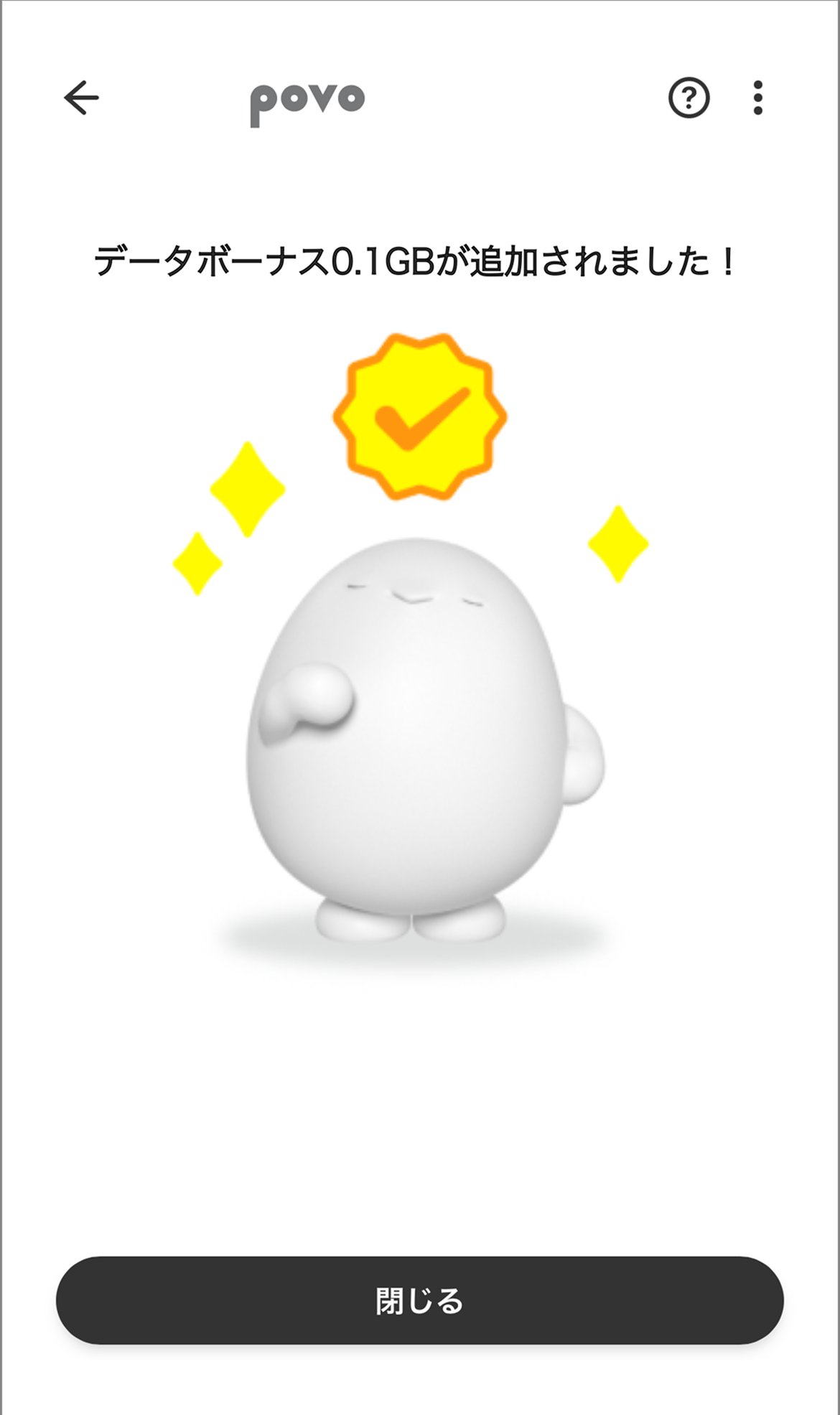
If you are using povo2.0, you can get up to 1GB of data added free of charge each month by obtaining location information with your povo2.0 device in a location where povo Data Oasis is available.
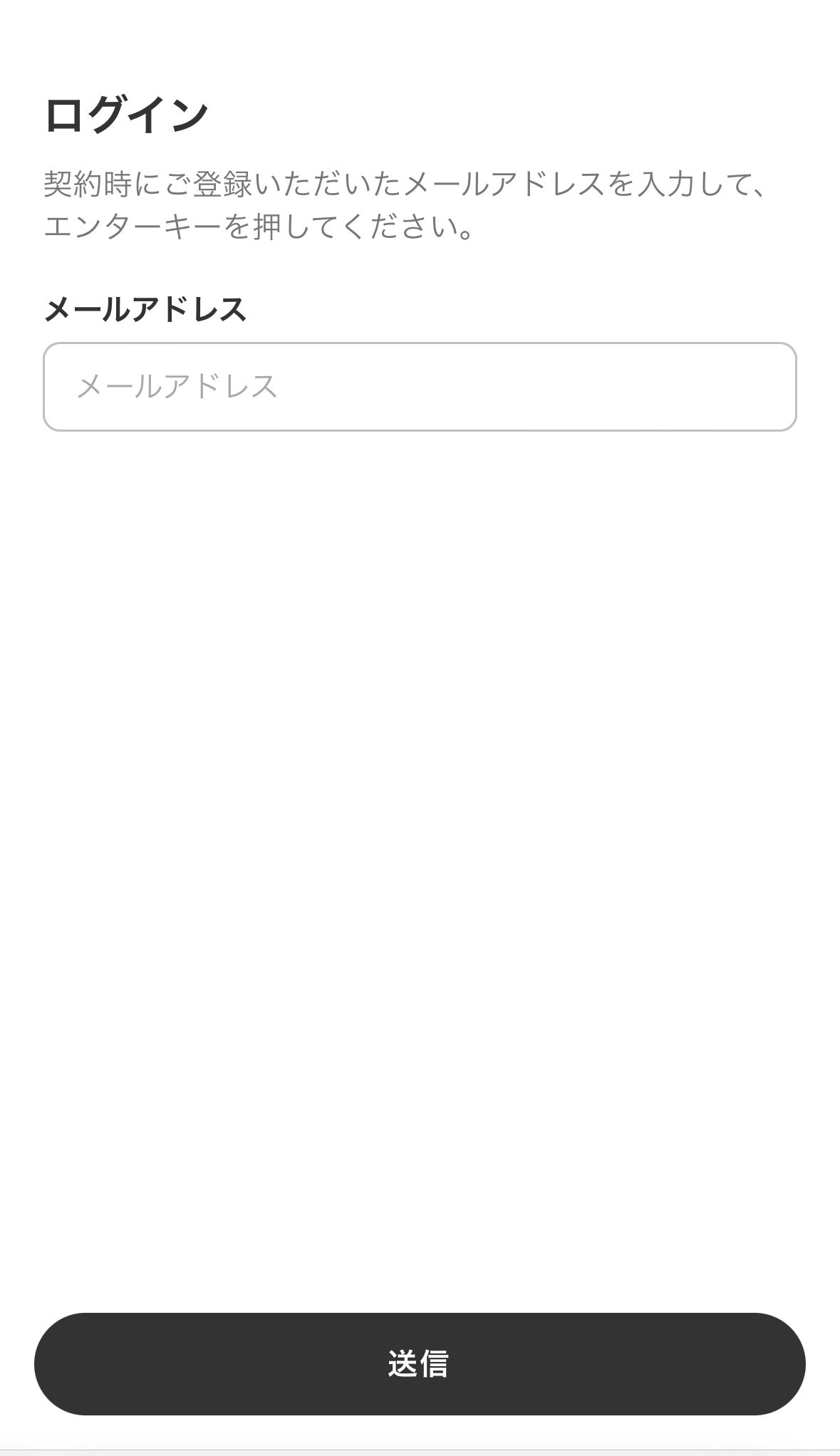
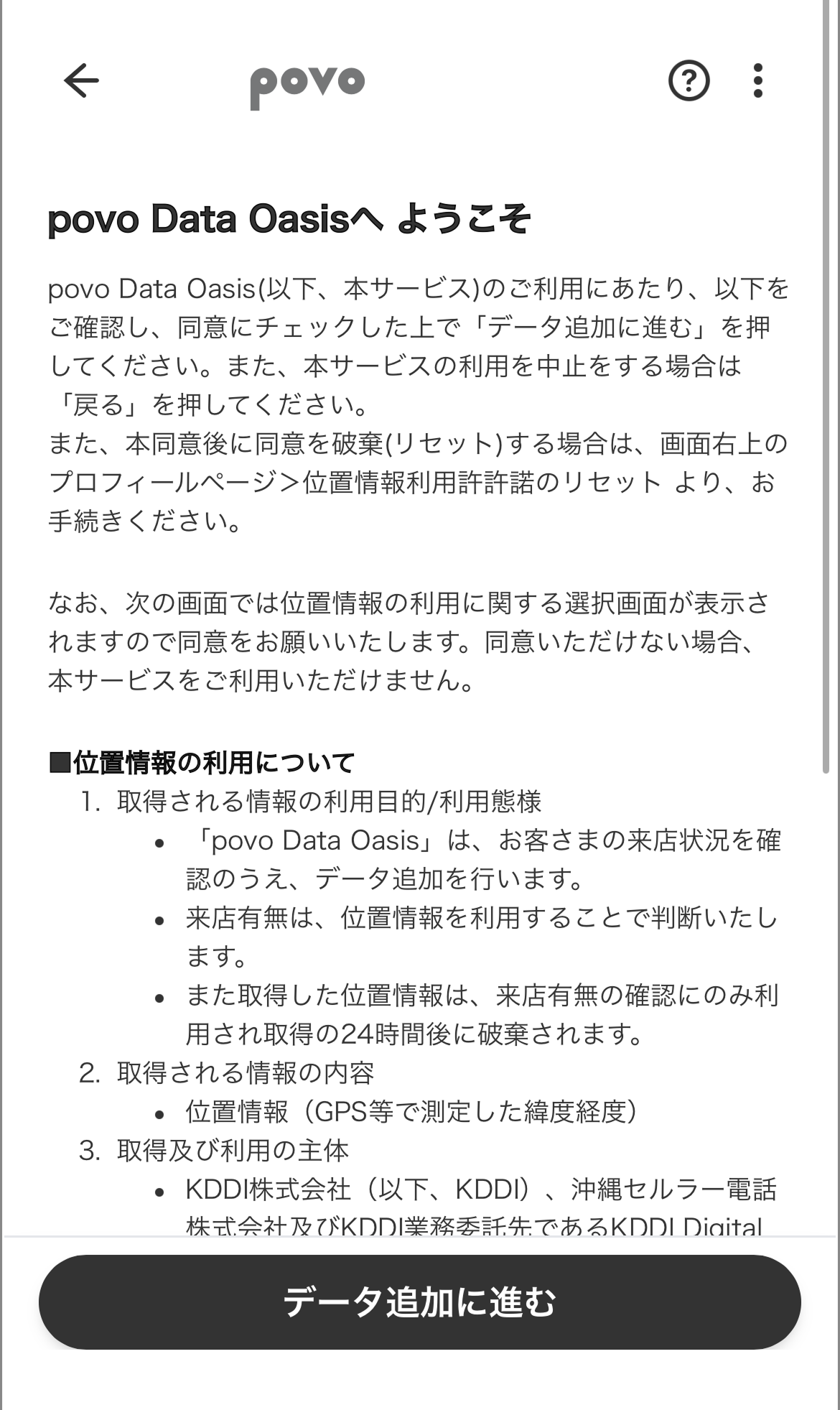
Furthermore, as of January 16, 2026, the usage procedure has been simplified, and it can now be used in just 3 taps when using the app. Click here for details.
| Provided data | データ追加0.1GB(24時間) |
|---|---|
| Number of uses | Up to once per day *Resets every day at 0:00. |
| Usage limit | Up to 10 times per month |
Terms of use here
LAWSON nationwide
・Private railway stations in the Kanto region, etc.
From 10:00 AM on April 14, 2026: All stations of Keisei Electric Railway, Sagami Railway, and Tokyo Metro.
From 10:00 AM on June 3, 2026: All stations of the Izuhakone Railway, Odakyu Electric Railway, Kanto Railway, Keio Corporation, Chichibu Railway, Tokyu Corporation, Yokohama Minatomirai Railway, and Yurikamome Line.
From 10:00 AM on August 25, 2026: All stations of the following railway lines: Saitama Rapid Railway, Metropolitan Intercity Railway, Seibu Railway, Tama Urban Monorail, Chiba Urban Monorail, Tokyo Metropolitan Bureau of Transportation, Toyo Rapid Railway, Hokuso Railway, and Yokohama City Transportation Bureau.
From 0:00 on October 6, 2026: All stations on the Enoshima Electric Railway, Odakyu Hakone Railway, Keikyu Corporation, Shonan Monorail, Tobu Railway, Maihama Resort Line, and Yokohama Seaside Line.
*The list of target stations is Here
*The stations on the Hokuso Line are not included in the Keisei Electric Railway's Narita Sky Access Line.
*Depending on the location, network conditions, and the device's location information usage during charging, this service may not be available.
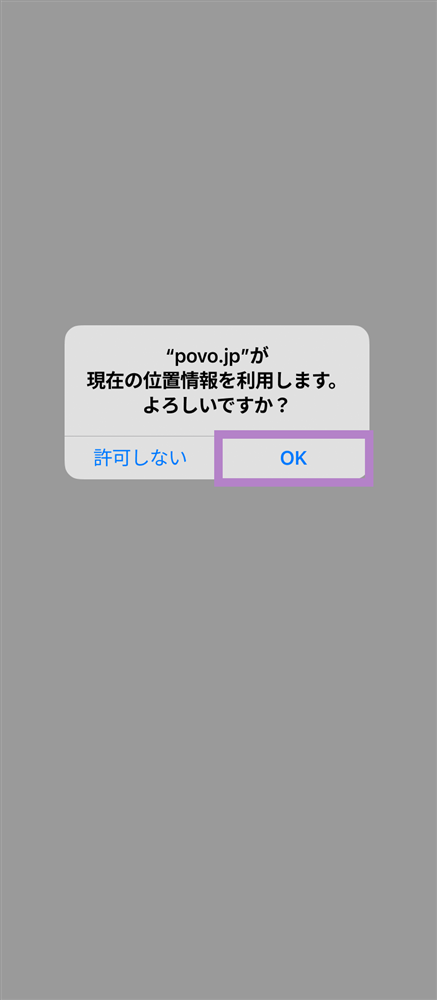
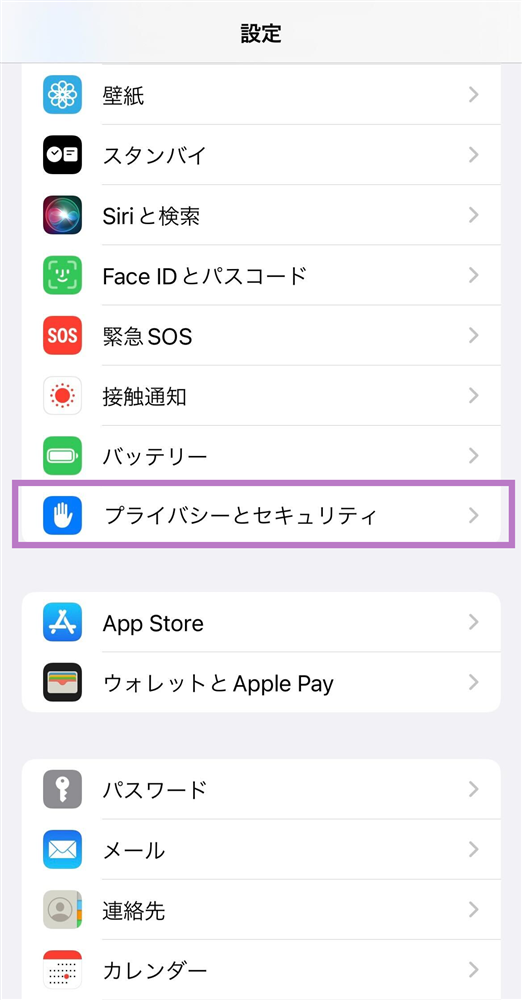
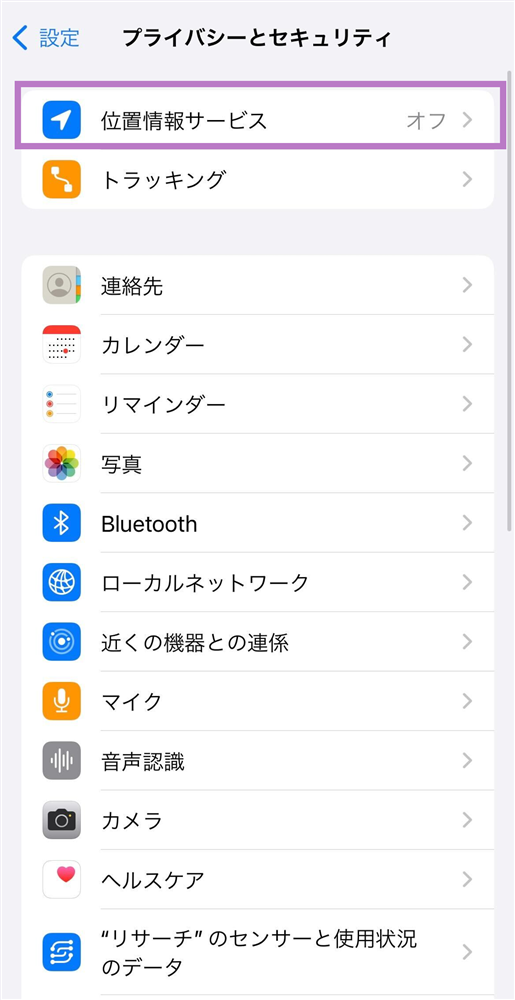
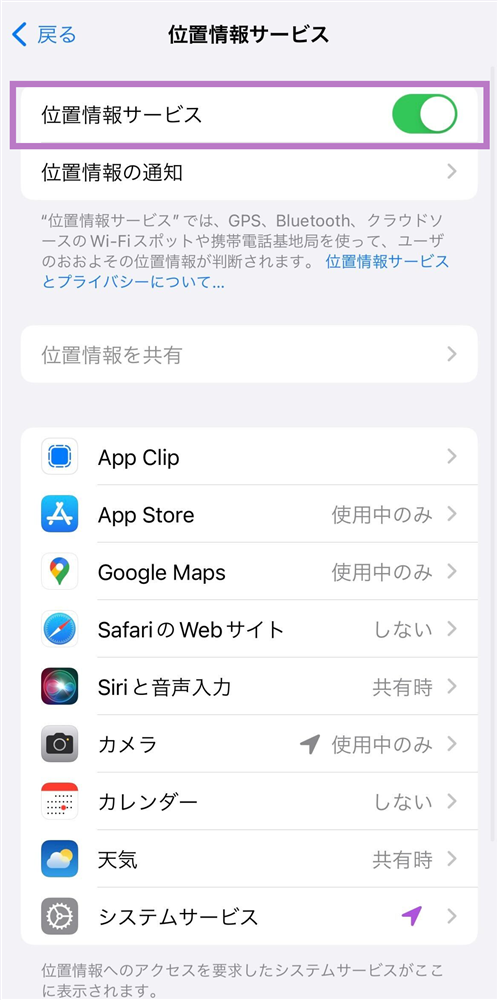
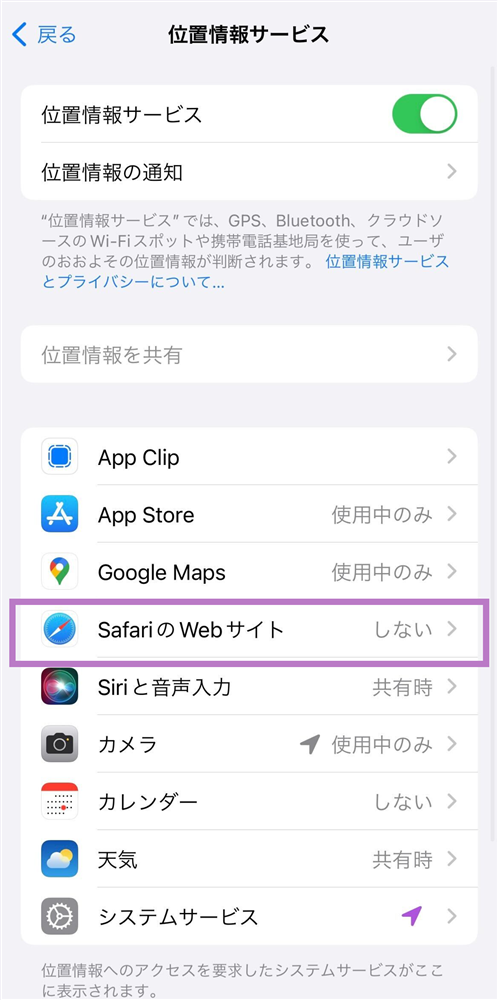
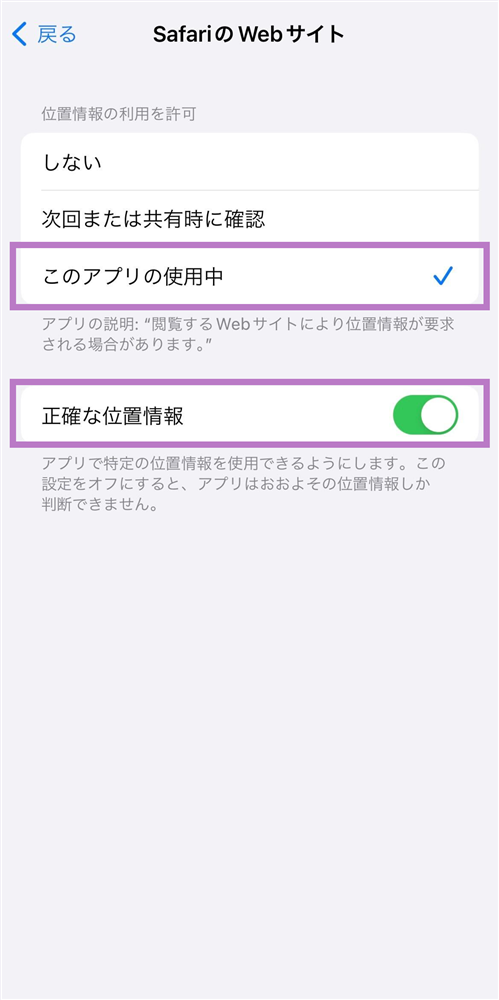
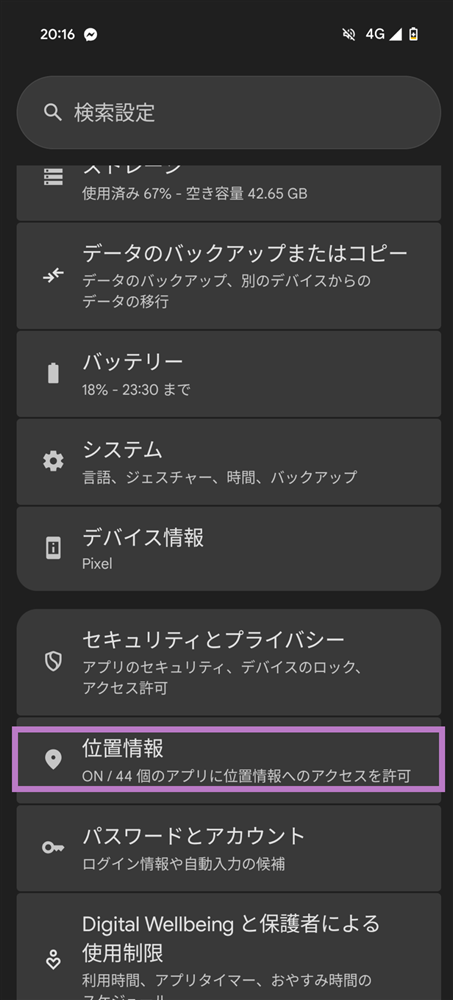
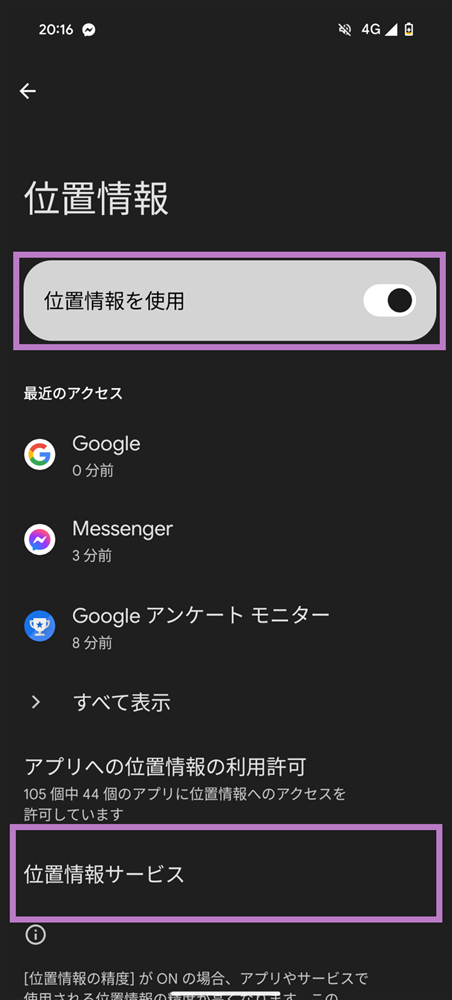
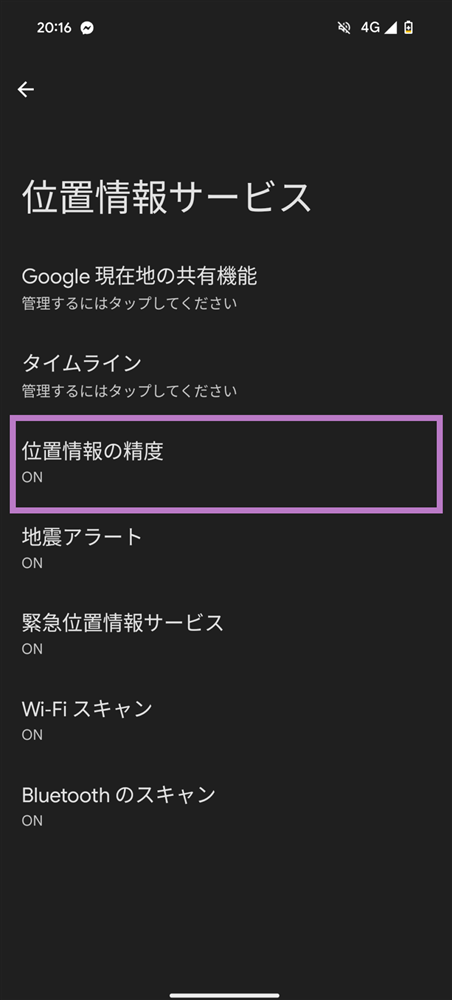
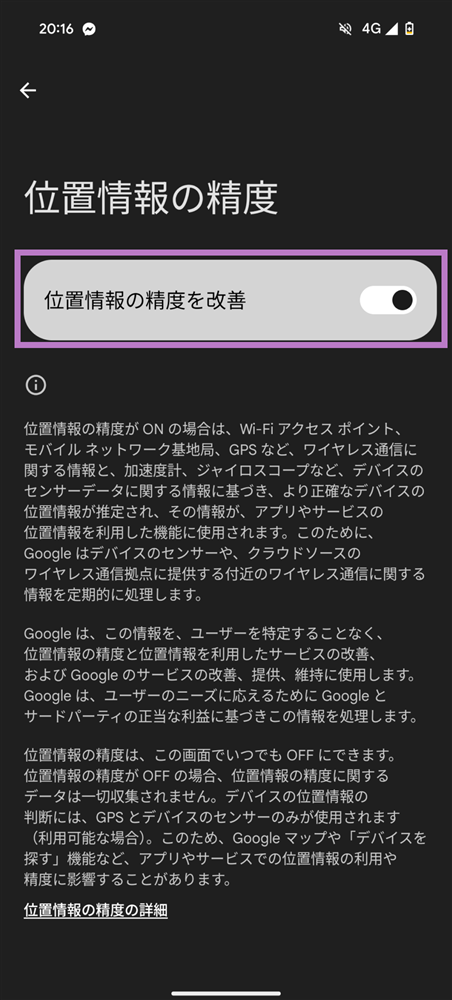
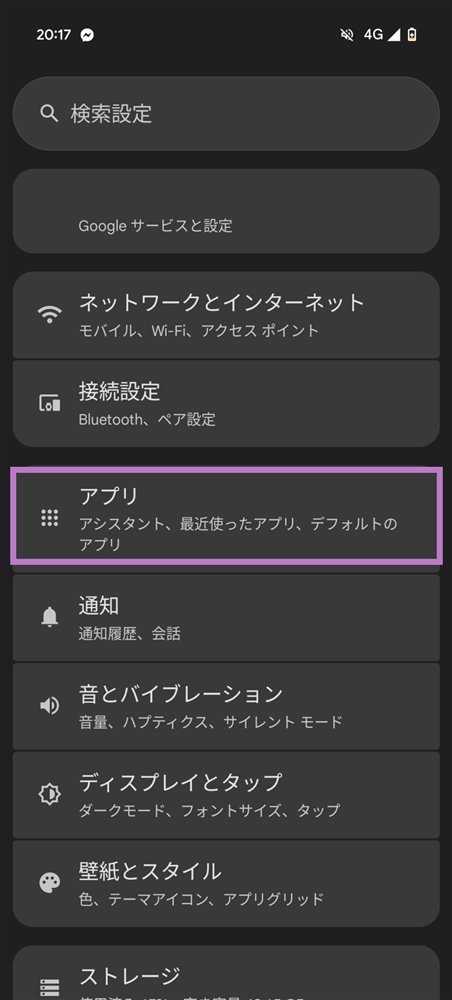
- If location services are not enabled, you will not be able to use this service (you need to enable location services in both your device settings and your browser settings).
If your Wi-Fi connection is unstable, you may not be able to use the service, so please turn off Wi-Fi.
Depending on your location, the service may not be available. Please try again in a different location.
- This service may not be available in commercial facilities or underground areas.
・In addition, service may not be available in certain areas due to location, radio wave conditions, facilities, corporate premises, or train stations.
Due to the opening or relocation of some locations, some of these locations may be unavailable for up to one month.
If you engage in fraudulent activities such as tampering with location information, you will be excluded from this service.
- This service may not be available on devices that do not support GPS.
This service is not available on Apple Watch.
Please see here for instructions on how to allow your device to use location information.

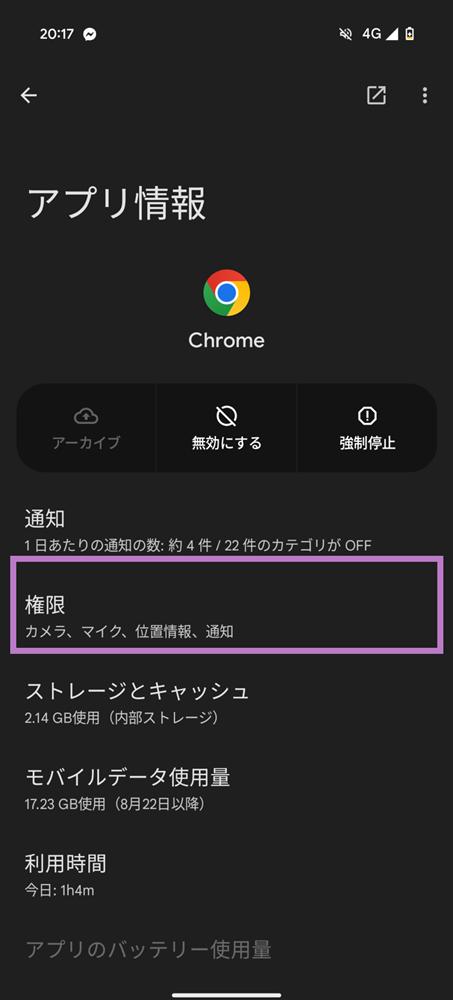
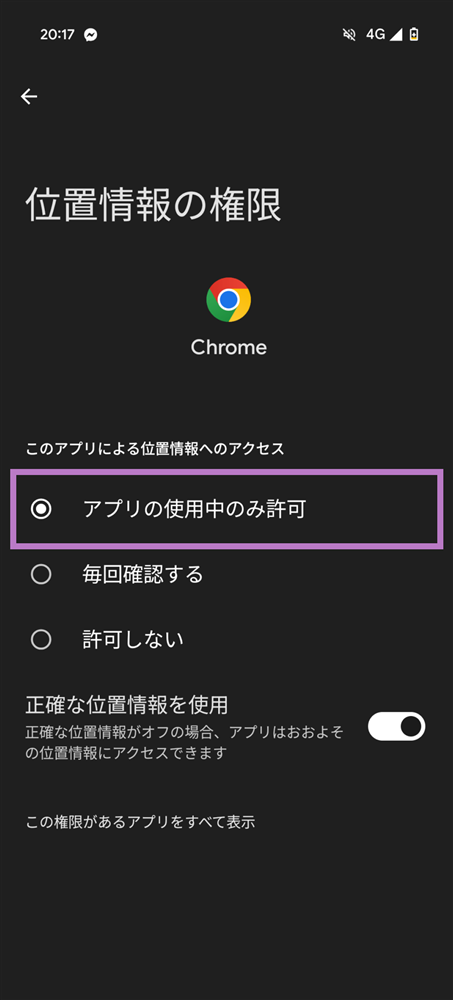
● This service may change without prior notice, and if the service is terminated, we will notify you in advance.
● If we determine that fraudulent or inappropriate conduct has been committed, you will not be eligible for this service.
● We cannot be held responsible if you are unable to receive your benefits due to network congestion, malfunctions, or system maintenance.
● If you are unable to receive the benefit due to your own circumstances, the benefit will not be reissued.
● Costs required for procedures to receive benefits from this service (including but not limited to internet communication fees, etc.) ) are the responsibility of the customer.
● Our company may change the contents of the Terms of Use by posting in advance on the Service Site or other means, in accordance with the Civil Code, by making public notice in a manner deemed appropriate by the Company. If the Terms of Use are amended, the amended Terms shall apply to all customers and our company from the date of change onward.
● If circumstances that hinder the proper operation of the Service arise, similar situations arise, or other reasons making it difficult to continue the Service, the Company may suspend or postpone the implementation of the Service at any time.
● We are not responsible for any damages or disadvantages resulting from the use of the benefits by customers.
● Notwithstanding any other provisions in the Terms of Use, even if our company is liable for damages related to this service, the scope of such liability shall be limited to direct and actual damages (excluding lost profits) that would normally arise, except in cases where our company is willful or grossly negligent.
● Any disputes arising from this service or benefits shall be subject to exclusive jurisdiction as the court of first instance at the Tokyo District Court.
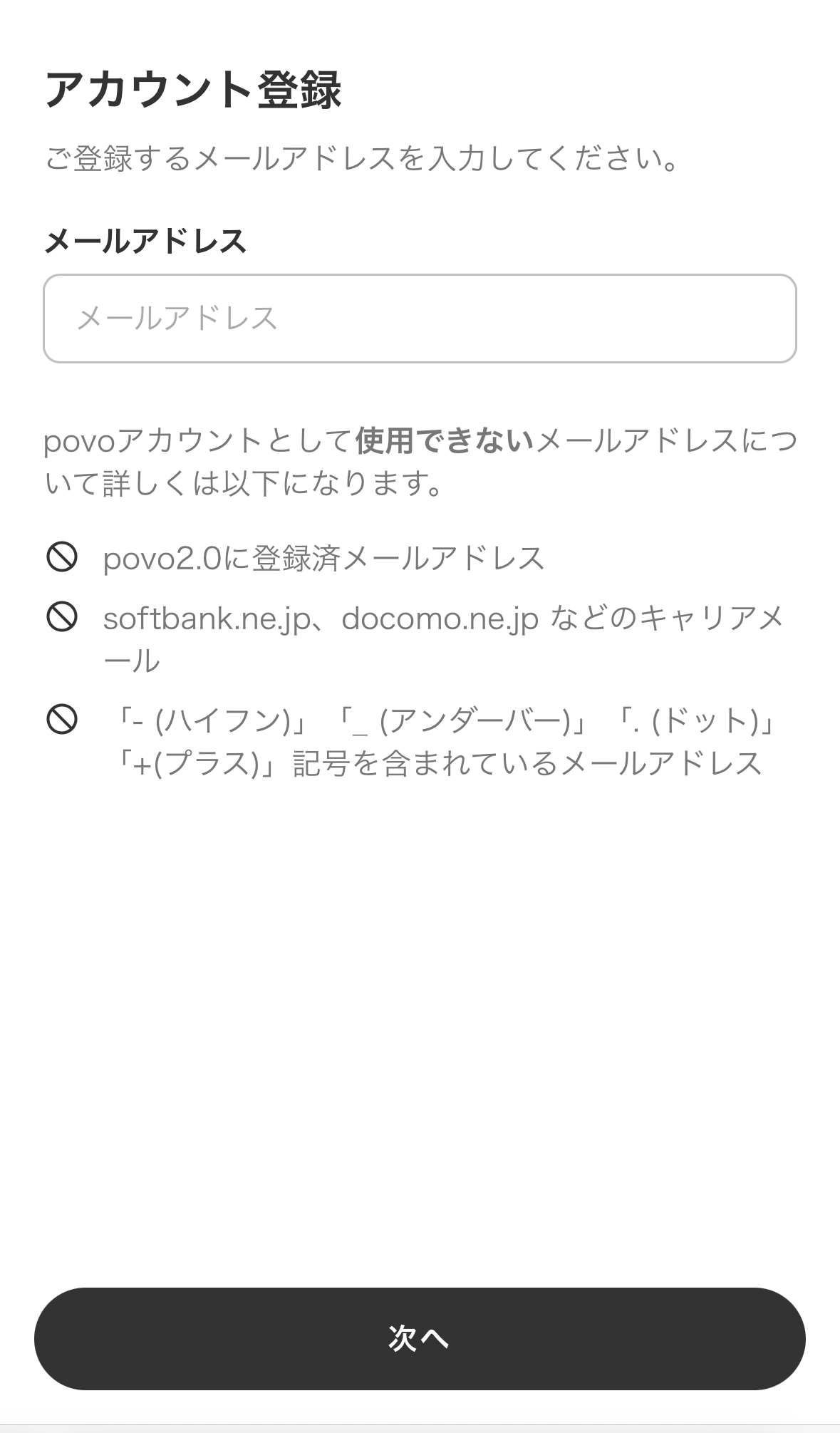
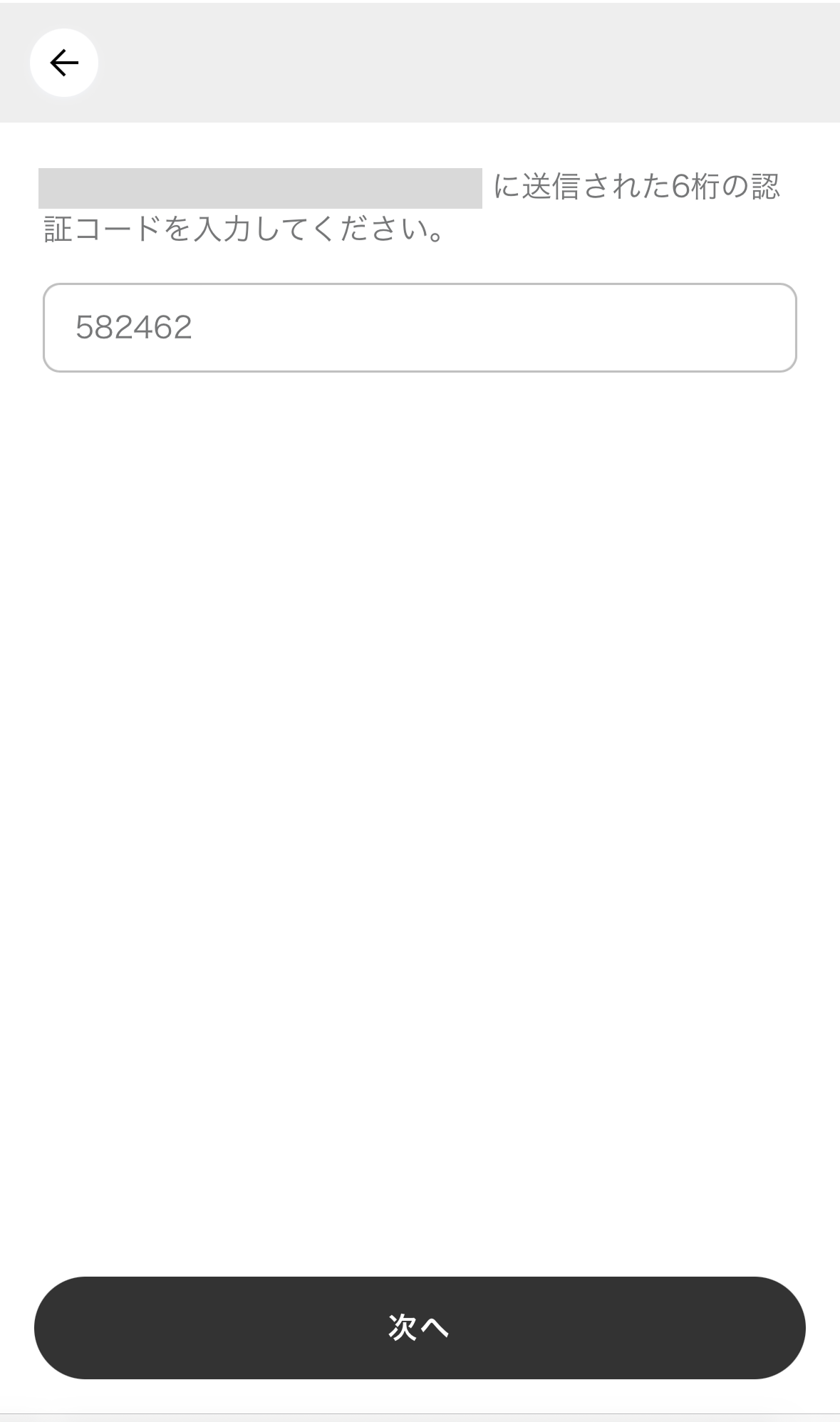
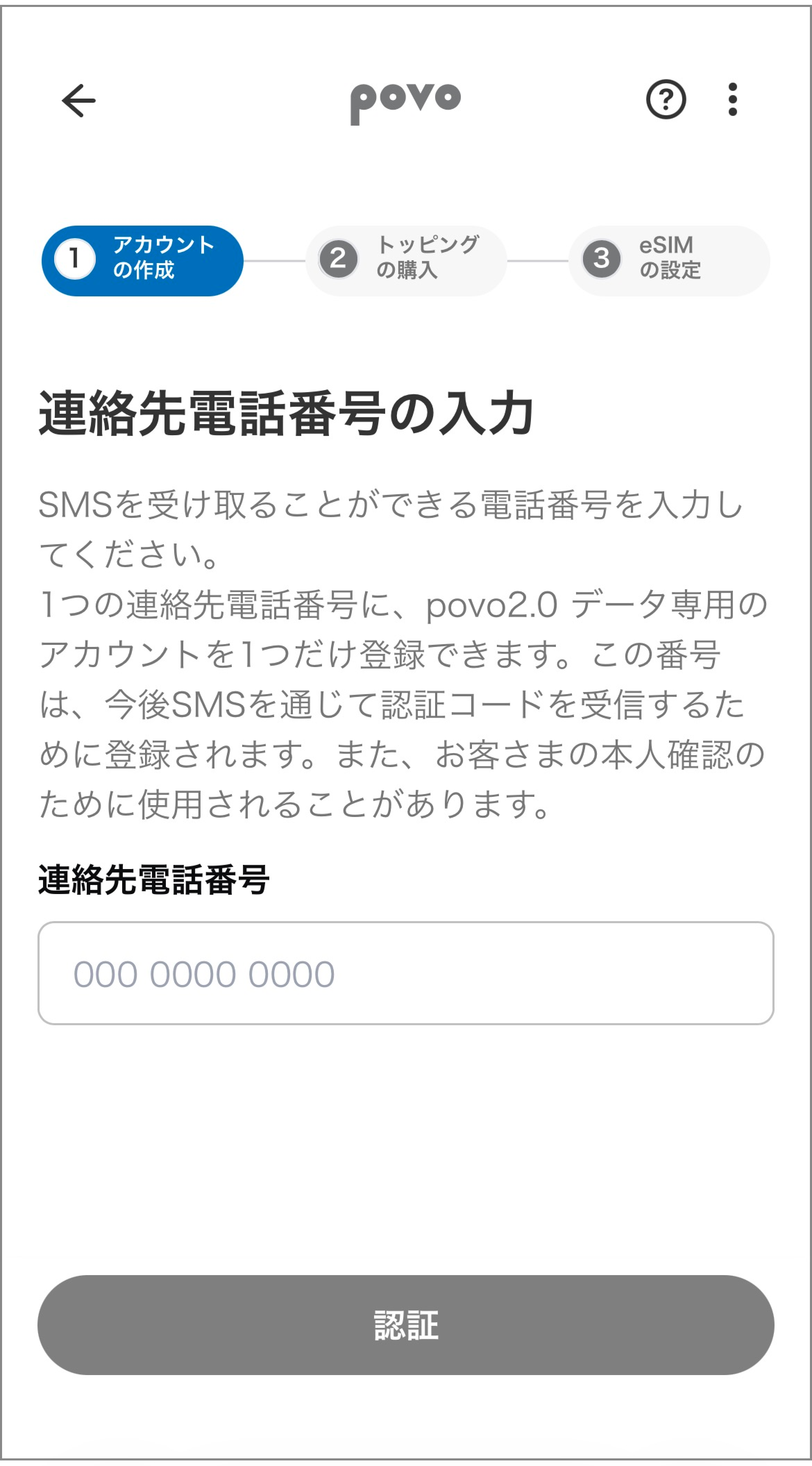
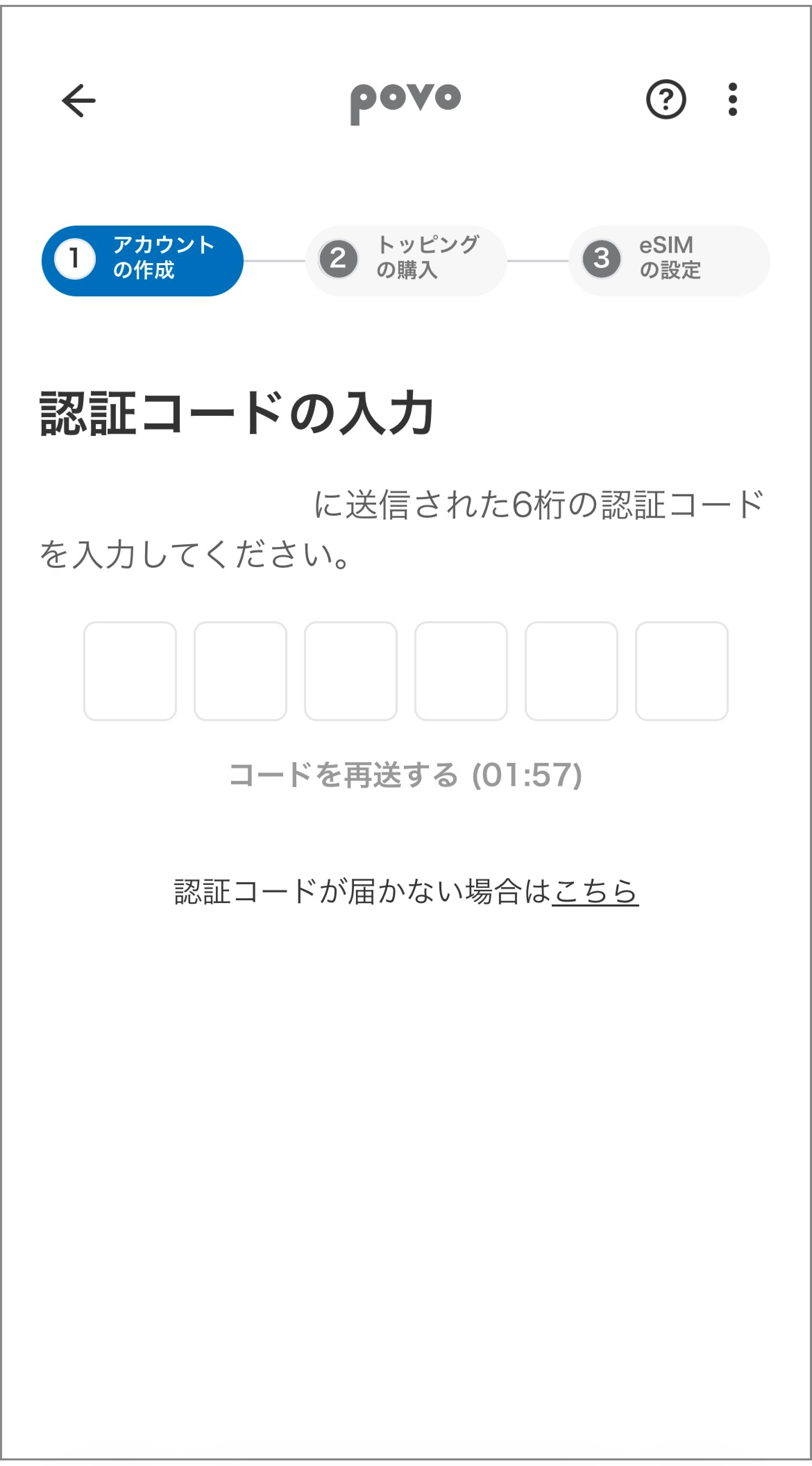
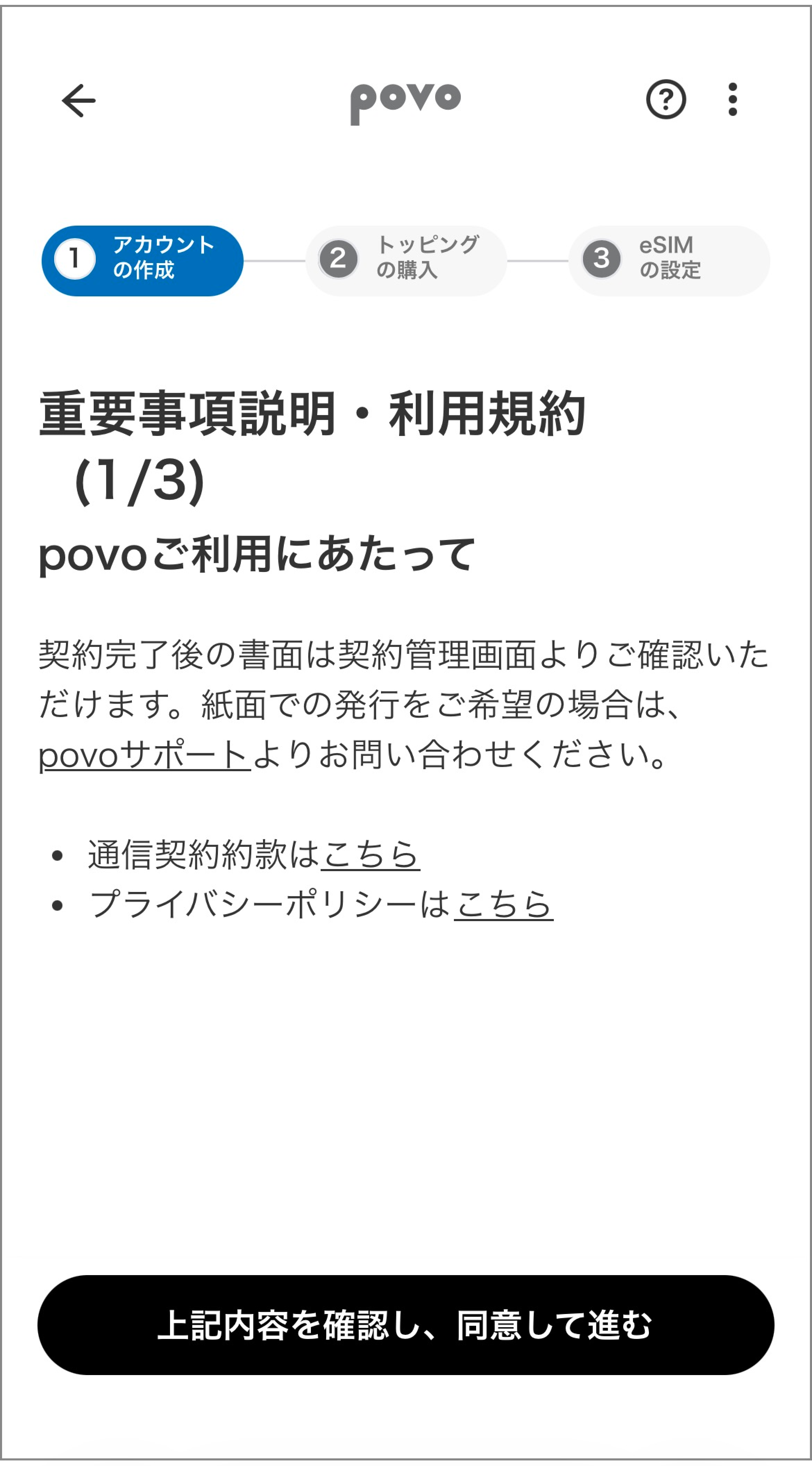
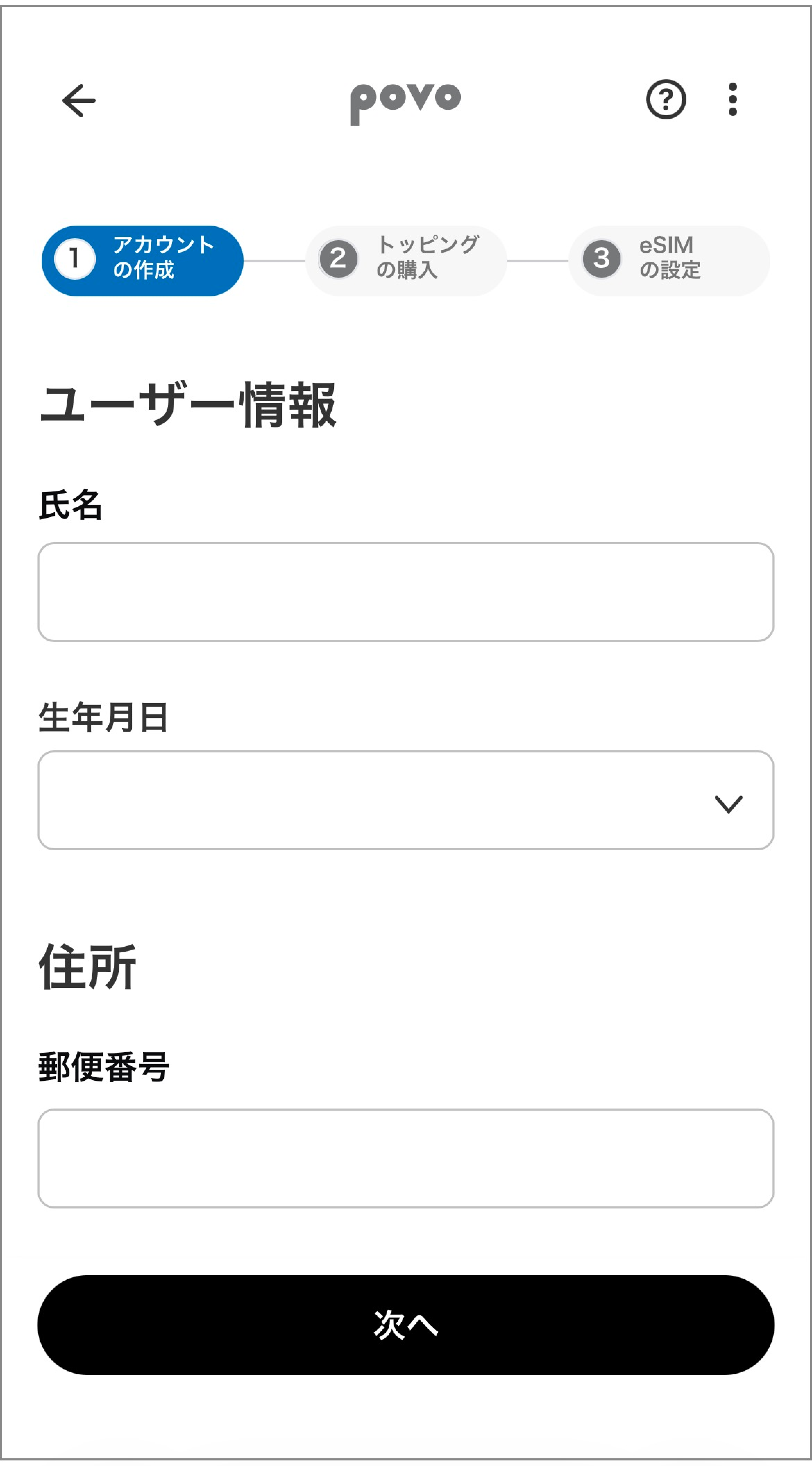
● When signing a new povo2.0 contract from povo shop
・The only plan available for contract is "Data Only."
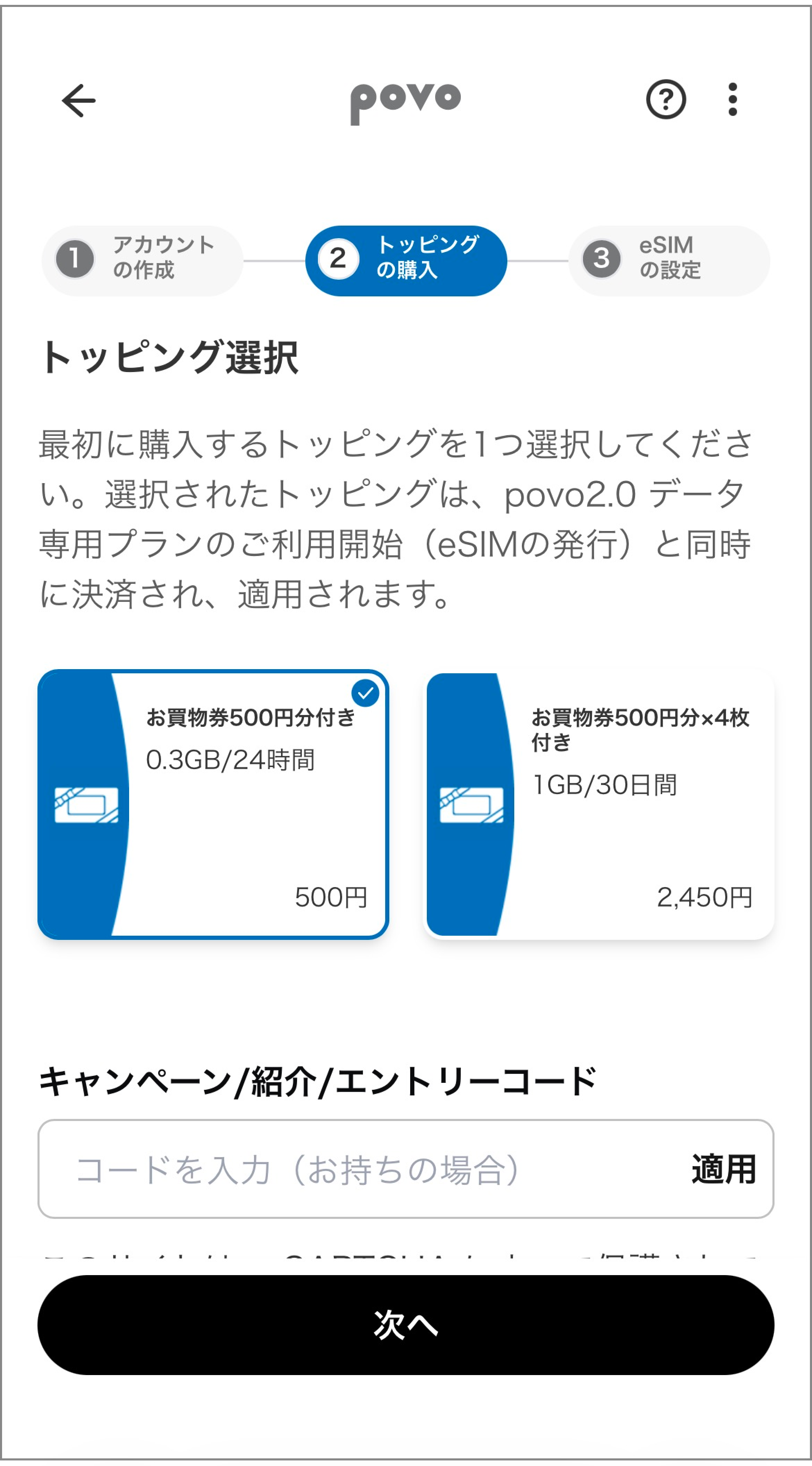
・Initial Topping purchase is required at the time of contract. For more details about the eligible Topping, click here.
・Calls and SMS are not available.
・You cannot switch (MNP) from another carrier.
・Available only within Japan.
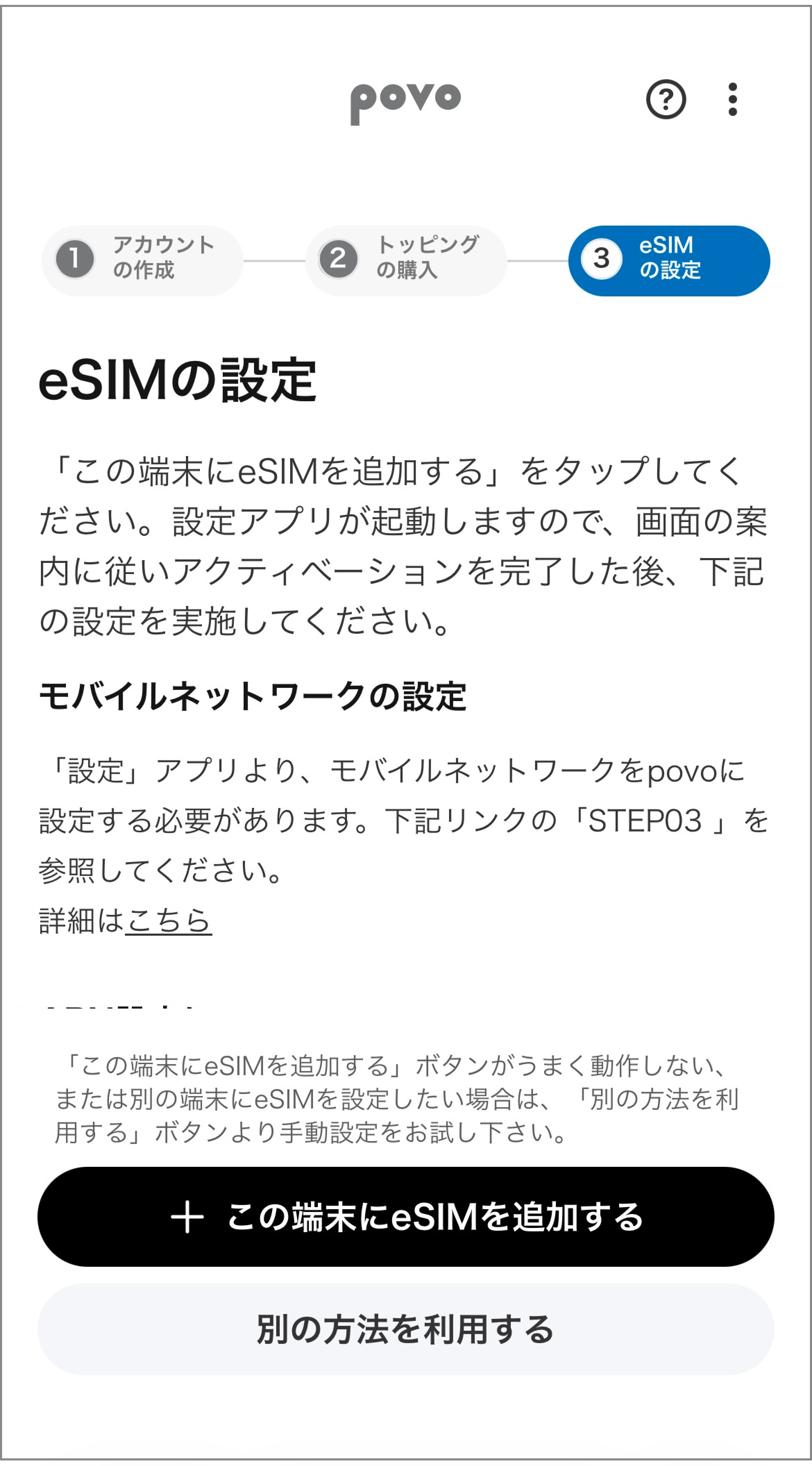
・Only eSIM is available.
・A separate line capable of voice calls capable of receiving SMS is required.
・Eligible for those aged 13 and over.
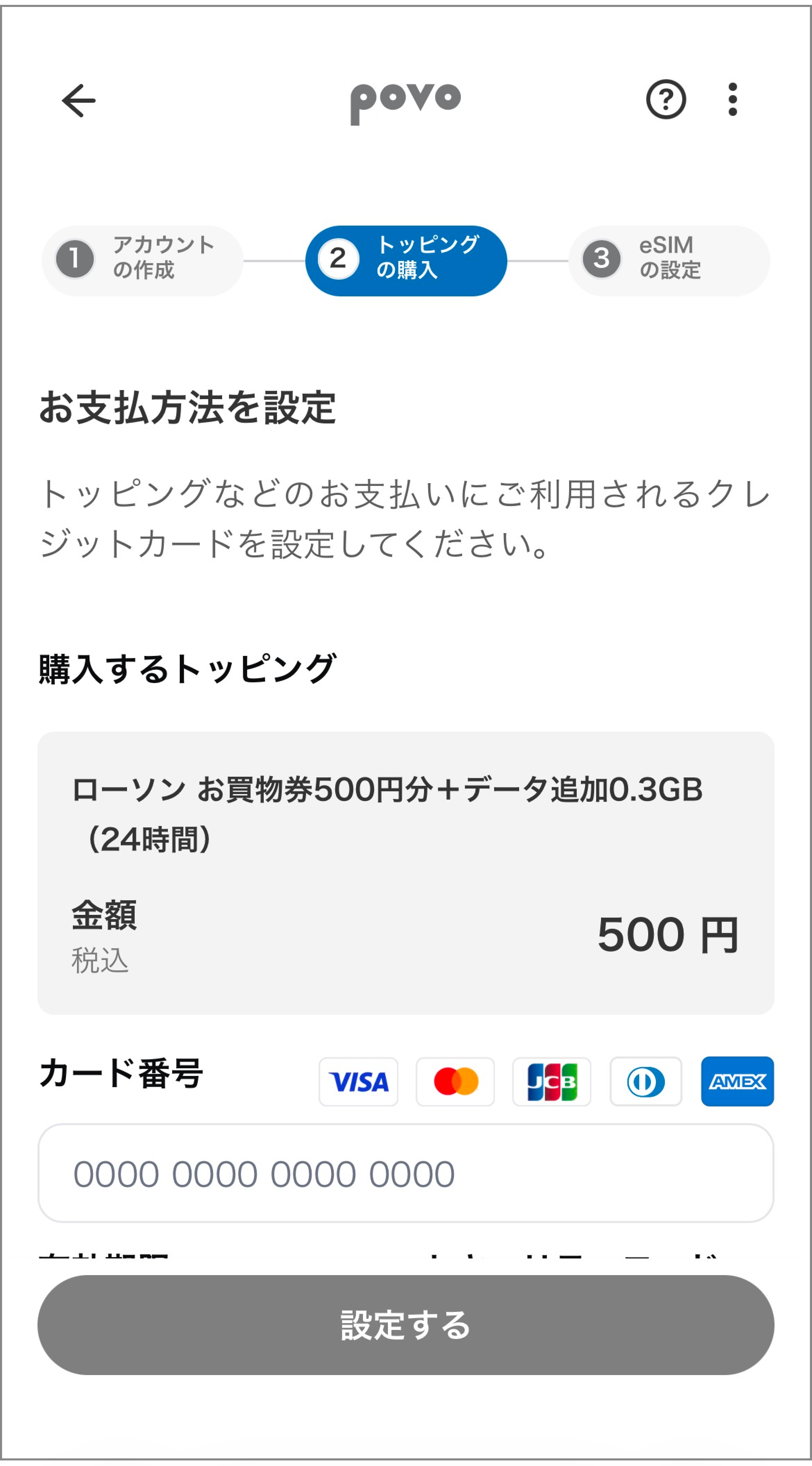
・Payment methods accepted include credit card and Postpay(Paidy)*. * For details about Postpay(Paidy), click here
● When adding multiple data points, prioritize the fastest validity and do not extend the data validity.
● If you do not purchase paid Topping for more than 180 days, your service may be suspended or your contract terminated.
● validity is treated as one day every 24 hours after the purchase completion time.
● When data capacity reaches 0GB, the maximum transmission speed is 128kbps.
● If there is a large amount of data usage within a certain validity, the speed during busy hours will be limited.
● This service is a best-effort type. The speeds listed are the maximum values according to technical standards and do not represent actual usage speeds. Even within the designated area, the speed may decrease significantly depending on your usage environment and network conditions.
● Only on each day after the date the SIM of povo2.0 was activated (however, this applies only if 180 days have passed since the activation date of SIM povo2.0 on that date). If you do not purchase paid Topping within 180 days retroactively from the date of activation (hereinafter referred to as "the validity"). If you do not purchase paid within the specified validity, the usage will be suspended sequentially. (Except when the total amount of domestic call charges, domestic SMS usage fees, and other prescribed usage-based fees within the exceeds the tax-excluded amount of 600 yen (tax included amount 660 yen), or if the validity is used by prepaid codes designated by our company. For more details, please refer to the povo2.0 Service Details and Code List. )
If you do not purchase paid Topping or other items within 30 days after suspension of use, your contract will be terminated.
If you wish to suspend your service or terminate your contract, we will notify you in advance of the details via email address or SMS to your povo account.
● If you contract for 5 lines (*) under the same name, a contract administrative fee of 3,850 yen per line will be charged from the 6th line onward. * Includes lines canceled or canceled by our company within the past year.
*The information presented is current as of July 31, 2026.
*Apple and iPhone are trademarks of Apple Inc., registered in the U.S. and other countries. The iPhone trademark is used under license from Aiphone Co., Ltd.
AppleCare and iCloud are service marks of Apple Inc. TM and © 2021 Apple Inc. All rights reserved.
"Android" is a trademark or registered trademark of Google LLC.



