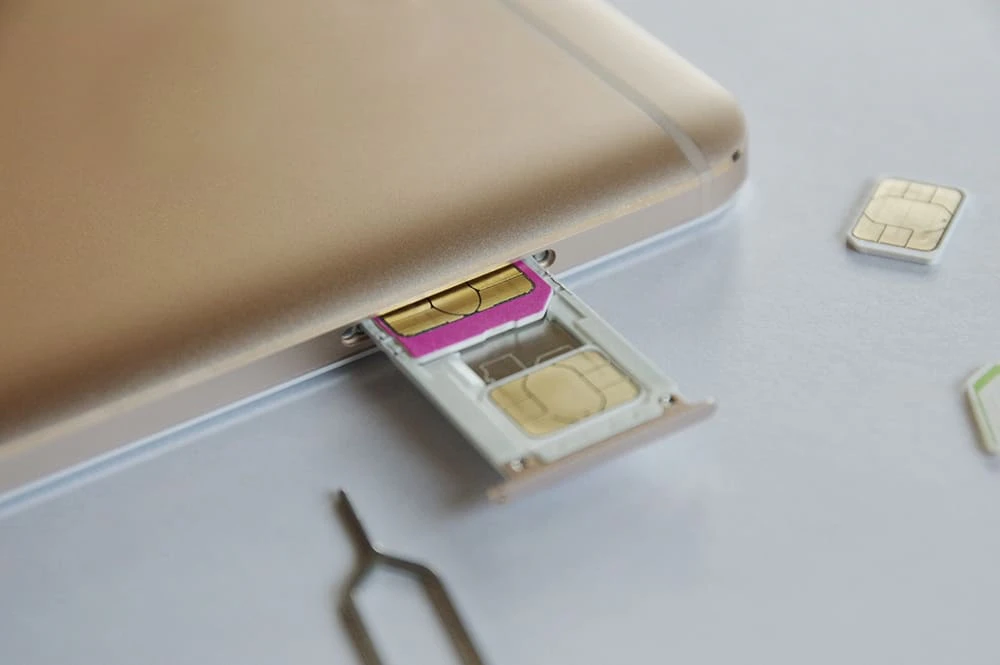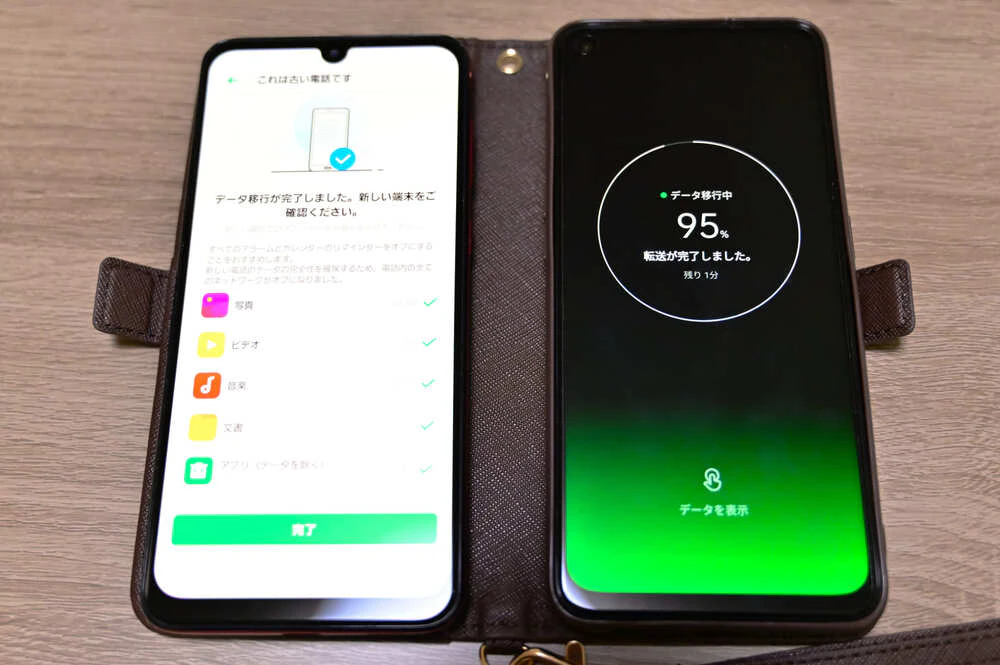
When switching to a low-cost SIM for the first time, you may be wondering, "Can I choose the phone number I get?"
When will the number be assigned when transferring?
What should I do if I want to keep my old phone number?
I'm sure there are many people who have questions like this.
In this article, we will solve the following problems regarding low-cost SIM cards, and also provide a thorough explanation of additional information such as specific procedures and carriers from which you can choose your phone number.
Questions that can be answered in this article
・Can you choose the phone number to acquire with a low-cost SIM?
・How to get a new phone number with a low-cost SIM
・When switching to a low-cost SIM, when will a new phone number be assigned?
・How to switch to a low-cost SIM while keeping your previous phone number
・Points to note when transferring your previous phone number

When switching to a low-cost SIM, it is of course possible to obtain a new phone number, but you generally cannot choose the number you want.
However, major carriers that have their own network (au, docomo) offer a service that allows you to change the last four digits of your smartphone phone number in-store.
If you want to choose your own smartphone number, you can refer to the carriers below.
| Carriers that allow you to choose your phone number | Service Name | Administrative fee |
|---|---|---|
| au | YOU selection number | New contract: 330 yen (tax included) |
| UQ mobile | YOU selection number | New contract: 330 yen (tax included) |
| docomo | Number selection service | New contract: 315 yen (tax included) |
| Rakuten Mobile | Selectable phone number services | New contract: 1,100 yen (tax included) |
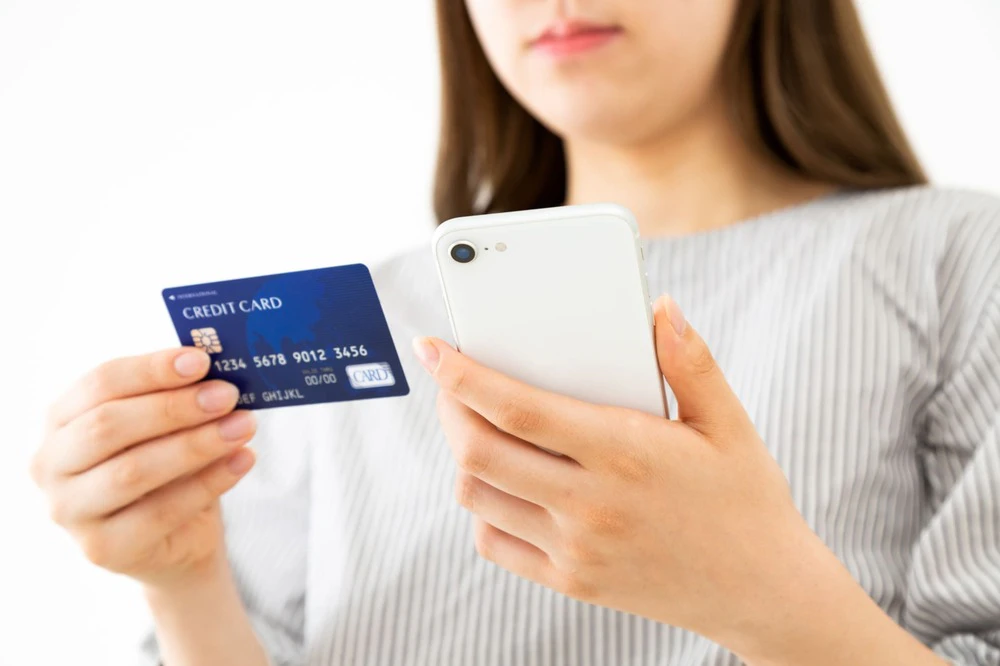
When switching to a carrier that offers low-cost SIM cards and obtaining a new phone number, you will need the following four items (※1), just like when signing a regular new contract.
*1: May vary depending on your carrier and the plan you select.
When signing a new contract with a carrier, not just for low-cost SIM cards, you will need to provide one of the following forms of identification: a driver's license, My Number Card (Individual Number Card), or Residence Card.
In some cases, you may need to submit multiple documents together, so for details on the required documents, please check the official website of the carrier you plan to sign up with.
Your credit card information will be required to pay your monthly subscription fees.
Your email address will be used as your contact information when you apply for a new account.
You may also receive information about monthly billing details and campaigns, so we recommend that you register your regular email address.
Carriers that offer low-cost SIM cards often allow you to complete almost all contracts online, so be sure to prepare in advance.
Prepare the device you will use after switching to the new carrier. You can also switch from your old device to a new one after switching to the new carrier.
In addition to the four points above, the things you need to prepare may vary depending on the carrier you plan to sign up with, so be sure to check the official website carefully.
If you want to continue using your current smartphone with a new carrier, you need to be careful about SIM locks.
SIM lock is a state in which a device is locked so that it can only use communication services provided by a specific carrier.
In this case, even if you insert a SIM card from a new carrier into your smartphone, you will not be able to use it.
However, since SIM locks posed a barrier that prevented users from freely choosing their carrier, SIM locks are now prohibited in principle for models released after October 2021.
If you are using a model released before September 2021, please apply for SIM unlocking with your current carrier.
SIM lock removal is free of charge, and the method is explained in the article below.

From here, we will explain in detail the process of obtaining a new phone number with a low-cost SIM card.
First, check if your smartphone is SIM-locked.
If you are using a model that has already been SIM-unlocked, no further action is required here.
If you currently have a contract with docomo, au, SoftBank, etc. and are using a model released before September 2021, you will need to unlock the SIM with your current carrier.
If the SIM is locked, you will not be able to use the SIM card even if you switch to a low-cost SIM.
If you would like to check if your smartphone is SIM locked or would like to know the specific steps to unlock it, please refer to the article below, which provides detailed explanations.
Once you have unlocked the SIM, you will need to apply for a new voice SIM contract with the carrier you are considering. Please prepare your identification documents and credit card information as they will be required at this stage.
A voice call SIM is a type of SIM that allows calls, internet access, and SMS, and differs from a data SIM that only allows internet access as follows:
| Voice call SIM | Data SIM |
|---|---|
| ・Voice calls and SMS can be made using telephone lines ・Everything you can do with a data SIM is possible |
・You can use the internet via a mobile line ・Voice calls and SMS using telephone lines cannot be used. |
When obtaining a new phone number, you will inevitably need to select a voice call SIM, so keep that in mind.
If you would like to know more about the advantages and disadvantages of data SIMs, please refer to the article below.
Reference: What is a data SIM? Differences from a calling SIM and tips on how to choose one
If your new carrier or your current smartphone supports eSIM, you can choose an eSIM instead of a physical SIM card.
eSIM is an abbreviation for Embedded SIM or eUICC SIM (a SIM that can be remotely programmed with information).
The physical SIM card will be sent to you by the carrier a few days after you apply, and you will need to insert it into your smartphone yourself.
On the other hand, with an eSIM, the SIM card is already installed inside the device, so there is no need to insert a new SIM card. In some cases, you can apply for it on the carrier's website and start using it the same day.
If you choose a physical SIM card, you can collect it by mail within a few days (the next day at the earliest).
After inserting the SIM card into the device, you will need to set up the APN (Access Point Name).
In order to use the Internet on a smartphone or tablet, you need to set up this APN and specify which path to use to connect to the Internet.
Even if you choose eSIM, you will still need to set up the APN, so please set it up using the method specified by your carrier.
For details, please follow the instructions of your contracted carrier.
Generally, when you acquire a new phone number with a low-cost SIM card, you cannot choose the number.
However, some major carriers offer services that allow you to choose the last four digits of your number, so please check "Can I choose the phone number I get when I get a new phone number with a low-cost SIM?"
Basically, once you have signed a contract with a new carrier and your service is activated, you can check your new phone number on your account page or login page.
With a physical voice SIM card, you can insert the card into your device when it arrives and use your new phone number. After applying for a SIM card, it will take a few days (as soon as the next day) for it to arrive.
If you want to change your phone number for some reason, au and SoftBank allow you to do so while you are still under contract. However, carriers that offer low-cost SIM cards generally do not allow you to change your number while under contract.
If you absolutely need to change it, you will need to cancel your subscription and then apply for a new one.
Low-cost SIM cards often do not have physical stores, so contracts are generally made online.
However, there are also cases where specialized stores have been set up or application counters have been set up inside electronics retail stores.
Therefore, if you are worried about applying online, it may be a good idea to look for a low-cost SIM card that you can sign up for directly.
Payment for low-cost SIM cards is generally made by credit card. If you don't have a credit card or don't want to use one, it's a good idea to look for a carrier that allows direct debit.
However, some carriers have certain conditions for applications, so it is important to gather a wide range of information.
Many people who are considering switching to a low-cost SIM would probably like to keep the number they currently have rather than getting a new one.
From here, we will explain the process of signing up for a low-cost SIM card while keeping your current phone number.
If you want to keep your previous phone number, the following five items are required for the application process.
There are two ways to transfer your phone number: MNP (※2) "one-stop" and "two-stop (traditional method)."
Previously, the two-stop system was used, which meant that you had to issue an MNP reservation number (*3) from your current carrier and then take it to the carrier you wanted to switch to to apply.
In other words, the procedure had to be completed twice, at the place of residence and the place of residence.
However, starting May 24, 2023, MNP One-Stop will be available for online procedures between some carriers.
MNP One-Stop is a system that allows you to use your current phone number with the carrier you are switching to without having to issue an MNP reservation number in advance.
In other words, you only need to complete the procedure once with the carrier you are transferring to, and you can continue to use your current phone number.
When transferring your phone number, check whether the carrier you plan to switch to supports MNP one-stop or two-stop, and follow the instructions to proceed with the procedure.
Please note that some carriers may specify other items you need in addition to the five items listed above. Please check the carrier's official website in advance.
*2: MNP is an abbreviation for "Mobile Number Portability," a system that allows you to carry your phone number with you.
*3: The MNP reservation number is a transfer code that allows you to use your current phone number with the carrier you are switching to.
Once you have prepared the necessary items to transfer your phone number, let's organize the procedure.
First, prepare the smartphone you want to use with your phone number. If the smartphone is SIM-locked, unlock it in the same way as when obtaining a new phone number.
Once the SIM lock has been unlocked, obtain an MNP reservation number from your current carrier. (If you use MNP One-Stop, an MNP reservation number is not required.) For details, please check with your current carrier or the carrier you plan to switch to.
Once you have obtained your MNP reservation number, select a voice call SIM from the carrier you plan to switch to and sign up for a new contract. (Note that if you use MNP One Stop, you do not need an MNP reservation number.)
You'll also need to decide whether to get a physical SIM card or an eSIM.
If you apply for a physical SIM card, it will be delivered to the address you provided when you applied within a few days (the next day at the earliest).
Once you receive your SIM card, the first thing you should do is switch your phone line. You can do this on your new carrier's website or by phone.
In some cases, the switch can be completed in about 30 minutes, but if you carry out the procedure outside of your carrier's reception hours, it may take more than a day to complete the switch.
Be sure to check your carrier's website in advance to see when they accept requests to switch lines.
Once you have completed the line transfer using the method specified by your new carrier, insert the SIM card into your smartphone and complete the APN settings, just as you would if you were getting a new phone number. If you can use the phone and internet without any problems after this, the setup is complete.
Please note that if you apply for an eSIM, a SIM card will not be sent to you, so please remember to switch your line and set up the APN yourself.
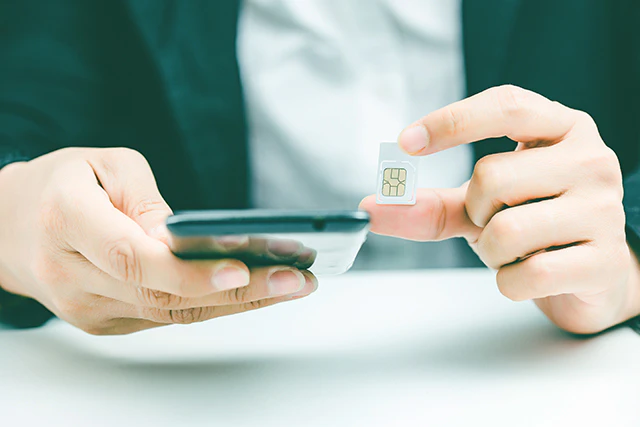
If you are signing up to a new service and want to keep your old phone number, be sure to read the following points carefully, as there are some differences from when you get a new phone number.
There is an MNP transfer fee required to issue an MNP reservation number (not required if you use MNP One-Stop) with your current carrier, but it is generally free if you complete the procedure online.
However, if you apply by phone or in-store, you may be charged a fee of up to 1,100 yen (tax included).
You also need to consider the possibility that you may be charged a separate cancellation fee (penalty, termination fee).
Traditionally, contract validity with carriers have often been fixed validity contracts, such as the so-called "two-year contract."
And if you cancel outside of the renewal period, you will have to pay a cancellation fee.
For example, if the contract validity is two years, if you cancel the contract before the two-year renewal date, you will have to pay a cancellation fee.
However, in order to ease carrier lock-in, consumer protection rules for telecommunications services have been strengthened from July 1, 2022.
Specifically, for contracts concluded after July 1, 2022, the maximum penalty fee will be set at 1,100 yen (tax included included), and all contract cancellation fees will be abolished for major carriers (docomo, au, SoftBank).
However, depending on your current fees, you may be charged a cancellation fee, so please check with your carrier.
MNP reservation numbers have validity of 15 days.
Also, when applying to a new carrier, there may be a condition that your contract has at least 10 days remaining on validity.
If validity has passed, you will need to go through the re-issuance process, so after obtaining your MNP reservation number, please apply to your new carrier as soon as possible.
Again, an MNP reservation number is not required when using MNP One Stop.
Depending on where you purchased your previous smartphone, it may be SIM-locked and you may not be able to use it with your next carrier right away.
In particular, if you purchased your device from docomo, au, or SoftBank, there is a high chance that it will be SIM-locked, so be sure to check whether or not it is SIM-locked before canceling your contract.
In principle, SIM locking is prohibited for smartphones "released" after October 2021.
To check if your device is SIM-locked and to request unlocking, please contact the carrier from which you purchased the device. The following article also explains how to unlock the SIM.
Please note that SIM lock removal is free if you apply online, but if you do it over the phone or in-store it may cost 3,300 yen (tax included).
Please check with your carrier for details.
povo2.0 is an online-only fees plan provided by KDDI.
You can easily obtain a new phone number or transfer your current phone number online. You can either download the povo2.0 (*3) app or apply online.
The basic fee for povo2.0 is 0 yen (*4) (*5) (*6). You can add necessary features such as "Unlimited data" (*7) and "unlimited calls" (*8) by purchasing paid Topping in the povo2.0 app.
"I use the phone a lot, so an unlimited calling plan would be good. But the high monthly fees are a problem."
・"I don't use the internet much, so I just want to lower my smartphone fees."
A major feature of povo2.0 is that it can be customized to suit the user's style.
Paid Topping include "regular Topping," "Limited offer Topping," and "collaboration Topping" that come with data and special benefits.
You can choose and purchase the paid Topping you want when you need them, but please note that if you do not purchase any paid Topping for more than 180 days, your service may be suspended or your contract may be terminated.
Also, povo2.0 does not have a specified contract validity, so there is no need to worry about paying a penalty when you cancel.
Furthermore, we are currently running the "Serious Topping!" for customers who have transferred their current phone number from another company (*9) and are using povo2.0. If you link au ID to your povo account, activate your SIM, and purchase Real-discount toppings within 7 days, you will receive a refund equivalent to 50% of the data capacity cost (tax-free) in your au PAY balance.
povo2.0 allows you to sign up whenever you want and enjoy phone and internet access in the way you like, so it will surely be useful in your daily life.
*3: Since this is an online-only plan, all procedures and support will be online. povo2.0 Contact us through the app or official website. *4: If you sign up for 5 lines (*) under the same name, a contract administration fee of tax included 3,850 yen/line will be charged after the 6th line in total.
*Includes lines that have been canceled or canceled by the Company within the past one year. If you have not purchased a paid Topping for more than 180 days validity, you may be suspended or terminated. Please note.
Reference: "What is povo2.0?" (povo)
*5: Calls to Japan cost tax included 22 yen/30 seconds, and SMS calls cost tax included 3.3 yen/message (up to 70 characters) separately.
Depending on the model, it can transmit up to 670 characters in full width. Up to 134 characters are counted as 2 letters, and after that, a transmission fee of 1 letter will be charged for every 67 characters. Some call charges, such as calls to satellite phones, may vary. Click here for details. Reference: What is povo2.0?" (povo)
*6: If you do not purchase data Topping, the maximum transmission and reception will be 128kbps. *7: The communication speed may be limited during network congestion or when using videos, cloud games, etc. *Calls to phone numbers set by other companies starting from 8:0570 (Navi Dial, etc.) fees, number guidance (104) (number guidance fees are not free, call fees are free), government 1XY service (188), #ダイヤル (quick dial), SMS sending, calls to satellite phones, Calls to telephone numbers separately designated by the Company are not eligible for free calls by this Topping. International calls and calls made and received from overseas are also not eligible. Call charges are charged according to the service. *9: Excluding transfers from au / UQ mobile / povo1.0
*The names of products and services mentioned in this article are trademarks or registered trademarks of their respective companies. ・" au" is a registered trademark of KDDI Corporation. ・docomo is a registered trademark of Japan Telegraph and Telephone Corporation. ・SoftBank and SoftBank names are registered trademarks or trademarks of SoftBank Co., Ltd. in Japan and other countries.