"I often hear that I need to unlock my SIM when switching smartphones, but it seems complicated..."
If you are thinking about switching to a new smartphone, you may be worried that unlocking the SIM lock will be difficult.
This time, we will introduce the cases in which SIM unlocking is required when applying for povo2.0, and the cases in which it is not required. We will also explain how to unlock the SIM if it is required, and the application procedure for povo2.0.

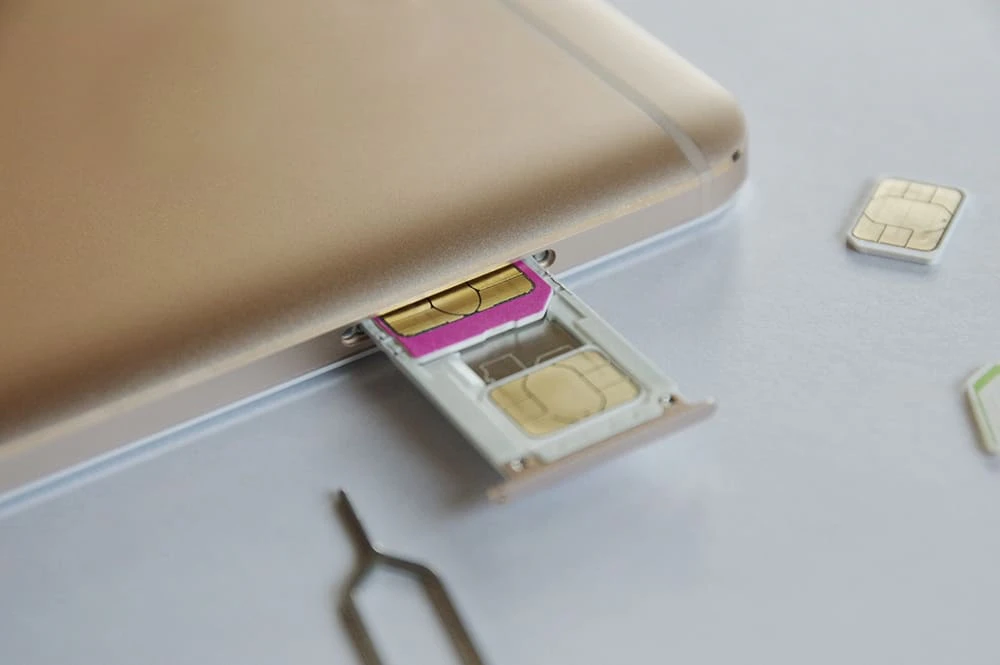
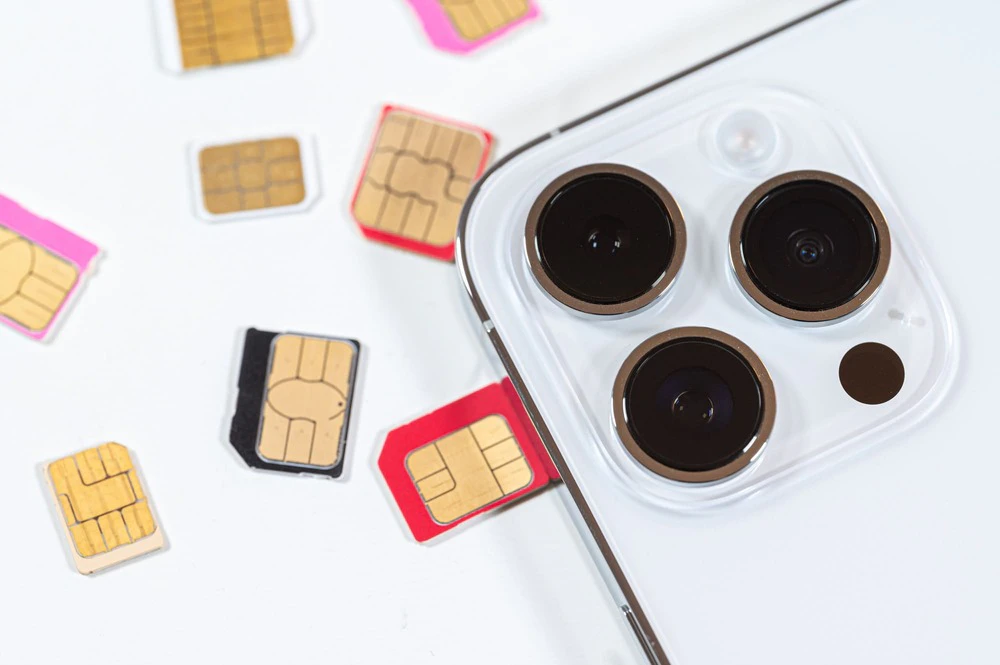
A SIM lock is a setting that restricts internet and phone calls to the carrier you are currently contracted with. When switching carriers, you may need to unlock the SIM depending on the carrier you are currently using and when you purchased your smartphone.
When applying for povo2.0, whether or not you need to unlock the SIM lock on your smartphone depends on which carrier you purchased the smartphone from and when you purchased it, as follows:
| Where to buy | Purchase date | SIM unlock |
|---|---|---|
| Telecommunications carriers other than au | ~September 30, 2021 | need |
| From October 1, 2021 | Not required | |
| Purchase from au | Regardless of the time | Not required |
Let's take a look at each case to see if SIM unlocking is necessary, depending on the carrier you use and when you purchased your smartphone.
If you purchased your smartphone before September 30, 2021 from a carrier other than au, such as docomo or SoftBank, you will need to unlock the SIM.
The reason why SIM unlocking is necessary is that the sale of SIM-locked smartphones will be prohibited in principle from October 1, 2021. Until then, SIM locks were set for each carrier you were using, and if you wanted to change carriers, you had to buy a new smartphone.
However, the fact that SIM locks prevented customers from freely changing carriers was seen as a problem, and as of October 1, 2021, SIM-unlocked smartphones will be sold.
Therefore, if you apply for povo2.0 on a smartphone that has not been SIM-unlocked, you will need to go through the SIM-unlocking process with your current carrier.
If you purchase a smartphone from a company other than au, such as docomo or SoftBank, after October 1, 2021, there is no need to unlock the SIM.
Smartphones sold after October 1, 2021 are generally sold with the SIM unlocked, regardless of the carrier. Therefore, if you use povo2.0 on a smartphone purchased after this date, you do not need to go through the SIM unlocking process.
If you purchase a smartphone from au, there is no need to unlock the SIM.
povo2.0 is an online-only brand (*1) provided by KDDI, and is a communication service that uses au network. Therefore, customers with au-compatible smartphones can use povo2.0 without having to unlock the SIM.
(*1): All procedures and support will be handled online. Please contact us via the povo2.0 app or official website.
If you purchase a smartphone from UQ mobile, whether or not you unlock the SIM lock depends on when you purchased it.
Specifically, if you purchased a smartphone from UQ mobile after October 1, 2021, you do not need to unlock the SIM. However, if you purchased a smartphone before September 30, 2021, you will need to unlock the SIM.
If you are using a smartphone that was previously used by a family member, whether or not you need to unlock the SIM will depend on when it was purchased and the carrier from which it was purchased.
If you purchased your smartphone from au, you do not need to unlock the SIM and can use povo2.0 as is. If you purchased your smartphone from a carrier other than au, you do not need to unlock the SIM if you purchased it after October 1, 2021. If you purchased your smartphone before September 30, 2021, you will need to unlock the SIM with the applicable carrier.

From here, we will introduce the step-by-step procedure for switching to povo2.0 on a smartphone that requires SIM unlocking.
First, you can easily unlock the SIM lock online through the carrier where you purchased the phone. Details vary depending on the carrier.
If you want to know more about SIM unlocking, please refer to the following article.
Next, obtain an MNP reservation number to use povo2.0 with the same phone number. (If you would like to obtain a new number and apply for povo2.0, please proceed to STEP 3.)
The MNP reservation number is a 10-digit number required to use the same phone number with povo2.0 even after switching carriers. You can receive the MNP reservation number from your current carrier.
*Please check with your carrier for instructions on how to apply by phone.
| Your carrier | Official website Web |
|---|---|
| au | My au |
| UQ mobile | My UQ mobile |
| docomo | My docomo |
| SoftBank | My SoftBank |
| Y!Mobile | Y!mobile |
| Rakuten Mobile | My Rakuten Mobile |
MNP reservation numbers have validity of 15 days, including the day they are obtained. After obtaining your MNP reservation number, it is best to proceed with the procedure as soon as possible.
Once you have unlocked the SIM, the next step is to apply for povo2.0. To ensure the process goes smoothly, please prepare the following documents beforehand.
(*2): For information on devices that can be used with povo2.0, click here
To apply for povo2.0, you will need to download the povo2.0 app.
After downloading the povo2.0 app, please follow the steps below.
You cannot register carrier email addresses such as "@ezweb.ne.jp", "@docomo.ne.jp", or "@softbank.ne.jp" with povo2.0. Please prepare an email address other than a carrier email address, such as a free email address.
Once you have completed your application for povo2.0, you will need to activate your SIM. The procedure for activating your SIM differs depending on whether you selected a SIM card or an eSIM (*2) when applying, as follows:
For more information on SIM card activation procedures, please refer to the following page.
Reference: SIM card activation procedure | [Official] povo2.0
For detailed information on the eSIM activation procedure, please also refer to the following page.
Reference: eSIM activation procedure | [Official] povo2.0
A Wi-Fi environment is required to complete the SIM activation procedure. Also, if you complete the SIM activation procedure between 8:00 PM and 9:30 AM the following morning, you will be able to use the SIM card from 9:30 AM onwards.

We will introduce some points to note when applying for povo2.0 on a smartphone that requires SIM unlocking.
If you want to use eSIM with povo2.0, you need to check whether the smartphone you want to use supports eSIM.
Reference: Compatible models and devices | [Official] povo2.0
As mentioned above, even if you need to unlock your SIM when switching to povo2.0, you can easily do so with the applicable carrier. This means that you can easily use your current smartphone with povo2.0, regardless of which carrier you are using.
Also, if you would like to use a new smartphone when applying for povo2.0, you can use povo2.0 with your favorite smartphone/tablet, as smartphones/tablets sold after October 30, 2021 generally do not have SIM locks.
Please read this article to check if you need to unlock your SIM, and feel free to try out povo2.0 on the smartphone or tablet lying around your house.
If you are switching from another carrier to povo2.0, you may need to unlock the SIM depending on when you purchased your smartphone and the carrier you purchased it from. However, as we mentioned, unlocking the SIM is a simple online procedure.
Additionally, you can apply for povo2.0 online at any time, so why not use this article as a reference and consider switching to povo2.0, which will allow you to significantly reduce your smartphone bill?