If you've been using your iPhone for a while, have you ever noticed that your battery drains faster or that you have to charge it more frequently?
If you are using an iPhone, you may be wondering, "Should I get it repaired?", "Should I change my model soon?", or "Will replacing the battery improve the situation?"
In this article, we will explain when to replace your iPhone battery, where you can do so, and how to back it up.

iPhone batteries are consumables, so they will gradually deteriorate, although this will vary from person to person.
Do you feel like your battery doesn't last long, so you have to charge it multiple times a day or use a portable charger, making life with your smartphone inconvenient?
First, if you know the "guidelines for battery replacement," you'll be able to use your iPhone without stress.
iPhones use lithium-ion batteries, and the maximum charge capacity of lithium-ion batteries generally decreases gradually with repeated use.
Do you feel like your battery is draining faster than when you first started using it?
Your iPhone battery may be deteriorating if you experience any of the following:
・Battery life has become poor
・Charging multiple times a day
・ I can't go out without a portable charger
If power is not supplied smoothly to your iPhone, the system's protection function may be activated.
If you are experiencing the following problems, your iPhone battery may be deteriorating.
・iPhone suddenly restarts
・iPhone suddenly shuts down
・Restarts and power outages continue
* Excluding causes of malfunction (such as "submersion in water" or "strong impact on the iPhone")
If you notice that your iPhone suddenly becomes hot while using it, be careful. There are various reasons why your iPhone may become hot, but battery deterioration is one of the reasons.
These are ways of using your battery that will accelerate battery deterioration, so unless it is unavoidable, you should avoid these ways of using your battery as a daily habit.
・Continue using your iPhone while charging
・Continue charging while fully charged
・Do not charge the battery until it reaches 0% (repeatedly over-discharge it)
・Leaving it in a high temperature location
If your iPhone battery is swelling, it is dangerous to continue using it.
The swelling may not necessarily be due to battery deterioration, but if you notice any of the following changes, you should immediately contact an iPhone repair store or customer center.
・ LCD panel display is faulty
・ The screen is floating
Also, please be aware that if the battery expands, it will be easier for dust and moisture to enter the smartphone body, increasing the risk of fire or explosion.
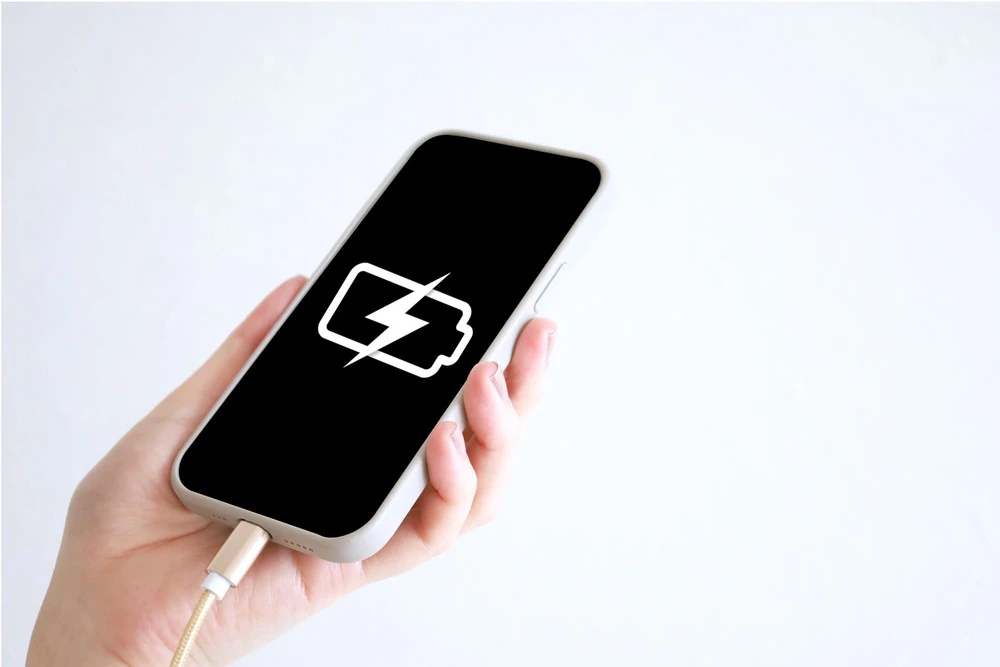
There is no set time for battery replacement, as it depends on usage. Also, the perception of "the battery is losing charge quickly" varies from person to person.
It would be awful to be told, "It's not time to replace your battery yet" when you ask for a battery replacement. Here, we will introduce a way to objectively check the condition of your battery yourself.
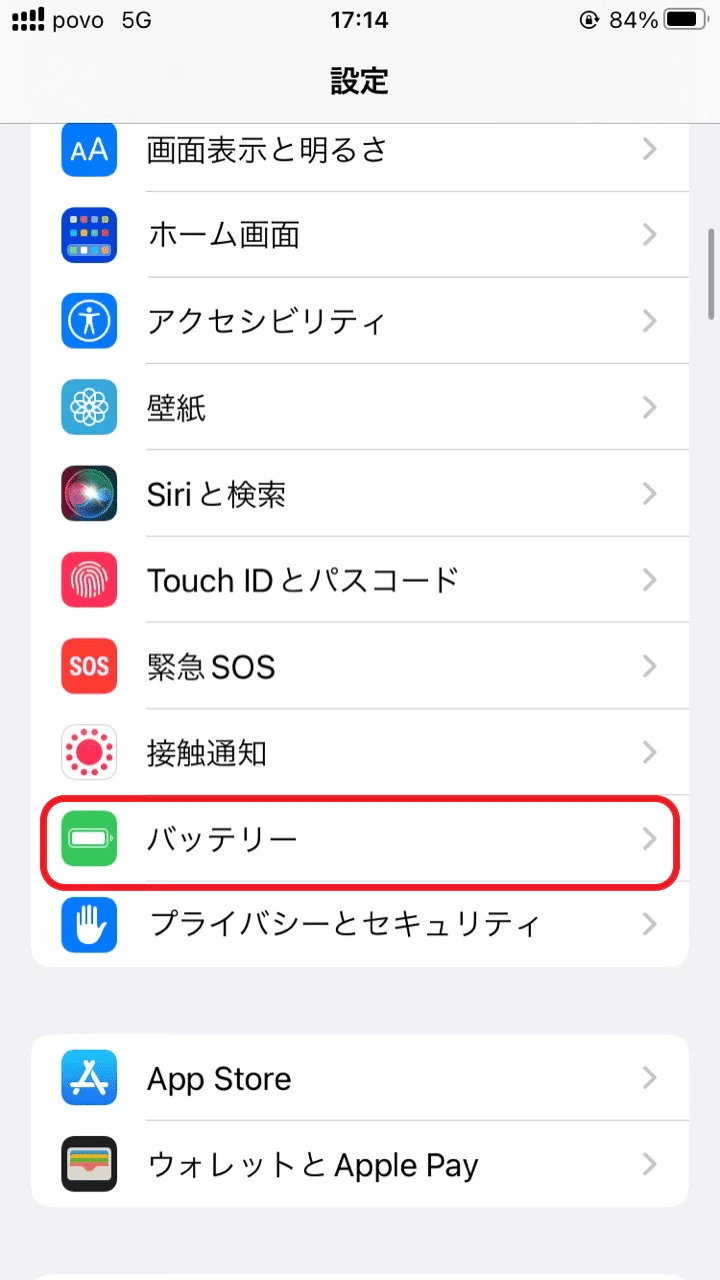
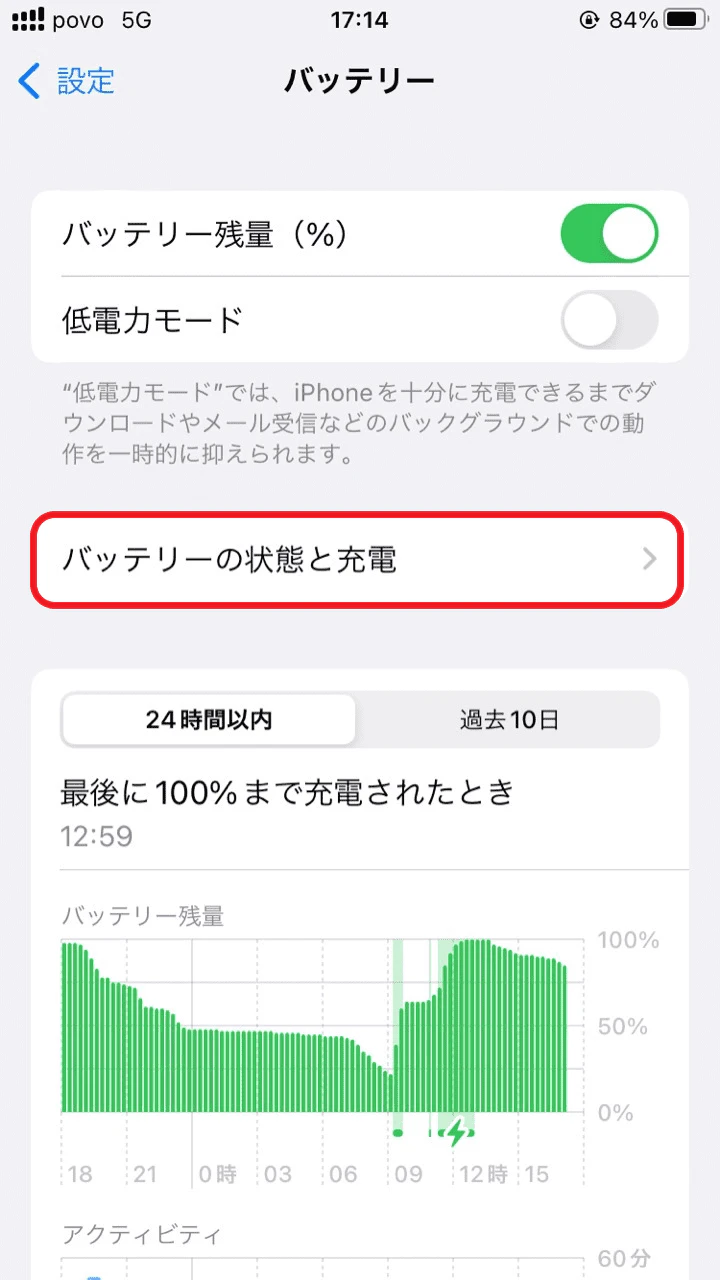
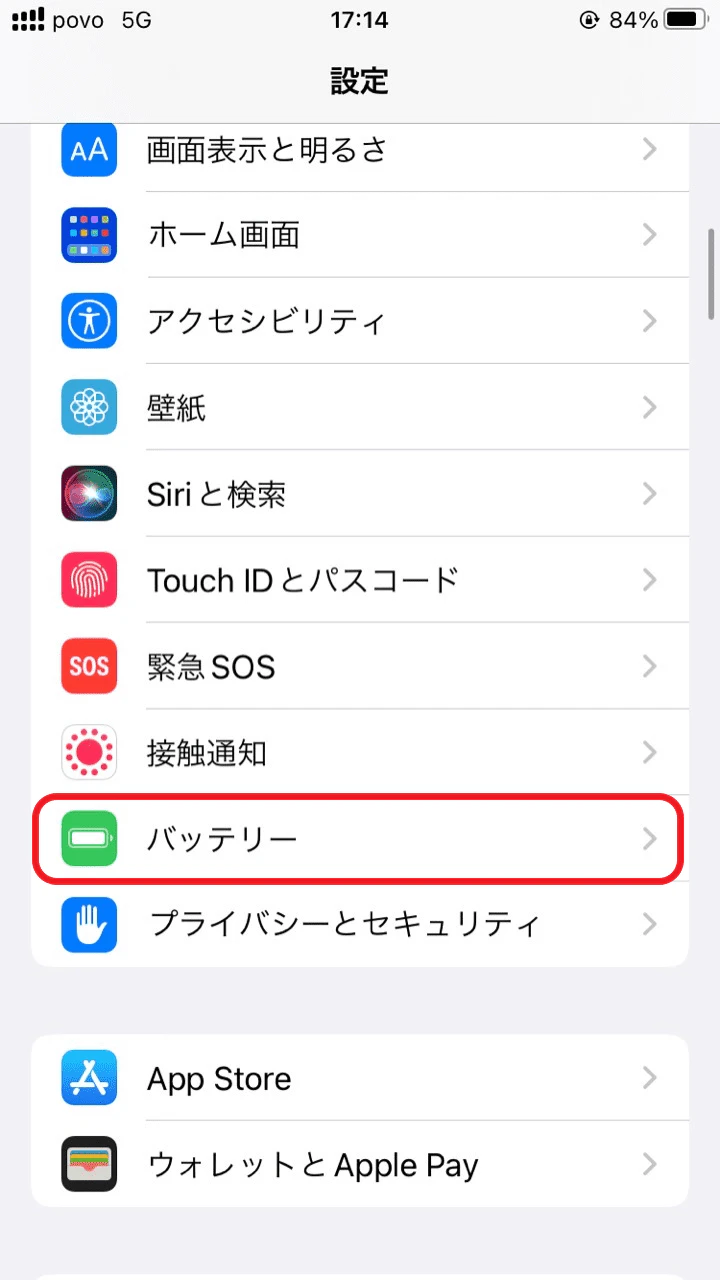
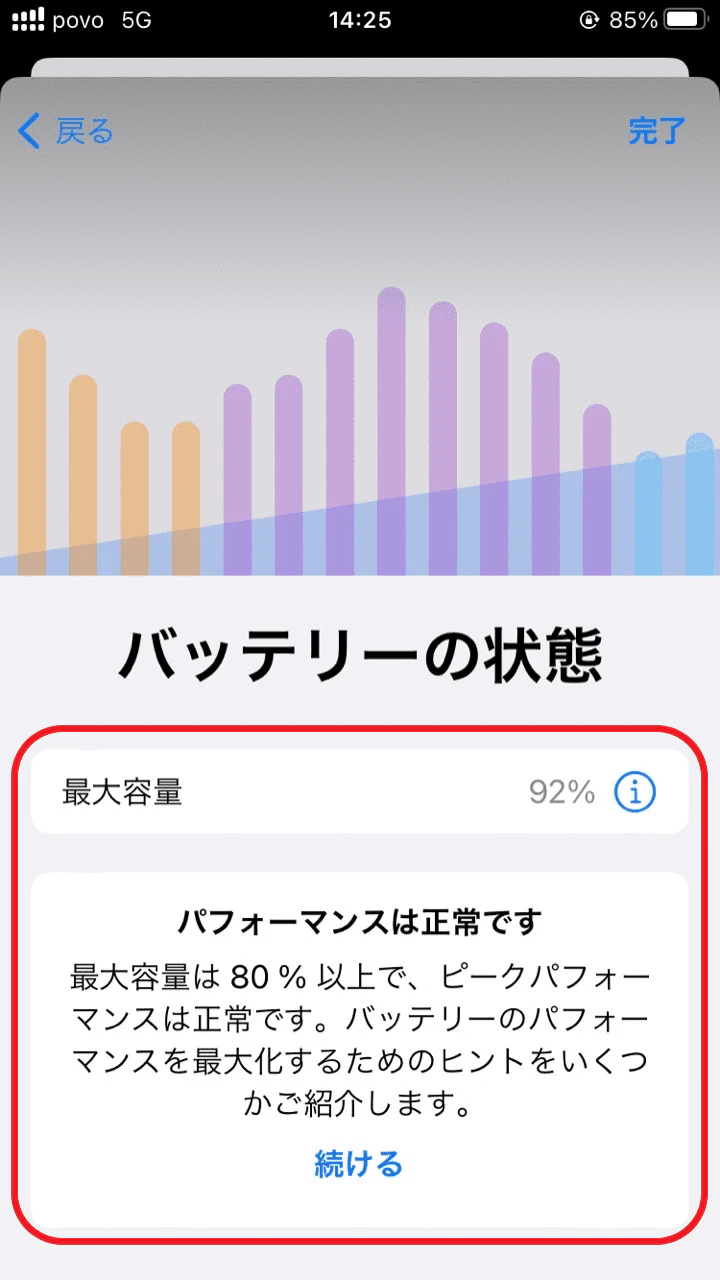
If the maximum capacity is less than 80%, Apple's official standards indicate that the battery needs to be replaced.
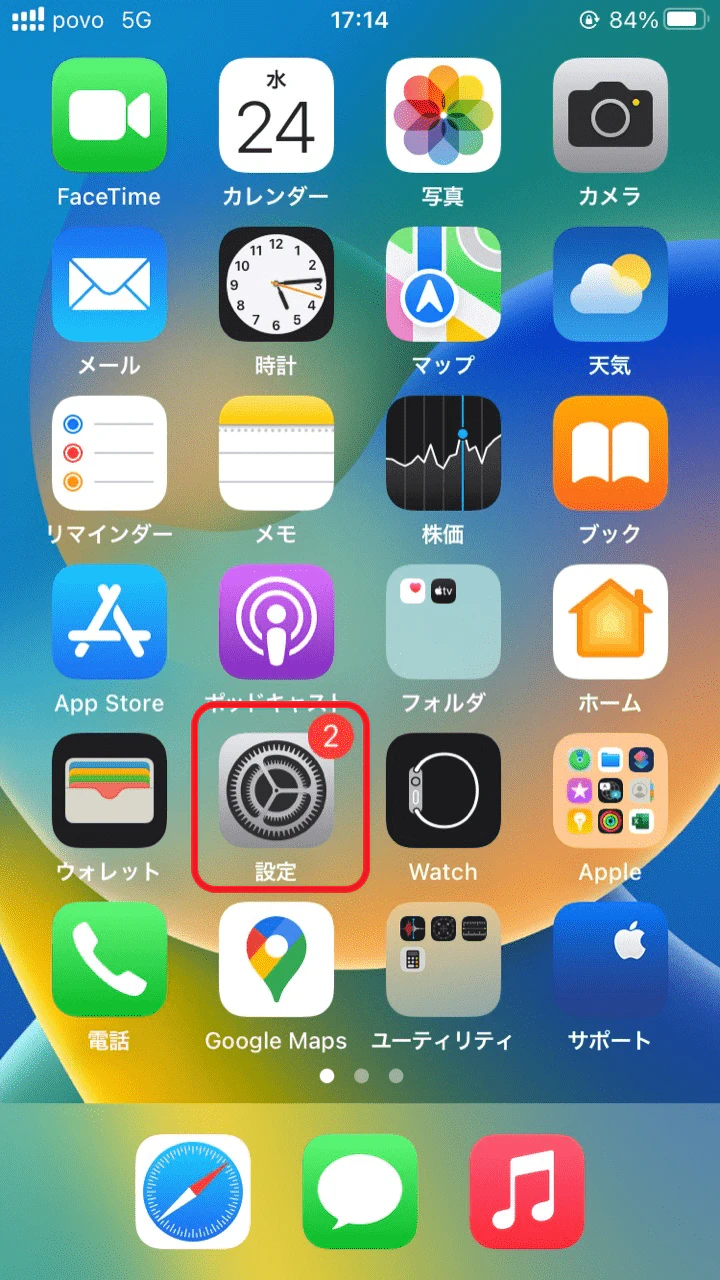
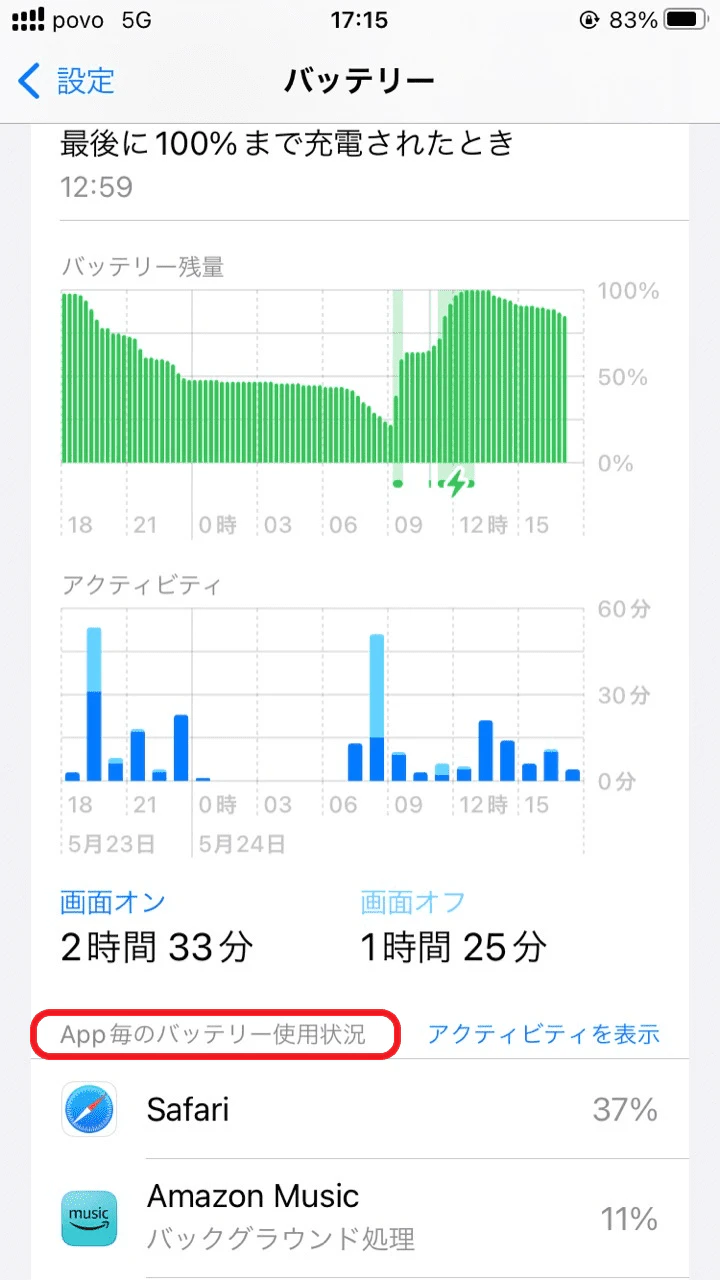
If your phone is at 80% or more of its maximum capacity, check your app usage. Uninstalling (deleting) unnecessary apps may help improve battery consumption.
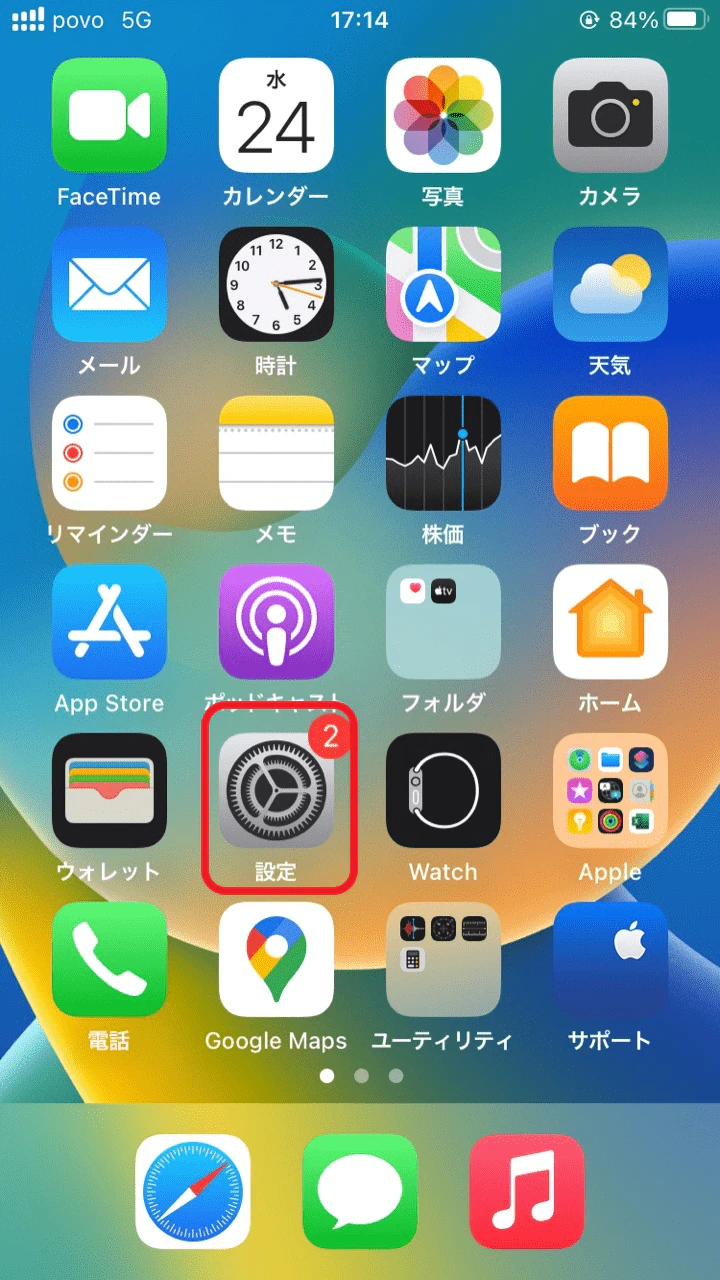
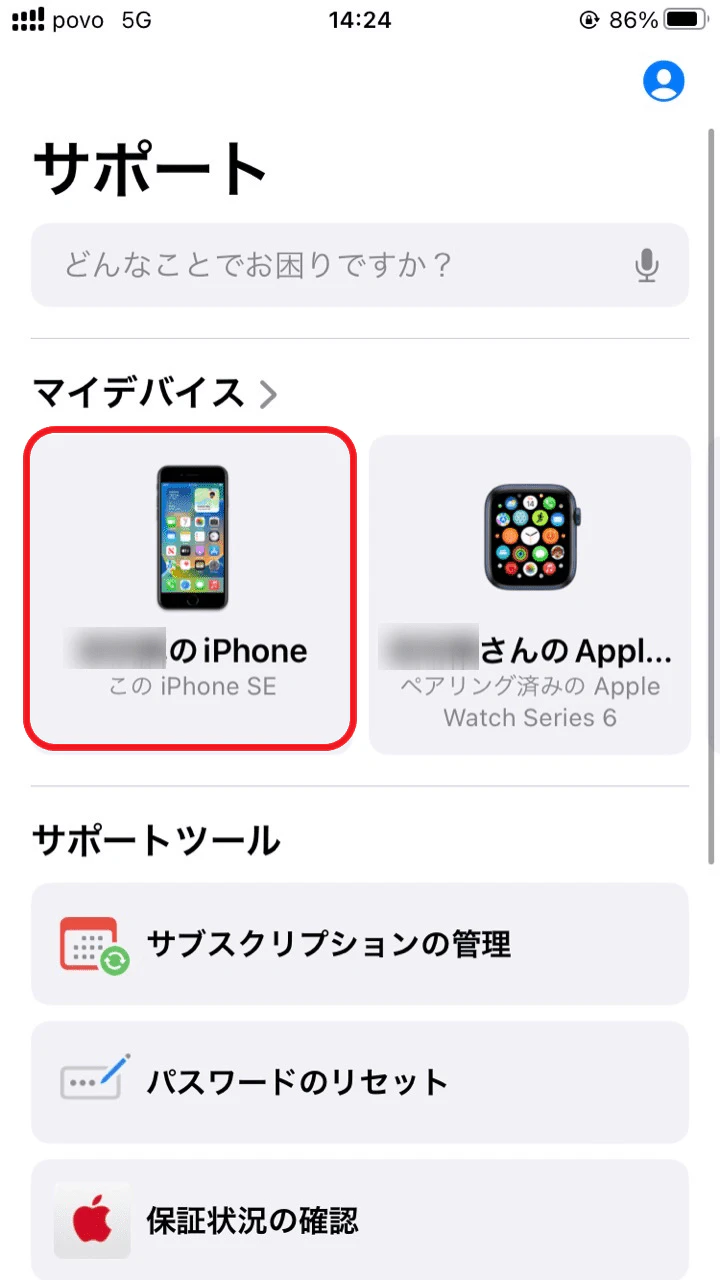
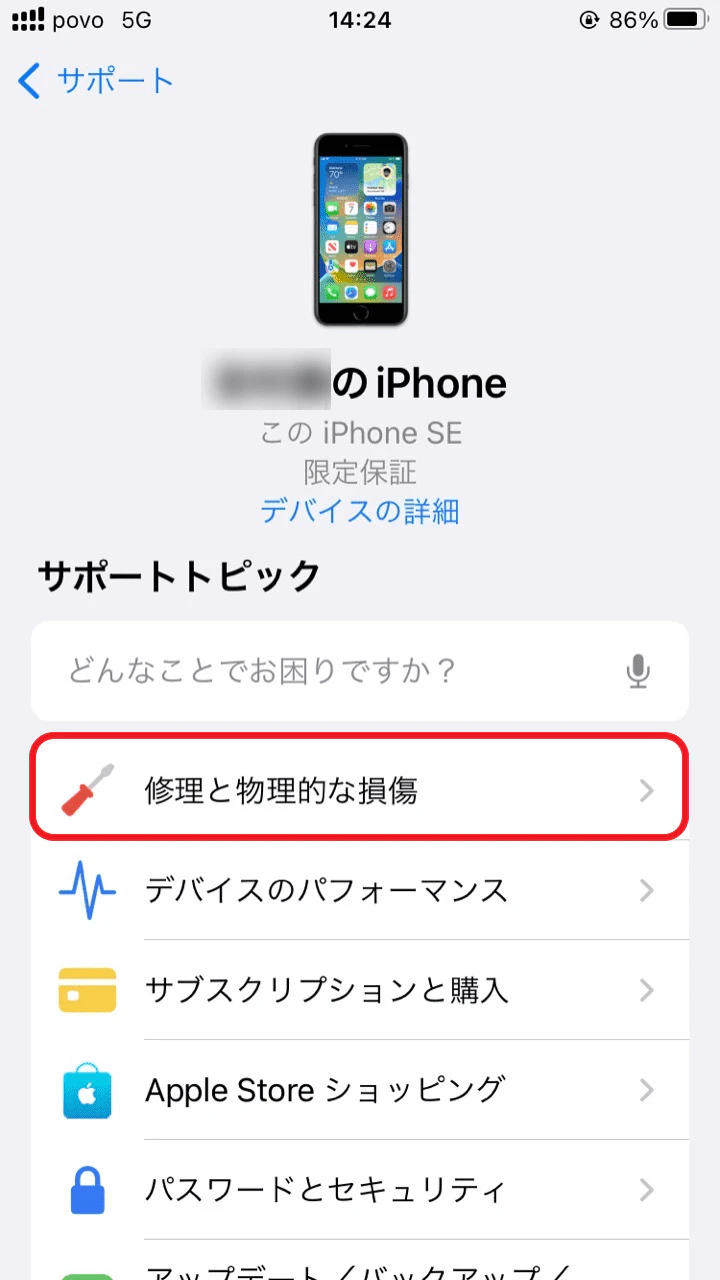
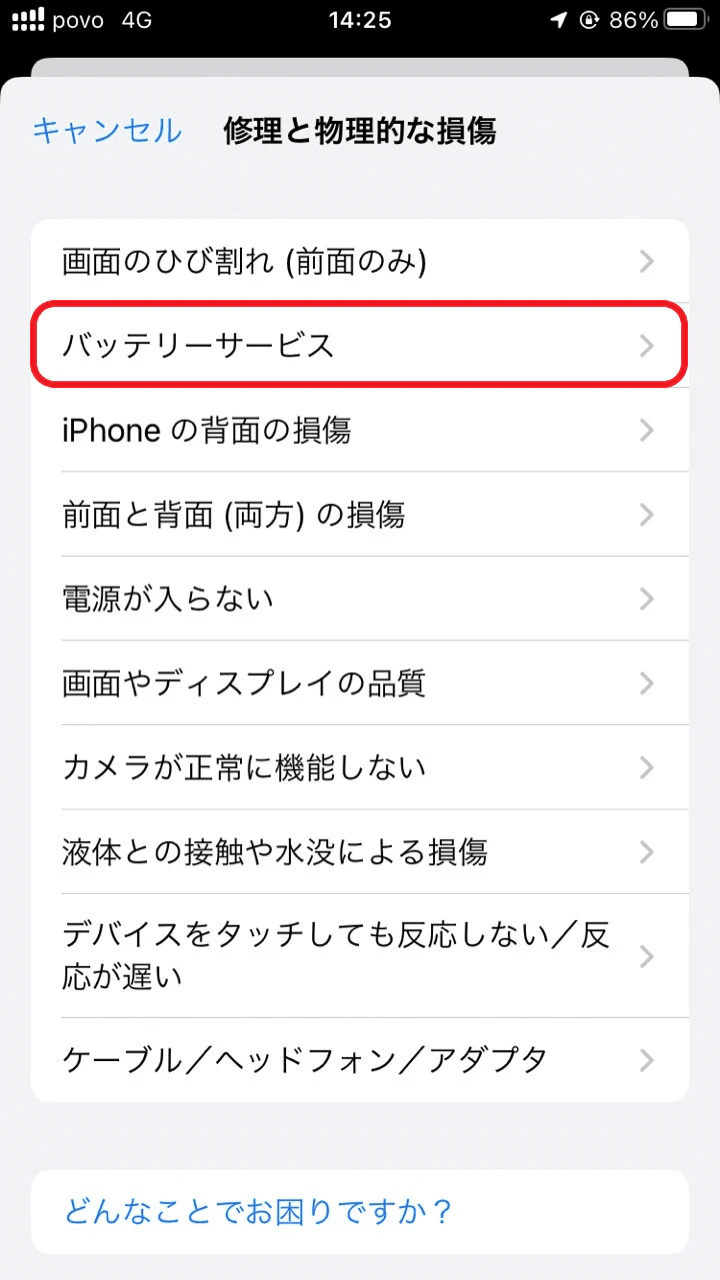
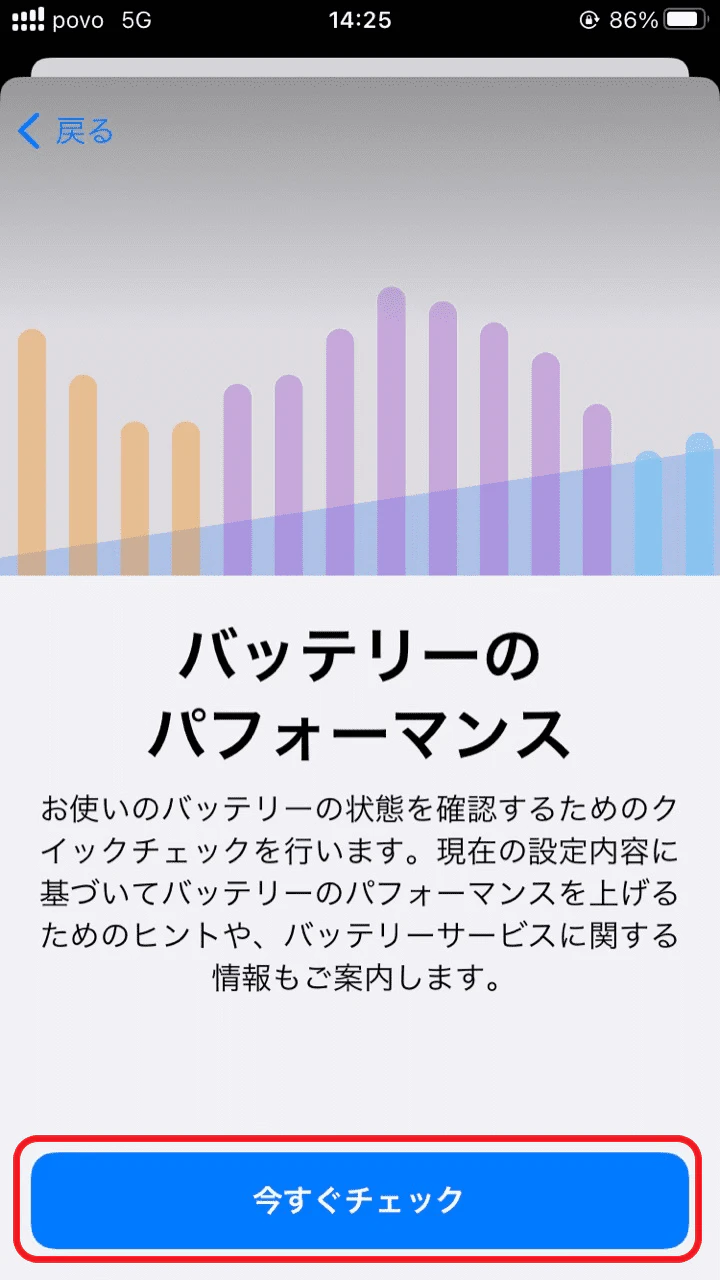
The official Apple app, the Apple Support app, allows you to diagnose your iPhone's battery. If the battery is found to be significantly degraded, the app will conveniently display a message informing you of battery repair service.
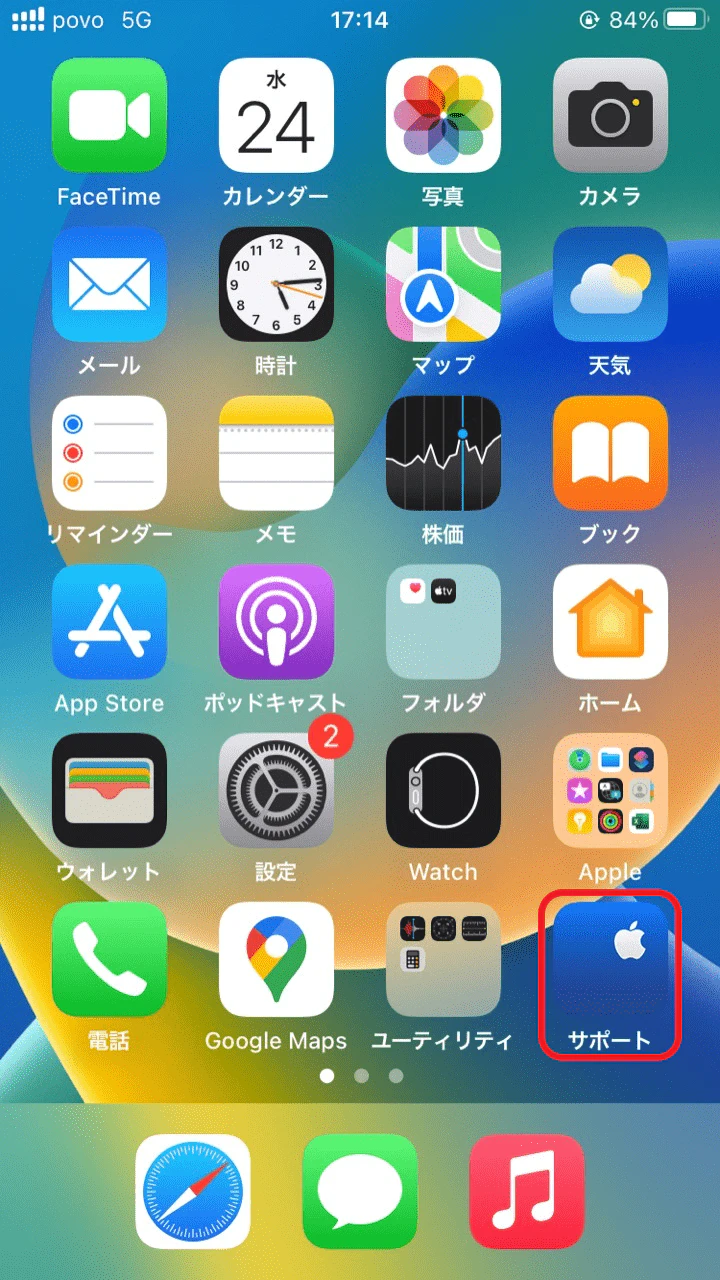
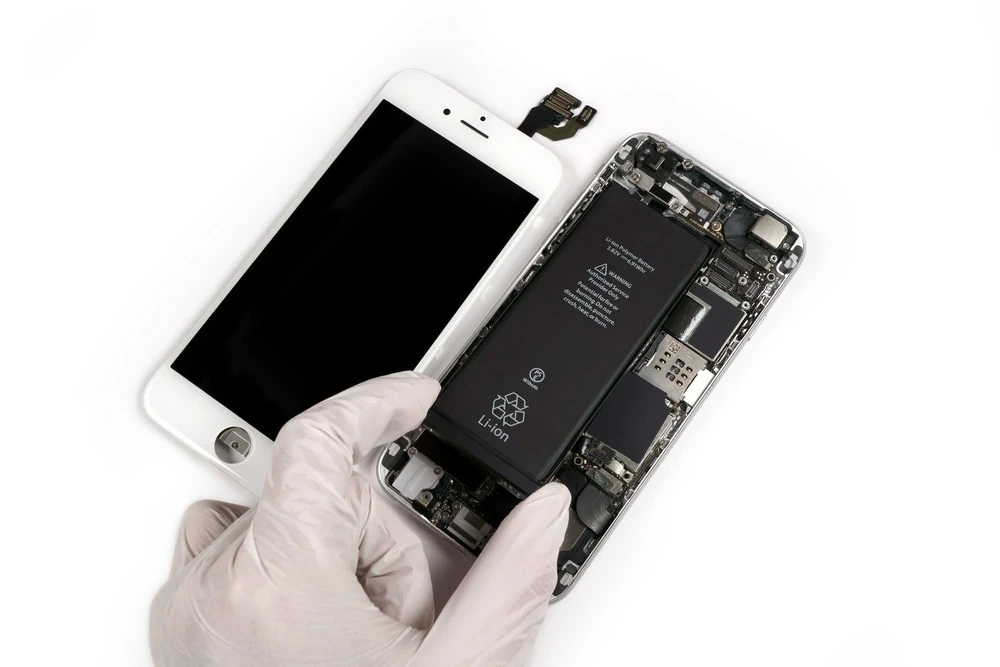
Don't try to replace your iPhone battery yourself; instead, ask a professional to do it for you. You can get your iPhone battery replaced at the three main locations listed below. Check the differences and precautions at each location, and choose the one that's best for you.
■ Battery replacement company overview table
| Apple Store (visit) | Apple authorized dealer | Non-authorized Apple store | |
|---|---|---|---|
| fees (AppleCare+ subscribers) | 0円 | 0円 | not available |
| fees (without AppleCare) | 10,500 yen to 14,900 yen (tax included) | 10,500 yen to 14,900 yen (tax included) | Varies by repair shop |
| Number of days until exchange | About 1 to 2 hours | About 1 to 2 hours | Varies by repair shop |
| Official online application | Application possible | Application possible | Not supported |
To have your battery replaced at an Apple Store, please visit your nearest Apple Store. Apple Stores are convenient for those living in Tokyo, Osaka, Nagoya, Fukuoka, and other areas, as they may be able to replace your battery on the same day.
We recommend making an appointment to have your battery replaced at an Apple Store, as this will reduce your waiting time. You can also make an appointment at an Apple Store using the Apple Support app, so be sure to take advantage of this.
You can also have your battery replaced at an authorized Apple dealer. Apple has designated "Authorized Service Providers" who will replace your battery with genuine Apple parts. This service is available at Quick Garage, Kitamura Camera, Bic Camera, and other stores. Additionally, au customers can also have their battery replaced at some au Style/ au shops (such as au Style SHINJUKU).
You can use the services of ``AppleCare+ for iPhone'' subscribers, and you can also conveniently make an appointment for a battery replacement at an authorized dealer through the Apple Support app.
iPhone battery replacements are also available at non-authorized Apple stores. Because they are not "authorized service providers," the level of skill varies from store to store. Non-authorized Apple stores are not certified as authorized service providers, and do not provide genuine Apple batteries or repair manuals. Also, they are not covered by "AppleCare+ for iPhone," so please be aware of this if you are looking for warranty service.
Furthermore, using a non-genuine battery will be treated as an unauthorized modification by Apple, and you may be denied repairs or trade-ins. It's important to think carefully before replacing your battery at an unauthorized store.
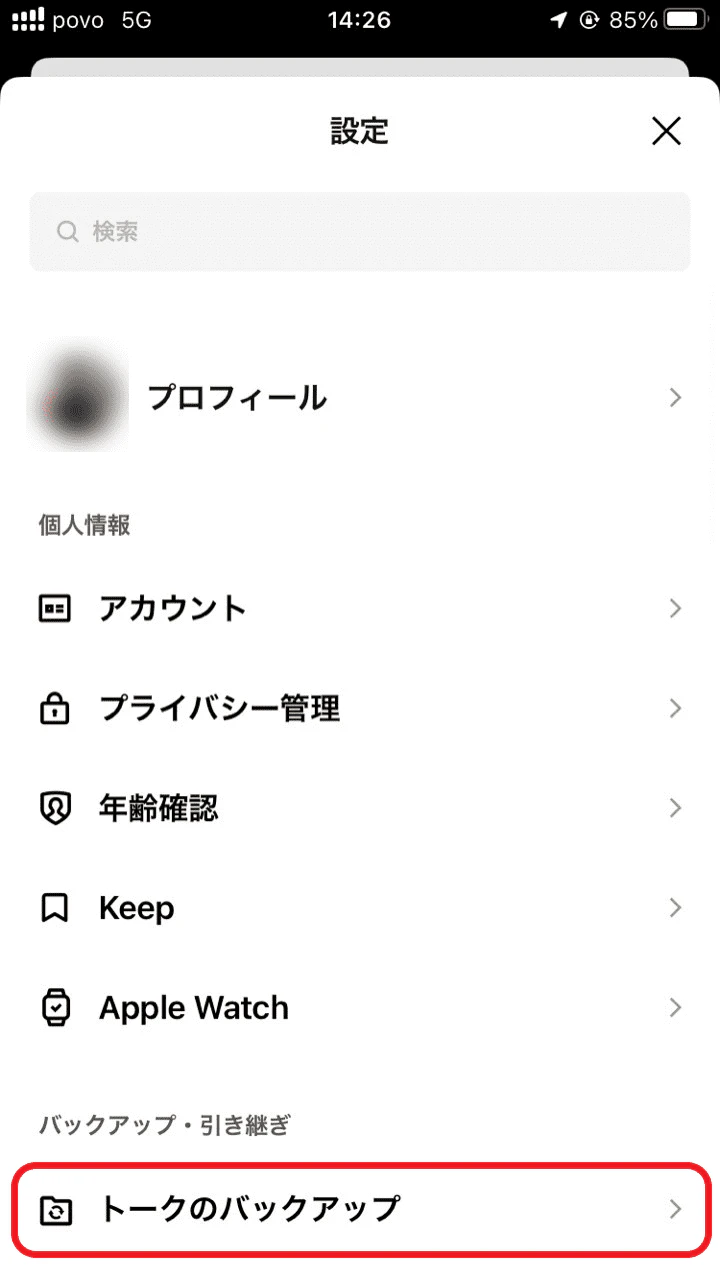
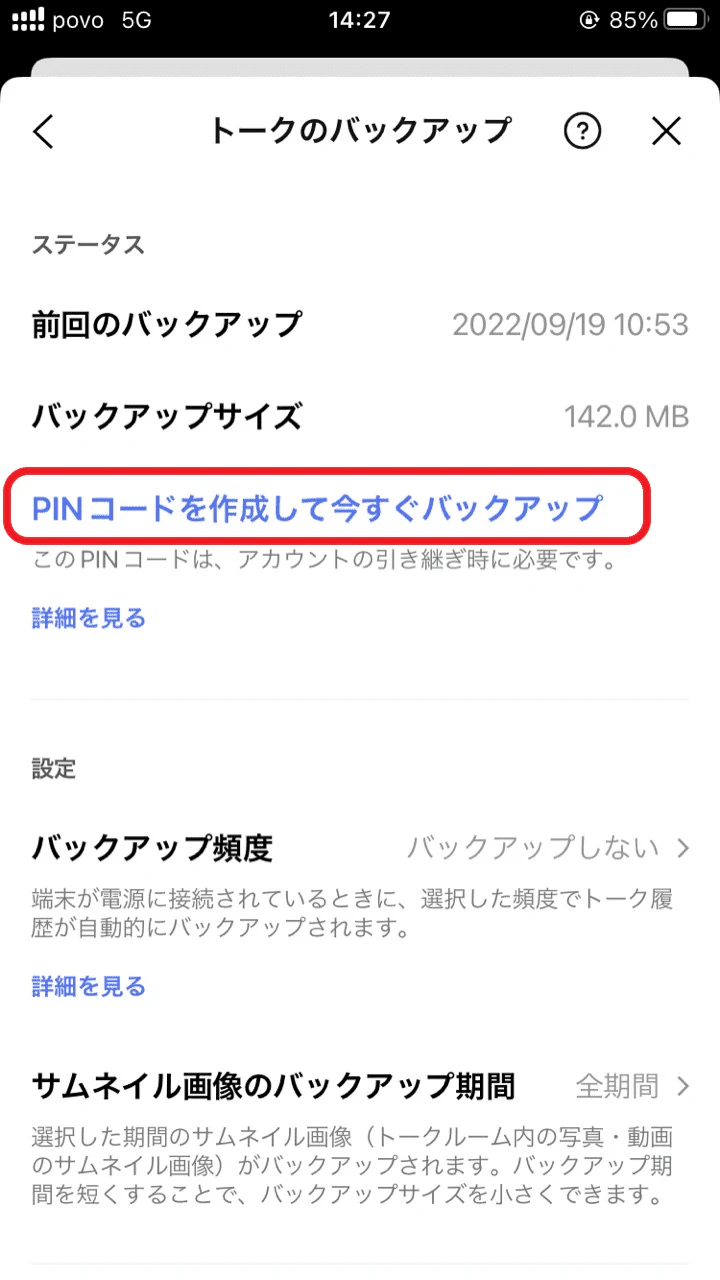
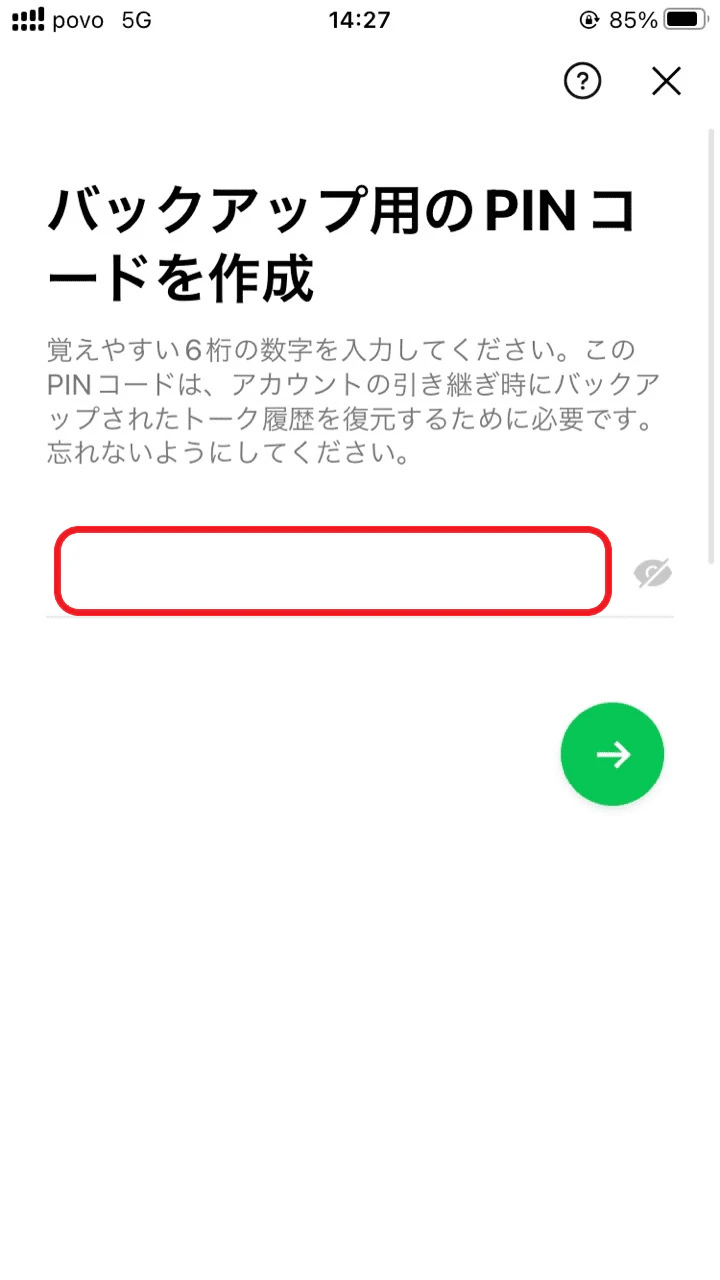
Before you replace your iPhone battery, you may be wondering what preparations you should make. First, it's important to note down how to transfer your LINE account, how to back up your phone to iCloud, and your Apple ID.
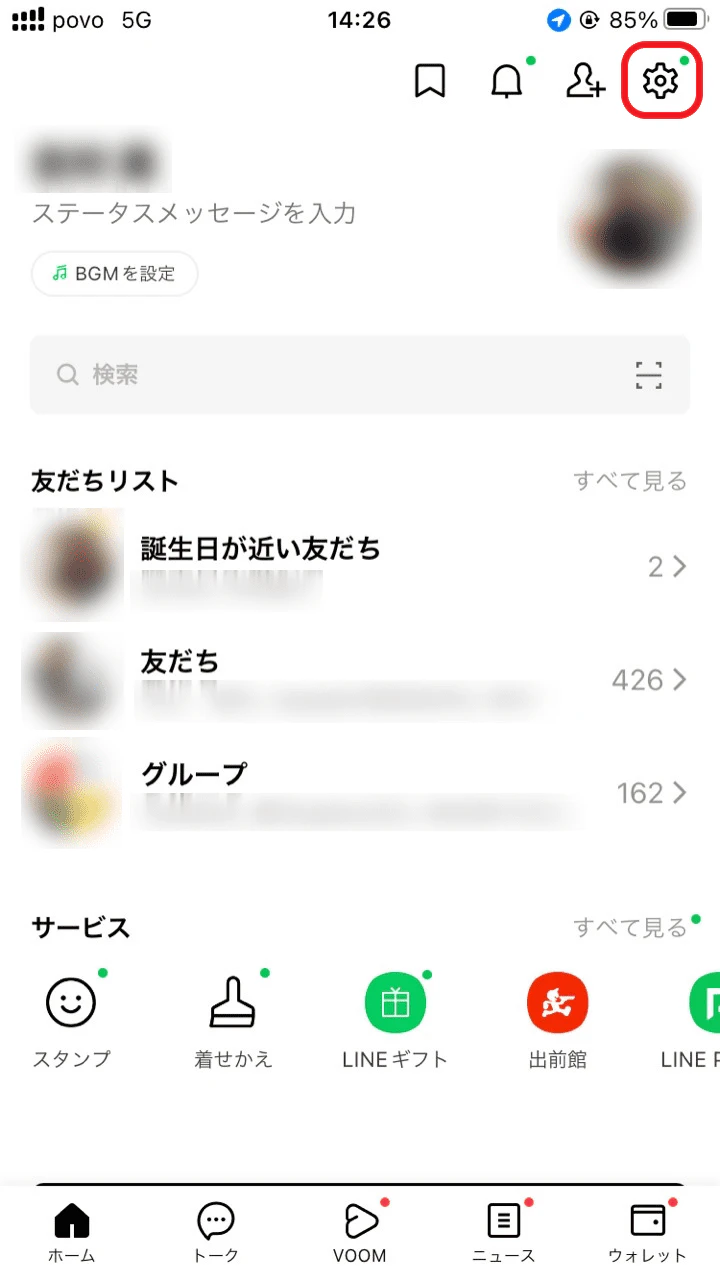
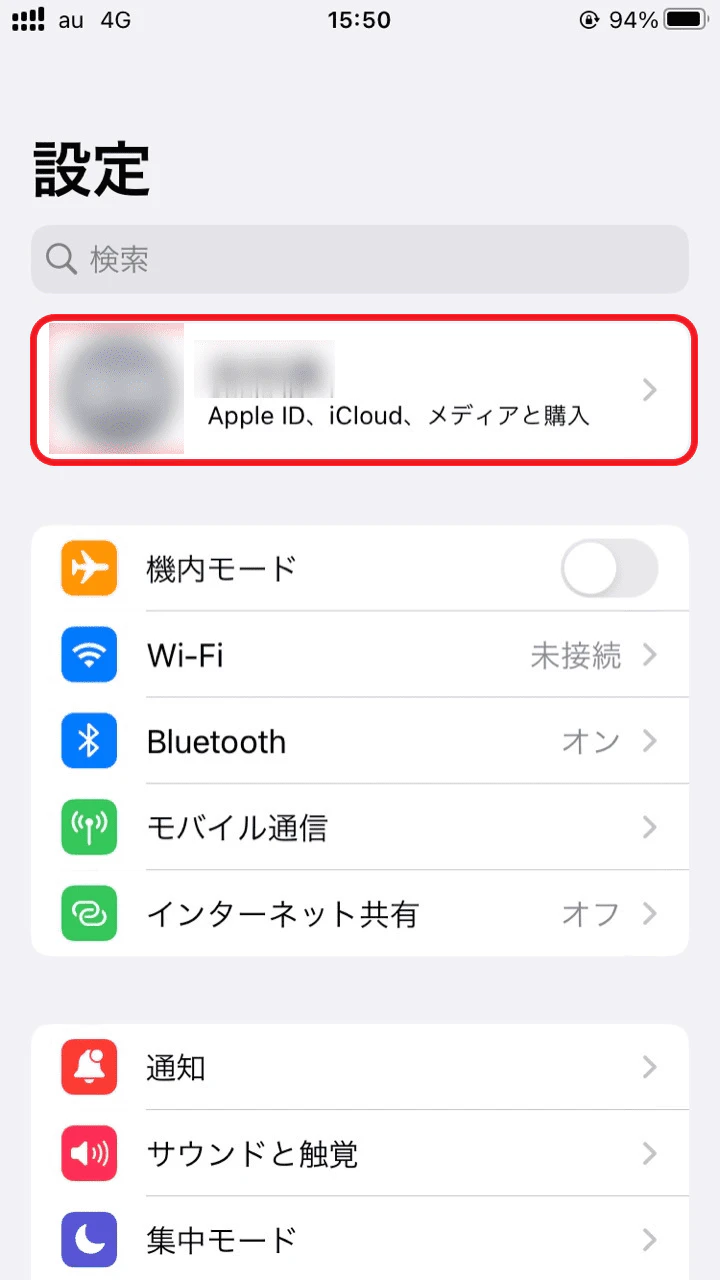
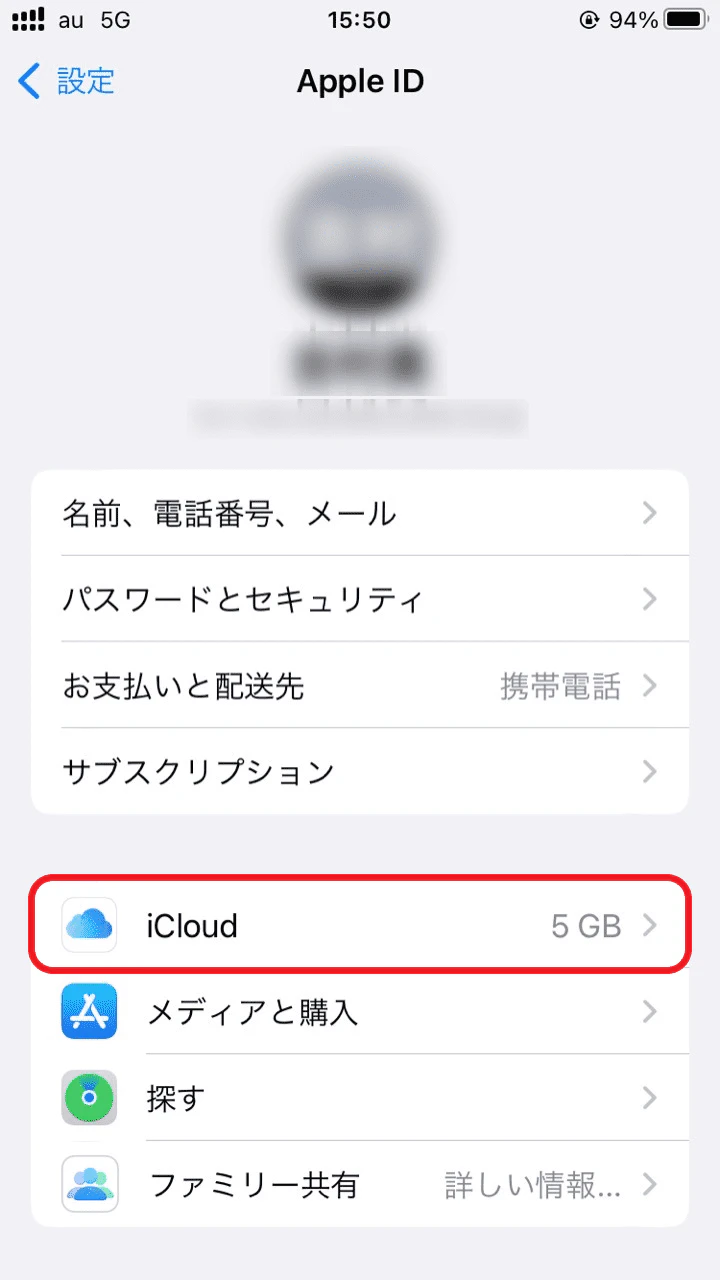
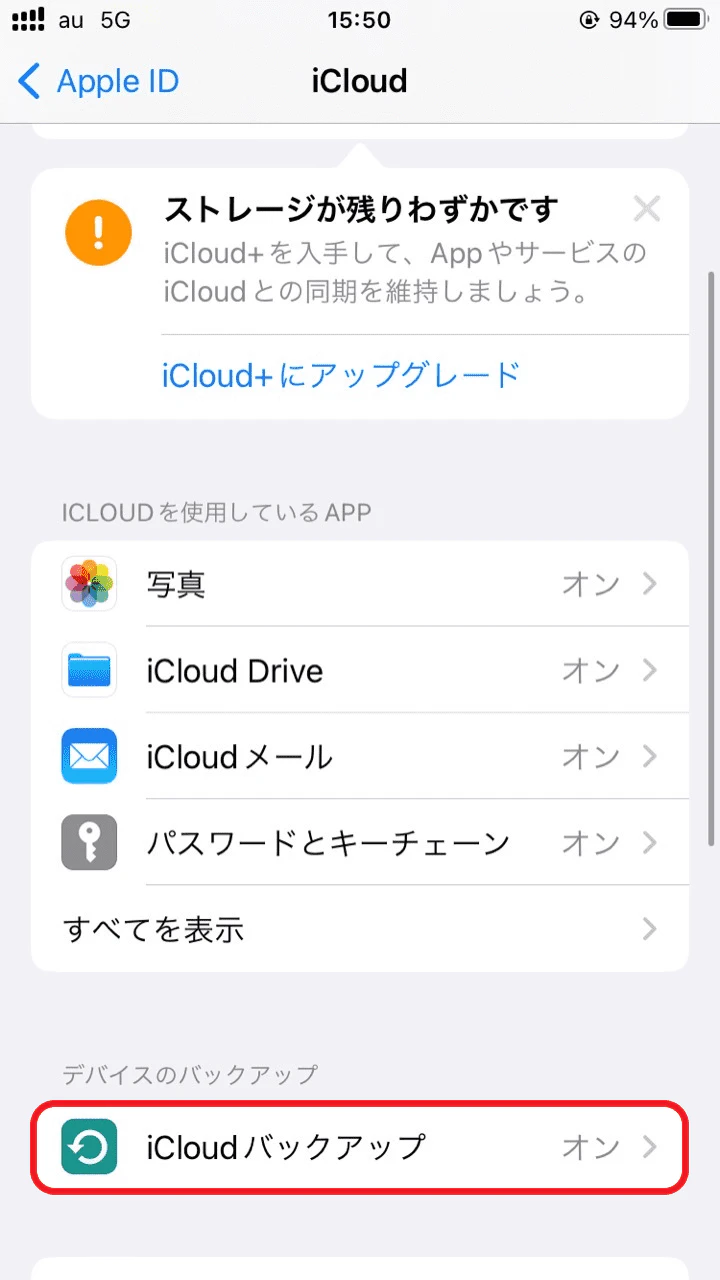
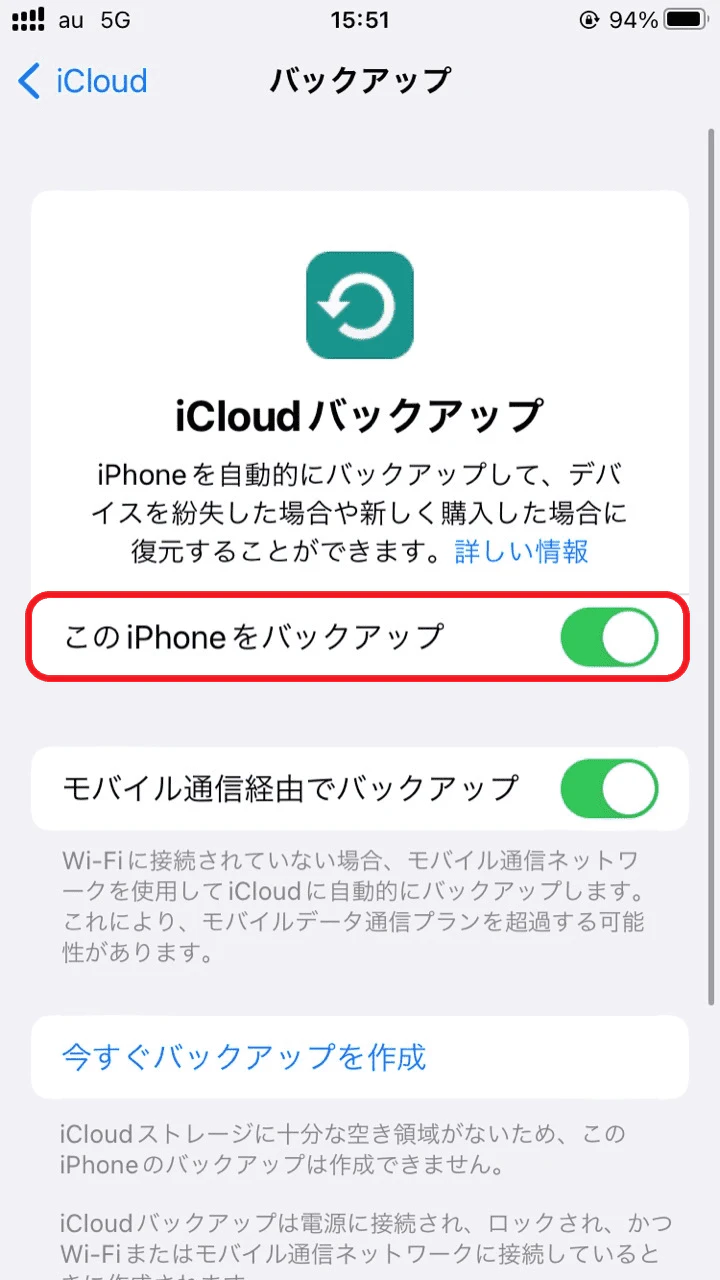
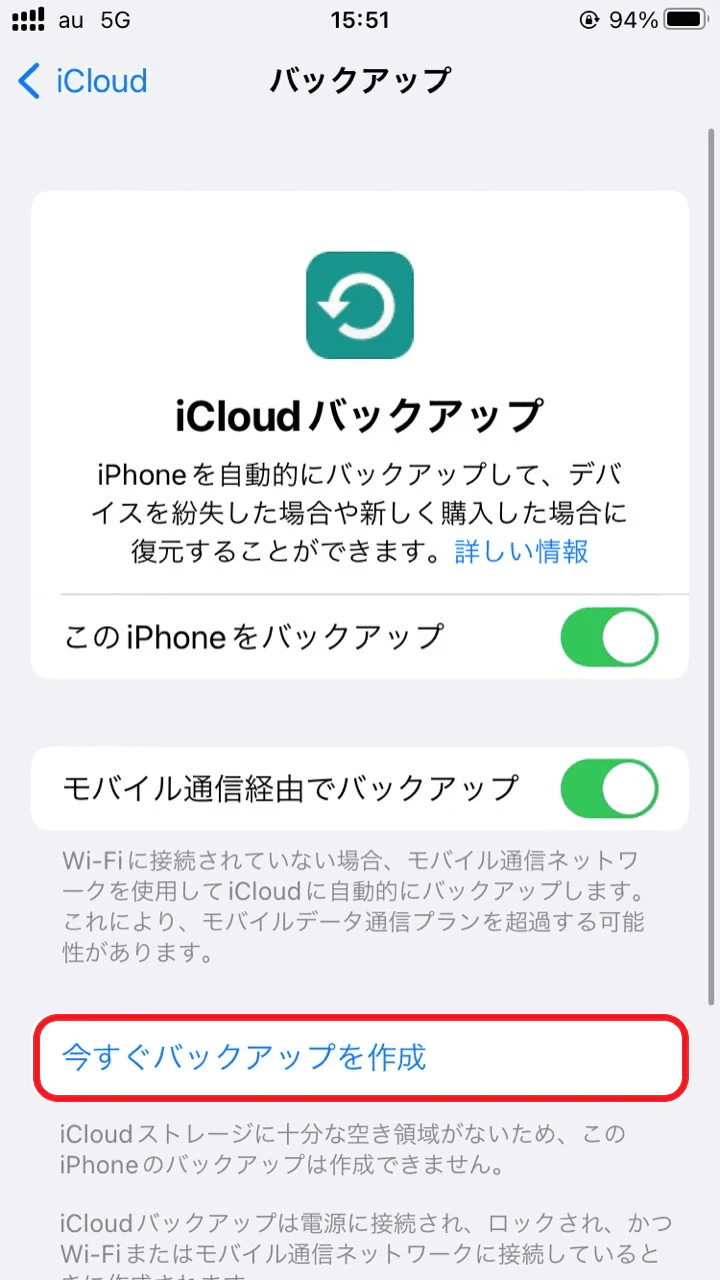
There are several ways to back up your iPhone data, but here we will introduce how to back up your iPhone using iCloud, which is convenient because you can back up your phone without using a computer.
*Depending on the amount of data in the photos and videos, this may consume a large amount of mobile data, so we recommend using a Wi-Fi environment.
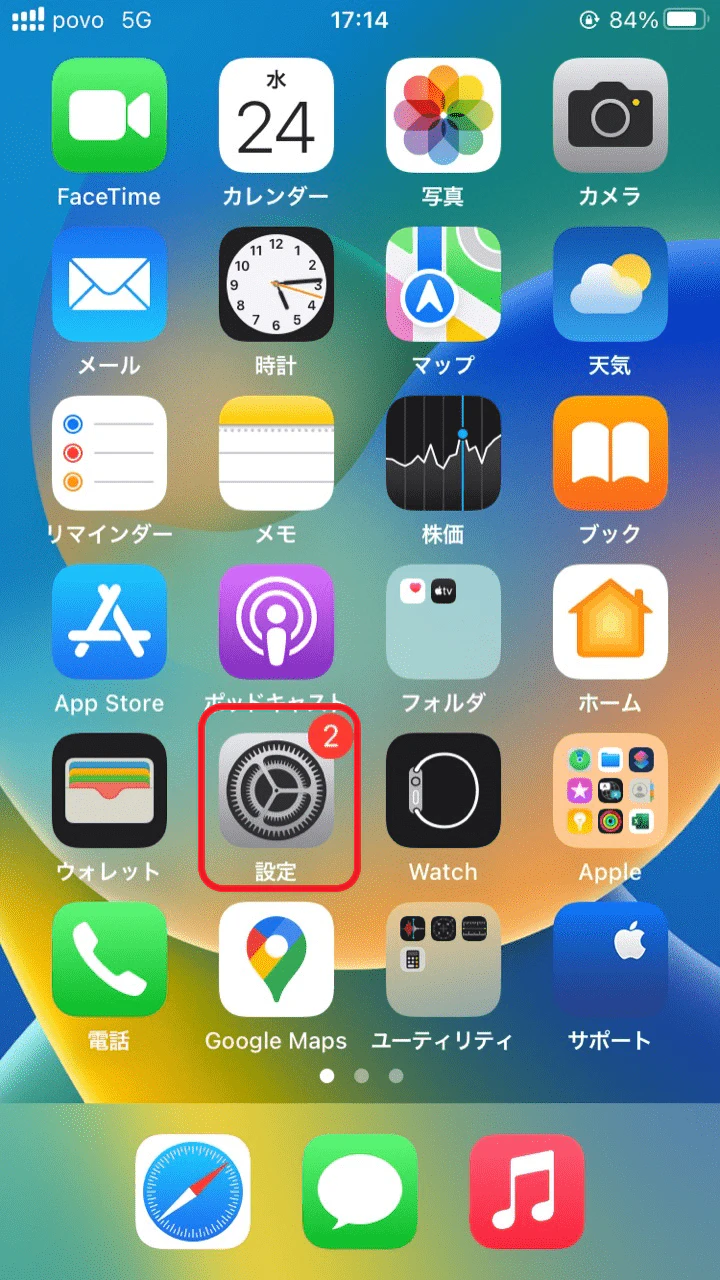
If you are having your iPhone battery replaced, make sure to write down your Apple ID beforehand. Depending on the condition of your device, your data may be lost during the battery replacement, so writing down your Apple ID will help the process go more smoothly.
If you're concerned about your battery's short lifespan, consider replacing your iPhone battery using this article. When it's time to request a battery replacement, choose the repair shop that's best for you. Regardless of which repair shop you choose, it's important to back up your data, transfer your LINE account, and confirm your Apple ID and password beforehand.
Also, if you're thinking, "It's about time for a new model," we recommend reserving or purchasing a new model at au Online Shop. povo2.0 (※1) is au 's online-only brand, with a basic fee of 0 yen (※2)(※3)(※4) and the freedom to choose Topping you want, when you want. If you've replaced your iPhone battery or purchased your favorite new model, why not give povo2.0 a try, which allows you to combine paid Topping?
*1: This is an online-only plan, so all procedures and support are online only. No in-store or telephone support is available. *2: 5 lines under the same name (*) For the cumulative sixth line and thereafter, a contract administration fee of tax included 3,850 yen/line will be charged.
* Including lines that have been terminated or cancelled by the Company within the past year. 180 days or more of no paid Topping purchases may result in suspension or cancellation of the contract. 0 yen/0 GB will result in a maximum of 128 kbps sending/receiving. *3: Domestic calls are charged separately at tax included 22 yen/30 seconds, and SMS sending is charged separately at tax included 3.3 yen/text (up to 70 characters). Depending on the model, up to 670 two-byte characters can be sent; up to 134 characters are counted as two SMS messages, and thereafter one SMS message is charged for every 67 characters. Calling rates may differ for some calls, such as calls to satellite phones. For more information, please contact this way (direction close to the speaker or towards the speaker) The following is a list of the most common problems with the "C" in the "C" column.
Reference: "povo2.0 Plan Details" (povo)
*4: If data Topping is not purchased, the maximum sending/receiving rate is 128 kbps.