Many people have experienced slow web page loading times or interrupted videos when using the internet. One of the causes of these issues is the speed of your internet connection. Some people may have been dissatisfied with their speed and searched for a "speed test" and tried it. Speed tests are useful for finding out your internet connection speed.
This article is for those of you who are concerned about your internet connection speed. It explains the meaning of a speed test, an overview of connection speeds, introduces the main speed test services and apps, and explains the causes of slow connection speeds and how to fix them. We hope it will help you improve your connection speed.
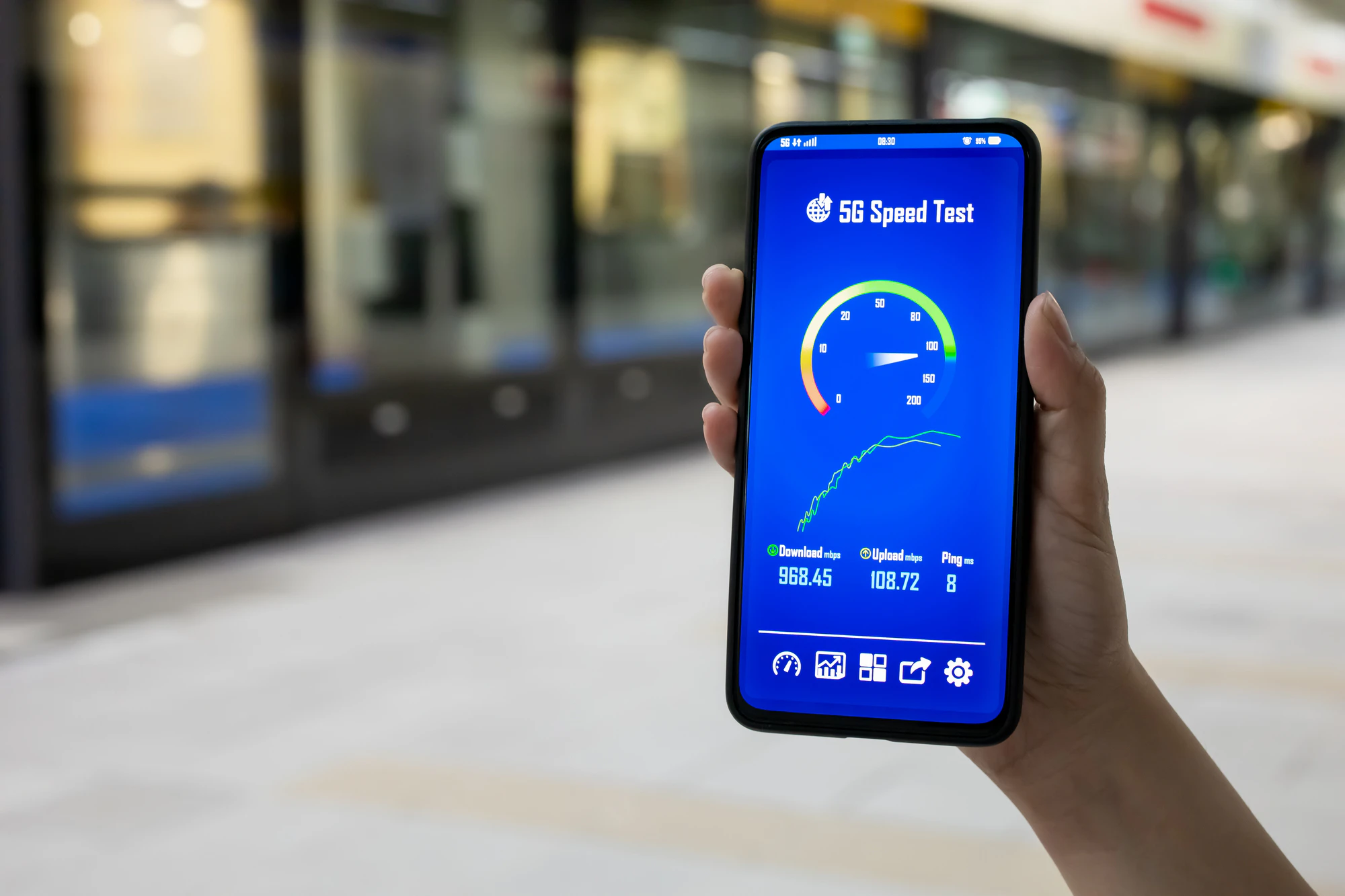
A speed test is a way to measure your internet connection speed. It can be easily performed using tools such as a browser or app. The line speeds published by telecommunications carriers are theoretical maximums, and actual line speeds vary depending on your usage environment. Therefore, it is important to know what line speeds you can achieve in your own environment.
Speed tests use the units Kbps (1 Kbps = 1,000 bps), Mbps (1 Mbps = 1,000 Kbps), and Gbps (1 Gbps = 1,000 Mbps). These units increase from Kbps to Mbps and Gbps, with the higher the number, the faster the line speed. Understanding these units will help you visualize the speed reduction that occurs when communication restrictions are applied.
The terms used to describe internet connection speed are "upload" and "download." If your upload speed is slow, it will take longer to send images and videos to the cloud. Also, if your download speed is slow, it will affect things like watching videos and playing online games. Faster speeds will make using the internet more comfortable.
As a guideline for internet connection speeds, a speed of 1-10Mbps is sufficient for browsing websites. For watching videos, a speed of 3-25Mbps is appropriate. To enjoy high-resolution 4K videos comfortably, a download speed of at least 25Mbps is recommended. Also, when playing online games, the amount of data sent and received will be large, so an upload and download speed of at least 30Mbps is ideal.
Additionally, if you frequently play online games, hold remote meetings, or day trade, the ping value, which indicates the internet's response speed, is also important. This value is measured in milliseconds (ms), with a lower number indicating a faster response time. Generally, 0-40 ms is considered fast, 41-60 ms is normal, and 61 ms or more is slow. While 40 ms or more is sufficient for social media and video viewing, 20 ms or less is ideal for online games and day trading.
For more information on line speeds, please refer to the following article:
Reference: "What is the standard for internet connection speed? We also explain how to improve it if it's slow!"
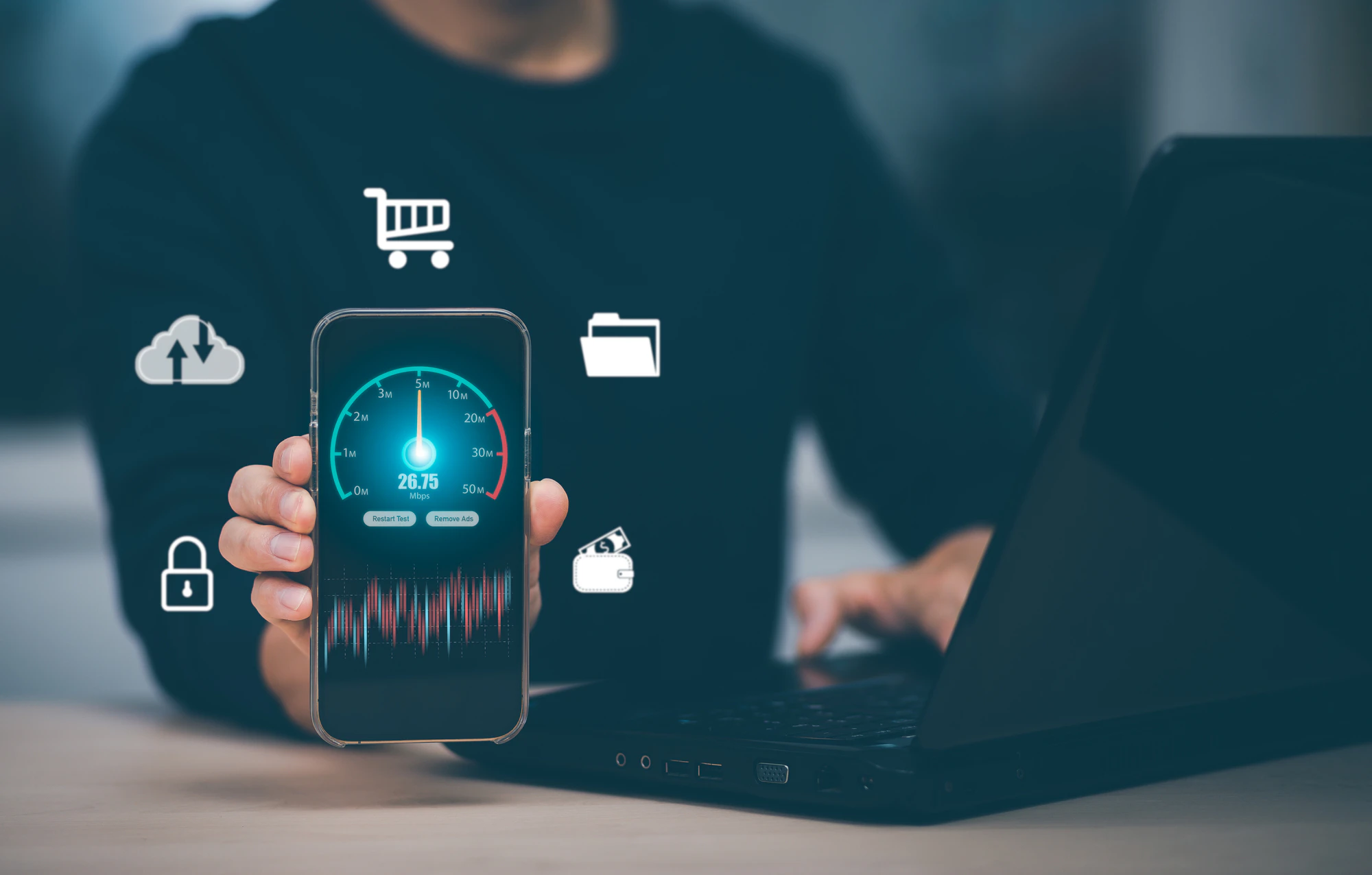
To find out your internet connection speed, it's convenient to use services and apps that offer speed tests. Popular speed test services include "Fast.com" and "USEN GATE 02," which can be run in a browser, and "Speed Test Check," which can be run as an app. This article will introduce these three services and apps in detail.
"Fast.com," operated by Netflix, is a speed test service that anyone can easily use. This service automatically starts a speed test when you access the Fast.com website via your browser, allowing you to easily measure your internet connection speed. However, Fast.com can only measure "download" speeds. For this reason, it is recommended for those who want to quickly check only their "download" speed. In addition, Fast.com also offers an app version, which can be easily used on smartphones and other devices.
Android app available here
iOS app available here
"USEN GATE 02" is a speed test service provided by USEN ICT Solutions Co., Ltd. This service does not require the download of any special software and can be easily used by anyone through a browser. Simply access the USEN GATE 02 website and click the "Start Measurement" button to measure your "upload" and "download" speeds, as well as your ping value. It also displays "line speed assessment results by usage," making it easy to understand even for beginners.
If you want to measure your internet connection speed using an app, we recommend "Speed Test Check." "Speed Test Check" does not require account registration or setup; simply download the app to use it. Once you launch the app, you can measure your "upload" and "download" speeds and ping values with the press of a button. You can also check your IP address and your performance when gaming or watching videos. You can also save and search past measurement results. This makes it ideal for those who want to perform speed tests regularly or who want to perform speed tests using an app.
Android app available here
iOS app available here

There are many reasons why your internet connection speed may be slow. The main reasons include problems with the device itself or problems with the communication environment (location, time of day, etc.). It may also be that your data capacity with your contracted carrier has been used up and speed restrictions have been imposed. Below, we will explain three causes of slow connection speeds and what you can do about them.
The first cause is a problem with the device itself. The first thing you should try is restarting your device, which will reset your mobile data and Wi-Fi connections and may improve your internet speed. Also, if your smartphone's operating system (OS) is an older version, this can sometimes cause slow internet speeds. If your OS is older, try updating it to see if your internet speed improves.
To prevent these problems, it's important to regularly check for OS updates. Using an outdated OS version can not only slow down your internet connection speed, but also cause other problems and security risks. It's also important to be aware that the latest apps may not launch.
The second cause is when the time or location of your internet connection is an issue. During peak times, many users are using data, and your carrier may limit your internet speed. In such cases, changing the time of day can often improve the situation.
Additionally, in places where many people communicate, such as around train stations or in crowded areas, line congestion can cause slower internet speeds. Furthermore, internet speeds tend to slow down in places where signals are difficult to reach, such as underground or in high-rise buildings. In such cases, moving to a location with better signal strength, such as outdoors, may stabilize your connection. However, some people may find it stressful to move outdoors every time. In such cases, switching carriers can help improve your connection.
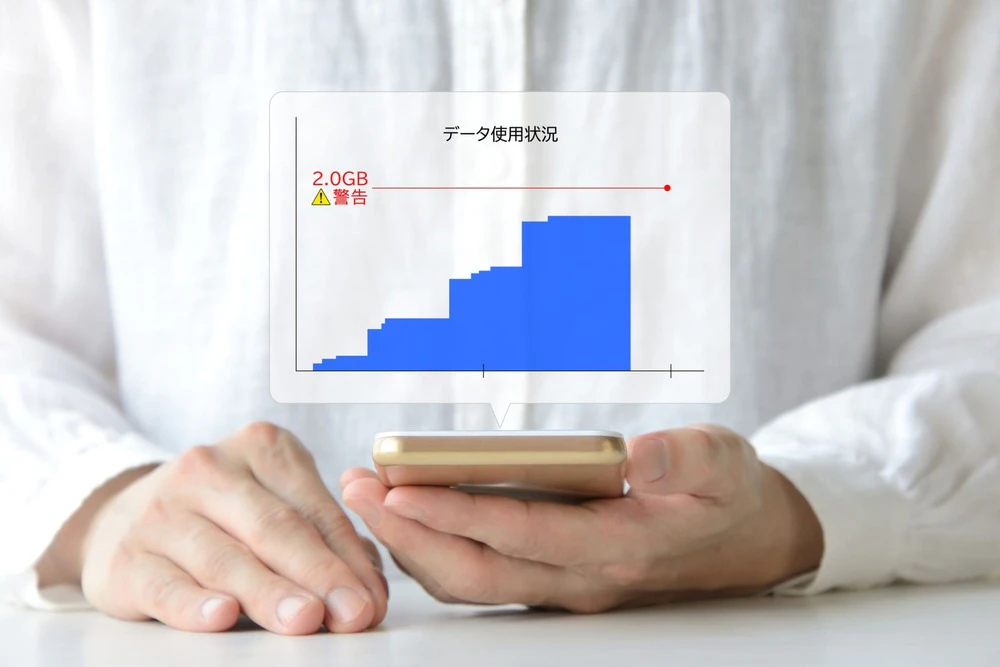
The third cause is when you exceed the data limit of your carrier's data plan, limiting your internet connection speed and slowing down your speed. If you find yourself in this situation, first check your contract details and the amount of data you are using. Slow smartphone connection speeds can be inconvenient to use the internet, but the speed limit will be automatically lifted after a certain validity, so the general solution is to wait until it is lifted.
If you can't wait, you can temporarily remove the speed limit by purchasing additional data. However, please note that if you use up the newly purchased data within the limited validity, the limit will be applied again. Also, if you have Wi-Fi that is connected to the Internet, you can connect to Wi-Fi and use the Internet. Using Wi-Fi whenever possible can also help reduce mobile data consumption. If you frequently experience speed limits due to exceeding your data limit, you may want to consider reviewing your data plan.

If you find your internet connection speed slow and inconvenient, it is effective to switch to a faster and more stable telecommunications provider. With povo2.0, you can use the au network, which provides stable connection speeds and comfortable internet access (*1) (*2). povo2.0 also has a monthly basic fees of 0 yen (*3) (*4) (*5), and you can add data capacity as needed, so you can use it efficiently.
Even if you use a lot of data in a given month, you can purchase additional data (for a fee) starting from 1GB. This means you won't be limited in speed by a contract plan that doesn't suit your lifestyle (*6). Of course, you can easily switch plans using just your smartphone. If you're concerned about slow internet speeds or speed limits, why not consider switching to povo2.0?
*1: This is an online-only plan, so all procedures and support are online. povo2.0 Please contact us through the application or the official website. *2:This service may not be available in places with poor reception such as underground, even if you are within the service area. 3: Calling charges and SMS sending charges are not included.
Sending domestic SMS: tax included 3.3 yen/text (up to 70 characters) Receiving: Free
Up to 670 double-byte characters can be sent, depending on the model. 134 characters or less will be charged for two texts, and every 67 characters thereafter will be charged for one text. 4: If you subscribe to 5 lines(*) under the same name, a contract administration fee of tax included 3,850 yen/line will be charged for the 6th line and thereafter.
*Including lines that have been terminated or cancelled by the Company within the past year. 5: Maximum 128 kbps for sending/receiving at 0 GB for 0 yen. 6: Communication speed may be limited during network congestion or when using videos, cloud games, etc.

In this article, we've explained the meaning of speed tests, an overview of line speeds, introduced the main speed test services and apps, and explained the causes of slow line speeds and how to fix them. Speed tests measure the speed of your internet connection and can be easily performed using a browser or app.
If you're frustrated by slow internet speeds, we recommend taking this opportunity to switch to povo2.0, au 's online-only brand. povo2.0 offers a service area with a population coverage rate of 99.9% (*7) through au 's nationwide network. Switching from other carriers can also be easily completed online. If you're looking for a comfortable internet environment, we highly recommend you consider povo2.0.
*7: "Population coverage rate" is calculated based on areas where communication is possible in 50% or more of the approximately 500m blocks used in the census (as of December 2020). This model supports 4G LTE (800MHz).