If you try to view another app or the home screen while using YouTube, the video playback will be interrupted. This can be disappointing for many users, as the video and music will be interrupted. The background playback feature is useful in such situations. In this article, we will explain the overview and benefits of YouTube background playback, as well as what to do if it doesn't work.
YouTube background playback is a feature that allows you to play YouTube music and audio even while other apps are running. This feature allows you to browse websites or work with other apps while YouTube is playing, making it convenient for situations where you want to enjoy just the audio rather than the video, such as listening to background music while working or studying. This feature is available if you subscribe to the paid plan "YouTube Premium."
Background playback has other benefits besides just enjoying music and audio. Here we will introduce the benefits of playing YouTube in the background.
・You can hear the audio even when your smartphone screen is turned off
YouTube videos stop when your smartphone screen is turned off. However, if you enable background playback, you can continue to enjoy music and audio even when the screen is off.
・Saves battery life
Normally, when watching videos on YouTube, the audio and video are played at the same time, which consumes battery power. However, background playback allows you to play only the audio even when the screen is off, which saves battery power.
YouTube Premium with background playback available at fees is Also note that the amount is different for Android and iOS.
| Regular fees (monthly) | Family fees (monthly) | Student discount fees (monthly) | |
|---|---|---|---|
| Web browser | 1,280円 | 2,280円 | 780円 |
| Android | 1,280円 | 2,280円 | 780円 |
| iOS | 1,680円 | 2,900円 | Applications not accepted |
*All prices include tax included. *Prices are current as of November 21, 2023.

To play videos in the background on YouTube, you need to subscribe to YouTube Premium. Here we will explain how to subscribe to YouTube Premium and how to play videos in the background.
You can subscribe to YouTube Premium from the YouTube app for iOS or Android or from a web browser. From here, we will introduce the subscription procedure separately for both the web browser and the YouTube app.
For web browsers
1. Open the YouTube Premium website in your web browser.
2. Click "Try it"
3. Select or add a payment method
4. Click "Purchase"
For the YouTube app
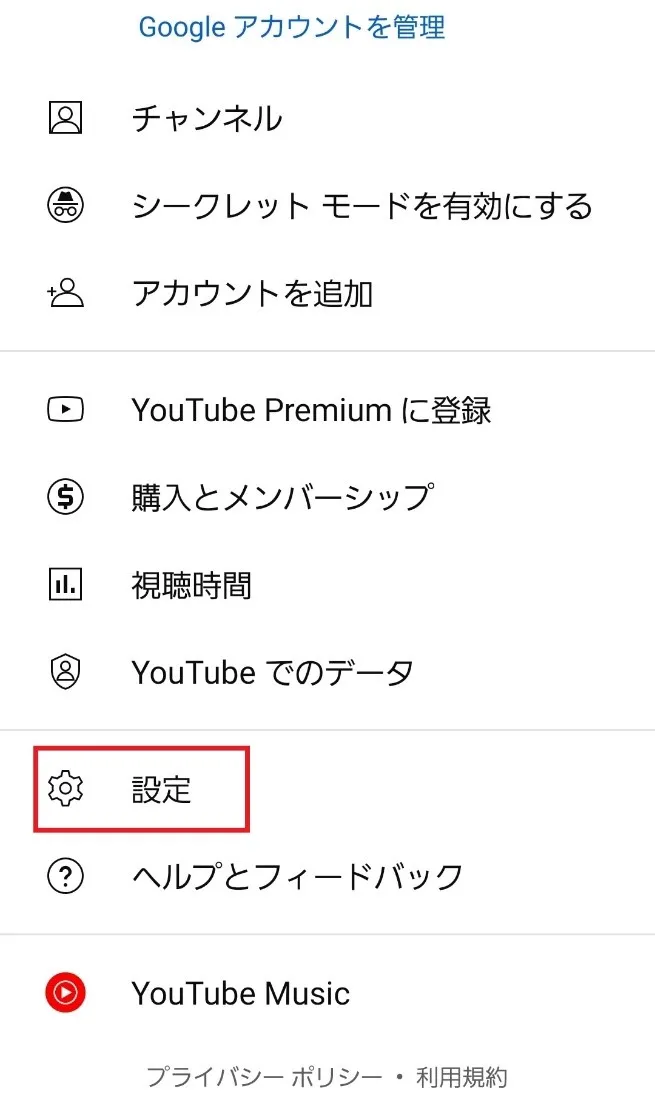
1. Launch YouTube
2. Select your account in the top right corner of the screen
3. Select "Subscribe to YouTube Premium"
The monthly fees for the iOS YouTube app is 1,680 yen, so if you have an iOS device such as an iPhone or iPad, it is more economical to register via a web browser, which is available for 1,280 yen.
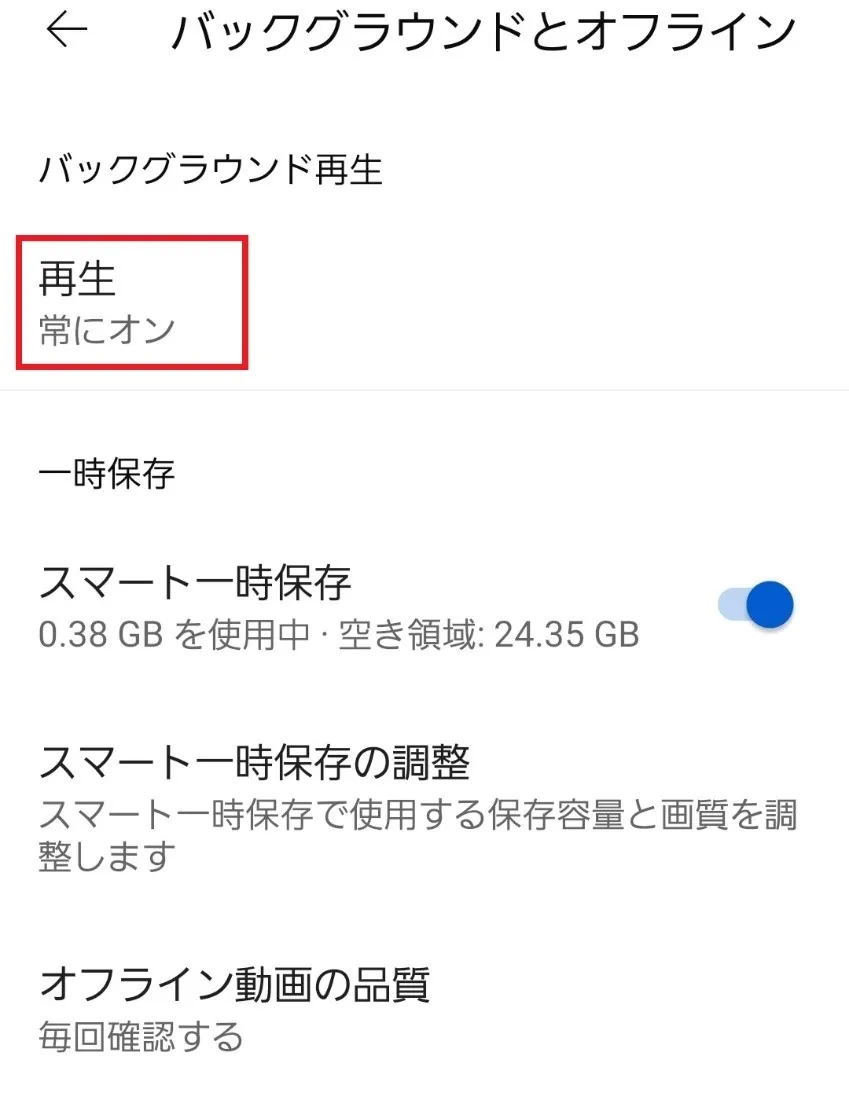
If you subscribe to YouTube Premium, background playback will automatically start even if you open another app while watching a video. You can also change the settings to turn on background playback only when your smartphone is connected to headphones or speakers.


If you can't play in the background, it may be due to incorrect settings or a problem with the YouTube app. Please check the following points to see if they are the cause.
It's possible that fees hasn't been made, such as your credit card being charged. In this case, please take measures such as changing your payment method. Also, YouTube Premium memberships have validity. If it's not working properly, try checking your subscription status using the steps below.
How to check your YouTube Premium subscription status
1. Launch YouTube
2. Select your account in the top right corner of the screen
3. Select "Purchases and Memberships"
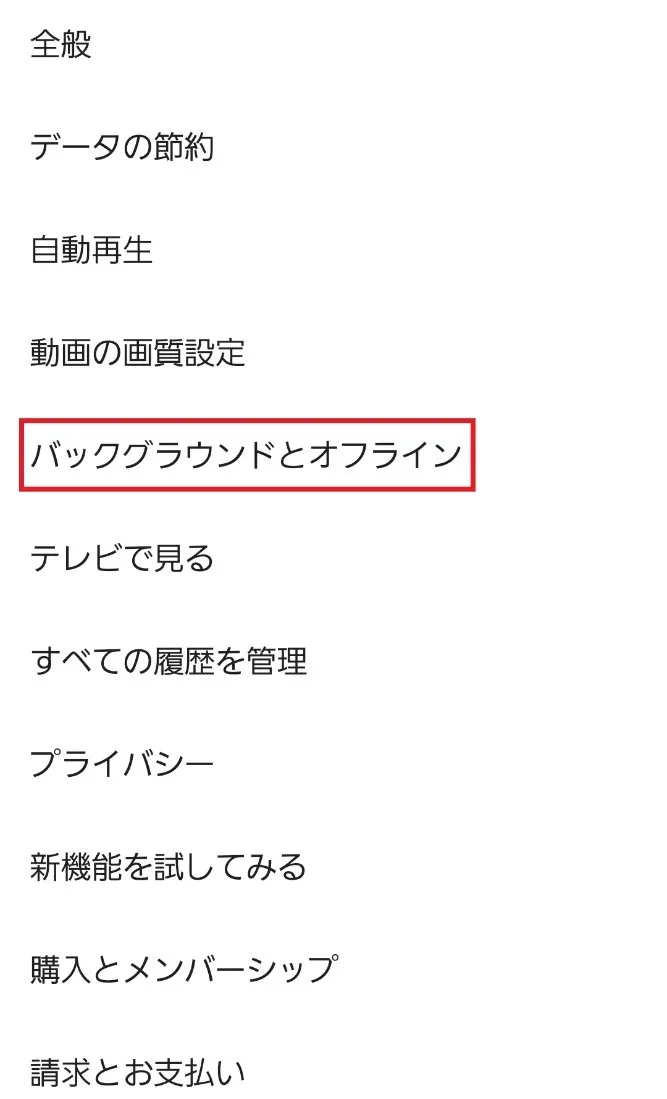
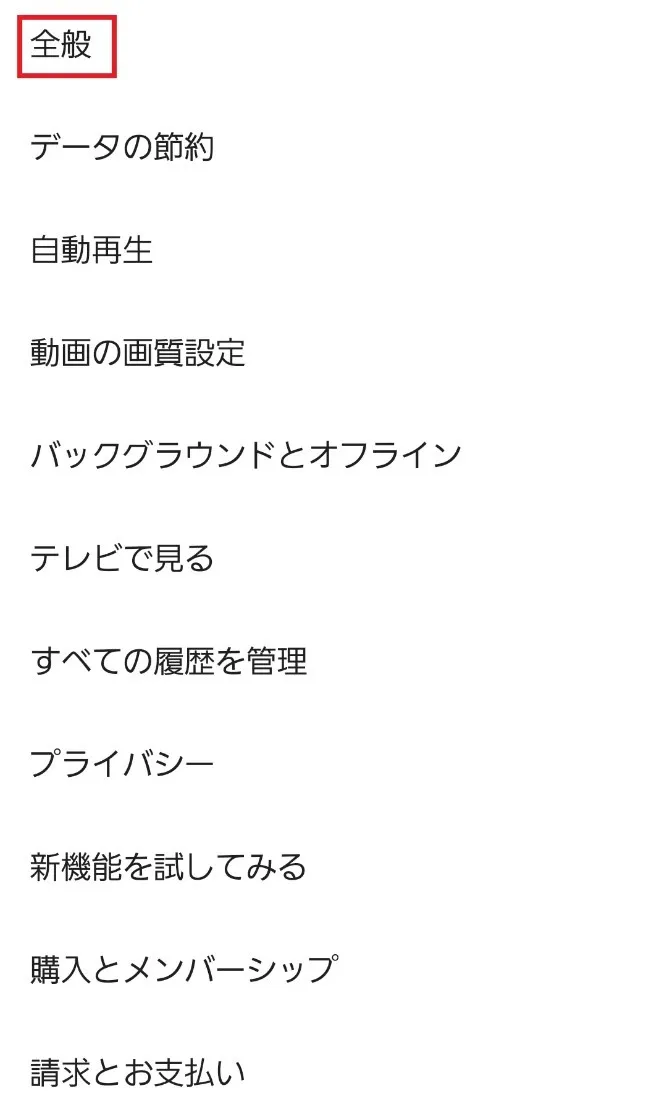
If it doesn't work properly, the background playback setting for the YouTube app may be set to "Off." The default setting is enabled, but it's a good idea to double-check. If it's set to "Off," change the setting to "Always on" or "On when headphones/audio device is connected."
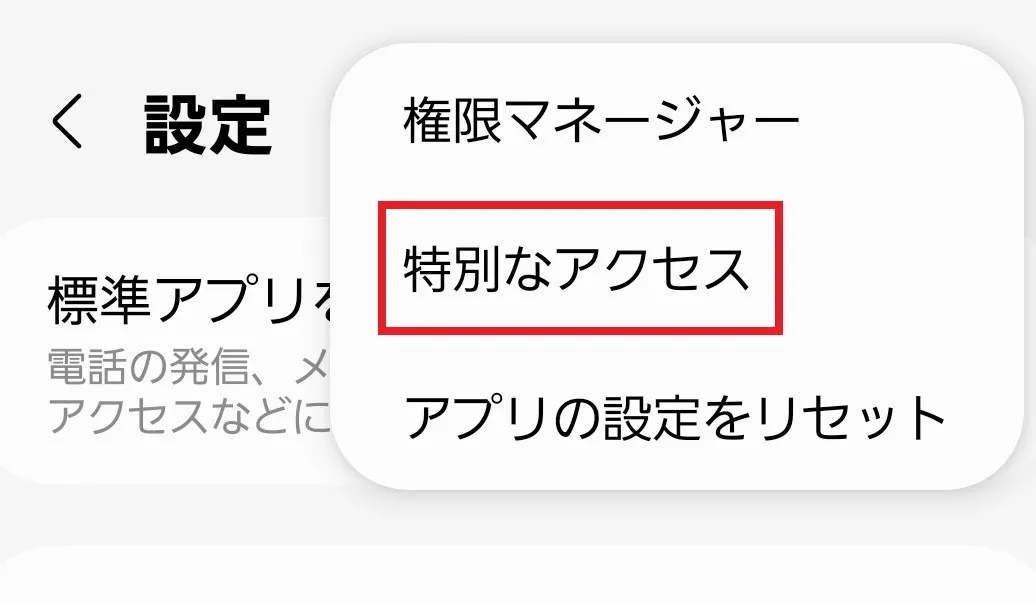
If you're using an older version of the YouTube app, background playback may not work properly. If you're using an older version, update to the latest version from App Store or Google Play Store. Also, make sure your smartphone's OS is up to date and update if necessary.

In addition to background playback, YouTube Premium has other recommended features. Please take a look.
Offline playback is a feature that allows you to download YouTube videos to your smartphone, tablet, or other device and watch them. By using offline playback, you can watch videos smoothly even during your commute or on the go. Since there is no internet connection, battery consumption is reduced. Offline playback is the perfect feature for those who want to watch high-quality videos comfortably.
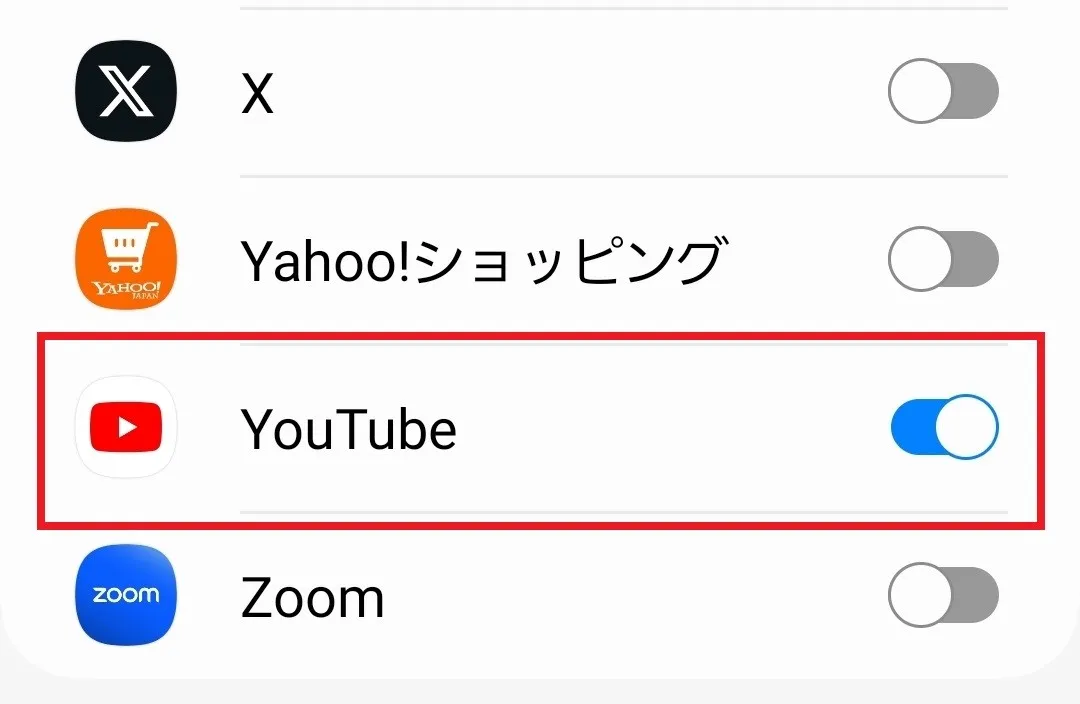
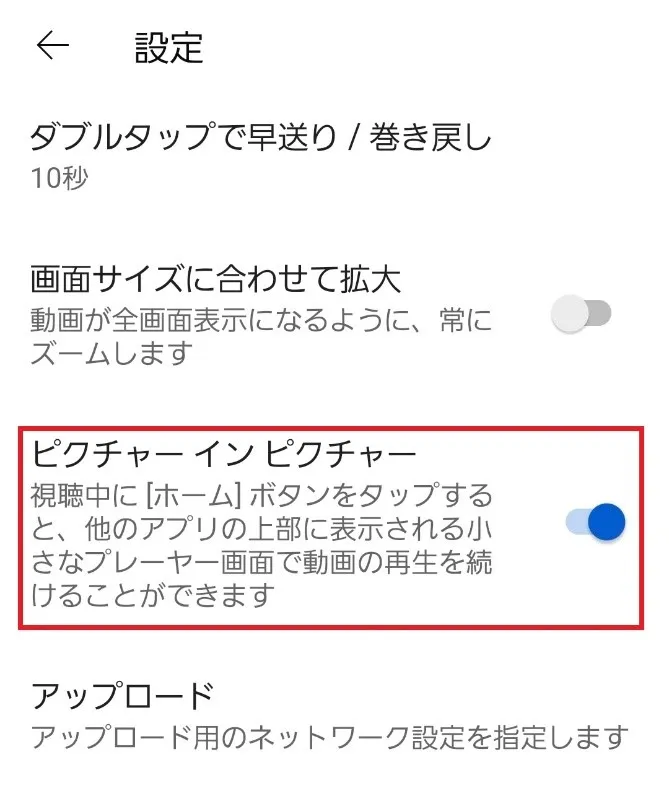
Picture-in-Picture is a feature that allows you to use your main app while displaying another app on a smaller screen, allowing you to view two screens simultaneously. For example, you can search for a word you're interested in while watching YouTube. To use Picture-in-Picture, you need to configure the YouTube app and your device.
In this article, we've explained the overview and benefits of YouTube background playback, as well as how to enable it. However, since playing YouTube videos consumes a lot of data, many people are probably concerned about their data usage when watching YouTube. For those people, we recommend au 's online-only brand, "povo2.0" (*1).
povo2.0 is a system that allows you to purchase only the amount of data you need. The monthly basic fees is 0 yen (*2) (*3) (*4), and you can freely choose paid Topping. For example, if you want to enjoy watching YouTube without worrying about data capacity, we recommend povo2.0 's "Unlimited data (24 hours) 330 yen/time, tax included included" (*5) or the large-capacity Topping" Data Top-up 150GB (180 days) 12,980 yen/time, tax included included."
If you watch YouTube often and are concerned about data fees, consider the economical povo2.0.
*1: This is an online-only plan, so all procedures and support are online. povo2.0 Please contact us through the application or the official website. *2: If you subscribe to 5 lines* under the same name, a contract administration fee of tax included 3,850 yen/line will be charged after the 6th line. validity for 180 days or more, or if you have never purchased Topping for a fee, your subscription may be suspended or terminated.
*Includes lines that have been terminated or cancelled by the Company within the past year. *3: Domestic calls are charged separately at tax included 22 yen/30 seconds, and SMS sending is charged separately at tax included 3.3 yen/text (up to 70 characters). Depending on the model, up to 670 two-byte characters can be sent; up to 134 characters are counted as two SMS messages, and thereafter one SMS message is charged for every 67 characters. Call charges may differ for some calls, such as calls to satellite phones.
Reference: povo2.0 Plan Details" (povo)
*4: If data Topping is not purchased, the maximum sending/receiving rate is 128 kbps. *5: Communication speed may be limited during network congestion or when using videos, cloud games, etc.