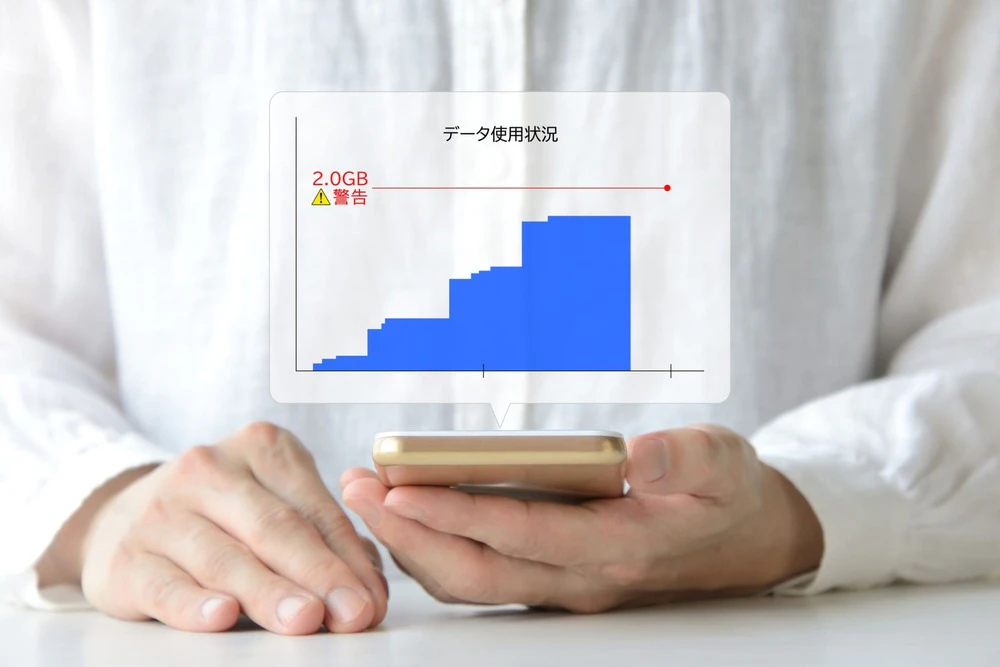
Pocket Wi-Fi is convenient because it doesn't require any installation work and allows you to easily connect to the internet while on the go. However, many people feel that the monthly fees is high. But don't worry, there are ways to save on your pocket Wi-Fi monthly fees.
In this article, we will explain the average fees of pocket Wi-Fi and how to save fees. Please use the information in this article as a reference.
Pocket Wi-Fi does not require the construction work required for a fixed line, so many people have the impression that the monthly fees is generally cheaper than a fixed line.In fact, pocket Wi-Fi tends to be more affordable (around 3,000 yen) than fixed lines or home routers.
However, monthly fees vary depending on the carrier you choose and your contract, so it's hard to say for sure that pocket Wi-Fi is always affordable. You also need to pay attention not only to the monthly fees, but also to the administrative fee (roughly 3,300 yen) and optional fees that are charged when signing the contract. It's important to consider all of these additional costs when purchasing a pocket Wi-Fi.
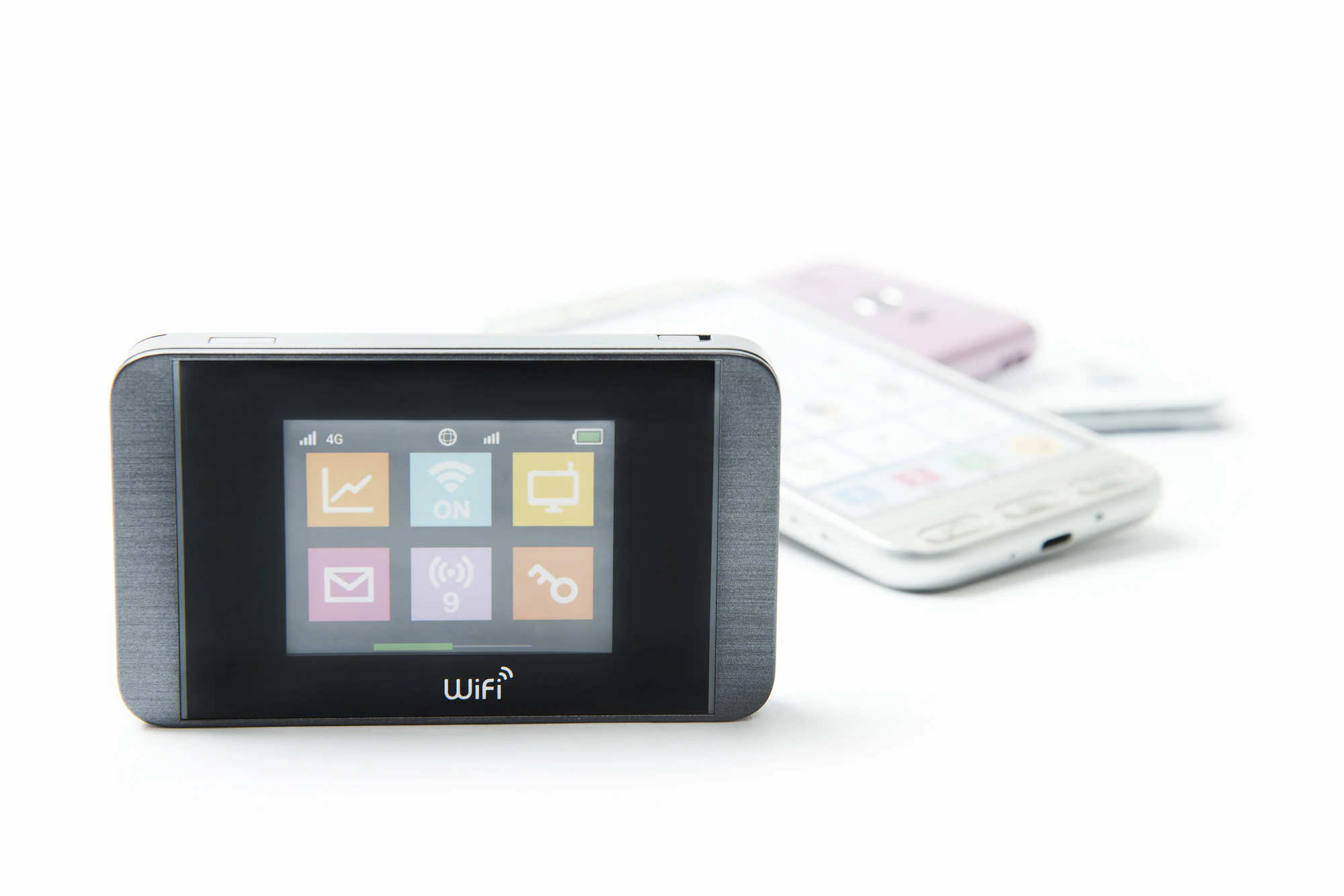
Pocket Wi-Fi offers a wide range of options and services, and fees structures can be complicated. As a result, many people find it difficult to find ways to save fees. The most common way to save fees on pocket Wi-Fi is to switch to a cheaper plan. Other options include switching carriers or purchasing your own mobile router and data SIM. Below, we will explain three ways to save fees on pocket Wi-Fi.
Considering switching to a cheaper plan is the most common way to save fees on your monthly bill. Even with the same carrier, there are many different plans available, so you may be unknowingly signing up for an expensive plan. It's also possible that a new plan will be available with a lower monthly fees than your current contract.
Therefore, it is important to check the data usage of your current pocket Wi-Fi in order to review your monthly fees. Knowing the data usage will allow you to choose a plan that suits your actual needs. After that, it is a good idea to refer to the carrier's website to find the plan that is best for you.
If you can't find a plan that suits you with your current carrier, switching to another carrier is another way to save money. Some carriers offer pocket Wi-Fi plans for around 1,000 yen.
The disadvantage is that low-cost carrier plans often have limited data volumes and may result in speed restrictions. However, for those who use a small amount of data each month, switching to a low-cost carrier may be beneficial.
In addition, there are sometimes cashbacks and discounts offered as part of new contract or switching campaigns. If you can take advantage of these campaigns, you can effectively save on your monthly fees.
It may be a little difficult for beginners, but by purchasing a SIM-free mobile router device and using a data communication SIM, you may be able to save on your monthly fees. There are many telecommunications companies that offer data SIMs, so you have a wide range of options for contract plan services and fees. With more options, it becomes easier to choose a plan that suits your usage, increasing the chances of saving on your monthly fees.
SIM-free mobile router devices themselves are sold by various manufacturers, and can be purchased as just the device, just like a smartphone. The average price of a SIM-free mobile router device varies depending on the model, ranging from around 3,000 to 20,000 yen. When choosing a mobile router, be sure to check the functionality, such as line speed, SIM type, and whether or not it has dual SIM. You can avoid unnecessary expenses by choosing a model that has the features you really need and that suits your lifestyle and usage.
However, since you will need to purchase the device and data SIM yourself and set up the connection, this option is not recommended for those who are unsure about this. However, if you are familiar with data SIM plans and the functions of SIM-free mobile router devices, it is worth considering.

Pocket Wi-Fi is attractive because it does not require line construction and tends to have relatively low monthly fees. However, there are some drawbacks to pocket Wi-Fi. Specifically, you need to be mindful of the device's battery life, and it can be a hassle to carry around. Below, we will explain these points of concern about pocket Wi-Fi.
Pocket Wi-Fi devices, like smartphones, require battery charging. Because they are often used on the go, just like smartphones, you need to constantly be aware of the remaining battery level. When using them indoors, such as at home, they are often left charging, so there is a risk of overcharging the battery. Overcharging the battery not only causes deterioration of the battery and connecting cable, but excessive power supply can also damage the battery and increase the risk of fire.
While pocket Wi-Fi allows you to access the internet on the go, some people find it inconvenient to carry around because it adds to the amount of luggage you have to carry. If you have a smartphone, you'll need to carry both your pocket Wi-Fi and your smartphone at all times. There's also the risk of forgetting your device while you're out and about, which can be frustrating for those who want to travel light.

So far we've explained ways to save on pocket Wi-Fi fees and some points to consider, but by using your smartphone's tethering function, you can use it in the same way as pocket Wi-Fi. With smartphone tethering, there's no need to purchase an additional device or switch carriers. Unlike when using pocket Wi-Fi, there's no need to carry a mobile router device with you every time.
Additionally, if your smartphone supports dual SIM, you can use two different SIM cards. In addition to the one you use for everyday use, you can use the other SIM card for data communication and use it exclusively for tethering.
However, if you are using a data plan with a limited amount of data, your speed will be limited depending on your usage. To solve this problem, we recommend "povo2.0" (※4), which has a basic fees of 0 yen (※1) (※2) (※3) and allows you to Topping data as needed.
If you sign up for povo2.0 as a secondary line and purchase a large-capacity data Topping such as "Data Top-up (180 Days) for 12,980 yen/time tax included included)," you won't be bothered by speed restrictions even if you use a lot of data. Also, if you only need tethering for one day for travel, business trips, remote work, etc., you can save on data fees by purchasing the "Unlimited data (24 Hours) for 330 yen/time (tax included included)" (*5) data Topping.

In this article, we've explained the average fees of pocket Wi-Fi, ways to save fees, the disadvantages of pocket Wi-Fi, and how to use the tethering function. Pocket Wi-Fi is a convenient tool for easily connecting to the Internet.
However, depending on the contract plan, monthly fees can often be as high as 3,000 yen. There are also some inconveniences, such as having to worry about the device's battery life and having to carry it around.
With "povo2.0" introduced in this article, you can use it like a pocket Wi-Fi with just your smartphone without having to worry about monthly pocket Wi-Fi fees fees pocket Wi-Fi, why not take this opportunity to try out povo2.0?
*1: Calling charges and SMS sending charges are not included.
Domestic calls: tax included 22 yen/30 seconds
Calling rates may differ for some calls, such as calls to satellite phones.
Domestic SMS sending: tax included 3.3 yen/text (up to 70 characters) Receiving: Free
Depending on the model, a maximum of 670 two-byte characters can be sent; up to 134 characters can be sent as two SMS messages, and thereafter one SMS message is sent for every 67 characters.
*2: If you sign up for 5 lines* under the same name, a contract administration fee of 3,850 yen (tax included included) per line will be charged for the 6th line and beyond.
*This includes lines that have been terminated or cancelled by our company within the past year.
*3: When using 0 GB for 0 yen, the maximum sending and receiving speed is 128 kbps.
*4: As this is an online-only plan, all procedures and support will be handled online. Please contact us via the povo2.0 app or official website.
※5:ネットワークの混雑時や動画・クラウドゲームなどの利用時に通信速度を制限する場合があります。