To use international roaming, you must complete our designated application process. After signing up, please contact povo support (chat support). Click here for details.
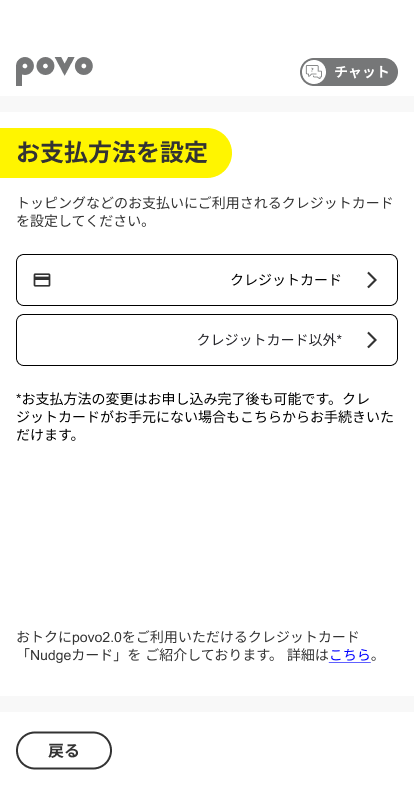
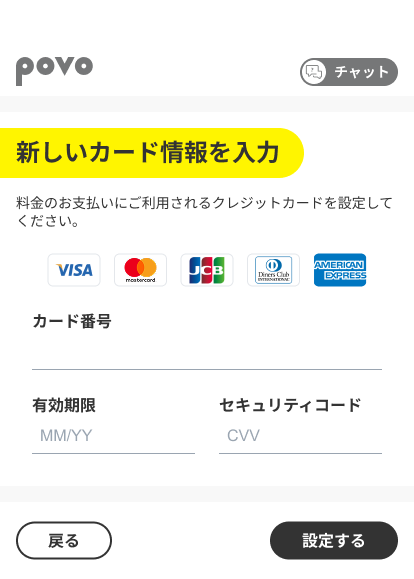
 Credit card
You can make payments for povo2.0 by credit card.
Even if you don't have a credit card, you can use Postpay(Paidy)*.
 Compatible Devices
To use this service, you will need a SIM-free or SIM-unlocked povo2.0 compatible device.
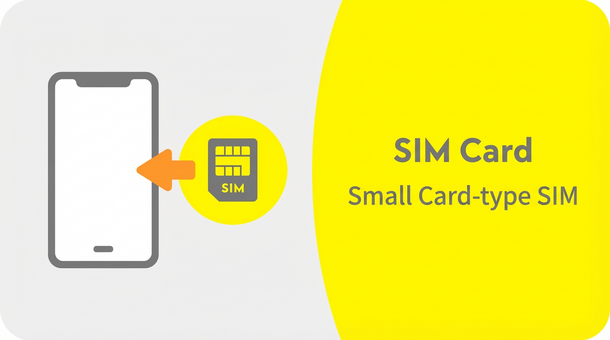
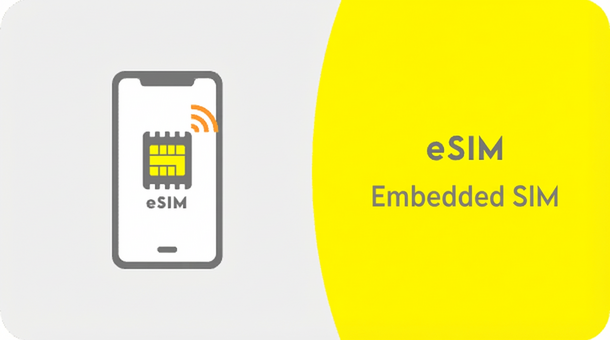
In addition, if you wish to use eSIM, please make sure that your smartphone or other device is compatible with eSIM before proceeding. If you select eSIM on an incompatible device, you will not be able to communicate.
Please carry out the following procedures from a device with a line contract with au / UQ mobile / povo1.0.
Procedure
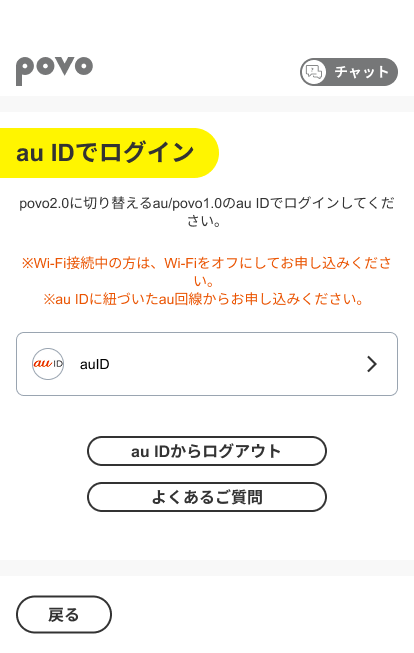
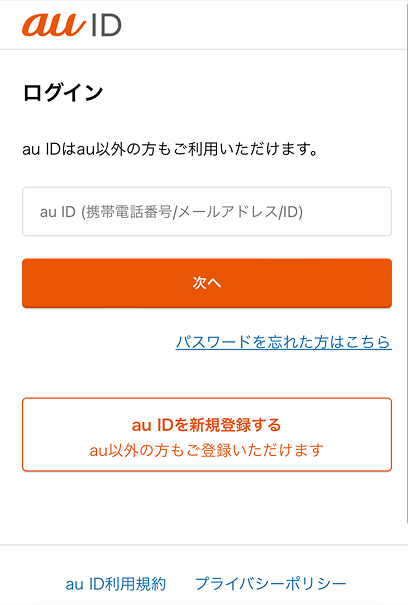
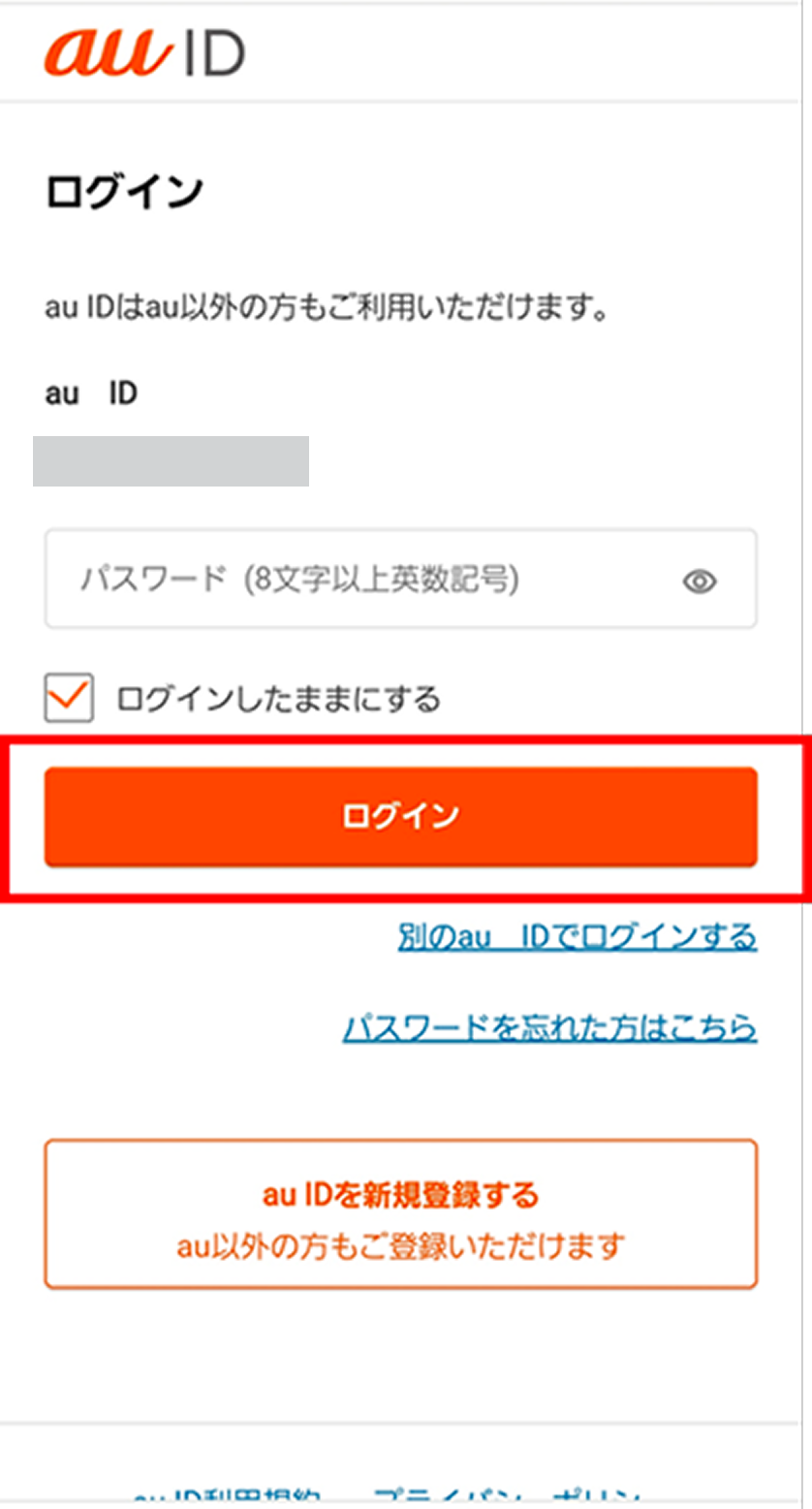
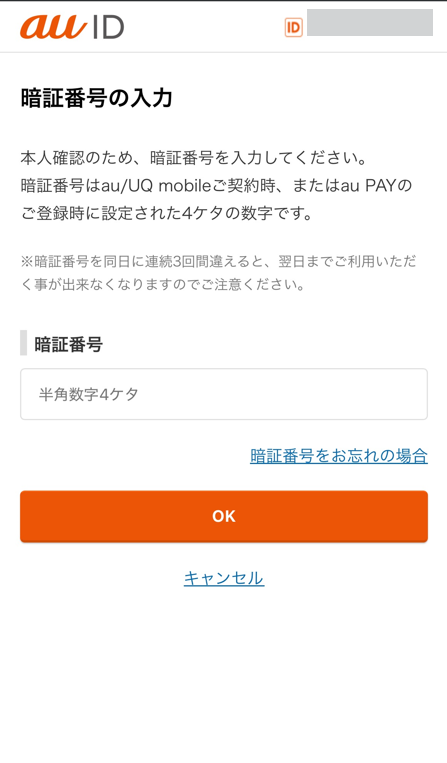
Procedure
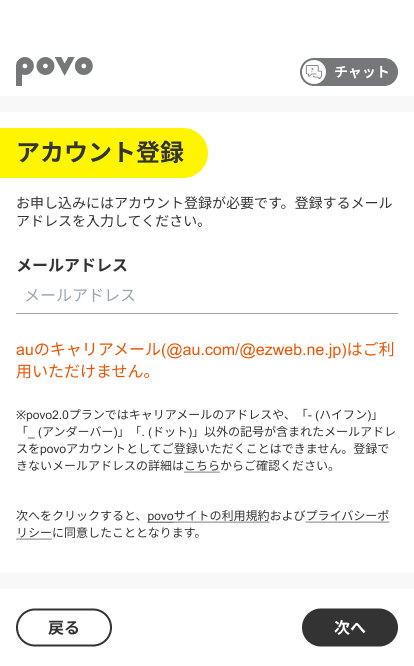
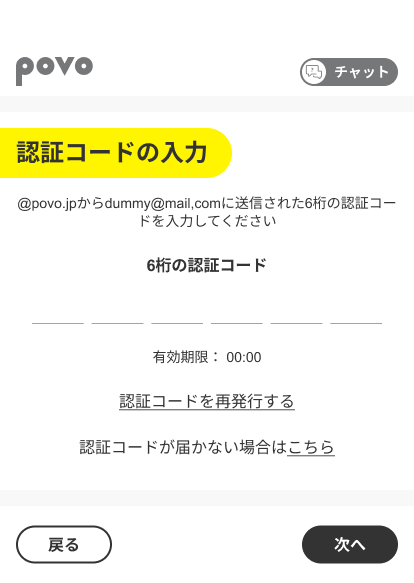
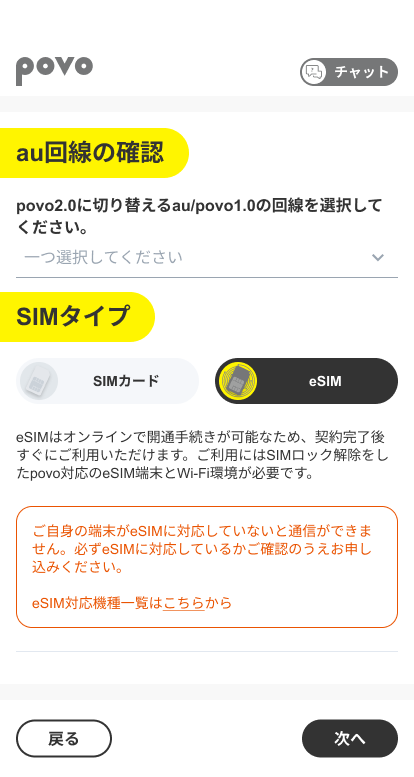
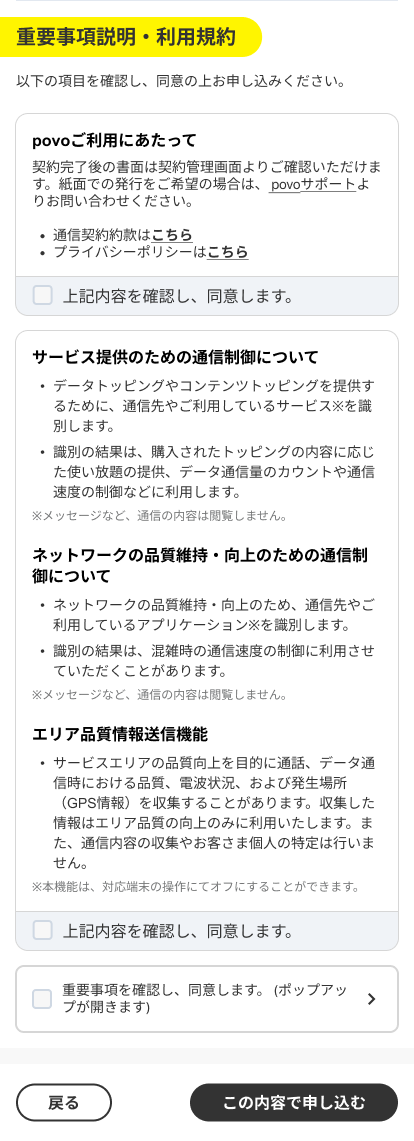
Select the phone number you wish to process and the SIM type.
[Note] eSIM is only compatible with a limited number of devices, so please make sure your smartphone or other device is compatible with eSIM before proceeding. If you select eSIM on an incompatible device, you will not be able to communicate.
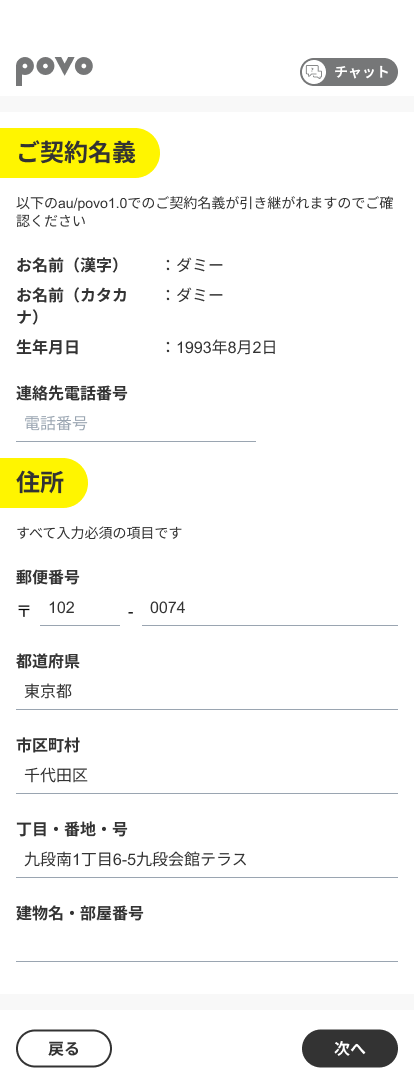
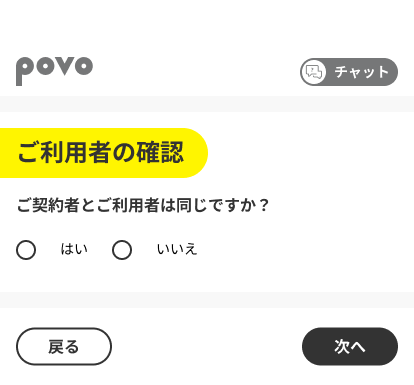
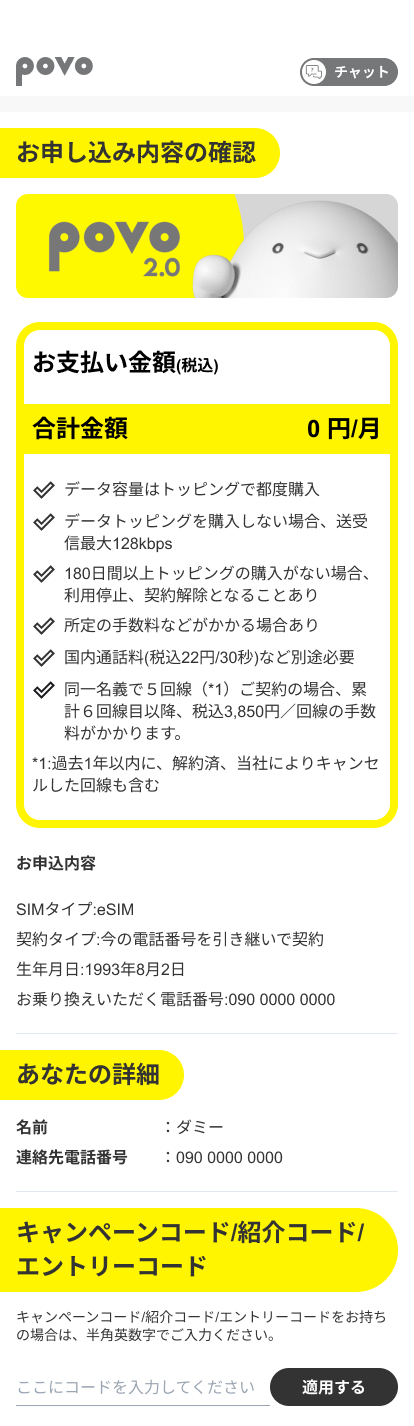
*Please make sure that the SIM lock is unlocked beforehand.
*Please activate your SIM between 9:30am and 8pm.
If you activate your SIM after 8 PM, the activation time will vary depending on your application. Please see here for details.
*The service will be available once installation is complete. However, APN settings may be required.
*A Wi-Fi environment is required for setup.
*Please activate the SIM between 9:30 AM and 8:00 PM.
If you activate your SIM card after 8 PM, the activation time will vary depending on your application details. Please check here for more information.
*Call charges and SMS sending charges will be charged separately.